

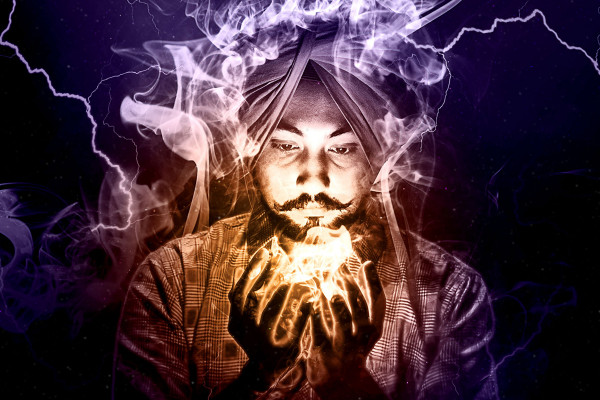

Video tutorial: Create high voltage with the Photoshop action "Smoke and lightning"
To make bright flashes of lightning and billowing clouds of smoke appear in your photos, simply use our Photoshop action "Smoke and Lightning". Load the action itself and the associated brushes into the program by double-clicking on the files. Then open your photo, select your motif and copy the selection to a new layer. Start the action - Photoshop will do the rest. Afterwards, you can soften the smoke effect, change the color of the image or apply a gradient. You can find out how to proceed and what you should pay attention to when using the Photoshop "Smoke and lightning" action in this video tutorial.




Comment now „Photoshop action "Smoke and lightning": pure drama for your photos“