Our popular transparency, relief and embossing effects are now finally available as vectors for Adobe Illustrator. Whether graphics or text - with the help of the 25 graphic styles, you can create raised or recessed, finely shaded structures in just a few clicks.
25 vector-based, freely scalable graphic styles for defining structure and relief effects
Create transparency, depth and grandeur for your texts and vector graphics in Illustrator
Excellent for lettering and graphics (such as logos)
An enrichment for your Illustrator libraries: download the graphic styles now to quickly and easily access effective effects at any time in the future.
content
5 items
Effects for Adobe Illustrator: Transparency, Relief, and Embossing for Texts and Graphics
Graphic styles for Adobe Illustrator: embossing in depth
Create transparent relief effects for your text and graphics in Adobe Illustrator. To do this, simply apply the vector-based styles - the program automatically creates a 3D interplay of shadows and contours, resulting in deepening effects.
Graphic styles for Adobe Illustrator: embossing with structure
Create transparent relief effects for your text and graphics in Adobe Illustrator. To do this, simply apply the vector-based styles - the program automatically creates a 3D interplay of shadows and contours, resulting in deepened effects with structures.
Graphic styles for Adobe Illustrator: raised relief effects
Create transparent relief effects for your text and graphics in Adobe Illustrator. To do this, simply apply the vector-based styles - the program automatically creates a 3D interplay of shadows and contours, resulting in sublime effects.
Graphic styles for Adobe Illustrator: raised relief effects with texture
Create transparent relief effects for your text and graphics in Adobe Illustrator. To do this, simply apply the vector-based styles - the program automatically creates a 3D interplay of shadows and contours, resulting in sublime effects with textures.
Graphic styles for Adobe Illustrator: embossed outlines
Create transparent relief effects for your text and graphics in Adobe Illustrator. To do this, simply apply the vector-based styles - the program automatically creates a 3D-effective interplay of shadow and contour, resulting in embossed-looking contours.



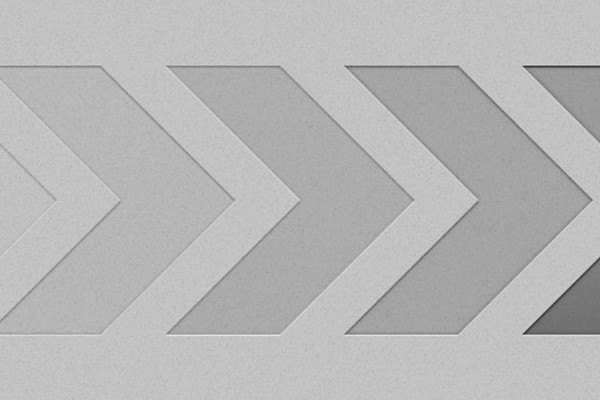
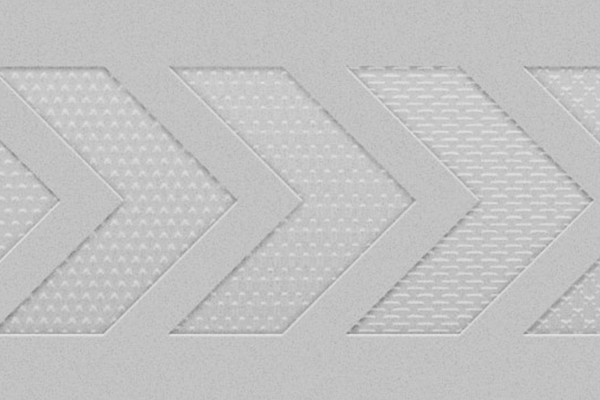
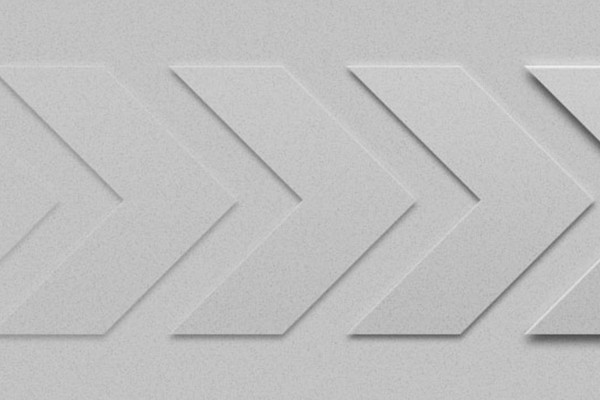
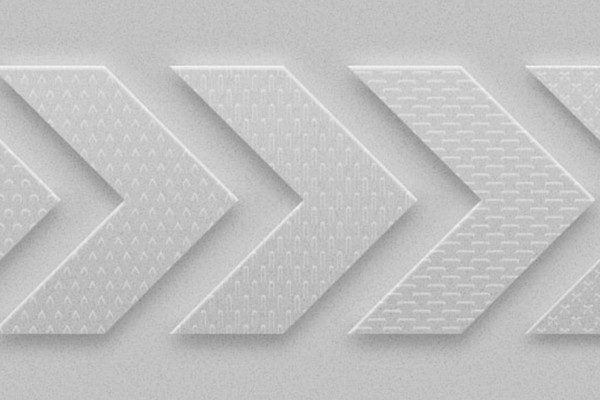
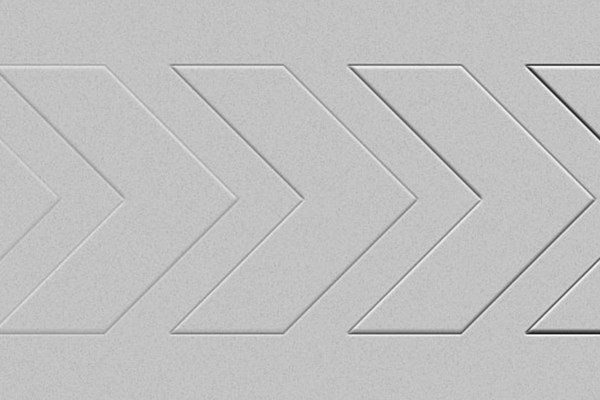


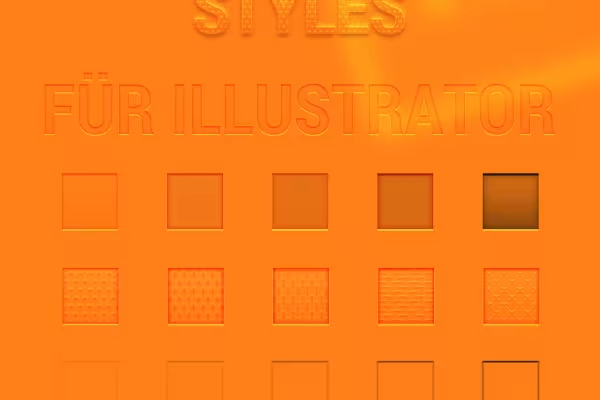 Example: These 25 vector-based graphic styles offer you high-quality transparency looks.
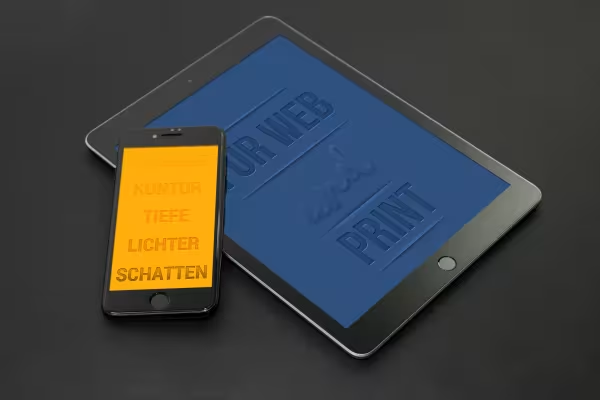 Example: A subtle interplay of light and shadow for your texts and graphics.
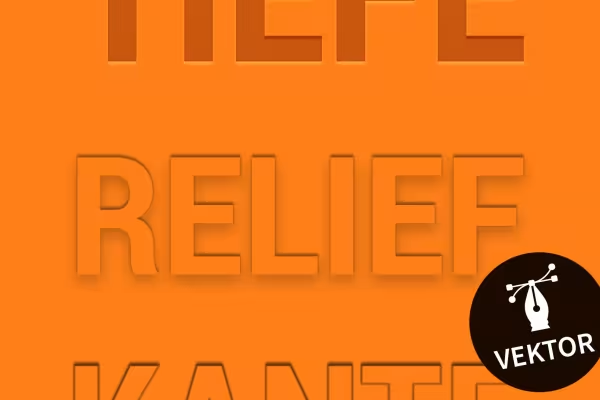 Example: Save time! You can create the prepared effects in just a few clicks.


Comment now „Adobe Illustrator: Transparency, relief and embossing for text and graphics“