Photoshop styles: transparency, relief and embossing for text and graphics

Photoshop styles: transparency, relief and embossing for text and graphics

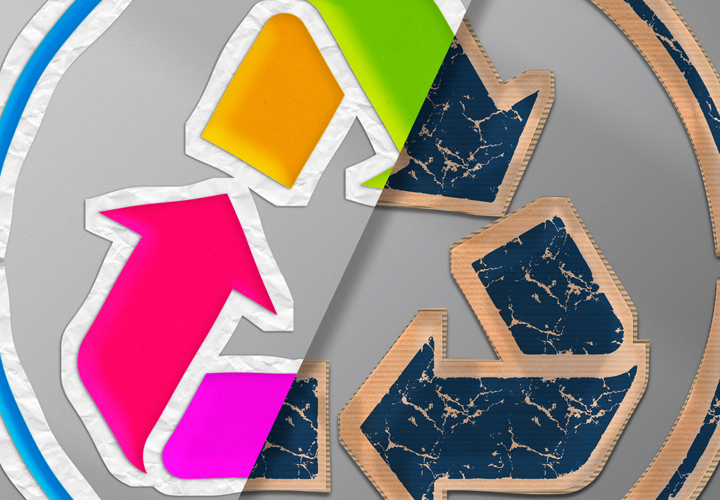
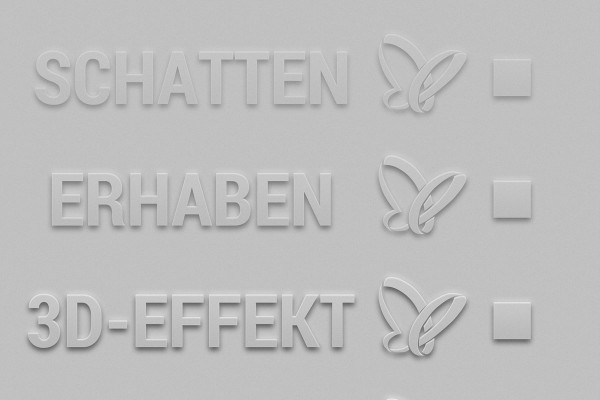
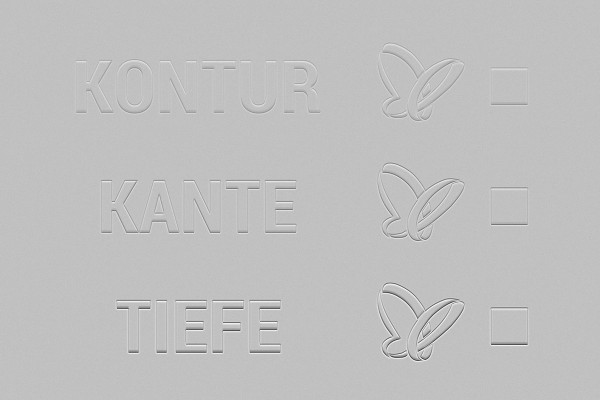
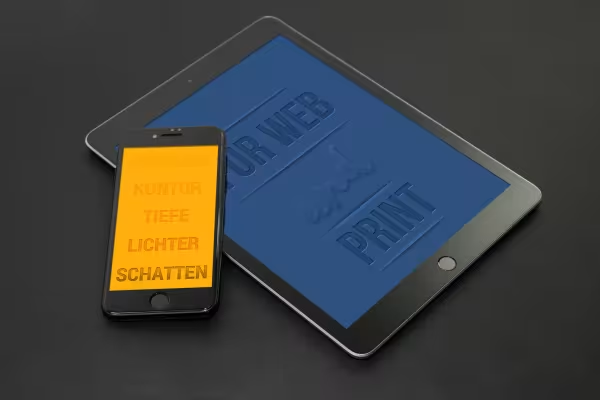
With the 25 Photoshop styles, your texts and graphics can be made to stand out or go into depth - even with the finest structuring. Add elegant transparency to your shapes and lettering and create an almost tangible image experience with the help of prepared contour, relief and shadow effects.

  • 25 Photoshop styles for defining structure and relief effects
  • Transparency, depth and grandeur for your texts and graphics
  • Simply apply the effects and adjust them as required
  • Excellent for lettering and shapes such as logos

If you want the background to shine through and your text and graphics to blend in seamlessly: Simply click on one of these Photoshop styles!

content

Details of the content

Relief, transparency, and embossing - effects for texts and graphics

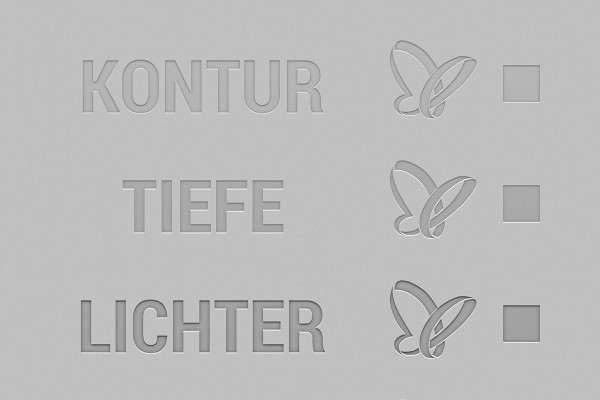
Photoshop styles for transparent relief effects: recessed embossing

Photoshop styles for transparent relief effects: recessed embossing

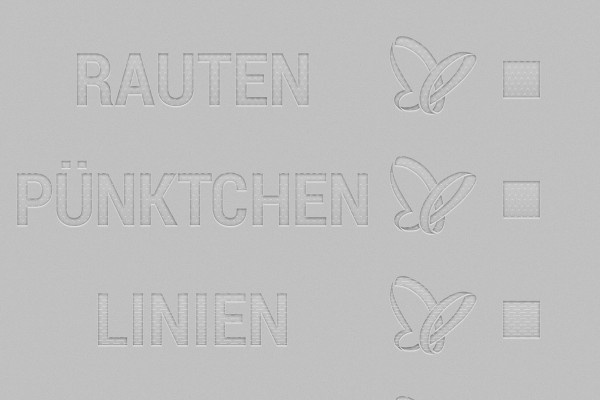
Photoshop styles for transparent relief effects: recessed embossing with texture

Photoshop styles for transparent relief effects: recessed embossing with texture

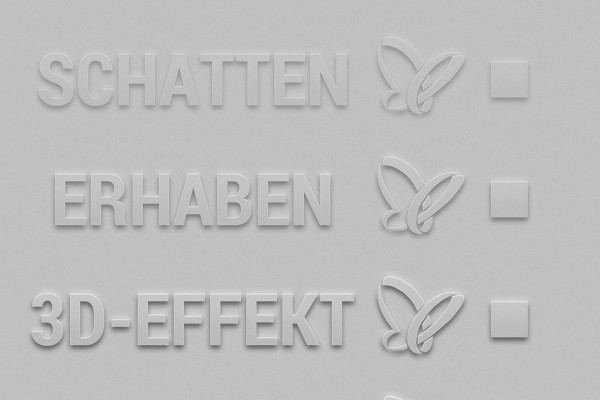
Photoshop styles for transparent relief effects: raised

Photoshop styles for transparent relief effects: raised

Photoshop styles for transparent relief effects: raised with structure

Photoshop styles for transparent relief effects: raised with structure

Photoshop styles for transparent relief effects: embossed contour

Photoshop styles for transparent relief effects: embossed contour

Examples of use

  • Photoshop styles for transparency, relief, embossing, text and graphics
    Open gallery
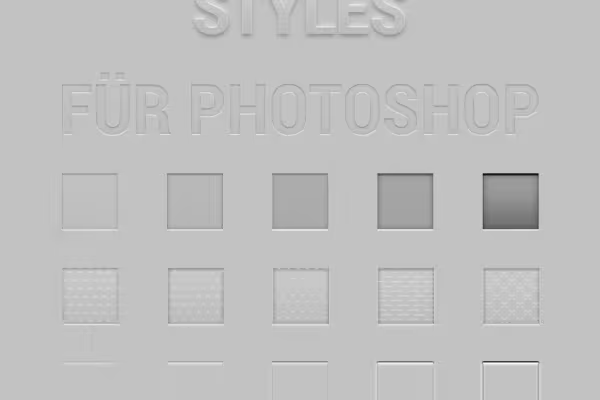
    Choose your relief effect: raised or recessed, weakly or strongly pronounced, with or without structure.
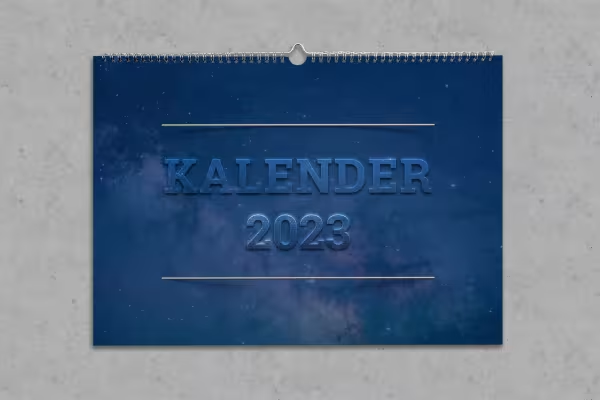
  • Calendar design with text with transparency and relief effect
    Open gallery
    Example: Use the transparent relief effect to make your texts stand out.
  • Lettering with varying degrees of transparency and relief effect
    Open gallery
    Example: Create lettering with a 3D effect in varying degrees of intensity.
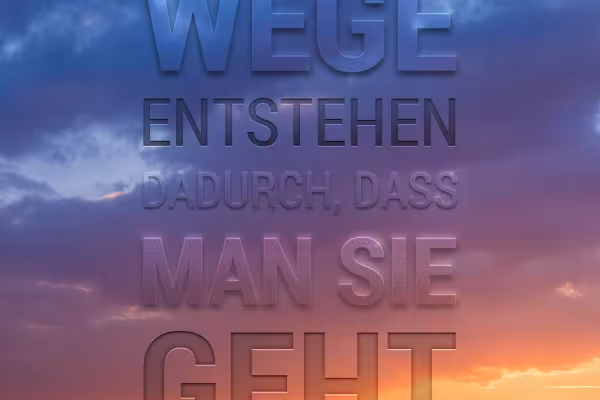
  • Photo with lettering, transparency and relief effect
    Open gallery
    Example: Place the transparent lettering on your photos.

help video for application

Photoshop tutorial: How to create transparent relief effects with the styles

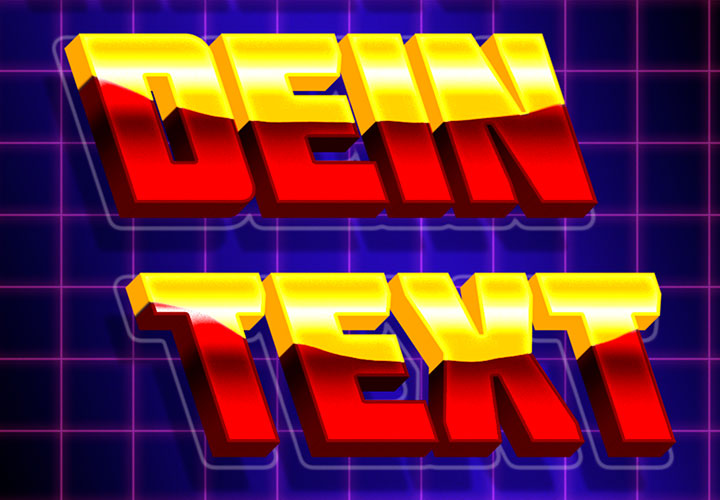
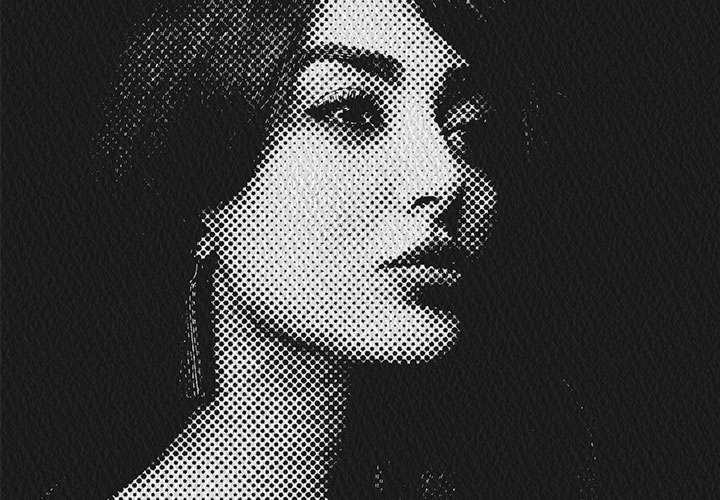
Whether raised or recessed, with or without structure - you can easily create transparent relief effects for your fonts and texts with the help of our Photoshop styles. Watch this video tutorial to see how to create the full 3D effect of your elements.
6 minutes · free of charge
Comments (3)

Comment now „Photoshop styles: transparency, relief and embossing for text and graphics“