



Instructions: Customizing templates in Google Slides
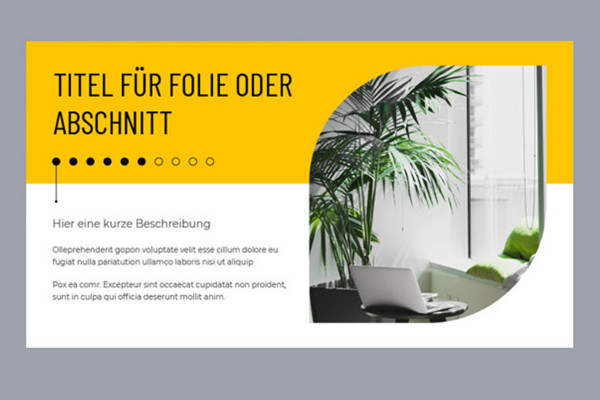
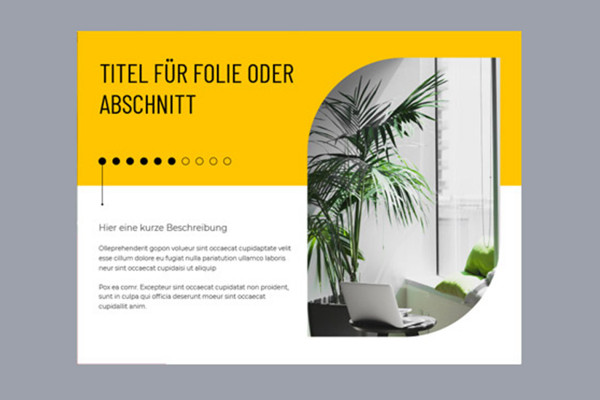
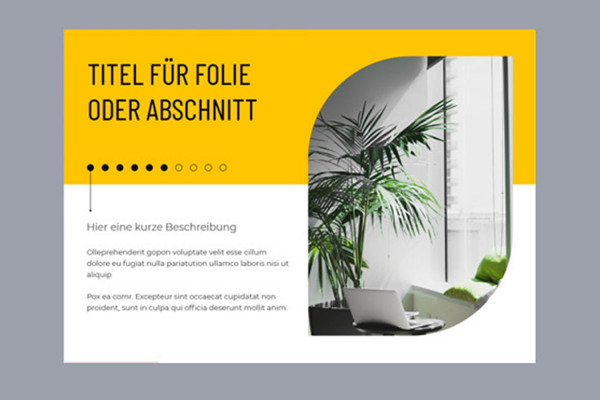
With our 50 modern templates for Google Slides (Google Presentations), you can put together an informative and clear presentation in no time at all. Import the file with the desired format (16:9, 4:3 and A4 landscape) into Google Presentations, put together your individual presentation from the layouts and insert your images and text. You can find out how to edit the templates and adapt them to your wishes, for example in terms of color, in this instructional video.



Comment now „Google Slides: 50 modern templates for a successful presentation“