

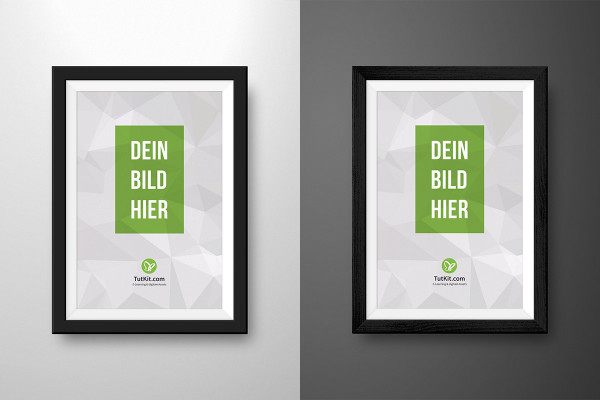


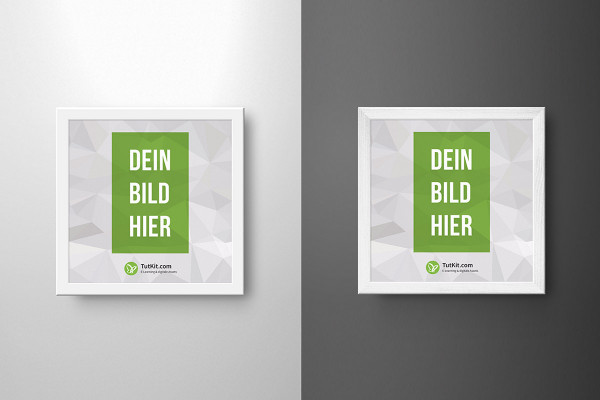
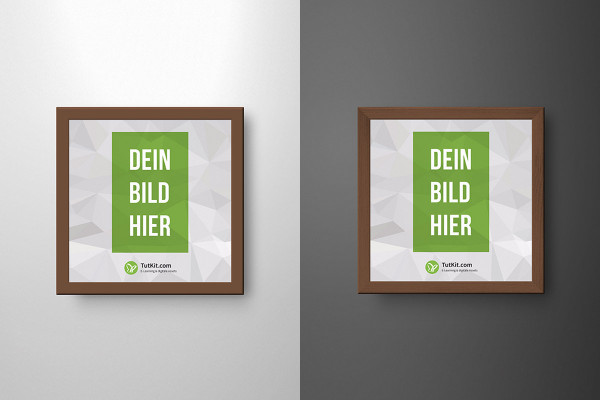
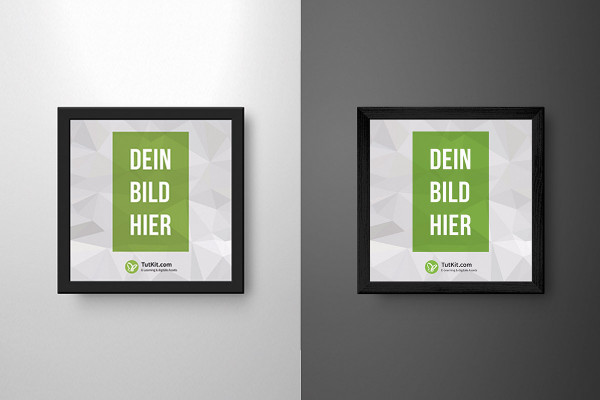






Photoshop instructions: How to insert your pictures into the picture frame mockups
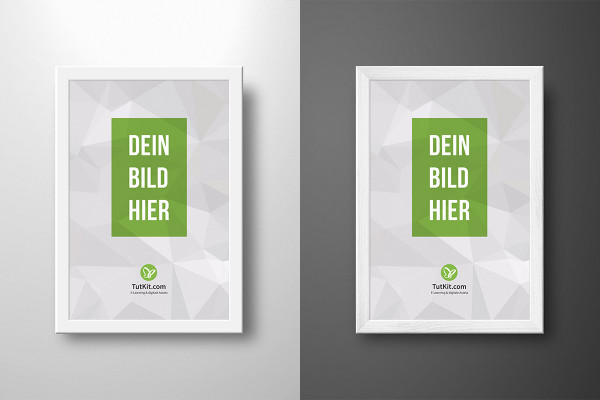
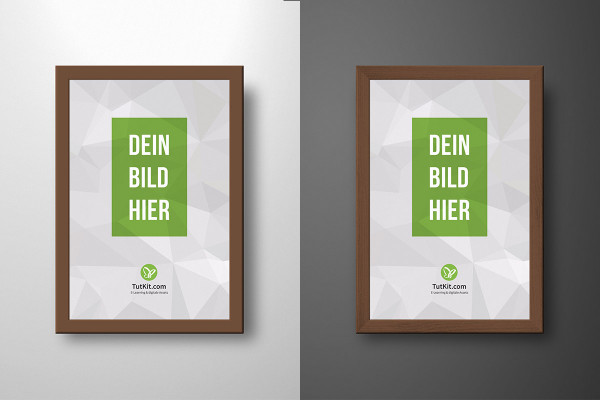
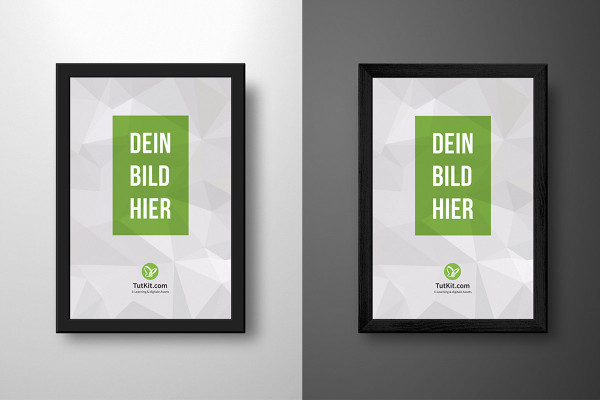
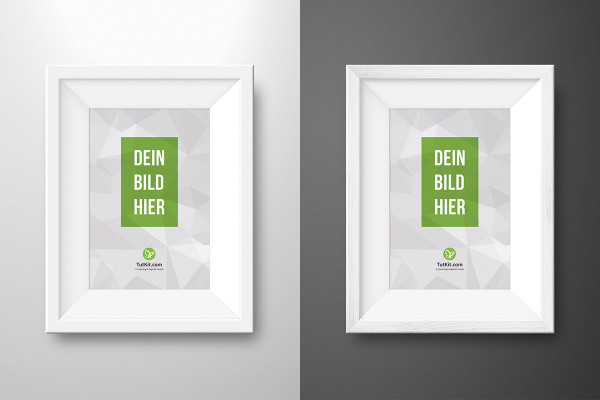
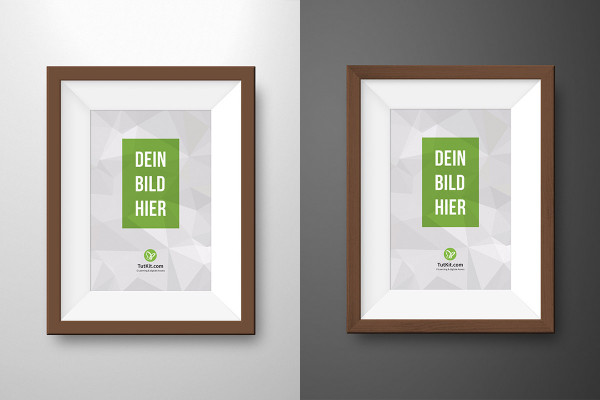
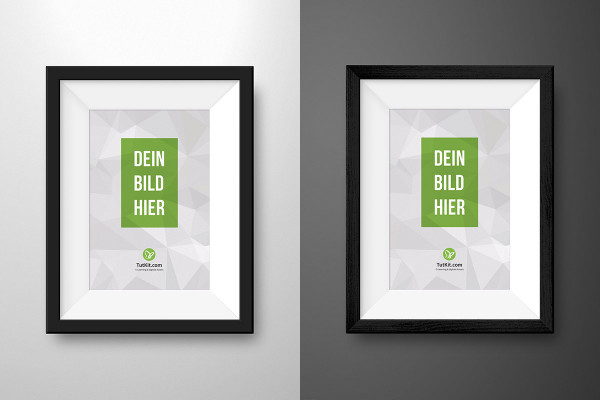
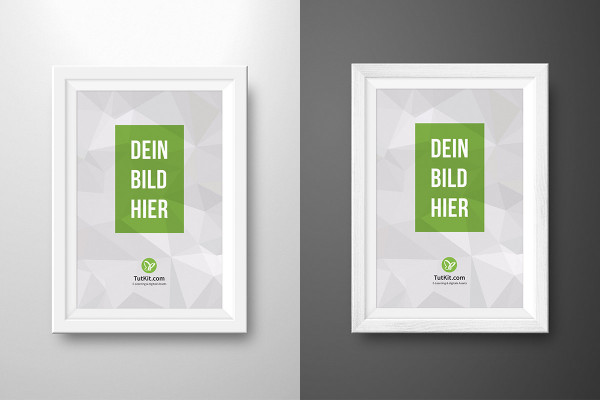
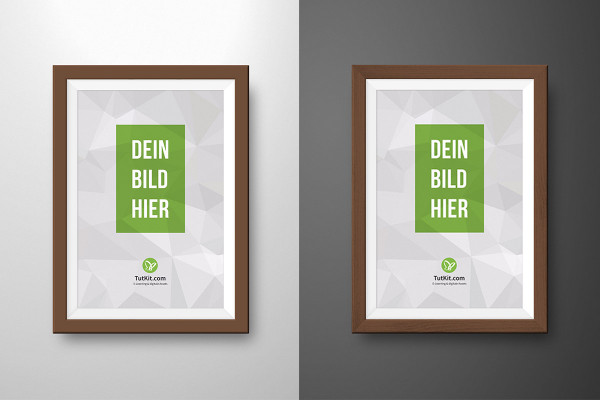
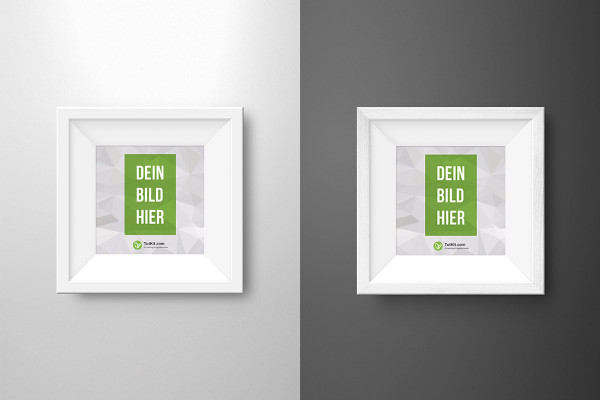
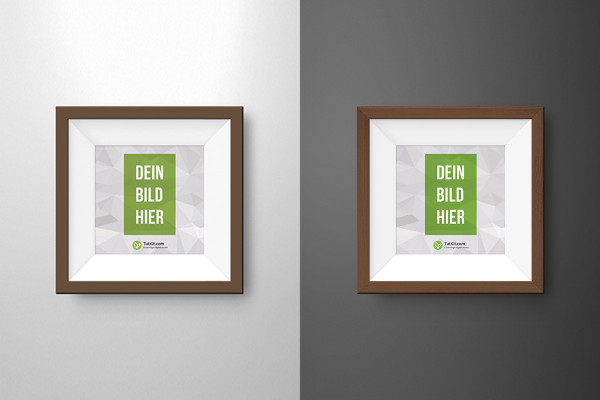
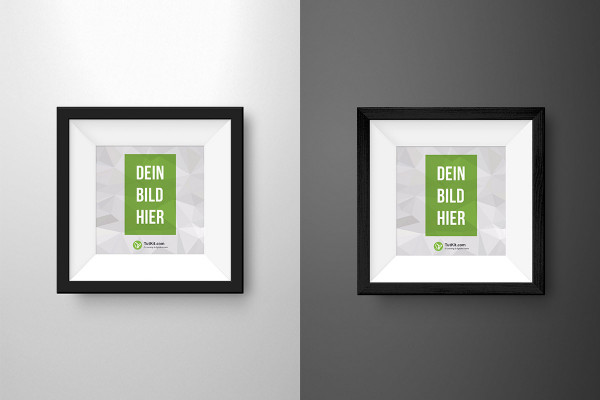
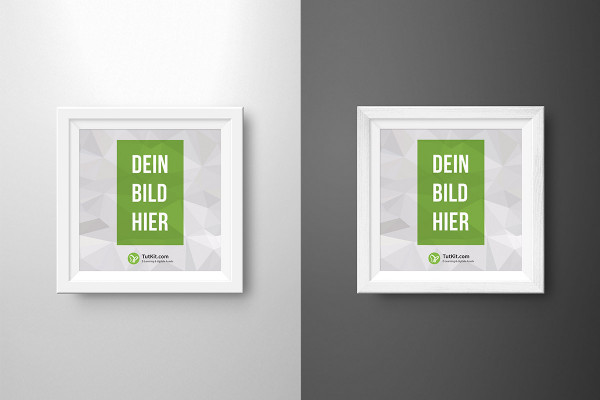
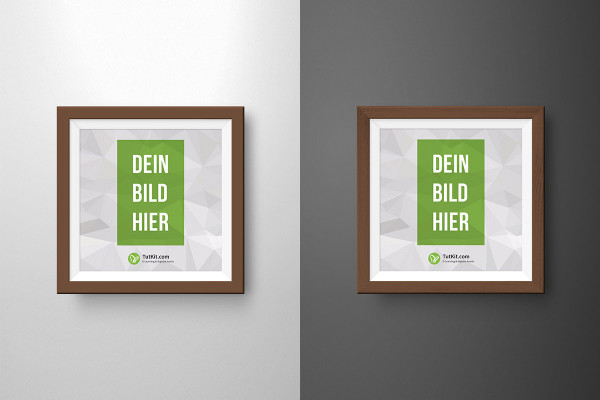
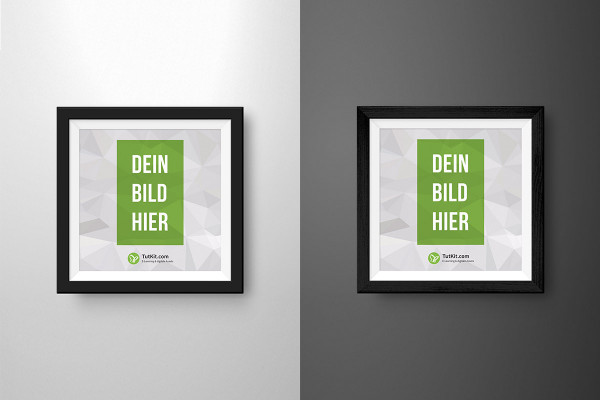
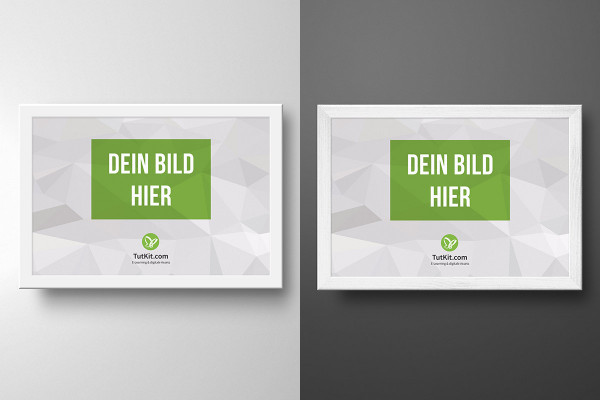
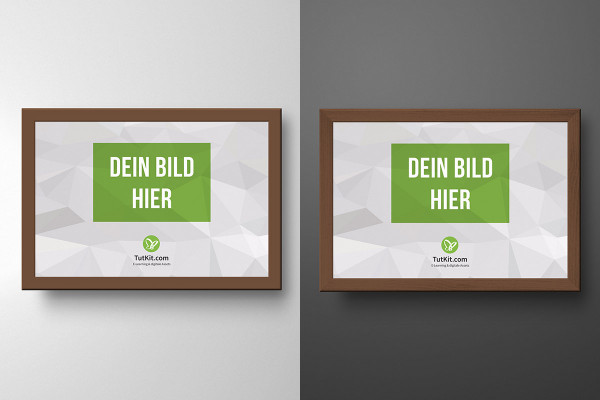
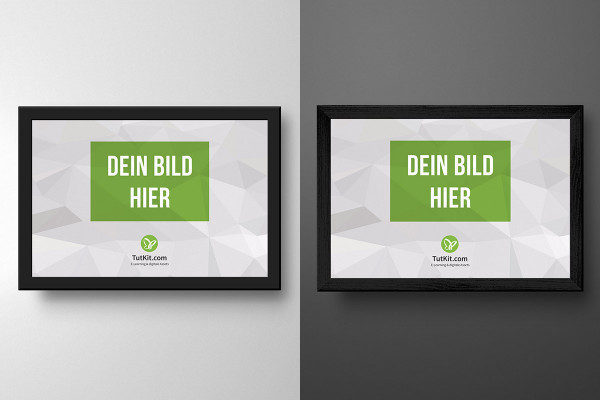
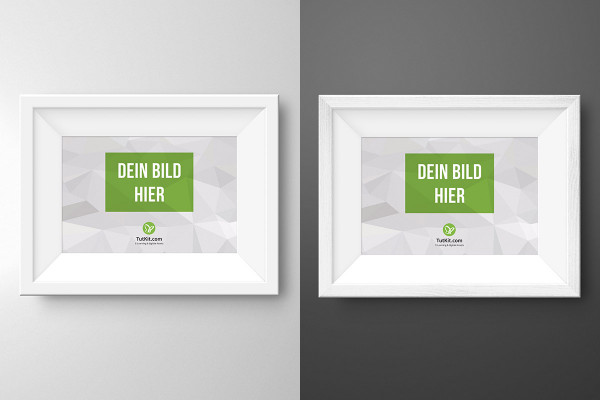
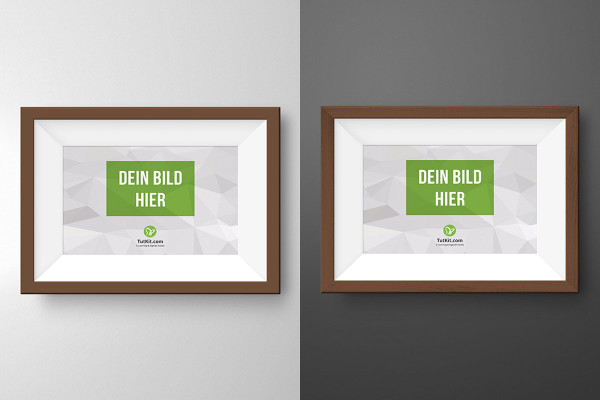
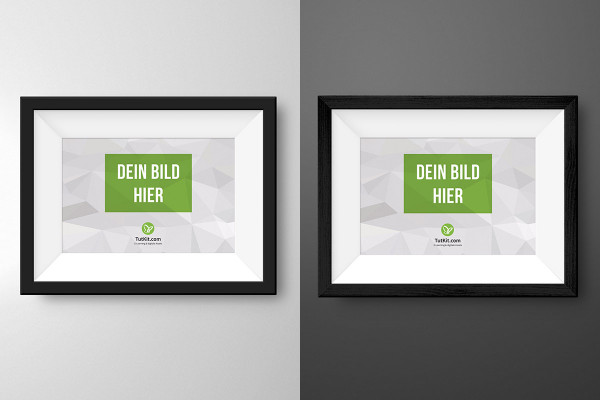
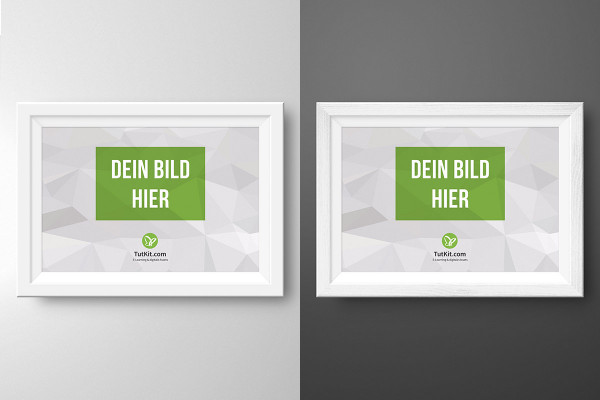
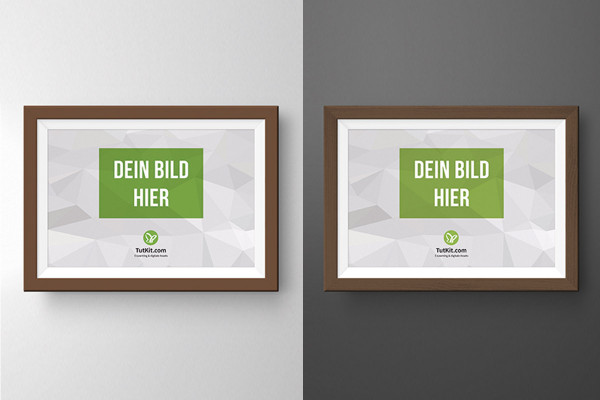
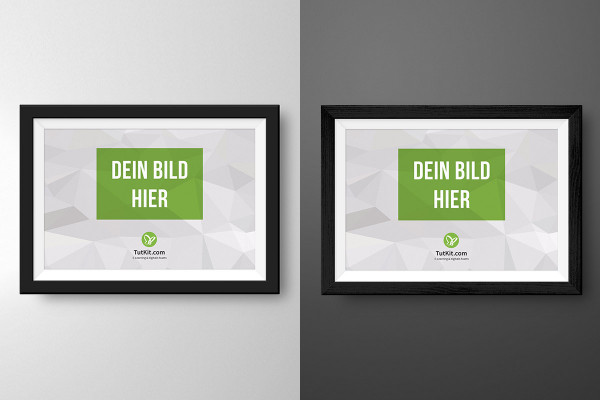
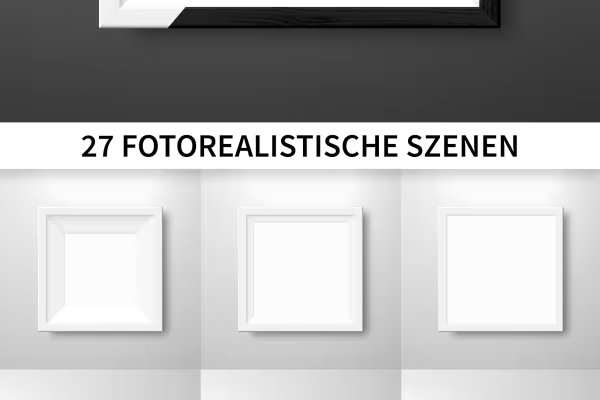
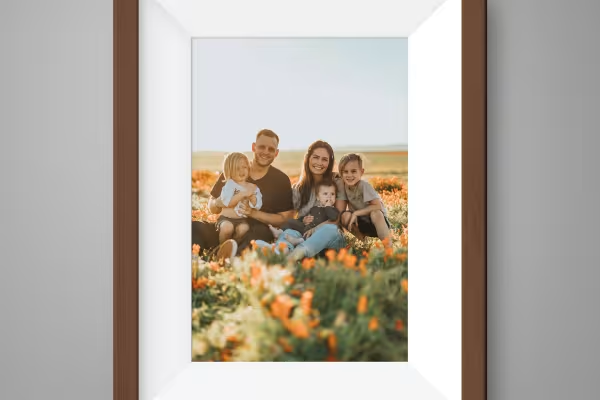
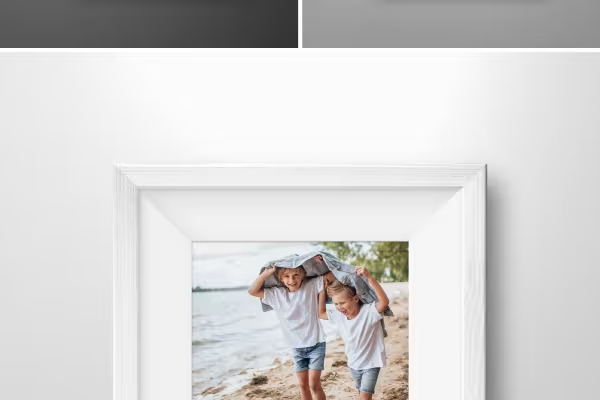
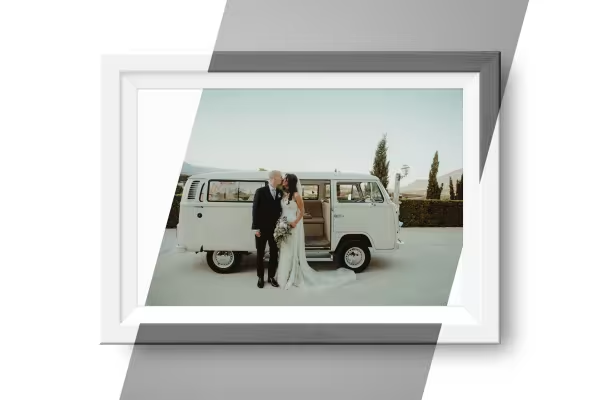
Our Photoshop mockups for picture frames are recommended whenever you want to digitally insert an image, photo or document into a frame. The procedure is child's play: double-click to open the smart object, insert your image and save the smart object. In principle, you're already done. But there's much more you can do with our mockups: for example, activate the texture for a wood grain and select the appropriate background from the prepared backgrounds. Matthias Petri explains exactly how to frame your image in this video tutorial.



Comment now „Mockups with picture frames for different image formats“