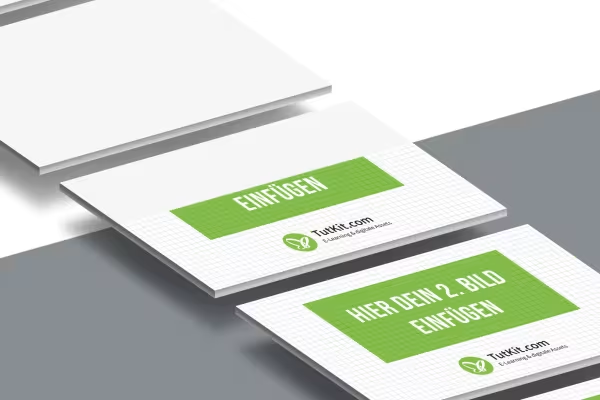
Mockups for presentations and screen designs in 16:9 format

Mockups for presentations and screen designs in 16:9 format

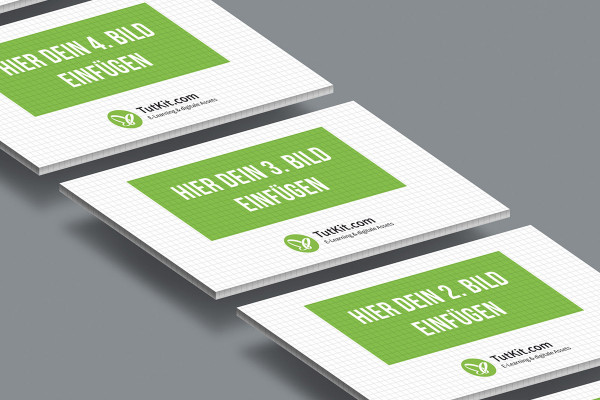
It's fun to look at: place the slides from your presentation or your new screen designs in the 20 Photoshop mockups. In no time at all, they appear in a three-dimensional representation on floating cards. You can use the resulting visualizations in blog posts, on your website and in your next customer presentation, for example.

  • 20 mockups for visualizing presentations and screen designs in 16:9 format
  • Place images or PDFs of slides and designs in the desired mockup - Photoshop does the rest
  • You can hide and move the free-floating cards as required
  • Create individual visualizations from individual mockups
  • Use the visualizations for exceptionally aesthetic presentations

As if you were letting them float in space: Download the mockups, insert your slides and expand the perspective of your presentation options.

content

Details of the content

Mockups for presentations with isometric representation

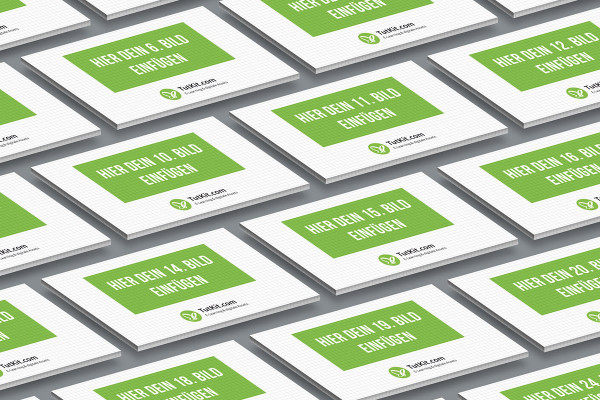
Mockup for the 16:9 format: 22 cards, isometric

Mockup for the 16:9 format: 22 cards, isometric

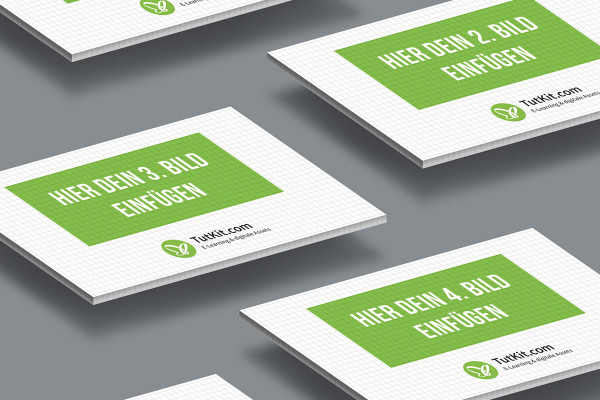
Mockup for the 16:9 format: 5 cards in dynamic alternation, isometric

Mockup for the 16:9 format: 5 cards in dynamic alternation, isometric

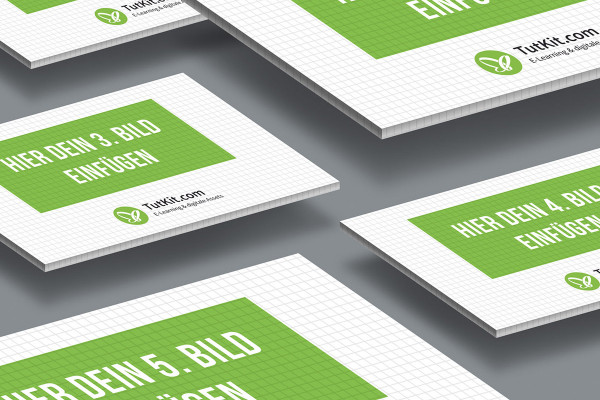
Mockup for the 16:9 format: 5 cards, one of them highlighted, isometric

Mockup for the 16:9 format: 5 cards, one of them highlighted, isometric

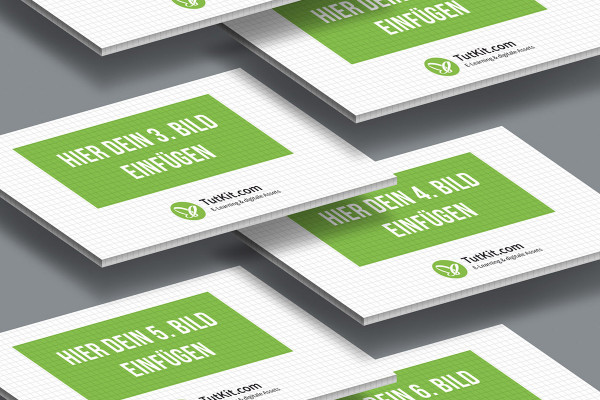
Mockup for the 16:9 format: 6 cards in dynamic alternation, isometric

Mockup for the 16:9 format: 6 cards in dynamic alternation, isometric

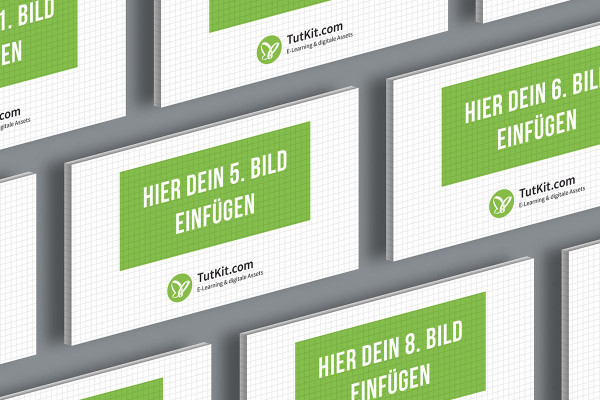
Mockup for the 16:9 format: 5 cards in a row, isometric

Mockup for the 16:9 format: 5 cards in a row, isometric

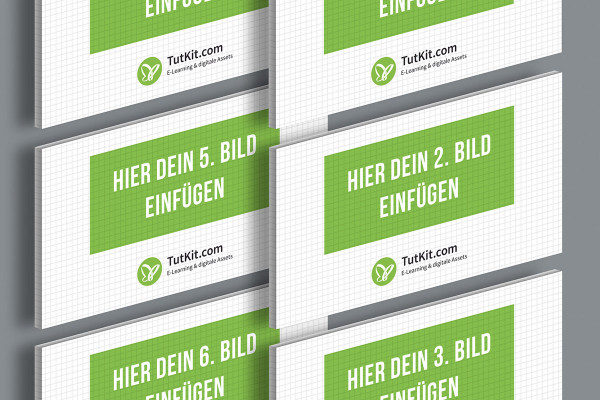
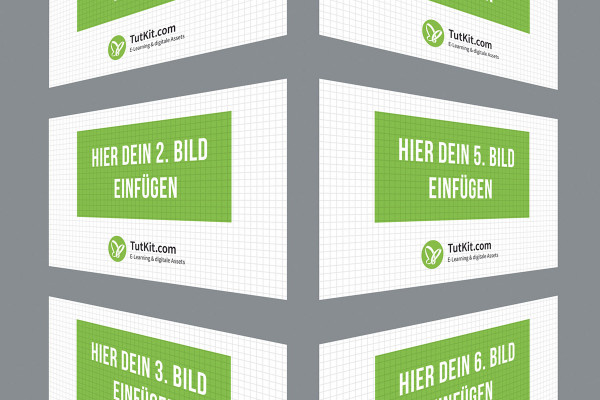
Mockup for the 16:9 format: 6 cards in two columns, isometric

Mockup for the 16:9 format: 6 cards in two columns, isometric

Mockup for the 16:9 format: 8 cards in two columns, another one highlighted, isometric

Mockup for the 16:9 format: 8 cards in two columns, another one highlighted, isometric

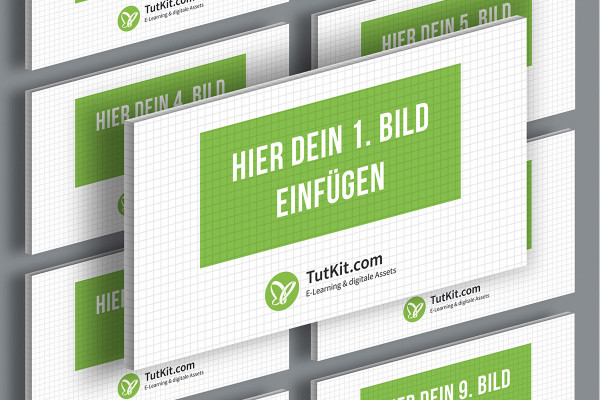
Mockup for the 16:9 format: 9 cards in three rows, isometric

Mockup for the 16:9 format: 9 cards in three rows, isometric

Mockup for the 16:9 format: 5 cards in a row, isometric

Mockup for the 16:9 format: 5 cards in a row, isometric

Mockup for the 16:9 format: 7 cards, offset, isometric

Mockup for the 16:9 format: 7 cards, offset, isometric

Mockups for presentations with different orientations

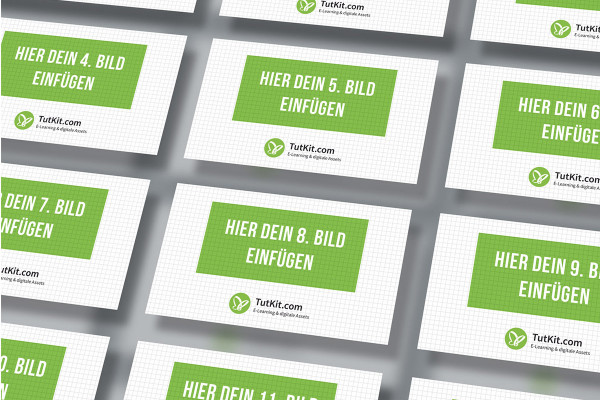
Mockup for the 16:9 format: 18 cards, regularly arranged in three columns

Mockup for the 16:9 format: 18 cards, regularly arranged in three columns

Mockup for the 16:9 format: 12 cards, regularly arranged and tilted

Mockup for the 16:9 format: 12 cards, regularly arranged and tilted

Mockup for the 16:9 format: 12 cards, regularly arranged in three columns

Mockup for the 16:9 format: 12 cards, regularly arranged in three columns

Mockup for the 16:9 format: 6 cards, flying to the left and right

Mockup for the 16:9 format: 6 cards, flying to the left and right

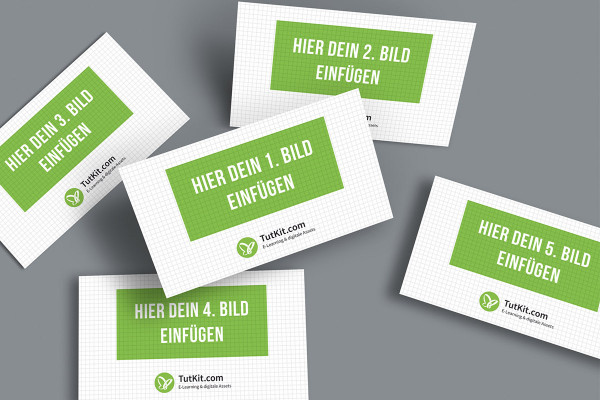
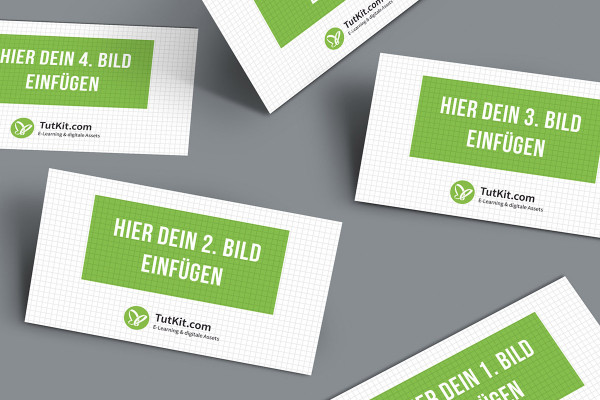
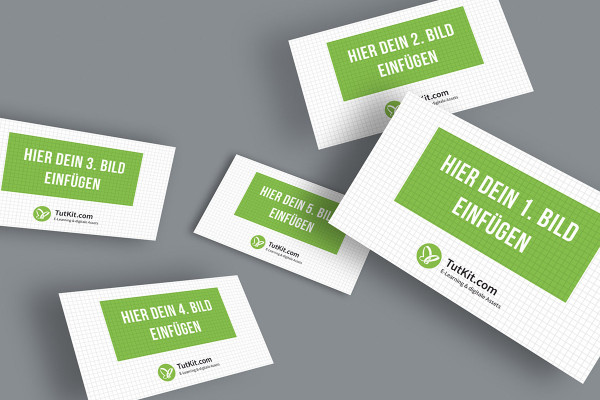
Mockup for the 16:9 format: 5 cards, irregularly arranged

Mockup for the 16:9 format: 5 cards, irregularly arranged

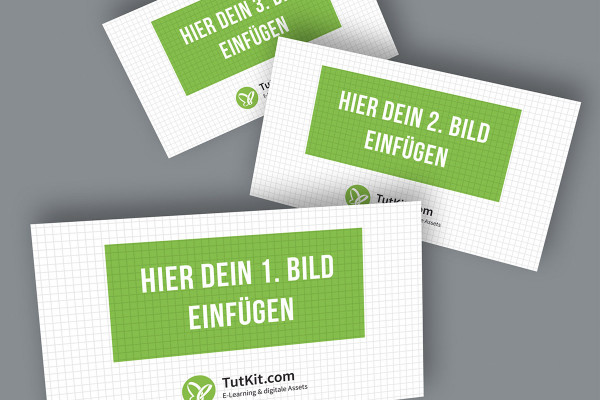
Mockup for the 16:9 format: 3 cards, irregularly arranged, tilted

Mockup for the 16:9 format: 3 cards, irregularly arranged, tilted

Mockup for the 16:9 format: 5 cards, irregularly arranged, tilted and horizontal

Mockup for the 16:9 format: 5 cards, irregularly arranged, tilted and horizontal

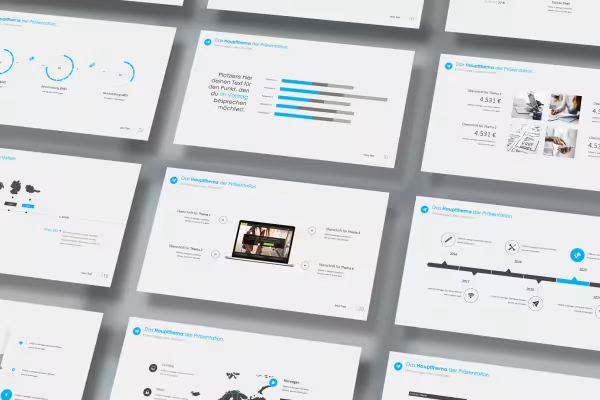
Mockup for the 16:9 format: 5 cards, irregularly arranged, perspective and horizontal

Mockup for the 16:9 format: 5 cards, irregularly arranged, perspective and horizontal

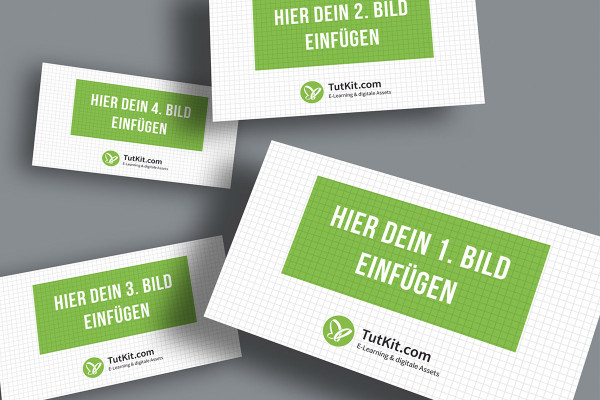
Mockup for the 16:9 format: 4 cards, irregularly arranged, floating

Mockup for the 16:9 format: 4 cards, irregularly arranged, floating

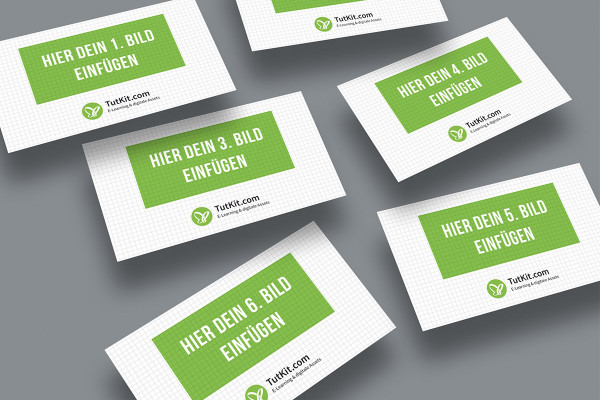
Mockup for the 16:9 format: 6 cards, irregularly arranged, floating

Mockup for the 16:9 format: 6 cards, irregularly arranged, floating

Examples of use

  • Workflow for using mockups for presentations and screen designs in 16:9 format
    Open gallery
    This is how you proceed: Select the mockup. Place your images. Save them. Done.
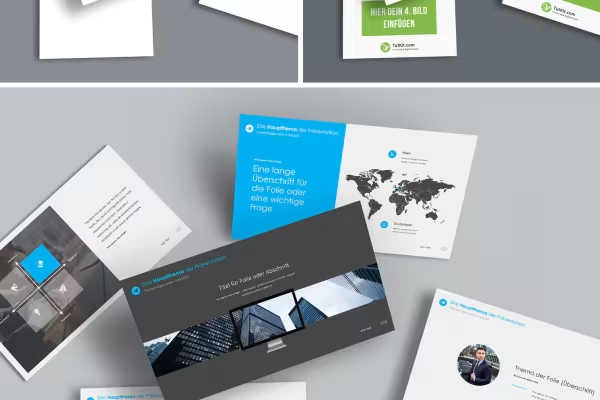
  • Slides of a presentation on a mockup with free-floating cards
    Open gallery
    Example: Photoshop automatically places your images on the free-floating cards.
  • Mockups for presentations and screen designs in 16:9 format
    Open gallery
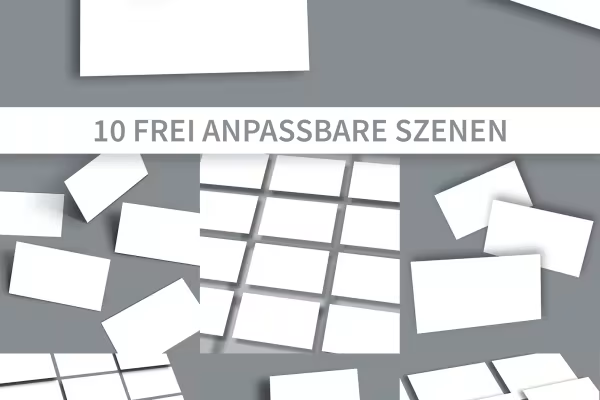
    Fade in, fade out, move: You can freely customize these ten scenes.
  • Mockups for presentations and screen designs in 16:9 format
    Open gallery
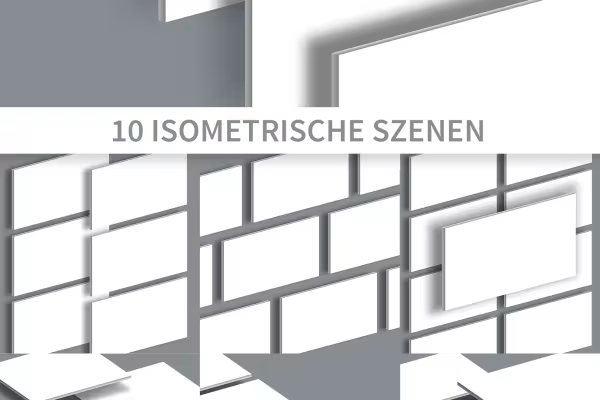
    Another 10 mockups show maps in isometric representation.
  • Mockup for presentations, the background can be customized
    Open gallery
    Example: The cards are placed in front of the background so that you can customize it as desired.

help video for application

Photoshop instructions: How to use the mockups for presentations

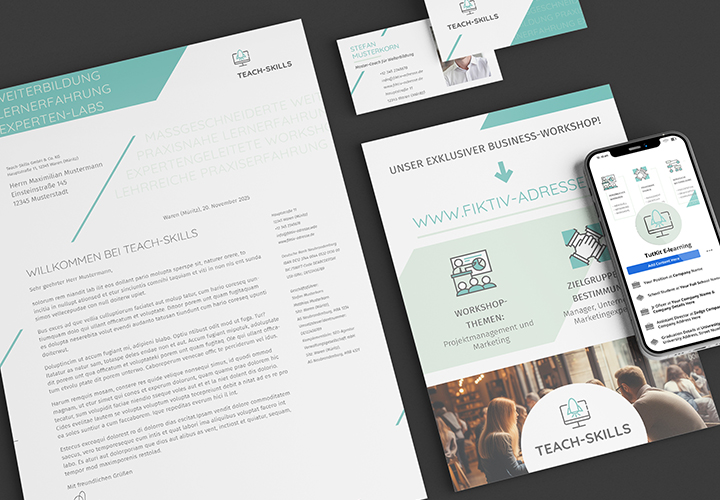
Select the desired mockup. Insert your screenshots or PDFs. Your presentation slides and screen designs will appear on free-floating cards. In this video tutorial, Matthias Petri explains exactly how to use our mockups for presentations and what else is possible.

8 minutes · free of charge
Comments (1)

Comment now „Mockups for presentations and screen designs in 16:9 format“

