



Slide templates for PowerPoint, Keynote & Google Slides: "Angle"
Presentation template "Angle"

Slide templates for PowerPoint, Keynote & Google Slides: "Angle"

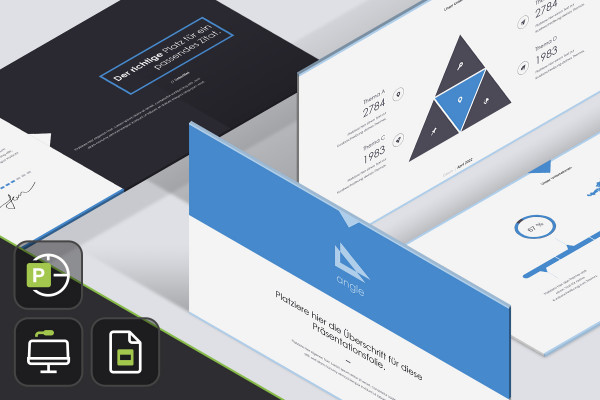
Everything is in place - you just add your content! Use the whopping 165 slide templates of the PowerPoint, Keynote and Google Slides design "Angle" to prepare your upcoming presentations even faster. From the title slide to the closing slide, these templates make it easy for you to create your slides!

  • "Angle": 165 slide templates for PowerPoint, Keynote and Google Slides in a uniform design
  • All layouts can be edited quickly and easily in 16:9, 4:3 and A4 format
  • Includes: title slide, section breaks, timelines, slides for diagram presentation and more

From "go" to "done"! Get varied slide templates in a uniform, modern design - and your presentation can start!

content

Details of the content

Slide templates Angle

PowerPoint, Keynote, Google Slides templates "Angle"

"Angle" slide templates for PowerPoint, Keynote, Google Slides

Examples of use

  • Angle slide templates for PowerPoint, Keynote, Google Slides, preview of the slides
    Open gallery
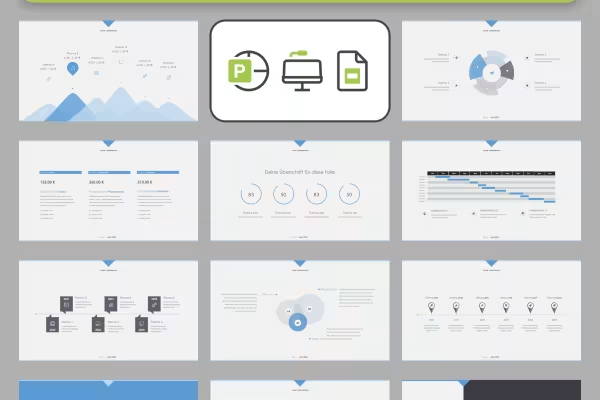
    Examples: These 165 slide templates are included in the presentation.
  • Angle slide templates for PowerPoint, Keynote, Google Slides, slide with a text area and a diagram area
    Open gallery
    Tidy, clearly structured, in a modern design!
  • Angle slide templates for PowerPoint, Keynote, Google Slides, preview of different layouts
    Open gallery
    Example: Select the appropriate slide templates and create your presentation.
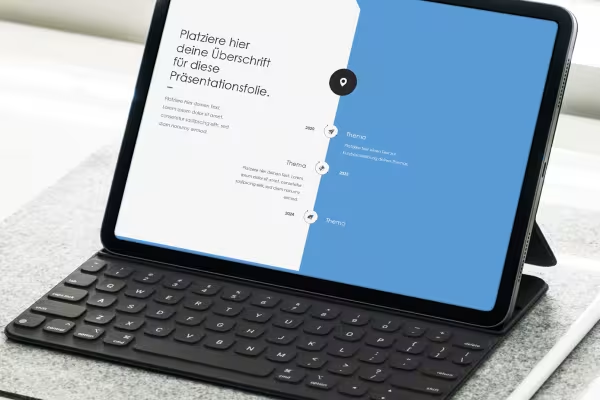
  • Angle slide templates for PowerPoint, Keynote, Google SlidesPreview of a slide template
    Open gallery
    Present your data clearly and informatively.
  • Angle slide templates for PowerPoint, Keynote and Google Slides, preview multiple layouts
    Open gallery
    From the title slide to the closing slide - create eye-catching presentations with ease!
  • Angle slide templates for PowerPoint, Keynote, Google Slides, preview multiple layouts
    Open gallery
    Simply customize the templates as you wish.

help video for application

PowerPoint instructions: How to edit the slide templates in the Angle design

First: Decide on the 16:9, 4:3 or A4 format. Secondly, drag the slides you need into your presentation. Thirdly, customize them and fill the placeholders with your content. Your modern PowerPoint presentation is ready. Matthias Petri explains exactly how to edit the Angle design in this video tutorial.


11 minutes · free of charge
Comments (0)

Comment now „Slide templates for PowerPoint, Keynote & Google Slides: "Angle"“

