Tutorials on 3D, audio and video
3D, Audio & Video
Tutorials on basics & professional tips

3D, audio & video - tutorials, basics & pro tips

New to 3D, audio and video and looking for basic information? Or already an expert and keen to get to know new workflows? In our tutorials, experienced trainers will show you how to stage 3D objects, create impressive videos, produce music and correct audio recordings. Whether it's Adobe Premiere and After Effects or DaVinci Resolve and the basics of videography - take a look at what will help you progress in your 3D, audio and video work!
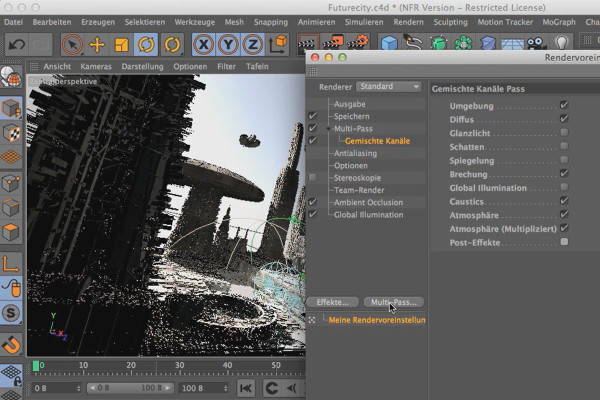
Cinema 4D meets Photoshop: I - 5.2 Creating separate render channels

3D design & composing: Cinema 4D meets Photoshop
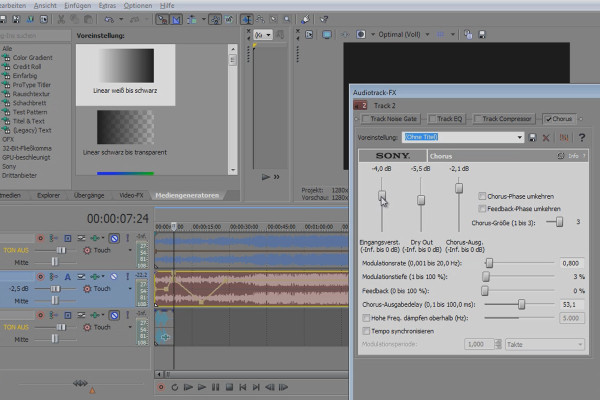
Vegas Pro: Using audio effects correctly

VEGAS Pro video training

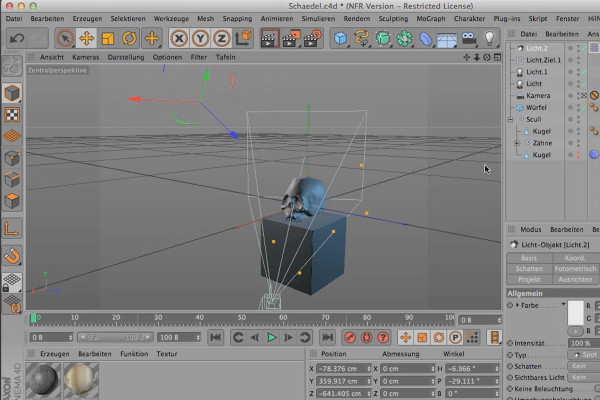
Sculpting in CINEMA 4D - Creative Training: Part 16 - Lighting Setup

Cinema 4D: 3D Sculpting Tutorial

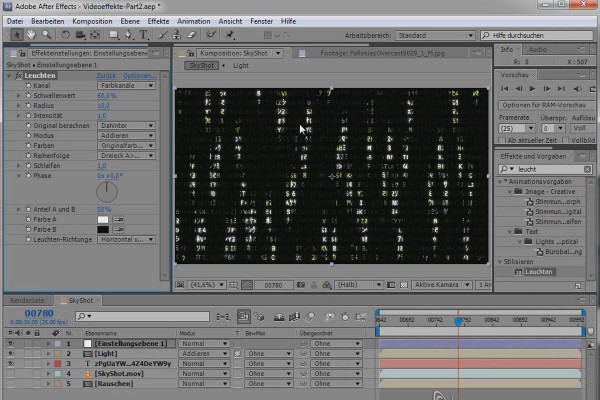
Video effects - Part 2.1: Matrix text and video look

After Effects Workshop DVD - Basics & Tricks
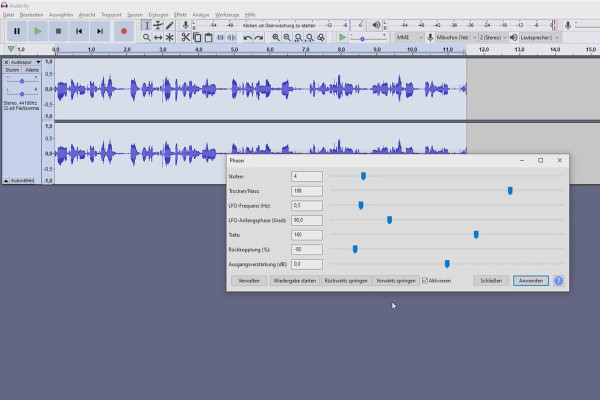
Create your own podcast: 7.6 Audacity - Pitch, amplification, phaser and wahwah effect

Create your own podcast - the ultimate practical guide
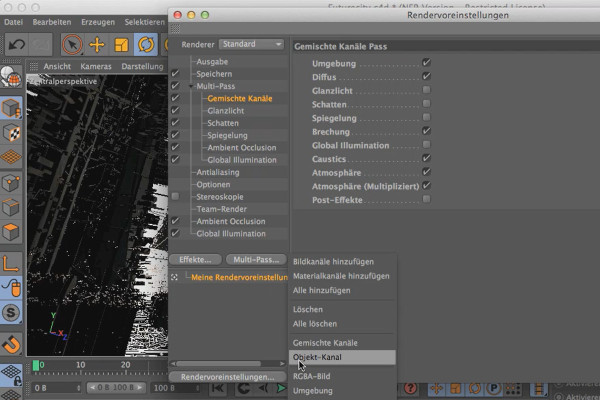
Cinema 4D meets Photoshop: I - 5.3 Creating all object channels

3D design & composing: Cinema 4D meets Photoshop
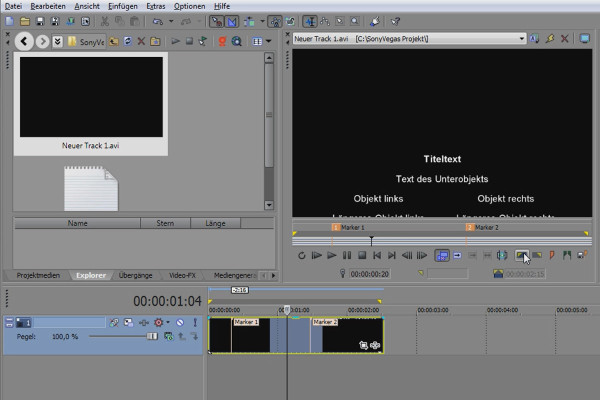
Vegas Pro: Explorer and metadata

VEGAS Pro video training

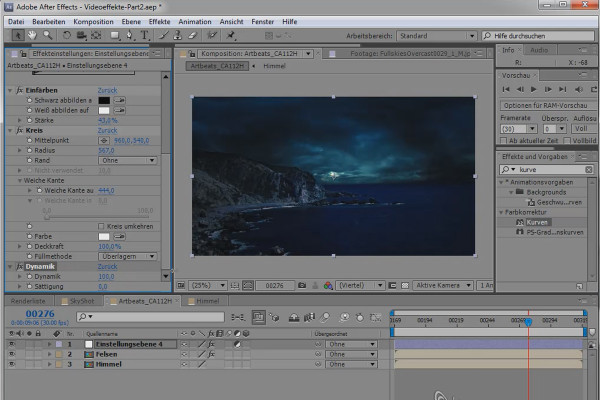
Video effects - Part 2.2: Replace sky and Day2Night

After Effects Workshop DVD - Basics & Tricks
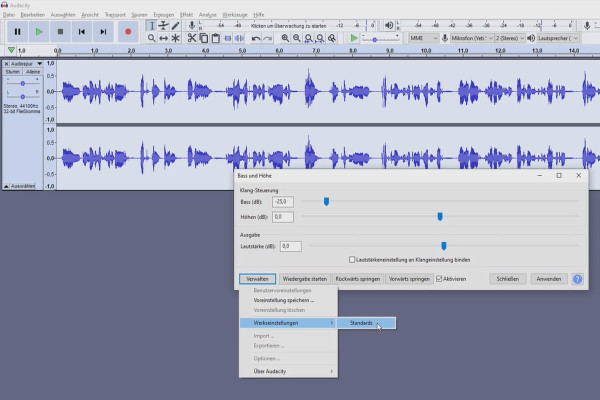
Create your own podcast: 8.1 Audacity - Bass and treble

Create your own podcast - the ultimate practical guide
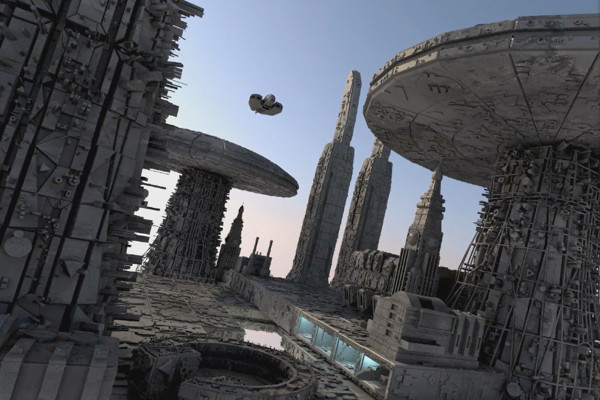
Cinema 4D meets Photoshop: I - 5.4 Saving the file

3D design & composing: Cinema 4D meets Photoshop
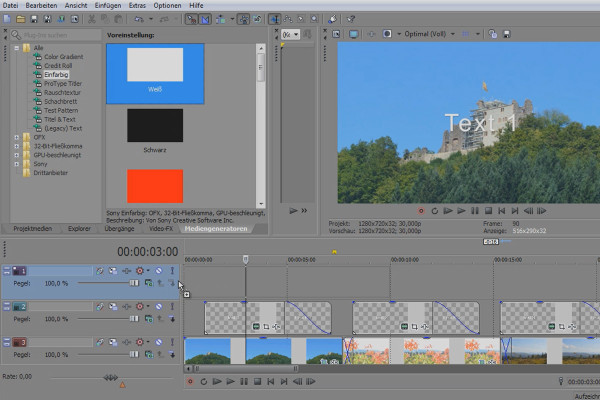
VEGAS Pro 12: Slideshow project

VEGAS Pro video training

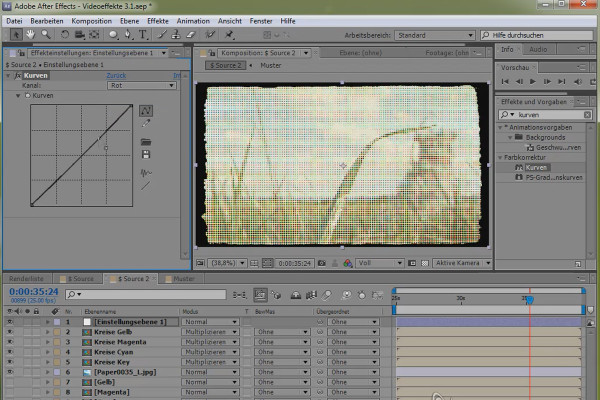
Video effects - Part 3.1: Halftone effect

After Effects Workshop DVD - Basics & Tricks
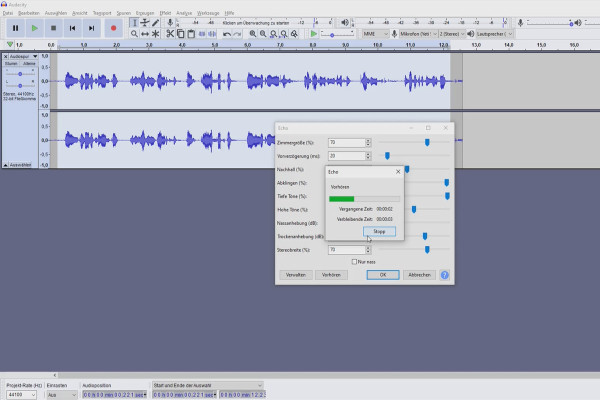
Create your own podcast: 8.2 Audacity - Make your voice sound professional

Create your own podcast - the ultimate practical guide
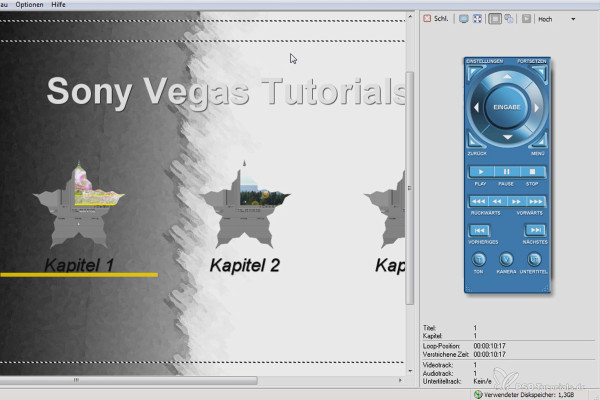
DVD Architect Pro 6: Introduction

VEGAS Pro video training

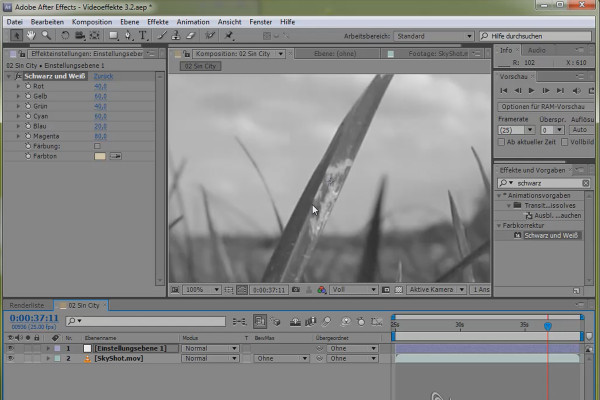
Video effects - Part 3.2: Sin City look and earthquake

After Effects Workshop DVD - Basics & Tricks
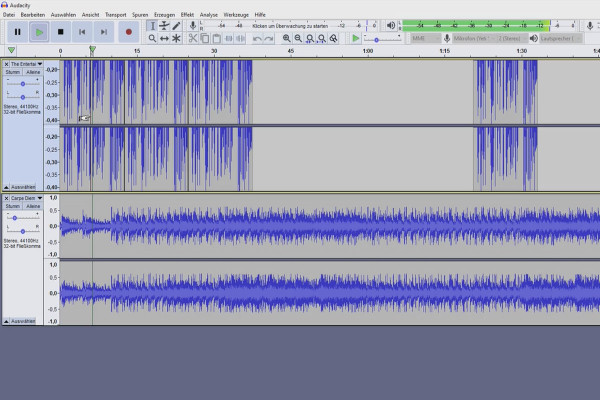
Create your own podcast: 8.3 Audacity - Adding a music track and placing it in the background

Create your own podcast - the ultimate practical guide
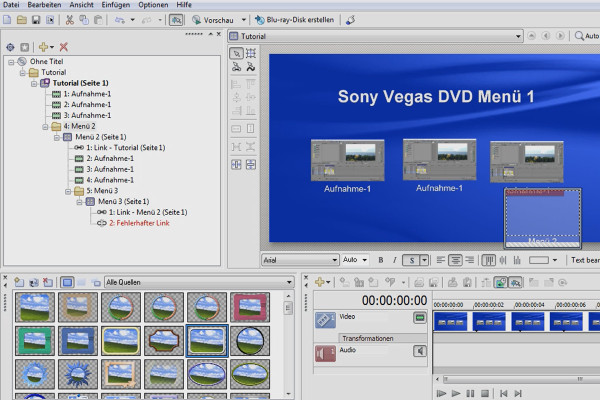
DVD Architect Pro 6: Create and burn menu

VEGAS Pro video training

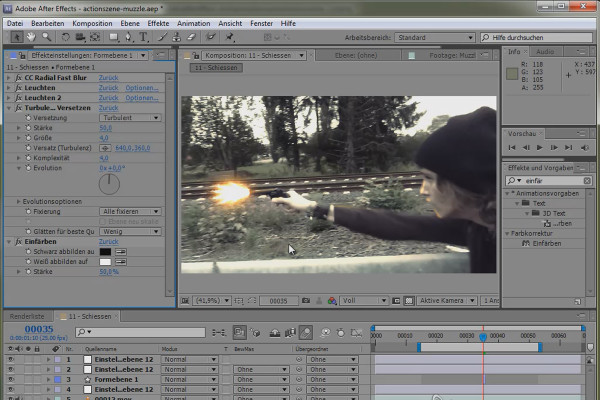
SpecialFX - Action scene Part 1 - On-location tips and muzzle flashes

After Effects Workshop DVD - Basics & Tricks
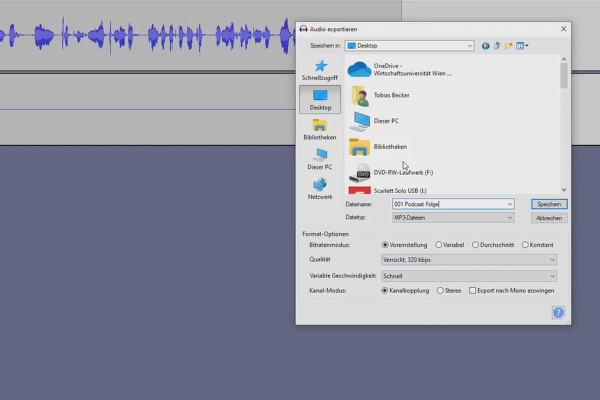
Creating your own podcast: 8.4 Case study - how I edit my podcast episodes

Create your own podcast - the ultimate practical guide
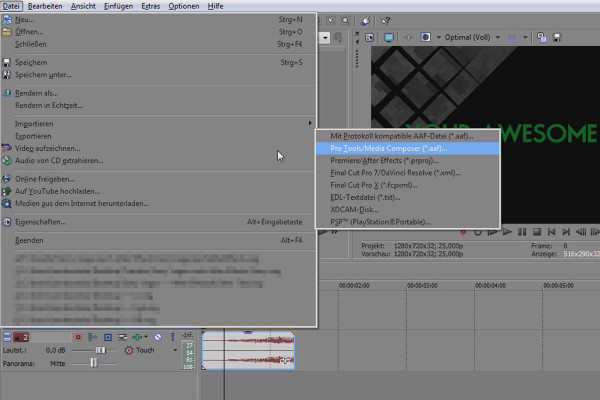
VEGAS Pro: After Effects Workflow

VEGAS Pro video training

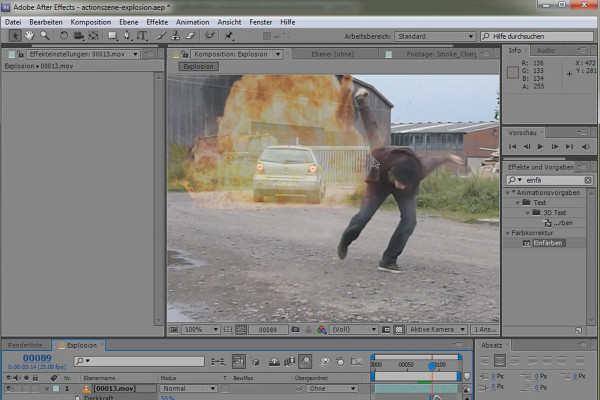
SpecialFX - Action scene part 2 - Rotoscoping and explosion

After Effects Workshop DVD - Basics & Tricks
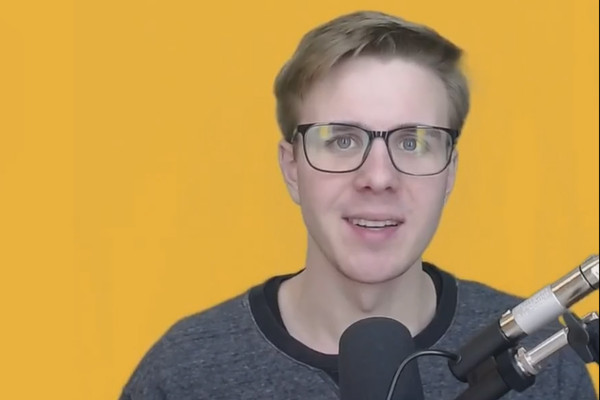
Creating your own podcast: 8.5 How do I present myself in the best possible way?

Create your own podcast - the ultimate practical guide
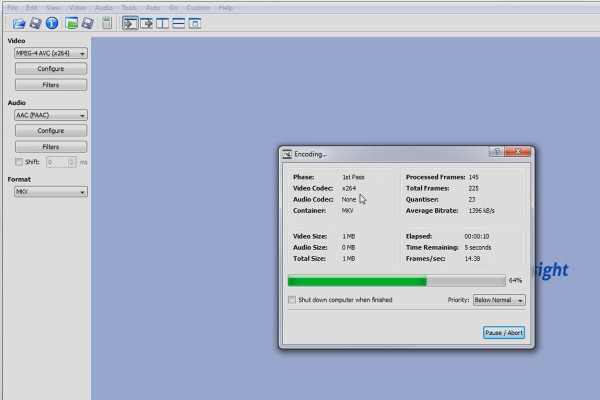
Vegas Pro: Rendering with suitable freeware tools

VEGAS Pro video training

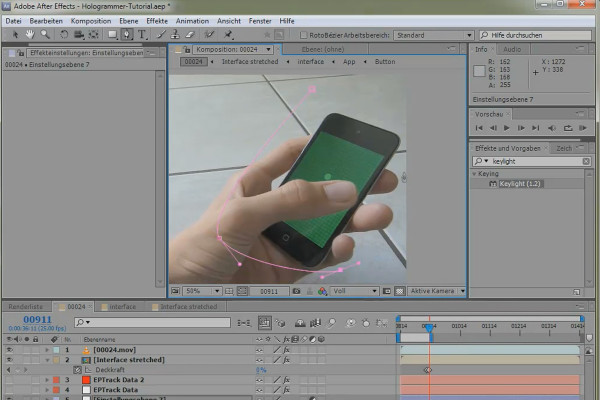
SpecialFX - Hologrammer Part 1 - Advanced Screen Replacement

After Effects Workshop DVD - Basics & Tricks
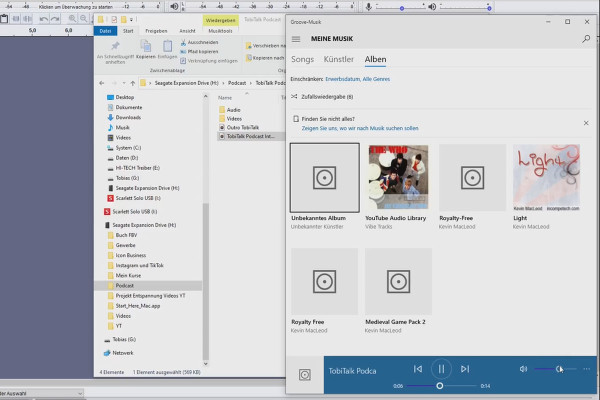
Create your own podcast: 9.1 How to create a podcast intro

Create your own podcast - the ultimate practical guide
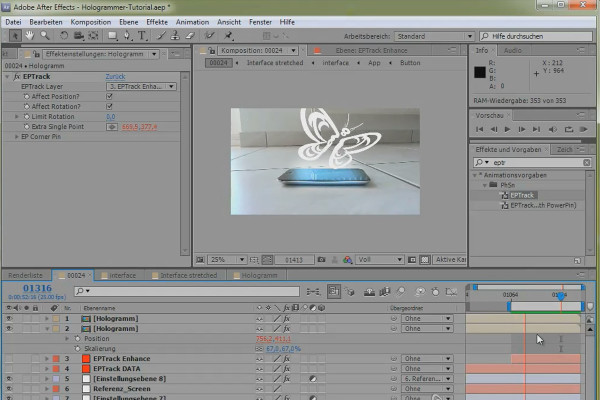
SpecialFX - Hologrammer Part 2 - 2.5D Tracking and EPTrack

After Effects Workshop DVD - Basics & Tricks
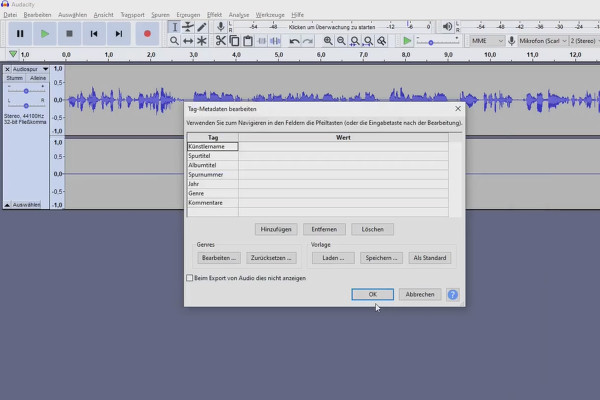
Create your own podcast: 9.2 How to create a podcast outro

Create your own podcast - the ultimate practical guide
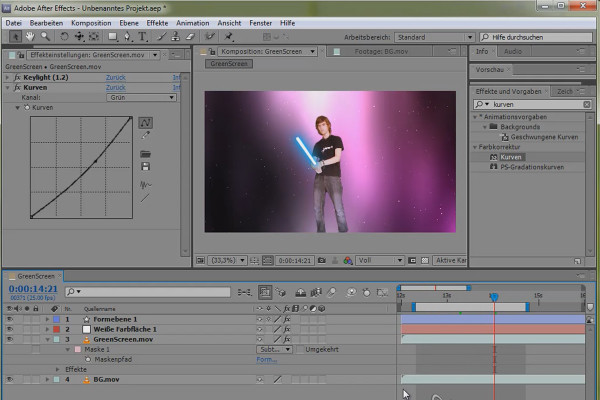
SpecialFX - Popular effects Part 1 - Laser sword

After Effects Workshop DVD - Basics & Tricks
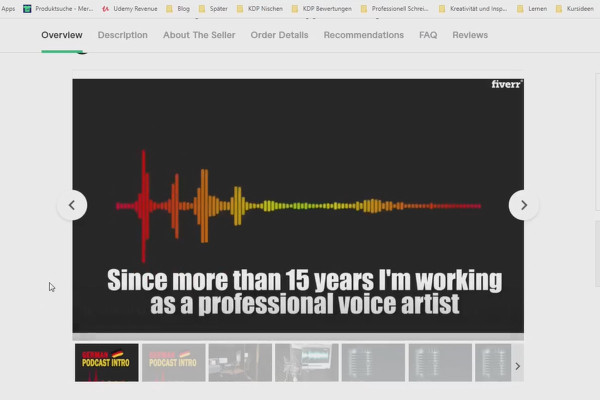
Create your own podcast: 9.3 Outsourcing: Have a professional intro created for you

Create your own podcast - the ultimate practical guide
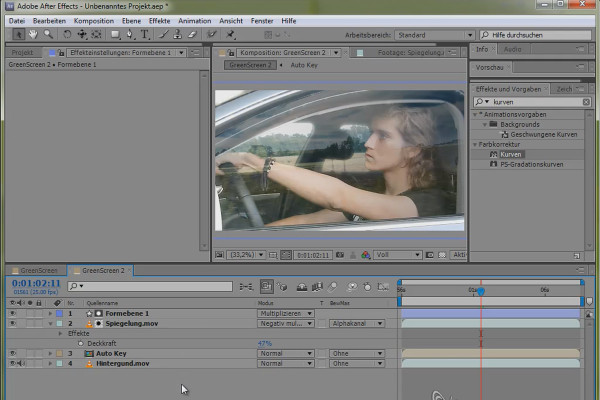
SpecialFX - Popular effects part 2 - Green screen car

After Effects Workshop DVD - Basics & Tricks

Creating your own podcast: 10.1 The 4 pillars of a successful podcast

Create your own podcast - the ultimate practical guide
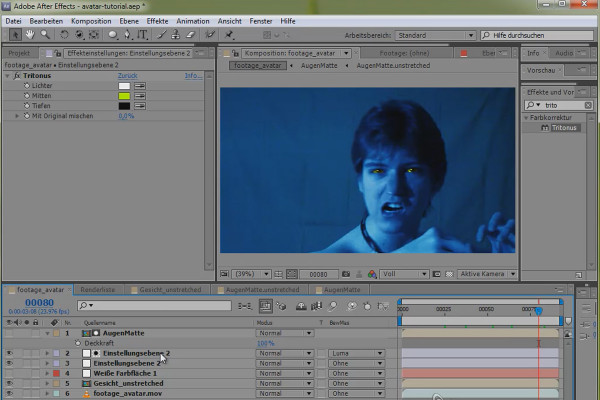
SpecialFX - Popular Effects Part 3.1 - Avatar - Facetracking

After Effects Workshop DVD - Basics & Tricks
Creating your own podcast: 10.2 Why most podcasts fail

Create your own podcast - the ultimate practical guide
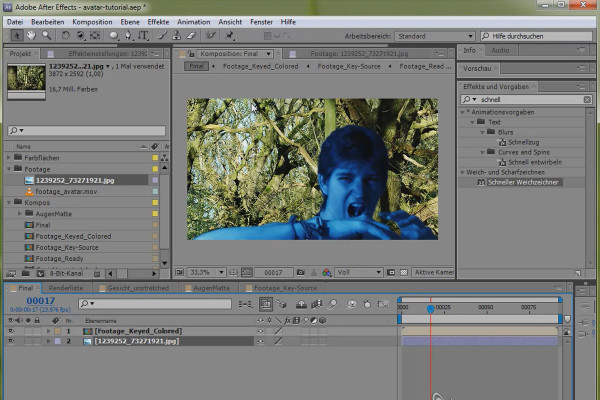
SpecialFX - Popular Effects Part 3.2 - Avatar - Green Screen Composing

After Effects Workshop DVD - Basics & Tricks

Creating your own podcast: 10.3 How long should my episode be?

Create your own podcast - the ultimate practical guide
What's new in After Effects CS5.5

After Effects Workshop DVD - Basics & Tricks
Create your own podcast: 10.4 How often do I have to post?

Create your own podcast - the ultimate practical guide
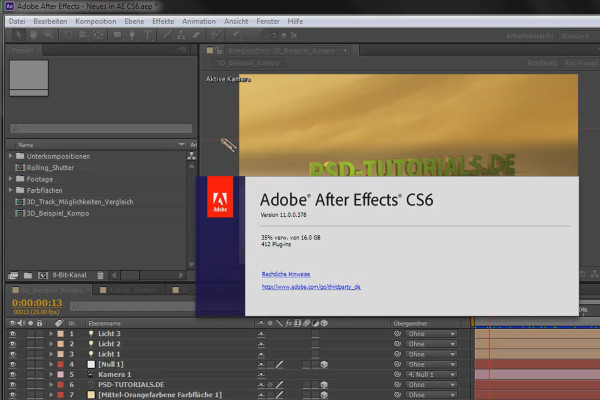
What's new in After Effects CS6

After Effects Workshop DVD - Basics & Tricks
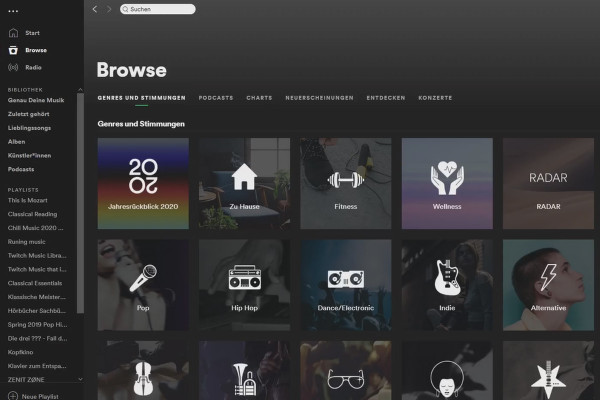
Creating your own podcast: 11.1 What do my competitors' images look like?

Create your own podcast - the ultimate practical guide
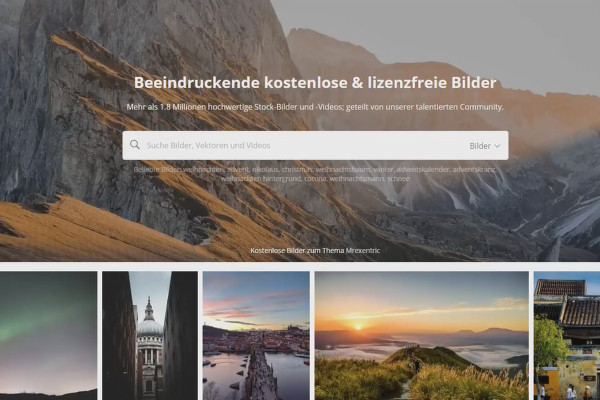
Create your own podcast: 11.2 Free graphics for your podcast (Pixabay)

Create your own podcast - the ultimate practical guide
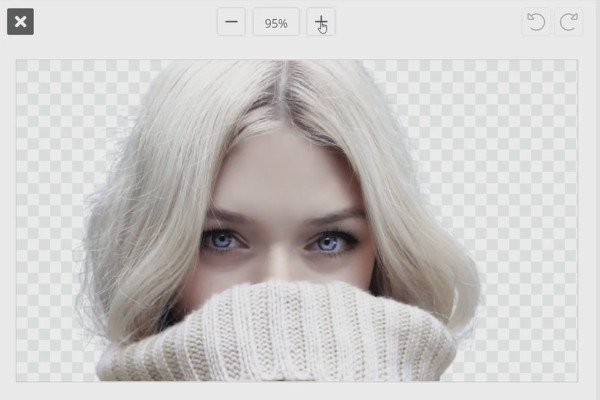
Create your own podcast: 11.3 Cut out images (remove.bg)

Create your own podcast - the ultimate practical guide

Creating your own podcast: 11.4 What is Canva?

Create your own podcast - the ultimate practical guide
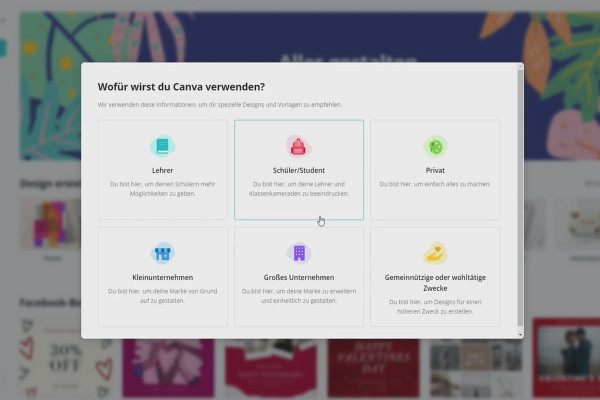
Create your own podcast: 11.5 Canva: Create an account

Create your own podcast - the ultimate practical guide
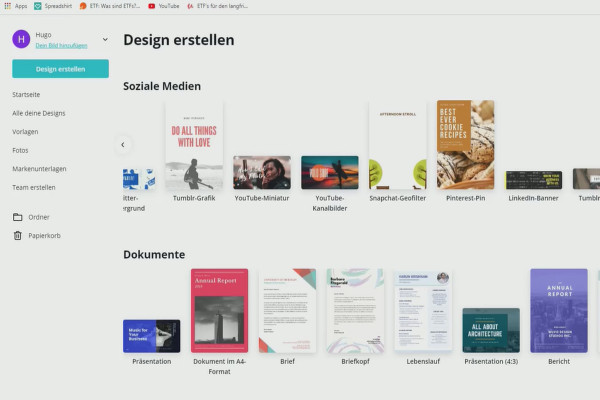
Create your own podcast: 11.6 Canva: Tour of the platform

Create your own podcast - the ultimate practical guide
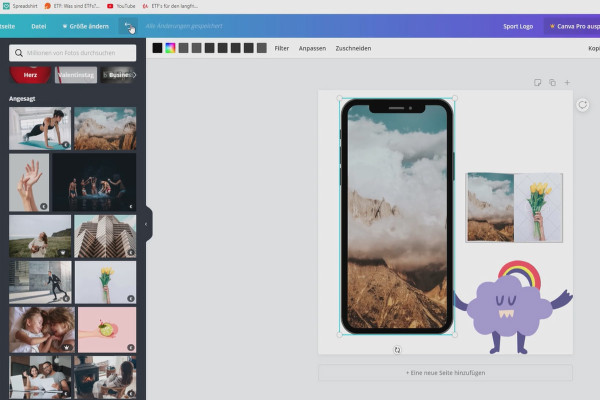
Create your own podcast: 11.7 Canva: Elements - shapes, frames & more!

Create your own podcast - the ultimate practical guide
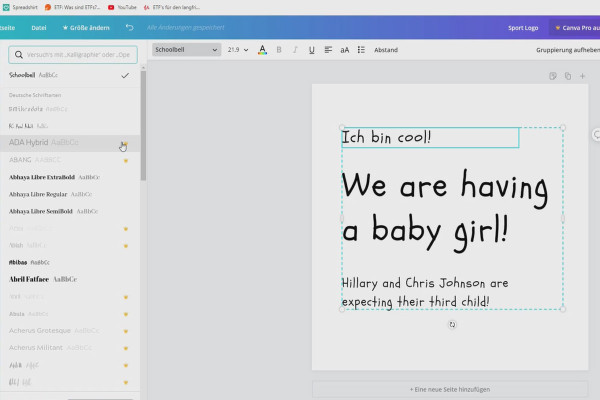
Create your own podcast: 11.8 Canva: Fonts & colors

Create your own podcast - the ultimate practical guide
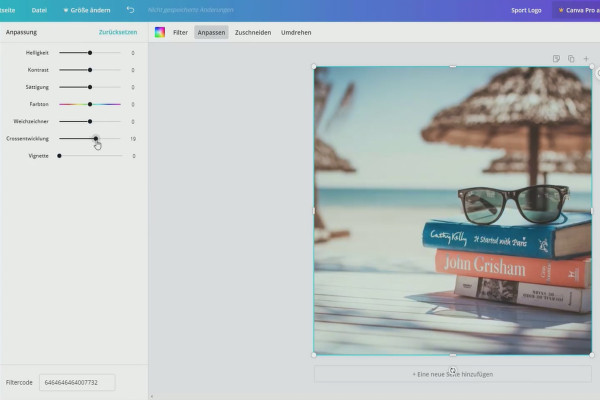
Create your own podcast: 11.9 Canva: Filters, settings & cropping

Create your own podcast - the ultimate practical guide
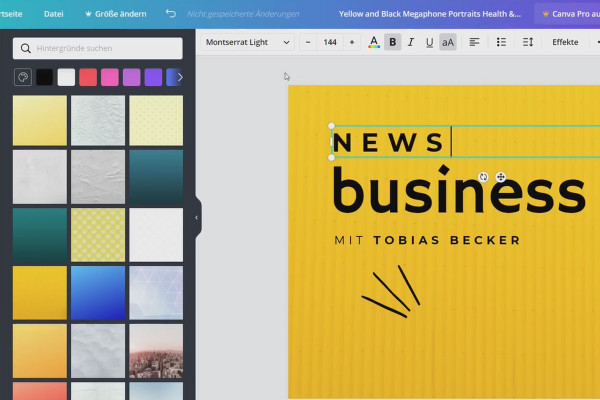
Create your own podcast: 11.10 Podcast image creation with Canva

Create your own podcast - the ultimate practical guide

Creating your own podcast: 12.1 Which platform do I recommend?

Create your own podcast - the ultimate practical guide
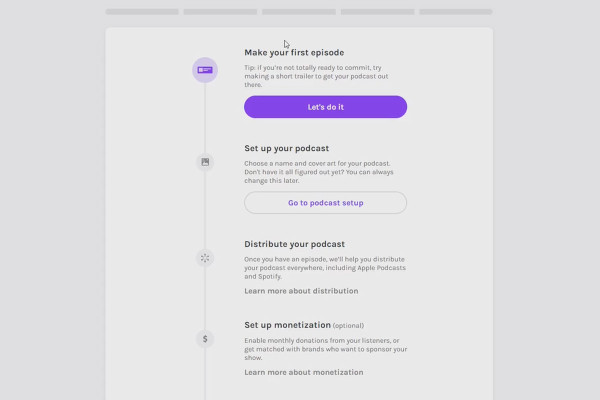
Create your own podcast: 12.2 Create an AnchorFM account

Create your own podcast - the ultimate practical guide
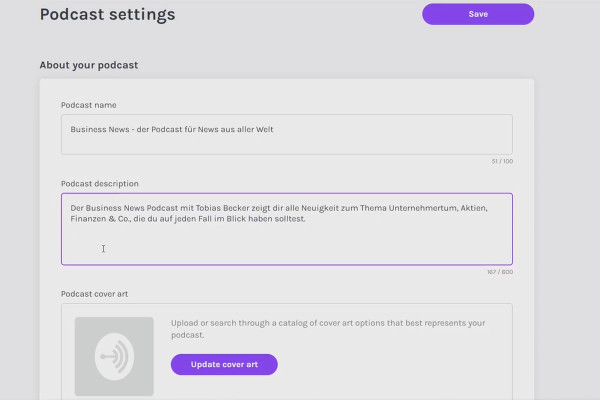
Create your own podcast: 12.3 Title, description and popular keywords for your show

Create your own podcast - the ultimate practical guide
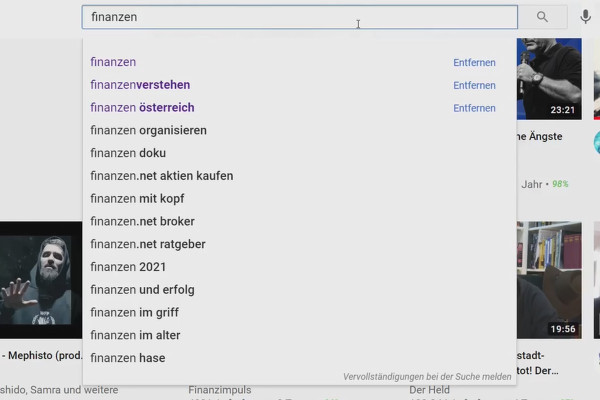
Creating your own podcast: 13.1 How do you find good interview guests? How do I do it?

Create your own podcast - the ultimate practical guide
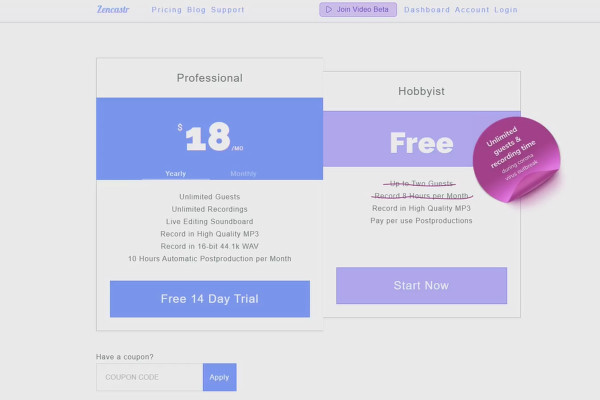
Creating your own podcast: 13.2 Participant question: Which platform is suitable for an interview?

Create your own podcast - the ultimate practical guide
Creating your own podcast: 13.3 Which formats are well received?

Create your own podcast - the ultimate practical guide
Create your own podcast: 13.4 Participant question: What is the structure of a podcast episode?

Create your own podcast - the ultimate practical guide
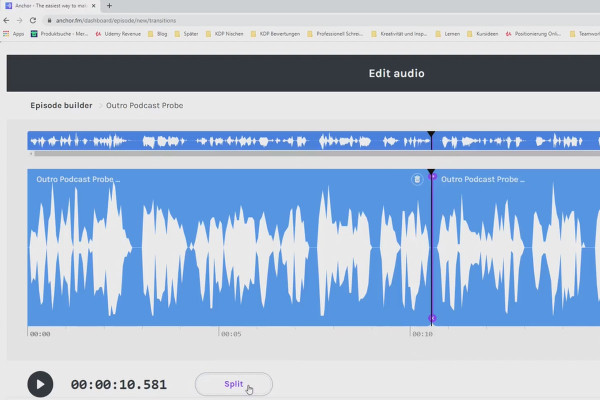
Create your own podcast: 14.1 Upload your first podcast episode

Create your own podcast - the ultimate practical guide
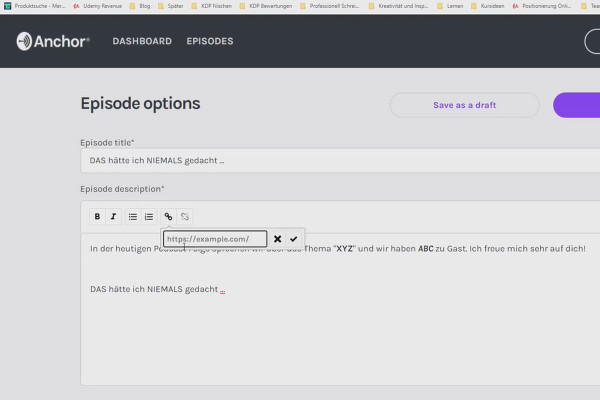
Create your own podcast: 14.2 Upload your first podcast episode #2

Create your own podcast - the ultimate practical guide

Creating your own podcast: 14.3 Why I don't number my podcast episodes

Create your own podcast - the ultimate practical guide
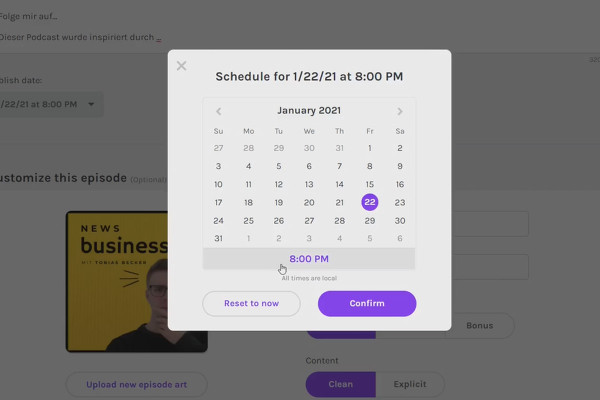
Creating your own podcast: 14.4 Planning releases in advance

Create your own podcast - the ultimate practical guide
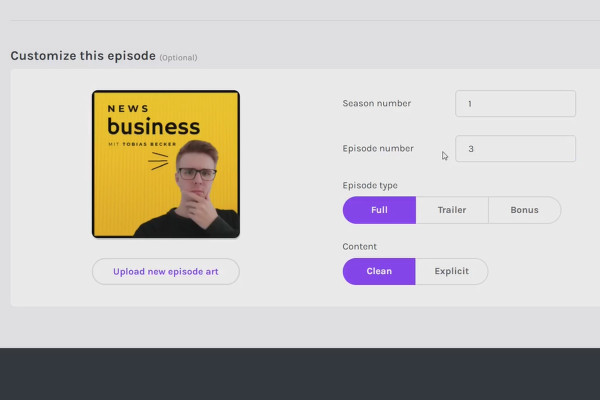
Create your own podcast: 14.5 Snippets, seasons & more

Create your own podcast - the ultimate practical guide
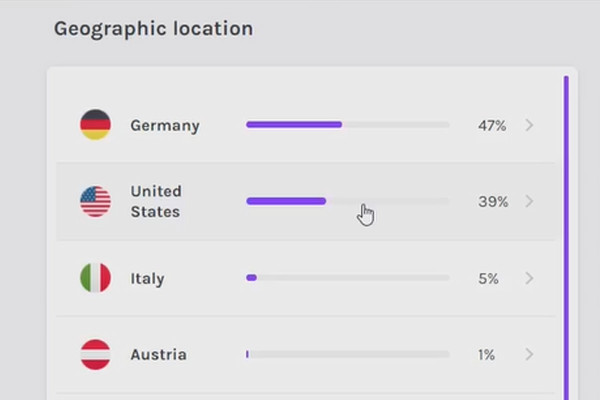
Creating your own podcast: 14.6 Using analytics

Create your own podcast - the ultimate practical guide
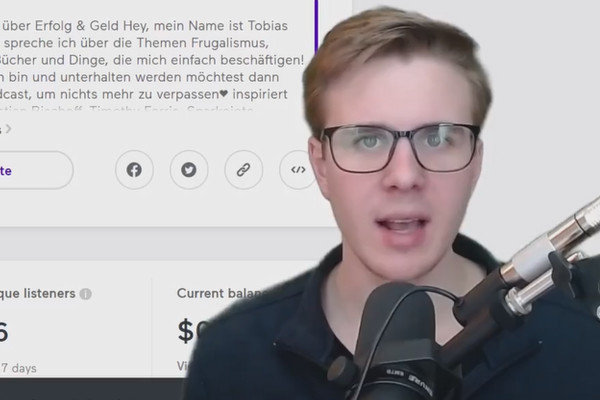
Create your own podcast: 14.7 Anchor is now an official Spotify partner (update)

Create your own podcast - the ultimate practical guide
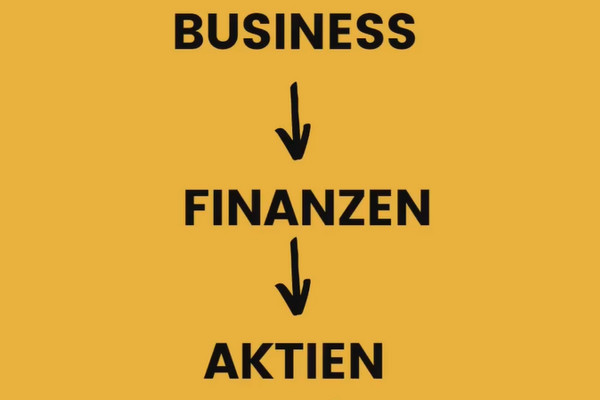
Creating your own podcast: 15.1 Finding topic ideas

Create your own podcast - the ultimate practical guide
Create your own podcast: 15.2 What do you stand for?

Create your own podcast - the ultimate practical guide

Creating your own podcast: 15.3 Two valuable factors for top podcasts

Create your own podcast - the ultimate practical guide
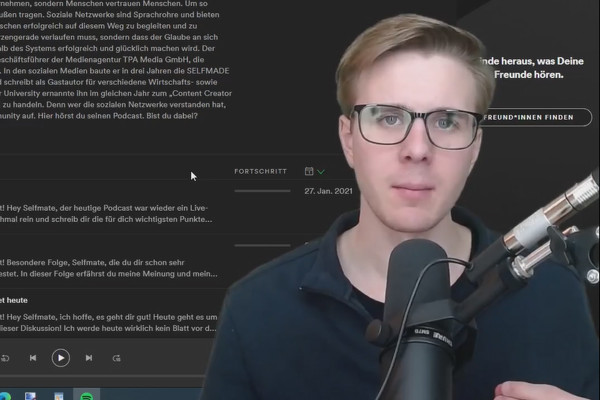
Creating your own podcast: 16.1 The importance of reviews for your podcast

Create your own podcast - the ultimate practical guide

Create your own podcast: 16.2 What should I do after posting?

Create your own podcast - the ultimate practical guide
Creating your own podcast: 16.3 Promotion with social media

Create your own podcast - the ultimate practical guide
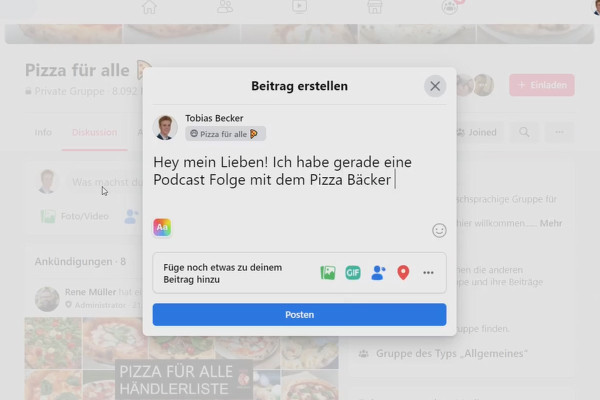
Create your own podcast: 16.4 Use Quora, forums & Facebook groups

Create your own podcast - the ultimate practical guide
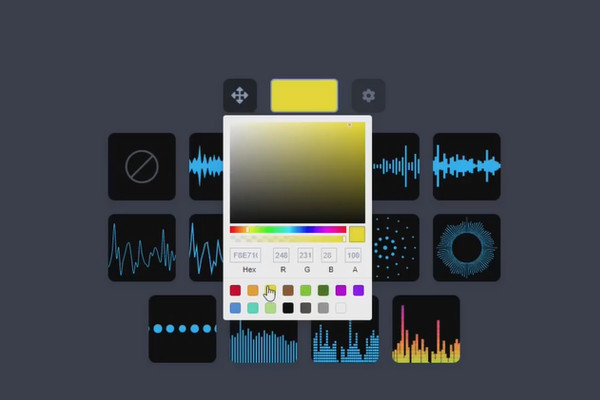
Create your own podcast: upload 16.5 episodes as a YouTube video, how does it work?

Create your own podcast - the ultimate practical guide
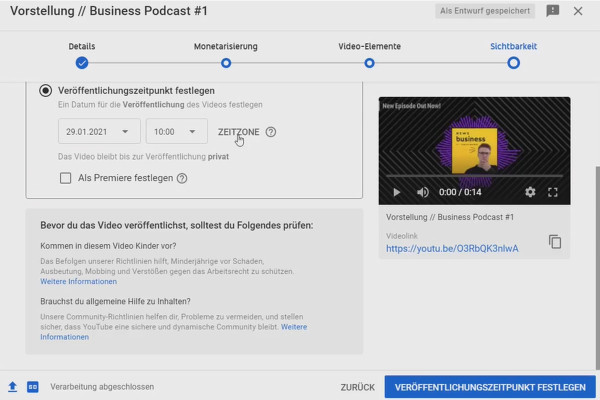
Create your own podcast: Upload 16.6 episodes as a YouTube video - step by step

Create your own podcast - the ultimate practical guide
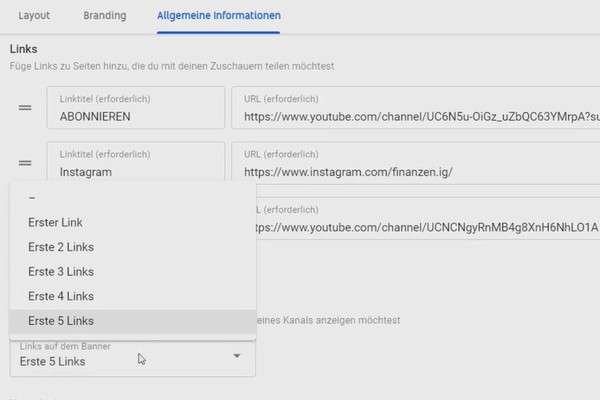
Create your own podcast: Upload 16.7 episodes as a YouTube video - further settings

Create your own podcast - the ultimate practical guide
Create your own podcast: 16.8 Competitions as an engagement booster

Create your own podcast - the ultimate practical guide
Create your own podcast: 16.9 Buy into Shoutouts

Create your own podcast - the ultimate practical guide
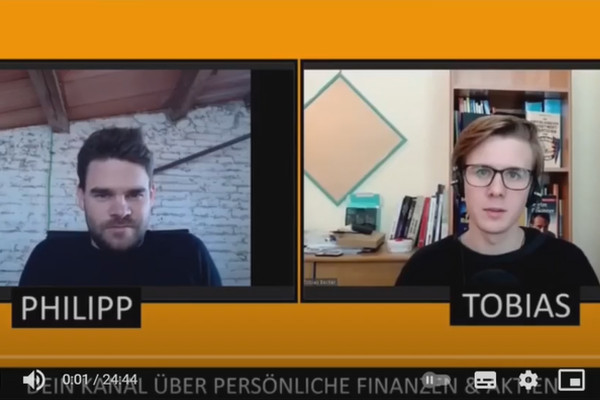
Create your own podcast: 16.10 How do I promote my podcast? (case study)

Create your own podcast - the ultimate practical guide

Creating your own podcast: 17.1 The structure of the first episode in 7 steps

Create your own podcast - the ultimate practical guide
Creating your own podcast: 17.2 Quantity vs. quality - which makes more sense?

Create your own podcast - the ultimate practical guide
Create your own podcast: 17.3 Record multiple episodes right away & get over the fear of posting

Create your own podcast - the ultimate practical guide
Creating your own podcast: 17.4 The Pareto principle for more efficiency

Create your own podcast - the ultimate practical guide
Creating your own podcast: 17.5 Dealing with hate

Create your own podcast - the ultimate practical guide

Create your own podcast: 17.6 How to stay consistent

Create your own podcast - the ultimate practical guide
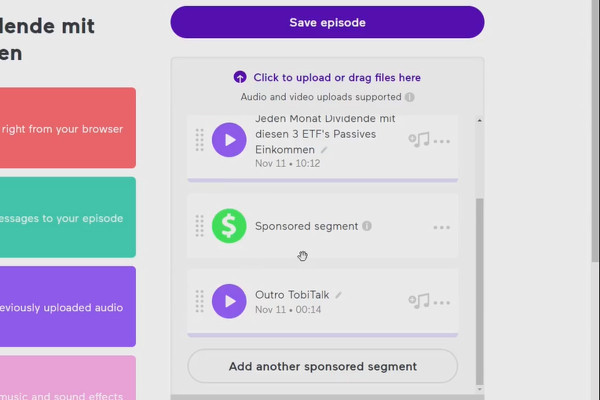
Create your own podcast: 18.1 Monetization directly in AnchorFM

Create your own podcast - the ultimate practical guide
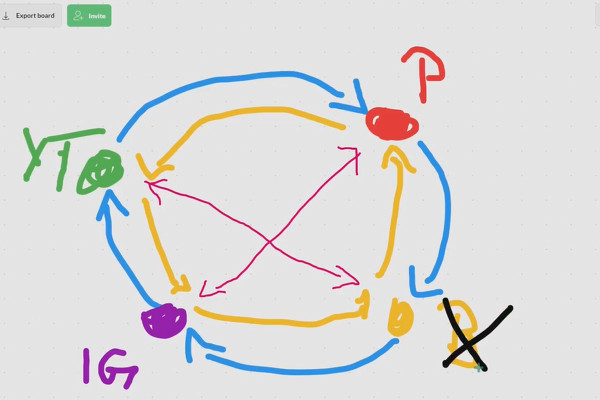
Create your own podcast: 18.2 Your personal traffic circle

Create your own podcast - the ultimate practical guide
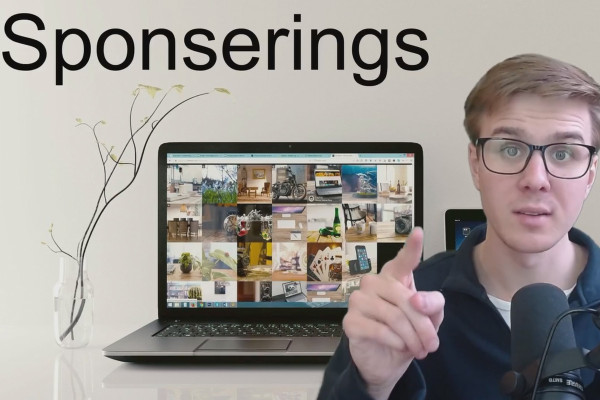
Create your own podcast: 18.3 Sponsoring

Create your own podcast - the ultimate practical guide

Create your own podcast: 19 Thank you for your trust

Create your own podcast - the ultimate practical guide