
Improve audio recordings: Sound editing for reverb, hiss and other background noise

- Improve audio recordings: How to avoid background noise and remove it afterwards
- Sound editing: AI-based software and other audio programs in practical use
- Tested and presented: How to optimize recordings with Adobe Podcast, CrumplePop and Krisp
- Setting up a small studio: Recommendations for microphones, microphone arms, sound cards and absorbers
- Saves an enormous amount of time: edit audio tracks of videos without having to completely re-render them
- Find even more appeal: Ideal for podcasts, YouTube videos and all your voice recordings
- A two-hour video training course by Stefan Petri, who speaks from 20 years of practical experience
"Sounds good to me!" Start this video training to make your own audio recordings sound clean in the future.
10 Videos, 128 minutes
Improve audio recordings (tutorial)
Improve audio recordings: 00 | Intro
2 min20 years of experience have gone into this training. Take a look at my intro so that you can see straight away what this training is all about. You will also hear a sound sample of the optimization of the voice with reverberation in the room.
Improving audio recordings: 01 | Adobe Podcast - AI in the test
21 minWith Adobe Podcast, Adobe offers a way to optimize audio recordings with just one click. I recorded several audio recordings at different locations for testing purposes.
Improve audio recordings: 02 | CrumplePop - AI in the test
29 minIn my search for an all-in-one plug-in that fixes as many audio problems as possible, I came across CrumplePop. It not only removes noise, but also echo, wind, pop and rumble noises, and can also adjust different volume levels. The best thing is that the speech is often not distorted. In my test files, however, CrumplePop has to prove whether the AI is really as good as the manufacturer promises.
Improve audio recordings: 03 | Krisp in test
6 minKrisp's AI technology removes background voices, noises and echoes from all my calls/meetings. In this video, I show how well the application can do this.
Improve audio recordings: 04 | Further tools at a glance
10 minIn this video, I would like to show you other tools that you can use to optimize sound recordings. Among other things, I show Adobe Audition in action.
Improve audio recordings: 05 | Microphone recommendations
10 minIn this video, I share all my knowledge about microphones. You can find out which microphone is recommended here. Links from the video:
- Microphone: Shure SM7B, but only with TritonAudio FetHead
- Elgato Wave DX, but also better with TritonAudio FetHead and Microphones Pop Filter windscreen
- Headset recommendation: AKG HSC 271 Studio
- Without extra external sound card: Rode NTUSB
Improve audio recordings: 06 | Microphone arm & sound card recommendations
6 minHere I give you information on which microphone arms and sound cards I can recommend. Links from the video:
Improving audio recordings: 07 | Absorber/sound absorber recommendations
27 minWith appropriate absorbers, you can ensure less reverberation in the room. You can find out which ones I recommend in this video. Links in the video:
Improving audio recordings: 08 | Light, keyboard and video recordings - Recommendations
7 minThis is not directly about audio optimization, but about a better picture if you also want to record a video to match your perfect sound. In addition, a few brief tips on suitable keyboards that are not too loud and a short note on the best way to get the video into the computer. Left:
Improve audio recordings: 09 | Replace audio track without re-rendering video: 2 free programs
10 minDo you also know the situation: You have a great video, but only the sound is not optimal? Then it would be nice if only the audio track was improved, but the existing video was not re-rendered. There are special programs that can do this. I present two free programs(Avidemux and MKVToolNix) here and also show you how to use them, as they are not necessarily self-explanatory. What's brilliant is that it's really super quick - as the video doesn't have to be re-rendered, the exchange and saving only takes a few seconds.
Incidentally, the paid application CrumplePop (SoundApp) can do exactly the same thing. It's even easier (also shown in the video)!
Examples of use
-
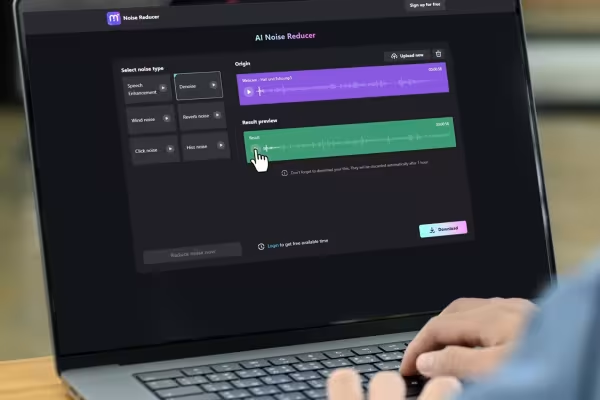 Simple means - great effect: Get to know programs with which you can improve even poor audio recordings.
 -
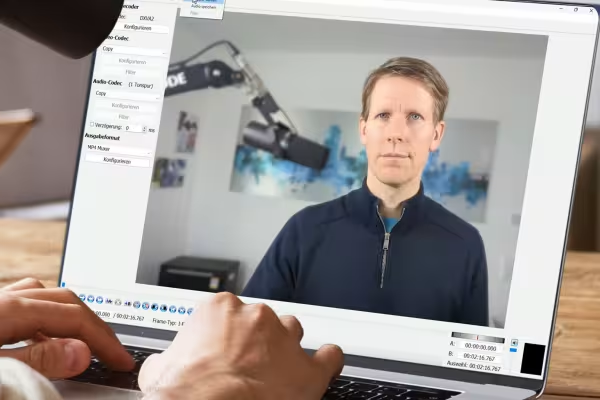 Get tips on how to avoid noise, reverb and hiss during recording and how to remove them after recording.
 -
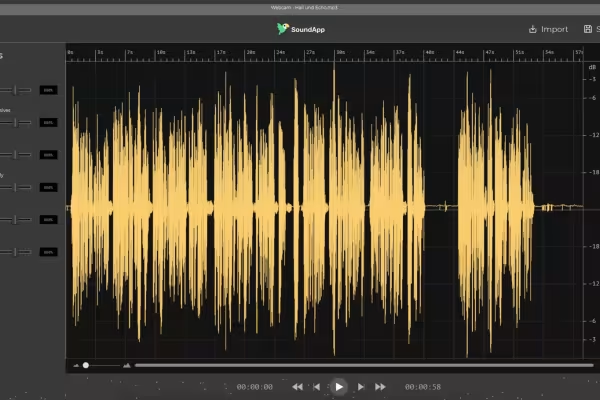 You can use easy-to-use tools to optimize your audio files.
 -
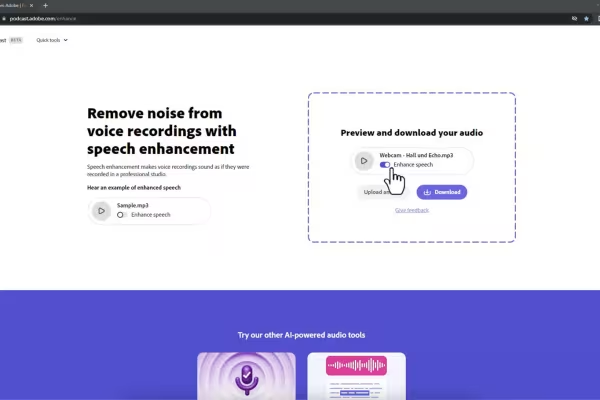 Noise before - exhilarating after! Your trainer will give you important tips on soundtrack editing based on 20 years of experience.
 -
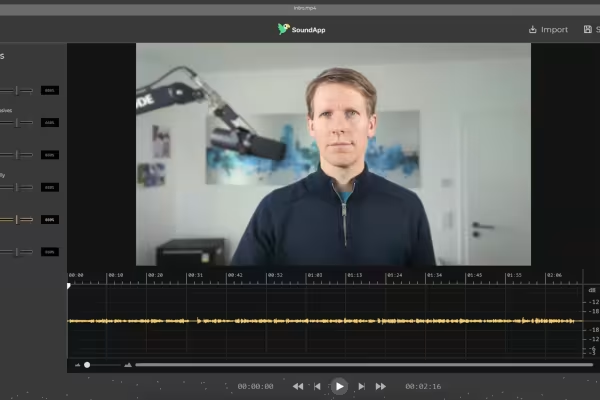 Start the tutorial and improve your own audio recordings, for example for podcasts and YouTube videos.
You might also like

From Context Hints to Conversion: Campaigns in ChatGPT

Have websites, automations, and image editing done by AI – completely without code

From log analysis to incident report: ChatGPT, Claude, Gemini & local models in everyday security

Optimize your content for ChatGPT, Claude, Gemini & Perplexity. The GEO guide for modern marketers.
Comment now „Improve audio recordings: Sound editing for reverb, hiss and other background noise“