With these 40 After Effects templates, you can create fully animated text overlays for your lower thirds or titles. Accompanied by high-quality form and color, you can transport names of people, places and companies or convey catchy messages and call-to-actions. The templates are suitable for extensive image films and reports as well as for concise, entertaining YouTube or social media clips.
40 text animations for your films to use in After Effects
Create lower thirds, title, social media and text box animations with in and out effect
For your corporate animation: adjust texts, colors and position and insert the content into your videos
More than just an overlay! With these After Effects templates you can create your own animation. So that every word moves!
content
Details of the content
After Effects templates for text animations
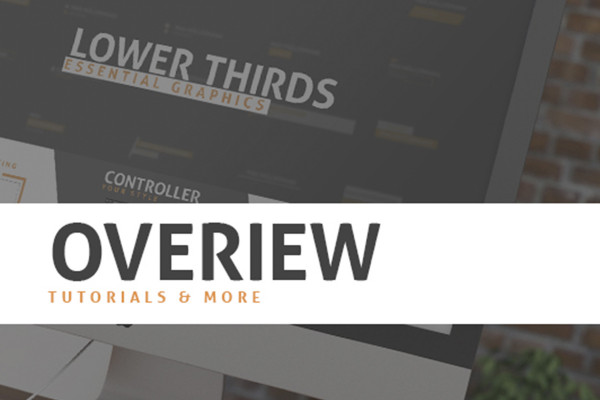
After Effects templates: Text animations - 1 overview & instructions
With the package "After Effects Templates: Text animations for lower thirds and titles" you get 40 text animations for your videos. You can use these in After Effects CC (version 13.0 or higher) and further customize them for your purposes. How can you do this? You can find out here. A video tutorial is included. You also get a PDF documentation with all the important key data.
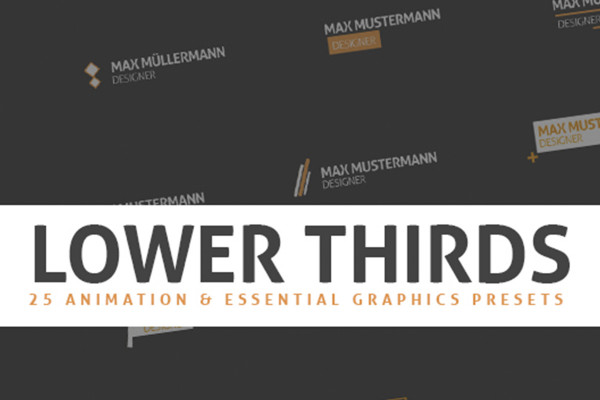
After Effects templates: Text animations - 2 lower thirds, belly bands
Does your film show a person or a place, introduce a company or a scene that requires further explanation? Does your clip want to call the viewer to action or simply offer further information? - Then lower thirds are the way to go!
So that they don't just fade in and out, but catch the eye with a beautifully designed animation, you'll receive 25 templates for After Effects CC. These have been fully prepared from the in to the out animation - so as elegantly as your text appears with additional shapes and colors, it also retracts again. The design elements automatically adapt to the length of your text. You can set the content, color and position yourself.
25 text animations for creating lower thirds (belly bands) for your videos
For use in After Effects CC (13.0 and higher)
For your corporate animation: Adjust texts, colors and position, among other things.
After Effects templates: Text animations - 3 titles, headings
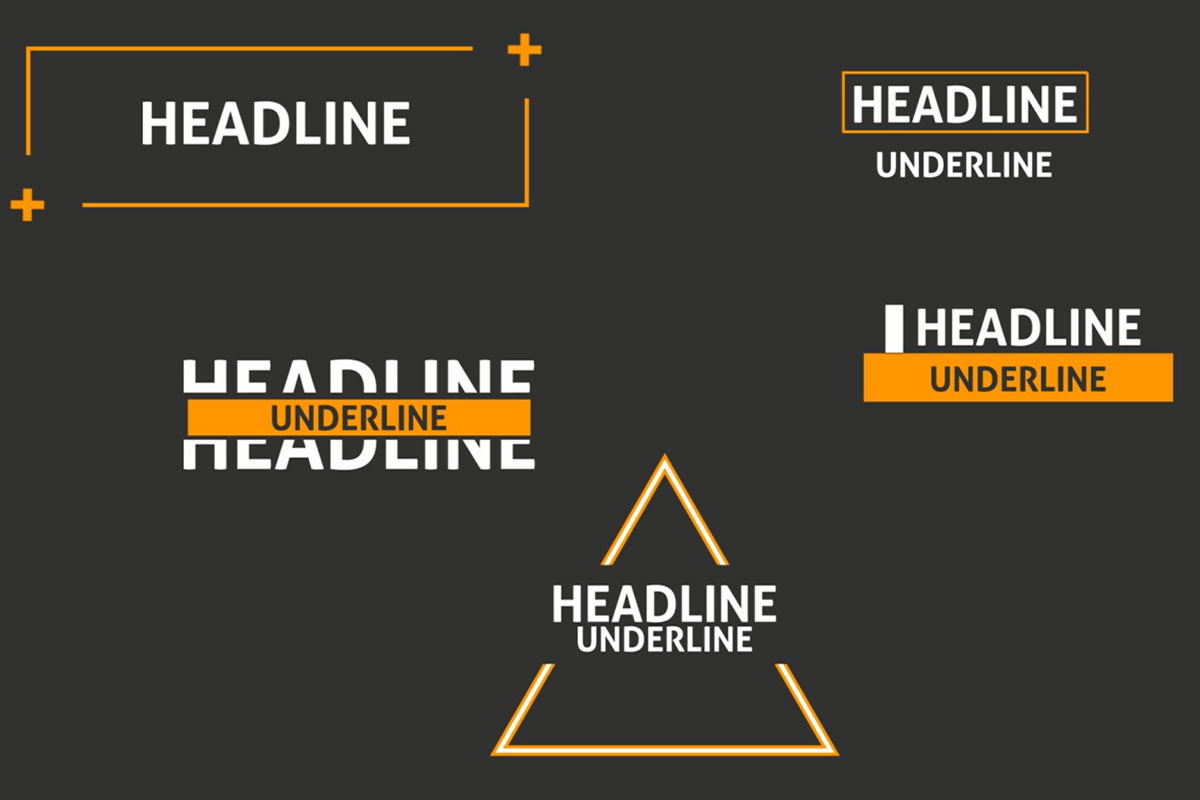
Intro, chapter breaks and credits - a video often requires a text insert that is both informative and structuring. With the templates in this package, you can easily add titles and headings to your films.
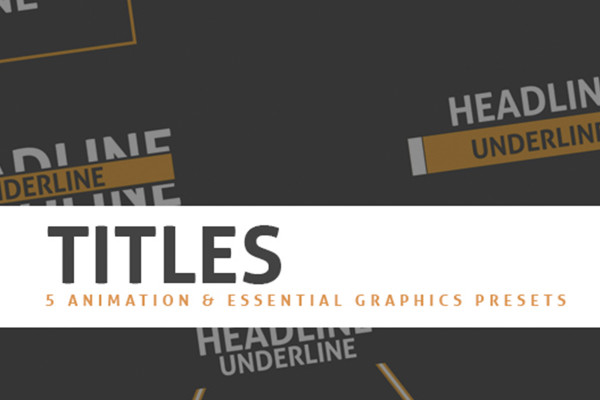
You will receive 5 templates for After Effects so that these do not simply fade in and out, but catch the eye with a beautifully designed animation. These have been fully prepared from the in to the out animation - so as elegantly as your text appears with additional shapes and colors, it also retracts again. The design elements automatically adapt to the length of your text. You can set the content, color and position yourself.
5 text animations for titles and headings in your videos
For use in After Effects CC (13.0 and higher)
For your corporate animation: Adjust texts, colors and position, among other things.
After Effects templates: Text animations - 4 social media tips
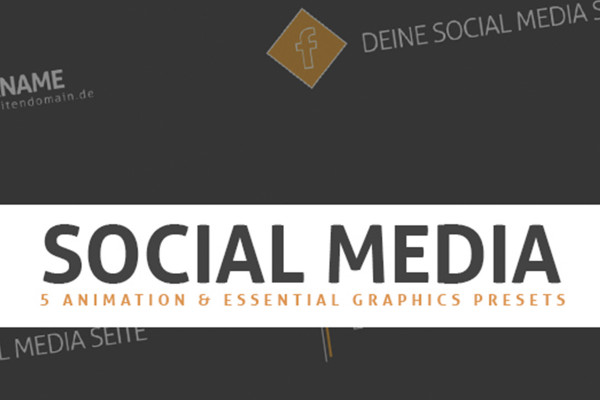
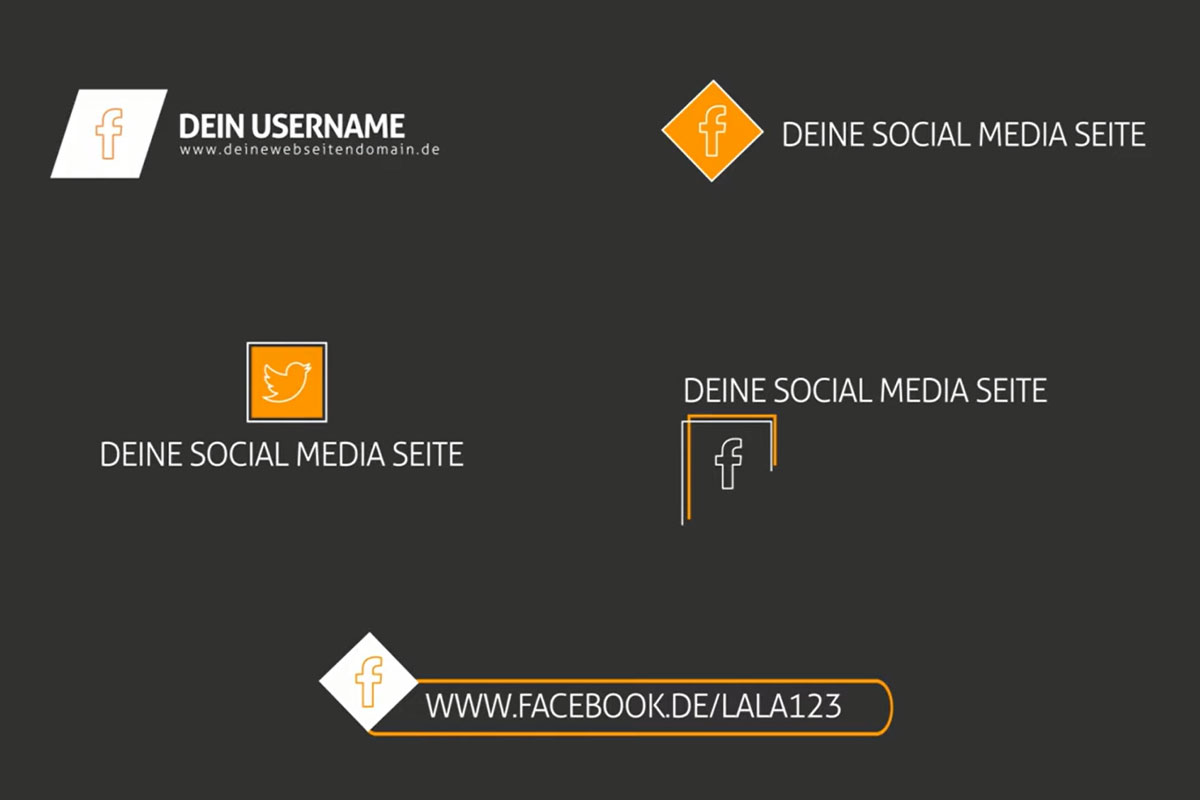
Do you want viewers to follow, like and comment on your videos? Then direct them to your social media accounts by displaying the links with beautifully designed text overlays.
So that these don't just fade in and out, but catch the eye with a beautifully designed animation, you'll receive 5 templates for After Effects. These have been fully prepared from the in to the out animation - so as elegantly as your text appears with additional shapes and colors, it also retracts again. The design elements automatically adapt to the length of your text. You can set the content, color and position yourself.
5 text animations for social media notes in your videos
For use in After Effects CC (13.0 and higher)
For your corporate animation: Adjust texts, colors and position, among other things.
After Effects templates: Text animations - 5 continuous texts, text boxes
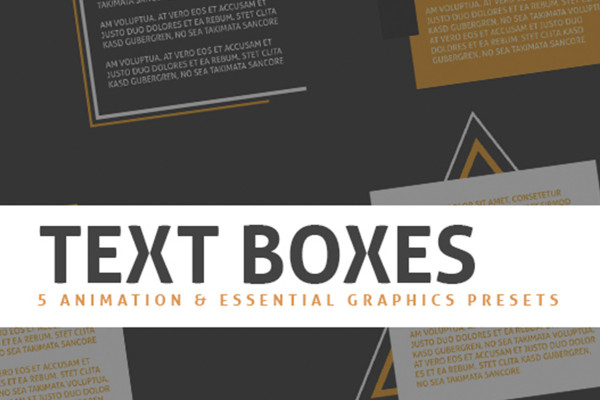
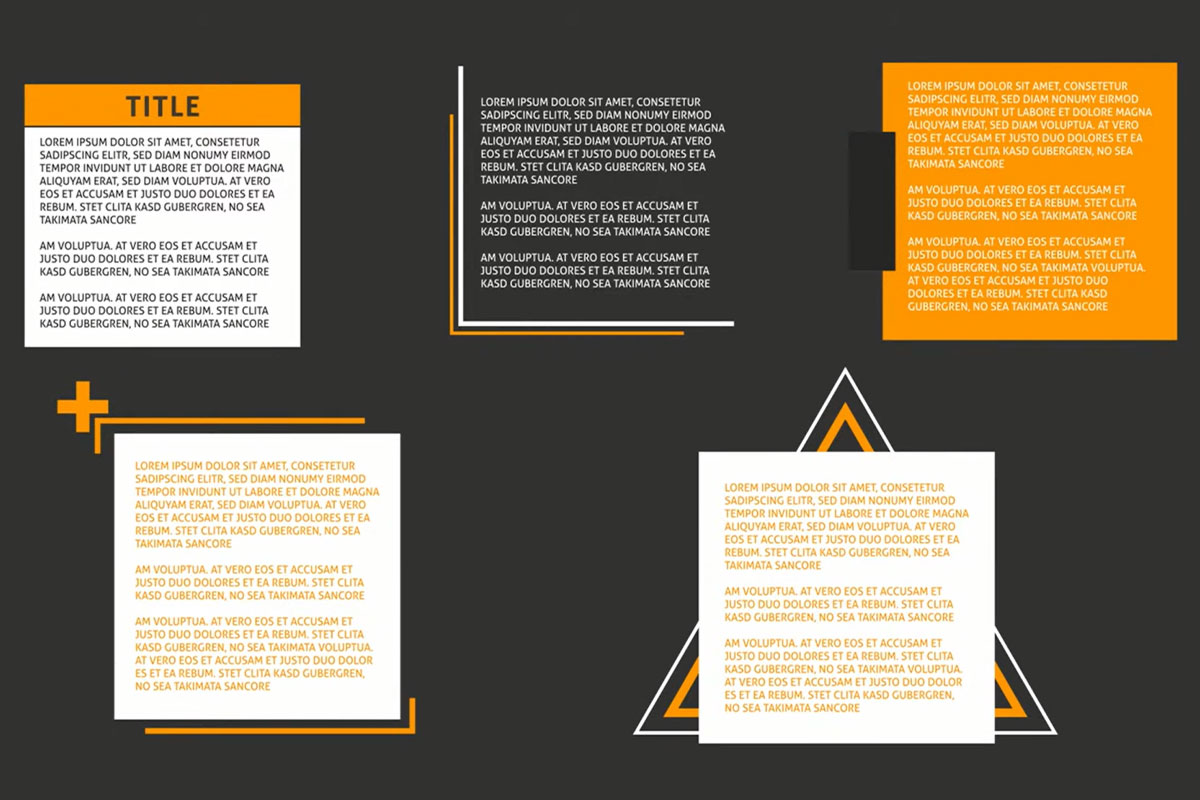
Quotes from speakers, excerpts from letters, detailed explanations of an issue ... Sometimes videos need a bit more text. But how to present it? - The best way is to use attractive and aesthetically pleasing text boxes.
So that these don't just fade in and out, but catch the eye with a beautifully designed animation, you will receive 5 templates for After Effects. These have been fully prepared from the in to the out animation - so as elegantly as your text appears with additional shapes and colors, it also retracts again. You can set the content, color and position yourself.
5 text animations for longer continuous texts in text boxes
For use in After Effects CC (from 13.0)
For your corporate animation: Adjust texts, colors and position.
More than just an overlay! Unfold your texts and their full effect to leave animated traces with the viewers of your videos.




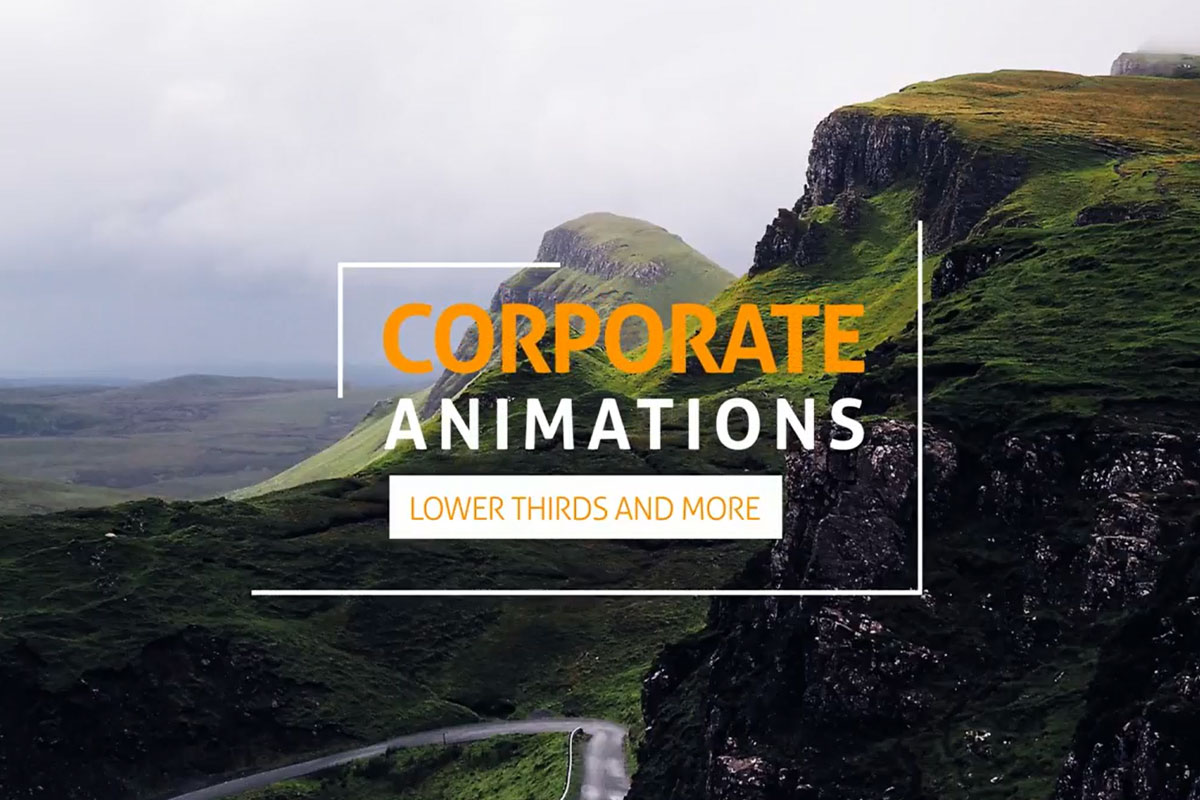 Create your own lower thirds and titles with design-strong After Effects templates
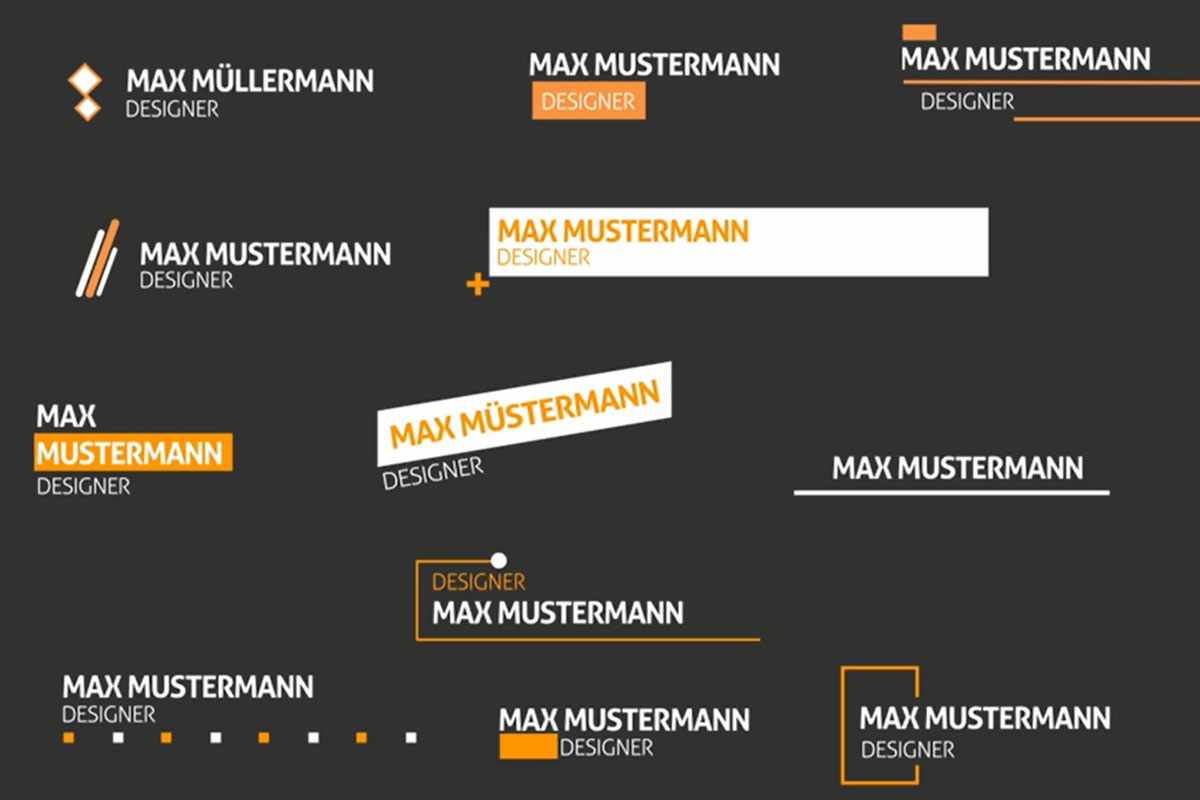 Text animations for lower thirds
 Text animations for video titles
 Text animations for social media
 Text animations for text boxes
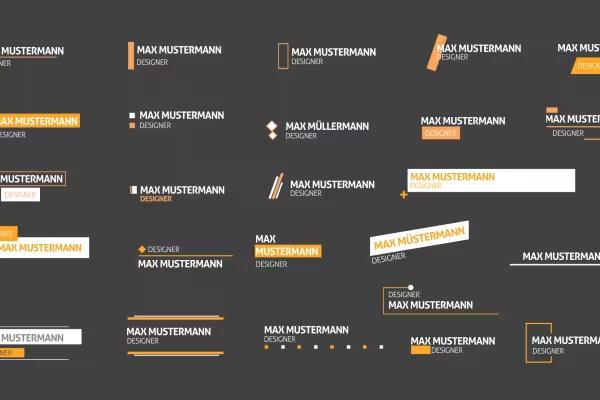 Use these lower thirds for your animated texts.
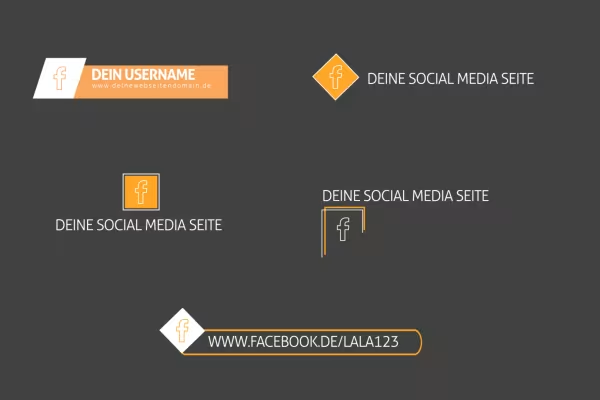 Use these templates to link to your social media pages.
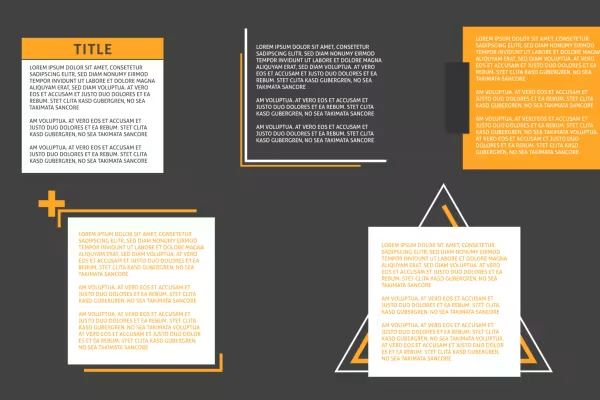 If you want a little more text: Use these animated text boxes!
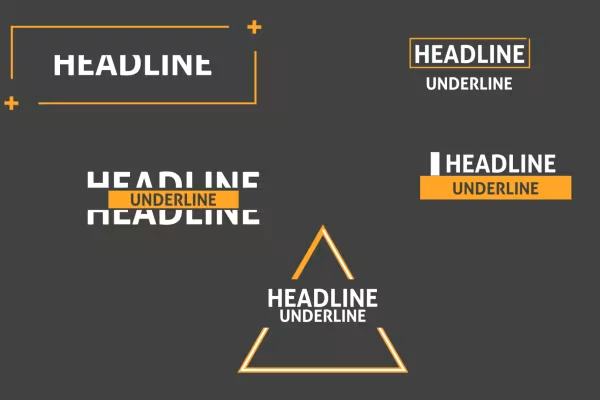 Open a new chapter in your videos with these title animations!
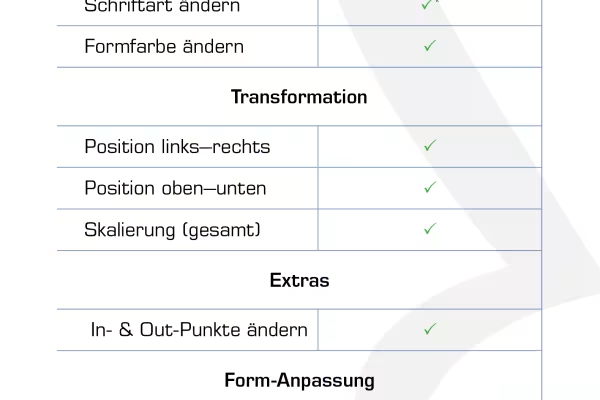 You can make these adjustments in each case.
Comment now „After Effects Templates: Text animations for lower thirds and titles“