
Excel training for more efficiency in the office: calendar, organization chart & Co

- Three-hour Excel training: How to use Excel functions for more efficiency in the office
- Customize Excel: use colored spreadsheets & grids, create chart templates, remove metadata, fix columns and rows
- Excel calendar: create an annual calendar, calculate the calendar week and a date in the future, display appointments
- Office organization: calculate working hours, create intelligent organization charts, PDF export, add an interactive search function, create help texts for cells
Make your job even easier with Excel! After this Excel training course, you will be able to use the program even more extensively and effectively - for example, for coordinating appointments or invoicing.
39 Videos, 204 minutes
Intro
Excel training for more efficiency in the office: Calendar, organization chart & Co - 1 intro
2 minWelcome to an Excel training course that will simply make you more efficient in the office.
Work individualized and efficient
Excel training for more efficiency in the office: calendar, organization chart & co - 2.1 Start Excel differently
14 minUse of various options when starting Excel to set Excel directly to different modes
Excel training for more efficiency in the office: Calendar, organization chart & Co - 2.2 User-defined views
3 minCreate individual views and call them up easily via quick access
Excel training for more efficiency in the office: Calendar, organization chart & Co - 2.3 Using colored gridlines
4 minOptical adjustments to the grids
Excel training for more efficiency in the office: Calendar, organization chart & Co - 2.4 Highlight worksheets in color
1 minCustomize the color of the worksheets
Excel training for more efficiency in the office: Calendar, organization chart & Co - 2.5 Fixing columns and rows
5 minFix columns and rows sensibly
Excel training for more efficiency in the office: Calendar, organization chart & Co - 2.6 Reusable chart templates
8 minCreate a diagram template that can be used again and again
Excel training for more efficiency in the office: Calendar, organization chart & Co - 2.7 Prevent automatic hyperlinks
6 minPrevent automatic links to websites and emails
Excel training for more efficiency in the office: Calendar, organization chart & Co - 2.8 Metadata in Office files
11 minPersonal information is often attached to a file without being asked. However, we can remove these again.
Excel training for more efficiency in the office: Calendar, organization chart & Co - 2.9 Increase the number of backward steps
4 minWhen working with Excel, you often undo numerous work steps after incorrect attempts. Excel normally only remembers the last 16 steps.
Excel training for more efficiency in the office: Calendar, organization chart & Co - 2.10 Repairing a defective workbook
10 minDifferent methods to repair defective Excel files with luck after all
Organization with the calendar
Excel training for more efficiency in the office: Calendar, organization chart & Co - 3.1 Flexible annual calendar
3 minAnnual calendar, which creates all days of the year starting on January 1 with marked weekends
Excel training for more efficiency in the office: Calendar, organization chart & Co - 3.2 Weekends in the calendar
4 minVisually separate Saturdays and Sundays from normal weekdays
Excel training for more efficiency in the office: Calendar, organization chart & Co - 3.3 Remembering an anniversary
4 minWhether it's the anniversary of a death or the birthday of your friends or stars - it never hurts to let them know when the time has come.
Excel training for more efficiency in the office: Calendar, organization chart & Co - 3.4 Working with calendar weeks
5 minCalculate the calendar week of a date with Excel functions
Excel training for more efficiency in the office: Calendar, organization chart & Co - 3.5 calendar weeks with year
4 minCreate calendar weeks with year information and the correct display of the New Year
Excel training for more efficiency in the office: Calendar, organization chart & Co - 3.6 Calculating a future date
5 minCalculating a date in the future, such as an invoice that is payable x days after receipt.
Excel training for more efficiency in the office: Calendar, organization chart & Co - 3.7 Calculating a future date with special times
5 minCalculate time to a future date without public holidays and weekends
Excel training for more efficiency in the office: Calendar, organization chart & Co - 3.8 Color-coding appointments
7 minHave appointments that are approaching or have passed highlighted in color with conditional formatting.
Excel training for more efficiency in the office: Calendar, organization chart & Co - 3.9 Create Excel calendar with working days only
2 minGenerate an automated list of consecutive dates with the exception of weekends
Excel training for more efficiency in the office: Calendar, organization chart & Co - 3.10 Convert hours into minutes
4 minVarious methods for repairing Excel workbooks
Excel training for more efficiency in the office: Calendar, organization chart & Co - 3.11 Calculate negative hours and minutes correctly
11 minAutomatic hyperlinks in Excel are often annoying. Learn how we can prevent them and remove them afterwards.
Excel training for more efficiency in the office: Calendar, organization chart & Co - 3.12 Useful birthday list
5 minVarious methods for highlighting birthdays from birthday lists
Organization made easy
Excel training for more efficiency in the office: Calendar, organization chart & Co - 4.1 Adding hours correctly to record working time
3 minAvoid mistakes when adding up working times with Excel
Excel training for more efficiency in the office: Calendar, organization chart & Co - 4.2 Working time with industry time
2 minInstead of minutes, we use fractions of an hour
Excel training for more efficiency in the office: Calendar, organization chart & Co - 4.3 Create organization chart with SmartArt
4 minCreate beautiful organization charts with common SmartArt
Excel training for more efficiency in the office: Calendar, organization chart & Co - 4.4 Create an intelligent organization chart without Smart Art
10 minLearn to create intelligent organizational charts with calculation methods without SmartArt
Excel training for more efficiency in the office: Calendar, organization chart & Co - 4.5 Images in tables
6 minEnhancing tables with images
Excel training for more efficiency in the office: Calendar, organization chart & Co - 4.6 Save workbooks to PDF
6 minVarious methods for exporting the contents of a workbook as a PDF
Excel training for more efficiency in the office: calendar, organization chart & co - 4.7 Crossing out, superscripting and subscripting texts
2 minIt is also possible to cross out, superscript and subscript text with Excel
Excel training for more efficiency in the office: Calendar, organization chart & Co - 4.8 Swap columns and rows of a table with the transpose function
3 minSwap horizontal and vertical table headings including content
Excel training for more efficiency in the office: Calendar, organization chart & Co - 4.9 Sorting and filtering the table
4 minLong content can be easily sorted and filtered in Excel
Excel training for more efficiency in the office: calendar, organization chart & co - 4.10 Integrating Excel tables into Word documents
10 minEmbedding an Excel table in a Word document
Excel training for more efficiency in the office: Calendar, organization chart & Co - 4.11 Inserting an interactive search field into the worksheet
6 minIn large tables, the search function is the most important tool for quickly finding specific cells. Equip the table with an interactive search function.
Tips and tricks for efficient organizing
Excel training for more efficiency in the office: Calendar, organization chart & Co - 5.1 Use autocorrect helpfully
4 minCreate autocorrect values yourself
Excel training for more efficiency in the office: Calendar, organization chart & Co - 5.2 Help texts for cells
6 minHelp text for certain cells helps the user
Excel training for more efficiency in the office: calendar, organization chart & co - 5.3 Working with the "Excel camera"
8 minLinking technique in Excel workbooks
Excel training for more efficiency in the office: Calendar, organization chart & Co - 5.4 Hide rows and columns
3 minFor the sake of clarity, it can be useful to hide columns and rows
Excel training for more efficiency in the office: Calendar, organization chart & Co - 5.5 Double values
2 minDifferent methods for evaluating duplicate values in a table
You might also like
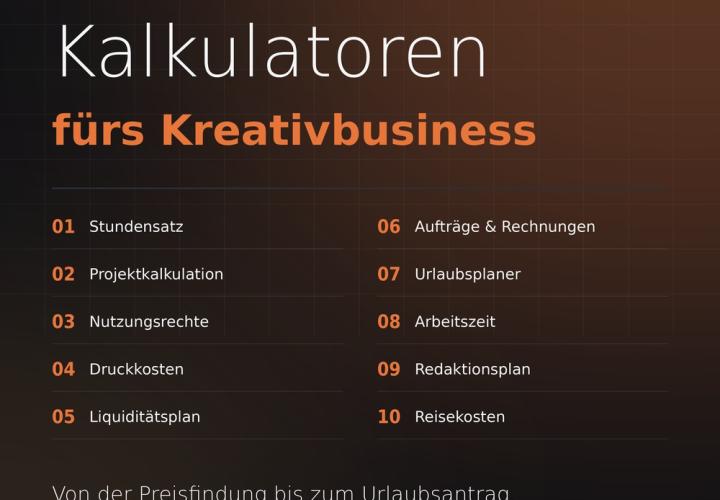
Prices, projects, vacation, working hours, and travel expenses
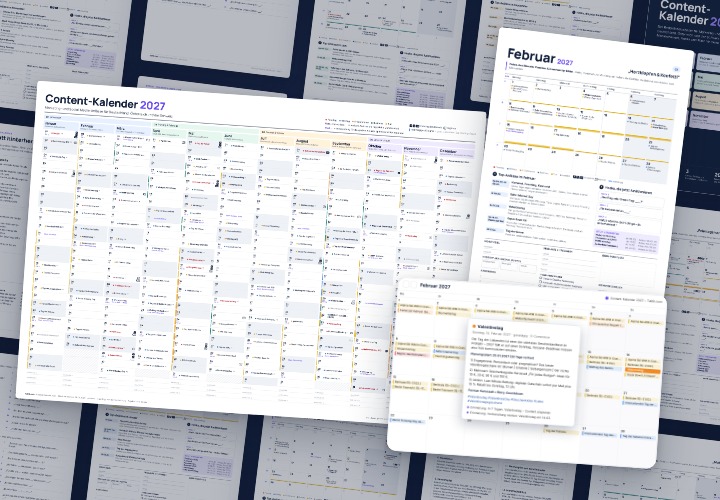
277 occasions with 3 post ideas each, wall planner A2/A1, monthly calendar A4, Excel database, calendar file, and bonus tools

10 sets of 50 vector icons in line and duotone, available in SVG, EPS, and PNG
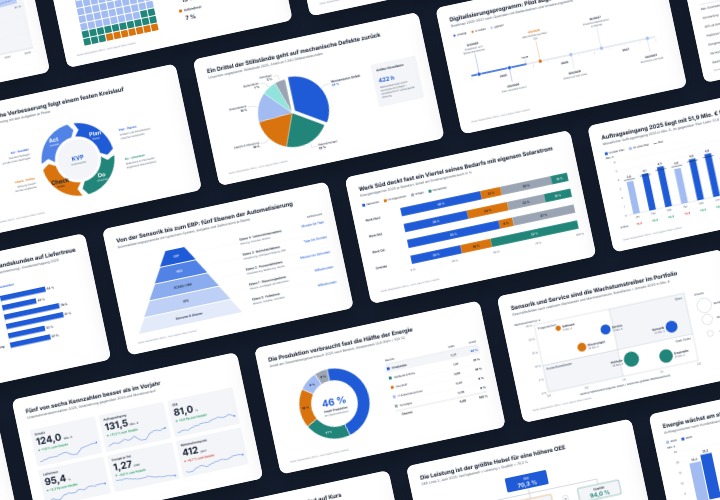
48 editable chart templates in SVG, PDF, EPS, PNG, and PowerPoint – in under a minute in the customer’s corporate identity
Comment now „Excel training for more efficiency in the office: calendar, organization chart & Co“