Do you create your slides with Google Presentations? Here's your perfect design template: choose the one you need for your next presentation from 150 layouts and simply add your content. You can glide from the title slide to the closing slide in no time at all.
Air design template with 150 slide layouts, specially prepared for Google Presentations
Customize the templates in 16:9, 4:3 and A4 format as you wish
Includes: 30 icons, 5 map graphics and a wide variety of slide layouts
Download and take off: Get modern slide templates and design your Google presentations with playful ease.
content
Details of the content
Google Slides: Design template Air
Google Slides: "Air" design template
Simple elegance that puts the focus on your content! With the "Air" design template, you can create high-quality presentations quickly and easily in Google Slides. A total of 150 slide layouts in 16:9, 4:3 and A4 formats as well as 30 icons and map graphics for Germany, Austria, Switzerland, Europe and the world are available.
Download the slides, import them into Google Slides, make global changes if necessary and then fill the slides with your content. The template is available in PPTX format and has been specially prepared for use in Google Slides (Google Presentations).
Google Slides: "Air" design template
Examples of use
Open gallery
150 slides in one design: put together your presentations.
Open gallery
Example: Customize the colors to individualize your presentations perfectly.
Open gallery
Example: Select the desired slide set. Insert your content.
Open gallery
Example: All templates are available in 16:9, 4:3 and A4 landscape formats.
Open gallery
Example: Whether image, text or diagram - use exactly the layout you need.
Open gallery
Example: Simply to the next presentation - with the Air-Design!
Comments (0)
Comment now „Google Presentations: Design template "Air"“



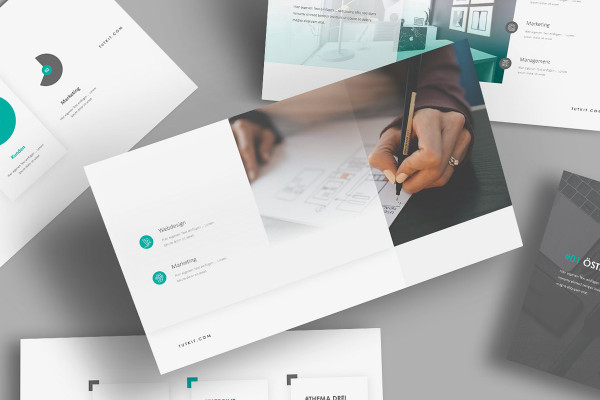

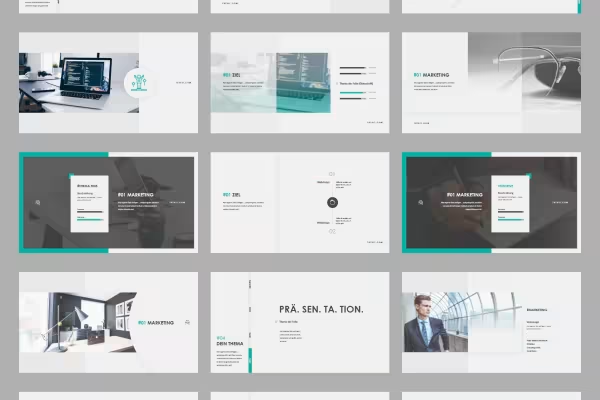 150 slides in one design: put together your presentations.
 Example: Customize the colors to individualize your presentations perfectly.
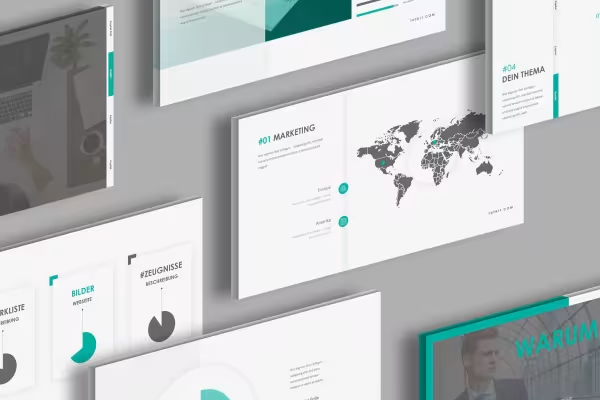 Example: Select the desired slide set. Insert your content.
 Example: All templates are available in 16:9, 4:3 and A4 landscape formats.
 Example: Whether image, text or diagram - use exactly the layout you need.
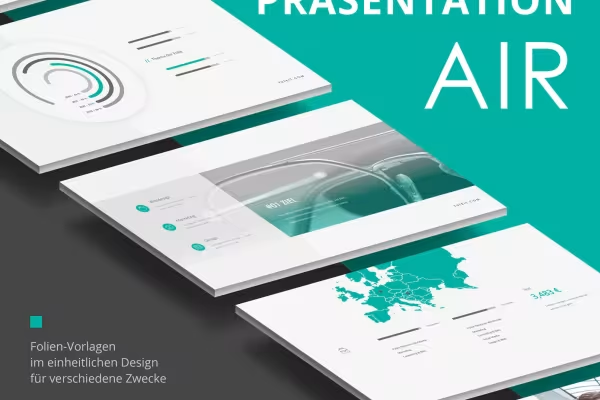 Example: Simply to the next presentation - with the Air-Design!



Comment now „Google Presentations: Design template "Air"“