
Affinity Vektor: From the Idea to the Finished Vector Graphic

In the end, you no longer depend on templates, but turn your own ideas directly into clean, scalable vector graphics – from the first shape to the finished export for social media, web, and print.
21 Videos, 137 minutes
Affinity Vector: 1.1 Understanding the new interface
5 minYou'll get to know the user interface of the new Affinity app: toolbar, context bar, panels, and workspace. This way, you'll find your way around confidently from the start.
Affinity Vektor: 1.2 Creating a Document: Artboards, Raster, RGB vs. CMYK
6 minYou set up your first project correctly and make the important decisions regarding format, resolution, and color profile. You understand the difference between RGB for screen and CMYK for print.
Affinity Vector: 1.3 The 3 Studios & Efficient Workflow
4 minYou will understand the heart of the app: the three studios Vektor, Pixel, and Layout. You will also learn the most important keyboard shortcuts for a smooth workflow.
Affinity Vector: 2.1 Constructing a brand icon from basic shapes
10 minYou build your first icon exclusively from simple basic shapes like rectangles and ellipses. This way you understand the basic principle behind almost every professional vector design.
Affinity Vektor: 2.2 Drawing an event logo with the Pen Tool
6 minYou get to know the most powerful tool in vector design: the Pen tool. You place anchor points and curves and use them to draw your own organic shape.
Affinity Vektor: 2.3 Boolean geometry for professional logos
8 minYou combine shapes using the four Boolean operations: Add, Subtract, Intersect, and Divide. This lets you create complex logos from simple building blocks.
Affinity Vektor: 2.4 Example 1 – Coffee Cup Icon
4 minYou apply the techniques you have learned and build up the central icon of our coffee shop project step by step.
Affinity Vector: 2.5 It's easier – Shape Builder
7 minYou will get to know the Shape Builder, with which you can combine shapes even faster and more intuitively than with the individual Boolean operations.
Affinity Vector: 2.6 Examples 2 & 3 – Flowers with Pot
16 minYou deepen your technique with two more examples and see how the tools can be used in different design situations.
Affinity Vektor: 2.7 Example 4 – Final Icon for Our Coffeeshop (Speedrun)
1 minIn a quick run-through, you build a final, refined icon and consolidate all the vector techniques you have learned so far.
Affinity Vector: 3.1 Gradients & Backgrounds
6 minYou create modern backgrounds with linear, radial, and mesh gradients, giving your designs depth and a contemporary look.
Affinity Vector: 3.2 Layer Effects & Shadows
5 minYou use layer effects such as drop shadows and strokes deliberately to give your elements depth and a professional look.
Affinity Vektor: 3.3 Practical Project: Coffee Shop Promo Post
12 minYou bring everything from this section together and design a finished, brand-consistent social media post for the coffee shop.
Affinity Vector: 4.1 Typography on Paths
4 minYou make text run along any paths and curves, using it to create badge designs and creative lettering.
Affinity Vector: 4.2 Example 4 – Simple Text Logos
4 minYou create impactful text logos with simple means and learn how typography alone can be a strong trademark.
Affinity Vektor: 4.3 Custom Lettering "Coffee" with the Width Tool
5 minYou give letters dynamic stroke weights with the Width tool, creating a handmade, individual lettering.
Affinity Vektor: 4.4 Practical Project: Creating a Social Media Post
12 minYou combine typography, shapes, and effects into a complete, professional social media post.
Affinity Vector: 5.1 Export for Social Media, SVG & Print PDF
9 minYou'll learn which file format is the right one and when, and you'll export your designs correctly for social media, web, and print.
Affinity Vector: 6.1 Image Trace: Turning AI Images into Vectors
6 minYou convert AI-generated pixel images into clean, scalable vectors using the Trace function and then edit them further.
Affinity Vector: 6.2 Generating AI Assets and Integrating Them into Affinity
6 minYou'll learn how to create vector assets with free AI tools and integrate them seamlessly into your Affinity workflow.
You might also like
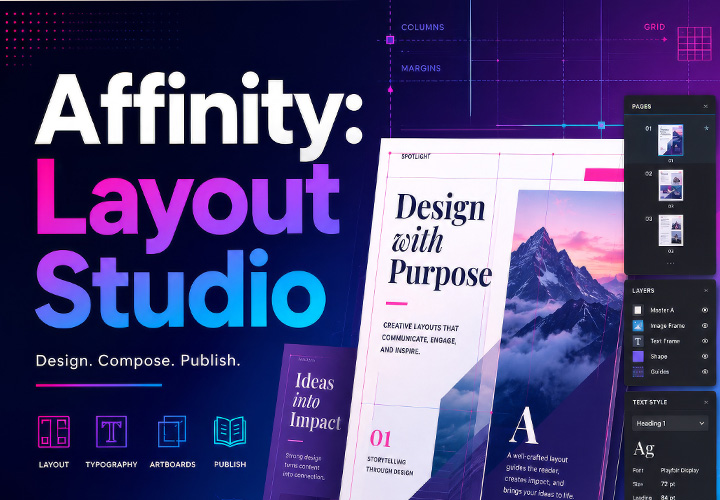
From a blank document to a print-ready brochure – your complete layout workflow in the new Affinity app (formerly Publisher)
Live your layout now!
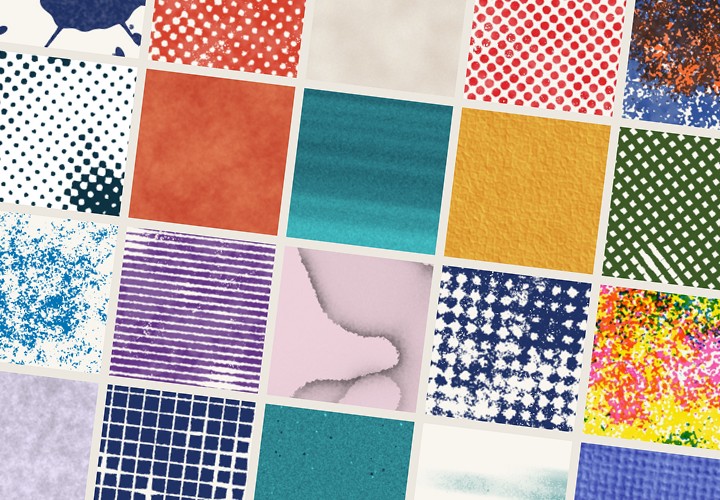
20 sets in 4K (4096 × 4096 px, 300 DPI) as JPG plus Photoshop patterns, calibrated to the fill method
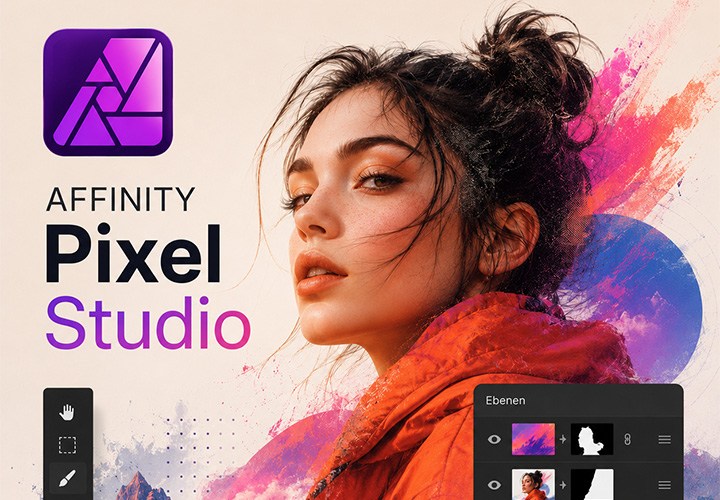
From RAW photo to finished composite – professional image editing in the new Affinity app (formerly Photo)
Comment now „Affinity Vektor: From the Idea to the Finished Vector Graphic“