
Clipping with Photoshop: Hair, objects & people

- Explore different techniques for cropping with Photoshop step by step
- Practical workshop: Apply the techniques for clipping directly
- Add plasticity and three-dimensionality to cropped motifs
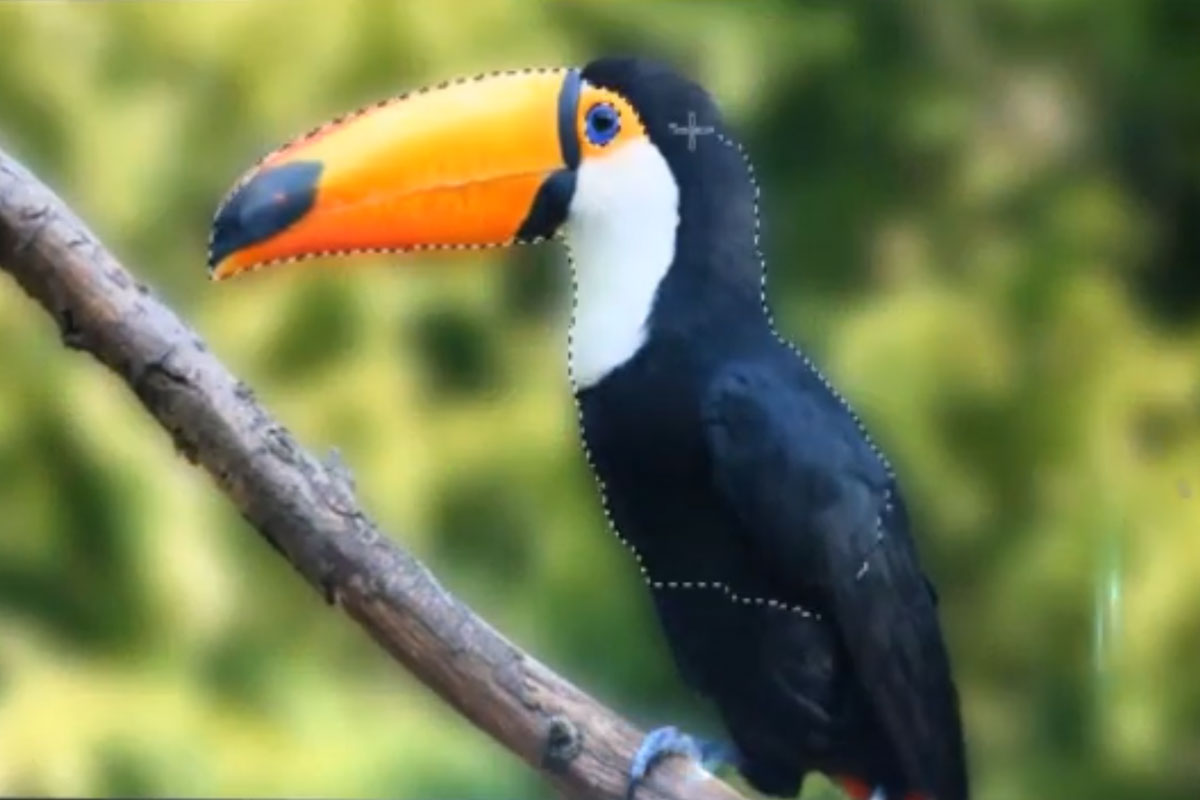
- Among other things, these motifs are cropped: Hair, glass, fur, car, bird, people
Get rid of everything you don't need. Make the right choice with this video training!
19 Videos, 470 minutes
Techniques for background removal
Fun with cropping - an excursion into various cropping methods
40 minMany people hate the subject of cropping. Why is that? It can be so simple. Here I will use various examples to show you which selection tools are best used when and how to use them perfectly in combination with other tools.
Crop like the pros - with the pencil tool
35 minCutting out objects with irregular backgrounds is the supreme discipline. This video shows how the professionals achieve this with the pen tool. Garnished with lots of tips and tricks, the video training should make it easy for every user to crop with the pen tool.
Hair clipping and color fringe correction under simple conditions
16 minIn this video training course, I use two sample images to show how light hair can be cropped in front of a dark background and dark hair in front of a light background and how the respective color fringes of the backgrounds can be effectively corrected. The conditions in this video training course are very simple thanks to the monochrome background. This is therefore the prelude to further video training courses on clipping hair, in which the conditions gradually become more difficult.
Cut out via one of the 10 channels!
28 minEach image has 10 channels! Depending on whether it is in RGB, CMYK or Lab mode. At least one of these channels is usually very suitable for creating a layer mask and cropping the scene, portrait or object.
Crop with the background eraser
21 minThe background eraser is a classic clipping tool that has been on board Photoshop for a long time. The simpler the background, the more effectively the tool works. It is also ideal for transparency/glass/plastic!
Clipping with the green screen method
16 minThis cropping method is equally suitable for objects and portraits. The background should have a uniform color, preferably green for portraits. A layer mask is then created using a color selection and the green border pixels are completely removed in a separate layer.
Crop with the brush tool
15 minSome things are very difficult to crop. This applies in particular to small files, poor resolution and uneven backgrounds. Such files can often be cropped using a layer mask painted with the brush tool. Like here in the example with the fur of a mountain llama.
Crop via fill options
10 minIf there is a high contrast in brightness between the background and the object, you can easily remove it using the fill options. These ensure that tonal values of a certain brightness are either completely removed or even gently faded out. A very effective and easy-to-use clipping method!
Isolate objects and natural elements
Clipping with fill method offsets and tone value masking
9 minIn this video training, I would like to show you how to crop subjects using tone value masking and fill method offsets. The technique is very effective because, under certain image conditions, cropping is achieved in an extremely short time.
Cut out glass and bottles - the easiest way to do it
26 minUnfortunately, it is not easy to crop glass. However, with the tricks shown here it is still quite easy. Various examples are shown (clipping glass with a white & black background, etc.)
Cropping trees - a breeze with these tricks
35 minCropping trees is a big challenge for beginners because lots of small branches and leaves can make life difficult. Color fringes also play a major role. That's why I've presented the ultimate tricks for cropping various trees here. After that, cropping should no longer be a problem - and best of all: these tricks can be applied to more than just trees!
Clipping clouds - it's never been easier (incl. tips for saving as a brush)
22 minIt's not easy to crop clouds at first. But thanks to a few tricks, it really can be done in seconds. This video training also shows how the clouds you have cropped can be saved as brushes and make dull, cloudless images with clouds look glamorous.
Crop fireworks - extremely simple options for optimal cropping
16 minAt first glance, releasing a firework sounds like a lot of work. But not if you know which levers to pull. After this video training, you'll wish you could finally cut out fireworks.
Freeing humans and animals
Cropping animals - the smartest way to proceed
35 minIn this video training course, I show you how to skillfully crop 9 different animals. I show you various techniques and tricks that you should know. A must for every animal lover.
Clipping hair with channels - it can be so easy with these tips & tricks
17 minHair clipping is one of the most challenging techniques in Photoshop. The difficulty lies in separating the fine structures of the hair from the background. These are not always sharp in the image, sometimes they appear semi-transparent and absorb the color of the background. Unfortunately, the usual selection tools such as the lasso tool, color range selection etc. are not suitable for this. However, there are several techniques that can be used to remove hair, which can lead to a good result depending on the subject (hair type) and further use.
In this video training, I would like to introduce hair clipping via channels. This technique is ideal for images in which the hair is to be cropped in great detail and in sufficient sharpness with a visible difference to the background. The technique is demonstrated using two different images. The video training is peppered with various tips and tricks.
Crop people or hair super easily with the quick selection tool & enhance edge
24 minWant to quickly crop hair or just people without too much effort? Then this video training is just right for you! It shows you how to achieve great results with the quick selection tool & enhance edge without a lot of work. This finally makes cropping fun!
Cut out people in front of greenbox/bluebox in less than 60 seconds perfectly without color fringing
14 minIn this video training course, I explain how to perfectly crop people standing in front of a greenbox/bluebox (a single-colour background that is intended to speed up the subsequent cropping process when taking photos or videos).
It is particularly difficult with hair, which tends to take on the color of the background. Here, too, there are tricks to get rid of them extremely quickly. And with my approach, you can achieve a perfect clipping result in just 60 seconds!
Why are two approaches shown?
The first method in the video training is for users who don't own Photoshop CS5 or higher. Because 1. "Decontaminate colors" is only available from CS5 onwards, 2. the checkbox does not always work properly with all possible images and 3. the function is destructive and changes the pixels: Unlike the solution via an adjustment layer.
Cropping hair and people can be so easy - with the background eraser tool
26 minCrop with the background eraser? Yes, you read that right. It's one of my favorite tools when I want to crop difficult situations. Sure, this method is destructive, but with my tricks I can conjure up a non-destructive result in the end.
Using numerous examples, I show the full power of the background eraser and it quickly becomes clear why I love this tool!
Correctly placing shadows
Shadow play with Photoshop
65 minLight and shadow give spatiality to the things in our lives and make them appear three-dimensional. Without this interplay of light and its absence, our world would be flat and "intangible". In this article, you will learn how to construct realistic shadows in Photoshop.
Examples of use
-
 Clipping with Photoshop: Hair, objects & people
 -
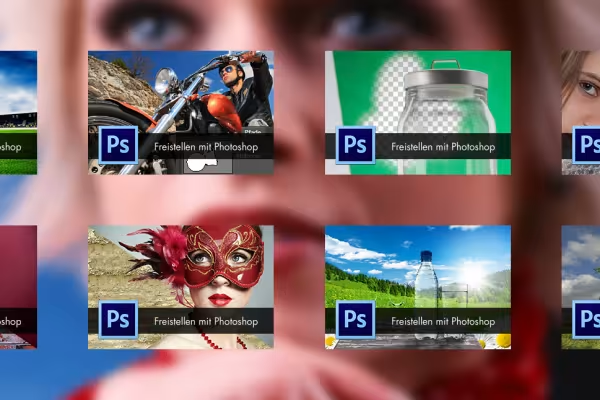 No matter how challenging the subject may be - after this course you will know how to crop it.
You might also like

Here you learn from real-world practice

For Midjourney, Adobe Firefly and ChatGPT

20 sets in 4K (4096 × 4096 px, 300 DPI) as JPG plus Photoshop patterns, calibrated to the fill method

100 presets in 5 themes · each look in .xmp, .dng, and .costyle · for desktop and smartphone
Comment now „Clipping with Photoshop: Hair, objects & people“