


How to import brushes into Photoshop
In this video, we explain how to import brushes into Photoshop.

A hot compilation of our content: Whether flickering flame, blazing inferno, realistic fire effect or surreal ice flame - with this package you can add the right fire effect to your pictures and designs at any time!
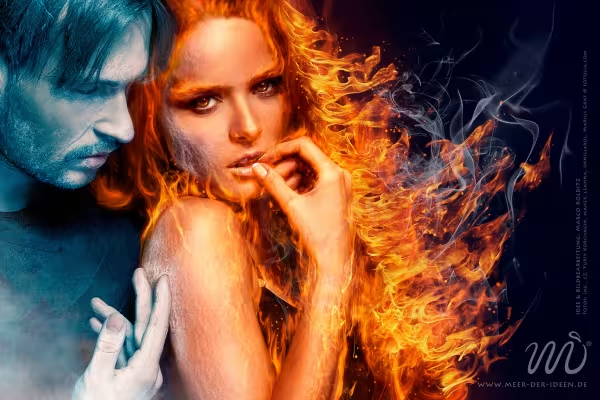
In this introductory video training, I present my finished painting "Fire and Ice" and its composition. We also define our goal for this video training and create a blank canvas on which we place our original painting.
To prepare the fire, we will create rough contours and fine structures in this video training and place them on separate layers. We will use these to "wipe" the fire into the image in the next chapter.
In this video tutorial, we use the previously created contour layers to create the first fire in the image by "wiping" it into the image using the swipe finger technique.
To prepare for the colorful and bright fire, we darken the background of the image in this video training and make some important color adjustments.
Now it's time to make the fire in the picture glow and shine. In this video tutorial, we color our previously created fire layer accordingly and then add exciting highlights to the fire.
Where there is blazing fire, there are usually glowing sparks - in this video training we paint them into the picture, give them highlights and let the fiery woman on her side facing the frosty man "shiver" a little.
With the help of photos of real fire, we will enhance the fiery look even further in this video training, then adjust the individual flames in the color look and integrate them harmoniously into the overall picture.
Where there's fire, there's smoke. And in this video training course, we will realistically place this smoke in the image with the help of real photos using transformation tools and layer modes.
Now we turn our attention to the man in the picture and give him a truly icy look with special color looks. We also decorate his sweater with frosty ice floes.
In this video training session, we will further edit the face and hand of the frosty man using a photo of a real ice cube and make minor corrections to the image.
In this video tutorial, I'll show you how to add an icy mist to the picture and how to adjust the color of the area between the icy man and the fiery woman.
In the last video tutorial, I'll show you how to use the high-pass filter to optimally sharpen the image and finally how to harmonize image components by deliberately adding noise.
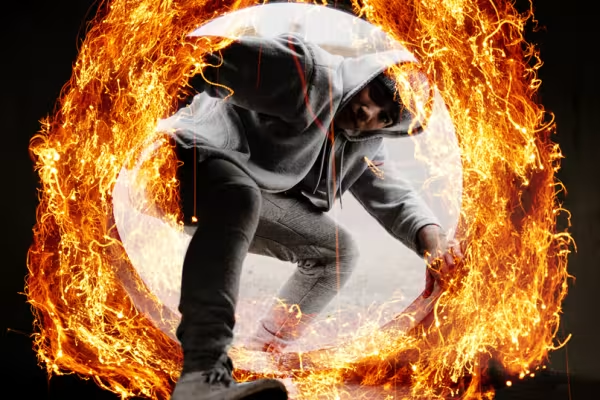
Is your compositing still missing a hot addition? Then learn how to use images of fire, flames and sparks in your image editing in this video tutorial. The easy-to-follow procedure is demonstrated using a specific example. How to light the fire!
In this video, we explain how to import brushes into Photoshop.

20 sets in 4K (4096 × 4096 px, 300 DPI) as JPG plus Photoshop patterns, calibrated to the fill method

100 presets in 5 themes · each look in .xmp, .dng, and .costyle · for desktop and smartphone
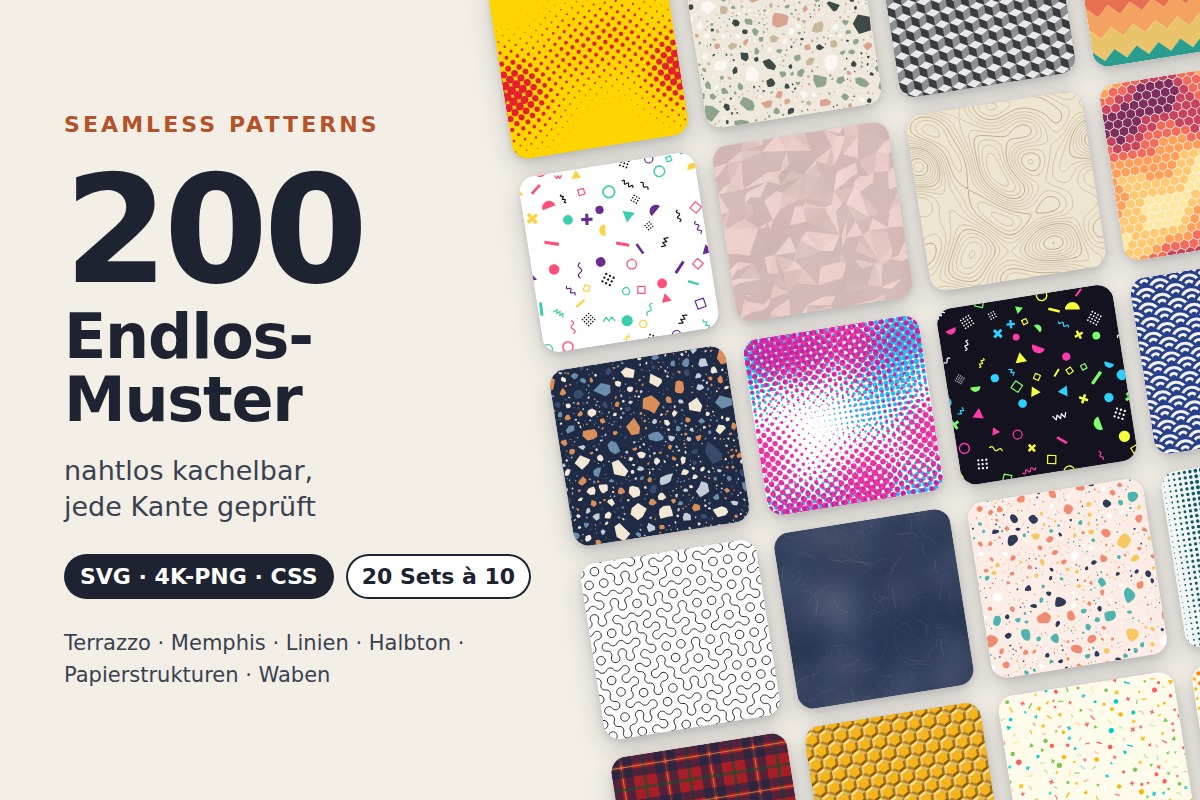
20 sets of 10 seamless patterns: Terrazzo, Memphis, lines, halftone, paper textures, and honeycombs

More style, more power, more templates!
Comment now „Inferno! Tutorials and assets for fire effects in Photoshop and co.“