Marco Kolditz is a self-employed digital artist, editor and video trainer in Munich under the name MEER DER IDEEN. He also runs a blog magazine of the same name and a YouTube channel. In addition to video training for PSD tutorials, Marco Kolditz has already published numerous other video tutorials on Adobe Photoshop and Adobe Illustrator and written specialist articles on creative Photoshop composings for other specialist magazines such as DigitalPHOTO.

Courses by Marco Kolditz
Vectorize Inkscape: Convert images into vector graphics
Simply do the vectorization yourself
Inkscape tutorial: Basics and tools
A comprehensive introduction

GIMP 2.10 - Tutorial on the new functions
Enjoy the convenience of the update!

Skylum Luminar 4 | Image Editing and Management | Tutorial
Organize and optimize photos

Capture One Pro: Tutorial image editing and image management
All the basics in one training course!

DxO PhotoLab 3: Tutorial for photo editing and image correction
For an easy start to the program
free of charge
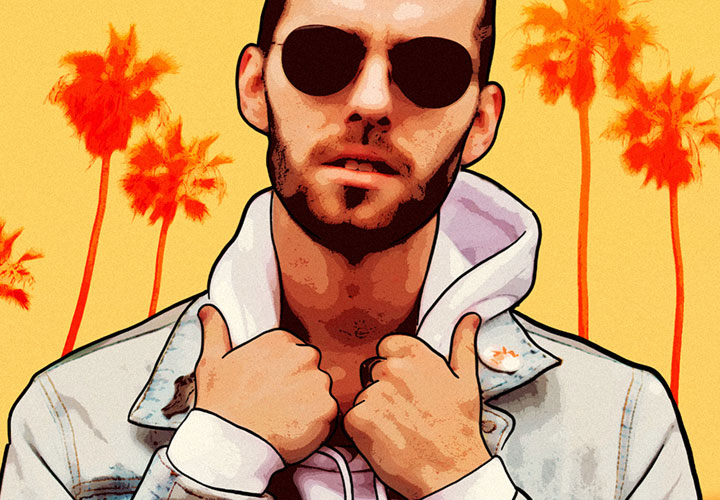
GTA-style pictures with Affinity Photo | free video
The style of Grand Theft Auto

Affinity Designer Tutorial - Basics
Enter the world of vectors!

Affinity Photo Tutorial - Basics
For a successful start!
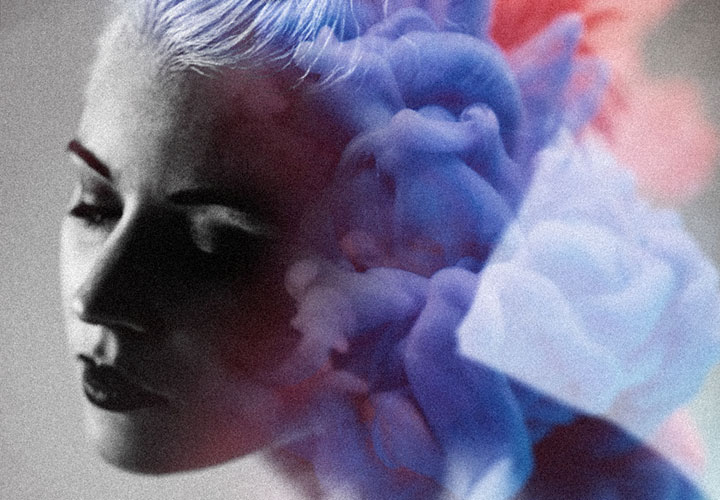
Affinity Photo - creative image editing with overlays
How to incorporate overlays correctly

Enhancing photos in Affinity Photo | Video training
How to optimize your images

Crop with Affinity Photo: Tools & Techniques | Tutorial
Precise hair! How to make the right choice
Beauty retouching in Affinity Photo - video tutorial
How to enhance your portraits
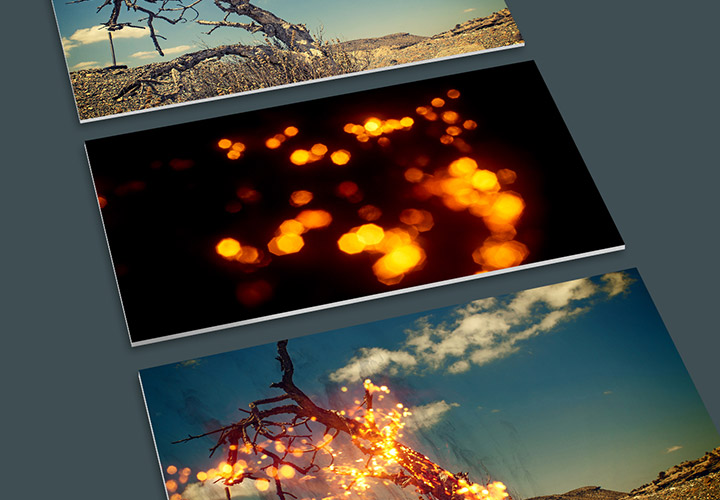
Applying textures in Photoshop - the creative tutorial
Create spectacular image experiences

Inferno! Tutorials and assets for fire effects in Photoshop & Co
Fire and flames for your pictures
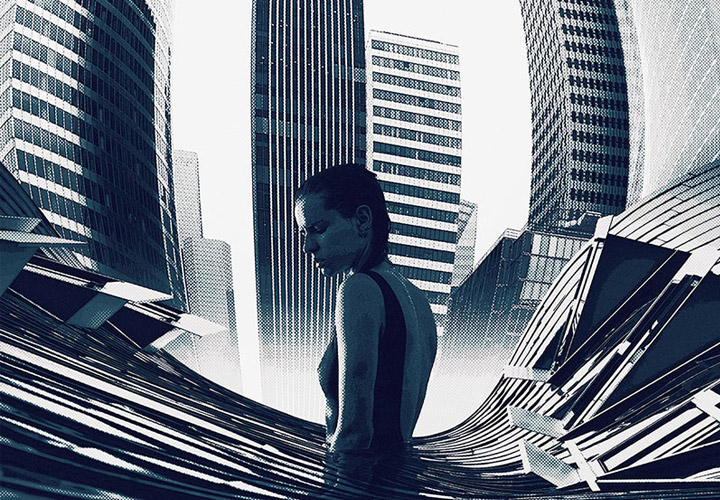
Photoshop image montage: Artwork "Big City" (Video-Training)
Develop a fascinating view of the city
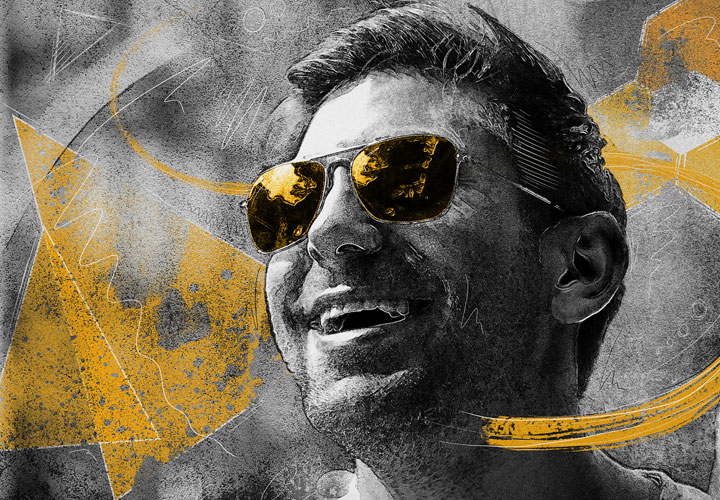
Creative portrait editing in Photoshop - video training
A summer-cool look for your photos
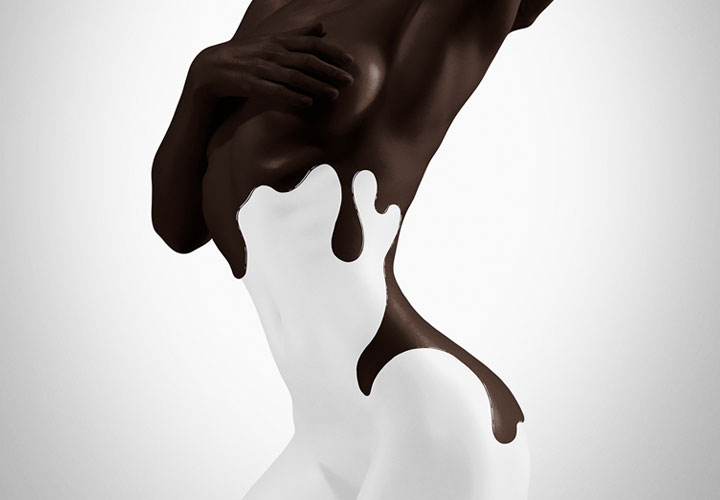
Creating creative photo montages in Photoshop - video training
A composition of milk and chocolate
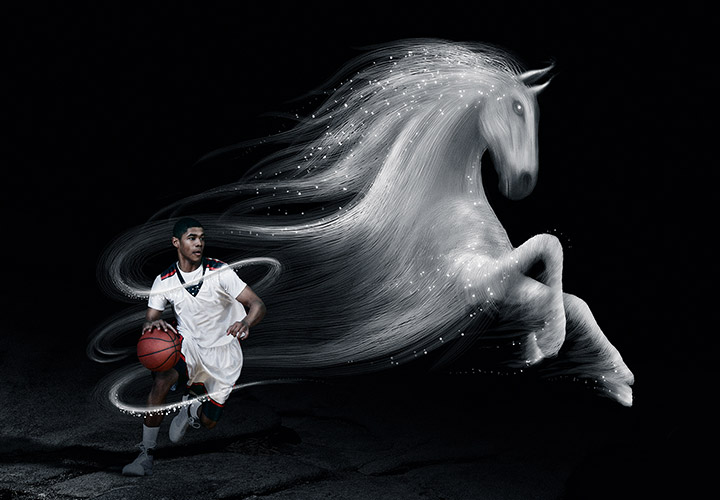
Photoshop composing tutorial: The spirit of sport
Learn image composition using a practical example
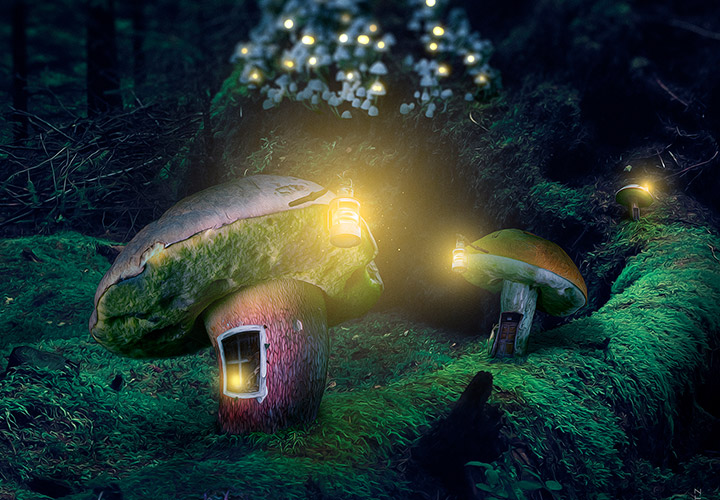
Fantasy Photoshop Montage: the village
This creates a mystical image composition
Blog posts
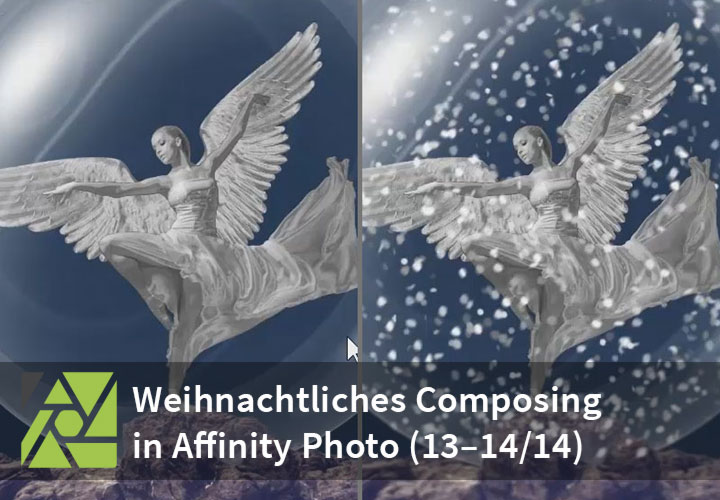
Affinity Photo: Paint snowflakes with brushes & swap backgrounds - "The Christmas Angel" (parts 13-14/14)
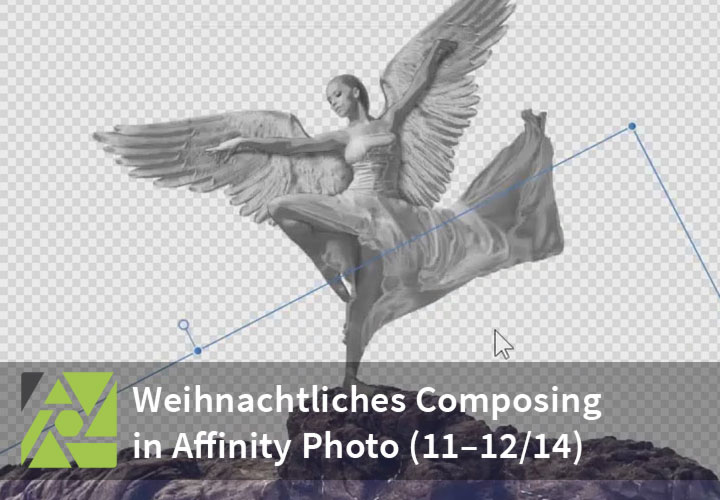
Affinity Photo: Cut out rocks and create a glass ball - "The Christmas Angel" (Parts 11-12/14)
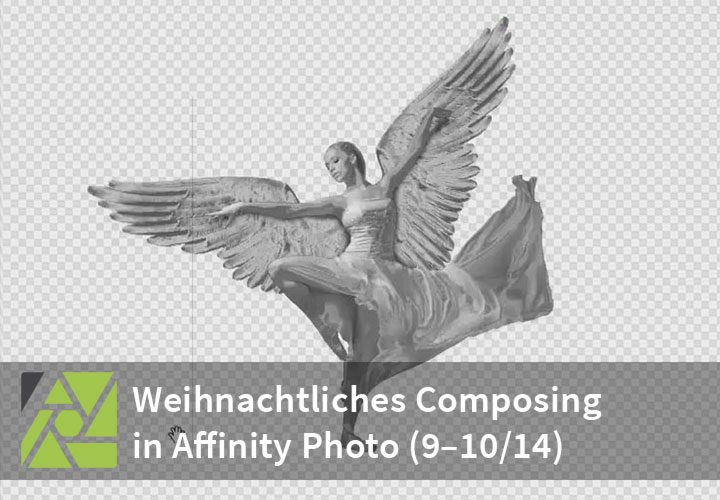
Affinity Photo: Creating a metal effect and painting shadows - "The Christmas Angel" (Parts 9-10/14)
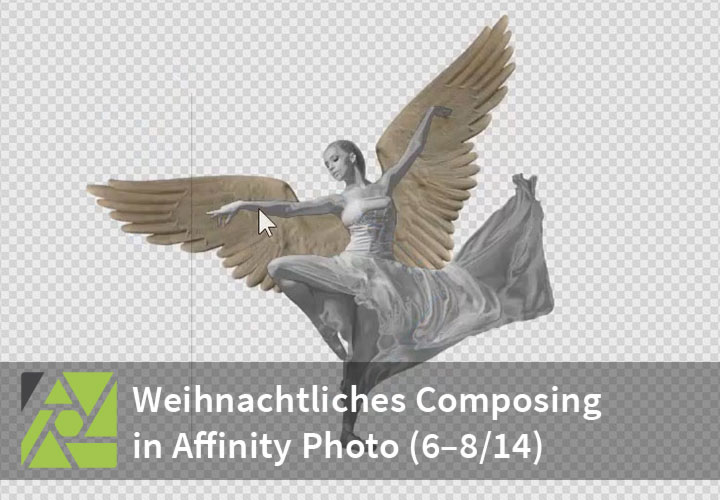
Affinity Photo: Cropping and transforming the wings - "The Christmas Angel" (Parts 6-8/14)
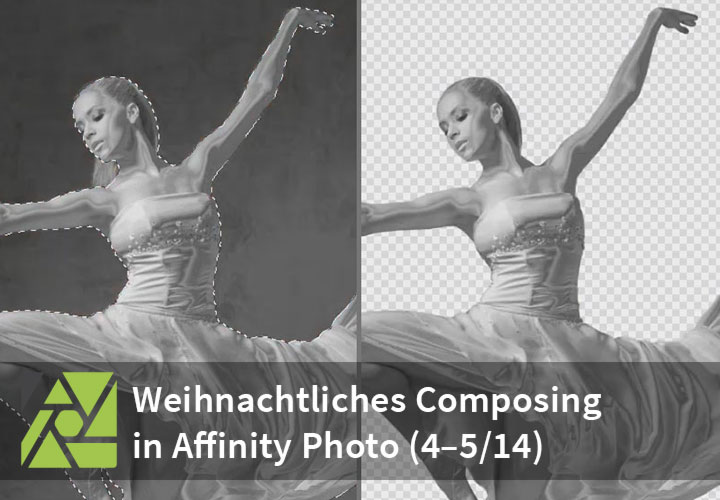
Affinity Photo: Edit mask to cut out the dancer - "The Christmas Angel" (Parts 4-5/14)
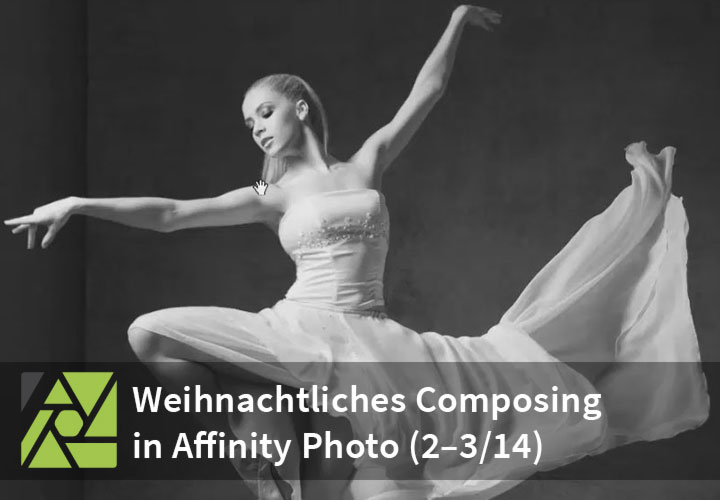
Affinity Photo: Black & White Conversion & Metal Look - "The Christmas Angel" (Parts 2-3/14)
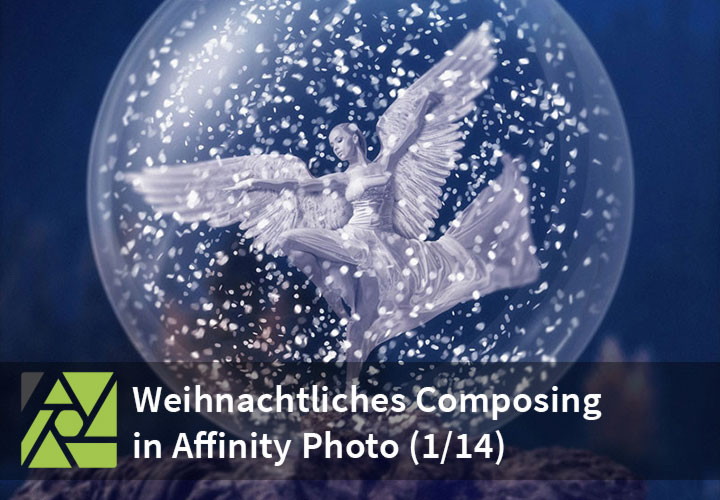
Affinity Photo: Creating a Christmas Composing - "The Christmas Angel" (Part 1/14)