Photoshop - Neon styles for font and shape

Photoshop - Neon styles for font and shape

A glow in the dark - electrifying and irresistible. Let your lettering or shapes of logos, icons and other graphics light up brilliantly. With these 10 Photoshop styles, you can create the neon effect in different colors with just a few clicks - radiance for your photos, designs and texts!

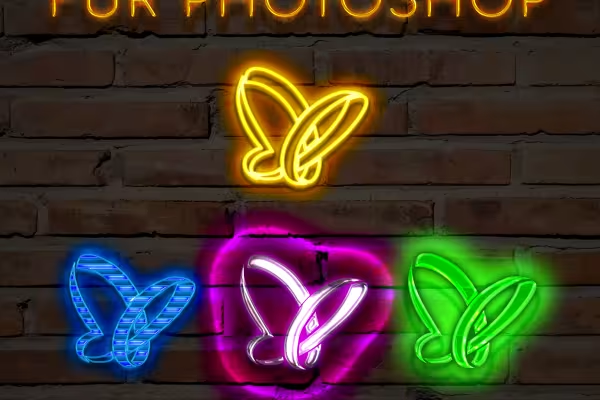
  • 10 neon styles for Photoshop with five prepared colors each: red, green, yellow, blue and purple
  • Make your font shine in the font and size of your choice.
  • Let shapes such as logos or icons flare up in typical neon colors.
  • Simply slide the radiant results into your photos and designs.
  • Easy to use: Everything is prepared and can be changed in a few simple steps.

Neon is retro, neon is trendy - download the styles and the right lights will come on in your pictures at any time.

content

Details of the content

Photoshop - Neon styles for text and shapes

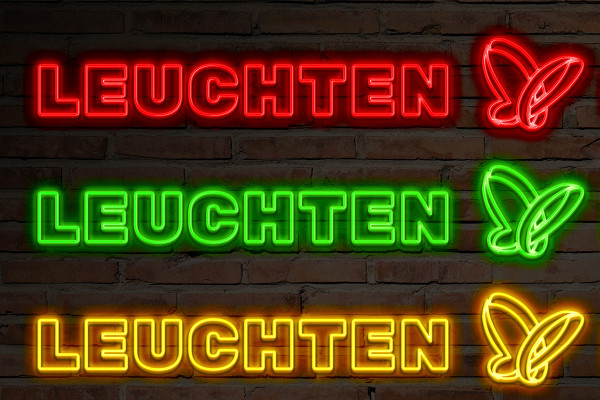
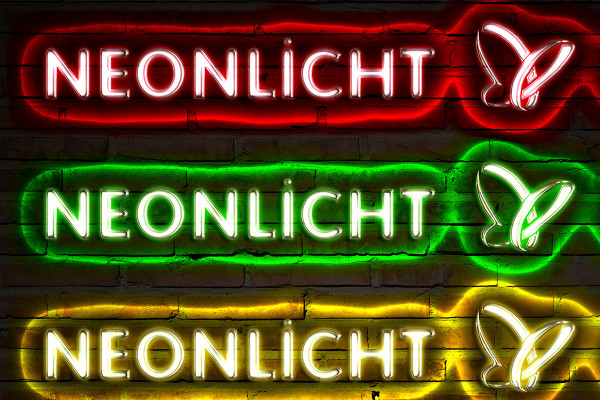
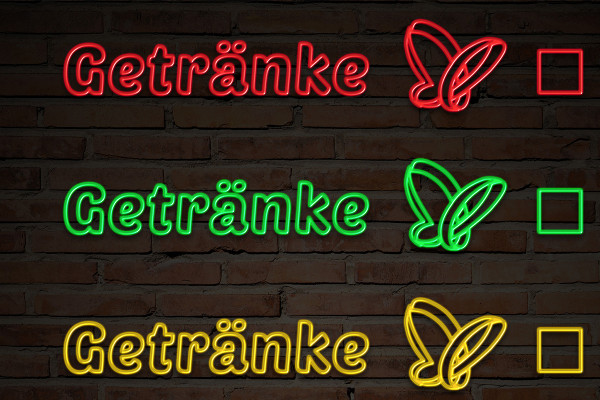
Neon styles for Photoshop: glowing contours

Neon styles for Photoshop: glowing contours

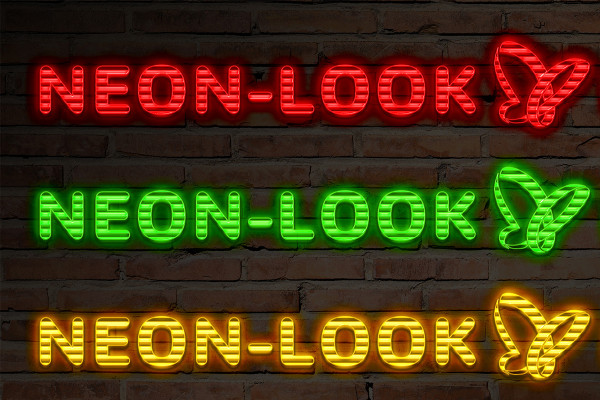
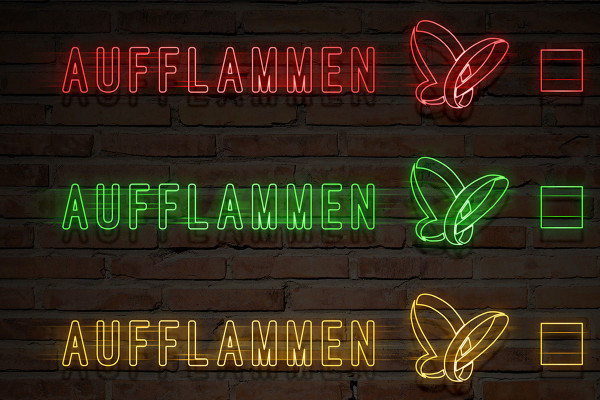
Neon styles for Photoshop: Horizontal tubes

Neon styles for Photoshop: Horizontal tubes

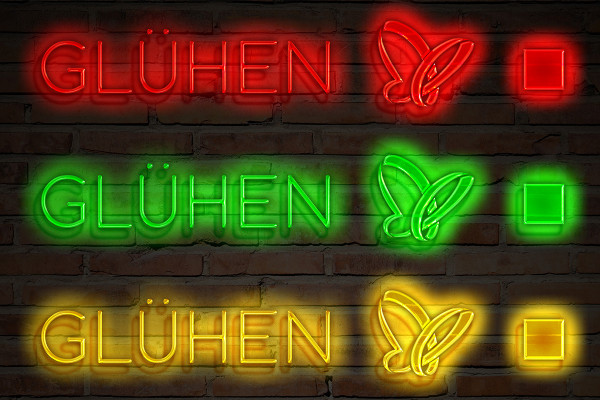
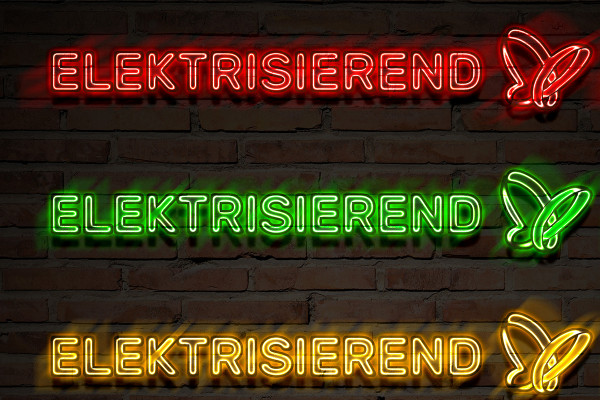
Neon styles for Photoshop: Effective glow

Neon styles for Photoshop: Effective glow

Neon styles for Photoshop: Dazzling white

Neon styles for Photoshop: Dazzling white

Neon styles for Photoshop: Colored overglow

Neon styles for Photoshop: Colored overglow

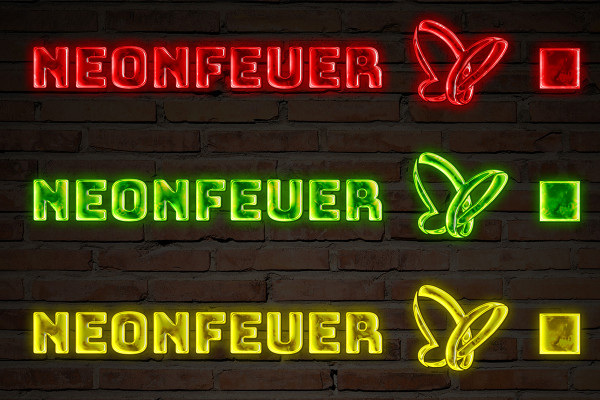
Neon styles for Photoshop: Fluorescent variations

Neon styles for Photoshop: Fluorescent variations

Neon styles for Photoshop: Glittering luminosity

Neon styles for Photoshop: Glittering luminosity

Neon styles for Photoshop: clear colors

Neon styles for Photoshop: clear colors

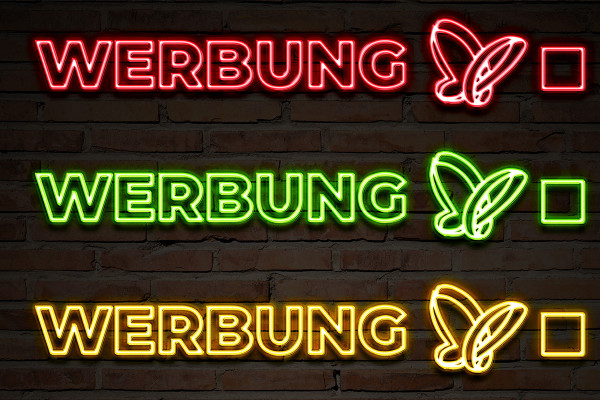
Neon styles for Photoshop: Filigree traces of light

Neon styles for Photoshop: Filigree traces of light

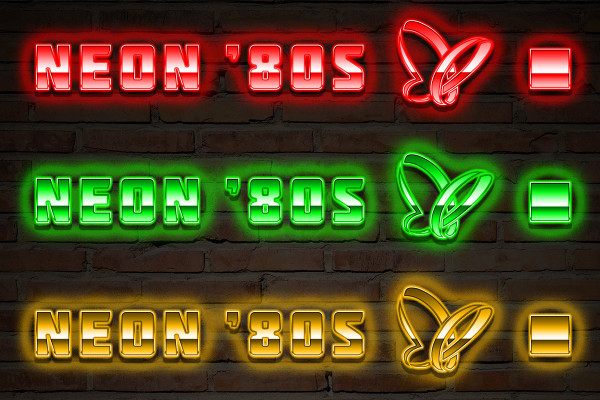
Neon styles for Photoshop: the look of the 80s

Neon styles for Photoshop: the look of the 80s

Examples of use

  • Neon styles for Photoshop
    Open gallery
    Examples: With these neon styles, you can make fonts and graphics light up.
  • Open gallery
    Example: Replace a lettering in your photos - with your own neon lettering!
  • Open gallery
    Example: Where there was only darkness before, you add your neon style.
  • Open gallery
    Example: Make your photos shine! Simple and effective.
  • Open gallery
    Example: How about elegant neon lettering?

help video for application

Use predefined neon effects as a preset in your work

In this video, I explain how to work with the PSD files of the neon effects. We use the smart object to make our own content glow in neon light and then transfer this into two different images, creating an exciting, authentic composition. Perfect for fonts and logos that need a quick neon effect!
8 minutes · free of charge
Comments (5)

Comment now „Photoshop - Neon styles for font and shape“