
Adobe Illustrator tutorial: Basics for a quick start

- Adobe Illustrator basics tutorial - your quick start to working with vectors
- Explained step by step - from settings and techniques to practical examples
- Ideal for budding designers, graphic artists and anyone who wants to edit vector graphics themselves
- Get to know Illustrator comprehensively in two compact hours with trainer Andreas Lang
If you want to learn all the important basics of Adobe Illustrator: start this tutorial right away. A training course that will definitely get you up to speed!
31 Videos, 115 minutes
This is what you can expect in the course
Adobe Illustrator: 1 | Intro
1 minThis is what you can expect in this Adobe Illustrator course for beginners.
Introduction to Adobe Illustrator
Adobe Illustrator: 2.1 | Install and Introduction
20 minHere we install Adobe Illustrator together. I also give an introduction to the program.
Adobe Illustrator: 2.2 | Layers
5 minYou can find out how to work with layers here.
Settings for Adobe Illustrator
Adobe Illustrator: 3.1 | Change image size and resolution (dpi)
2 minThis section shows you how to change the image size and resolution.
Adobe Illustrator: 3.2 | CMYK and RGB color space
2 minYou can find out exactly what the difference is between the RGB and CMYK color spaces and what they are used for here.
Adobe Illustrator: 3.3 | Set key commands
3 minHere we set up the key commands for Adobe Illustrator together to work more effectively.
Export and convert in Adobe Illustrator
Adobe Illustrator: 4.2 | Export PDF
1 minYou can find out how to export a PDF file here.
Adobe Illustrator: 4.3 | Save and export
4 minSaving and exporting files is covered in this tutorial.
Adobe Illustrator: 4.4 | Create vector file
2 minThis section will show you how to create a vector file.
Adobe Illustrator: 4.5 | Export vector file
1 minThis tutorial will show you how to export a vector file.
Techniques in Adobe Illustrator
Adobe Illustrator: 5.1 | Align and distribute
2 minHere you will be shown how to align and distribute objects.
Adobe Illustrator: 5.2 | Change colors
2 minIn this part, I'll show you how to change the color.
Adobe Illustrator: 5.3 | Cut and split shapes
2 minIn this part, I will show you how to cut and divide shapes.
Adobe Illustrator: 5.4 | Freehand drawing
5 minHow to draw freehand in Illustrator is shown here.
Adobe Illustrator: 5.5 | Create dashed and dotted lines
4 minThe creation of dashed and dotted lines is shown here.
Adobe Illustrator: 5.6 | Flip horizontally and vertically
1 minHere you will be shown how to mirror horizontally and vertically.
Adobe Illustrator: 5.7 | Create outline
5 minThis tutorial will show you how to create an outline.
Adobe Illustrator: 5.8 | Connect lines
1 minHere you will be shown how to connect lines.
Adobe Illustrator: 5.9 | Grids and Guides
6 minThis section will show you how to use guides and grids correctly.
Adobe Illustrator: 5.10 | Create shadows
4 minI'll show you how to create a shadow in this section.
Adobe Illustrator: 5.11 | Bend font
3 minThis part shows you how to bend a font.
Adobe Illustrator: 5.12 | Write text on path
5 minHere you will be shown how to write a text on a path.
Adobe Illustrator: 5.13 | Underline text
1 minIn this part, I'll show you how to underline a text.
Adobe Illustrator: 5.14 | Learn Pen Tool
13 minI'll tell you how to use the drawing pen tool properly here.
Practical examples in Adobe Illustrator
Adobe Illustrator: 6.1 | Insert image into shape
1 minThis section shows you how to insert an image into a shape.
Adobe Illustrator: 6.2 | Create shapes
3 minHere you will be shown how to create a wide variety of shapes.
Adobe Illustrator: 6.3 | Merge Shapes
1 minThis tutorial will show you how to join shapes together.
Adobe Illustrator: 6.4 | Remove background
4 minThis section shows you how to remove a background.
Adobe Illustrator: 6.5 | Create Silhouette
1 minHere you will be shown how to create a silhouette from any image.
Adobe Illustrator: 6.6 | Insert text into shape
3 minYou can learn how to insert a text into a form in this tutorial.
Quiz for the course
Adobe Illustrator: 7 | Quiz on the course
5 minTest your knowledge from the course with this short quiz consisting of 10 questions.
Examples of use
-
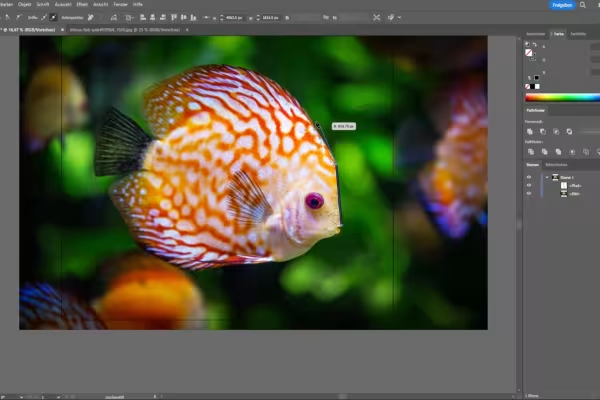 Learn all the important basics of working with Adobe Illustrator.
 -
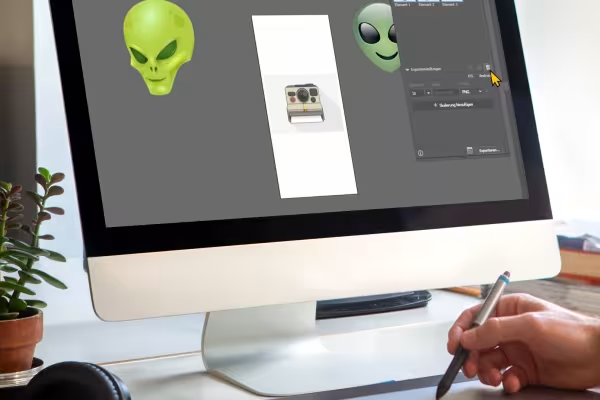 Learn how to create your own vectors and shapes.
 -
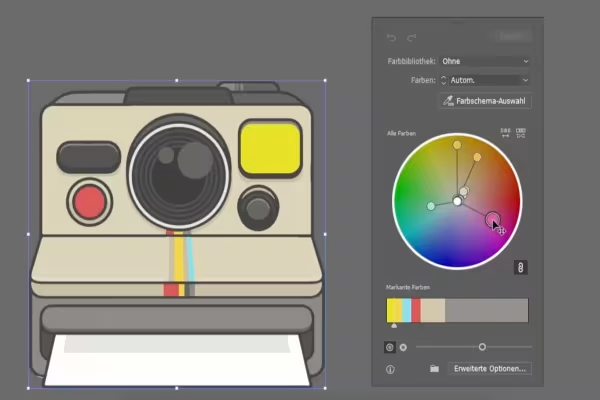 Know the settings, functions and tools of Adobe Illustrator.
 -
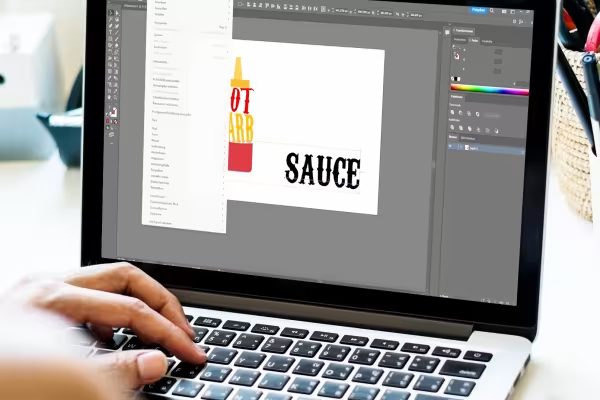 Take a look at how you create texts, shape them and place them on paths.
You might also like

Live your layout now!

20 sets in 4K (4096 × 4096 px, 300 DPI) as JPG plus Photoshop patterns, calibrated to the fill method

Full power, more inspirations, maximum WOW effect!

More style, more power, more templates!
Comment now „Adobe Illustrator tutorial: Basics for a quick start“