You have the photos - and here you get the right slideshows: With the four After Effects templates, you can easily show your pictures in a moving light. Whether for a company presentation or to display your private photos - create slideshows full of dynamism that are worth seeing. In each template, you can customize the texts, transitions and colors for your purposes.
Four After Effects slideshow templates for the dynamic presentation of your photos
Themes: "Mosaic style, "Parallax effect", "Corporate design" and "Spooky"
Perfectly suited for company presentations, for model, vacation and lost-place photos
Customize transitions, color scheme and texts according to your wishes
Four stylish, atmospheric and freely editable slideshow templates for your After Effects projects - bring movement to your photos with just a few clicks!
content
Details of the content
After Effects slideshow templates
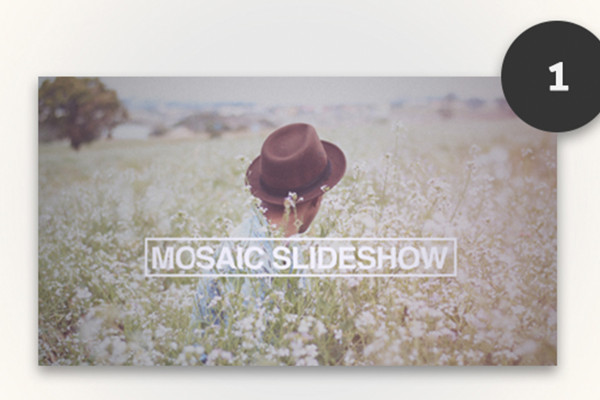
After Effects Slideshow-Template: Mosaic Style
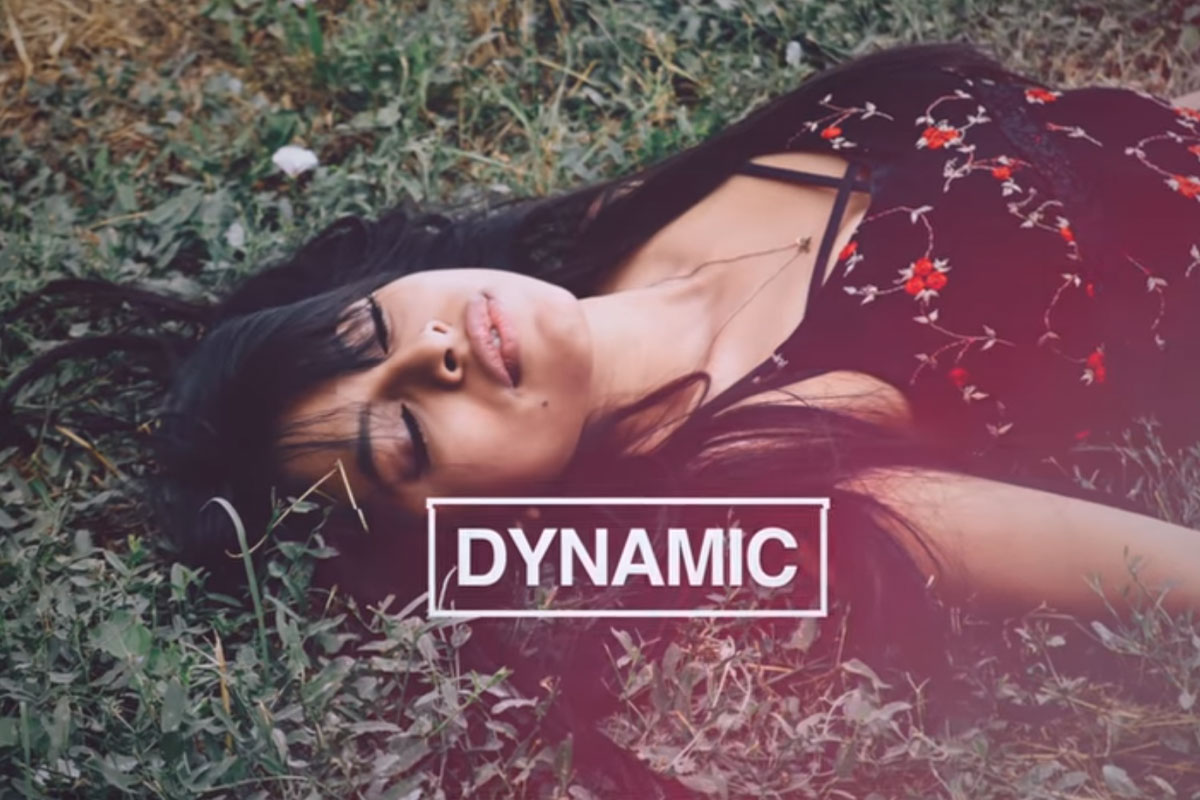
You have the photos - and here you get the right slideshow: The Mosaic slideshow is ideal for presenting photographic work and models in a new light. With just a few clicks, you can create a photo presentation worth seeing. You can change (almost) everything with effect controllers.
Effect control: transitions, particles, colors, etc.
Text control: position, size, color, etc.
Shapes that adapt to the length of the text
Universal expressions: compatible with any language version of After Effects CC
The working file can be used to change the slides. For example, you can use the effect controllers to set transitions or the color scheme. It is similar with the text controllers: Here you can change the color, size and position of texts and also the shapes that adapt to the text length.
Whether you have an English, German or other language version of After Effects, you can work with the universal expressions in any language version of After Effects.
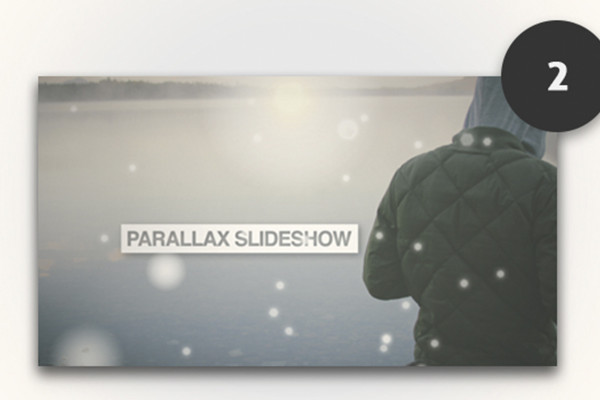
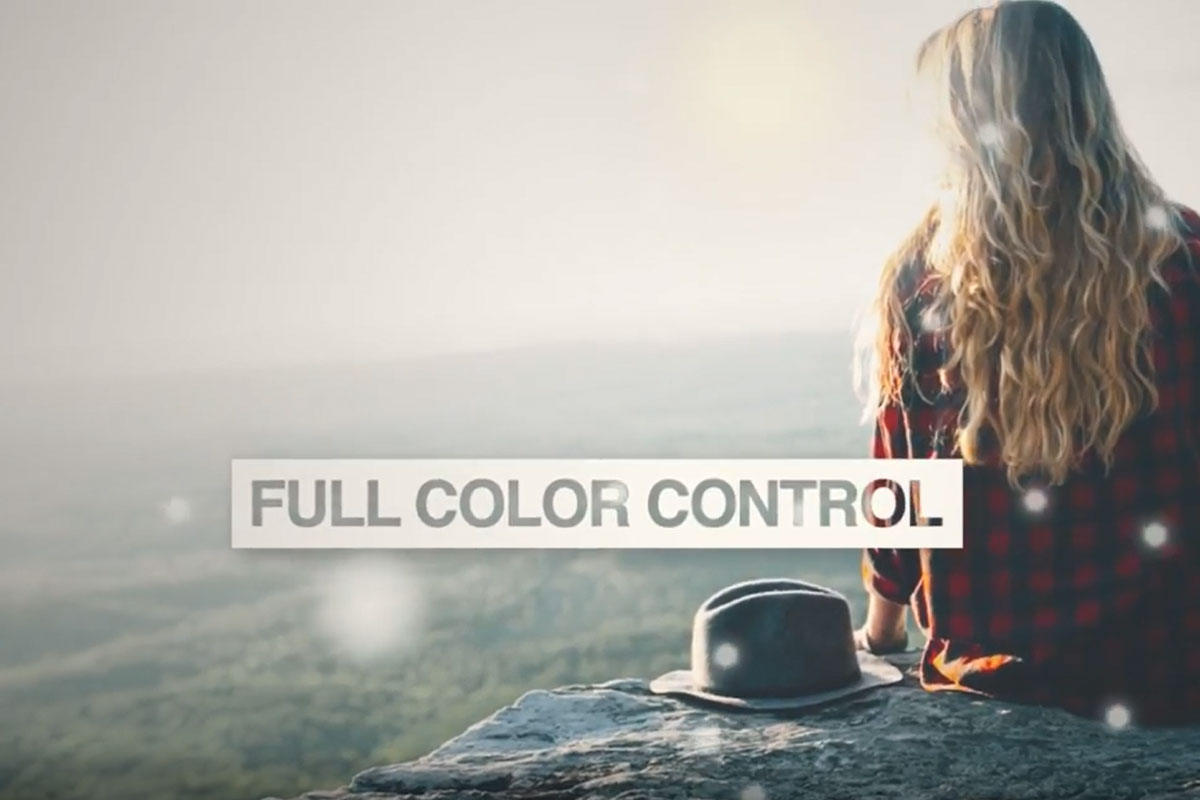
Create your individual photo presentation in After Effects: The Parallax Effect slideshow is perfect for putting your vacation photos or vacation videos (maybe even a mix?) in a new light. With just a few clicks, you can create a photo presentation worth seeing. You can change (almost) everything with effect controllers.
Effect control: transitions, particles, colors, etc.
Text control: position, size, color, etc.
Shapes that adapt to the length of the text
Universal expressions: compatible with any language version of After Effects CC
Customize the slides to your liking. For example, you can use the effect controllers to set transitions or coloring. The same applies to the text controllers: Here you can change the color, size and position of texts as well as the shapes, which adjust with the text length.
Are you using the English, German or another language version of After Effects? No problem! With the universal expressions you can work in any language version of After Effects.
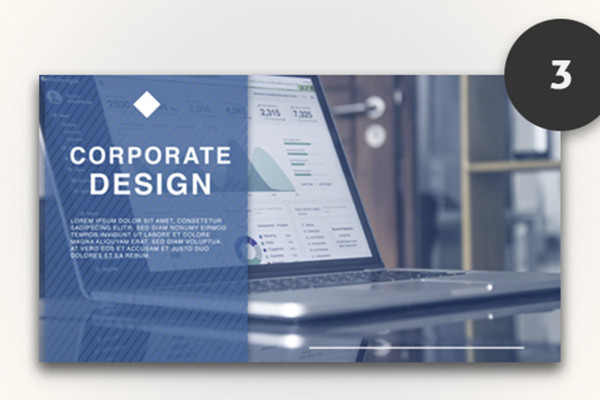
After Effects Slideshow-Template: Corporate Design
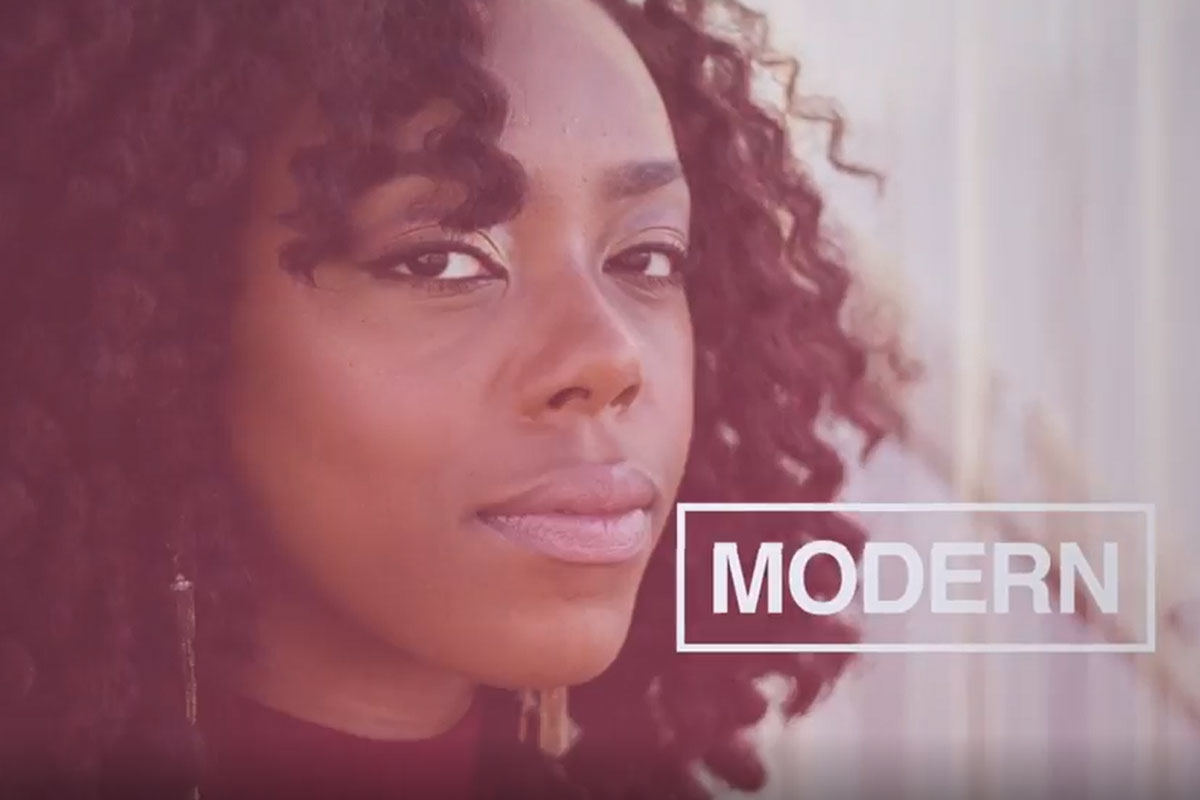
How to present your company with a stylish photo presentation: The corporate design slideshow showcases photos from your company in a new light. It only takes a few clicks to create a photo presentation worth seeing. You can change (almost) everything with effect controllers.
Effect control: transitions, particles, colors, etc.
Text control: position, size, color, etc.
Shapes that adapt to the length of the text
Universal expressions: compatible with any language version of After Effects CC
Use the working file to customize the slides to your liking. For example, you can use the effect controllers to adjust transitions or coloring. The same applies to the text controllers: Here you can change the color, size and position of texts as well as the shapes that adapt to the length of the text.
Whether you are using an English, German or other language version of After Effects - the great thing is that you can work with the universal expressions in any language version of After Effects.
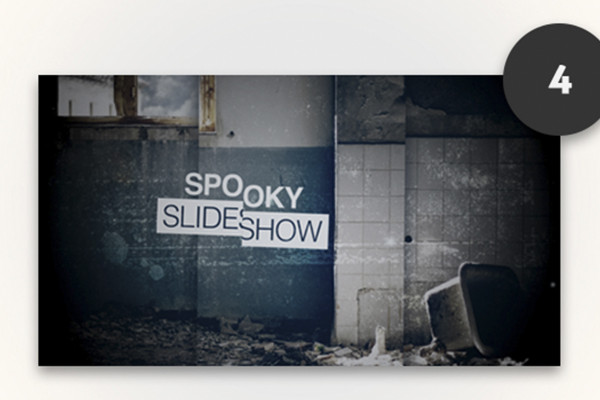
After Effects Slideshow-Template: Spooky Slideshow
You have the photos - and here you get the right slideshow: Do you love hidden or lost places? With the Spooky Slideshow you can give your photos that certain goosebump feeling. With just a few clicks, you can create a photo presentation worth seeing. You can change (almost) everything with effect controllers.
Effect control: transitions, particles, colors, etc.
Text control: position, size, color, etc.
Shapes that adapt to the length of the text
Universal expressions: compatible with any language version of After Effects CC
In the working file, you have the option of changing the slides to suit your requirements. For example, you can use the effect controllers to set transitions or the color scheme. It is similar with the text controllers: Here you can change the color, size and position of texts as well as the shapes, which adjust with the text length.
Are you working with the English, German or another language version of After Effects? No problem! With the universal expressions, you can work in any language version of After Effects.




 Create your own slideshow with After Effects
 After Effects Slideshow-Template: Corporate Design
 After Effects Slideshow-Template: Mosaic Style
 After Effects Slideshow-Template: Parallax Effect
 After Effects Slideshow-Template: Spooky Slideshow

Comment now „After Effects Slideshow Templates - create dynamic photo presentations“