

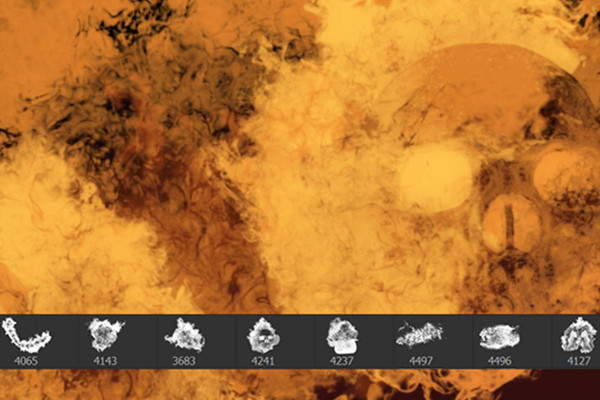
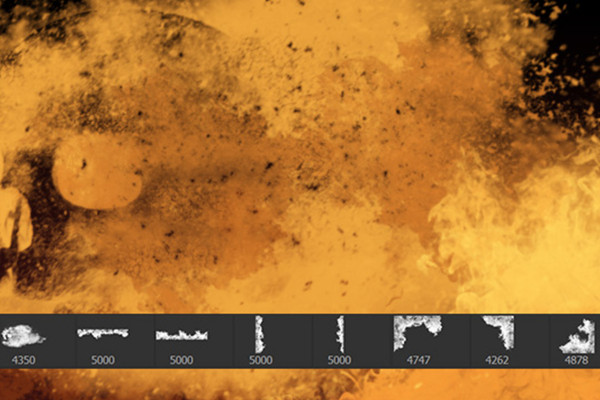


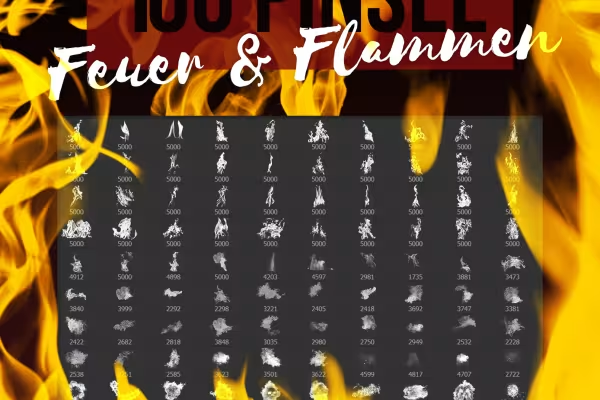


Photoshop tutorial: How to light a fire in your pictures with the brushes
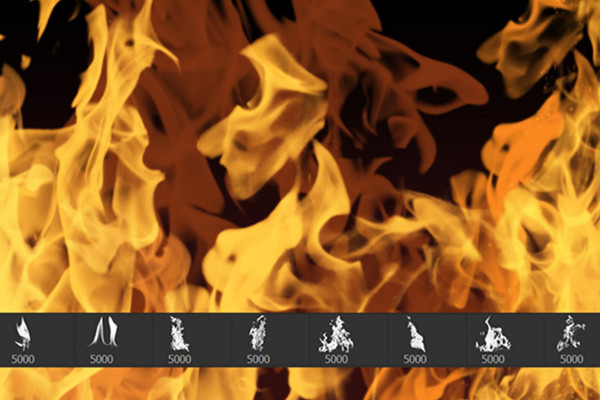
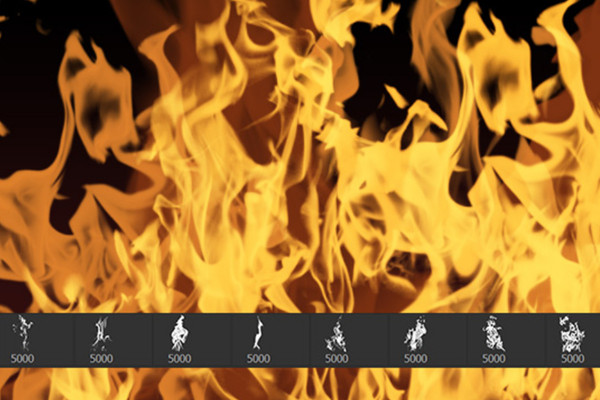
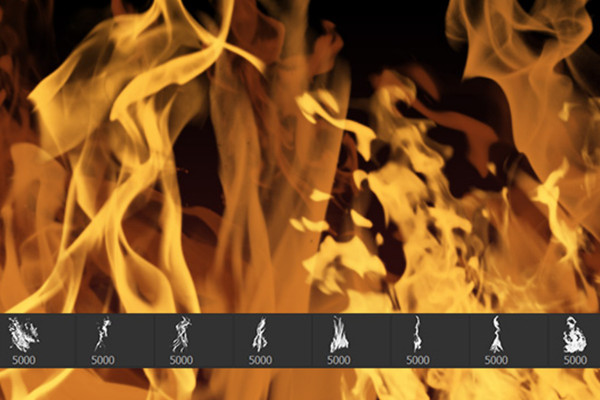
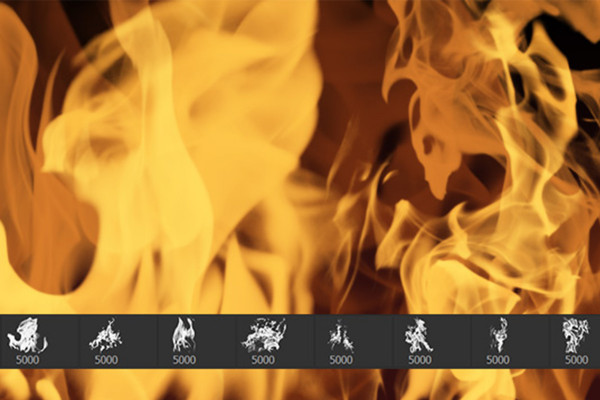
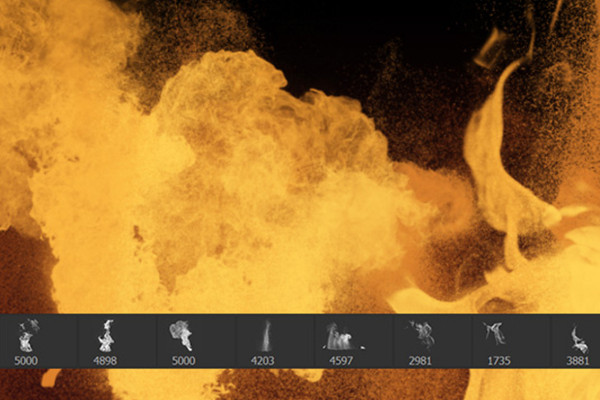
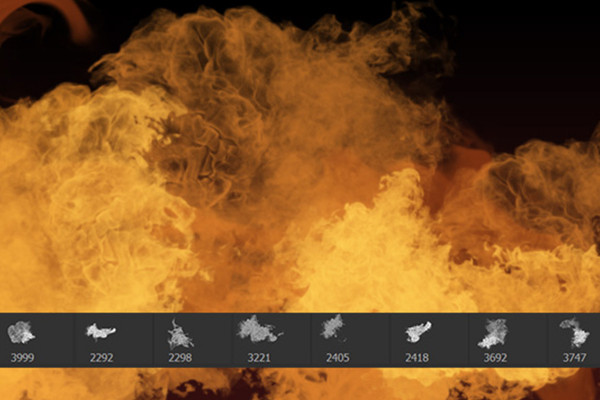
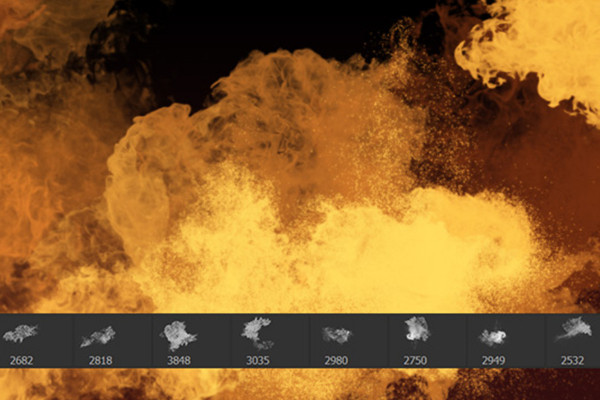
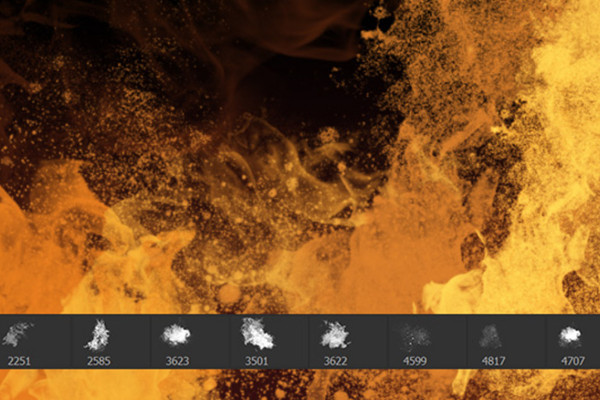
Light the fire in your pictures! Simply choose the right color, one of the fire brushes and click the motif into the picture. It looks great - but you can get even more out of it. Watch Stefan Petri's video to find out how to turn a delicate flame into an intoxicatingly realistic-looking flame.


Comment now „Photoshop brushes: fire and flames“