

Adobe InDesign - Tutorials and templates to boost your knowledge and creativity
If you want to make your way through the world of Adobe InDesign easy - our professional tutorials and the wide range of templates available to download will make you fit for working with this powerful design software. In the tutorials, beginners will learn the basics of the program and advanced users will uncover hidden secrets for an efficient workflow. With the professional design templates, we equip you with everything you need to create your designs, from business cards to large-scale posters. Take a look around now ...
On this page
Free tutorials for Adobe InDesign
- Introduction to InDesign: The start screen and interface
- Convert text into paths – Step-by-step guide
- InDesign User Interface and Preferences for Beginners
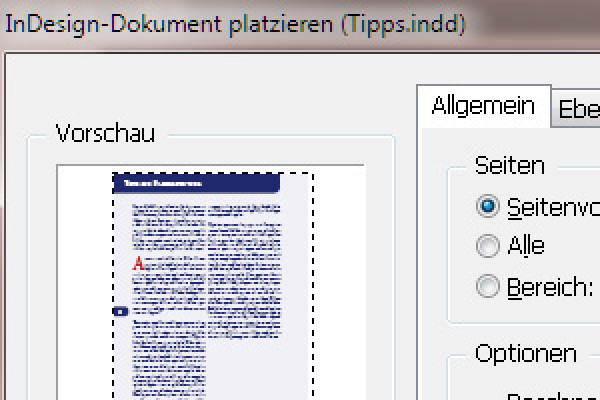
- Understanding InDesign file formats and project packaging
- InDesign: Make Optimal Use of Visual Effects
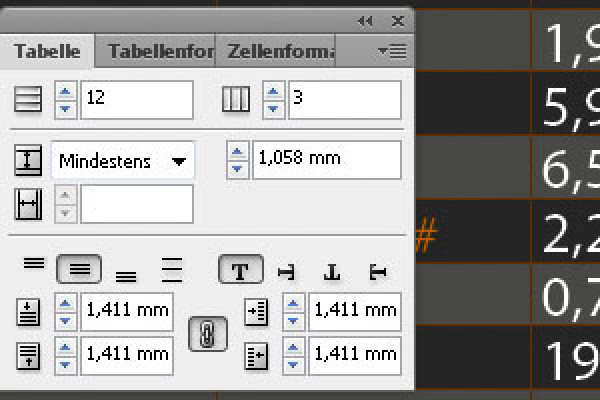
- Creating Tables in InDesign – Simple Guide for Beginners





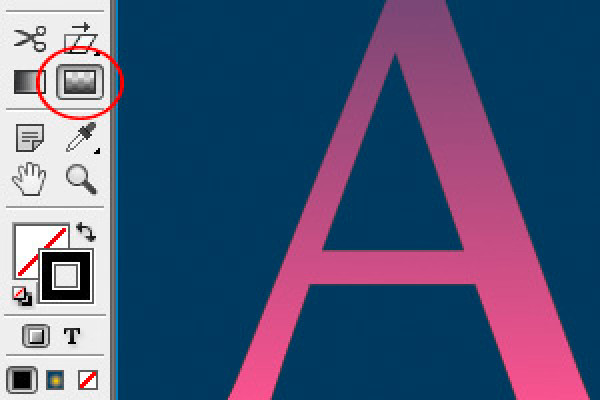
InDesign training - basics & tricks (free)
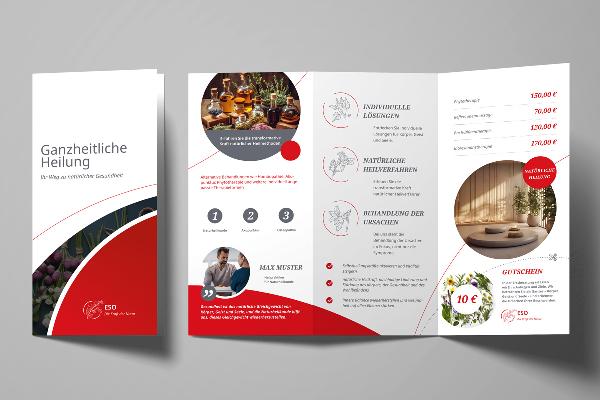
Design flyers and brochures: ready-made design templates
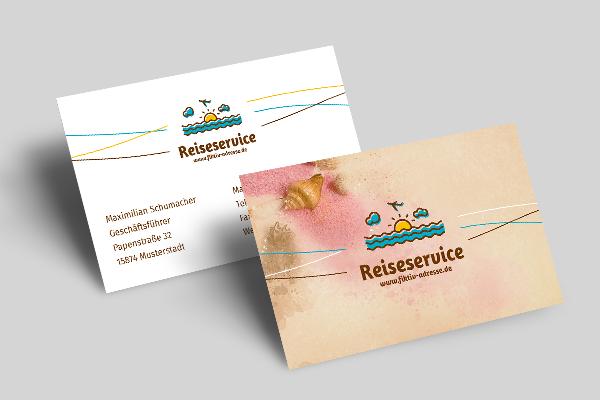
Design templates for business cards
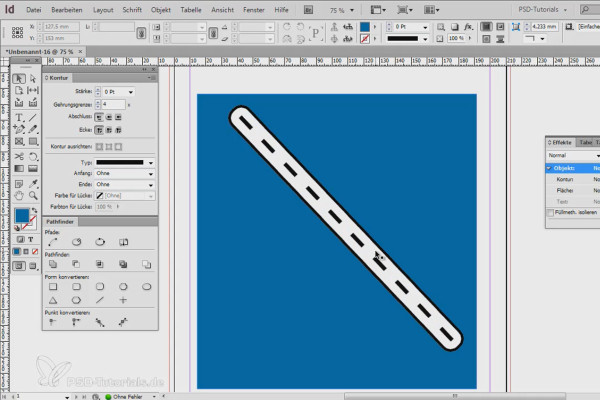
Razor-sharp InDesign recipes
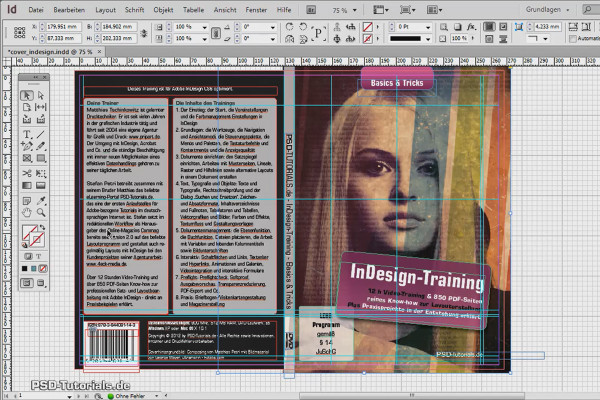
InDesign Video Training - Modern Practice
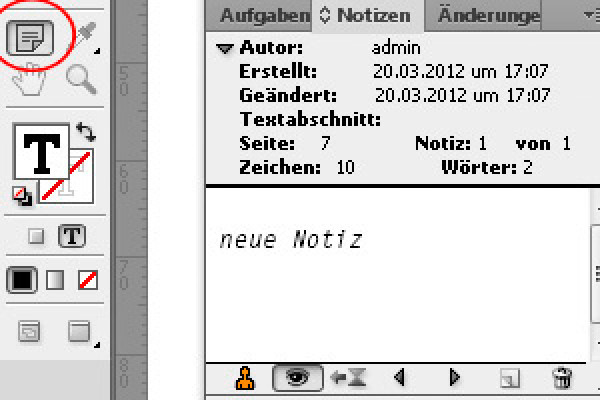
InDesign training - basics & tricks (free)
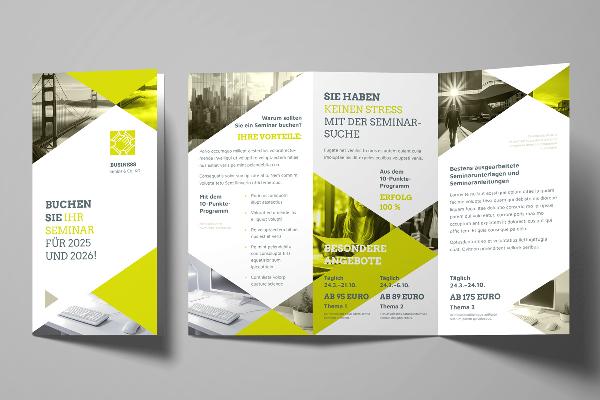
Design flyers and brochures: ready-made design templates
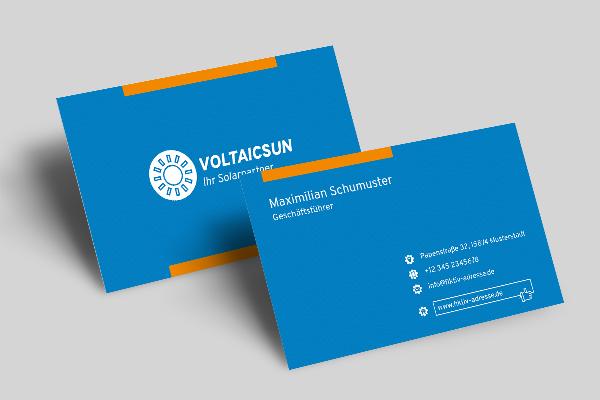
Design templates for business cards
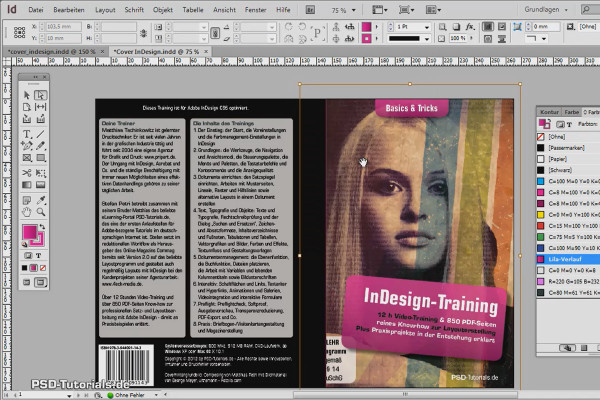
InDesign Video Training - Modern Practice
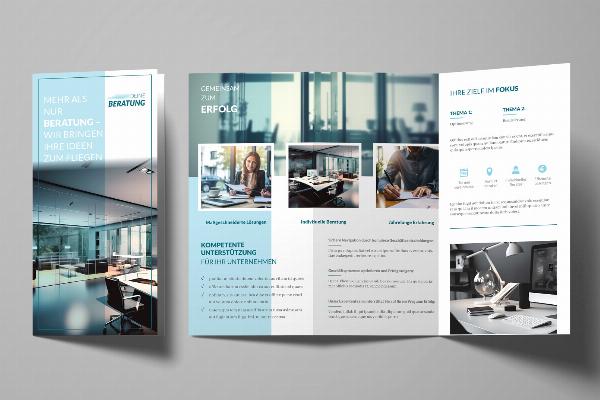
Design flyers and brochures: ready-made design templates
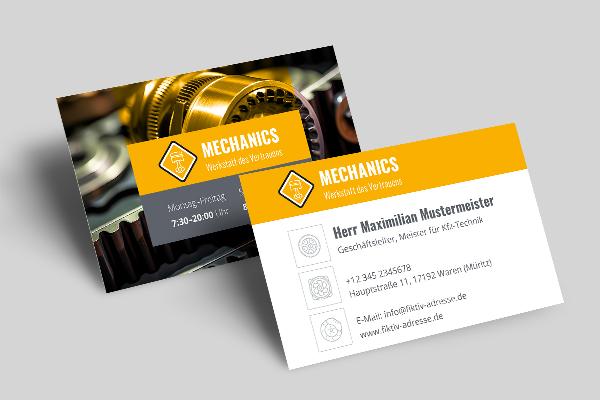
Design templates for business cards
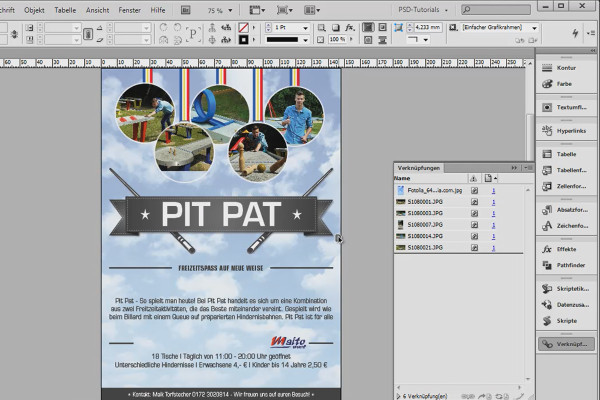
Razor-sharp InDesign recipes
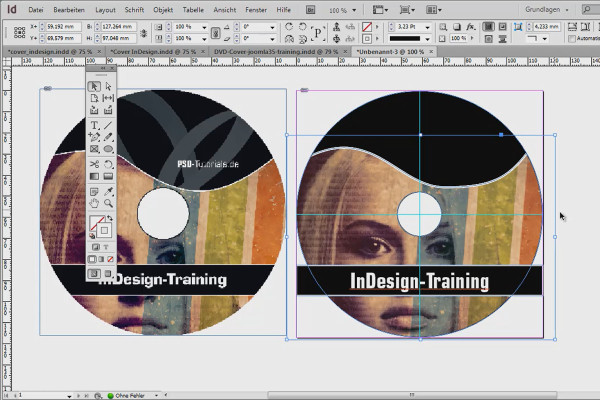
InDesign Video Training - Modern Practice
InDesign training - basics & tricks (free)
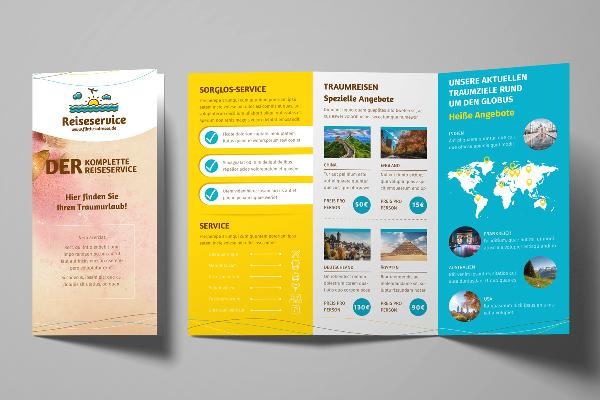
Design flyers and brochures: ready-made design templates
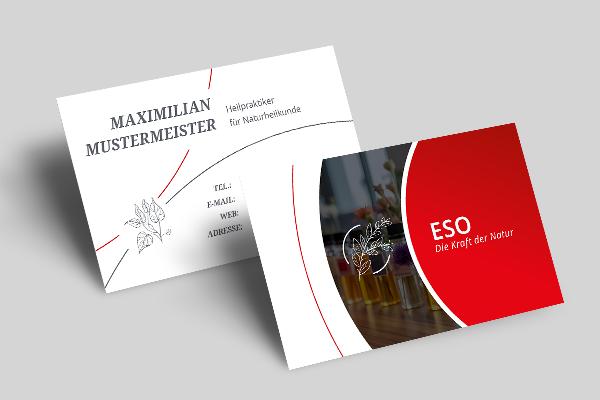
Design templates for business cards
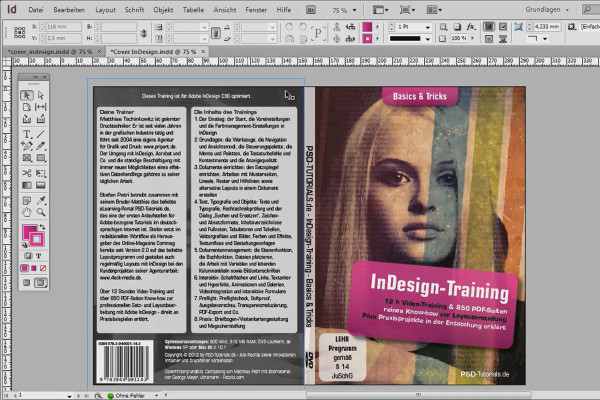
InDesign Video Training - Modern Practice
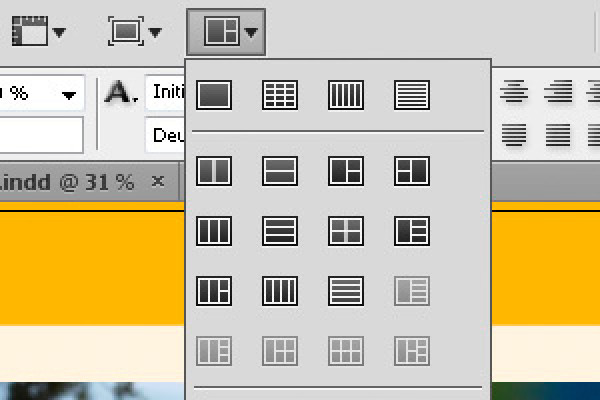
InDesign training - basics & tricks (free)
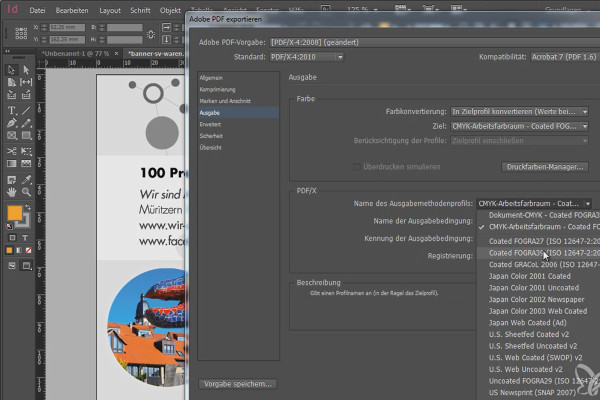
Razor-sharp InDesign recipes
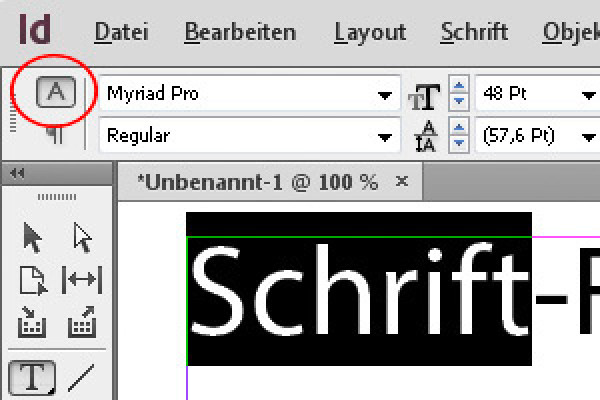
InDesign training - basics & tricks (free)
InDesign training - basics & tricks (free)
InDesign training - basics & tricks (free)
InDesign Video Training - Modern Practice
InDesign training - basics & tricks (free)
InDesign training - basics & tricks (free)
InDesign training - basics & tricks (free)
InDesign training - basics & tricks (free)
InDesign training - basics & tricks (free)
InDesign training - basics & tricks (free)
InDesign training - basics & tricks (free)
InDesign training - basics & tricks (free)
InDesign training - basics & tricks (free)
InDesign training - basics & tricks (free)
InDesign training - basics & tricks (free)

InDesign training - basics & tricks (free)
InDesign training - basics & tricks (free)
InDesign training - basics & tricks (free)
InDesign training - basics & tricks (free)

InDesign training - basics & tricks (free)

InDesign training - basics & tricks (free)

InDesign training - basics & tricks (free)

InDesign training - basics & tricks (free)
Makes designing easier
Templates & Tutorials for Adobe InDesign
Start your design with prepared templates
Wait a minute, what is Adobe InDesign?
For all beginners and newcomers: Adobe InDesign , which is widely used worldwide, is a powerful desktop publishing program for layout and typesetting. You can use it to create print products such as flyers or business cards. It can also be used to professionally create books or catalogs as well as complete wireframes for websites. Basically, you work with documents in INDD file format. Once your design is ready for export, you can output it as a print-optimized PDF.
Discovering the possibilities - high-quality templates to download
Does your customer want fast and powerful results? Save yourself the time of creating the right layout - and use our professionally designed templates for a powerful creative boost. Whether it's a poster for the next discount campaign or a calendar template for next year, an invoice or delivery bill, an ice cream menu for a restaurant or an exposé - simply download the templates, add your text and images and your file is on its way to the print shop. Of course, you can use all templates for commercial purposes.
Take a look at how InDesign works, both fundamentally and in detail
Into InDesign - with our tutorials for every level of knowledge
Whether you're just starting out or have been working with InDesign for a while, our tutorials will help you progress at every level. We'll familiarize you with the basics of InDesign, show you how to manage large-scale design projects, explain the latest updates and give you tips and tricks for more efficiency in your design tasks. Using many practical examples, our trainers will teach you how to use all the functions and tools in InDesign creatively and productively.