

Adobe Illustrator - Create vector graphics with tutorials and templates
How about pictures without pixels? In our Adobe Illustrator tutorials , we will familiarize you with the creation of vector graphics from the ground up. As a beginner, we will show you the basics step by step, as a professional you will become even fitter for optimal workflows. You can also access a wide range of templates in AI format - saving you time and money for your own creations. Let us "illustrate" you now ...
On this page
Free tutorials for Adobe Illustrator
- Basics of Adobe Illustrator for beginners
- Color Management in Adobe Illustrator: Understanding RGB and CMYK
- The best new features in Illustrator CC 2019
- Illustrator CC 2018: New Features for Creative Design
- Preferences in Adobe Illustrator: How to Adjust Them
- User interface of Adobe Illustrator CC for beginners
Trainers for Adobe Illustrator






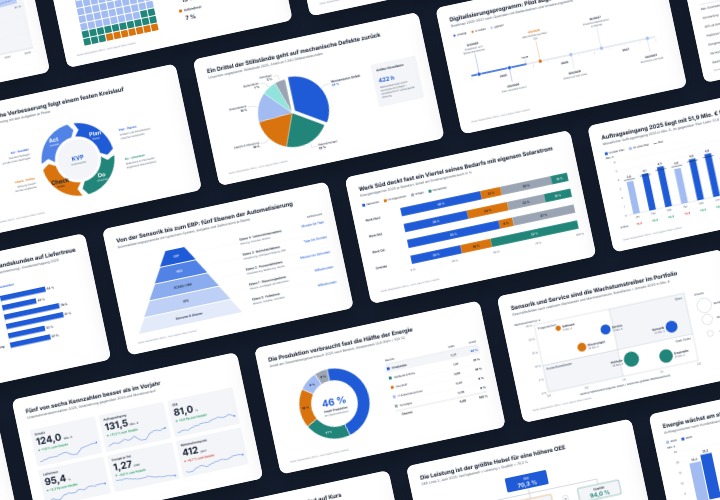
48 editable chart templates in SVG, PDF, EPS, PNG, and PowerPoint – in under a minute in the customer’s corporate identity

20 sets in 4K (4096 × 4096 px, 300 DPI) as JPG plus Photoshop patterns, calibrated to the fill method

10 sets of 50 vector icons in line and duotone, available in SVG, EPS, and PNG

Show with clear symbolism what guests can expect

How to build trust with customers
25 icons in different, editable variants
90 vector-based, modern graphics
Master the vectors

Simply create shiny effects
260 assets for your graphics library!
Get your designs up to speed!

Vector-based and versatile

Vector-based graphics
Graphics that whet the appetite
Suitable graphics at the ready at all times
For all your wanderlust designs
In perfect shape for your designs
Floral elements for your designs
As vectors and PNG files

Floral magic for the whole area

Emotions as illustrations
Handwritten and digitized

Including texts for congratulatory letters!

Tempting shapes
Get to the vectors!
Tutorials, vector graphics & templates for Adobe Illustrator
Get tips on working with Adobe Illustrator
Vector what? Adobe Illustrator in a nutshell
Want to scale a small graphic to the size of a meter without any loss of quality? Welcome to the world of vectors. Where pixels eventually lose out, a vector graphic remains razor-sharp in every edge and every detail. But to create a vector-based graphic , you need a special tool - Adobe Illustrator , for example. This software allows you to create freely scalable illustrations, motifs or logos for web and print. And we'll show you how to do it.
Get started, build up, expand - learn Adobe Illustrator with tutorials
Simply scale up your knowledge of vectors. Our German-language tutorials offer the right input for every level of expertise. You can easily build up your basic knowledge as a beginner or expand your specialized knowledge as a professional thanks to many insider tips. Optimize your Illustrator workflows and train your strengths in creative practical examples. If you use Illustrator CC, we recommend our Illustrator update training. Here you can find out what benefits Adobe's new Illustrator features can bring you.
Vector graphics for any size
Endless possibilities: vector-based templates for private and commercial use
AI files are also something like artificial intelligence. Because you can use them very cleverly for your customers or your own projects. It's great if you don't even have to create the vector files in AI format . We have scaled our offer for you: for example, with vector-based files for Christmas motifs or cloud magic, as hand letterings for customer greetings, as professional icons for the web and app or graphics for the rating system in the online store. And if you want to set clear boundaries for your project - simply download our Illustrator maps. For all federal states, for Europe or the whole world.