
Mailchimp tutorial: How to manage your newsletter marketing

- The tutorial goal: Make your newsletter marketing much easier with Mailchimp
- Learn the basics: importing contacts, creating and editing newsletters
- Increase your target security: create, segment and individually address audiences
- How to become visible on the web: Create landing pages, websites and forms with Mailchimp
- Start your A/B tests: find out which subject lines, delivery times and content perform better
- Create funnels: Schick your email recipients on individual newsletter journeys
- Learn all about: Mailchimp postcards, the Mailchimp Content Studio and customer journeys
- From getting started to skillful application - a 5-hour tutorial by Leon Chaudhari
Inform. Sell products. Offer services. Whatever you want to achieve with your newsletter marketing: start the tutorial and become a mail champ with Mailchimp.
51 Videos, 325 minutes
Mailchimp basics
Mailchimp: 1.1 | Introduction to Mailchimp
12 minIn this video you will learn the basics of Mailchimp. You will learn what Mailchimp is, how it works and what you can do with Mailchimp.
Mailchimp: 1.2 | Create audience
8 minIn this video you will learn how to create an audience.
Mailchimp: 1.3 | Add contacts manually to an audience
5 minIn this video you will learn how to add contacts to an audience.
Mailchimp: 1.4 | Prepare manual email address import
2 minIn this video you will learn how to add contacts manually.
Mailchimp: 1.5 | Set segments
11 minIn this video you will learn how to create segments.
Mailchimp: 1.6 | Delete and edit segments
4 minIn this video you will learn how to delete and edit segments.
Mailchimp: 1.7 | Add tags
7 minIn this video you will learn how to add tags.
Mailchimp: 1.8 | Connect tags and segments
2 minIn this video you will learn how to merge tags and segments.
Create newsletter
Mailchimp: 2.1 | Creating Mailchimp newsletters, step by step
16 minIn this video you will learn how to create a newsletter.
Mailchimp: 2.2 | Add blocks to newsletter & create surveys in Mailchimp
16 minIn this video you will learn how to add a block to a newsletter.
Mailchimp: 2.3 | Create plain text newsletter
3 minIn this video you will learn how to create plain text newsletters.
Mailchimp: 2.4 | Tracking options in Mailchimp newsletters
5 minIn this video you will learn more about tracking options for newsletters.
A/B Testing
Mailchimp: 3.1 | Create A/B test for subject lines - first step
6 minIn this video you will learn how A/B split testing works.
Mailchimp: 3.2 | Create A/B test for subject lines - second step
11 minIn this video you will learn how A/B split testing works. The second video on the topic.
Mailchimp: 3.3 | Create A/B test for names and email addresses
7 minIn this video you will learn how A/B split testing works for names and emails.
Mailchimp: 3.4 | A/B test for newsletter content
8 minIn this video you will learn how A/B split testing works for newsletter content.
Mailchimp: 3.5 | A/B test for the send time of newsletters
5 minIn this video you will learn how A/B split testing works for the send time of newsletters.
Edit newsletter
Mailchimp: 4.1 | Edit and send newsletter template
8 minIn this video you will learn how to edit the newsletter template.
Mailchimp: 4.2 | View and edit campaigns
6 minIn this video you will learn how to view campaigns.
Mailchimp: 4.3 | 5 tips for subject lines
3 minThis video gives you 5 tips for subject lines.
Mailchimp: 4.4 | 5 tips for newsletters
4 minIn this video you will learn 5 tips for newsletters.
Mailchimp: 4.5 | View campaign reports
3 minIn this video you will learn where you can view campaign reports.
Customer Journeys
Mailchimp: 5.1 | Creating a customer journey, step by step
17 minIn this video you will learn how to create a customer journey.
Mailchimp: 5.2 | View and understand customer journey reports
10 minIn this video you will learn how to create customer journey reports.
Mailchimp: 5.3 | Customer journey tools explained in detail
14 minIn this video you will learn more about a variety of functions of the Customer Journey Tool.
Mailchimp: 5.4 | Triggers in a customer journey and filter functions
7 minIn this video you will learn more about triggers in a customer journey.
Mailchimp: 5.5 | Settings for a customer journey
2 minIn this video you will learn more about the settings for the customer journey.
Mailchimp postcards
Mailchimp: 6.1 | Sending a postcard via Mailchimp, step by step
8 minIn this video you will learn how to send postcards with Mailchimp.
Mailchimp: 6.2 | Recurring postcards and other types of Mailchimp postcards
3 minIn this video you will learn how to send recurring postcards.
Mailchimp: 6.3 | When is it worth sending postcards?
4 minIn this video you will learn whether postcards are worthwhile.
Landing Pages
Mailchimp: 7.1 | Create simple landing Pages
7 minIn this video you will learn how to create a simple landing page with Mailchimp.
Mailchimp: 7.2 | Create complex landing Pages
9 minIn this video you will learn how to create a complex landing page with Mailchimp.
Mailchimp: 7.3 | Edit embedded forms
7 minIn this video you will learn how to edit embedded forms.
Mailchimp: 7.4 | Create App Download Signup Form
7 minIn this video you will learn how to create an app download signup form.
Mailchimp: 7.5 | Receive payments with a landing page
3 minIn this video you will learn how to receive payments with a landing page.
Create a website with Mailchimp
Mailchimp: 8.1 | Creating a website with Mailchimp, step by step
8 minIn this video you will learn how to create a website with Mailchimp.
Mailchimp: 8.2 | Add pages to website
3 minIn this video you will learn how to add pages to your website.
Mailchimp: 8.3 | Website Builder - Settings
4 minIn this video you will learn how Builder settings work.
Mailchimp: 8.4 | Create an online store with Mailchimp
9 minIn this video you will learn how to create an online store with Mailchimp.
Mailchimp: 8.5 | Sell services via a website
6 minIn this video you will learn how to sell services via a website.
Mailchimp: 8.6 | Edit page and settings
2 minIn this video you will learn how to edit the Mailchimp website.
Mailchimp: 8.7 | Add custom domains to Mailchimp
3 minIn this video you will learn how to add custom domains.
Content Studio
Mailchimp: 9.1 | Create content automatically, step by step
3 minIn this video you will learn how you can have Mailchimp create content for you automatically.
Mailchimp: 9.2 | Edit content in Mailchimp Content Studio
3 minIn this video you will learn how to edit content in Content Studio.
Mailchimp: 9.3 | Tools in Content Studio
2 minIn this video, you will learn how to work with the tools in Content Studio.
Custom E-Mail Funnel
Mailchimp: 10.1 | Simple email funnel
7 minIn this video, you will learn how to use a simple email funnel efficiently and set it up correctly.
Mailchimp: 10.2 | Lead-Funnel
6 minIn this video, you will learn how to use a lead funnel efficiently and set it up correctly.
Mailchimp: 10.3 | Quiz-Funnel
5 minIn this video you will learn how to use a quiz funnel efficiently and set it up correctly.
Mailchimp: 10.4 | leave-behind-funnel
3 minIn this video, you will learn how to use a leave-behind tunnel efficiently and set it up correctly.
Mailchimp: 10.5 | Continuous funnel
4 minIn this video, you will learn how to use a continuous funnel efficiently and set it up correctly.
Mailchimp: 10.6 | Lead magnet funnel
5 minIn this video, you will learn how to use lead magnet funnels efficiently and set them up correctly.
Examples of use
-
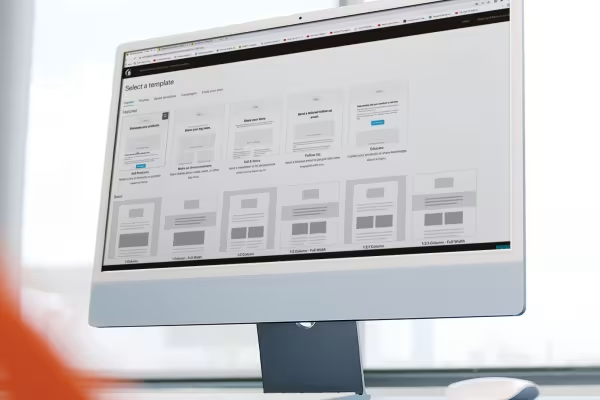 How to do it with Mailchimp: Create newsletters & funnels, perform A/B tests and create landing Pages.
-
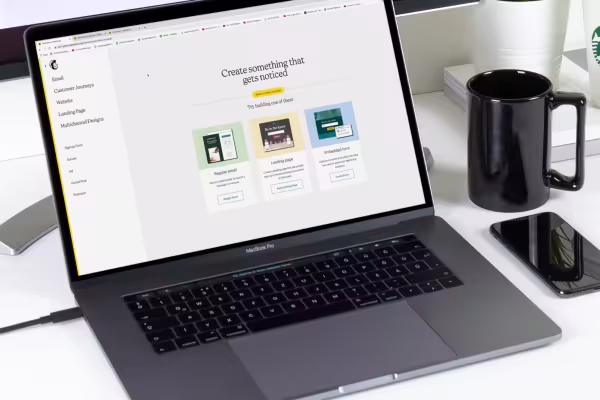 Learn how to design and manage your entire newsletter marketing with Mailchimp.
You might also like
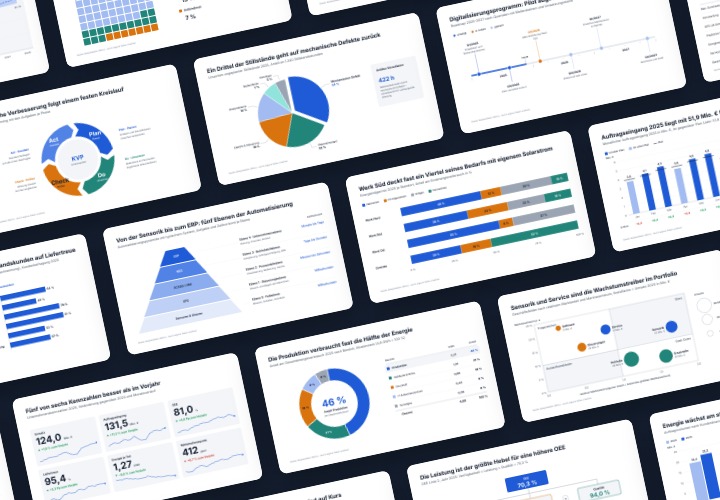
48 editable chart templates in SVG, PDF, EPS, PNG, and PowerPoint – in under a minute in the customer’s corporate identity
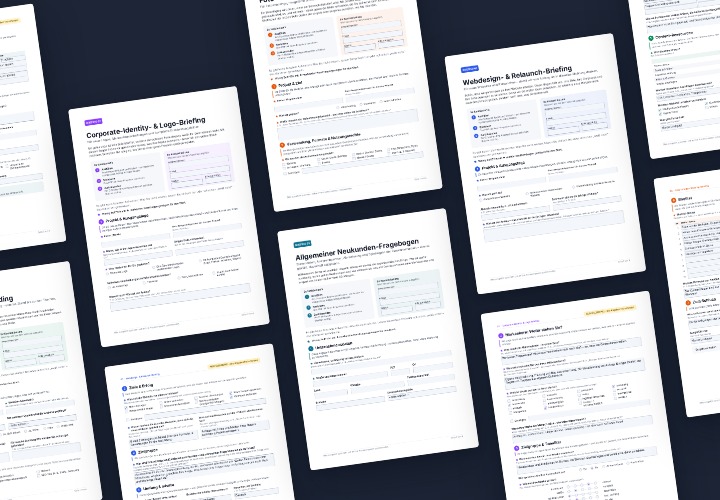
5 sheets of 4 A4 pages each as a fillable PDF – with filling examples and a guide for Acrobat and InDesign
5 sets of 20 layer styles each · ASL and editable PSD samples
7 template sets in 4 design lines – A4 PDF with crop marks, plotter SVG, JPG/PNG, PPTX, DOCX and XLSX
Comment now „Mailchimp tutorial: How to manage your newsletter marketing“