

Your tutorials on CMS and basic programming skills
Text, photos, graphics, sounds and pages - as soon as you are active on the web, you need to organize your content in order to keep track of thousands of files and large projects. The tool of choice: content management systems. Our CMS tutorials will make you even more digitally savvy. And because you'll always come across HTML code or the odd line of Python code on the web, you can also learn the basics of programming with our training courses.

HTML & CSS for beginners
HTML & CSS for beginners
HTML & CSS for beginners

Black Week Campaign Kit: 7 Days, 7 Messages
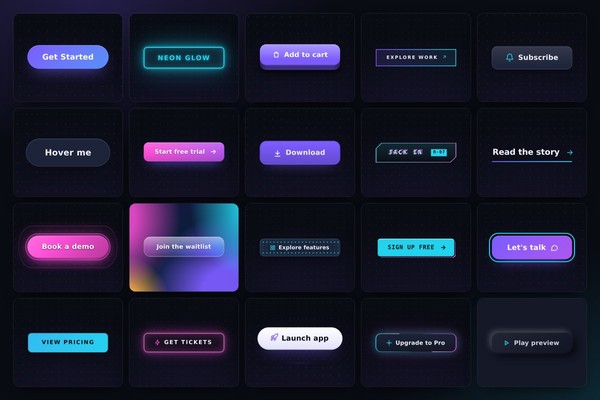
FX Library: 120 modern CSS effects for web design & WordPress
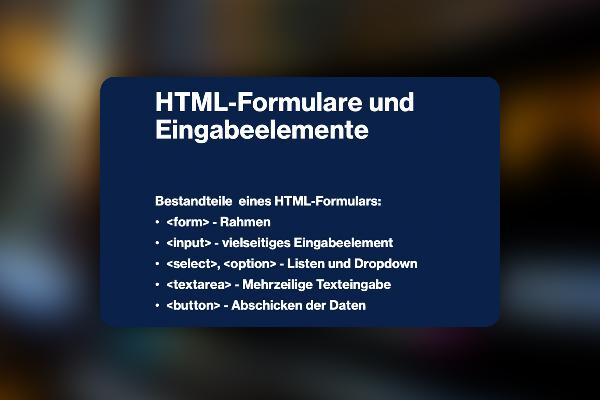
Create web forms for websites (practical tutorial)

Create web forms for websites (practical tutorial)
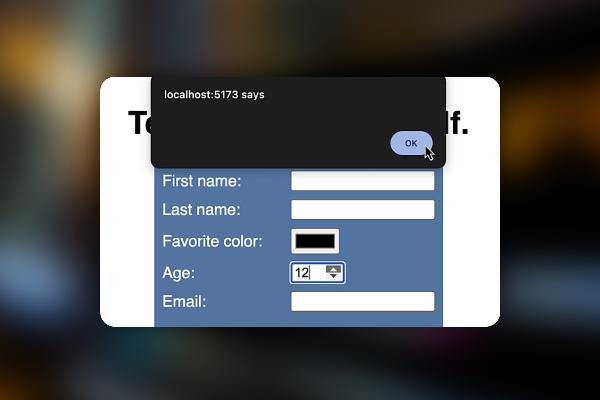
Create web forms for websites (practical tutorial)
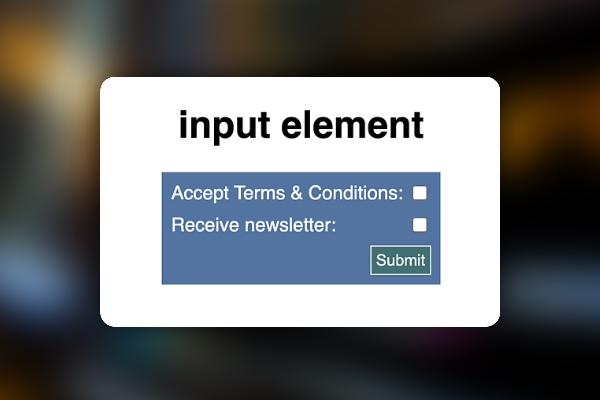
Create web forms for websites (practical tutorial)
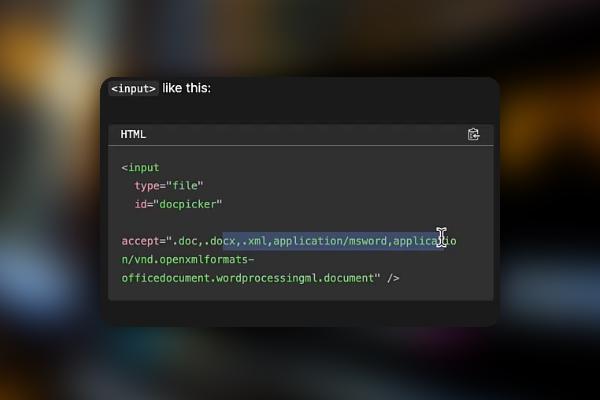
Create web forms for websites (practical tutorial)
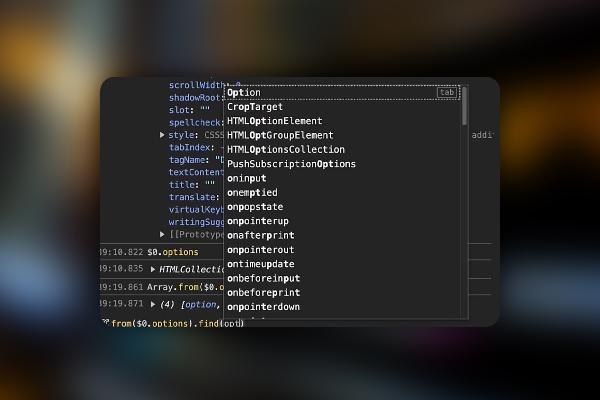
Create web forms for websites (practical tutorial)
Apply Chrome Developer Tools effectively (Tutorial)
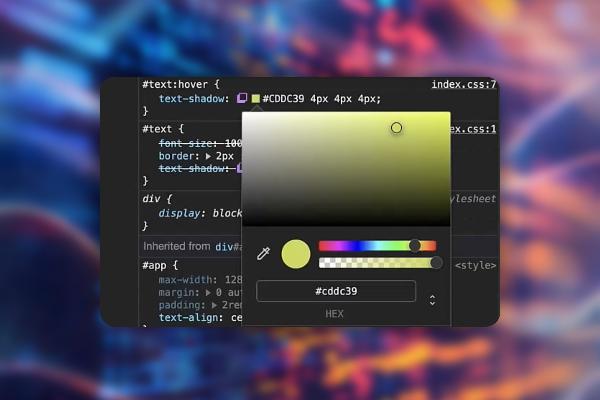
Apply Chrome Developer Tools effectively (Tutorial)
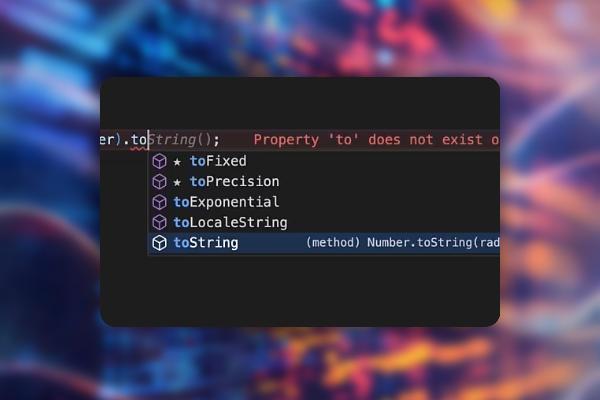
Apply Chrome Developer Tools effectively (Tutorial)
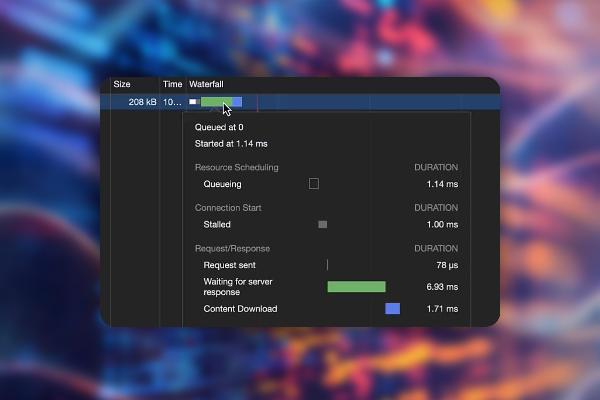
Apply Chrome Developer Tools effectively (Tutorial)
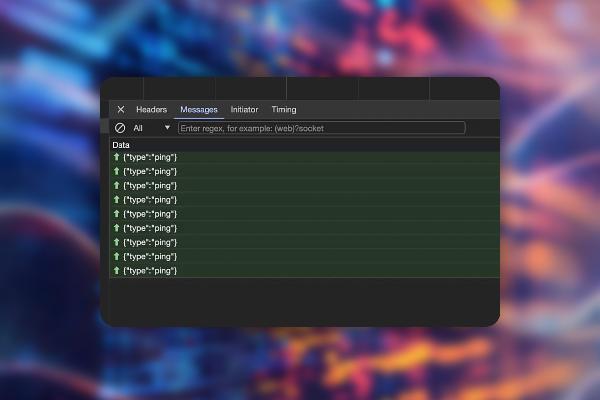
Apply Chrome Developer Tools effectively (Tutorial)
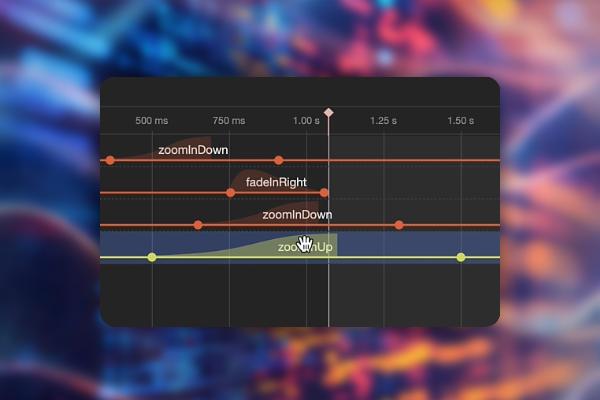
Apply Chrome Developer Tools effectively (Tutorial)
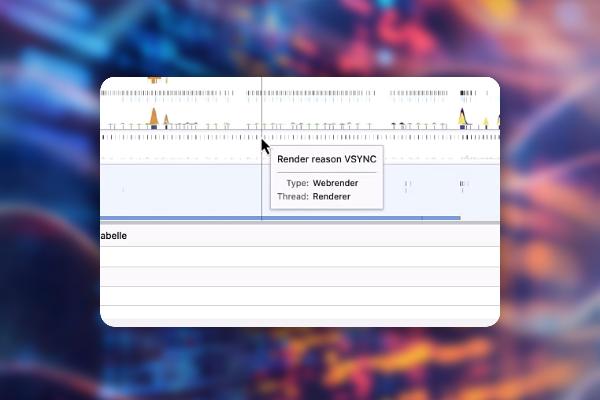
Apply Chrome Developer Tools effectively (Tutorial)
OpenAI API: Program AI-based chats, sales assistants & text adventures
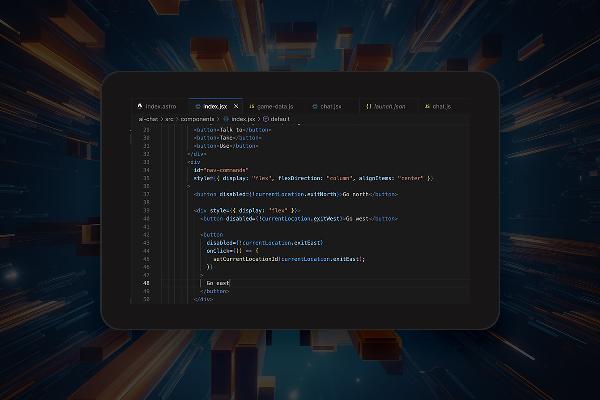
OpenAI API: Program AI-based chats, sales assistants & text adventures
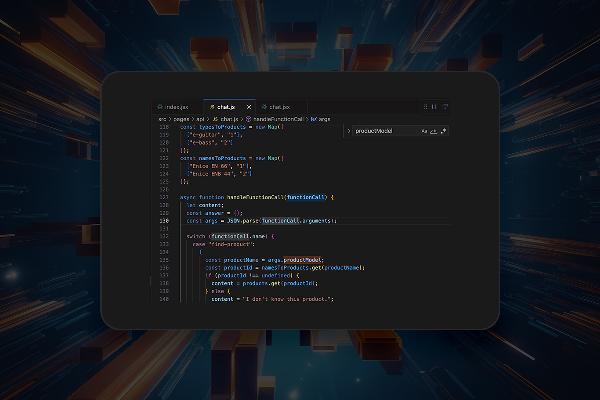
OpenAI API: Program AI-based chats, sales assistants & text adventures
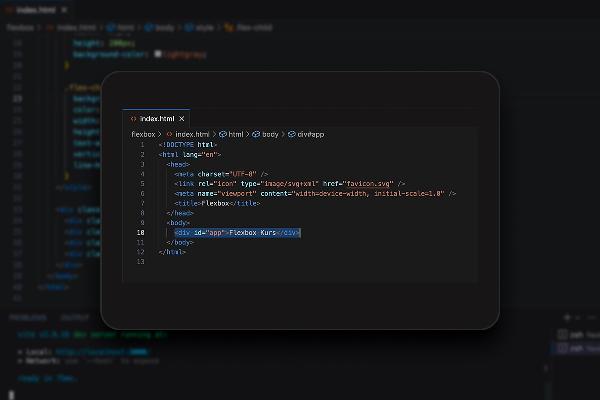
OpenAI API: Program AI-based chats, sales assistants & text adventures
Flexbox in CSS & HTML (Tutorial) - develop responsive layouts
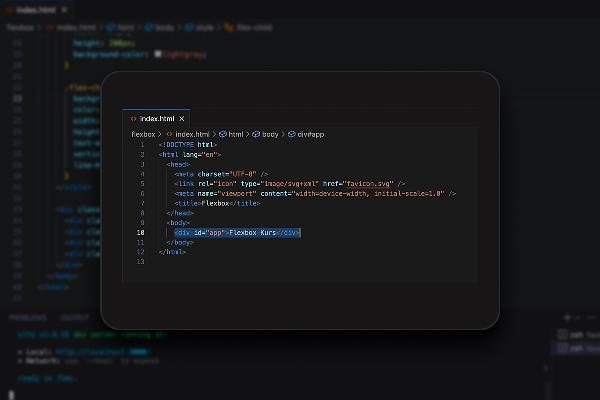
Flexbox in CSS & HTML (Tutorial) - develop responsive layouts
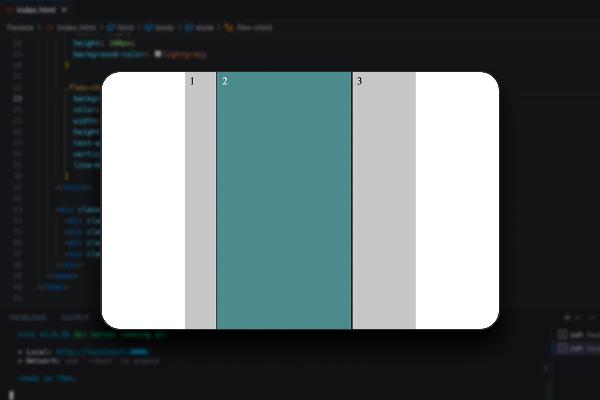
Flexbox in CSS & HTML (Tutorial) - develop responsive layouts

Learn and understand React - the practical tutorial

Learn and understand React - the practical tutorial

Learn and understand React - the practical tutorial
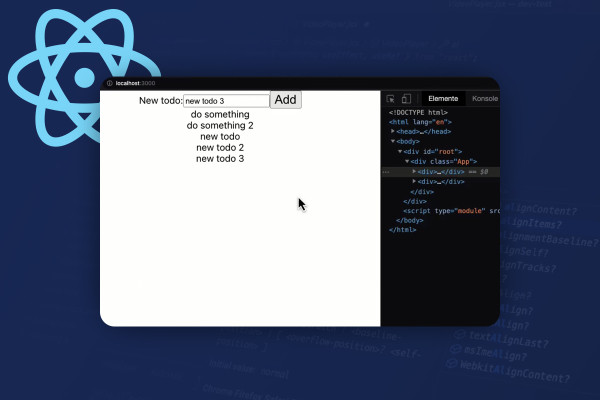
Learn and understand React - the practical tutorial
Learn and understand React - the practical tutorial

Learn and understand React - the practical tutorial
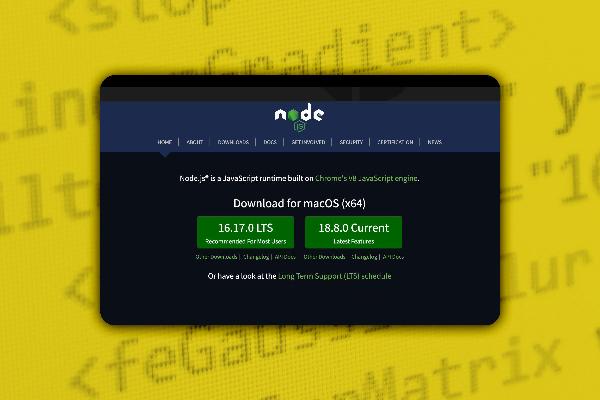
Modern JavaScript with ES6-ES13 (JS-Tutorial)

Modern JavaScript with ES6-ES13 (JS-Tutorial)
Learning to program C# - from data types to object-oriented programming (video tutorial)
Learning to program C# - from data types to object-oriented programming (video tutorial)
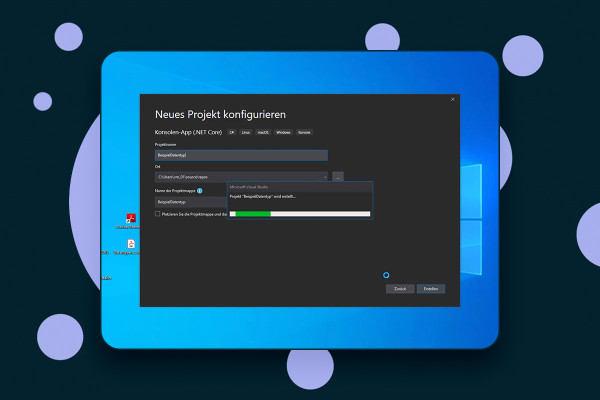
Learning to program C# - from data types to object-oriented programming (video tutorial)
Learning to program C# - from data types to object-oriented programming (video tutorial)
Learning to program C# - from data types to object-oriented programming (video tutorial)
Learning to program C# - from data types to object-oriented programming (video tutorial)
Learning to program C# - from data types to object-oriented programming (video tutorial)
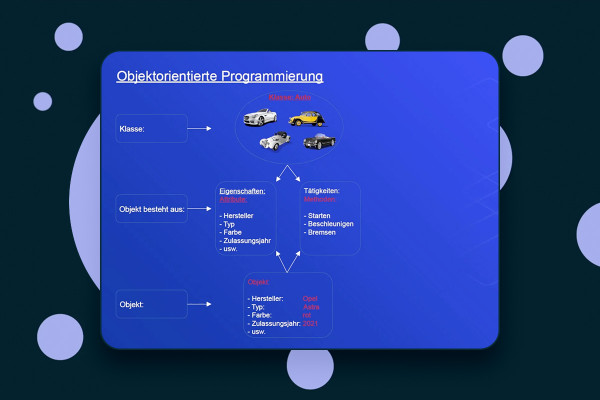
Learning to program C# - from data types to object-oriented programming (video tutorial)
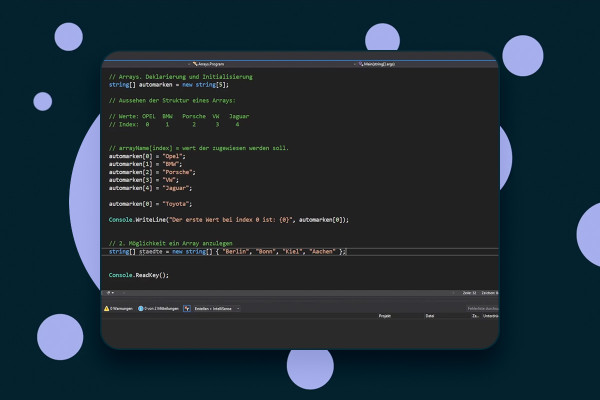
Learning to program C# - from data types to object-oriented programming (video tutorial)
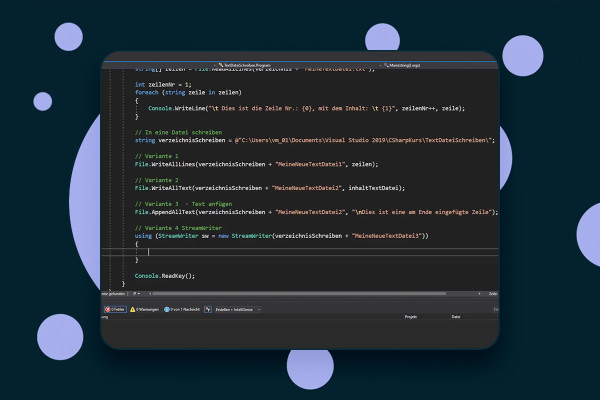
Learning to program C# - from data types to object-oriented programming (video tutorial)
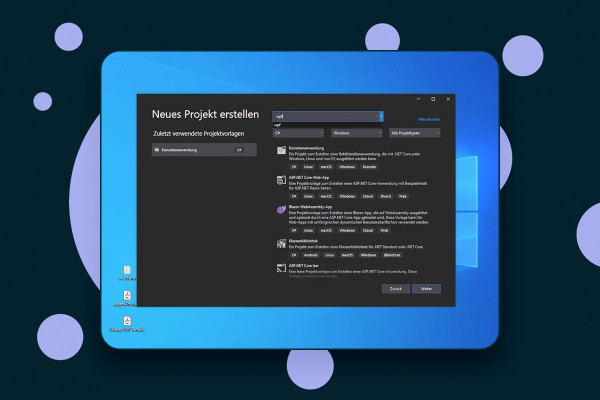
Learning to program C# - from data types to object-oriented programming (video tutorial)
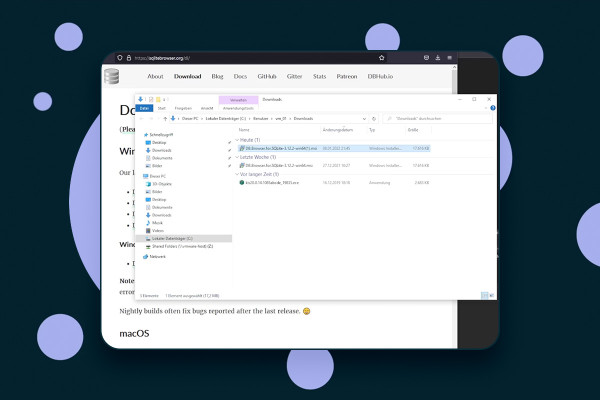
Learning to program C# - from data types to object-oriented programming (video tutorial)
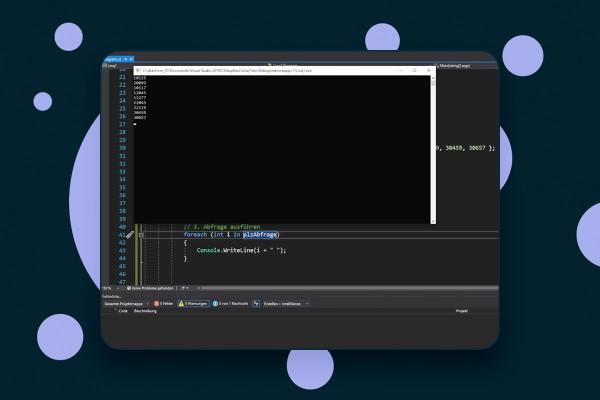
Learning to program C# - from data types to object-oriented programming (video tutorial)
Elementor for WordPress (Tutorial): How to create your own Pages with the Page Builder

Elementor for WordPress (Tutorial): How to create your own Pages with the Page Builder
Elementor for WordPress (Tutorial): How to create your own Pages with the Page Builder
Elementor for WordPress (Tutorial): How to create your own Pages with the Page Builder
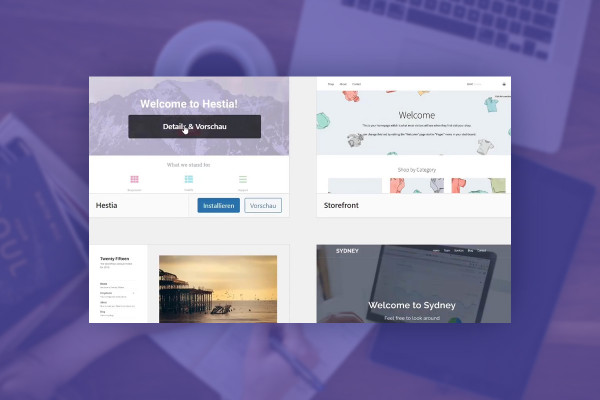
Elementor for WordPress (Tutorial): How to create your own Pages with the Page Builder
Elementor for WordPress (Tutorial): How to create your own Pages with the Page Builder
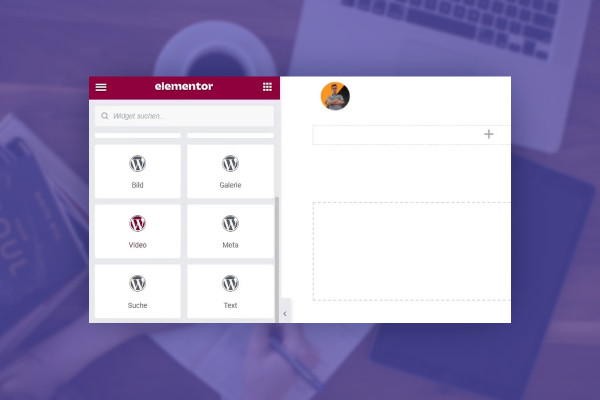
Elementor for WordPress (Tutorial): How to create your own Pages with the Page Builder
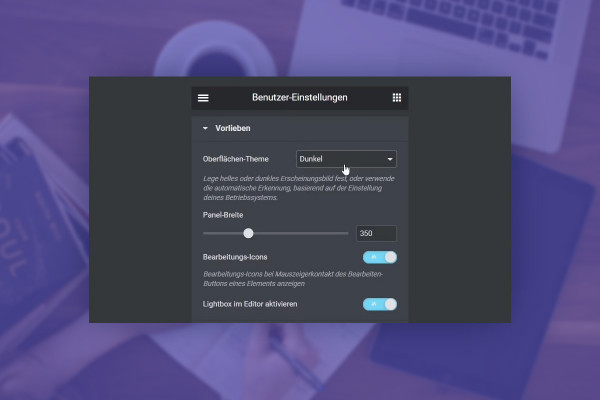
Elementor for WordPress (Tutorial): How to create your own Pages with the Page Builder
Elementor for WordPress (Tutorial): How to create your own Pages with the Page Builder
Elementor for WordPress (Tutorial): How to create your own Pages with the Page Builder
Elementor for WordPress (Tutorial): How to create your own Pages with the Page Builder
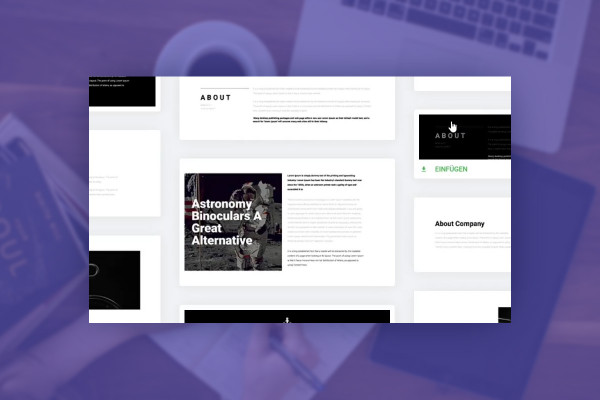
Elementor for WordPress (Tutorial): How to create your own Pages with the Page Builder
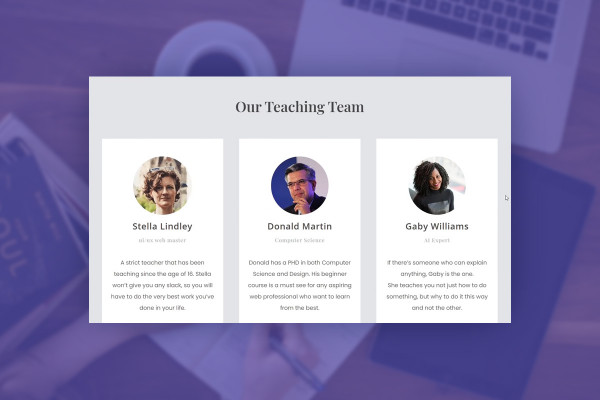
Elementor for WordPress (Tutorial): How to create your own Pages with the Page Builder
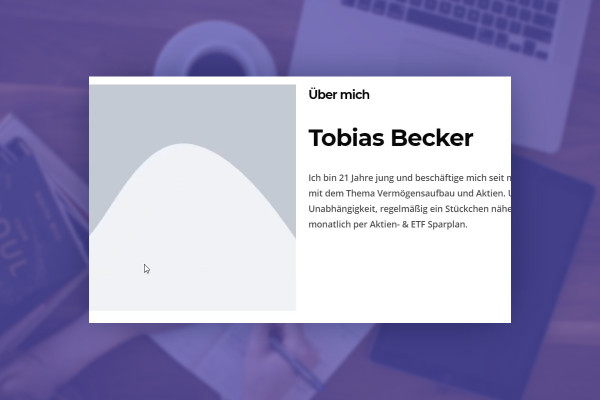
Elementor for WordPress (Tutorial): How to create your own Pages with the Page Builder

Elementor for WordPress (Tutorial): How to create your own Pages with the Page Builder

Elementor for WordPress (Tutorial): How to create your own Pages with the Page Builder
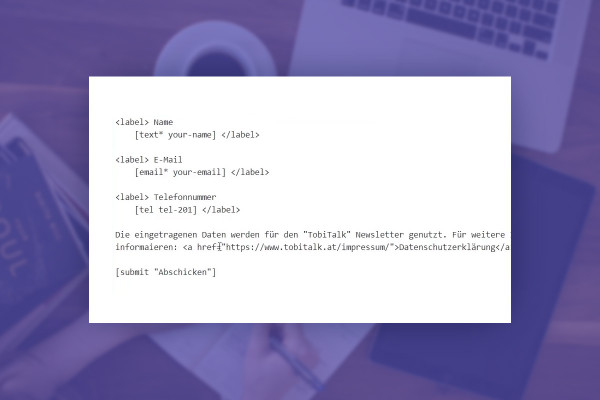
Elementor for WordPress (Tutorial): How to create your own Pages with the Page Builder
Elementor for WordPress (Tutorial): How to create your own Pages with the Page Builder

Elementor for WordPress (Tutorial): How to create your own Pages with the Page Builder
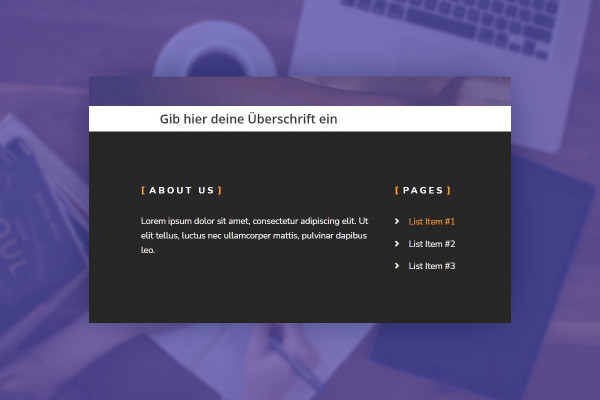
Elementor for WordPress (Tutorial): How to create your own Pages with the Page Builder

Elementor for WordPress (Tutorial): How to create your own Pages with the Page Builder

Understanding and setting up OpenVPN - secure in the network
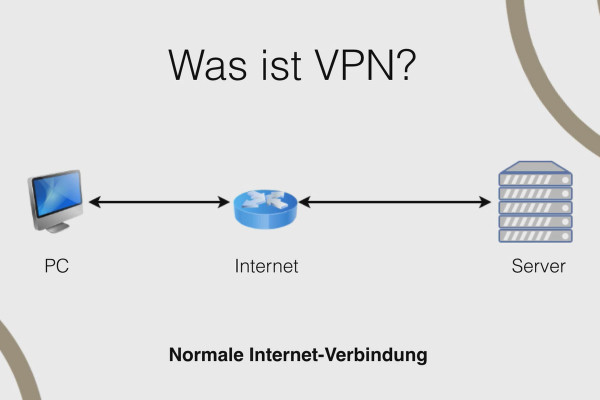
Understanding and setting up OpenVPN - secure in the network
Understanding and setting up OpenVPN - secure in the network
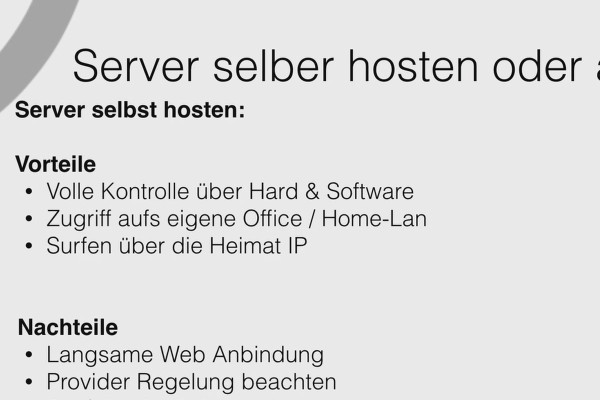
Understanding and setting up OpenVPN - secure in the network
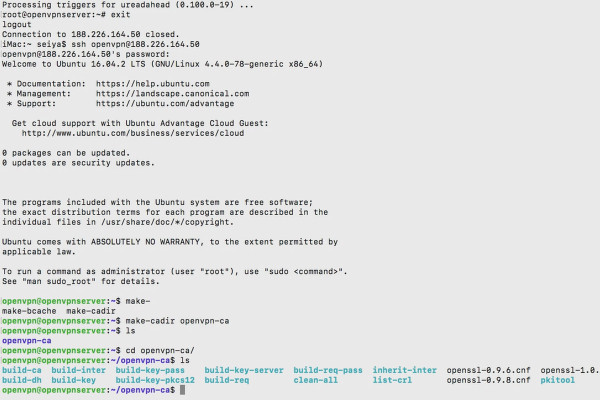
Understanding and setting up OpenVPN - secure in the network
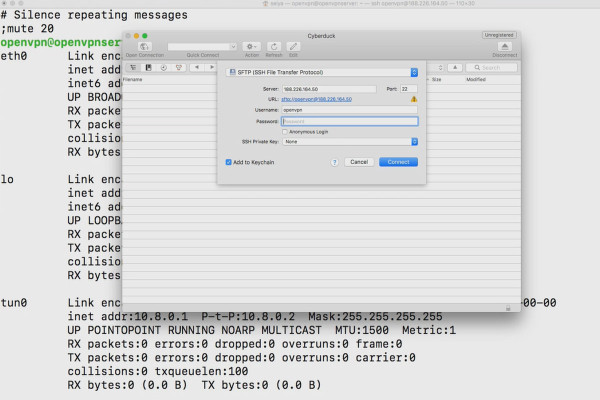
Understanding and setting up OpenVPN - secure in the network

Understanding and setting up OpenVPN - secure in the network
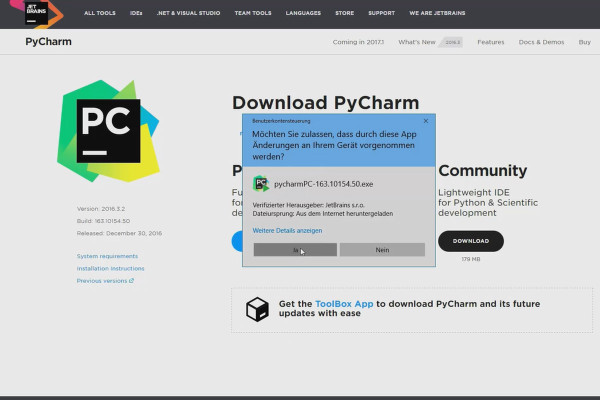
Learning to program with Python - the practical tutorial
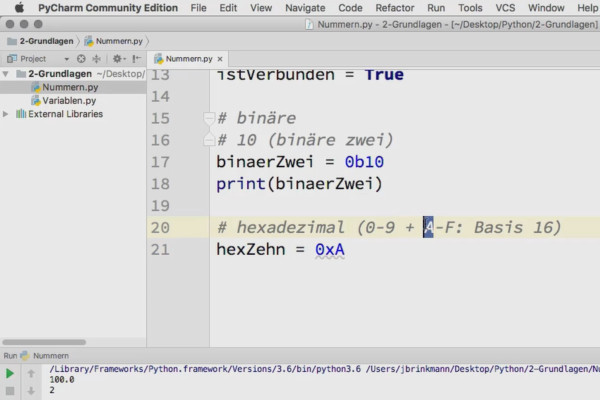
Learning to program with Python - the practical tutorial
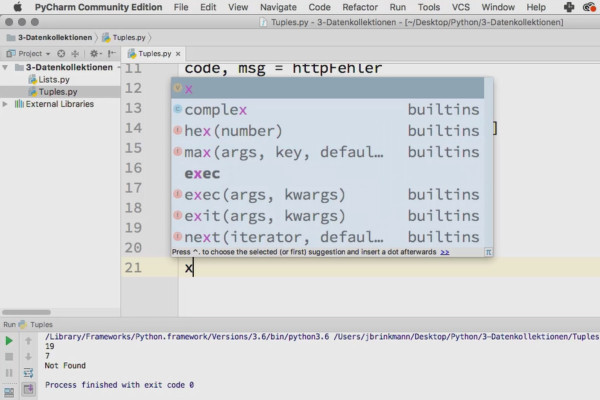
Learning to program with Python - the practical tutorial

Learning to program with Python - the practical tutorial
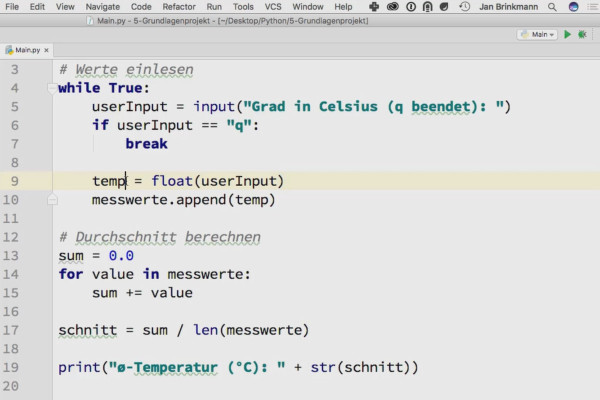
Learning to program with Python - the practical tutorial
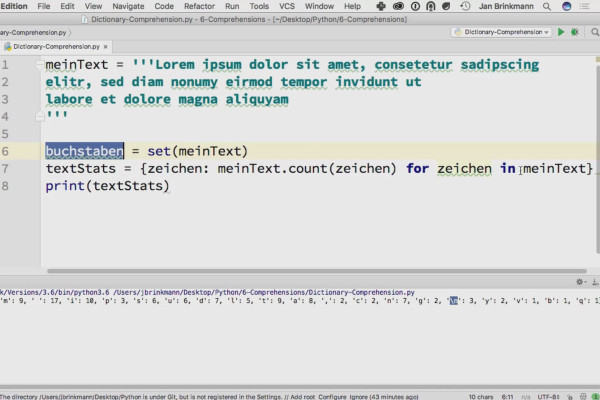
Learning to program with Python - the practical tutorial

Learning to program with Python - the practical tutorial
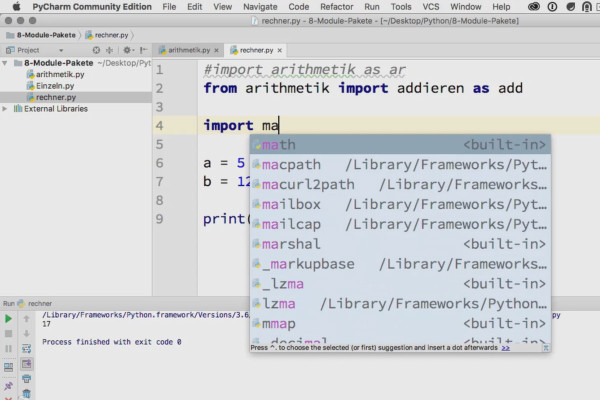
Learning to program with Python - the practical tutorial
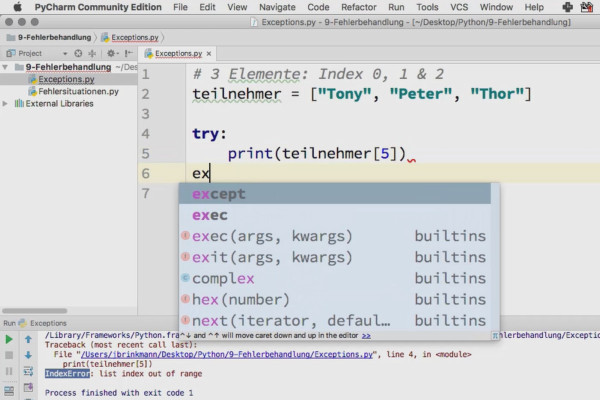
Learning to program with Python - the practical tutorial
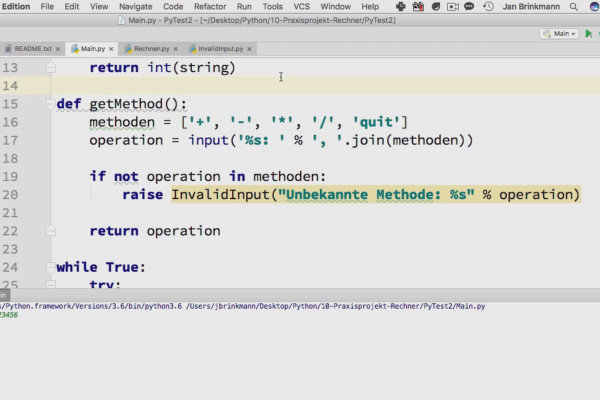
Learning to program with Python - the practical tutorial
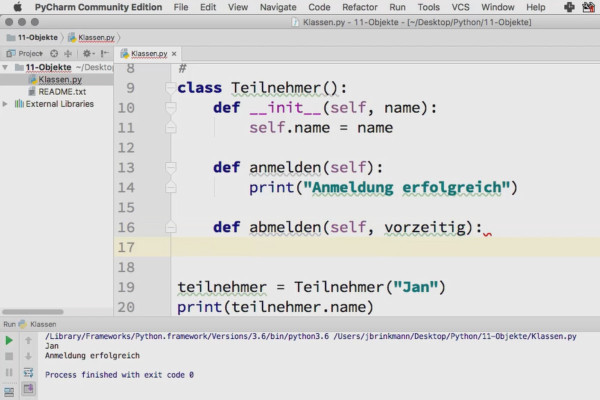
Learning to program with Python - the practical tutorial

Learning to program with Python - the practical tutorial
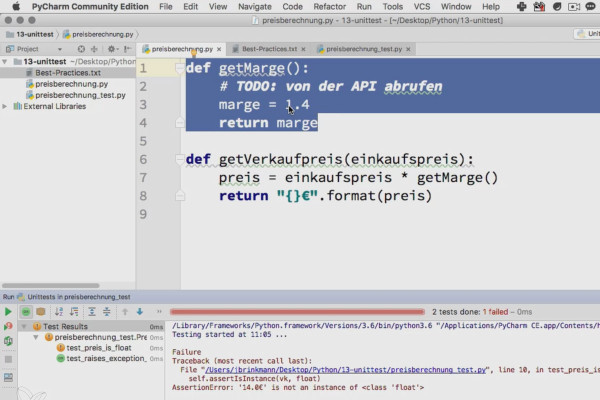
Learning to program with Python - the practical tutorial
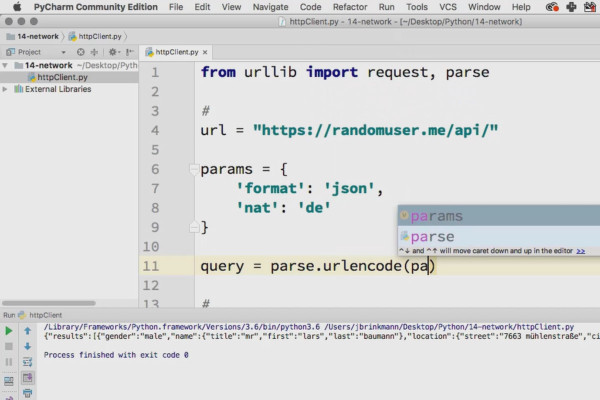
Learning to program with Python - the practical tutorial
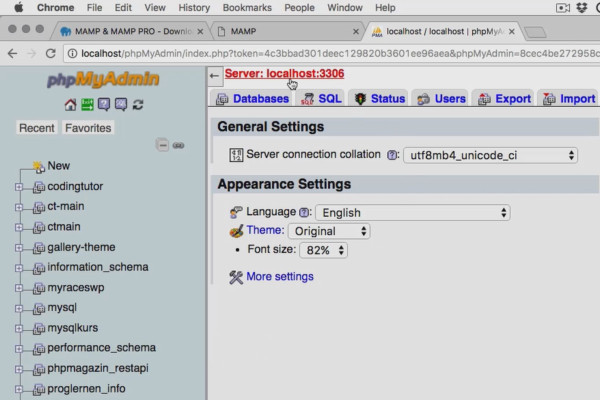
Learning to program with Python - the practical tutorial
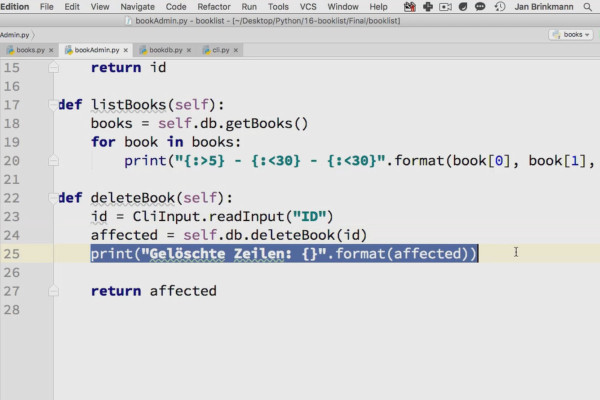
Learning to program with Python - the practical tutorial
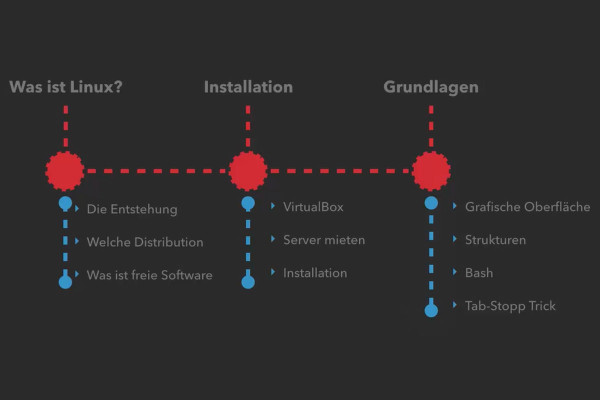
Linux tutorial for beginners: Learn the basics & set up Ubuntu
Linux tutorial for beginners: Learn the basics & set up Ubuntu

Linux tutorial for beginners: Learn the basics & set up Ubuntu
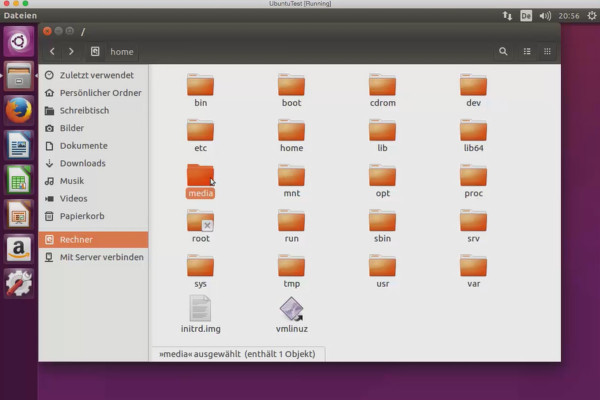
Linux tutorial for beginners: Learn the basics & set up Ubuntu
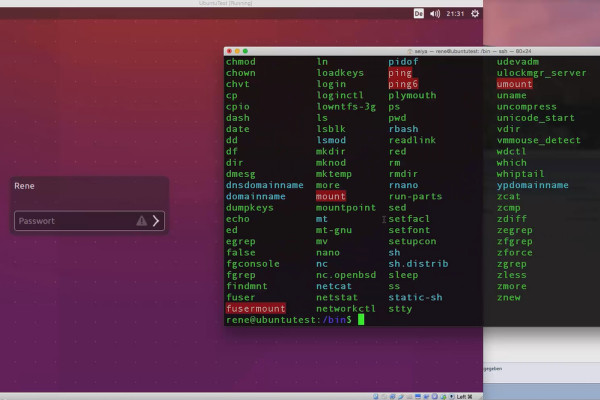
Linux tutorial for beginners: Learn the basics & set up Ubuntu
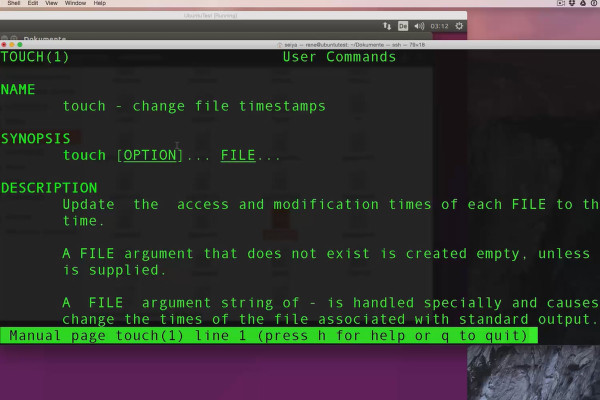
Linux tutorial for beginners: Learn the basics & set up Ubuntu
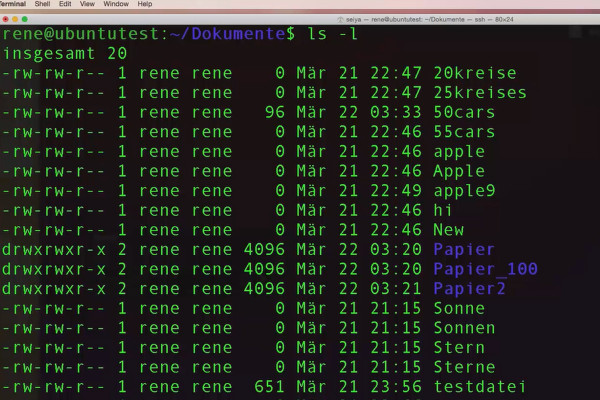
Linux tutorial for beginners: Learn the basics & set up Ubuntu

Linux tutorial for beginners: Learn the basics & set up Ubuntu
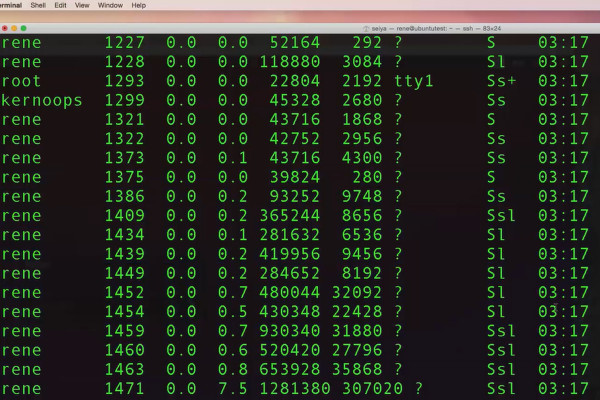
Linux tutorial for beginners: Learn the basics & set up Ubuntu
Learning programming for beginners
Your code for more knowledge
Tutorials on web design, CMS and development
Learn with practical online tutorials
The basics of programming - from HTML to Python
Whether you're editing images for the web or writing marketing texts: Sooner or later, the moment will come when you open WordPress or work with developers. It's good if you can have a say, get involved and shine with basic programming skills. This is exactly what our web and CMS tutorials are designed for: By learning how to work with HTML, CSS, PHP and JavaScript, and preferably also with jQuery or Python, you can fix small to large code problems yourself. Programming knowledge required!