
Creative Cloud desktop app: Tutorial on helpful features

- One-hour tutorial on the Adobe Creative Cloud desktop app
- Everything you need to know about the basic application
- Discover useful functions for effective working
- Bonus: Video on the most important new features from the October 2020 update
As inconspicuous as it may seem, its functional inner life is just as helpful: Watch this training now and benefit from the possibilities of the Creative Cloud desktop app.
9 Videos, 66 minutes
Creative Cloud Desktop app (version May 2020)
Creative Cloud desktop app: Overview of the new features May 2020
18 minThe Creative Cloud desktop app 2020 comes in a new design. A lot has also changed in terms of operation and functionality. Find out all the details in this overview.
Creative Cloud desktop app: Navigation and installation
8 minIn this lesson, you will learn how to navigate and install the Creative Cloud desktop app 2020.
Creative Cloud desktop app: options and tweaks
7 minEverything there is to discover in terms of options and tweaks in the Creative Cloud desktop app 2020 can be found in this video training.
Creative Cloud desktop app: Using the cloud
5 minIn this training course, you will learn how to use the cloud function of the Creative Cloud desktop app correctly.
Creative Cloud desktop app: Present your work
5 minIt is possible to share your work with many users and make use of it among each other. You will learn how to do this in this lesson.
Creative Cloud desktop app: Synchronization of fonts
4 minAdobe now offers an enormous number of fonts, which are included in the subscription itself. This means you can use them independently of the app. You can find out how to synchronize these fonts in your library in this lesson.
Creative Cloud desktop app: New features in detail
5 minAll innovations that did not make it into a separate training course can be found here.
What's new in the Creative Cloud desktop app
Creative Cloud desktop app: Overview of the new features October 2020
12 minA lot has changed in the Creative Cloud app from Adobe. In this lesson, you will learn everything you need to know about the new features, where to find them and what they can do for you.
Creative Cloud desktop app: new features in March 2021 - support for ARRIRAW footage
2 minWith ARRIRAW it is possible to shoot RAW footage. This is now natively supported in Premiere Pro. Learn some interesting things about this format.
Examples of use
-
 Get the most out of your work with the Creative Cloud desktop app.
 -
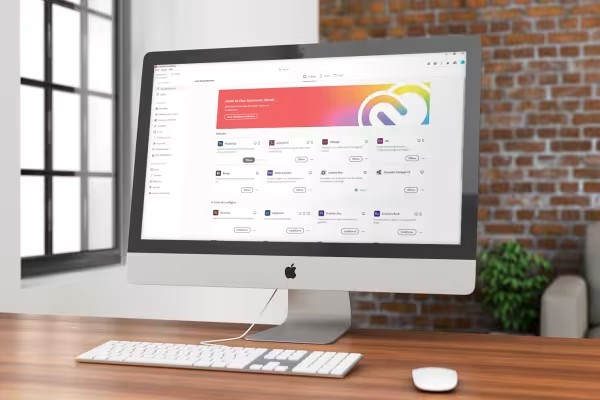 Watch the tutorial and discover the possibilities of the Adobe Creative Cloud desktop app.
You might also like

20 sets in 4K (4096 × 4096 px, 300 DPI) as JPG plus Photoshop patterns, calibrated to the fill method

100 presets in 5 themes · each look in .xmp, .dng, and .costyle · for desktop and smartphone

Edit films, transitions, animations, and more

Prices, projects, vacation, working hours, and travel expenses
Comment now „Creative Cloud desktop app: Tutorial on helpful features“