
TikTok Ads Manager: Place ads and run campaigns (Tutorial)

- Comprehensive view: 3-hour video tutorial on the TikTok Ads Manager
- Basics: Create your account and start your first campaign
- Step by step: What you should pay attention to when placing ads and campaigns
- Tips and tricks for successful online marketing from Tobias Becker
Increase the revenue of your TikTok marketing with the skillful use of the Ads Manager - this video training explains how to do it!
29 Videos, 185 minutes
Introduction
TikTok Ads Manager: 1.1 | Introduction
2 minIn this video, I'll give you a very brief introduction to the TikTok ads video course.
TikTok Ads Manager: 1.2 | What are TikTok Ads?
3 minIn this video I explain in detail what TikTok Ads are.
TikTok Ads Manager: 1.3 | Advantages of TikTok Ads
6 minIn this video I explain the advantages of TikTok Ads.
The TikTok Ads Manager
TikTok Ads Manager: 2.1 | Create TikTok Ads Manager account
8 minIn this video we create a TikTok Ads Manager account.
TikTok Ads Manager: 2.2 | A short tour of the Ads Manager
5 minIn this video I give you a little tour.
TikTok Ads Manager: 2.3 | Campaign types
8 minIn this video we discuss the various campaign objectives.
Traffic display – step by step
TikTok Ads Manager: 3.1 | Start a first campaign
8 minIn this video we launch a first campaign.
TikTok Ads Manager: 3.2 | Select placement
4 minIn this video, I explain which placement you should choose.
TikTok Ads Manager: 3.3 | Categorize ads
2 minIn this video we discuss the categorization.
TikTok Ads Manager: 3.4 | Set targeting
17 minIn this video I explain how to set up your targeting.
TikTok Ads Manager: 3.5 | Budget and schedule
4 minIn this video, I'll show you what you need to consider in terms of budget and schedule.
TikTok Ads Manager: 3.6 | Bid Settings
4 minIn this video I show you the different bid settings.
TikTok ad
TikTok Ads Manager: 4.1 | Create TikTok video for display
9 minIn this video we explain how to create a video ad.
TikTok Ads Manager: 4.2 | Select video from the library
2 minIn this video I show you how to select a video from the library.
TikTok Ads Manager: 4.3 | TikTok Video Editor
8 minIn this video I show you the TikTok video editor.
TikTok Ads Manager: 4.4 | Fast optimization
7 minThis video is about quick optimization.
Create target group
TikTok Ads Manager: 5.1 | Create custom audience
4 minIn this video we explain the user-defined target groups and how to create them.
TikTok Ads Manager: 5.2 | Create lookalike target group
3 minIn this video we talk about lookalike target groups.
The TikTok video editor
TikTok Ads Manager: 6.1 | Video Templates
10 minIn this video we talk about video templates.
TikTok Ads Manager: 6.2 | Smart Video
11 minIn this video I explain how to use Smart Video.
TikTok Ads Manager: 6.3 | Intelligent video soundtrack
3 minIn this video I give you an introduction to intelligent video soundtracks.
TikTok advertising video
TikTok Ads Manager: 7 | Create TikTok Ad video with Canva
8 minIn this video, we create a TikTok ad with Canva.
Further ads in detail
TikTok Ads Manager: 8.1 | Create reach ad
8 minIn this video we talk about brand awareness ads.
TikTok Ads Manager: 8.2 | Create video ad
4 minIn this video we talk about the video display.
TikTok Ads Manager: 8.3 | Create lead generation ad
15 minIn this video we talk about the lead generation ad.
The simple way
TikTok Ads Manager: 9 | Create ad with simple mode
6 minIn this video, I show you how to use the simple mode.
Tips & tricks for successful TikTok ads
TikTok Ads Manager: 10.1 | TikTok Pixel
8 minIn this video we discuss the TikTok pixel.
TikTok Ads Manager: 10.2 | Tips and tricks for successful TikTok Ads
5 minIn this video we talk about more tips & tricks.
Graduation
TikTok Ads Manager: 11 | Completion
2 minI would like to say goodbye to you in this video.
You might also like
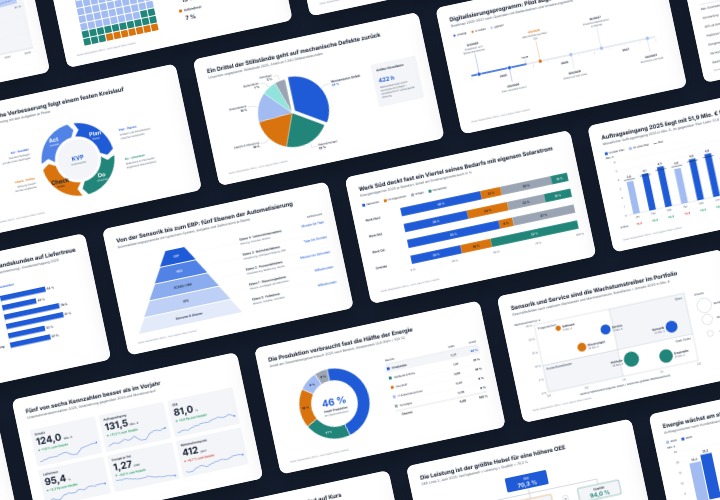
48 editable chart templates in SVG, PDF, EPS, PNG, and PowerPoint – in under a minute in the customer’s corporate identity
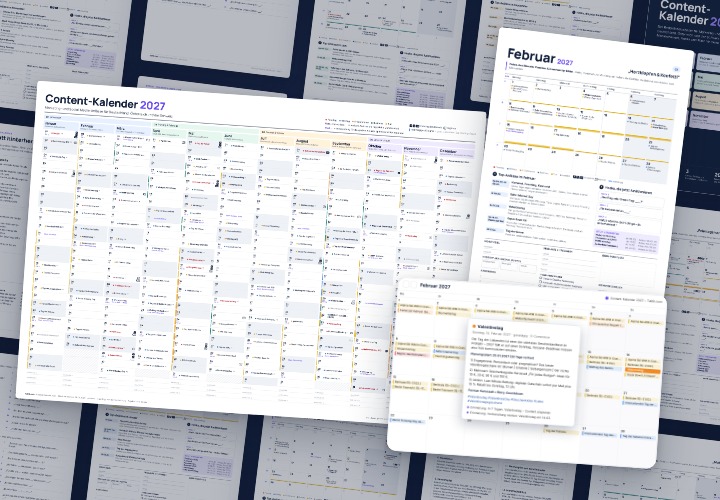
277 occasions with 3 post ideas each, wall planner A2/A1, monthly calendar A4, Excel database, calendar file, and bonus tools

10 sets of 50 vector icons in line and duotone, available in SVG, EPS, and PNG

From Context Hints to Conversion: Campaigns in ChatGPT
Comment now „TikTok Ads Manager: Place ads and run campaigns (Tutorial)“