

Targeted in the image: GIMP tutorials and brushes
If you want to change the world of images: our GIMP tutorials and GIMP brushes provide you with the right tools. Regardless of whether you want to get to grips with the open source program GIMP for the first time or open up more possibilities - the video trainings will pick you up at your level and provide you with professional knowledge for the safe and fast operation of GIMP . You can also download thousands of GIMP brushes on a wide range of topics to conjure up unique effects on your photos. "Create" your photo editing know-how now.
On this page
Free tutorials for GIMP
- GIMP 2. 10: Effectively Using the New Smudge Tool
- Apply High-Pass Filter in GIMP Without Plugin – Simple Steps
- GIMP Image Editing - Understanding the Basics of Usage Rights
- GIMP Blurring and Sharpening Made Easy
- GIMP Spray Gun – Effective Work with Colors
- GIMP Ruler Tool: Measure distances and angles accurately



Brush tips for the cold season
Blums, leaves, butterflies & co
Techniques & methods in practice
Operation, principles, tools
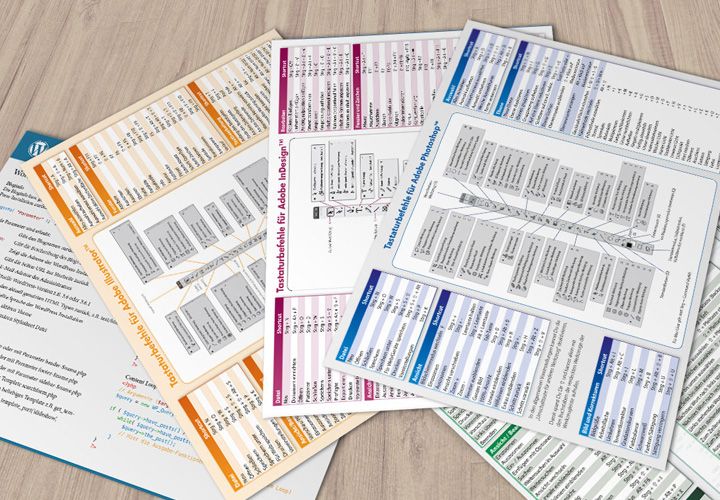
Travel faster
Ascend to cloud nine!
For Photoshop and Photoshop Elements!
How image editing works
Tutorials & Brushes for GIMP
Come to the GIMP training center
Let us teach you a lesson: our GIMP tutorials
Just starting out or already in the thick of it - what level are you at in GIMP? You'll find the right tutorial for you here. Get to know the GIMP interface and move confidently across all layers, use all tools with confidence and select the right mask. One level up, we'll show you how to use GIMP's functionalities for classic and unusual image editing methods. For example, you can retouch portraits or give photos a unique look. Everything is practical and easy to understand and tailored to you.
Download & use: Brushes for your pictures
GIMP becomes your thing: our brushes
Great picture - but the icing on the cake is missing? Just add it with one of our more than a thousand GIMP brushes. You can easily load the brushes into GIMP. Then set the sizes and place your desired effect. For example, grab brushes for milky splashes, wafting mist or sparkling sparkles. Draw hair, create fire or skillfully throw rose petals around. Set new standards for your creativity with our GIMP brushes .