Tutorials on 3D, audio and video
3D, Audio & Video
Tutorials on basics & professional tips

3D, audio & video - tutorials, basics & pro tips

New to 3D, audio and video and looking for basic information? Or already an expert and keen to get to know new workflows? In our tutorials, experienced trainers will show you how to stage 3D objects, create impressive videos, produce music and correct audio recordings. Whether it's Adobe Premiere and After Effects or DaVinci Resolve and the basics of videography - take a look at what will help you progress in your 3D, audio and video work!

Cinema 4D - Lighting: 4.1 Creating a renderer

Light & Lighting in Cinema 4D - the practical course

Cinema 4D - Lighting: 5.1 render settings

Light & Lighting in Cinema 4D - the practical course

Cinema 4D - Lighting: 6.1 Inventory

Light & Lighting in Cinema 4D - the practical course

Digital music production with FL Studio - 0 Intro

FL Studio Tutorial: Learn music production
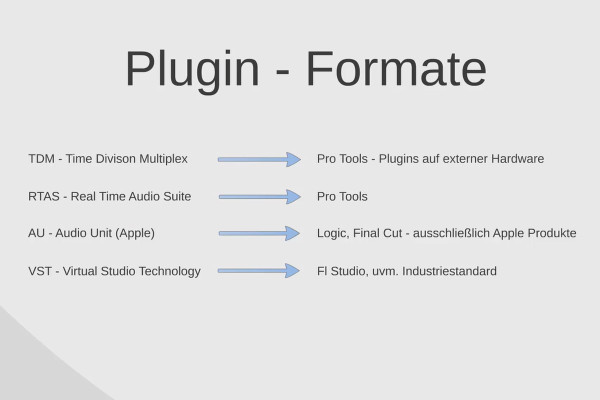
Digital Music Production with FL Studio - 1.1 Basics Part 1

FL Studio Tutorial: Learn music production
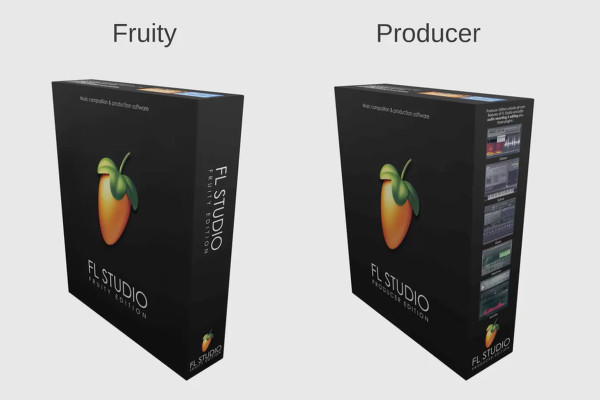
Digital music production with FL Studio - 2.1 Editions

FL Studio Tutorial: Learn music production
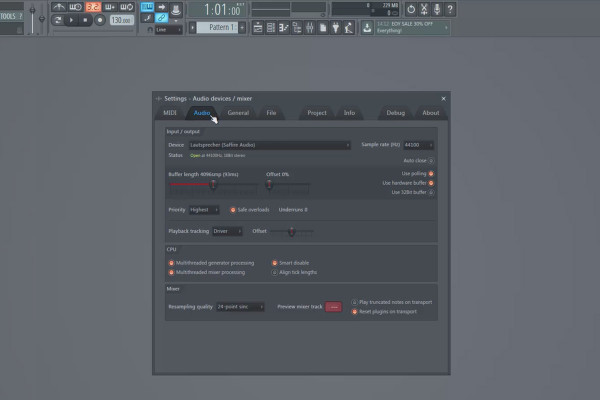
Digital music production with FL Studio - 3.1 Settings before you start

FL Studio Tutorial: Learn music production
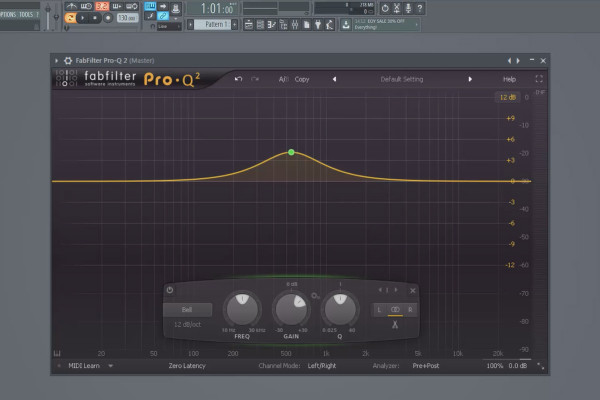
Digital music production with FL Studio - 4 Use of effects, compressor, sound design

FL Studio Tutorial: Learn music production
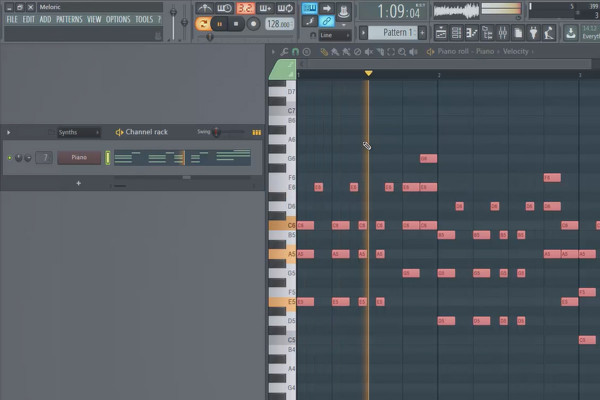
Digital music production with FL Studio - 5.1 sample production: Preparation

FL Studio Tutorial: Learn music production

Cinema 4D meets Photoshop: I - 1.1 Explaining Greebler: Ordering and installing Greebler

3D design & composing: Cinema 4D meets Photoshop
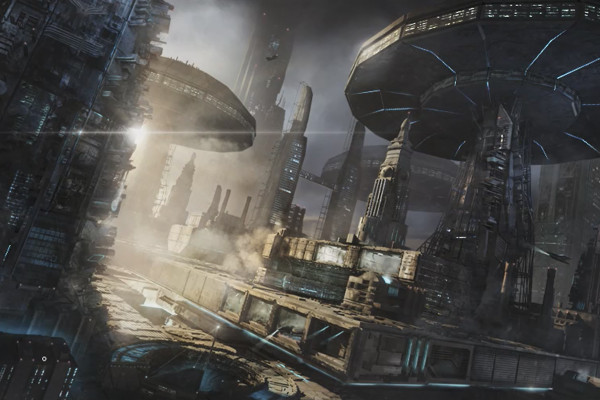
Cinema 4D meets Photoshop: II - 1.1 Overview - Photoshop part

3D design & composing: Cinema 4D meets Photoshop
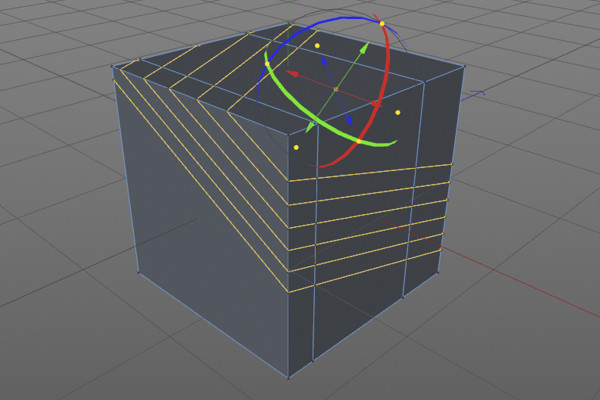
C4D Release 18 - the knife tools

New functions in Cinema 4D - R12 to R19, R20 and R21
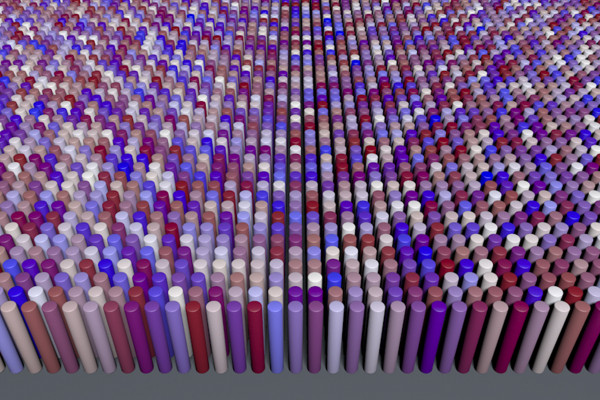
C4D Release 17 - Texture variations with the variation shader

New functions in Cinema 4D - R12 to R19, R20 and R21
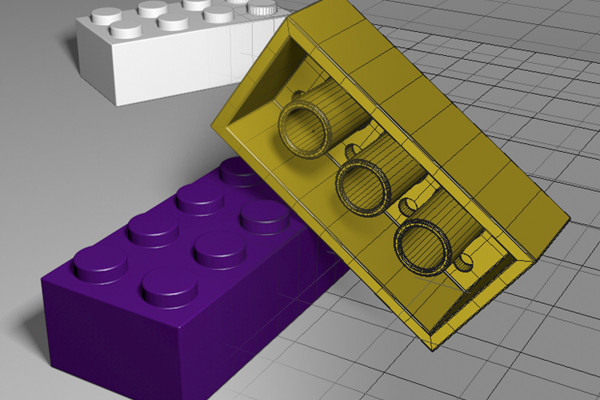
C4D Release 16 - Modeling with the Bevel Deformer

New functions in Cinema 4D - R12 to R19, R20 and R21
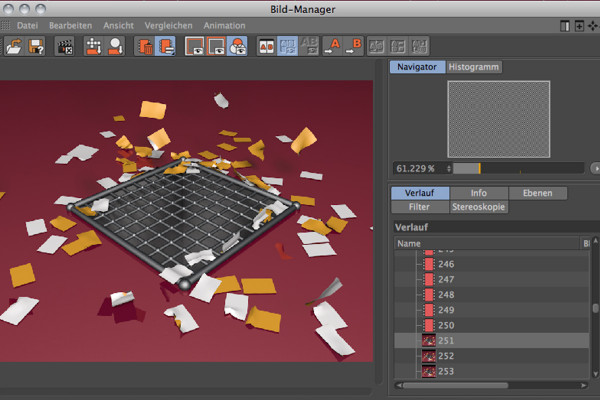
C4D Release 15 - Rendering with Team Render

New functions in Cinema 4D - R12 to R19, R20 and R21
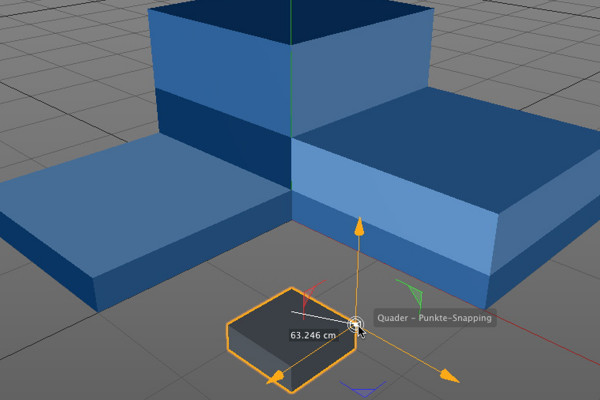
C4D Release 14 - Snapping and dynamic guides

New functions in Cinema 4D - R12 to R19, R20 and R21
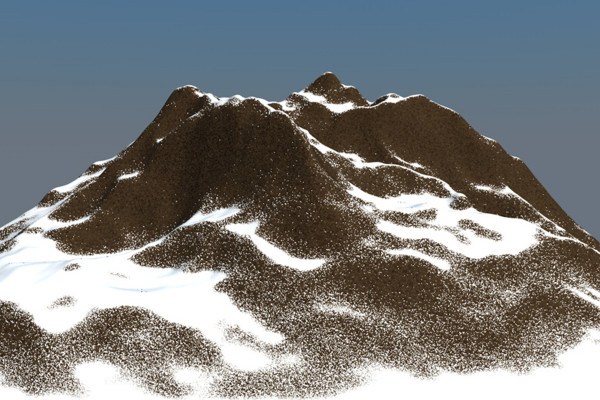
C4D Release 13 - Snow in the mountains with the terrain mask shader

New functions in Cinema 4D - R12 to R19, R20 and R21
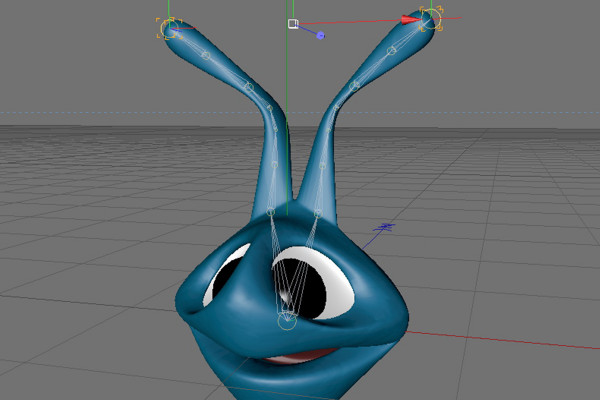
C4D Release 12 - Dynamic inverse kinematics

New functions in Cinema 4D - R12 to R19, R20 and R21

3D projects in After Effects: Introduction

3D projects and animations in After Effects

3D projects in After Effects: Jumping points - gradation of the path

3D projects and animations in After Effects

Workflow tips and tricks in After Effects: Introduction

3D projects and animations in After Effects

Workflow tips and tricks in After Effects: Adjustment layers with blending modes

3D projects and animations in After Effects

Trailer for the training course "3D projects and animations in After Effects"

3D projects and animations in After Effects

Animation made easy: Introduction to the trailer project

Animation in After Effects: Your beginner's tutorial
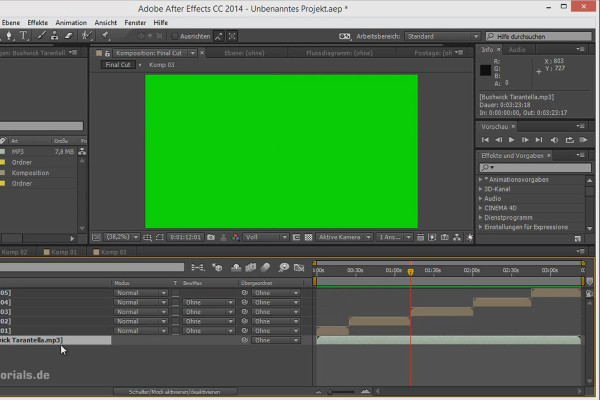
Tips and tricks for animation in After Effects: Audio in sub-compositions

Animation in After Effects: Your beginner's tutorial

Tips and tricks for the workflow in After Effects: Incrementing and saving

Animation in After Effects: Your beginner's tutorial

Animations in After Effects | Trailer
free of charge
Animations in After Effects | Trailer

Animation in After Effects: Your beginner's tutorial

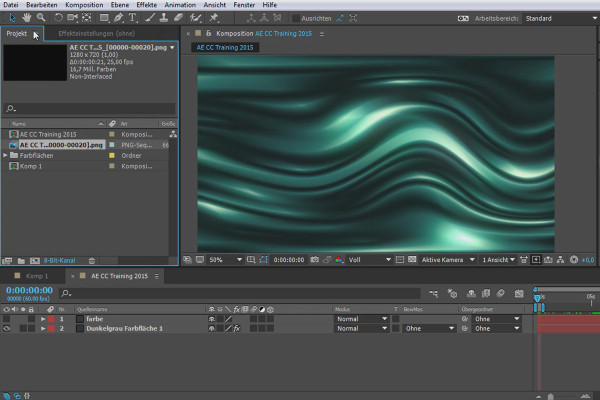
What's new in the Creative Cloud: After Effects CC (until 2015) - Welcome to the Creative Cloud

After Effects for beginners

What's new in the Creative Cloud: After Effects CC 2015 (June 2015) - The new look

After Effects for beginners

What's new in the Creative Cloud: After Effects CC 2015.1 (November 2015) - Overview of the November update

After Effects for beginners

After Effects for beginners: The basic concept of After Effects

After Effects for beginners

After Effects for beginners: Rendering with a compressed alpha channel

After Effects for beginners

After Effects for beginners: Installing and using plugins

After Effects for beginners

After Effects for beginners: Working with effects and their explanation

After Effects for beginners

After Effects for beginners: 3D drop composition with strokes

After Effects for beginners

CINEMA 4D Compendium - The Animation
CINEMA 4D Compendium - The Animation

This is what you can expect in the video training "After Effects Workshop DVD - Basics & Tricks"

After Effects Workshop DVD - Basics & Tricks
iMovie Tutorial: 1.2 | Welcome to the course!

iMovie tutorial: Guide to creative video editing
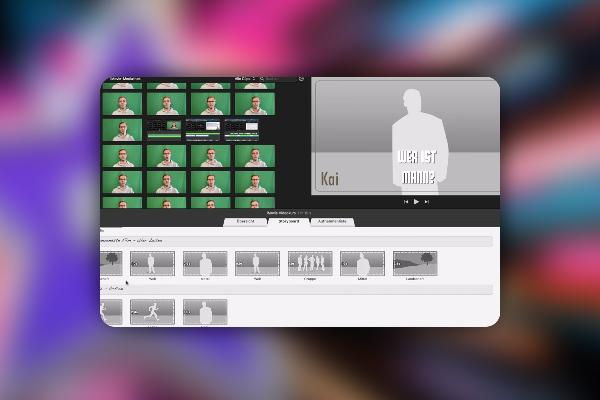
iMovie Tutorial: 2.2 | Introduction to iMovie – here we go!

iMovie tutorial: Guide to creative video editing
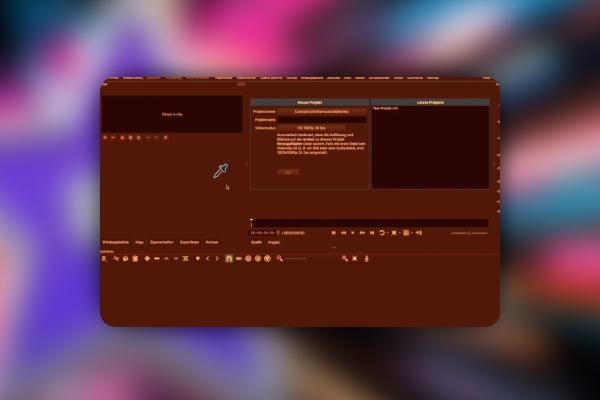
iMovie Tutorial: 3.2 | Optimizing color balance

iMovie tutorial: Guide to creative video editing
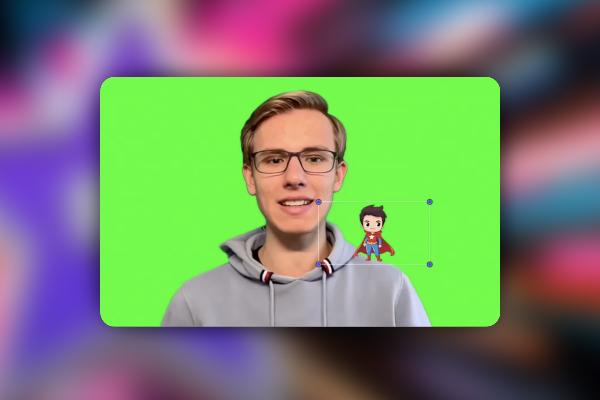
iMove Tutorial: 4.2 | Inserting Images and Visual Elements

iMovie tutorial: Guide to creative video editing
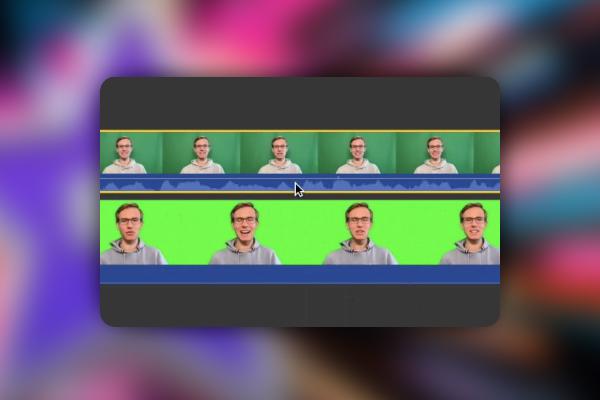
iMovie Tutorial: 5.2 | Store videos for future projects in the cloud

iMovie tutorial: Guide to creative video editing
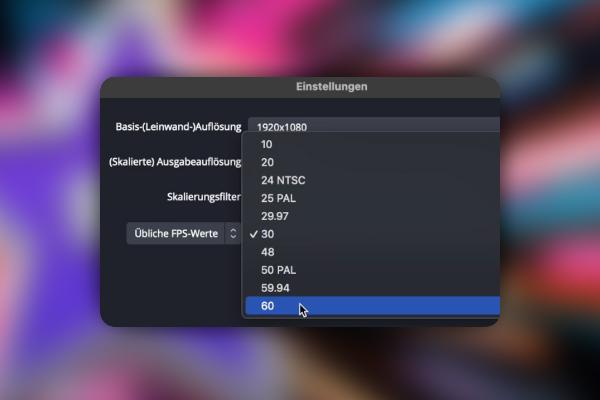
iMovie Tutorial: 6.2 | Introduction to OBS Studio, recording for Windows and macOS

iMovie tutorial: Guide to creative video editing
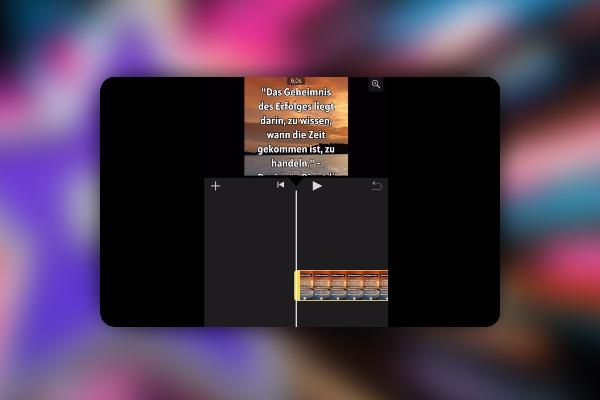
iMovie Tutorial: 7.2 | iMovie on the iPhone

iMovie tutorial: Guide to creative video editing
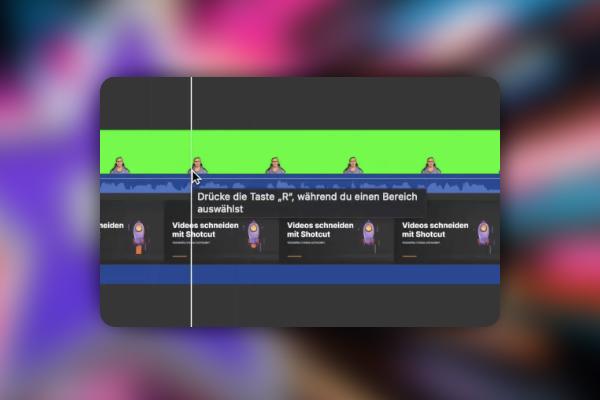
iMovie Tutorial: 8.2 | Cutting a promotional video with iMovie

iMovie tutorial: Guide to creative video editing
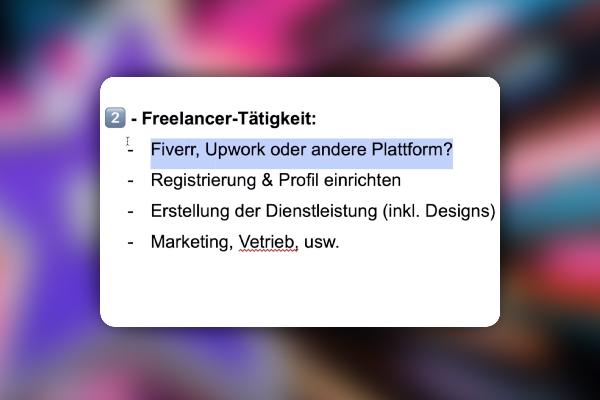
iMovie Tutorial: 9.2 | I want to become a freelancer! But how do I do that?

iMovie tutorial: Guide to creative video editing

iMovie Tutorial: 10.2 | Where can I get high-quality stock photos?

iMovie tutorial: Guide to creative video editing

Creating AI videos: 1.2 | My goal and what you can expect from the course

Creating AI videos with artificial intelligence (Tutorial)
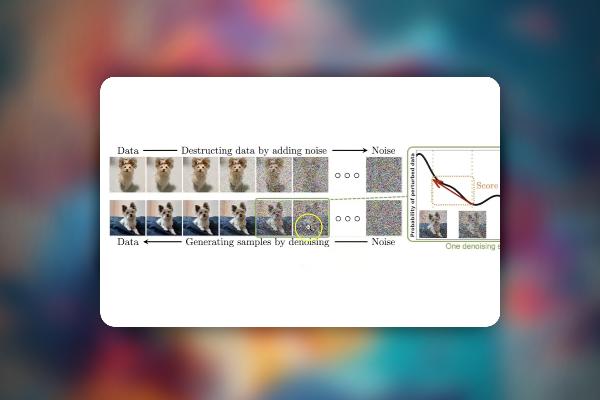
Create AI videos: 2.2 | Diffusion models, Loras, Seeds and Checkpoints

Creating AI videos with artificial intelligence (Tutorial)
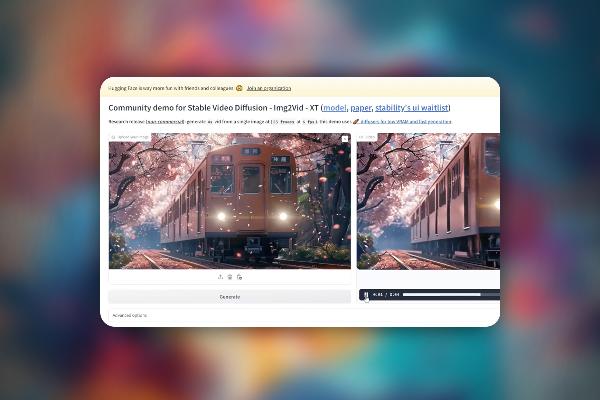
Creating AI videos: 3.2 | Stable Video Diffusion - the simplest tool for AI videos

Creating AI videos with artificial intelligence (Tutorial)
Creating AI videos: 4.2 | What was done before?

Creating AI videos with artificial intelligence (Tutorial)

Creating AI videos: 5.2 | Synthesia: Overview and Pricing

Creating AI videos with artificial intelligence (Tutorial)
Creating AI videos: 6.2 | Berlitz is 70% faster

Creating AI videos with artificial intelligence (Tutorial)
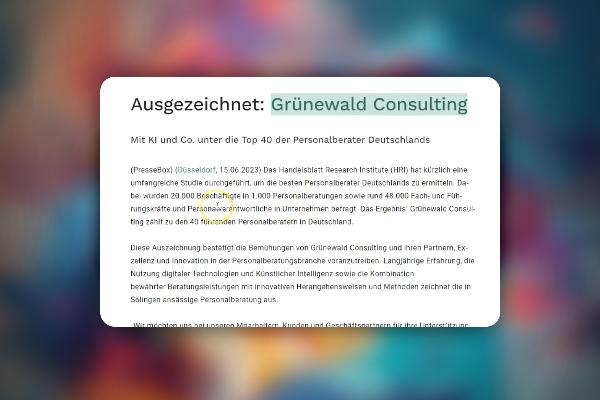
Creating AI videos: 7.2 | Grünewald knows how it's done

Creating AI videos with artificial intelligence (Tutorial)
Creating AI videos: 8.2 | Social media marketing - a great use case

Creating AI videos with artificial intelligence (Tutorial)
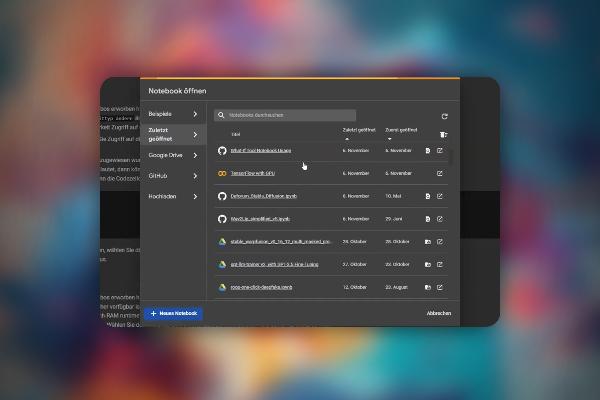
Creating AI videos: 9.2 | What is Google Colab?

Creating AI videos with artificial intelligence (Tutorial)
Creating AI videos: 10.2 | A great example: complete film creation with AI

Creating AI videos with artificial intelligence (Tutorial)

Creating AI videos: 11.2 | Will AI videos and Sora jobs cost? Future of AI in general

Creating AI videos with artificial intelligence (Tutorial)
AI voices & deepfakes: 2.2 | Let's start with the problem - what was done before?

Text-to-Speech: Create AI voices & deepfakes (Tutorial)
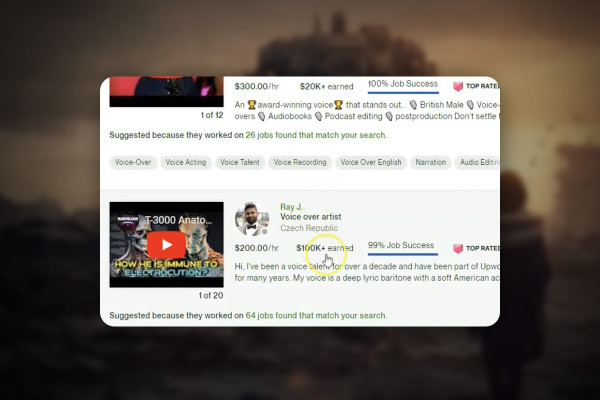
AI voices & deepfakes: 3.2 | Multilingual content Costs Costs Costs

Text-to-Speech: Create AI voices & deepfakes (Tutorial)
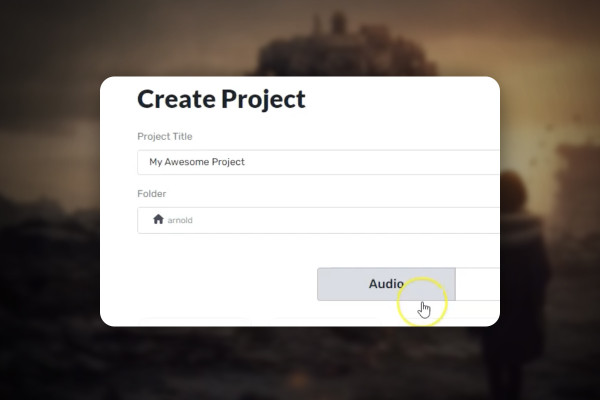
AI voices & deepfakes: 5.2 | Murf.ai

Text-to-Speech: Create AI voices & deepfakes (Tutorial)
AI voices & deepfakes: 6.2 | Create explainer videos with ElevenLabs

Text-to-Speech: Create AI voices & deepfakes (Tutorial)
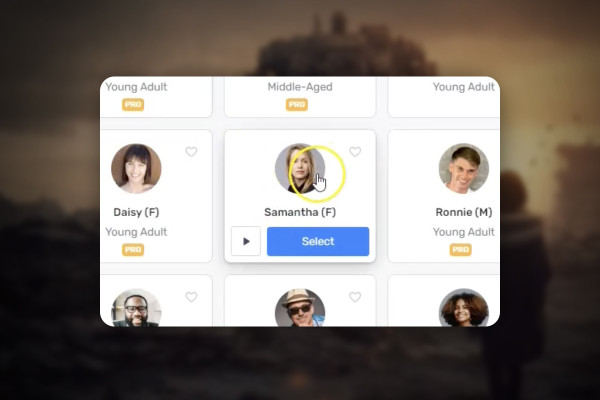
AI voices & deepfakes: 7.2 | Convert podcasts to text and then further distribution to other languages

Text-to-Speech: Create AI voices & deepfakes (Tutorial)
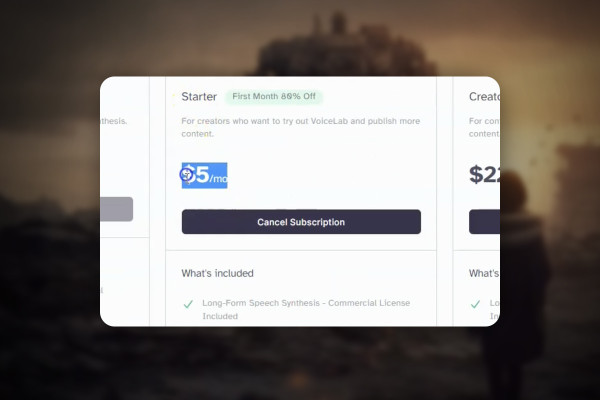
AI voices & deepfakes: 8.2 | Case study: company integrates text-to-speech into customer support

Text-to-Speech: Create AI voices & deepfakes (Tutorial)
AI voices & deepfakes: 9.2 | Step No. 1: Clone the voice you need

Text-to-Speech: Create AI voices & deepfakes (Tutorial)
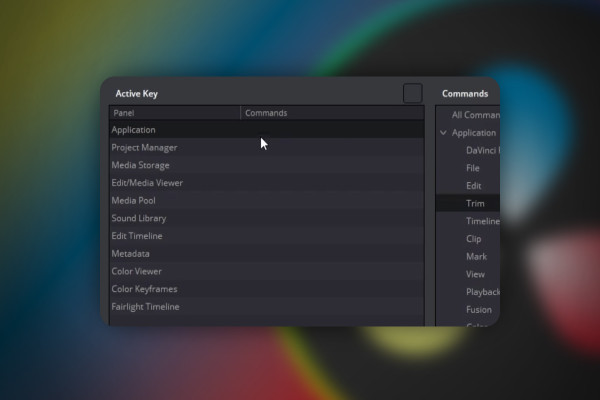
DaVinci Resolve: 2.2 | Set keyboard shortcuts

DaVinci Resolve: Cutting and editing video & audio (practical training)
DaVinci Resolve: 3.2 | Cut Page

DaVinci Resolve: Cutting and editing video & audio (practical training)
DaVinci Resolve: 4.2 | Composite Mode (second part)

DaVinci Resolve: Cutting and editing video & audio (practical training)
DaVinci Resolve: 5.2 | Insert music

DaVinci Resolve: Cutting and editing video & audio (practical training)
DaVinci Resolve: 6.2 | Save Shared Nodes & Color Grade

DaVinci Resolve: Cutting and editing video & audio (practical training)
DaVinci Resolve: 7.2 | Synchronize Audio

DaVinci Resolve: Cutting and editing video & audio (practical training)
DaVinci Resolve: 8.2 | Render settings for 1080p and 4K

DaVinci Resolve: Cutting and editing video & audio (practical training)
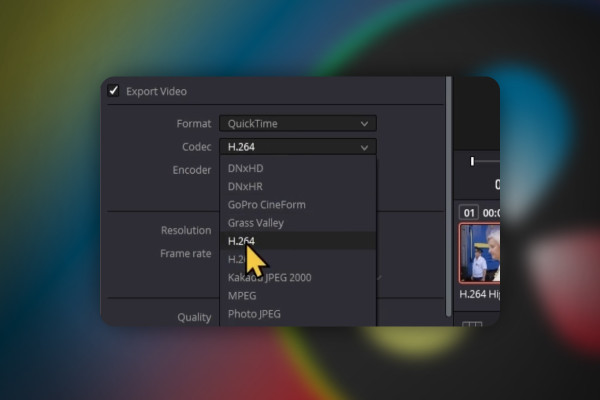
DaVinci Resolve: 9.2 | Pixel error when exporting

DaVinci Resolve: Cutting and editing video & audio (practical training)
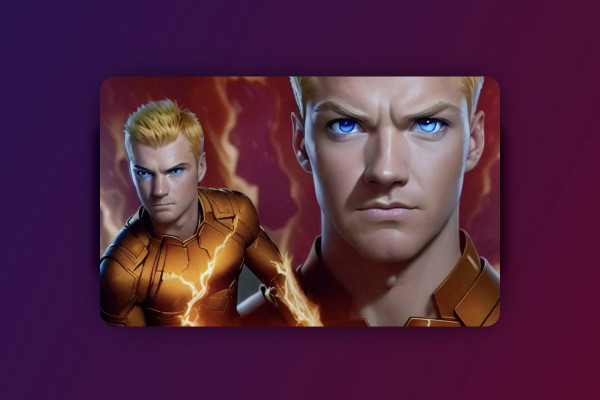
Stable Diffusion Deforum: 02 | My goal
free of charge
Deforum Stable Diffusion: 1.2 | My goal

Deforum Stable Diffusion - create animated videos with AI (Tutorial)
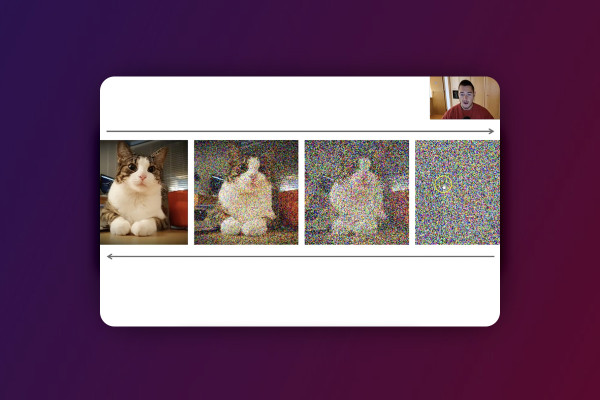
Deforum Stable Diffusion: 2.2 | The technology behind Stable Diffusion

Deforum Stable Diffusion - create animated videos with AI (Tutorial)

Deforum Stable Diffusion: 3.2 | Local installation of Stable Diffusion

Deforum Stable Diffusion - create animated videos with AI (Tutorial)
Stable Diffusion Deforum: 4.2 | Pricing
free of charge
Deforum Stable Diffusion: 4.2 | Pricing

Deforum Stable Diffusion - create animated videos with AI (Tutorial)
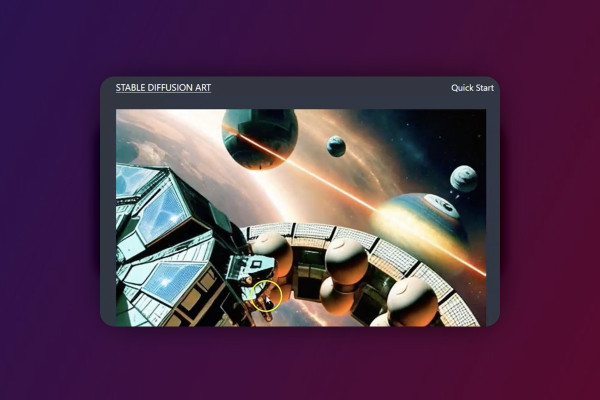
Deforum Stable Diffusion: 5.2 | Overview and Quick-Guide

Deforum Stable Diffusion - create animated videos with AI (Tutorial)
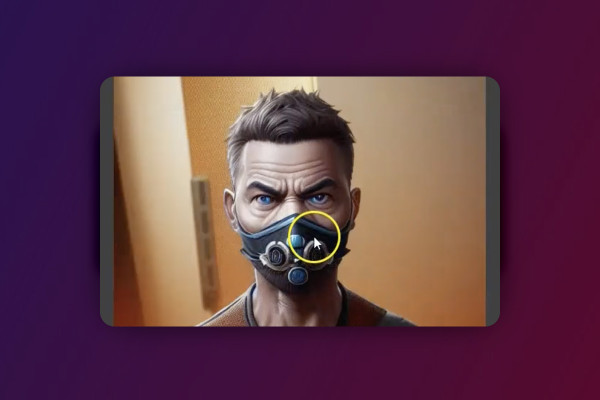
Deforum Stable Diffusion: 6.2 | Tweak parameters until you are satisfied

Deforum Stable Diffusion - create animated videos with AI (Tutorial)
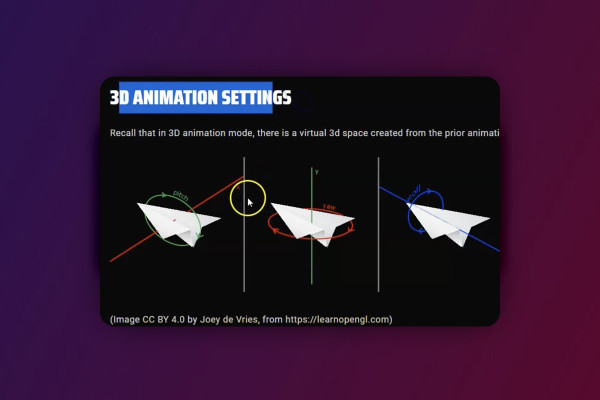
Deforum Stable Diffusion: 7.2 | ChatGPT 4 as helper

Deforum Stable Diffusion - create animated videos with AI (Tutorial)
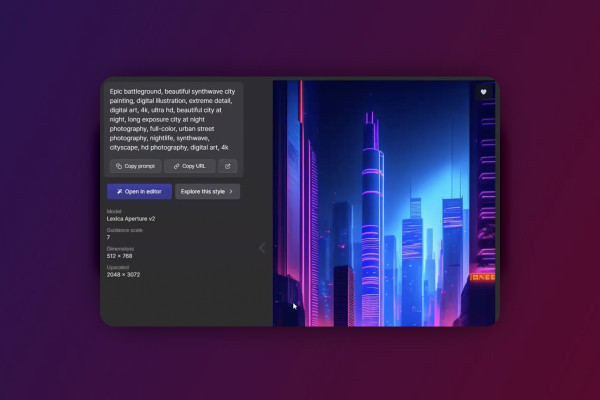
Deforum Stable Diffusion: 8.2 | Video synchronized to music by keyframe generator

Deforum Stable Diffusion - create animated videos with AI (Tutorial)

Deforum Stable Diffusion: 11.2 | My thanks

Deforum Stable Diffusion - create animated videos with AI (Tutorial)
Deforum Stable Diffusion: 10.2 | Loopsie - Alternative that costs

Deforum Stable Diffusion - create animated videos with AI (Tutorial)
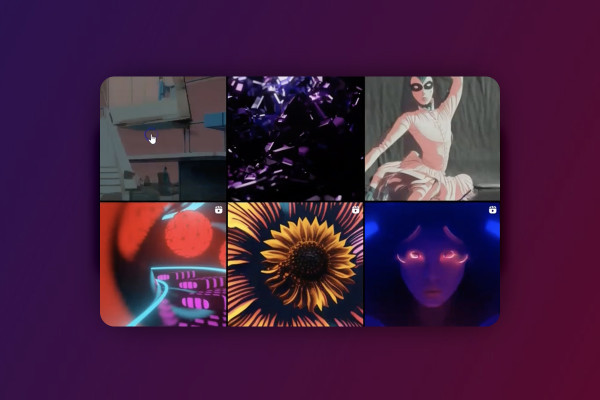
Deforum Stable Diffusion: 9.2 | What should I create, where can I find inspiration?

Deforum Stable Diffusion - create animated videos with AI (Tutorial)
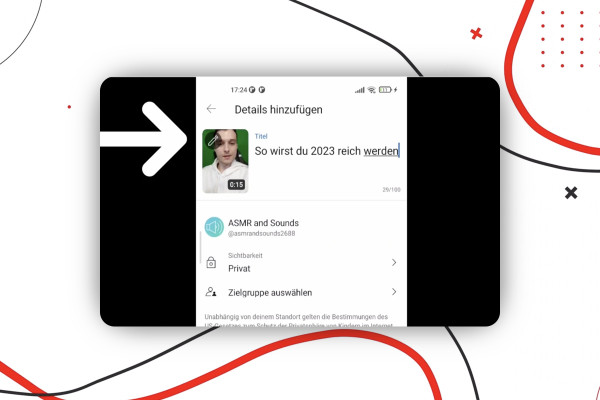
YouTube Shorts: 2.2 | Upload YouTube Shorts from your cell phone

Create and upload YouTube shorts - more reach with short videos
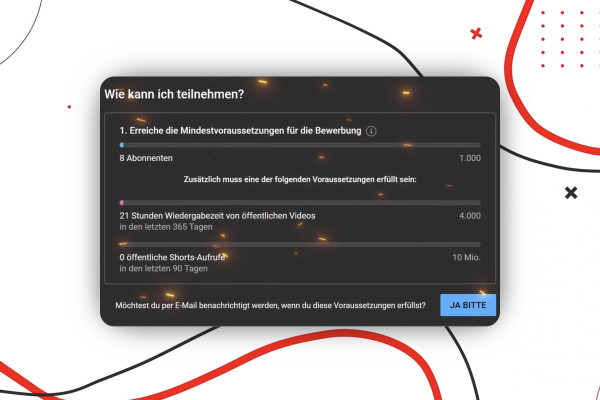
YouTube Shorts: 3.2 | Earn money with YouTube Shorts

Create and upload YouTube shorts - more reach with short videos
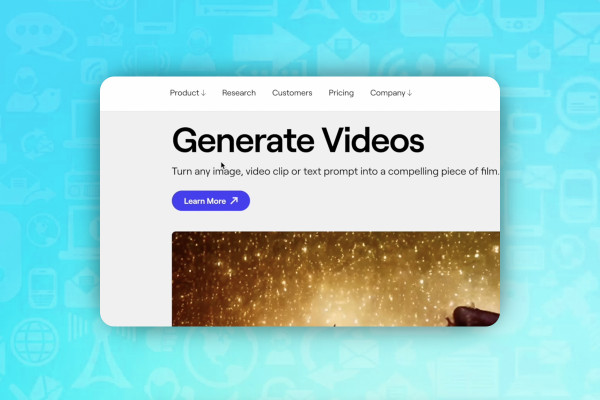
AI for videos: 1.2 | Runwayml - Video editing from another planet

AI guide: Edit video, audio & voice

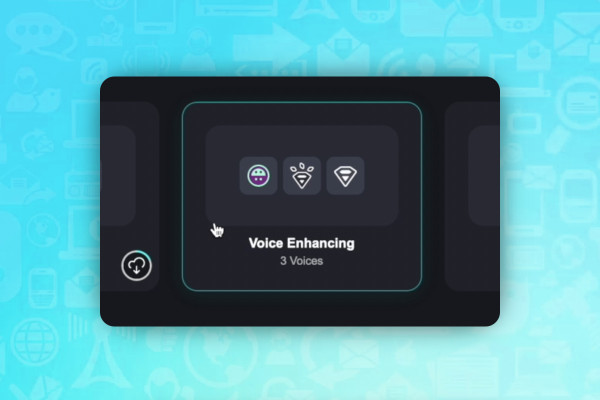
AI for audio/voice: 2.2 | Voicemod - adjust voices

AI guide: Edit video, audio & voice

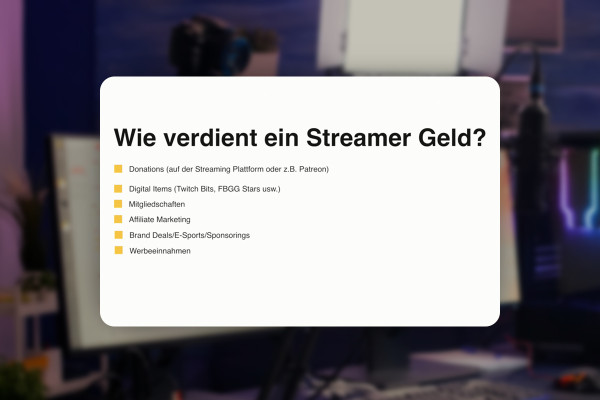
Livestreaming tutorial: 2.2 | How do livestreamers earn money?

Livestreaming on Twitch & YouTube (Tutorial)
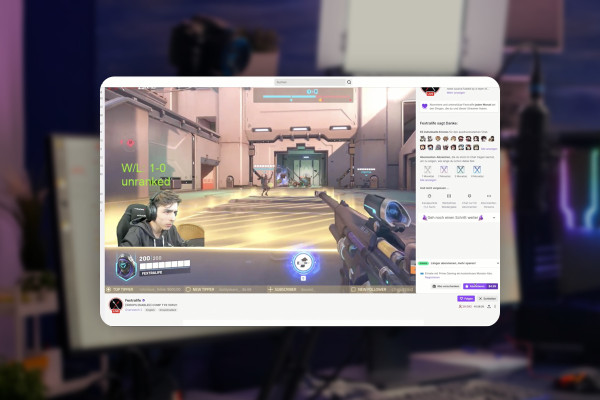
Livestreaming tutorial: 3.2 | The profile of a streamer explained

Livestreaming on Twitch & YouTube (Tutorial)
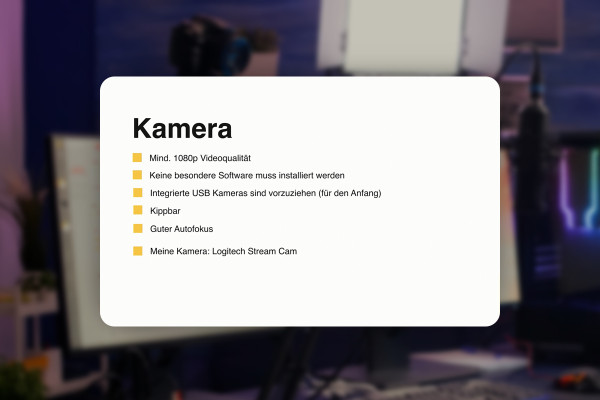
Livestreaming tutorial: 4.2 | Choosing the right camera

Livestreaming on Twitch & YouTube (Tutorial)
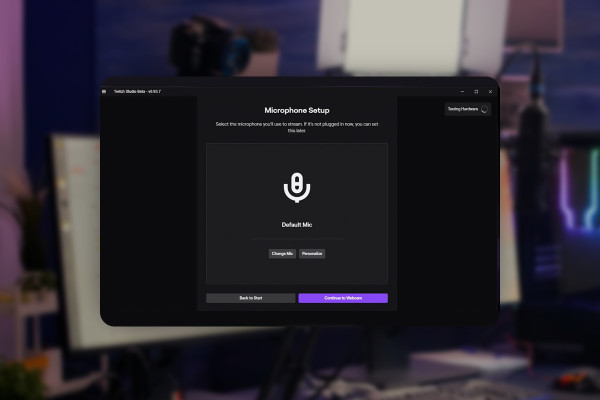
Livestreaming tutorial: 5.2 | Microphone settings in Twitch Studio

Livestreaming on Twitch & YouTube (Tutorial)
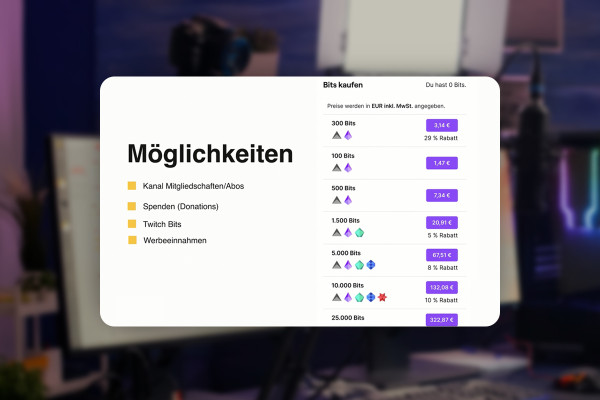
Livestreaming tutorial: 6.2 | All the ways to earn money with Twitch

Livestreaming on Twitch & YouTube (Tutorial)
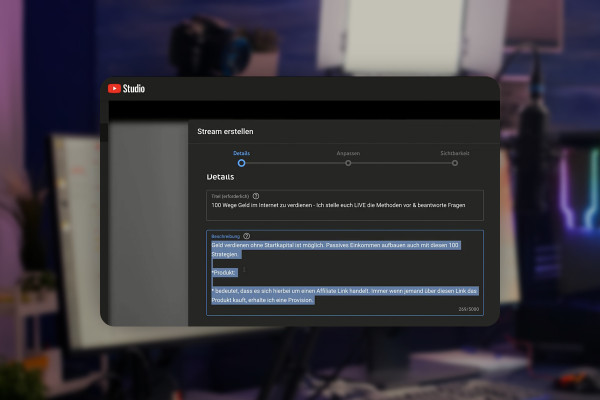
Livestreaming tutorial: 7.2 | Create title and description for YouTube livestreams

Livestreaming on Twitch & YouTube (Tutorial)
Livestreaming Tutorial: 8.2 | Creating a Discord Community - Introduction

Livestreaming on Twitch & YouTube (Tutorial)
Livestreaming tutorial: 9.2 | Your livestream is not an advertising event

Livestreaming on Twitch & YouTube (Tutorial)
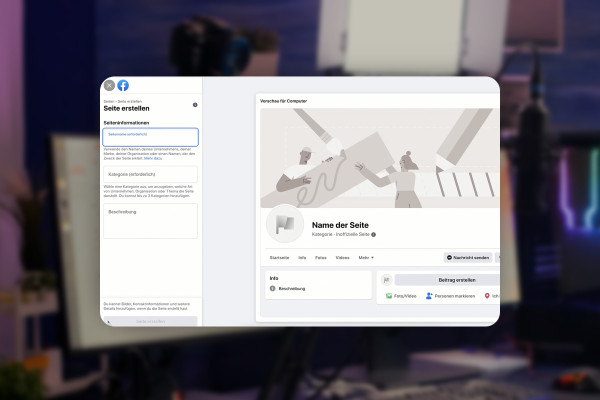
Livestreaming tutorial: 10.2 | Customize ads and send them to Facebook

Livestreaming on Twitch & YouTube (Tutorial)
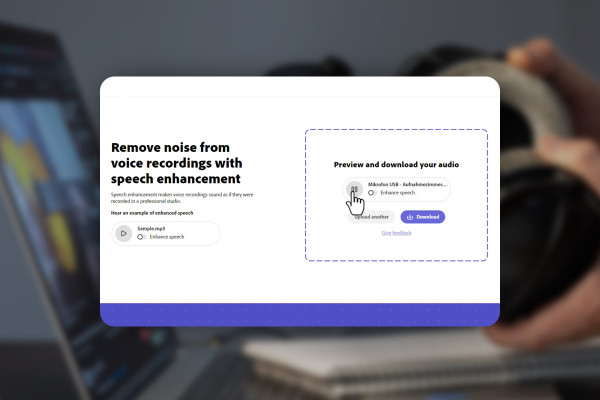
Improving audio recordings: 01 | Adobe Podcast - AI in the test

Improve audio recordings: Sound editing for reverb, hiss and other background noise

FL Studio 21-Tutorial: 1.2 | The new features of version 21 at a glance

FL Studio 21 (Tutorial): new features & getting started with beat production

FL Studio 21-Tutorial: 2.2 | User Interface Themes

FL Studio 21 (Tutorial): new features & getting started with beat production