

Office courses: in-depth knowledge of Word, Google Sheets, Excel & Co.
A helpful tip for your work with Word, time-saving shortcuts for Excel and Google Sheets and then getting into data management with Access? Our courses on the most important Office programs offer you all this and more. Whether you want to get into Word, Excel, Access, PowerPoint or manage your emails even better with Outlook and GMail - we'll show you how to make your office work even more effective . You'll be able to create your next presentation, documents and spreadsheets in no time at all!

Microsoft Copilot (video training) - working more effectively with AI

Microsoft Copilot (video training) - working more effectively with AI

Microsoft Copilot (video training) - working more effectively with AI
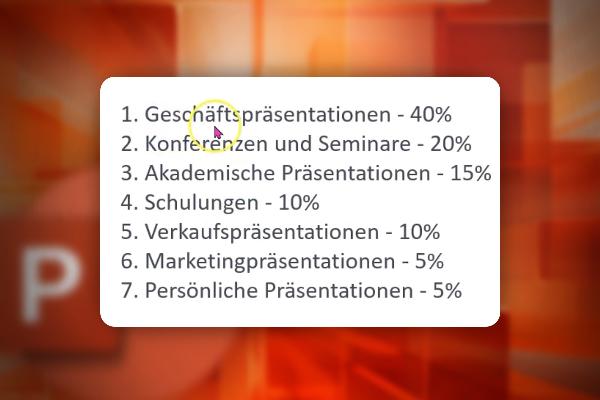
PowerPoint course: Basics & expert tips for convincing presentations
PowerPoint course: Basics & expert tips for convincing presentations
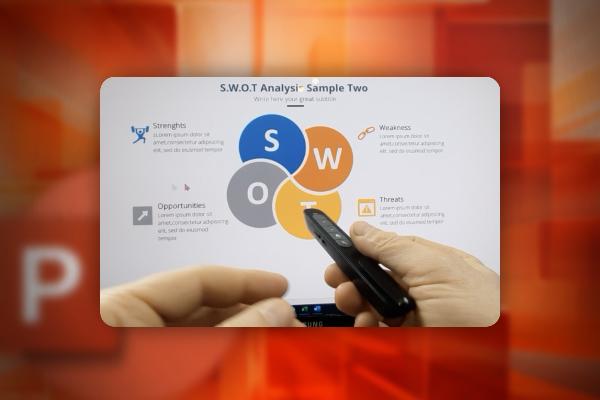
PowerPoint course: Basics & expert tips for convincing presentations
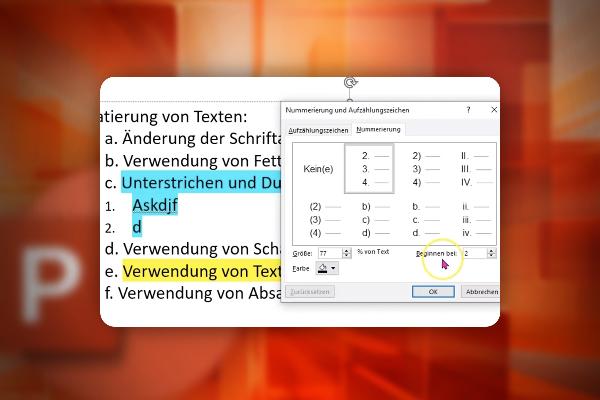
PowerPoint course: Basics & expert tips for convincing presentations

PowerPoint course: Basics & expert tips for convincing presentations

PowerPoint course: Basics & expert tips for convincing presentations
PowerPoint course: Basics & expert tips for convincing presentations
PowerPoint course: Basics & expert tips for convincing presentations
PowerPoint course: Basics & expert tips for convincing presentations

PowerPoint course: Basics & expert tips for convincing presentations
PowerPoint course: Basics & expert tips for convincing presentations
PowerPoint course: Basics & expert tips for convincing presentations
PowerPoint course: Basics & expert tips for convincing presentations
PowerPoint course: Basics & expert tips for convincing presentations

PowerPoint course: Basics & expert tips for convincing presentations

Google Bard (Tutorial): Prompt Engineering, Practice & Business
Google Bard (Tutorial): Prompt Engineering, Practice & Business
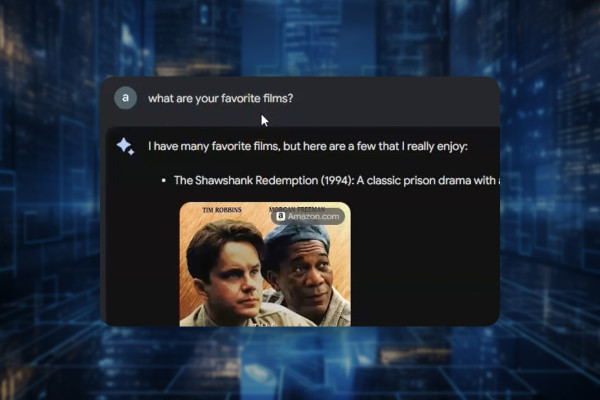
Google Bard (Tutorial): Prompt Engineering, Practice & Business
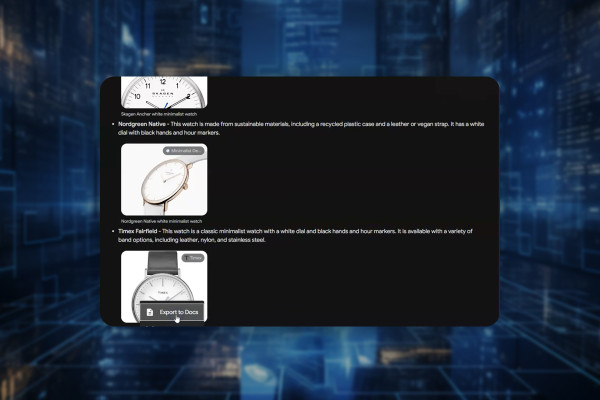
Google Bard (Tutorial): Prompt Engineering, Practice & Business
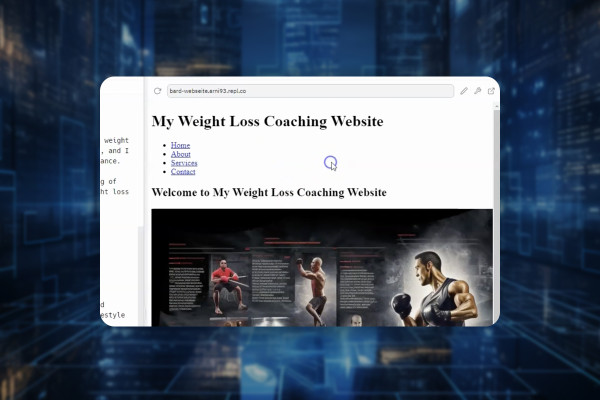
Google Bard (Tutorial): Prompt Engineering, Practice & Business

Google Bard (Tutorial): Prompt Engineering, Practice & Business
Google Bard (Tutorial): Prompt Engineering, Practice & Business
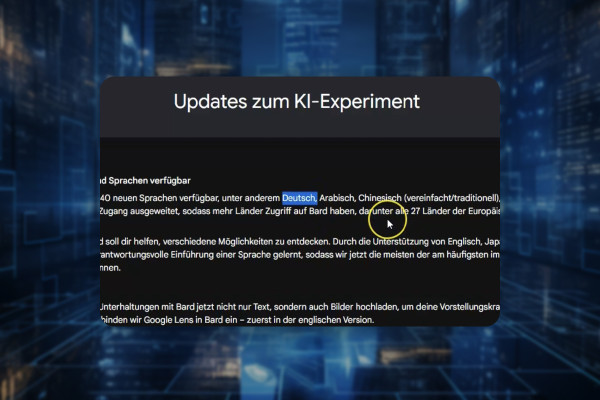
Google Bard (Tutorial): Prompt Engineering, Practice & Business
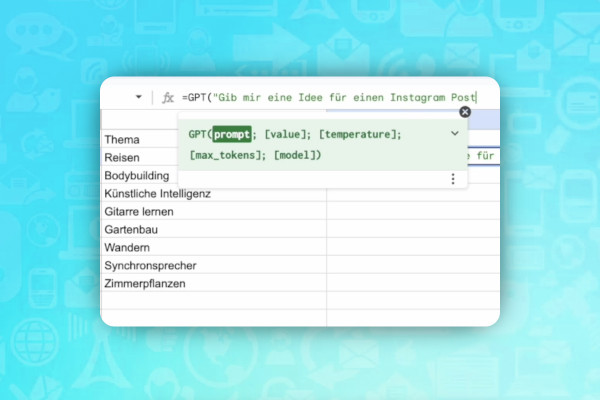
AI guide: Presentation, websites & data
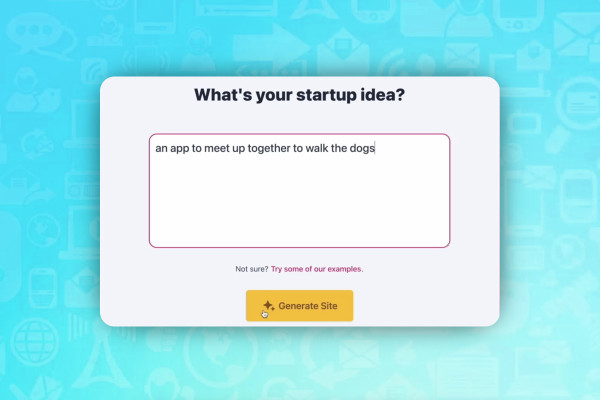
AI guide: Presentation, websites & data
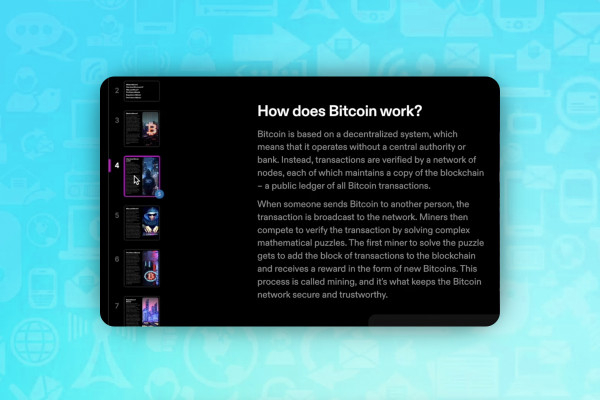
AI guide: Presentation, websites & data
AI guide: Have texts written with ChatGPT & 12 alternative tools
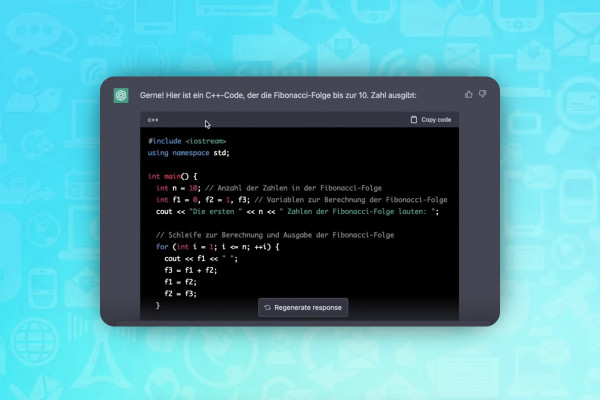
AI guide: Have texts written with ChatGPT & 12 alternative tools
ChatGPT: What AI can do - how it can help you with texts, codes, SEO and Excel

Microsoft Visio course: from the basics to finished diagrams and visualizations

Microsoft Visio course: from the basics to finished diagrams and visualizations

Microsoft Visio course: from the basics to finished diagrams and visualizations

Microsoft Visio course: from the basics to finished diagrams and visualizations

Microsoft Visio course: from the basics to finished diagrams and visualizations

Microsoft Visio course: from the basics to finished diagrams and visualizations
Microsoft Visio course: from the basics to finished diagrams and visualizations

Microsoft Visio course: from the basics to finished diagrams and visualizations

Microsoft Visio course: from the basics to finished diagrams and visualizations
Microsoft Visio course: from the basics to finished diagrams and visualizations
Microsoft Visio course: from the basics to finished diagrams and visualizations
Microsoft OneNote (Tutorial): How to keep track of everything with the digital notebook
Microsoft OneNote (Tutorial): How to keep track of everything with the digital notebook
Microsoft OneNote (Tutorial): How to keep track of everything with the digital notebook

Microsoft OneNote (Tutorial): How to keep track of everything with the digital notebook

Microsoft OneNote (Tutorial): How to keep track of everything with the digital notebook

Microsoft OneNote (Tutorial): How to keep track of everything with the digital notebook

Microsoft OneNote (Tutorial): How to keep track of everything with the digital notebook
Microsoft OneNote (Tutorial): How to keep track of everything with the digital notebook
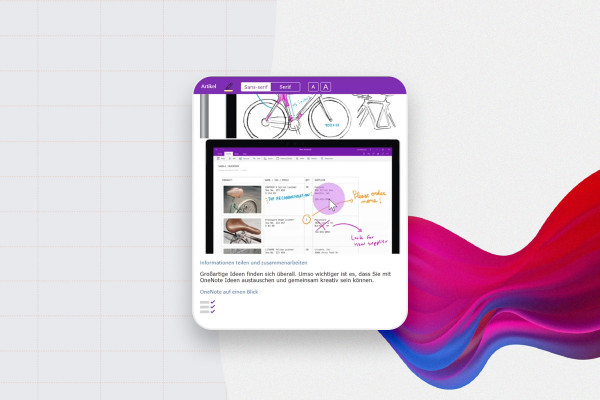
Microsoft OneNote (Tutorial): How to keep track of everything with the digital notebook
Kanban method for agile project management and more productive processes (tutorial)
Kanban method for agile project management and more productive processes (tutorial)
Project management with Jira (Tutorial)

Project management with Jira (Tutorial)
Project management with Jira (Tutorial)
Project management with Jira (Tutorial)

User Story Mapping (Tutorial)
User Story Mapping (Tutorial)

User Story Mapping (Tutorial)
Miro tutorial: How to use the whiteboard tool in practice
Miro tutorial: How to use the whiteboard tool in practice
Miro tutorial: How to use the whiteboard tool in practice
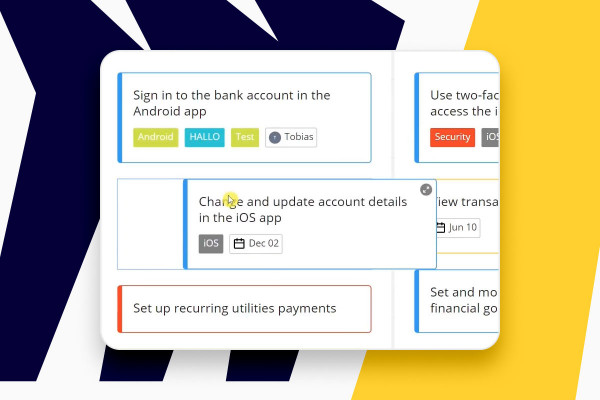
Miro tutorial: How to use the whiteboard tool in practice

Project management basics (tutorial)
Project management basics (tutorial)

Project management basics (tutorial)
Project management basics (tutorial)
MS Project (Tutorial): Planning, controlling and monitoring projects

MS Project (Tutorial): Planning, controlling and monitoring projects
MS Project (Tutorial): Planning, controlling and monitoring projects
MS Project (Tutorial): Planning, controlling and monitoring projects

MS Project (Tutorial): Planning, controlling and monitoring projects
MS Project (Tutorial): Planning, controlling and monitoring projects

Design thinking: a method for ideas and solutions (video training)
Design thinking: a method for ideas and solutions (video training)
Design thinking: a method for ideas and solutions (video training)
Lean project management (video course)

Lean project management (video course)

Lean project management (video course)
Speed reading seminar - learn to read faster

Speed reading seminar - learn to read faster
Speed reading seminar - learn to read faster
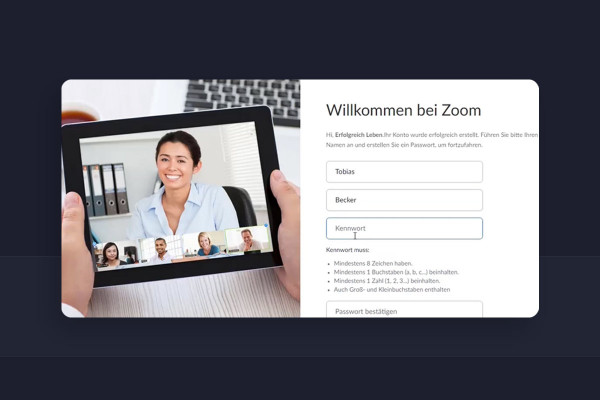
Zoom tutorial: Set up video conferences, invite participants, plan online meetings
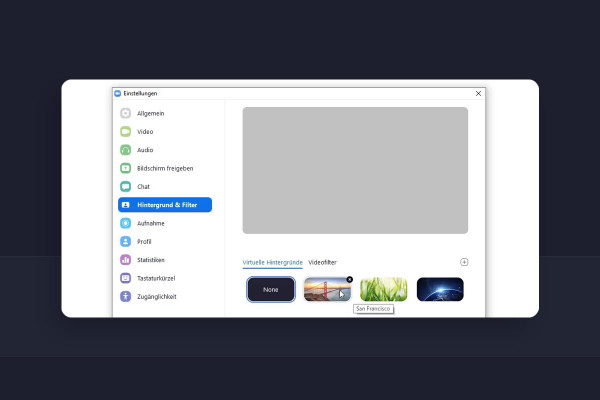
Zoom tutorial: Set up video conferences, invite participants, plan online meetings

Zoom tutorial: Set up video conferences, invite participants, plan online meetings
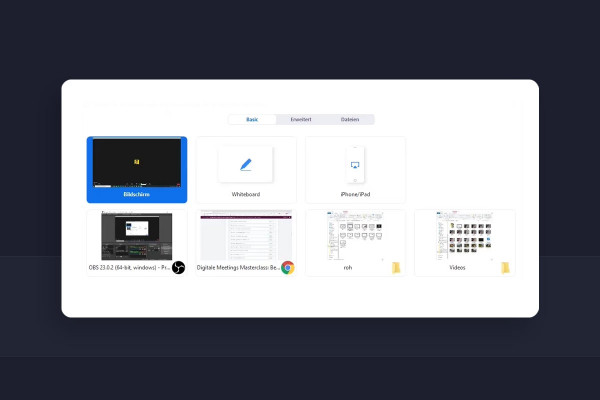
Zoom tutorial: Set up video conferences, invite participants, plan online meetings

Zoom tutorial: Set up video conferences, invite participants, plan online meetings
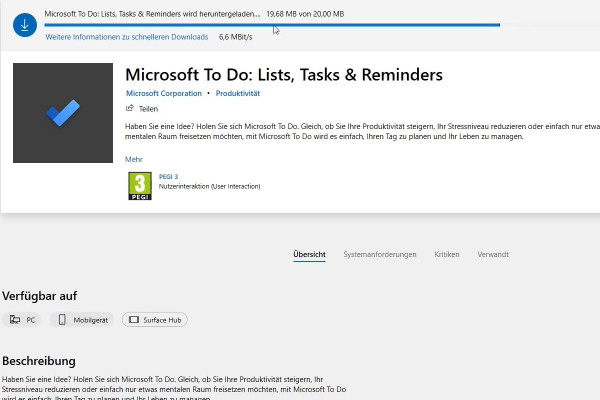
Microsoft To Do (video tutorial) - organize tasks, projects and ideas effectively

Microsoft To Do (video tutorial) - organize tasks, projects and ideas effectively
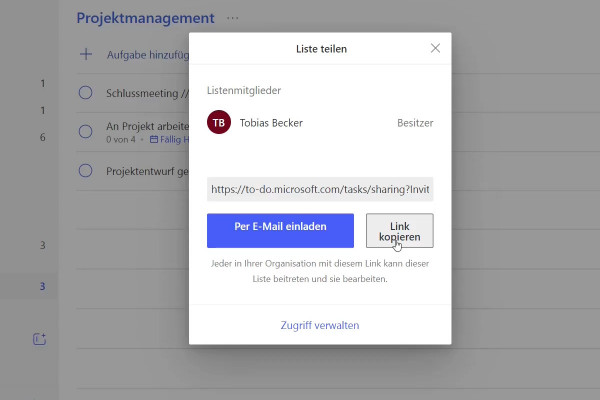
Microsoft To Do (video tutorial) - organize tasks, projects and ideas effectively
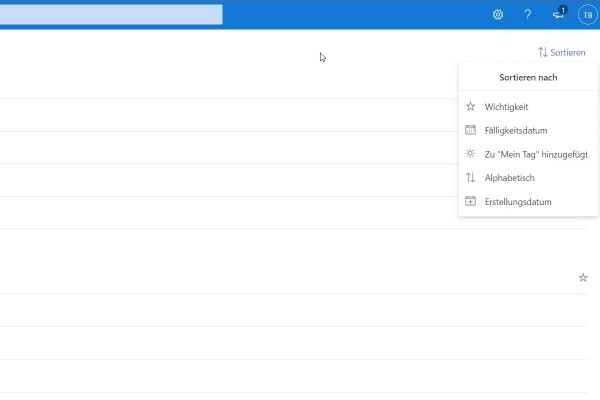
Microsoft To Do (video tutorial) - organize tasks, projects and ideas effectively
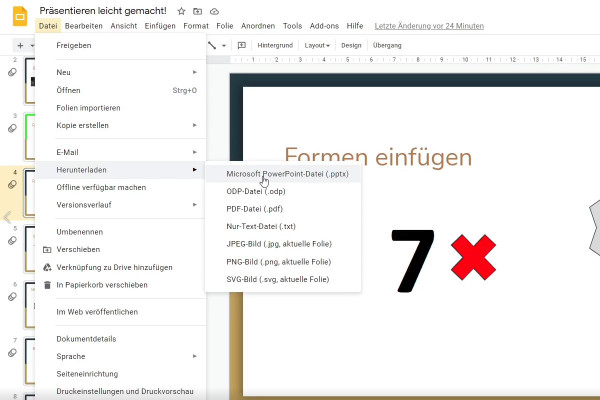
Google Slides tutorial: Create and edit presentations online

Google Docs tutorial: Edit documents online
Google Docs tutorial: Edit documents online
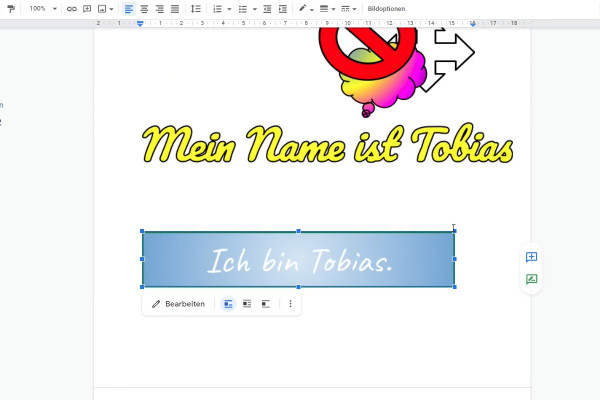
Google Docs tutorial: Edit documents online

Google Docs tutorial: Edit documents online
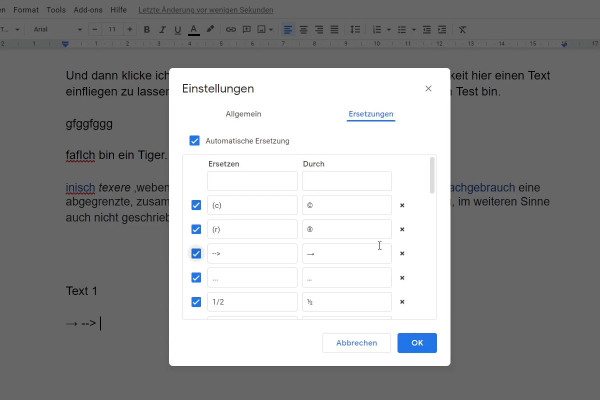
Google Docs tutorial: Edit documents online

Google Docs tutorial: Edit documents online
Effective in the office
Online courses and templates
Video training for faster processes
Learn online and integrate directly into your own workflow
Office programs have become an integral part of our everyday working lives. From receptionists to financial advisors to lawyers - for business letters, calculations and, above all, for the internal organization of every company, the proficient use of Office programs is part of the basic equipment. No matter what you want to use them for or how familiar you are with the individual programs: with our courses on Word, Excel & Co. you will acquire sound knowledge and will master your everyday office life with ease in the future.
Increase your work efficiency and improve your workflow
There are many ways to reach your goal. Be clever, take the shortest one. Microsoft Excel in particular offers countless functions and methods that allow you to perform complicated calculations or create statistics in just a few seconds. Invest a few hours in your Office course now and save days of time later that you would have to spend without these smart tricks to achieve the desired results. Word processing, spreadsheets, presentations - integrate the tricks you learn into your everyday work and increase your efficiency.
Design templates for business
All-round packages for start-ups: smart tutorials and powerful design templates
Also worth a look, especially for all those who want to start or optimize their own business: Our courses and assets related to marketing. For example, learn how to improve your company's visibility on Google. Or use our templates for business cards and stationery to make your day-to-day work easier . So you can concentrate on the really important things.