Tutorials on 3D, audio and video
3D, Audio & Video
Tutorials on basics & professional tips

3D, audio & video - tutorials, basics & pro tips

New to 3D, audio and video and looking for basic information? Or already an expert and keen to get to know new workflows? In our tutorials, experienced trainers will show you how to stage 3D objects, create impressive videos, produce music and correct audio recordings. Whether it's Adobe Premiere and After Effects or DaVinci Resolve and the basics of videography - take a look at what will help you progress in your 3D, audio and video work!

Cinema 4D for beginners - 3D practice: 6.2 Extruding

Cinema 4D tutorial: Basics & 3D practice for beginners

Practice in Cinema 4D - Modeling and lighting a space station: 02 Framing

Cinema 4D practical tutorial: 3D modeling and lighting of a space station
The practical training for Blender beginners - 1.2 Download and install

The practical tutorial for Blender: 3D for beginners
The practical training for Blender beginners - 2.2 Cubecraft character: arms and legs

The practical tutorial for Blender: 3D for beginners
The practical training for Blender beginners - 3.2 Landscape: Lake and jetty

The practical tutorial for Blender: 3D for beginners
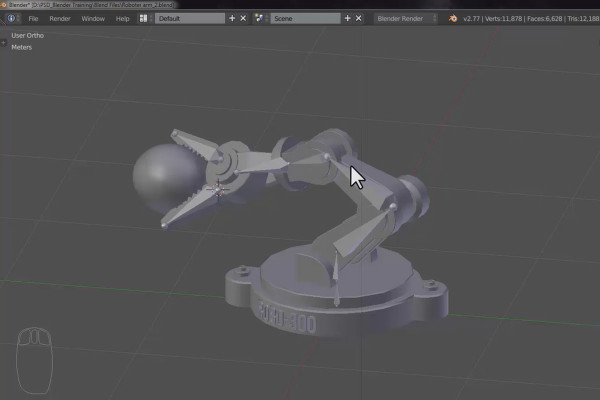
The practical training for Blender beginners - 4.2 Robot arm: Part 2

The practical tutorial for Blender: 3D for beginners

360° architectural views with Unity and Cinema 4D - 03 UV layout in Cinema 4D

360° architecture views with Unity and Cinema 4D

360° architecture views with Unity and Cinema 4D - 06 Architecture: import and export

360° architecture views with Unity and Cinema 4D

360° architecture views with Unity and Cinema 4D - 08 Add button

360° architecture views with Unity and Cinema 4D

360° architectural views with Unity and Cinema 4D - 21 Short introduction to Unity

360° architecture views with Unity and Cinema 4D

Cinema 4D - Lighting: 1.2 Types of light sources

Light & Lighting in Cinema 4D - the practical course

Cinema 4D - Lighting: 2.2 Import

Light & Lighting in Cinema 4D - the practical course

Cinema 4D - Lighting: 3.2 Instantiate

Light & Lighting in Cinema 4D - the practical course

Cinema 4D - Lighting: 4.2 Creating the main light source

Light & Lighting in Cinema 4D - the practical course

Cinema 4D - Lighting: 5.2 Save

Light & Lighting in Cinema 4D - the practical course

Cinema 4D - Lighting: 6.2 Editing layers

Light & Lighting in Cinema 4D - the practical course
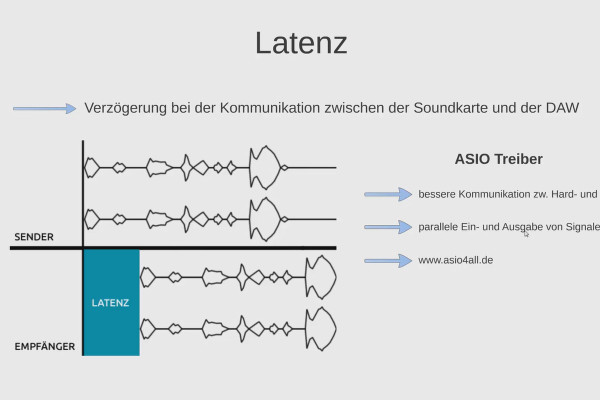
Digital Music Production with FL Studio - 1.2 Basics Part 2

FL Studio Tutorial: Learn music production
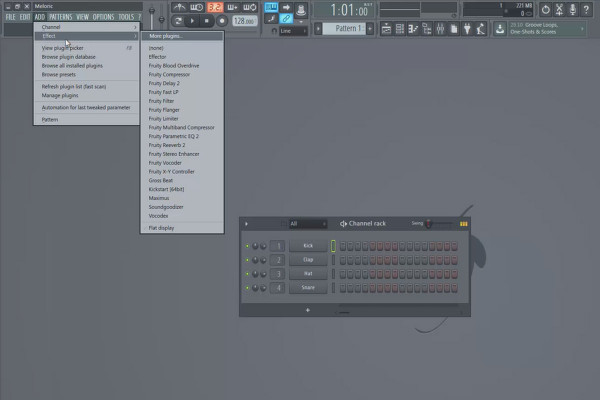
Digital music production with FL Studio - 2.2 General controls, step sequencer and playlist

FL Studio Tutorial: Learn music production
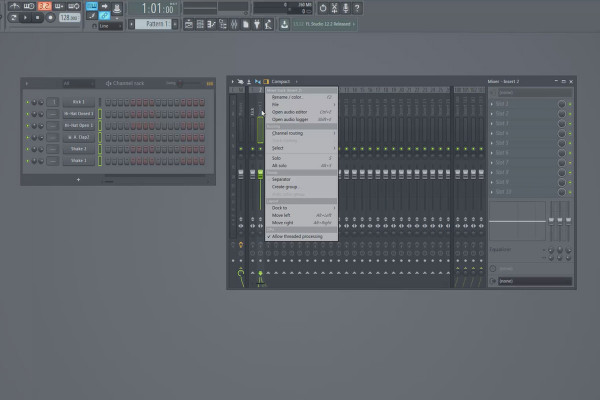
Digital music production with FL Studio - 3.2 BPM, sample loading and mixer routing

FL Studio Tutorial: Learn music production
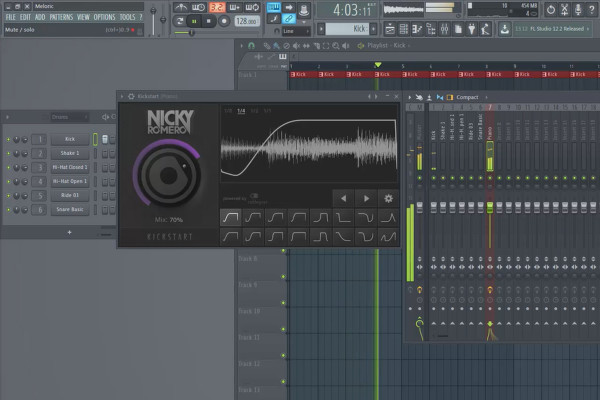
Digital music production with FL Studio - 5.2 Sample production: Sidechaining in practice

FL Studio Tutorial: Learn music production

Cinema 4D meets Photoshop: I - 1.2 Explain Greebler: Functional principle

3D design & composing: Cinema 4D meets Photoshop
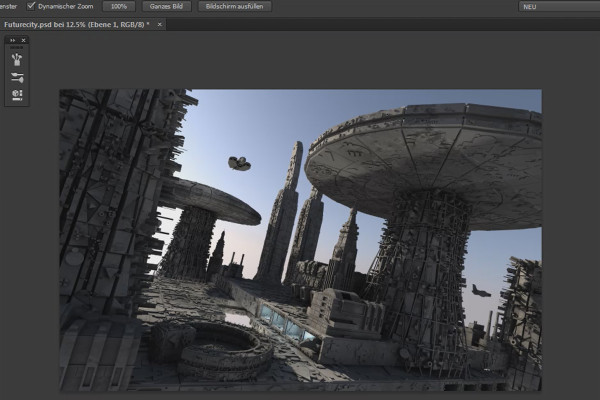
Cinema 4D meets Photoshop: II - 1.2 Mixing the different render passes

3D design & composing: Cinema 4D meets Photoshop
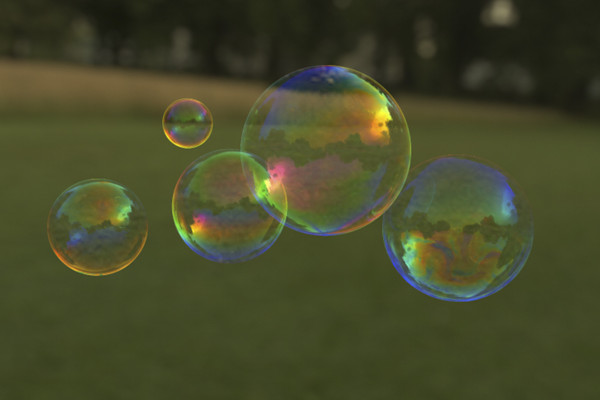
C4D Release 18 - Soap bubbles with the thin film shader

New functions in Cinema 4D - R12 to R19, R20 and R21
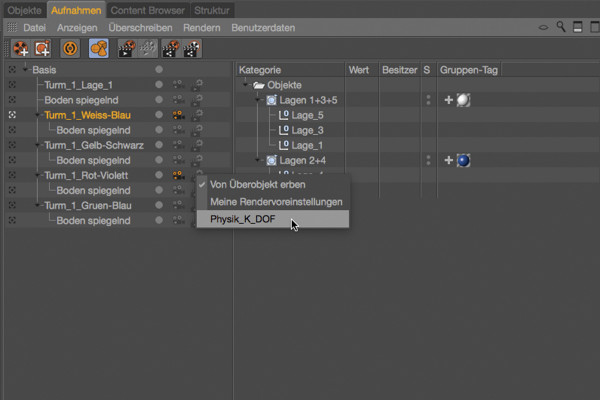
C4D Release 17 - Scene variants with the recording manager

New functions in Cinema 4D - R12 to R19, R20 and R21
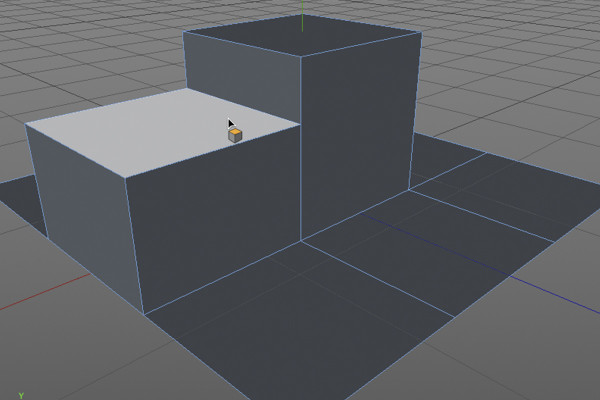
C4D Release 16 - Modeling with the new polygon pen

New functions in Cinema 4D - R12 to R19, R20 and R21
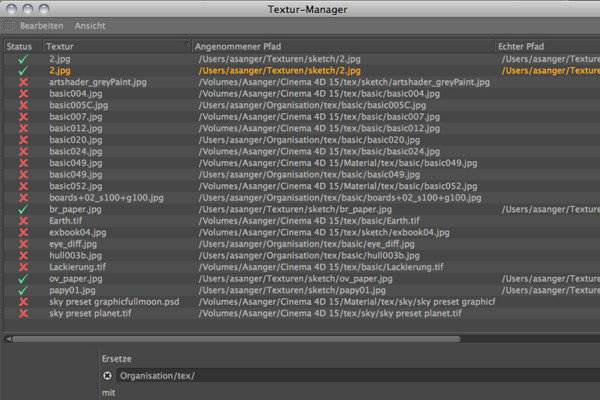
C4D Release 15 - Texture Manager

New functions in Cinema 4D - R12 to R19, R20 and R21
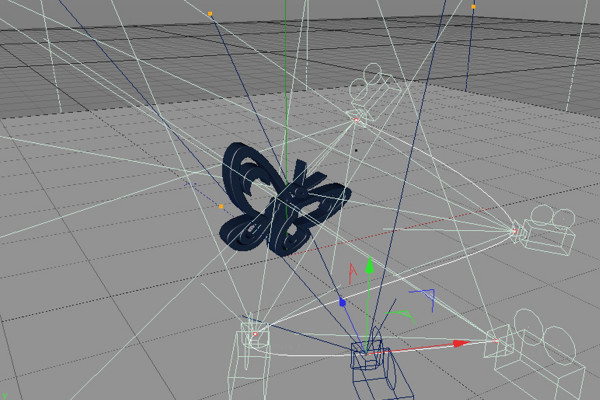
C4D Release 14 - Camera morph for tracking shots

New functions in Cinema 4D - R12 to R19, R20 and R21
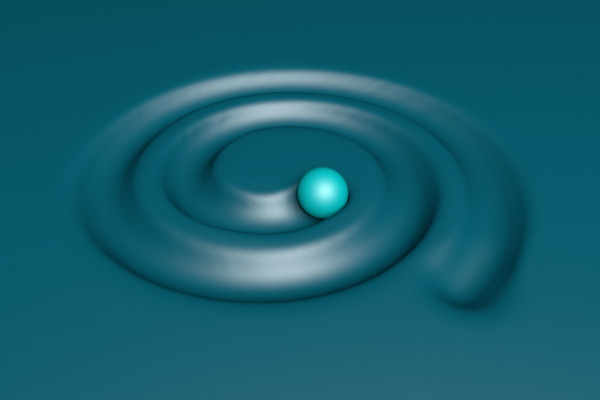
C4D Release 13 - Collision Deformer

New functions in Cinema 4D - R12 to R19, R20 and R21
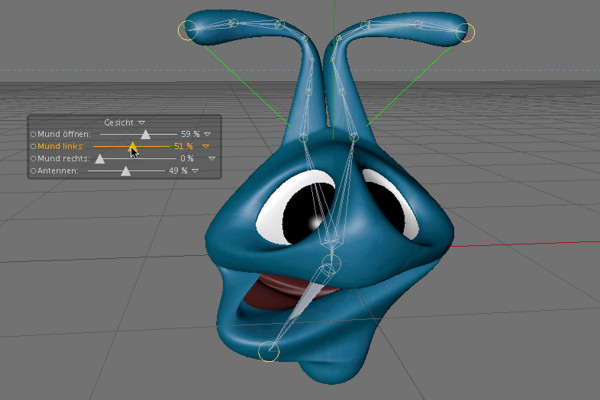
C4D Release 12 - PoseMorph

New functions in Cinema 4D - R12 to R19, R20 and R21
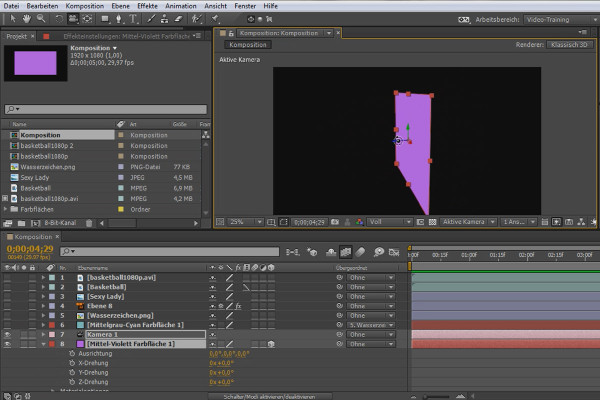
3D projects in After Effects: Briefing the project

3D projects and animations in After Effects
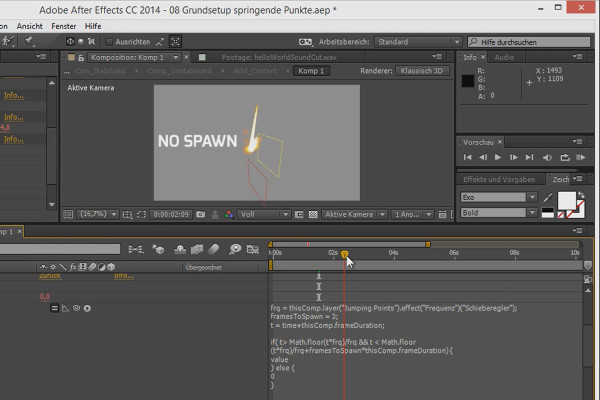
3D projects in After Effects: Jumping Points - Sinus and Hit Particles

3D projects and animations in After Effects
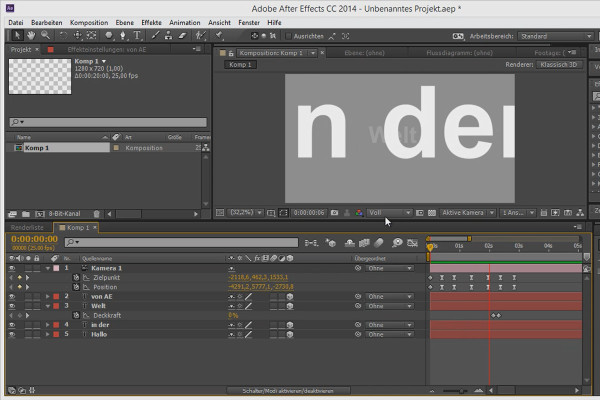
Tips and tricks for 3D in After Effects: Positioning via overlaying

3D projects and animations in After Effects
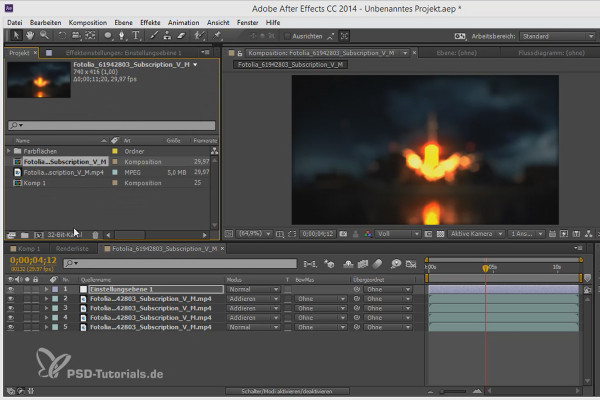
Workflow tips and tricks in After Effects: 16 and 32 bit

3D projects and animations in After Effects
Animation made easy: Disney Rules - Part 1

Animation in After Effects: Your beginner's tutorial
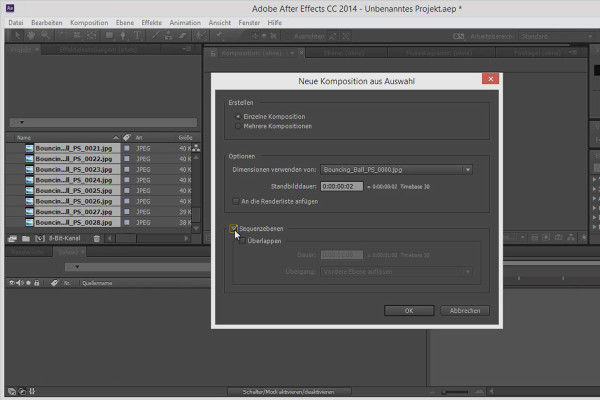
Tips and tricks for animation in After Effects: Invert layer order

Animation in After Effects: Your beginner's tutorial
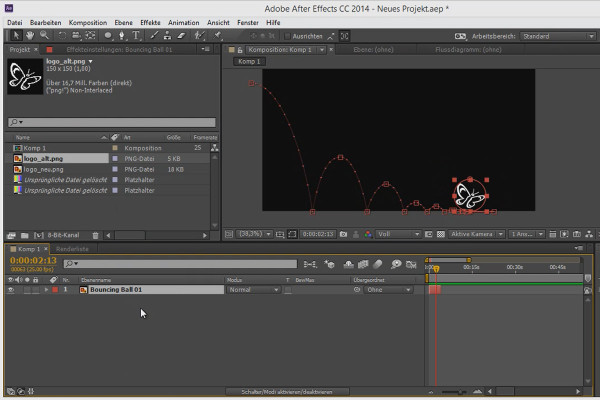
Tips and tricks for the workflow in After Effects: Recycling

Animation in After Effects: Your beginner's tutorial
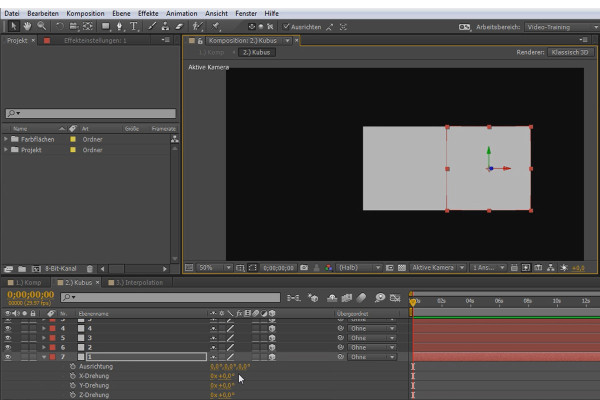
What's new in the Creative Cloud: After Effects CC (until 2015) - The new functions and their benefits

After Effects for beginners

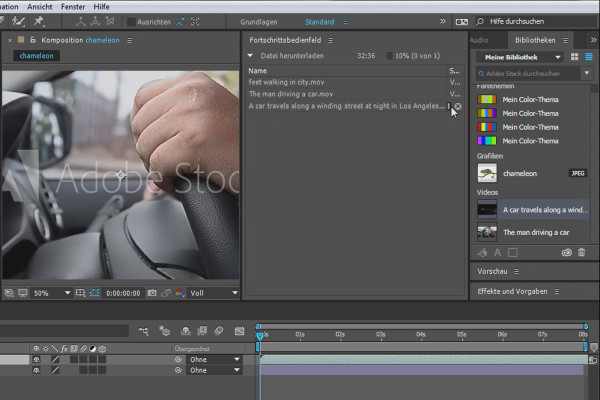
What's new in the Creative Cloud: After Effects CC 2015 (June 2015) - Use Adobe Stocker

After Effects for beginners

What's new in the Creative Cloud: After Effects CC 2015.1 (November 2015) - Adobe Stocker innovations

After Effects for beginners

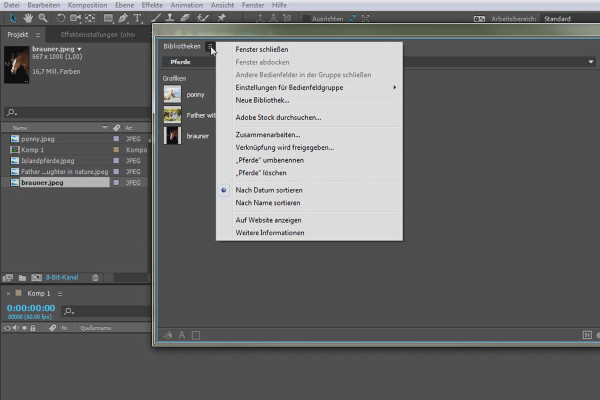
After Effects for beginners: Getting to know and customizing the system interface

After Effects for beginners

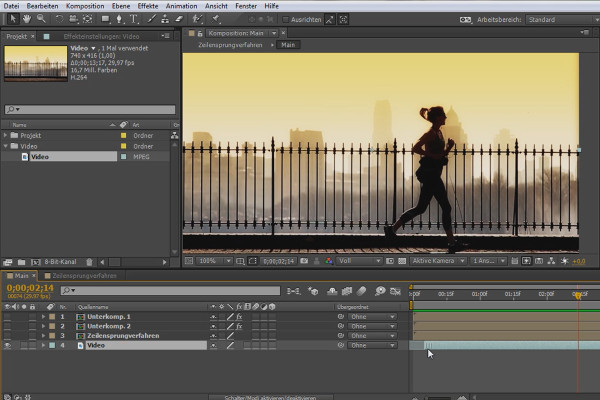
After Effects for beginners: Interlacing

After Effects for beginners

After Effects for beginners: Learning to assign hotkeys

After Effects for beginners

After Effects for beginners: Keying & Alpha & Luma

After Effects for beginners

After Effects for beginners: Creating a light trail

After Effects for beginners

iMovie Tutorial: 2.3 | Step 1: My Media

iMovie tutorial: Guide to creative video editing
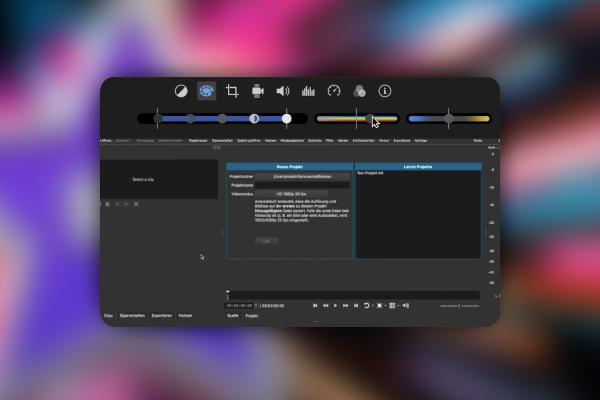
iMovie Tutorial: 3.3 | Apply color correction

iMovie tutorial: Guide to creative video editing
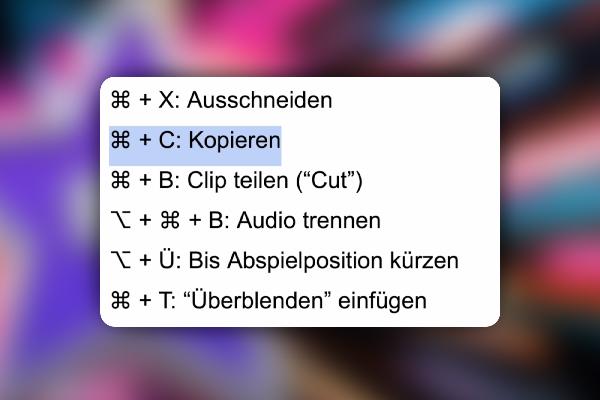
iMovie tutorial: 4.3 | Overview of the most important shortcuts

iMovie tutorial: Guide to creative video editing
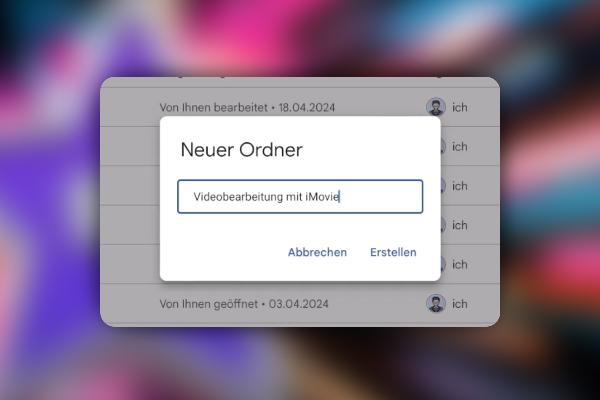
iMovie Tutorial: 5.3 | Tip: Clearing Space in iMovie

iMovie tutorial: Guide to creative video editing
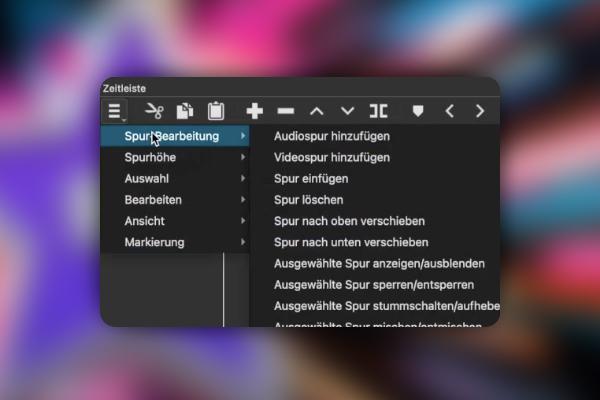
iMovie Tutorial: 6.3 | Introduction to Shotcut, video editing for Windows and macOS

iMovie tutorial: Guide to creative video editing
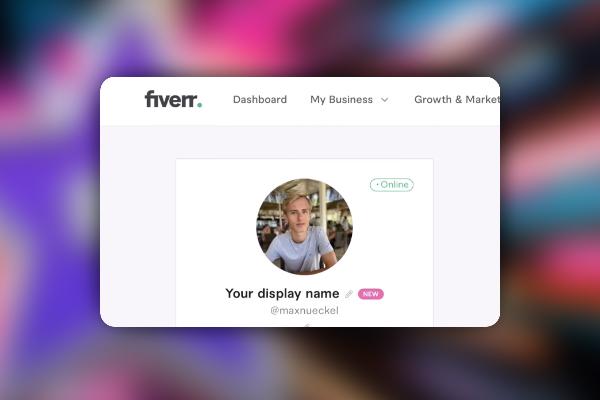
iMovie Tutorial: 9.3 | Register on Fiverr and set up profile including ChatGPT

iMovie tutorial: Guide to creative video editing
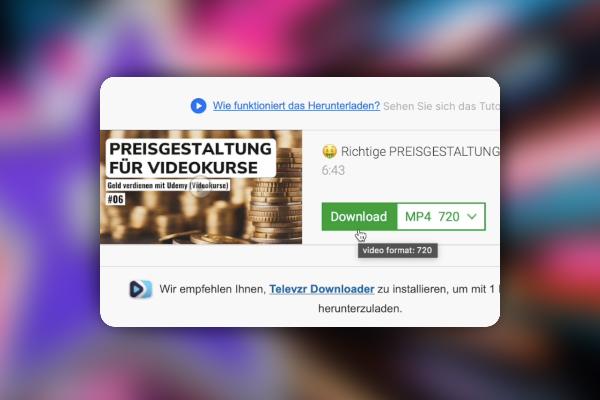
iMovie Tutorial: 10.3 | How do I download short videos from YouTube?

iMovie tutorial: Guide to creative video editing
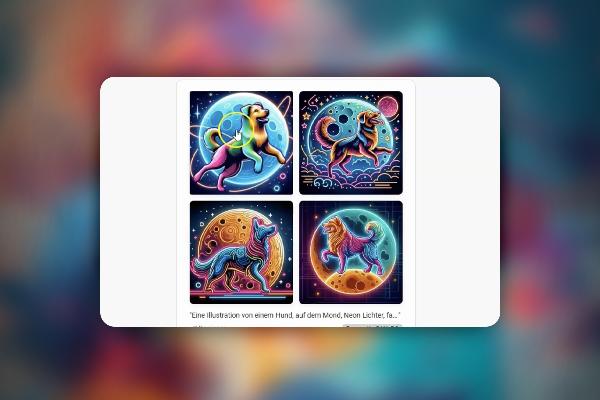
Creating AI videos: 2.3 | Prompt Engineering for AI videos

Creating AI videos with artificial intelligence (Tutorial)
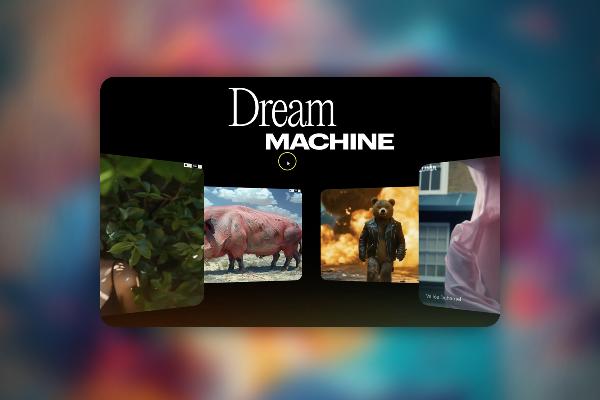
Creating AI videos: 3.3 | Updates on new AI video tools - Dreammachine by Luma and Runway Gen3

Creating AI videos with artificial intelligence (Tutorial)
Creating AI videos: 4.3 | AI tools become relevant for you

Creating AI videos with artificial intelligence (Tutorial)
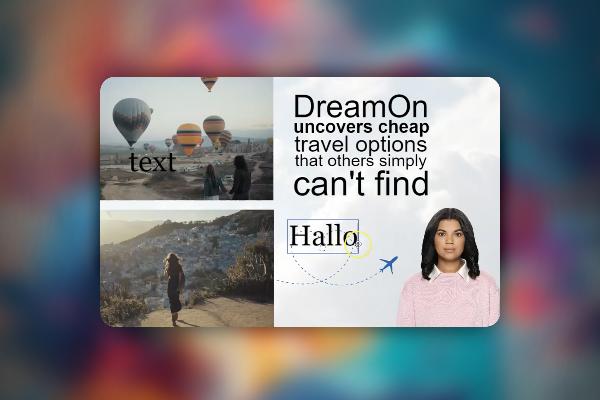
Creating AI videos: 5.3 | Elai.io - another tool

Creating AI videos with artificial intelligence (Tutorial)
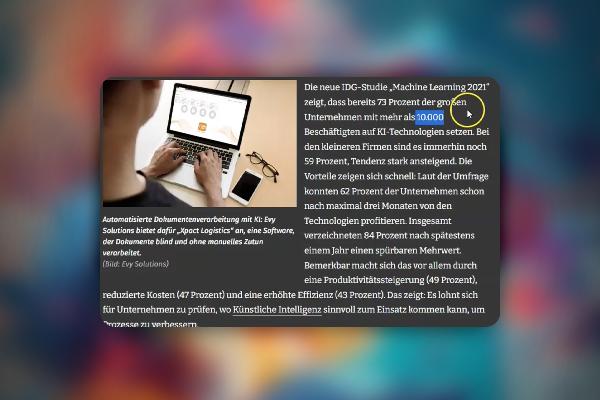
Creating AI videos: 6.3 | AI in Logistics

Creating AI videos with artificial intelligence (Tutorial)
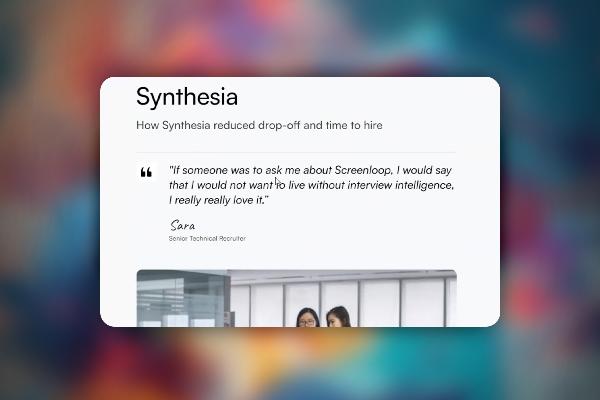
Creating AI videos: 7.3 | The symbiosis of Screenloop and Synthesia

Creating AI videos with artificial intelligence (Tutorial)
Creating AI videos: 8.3 | Cphnano knows how SEO works

Creating AI videos with artificial intelligence (Tutorial)
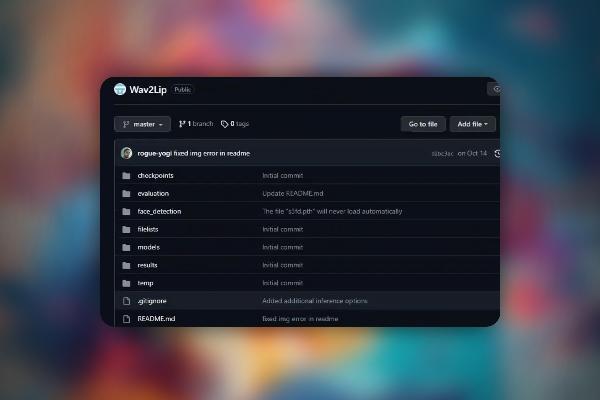
Creating AI videos: 9.3 | Google Colab & Wav2Lip: let's have fun

Creating AI videos with artificial intelligence (Tutorial)
Creating AI videos: 10.3 | Create your project - a simple example

Creating AI videos with artificial intelligence (Tutorial)
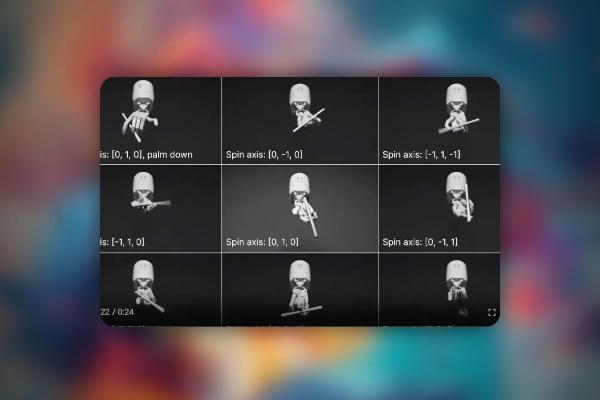
Creating AI videos: 11.3 | More than just videos: the future with AI videos and robotics

Creating AI videos with artificial intelligence (Tutorial)
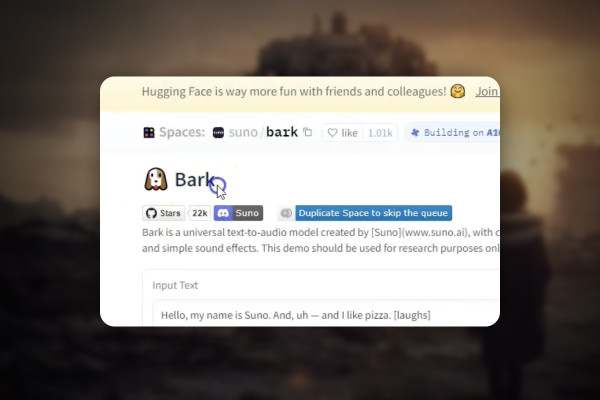
AI voices & deepfakes: 2.3 | Brief overview of some tools and what they are relevant for

Text-to-Speech: Create AI voices & deepfakes (Tutorial)
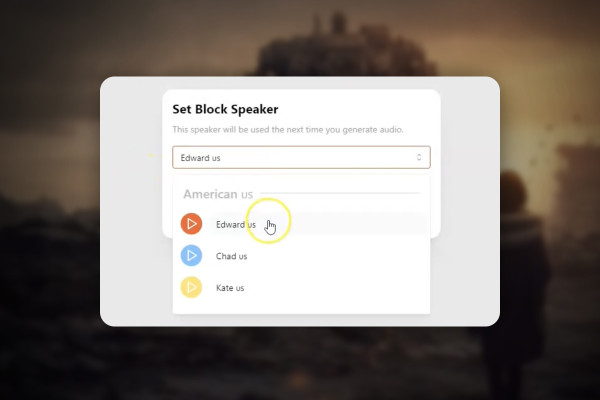
AI voices & deepfakes: 5.3 | Audyo.ai

Text-to-Speech: Create AI voices & deepfakes (Tutorial)
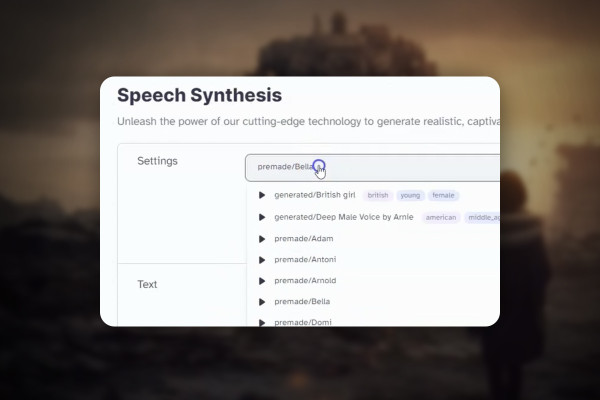
AI voices & deepfakes: 6.3 | Voiceover for YouTube

Text-to-Speech: Create AI voices & deepfakes (Tutorial)
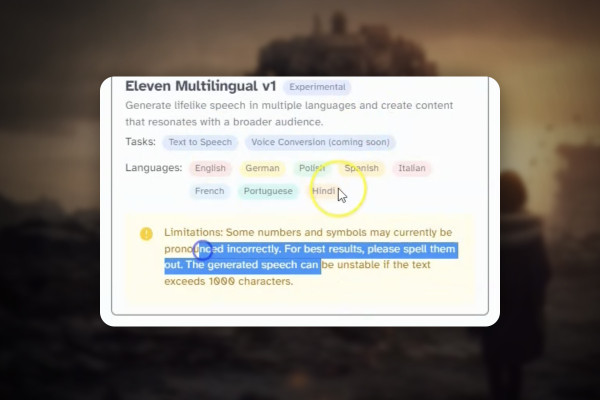
AI voices & deepfakes: 7.3 | Customer support - program an answering machine

Text-to-Speech: Create AI voices & deepfakes (Tutorial)
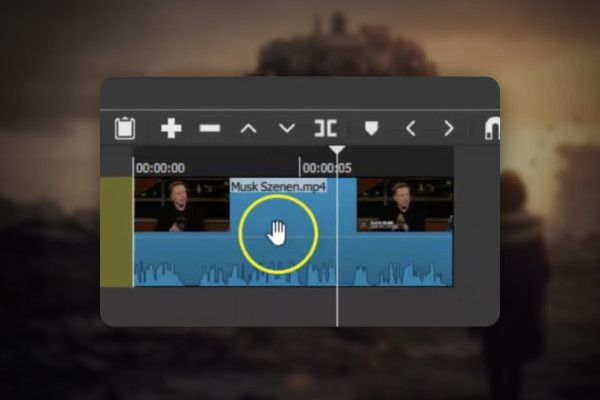
AI voices & deepfakes: 9.3 | Find a suitable video location and your audio

Text-to-Speech: Create AI voices & deepfakes (Tutorial)
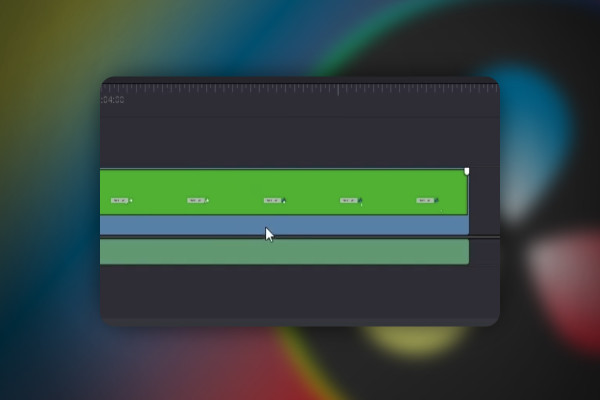
DaVinci Resolve: 2.3 | Adjust and improve quality

DaVinci Resolve: Cutting and editing video & audio (practical training)
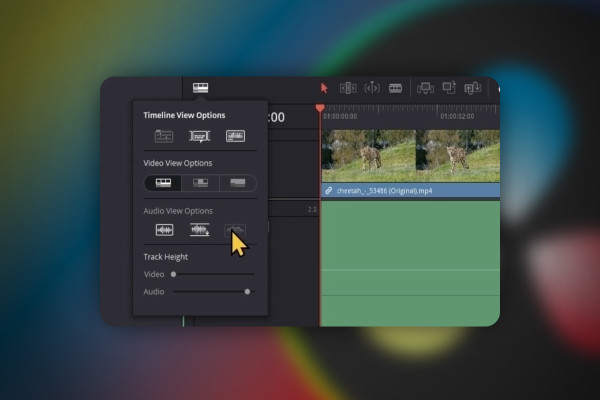
DaVinci Resolve: 3.3 | Edit Pages (first part)

DaVinci Resolve: Cutting and editing video & audio (practical training)
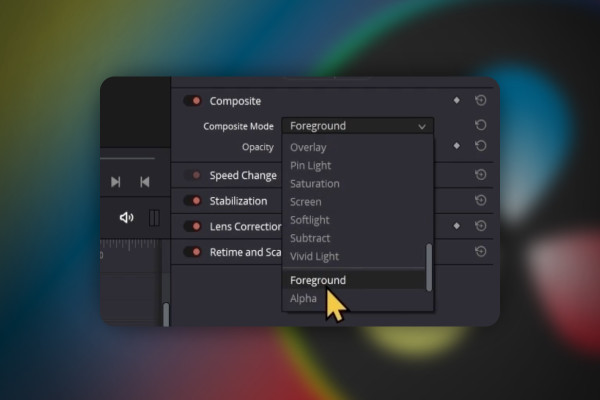
DaVinci Resolve: 4.3 | Composite Mode (third part)

DaVinci Resolve: Cutting and editing video & audio (practical training)
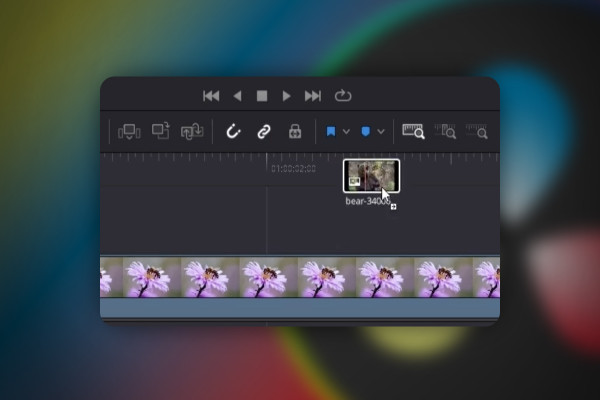
DaVinci Resolve: 5.3 | Create new timeline

DaVinci Resolve: Cutting and editing video & audio (practical training)
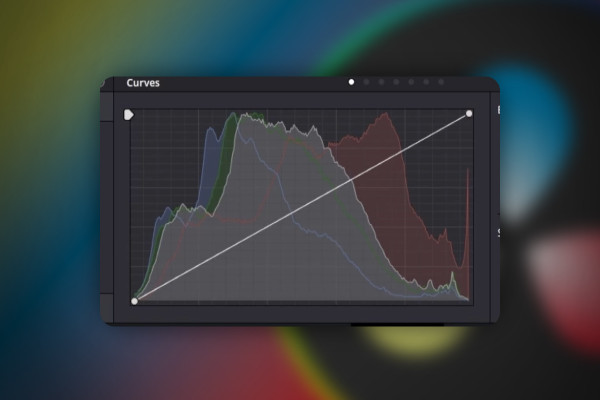
DaVinci Resolve: 6.3 | Transfer Color Grade

DaVinci Resolve: Cutting and editing video & audio (practical training)
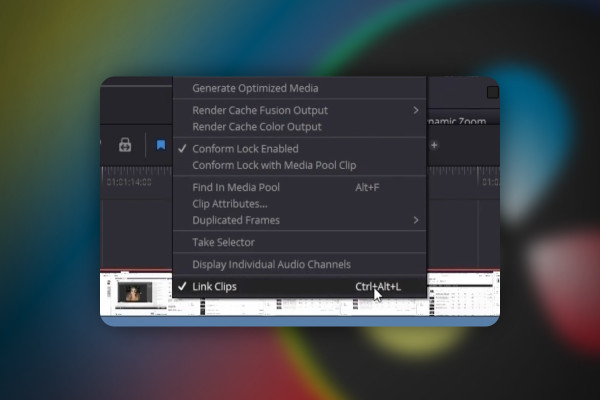
DaVinci Resolve: 7.3 | Separate and connect audio from video

DaVinci Resolve: Cutting and editing video & audio (practical training)
DaVinci Resolve: 8.3 | YouTube: Render settings 1080p, 4K

DaVinci Resolve: Cutting and editing video & audio (practical training)

DaVinci Resolve: 9.3 | Fix bug: Reset UI layout

DaVinci Resolve: Cutting and editing video & audio (practical training)
Deforum Stable Diffusion: 2.3 | Advantages and disadvantages of Stable Diffusion

Deforum Stable Diffusion - create animated videos with AI (Tutorial)
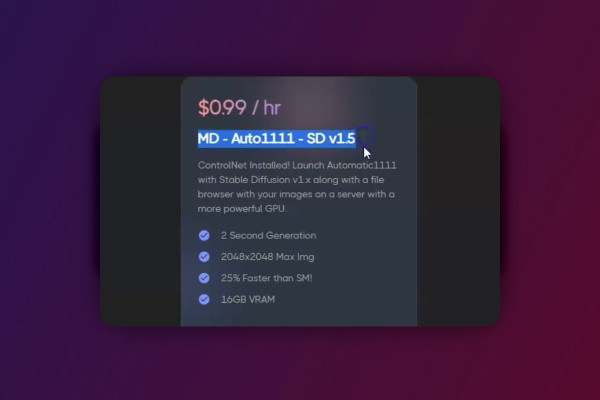
Deforum Stable Diffusion: 3.3 | RunDiffusion in the cloud

Deforum Stable Diffusion - create animated videos with AI (Tutorial)
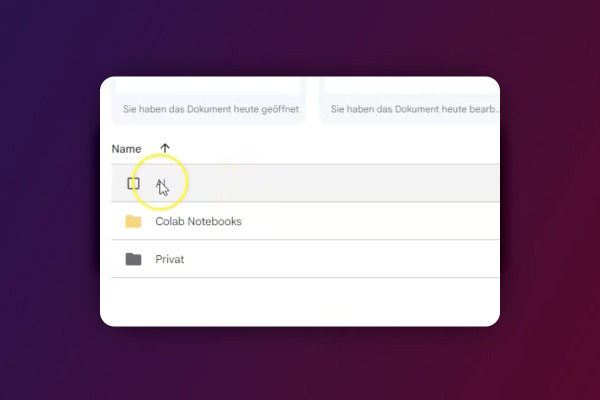
Deforum Stable Diffusion: 4.3 | The paths - where are my videos, images and models?

Deforum Stable Diffusion - create animated videos with AI (Tutorial)
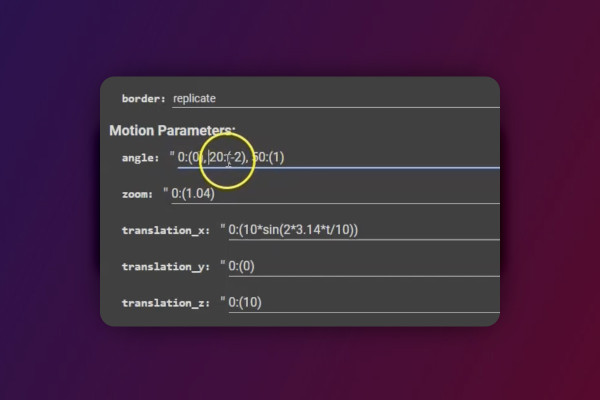
Deforum Stable Diffusion: 5.3 | Basics - Animations, angles and the zoom

Deforum Stable Diffusion - create animated videos with AI (Tutorial)
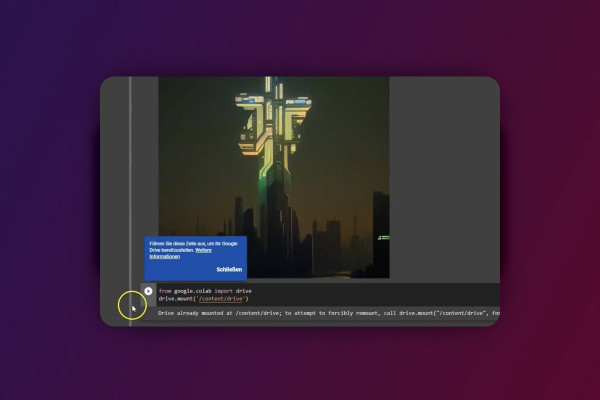
Deforum Stable Diffusion: 6.3 | Start with your own videos

Deforum Stable Diffusion - create animated videos with AI (Tutorial)
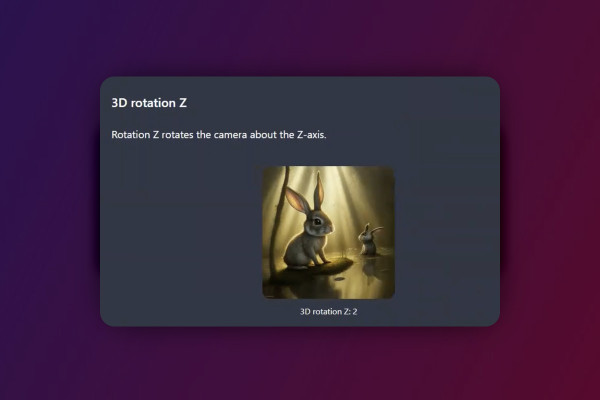
Deforum Stable Diffusion: 7.3 | My workflow - how I work in Deforum

Deforum Stable Diffusion - create animated videos with AI (Tutorial)
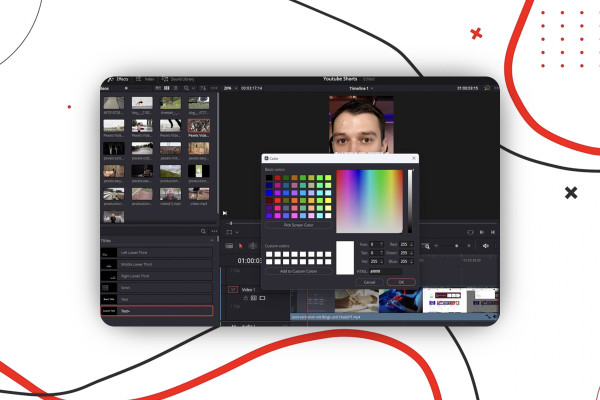
YouTube Shorts: 2.3 | Create YouTube Shorts on PC

Create and upload YouTube shorts - more reach with short videos
YouTube Shorts: 3.3 | Quiz on the course

Create and upload YouTube shorts - more reach with short videos
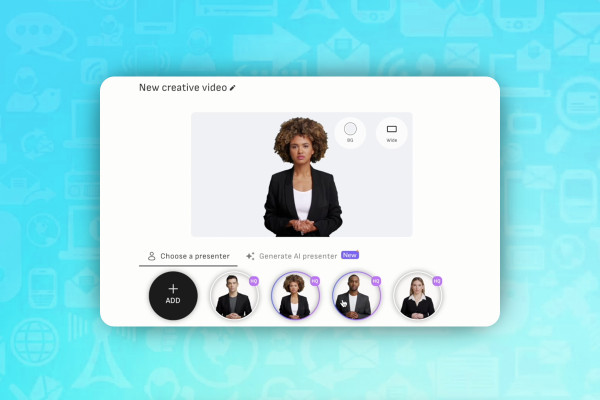
AI for video: 1.3 | D-id - digital humans, text-to-video

AI guide: Edit video, audio & voice

AI for audio/voice: 2.3 | Murf - the best voice AI tool to date

AI guide: Edit video, audio & voice

Livestreaming tutorial: 3.3 | Twitch Creator: the dashboard

Livestreaming on Twitch & YouTube (Tutorial)
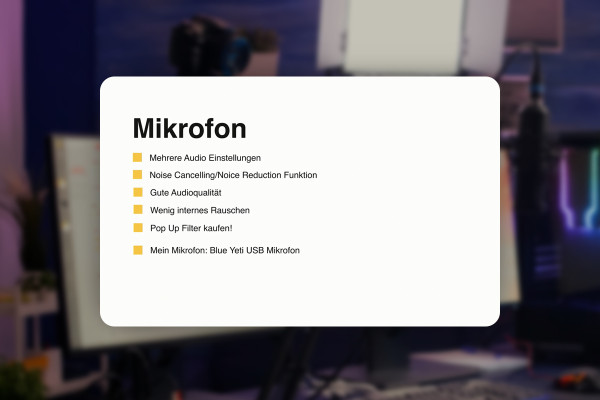
Livestreaming tutorial: 4.3 | Microphones and settings

Livestreaming on Twitch & YouTube (Tutorial)
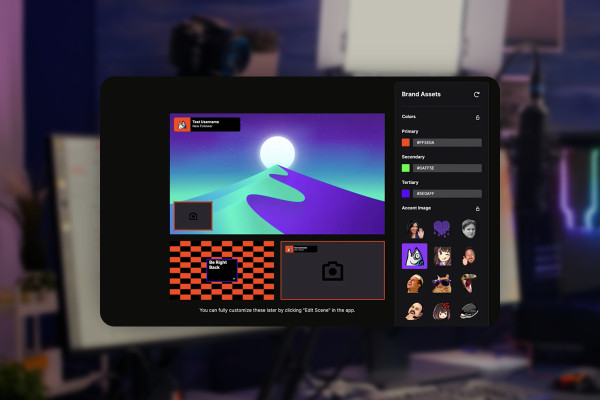
Livestreaming tutorial: 5.3 | Webcam settings in Twitch Studio

Livestreaming on Twitch & YouTube (Tutorial)
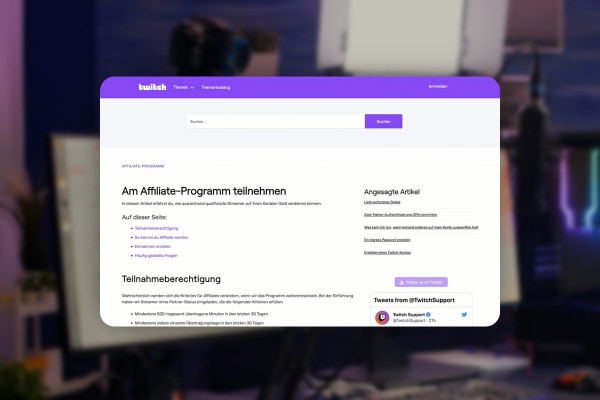
Livestreaming tutorial: 6.3 | How to become a Twitch affiliate?

Livestreaming on Twitch & YouTube (Tutorial)
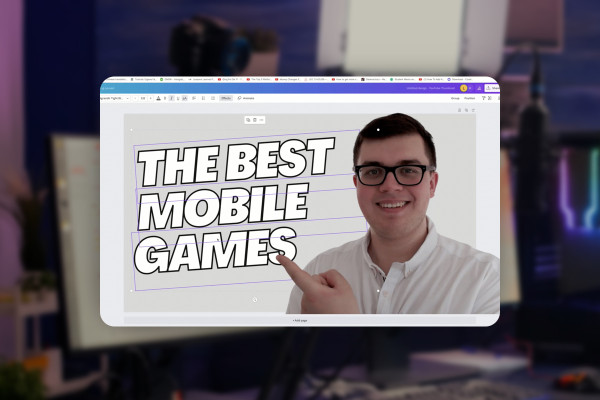
Livestreaming tutorial: 7.3 | Create YouTube thumbnail for livestream

Livestreaming on Twitch & YouTube (Tutorial)
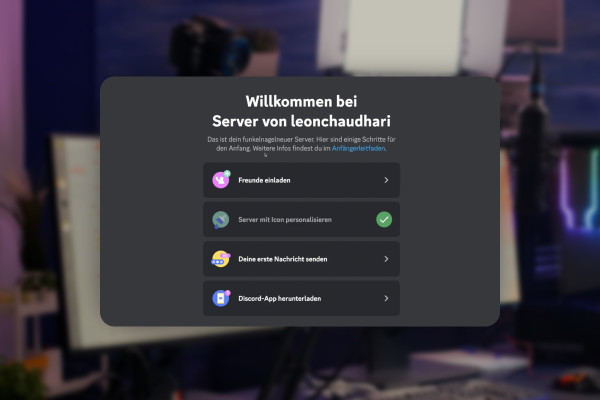
Livestreaming tutorial: 8.3 | Set up Discord server and invite friends

Livestreaming on Twitch & YouTube (Tutorial)
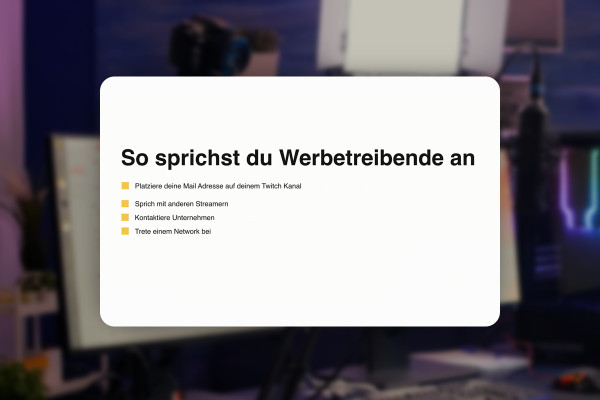
Livestreaming tutorial: 9.3 | How to address advertisers

Livestreaming on Twitch & YouTube (Tutorial)
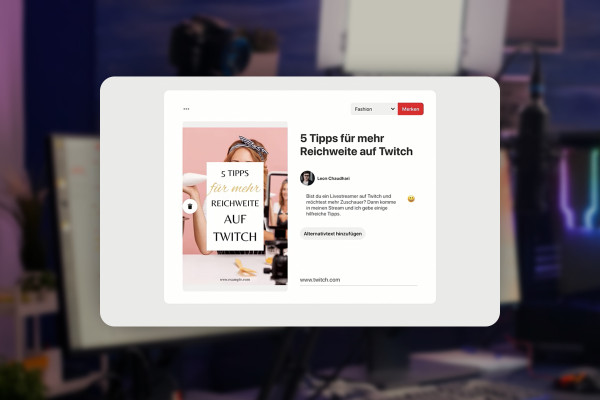
Livestreaming tutorial: 10.3 | Using Pinterest for your livestream

Livestreaming on Twitch & YouTube (Tutorial)
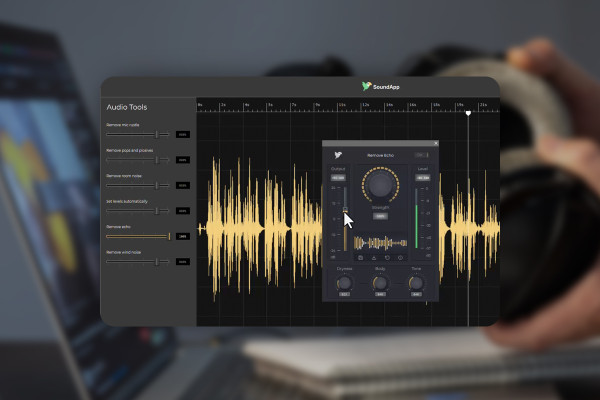
Improve audio recordings: 02 | CrumplePop - AI in the test

Improve audio recordings: Sound editing for reverb, hiss and other background noise
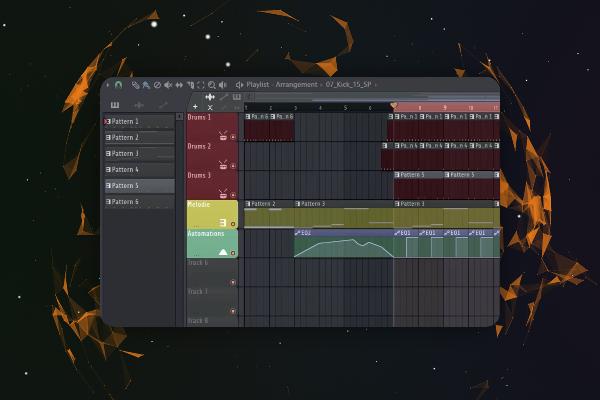
FL Studio 21-Tutorial: 2.3 | Improved File Browser

FL Studio 21 (Tutorial): new features & getting started with beat production

FL Studio 21-Tutorial: 3.3 | New Plugin Multiband Delay

FL Studio 21 (Tutorial): new features & getting started with beat production
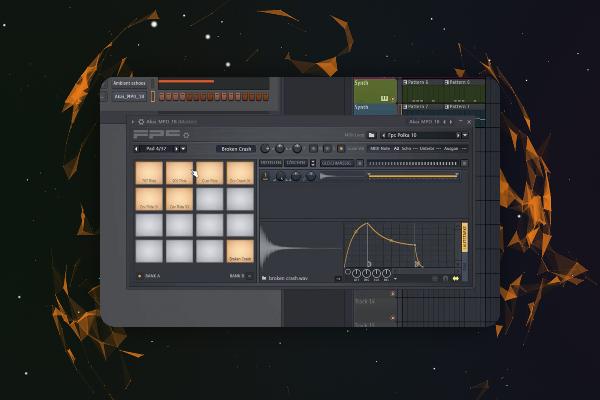
FL Studio 21-Tutorial: 5.3 | Introduction - Hardware & Plugins

FL Studio 21 (Tutorial): new features & getting started with beat production
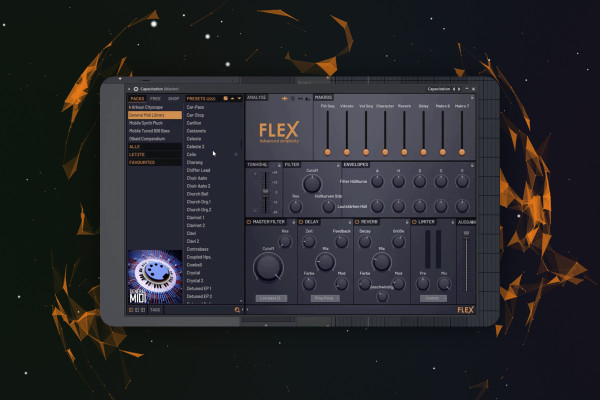
FL Studio 21 Tutorial: 6.3 | Produce Track - Melody (Part One)

FL Studio 21 (Tutorial): new features & getting started with beat production
Video editing with Adobe Premiere Pro CC: 1.2 | This is me & therefore my expertise

Video editing with Adobe Premiere Pro CC - basics & practice (tutorial)
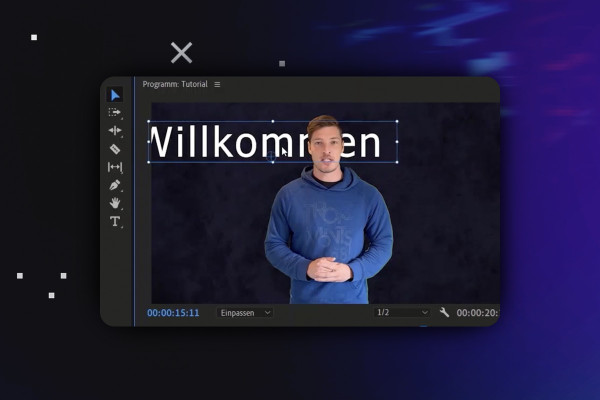
Video editing with Adobe Premiere Pro CC: 2.3 | Getting started tutorial

Video editing with Adobe Premiere Pro CC - basics & practice (tutorial)
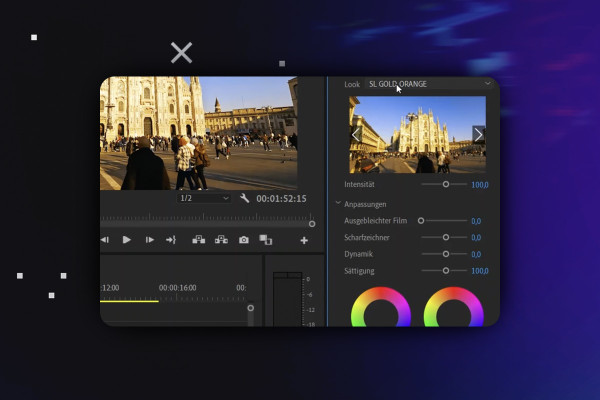
Video editing with Adobe Premiere Pro CC: 3.3 | Basic color editing and adjustment layer

Video editing with Adobe Premiere Pro CC - basics & practice (tutorial)