

Affinity Photo tutorials and brushes for more creative potential
Are you ready for Affinity Photo? With our intensive Affinity Photo tutorials , you'll learn how to control the professional photo and image editing software in a practical way. You can also use our Affinity Photo brushes to spice up your photo work in one fell swoop. The video tutorials are all recorded in German and take you from composing to retouching. And with the brushes and mockups, you have an impressive selection at your fingertips for a wide variety of projects. Expand your possibilities now, unleash your creative potential and save a lot of time.
On this page
Free tutorials for Serif Affinity Photo
- Creative Techniques for Affinity Photo: Designing Overlays
- Basics of Affinity Photo – Learn the most important functions
- GTA Look in Affinity Photo: Cutting Out a Person and Drawing Outlines
- Removing backgrounds in Affinity Photo
- Improve Photos in Affinity Photo: Your Guide to Image Optimization
- Sepia toning in Affinity Photo: refining black-and-white images with a vignette
Trainers for Serif Affinity Photo






Easter bunnies, Easter eggs, baskets & flowers

For dazzling lighting effects

Lights, waves, sparks and co.

Brush tips with heart

Follow a complete workflow

Filigree and splendid for your photos, texts & designs

Brush tips for the cold season

Blums, leaves, butterflies & co

Your designs in their natural environment
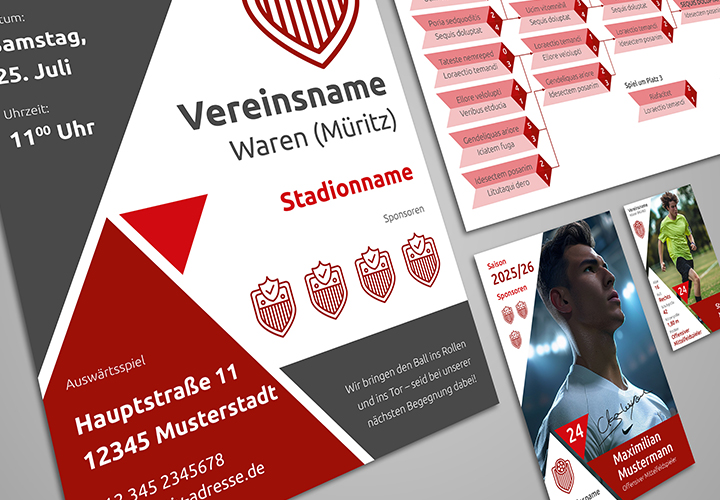
Everything inside: Advertising banner, donation check and more
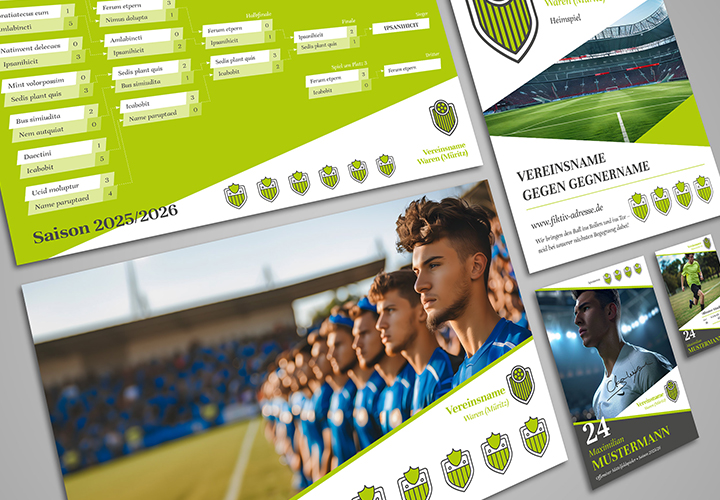
Welcome to the Design Champions League

Convince sponsors, engage your fans

Game schedule, flyer, collector's card and more
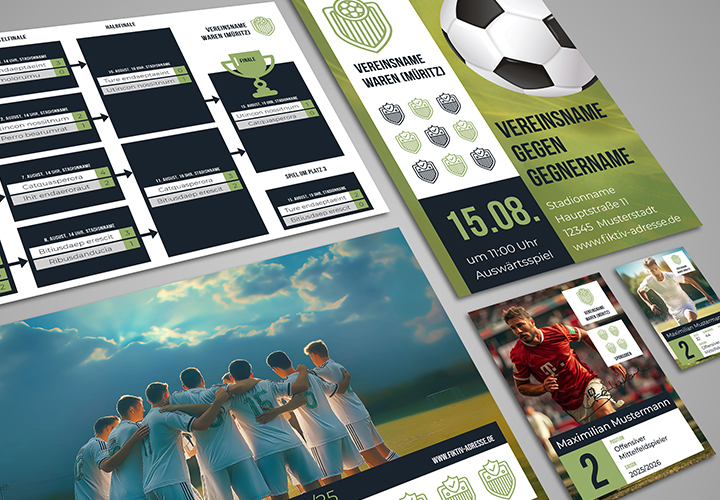
Tournament schedule, flyer, autograph card and more

Your wedding – your style!

Fully equip a wedding

Designed from the invitation to the thank you

Print-ready and in the correct format

Make the day perfect!

Information on an equal footing

Immediately printable and customizable templates

Flights of fancy for your success

A creative power package for your design

Get ready for the next tournament!
Tips and helpful content
Brushes, mockups and tutorials for Affinity Photo
Assets for your image editing in Affinity Photo
Strengthen your style - with Affinity Photo brushes and mockups
Download and get started right away: Hundreds of brushes are already waiting for your creative input. For example, cover your images in fog and smoke, heat them up with fire and flames or give them a playful lightness with soap bubbles. But perhaps the compass is already pointing towards New Year's Eve and a peaceful Christmas for you and your customers? We also provide you with a whole range of professional mock-ups.
Know-how in practical video training sessions
Put your creativity into the picture - with our Affinity Photo tutorials
Are you just starting out with Affinity Photo or have you already earned your user spurs? Whatever level you're at, our training courses will get you up to speed. You'll learn the basics of the software just as easily as the tools and control panels. One level higher, we'll show you how to apply beauty retouching, improve photos, create composings and crop subjects. You stay in the picture and grasp everything in a simple way. Finally, all tutorials are available in German .