

AI: Tutorials on artificial intelligence
Whether for audio, video, images or text, for design work or programming - applications based on artificial intelligence (AI) are changing the entire digital industry. Our AI tutorials on ChatGPT, Midjourney and more will keep you up to date with the latest developments. Learn why and how you can use AI for your processes. The video courses show you practical examples, including in the areas of image processing, video and audio editing and text creation. Watch your desired AI tutorials now to put artificial intelligence to work for you and save time.
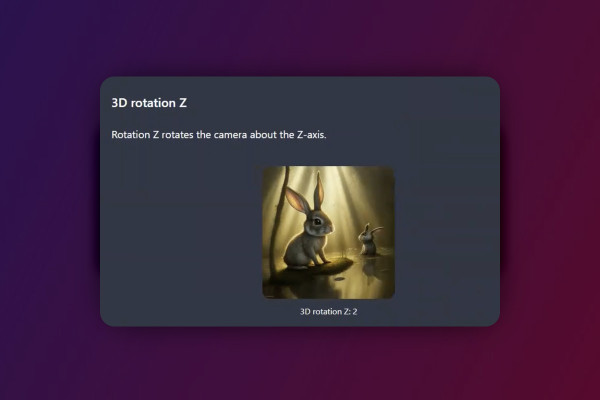
Deforum Stable Diffusion - create animated videos with AI (Tutorial)

Sharpening images with & without AI - against pixelated, blurred photos
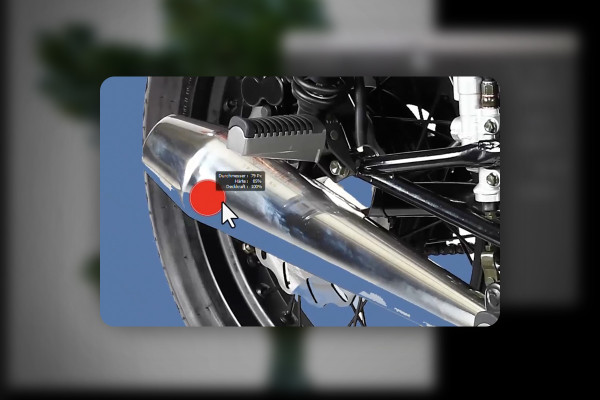
Crop with Photoshop and AI - cut out motifs quickly and precisely
AI guide: Presentation, websites & data
AI guide: Presentation, websites & data
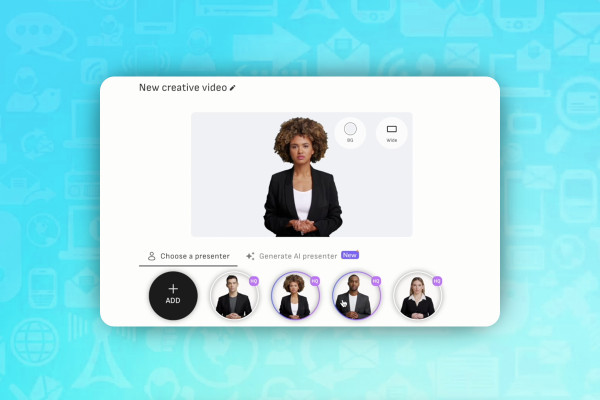
AI guide: Edit video, audio & voice
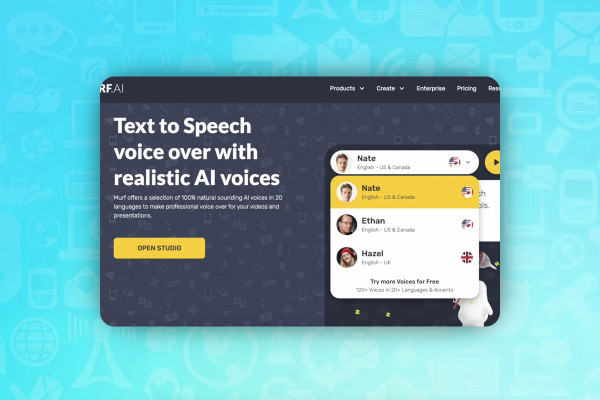
AI guide: Edit video, audio & voice
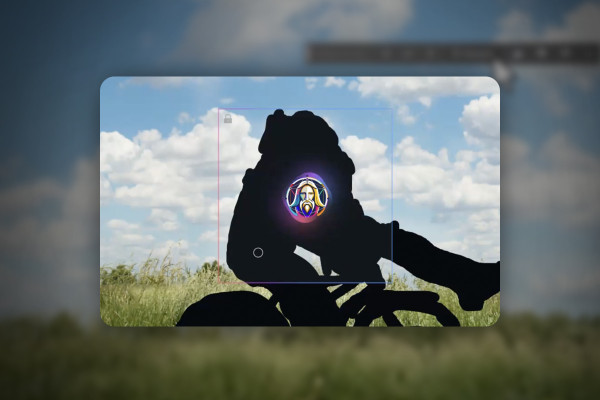
Remove people & distracting objects from images - Photoshop, DALL-E and other AI tools
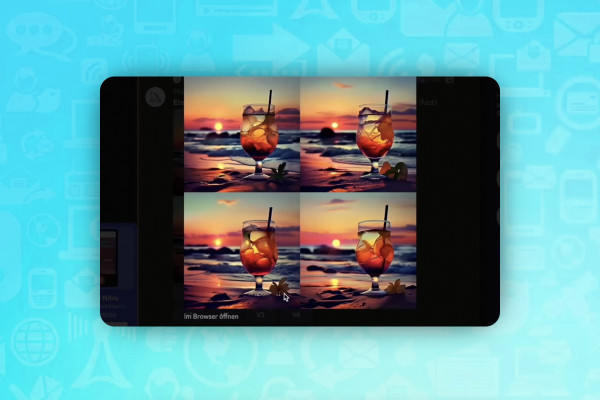
AI guide: Generating and editing images with Midjourney, DALL-E and co.
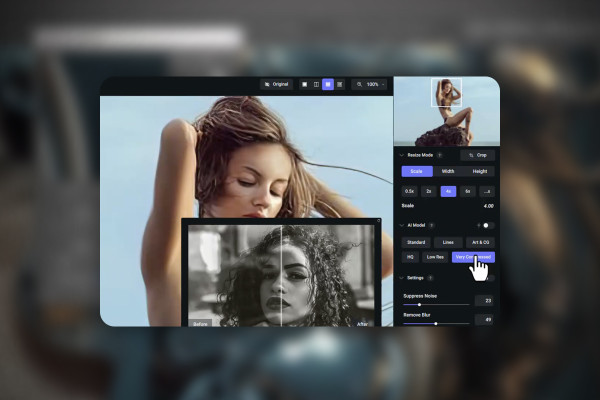
Enlarge images and photos without loss of quality with Photoshop and AI
AI guide: Have texts written with ChatGPT & 12 alternative tools
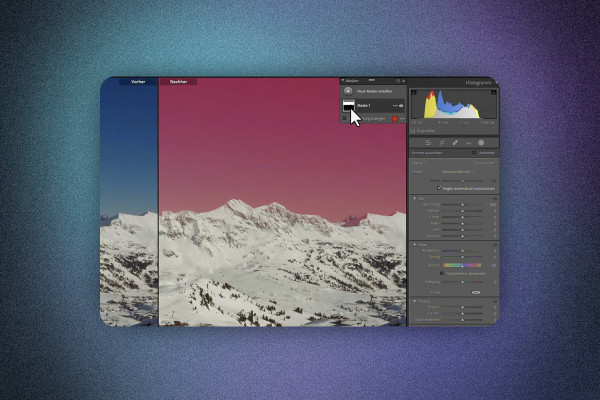
Removing image noise: Photoshop, Lightroom and AI tools (tutorial for Denoise)
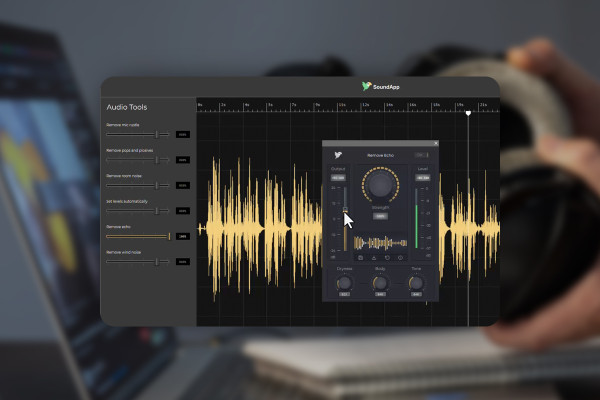
Improve audio recordings: Sound editing for reverb, hiss and other background noise
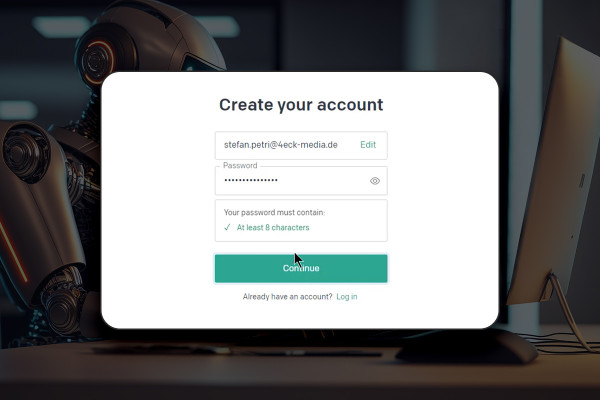
ChatGPT: What AI can do - how it can help you with texts, codes, SEO and Excel
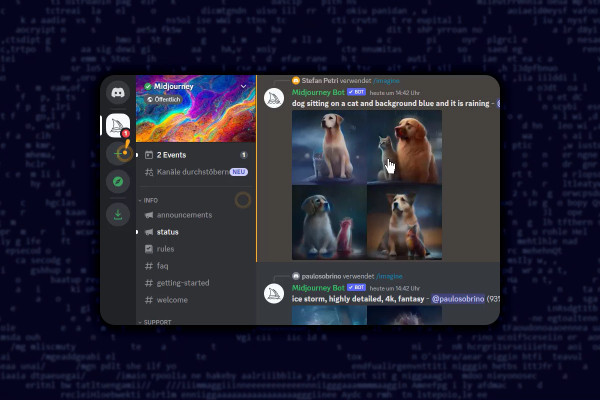
Midjourney tutorial: How the AI creates spectacular images for you
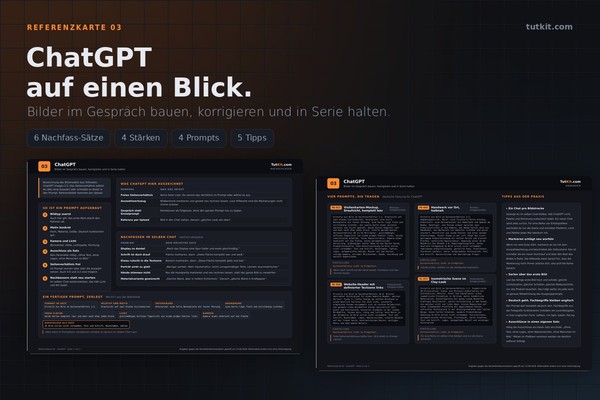
The prompt toolkit for AI images: 100 prompts and 4 reference cards
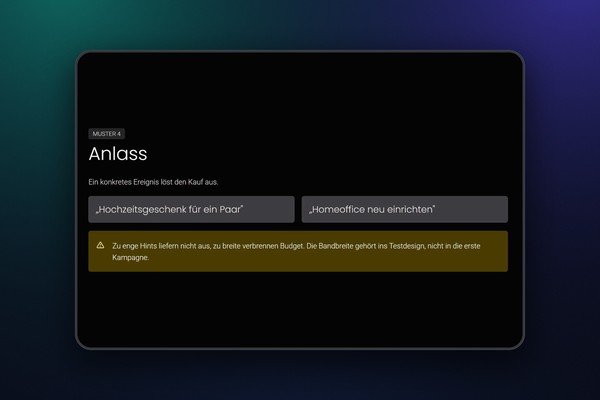
ChatGPT Ads: Run ads in the OpenAI Ads Manager
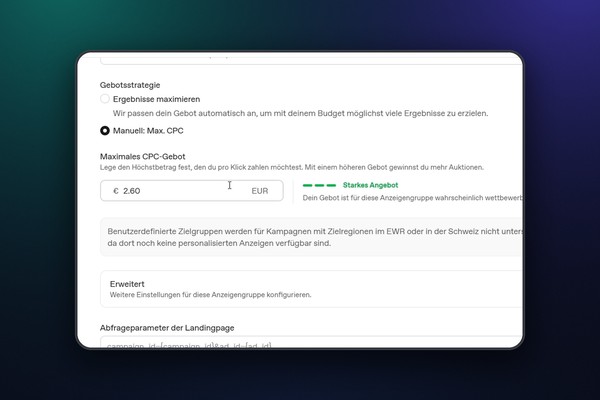
ChatGPT Ads: Run ads in the OpenAI Ads Manager
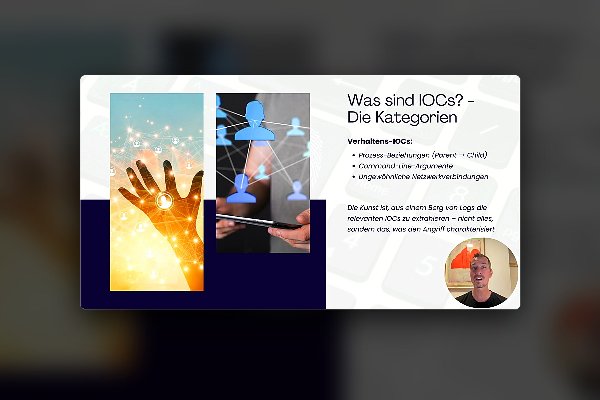
GenAI for Cybersecurity - Practical Course for Professionals
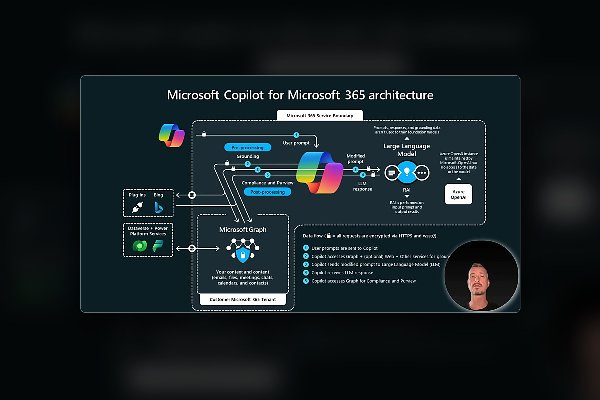
GenAI for Cybersecurity - Practical Course for Professionals
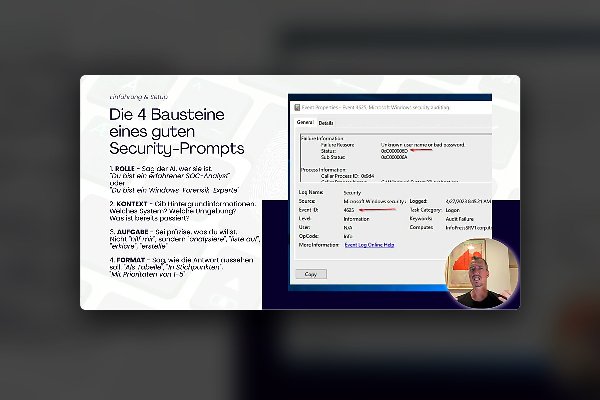
GenAI for Cybersecurity - Practical Course for Professionals
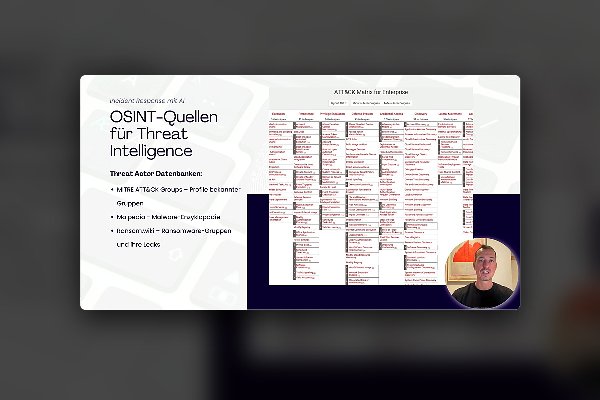
GenAI for Cybersecurity - Practical Course for Professionals
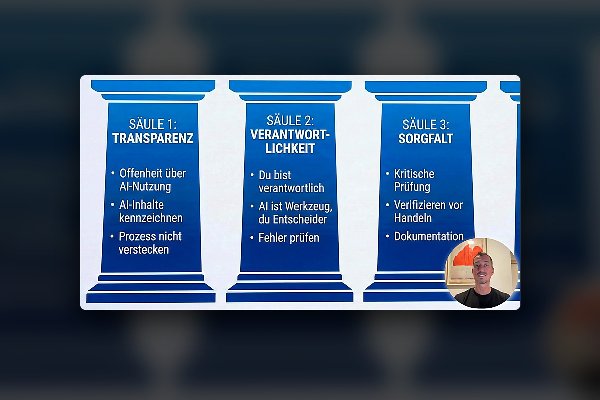
GenAI for Cybersecurity - Practical Course for Professionals
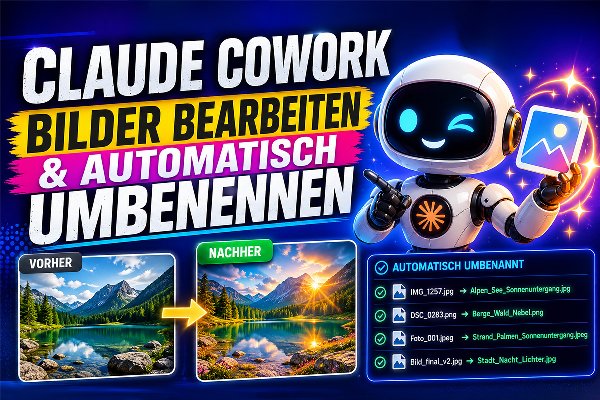
Claude Cowork: Your AI assistant that truly takes work off your hands
AI SEO (GEO): Visibility in ChatGPT, Claude & Gemini 2026
AI SEO (GEO): Visibility in ChatGPT, Claude & Gemini 2026
AI SEO (GEO): Visibility in ChatGPT, Claude & Gemini 2026
Designing with AI: from prompt to finished design with Claude
Designing with AI: from prompt to finished design with Claude
Designing with AI: from prompt to finished design with Claude
Adobe Firefly & Express for powerful AI designs, videos & audio
Create free images using AI
WordPress for Beginners: Creating Websites Made Easy
OpenAI Agent Builder Course - AI & No-Code Automation
OpenAI Agent Builder Course - AI & No-Code Automation
OpenAI Agent Builder Course - AI & No-Code Automation
OpenAI Agent Builder Course - AI & No-Code Automation
Using AI Tools Effectively: ChatGPT - Masterclass
Using AI Tools Effectively: ChatGPT - Masterclass
Using AI Tools Effectively: ChatGPT - Masterclass
Using AI Tools Effectively: ChatGPT - Masterclass
Using AI Tools Effectively: ChatGPT - Masterclass
Using AI Tools Effectively: ChatGPT - Masterclass
Making Money with Artificial Intelligence: The AI Guide
Making Money with Artificial Intelligence: The AI Guide
Making Money with Artificial Intelligence: The AI Guide
Making Money with Artificial Intelligence: The AI Guide
Making Money with Artificial Intelligence: The AI Guide
Making Money with Artificial Intelligence: The AI Guide
Making Money with Artificial Intelligence: The AI Guide
Making Money with Artificial Intelligence: The AI Guide
Making Money with Artificial Intelligence: The AI Guide
Making Money with Artificial Intelligence: The AI Guide
Writing a bachelor's/master's thesis and optimizing it with AI
Writing a bachelor's/master's thesis and optimizing it with AI
Writing a bachelor's/master's thesis and optimizing it with AI
Writing a bachelor's/master's thesis and optimizing it with AI
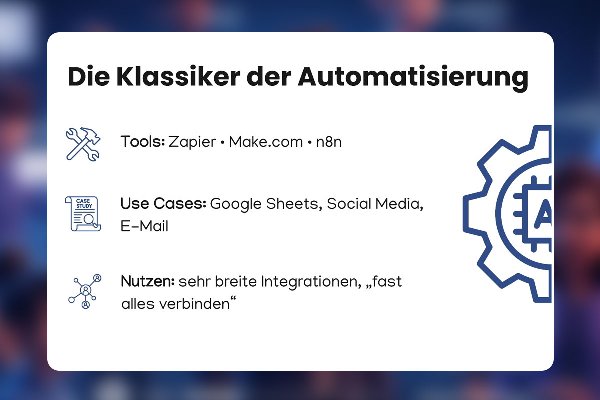
Mastering Automation & AI - Your No-Code Course
Mastering Automation & AI - Your No-Code Course
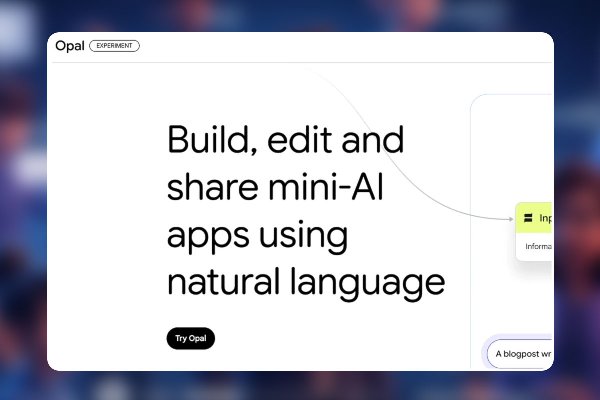
Mastering Automation & AI - Your No-Code Course
Mastering Automation & AI - Your No-Code Course
Mastering Automation & AI - Your No-Code Course
Google Opal: Automate, don't program!
Google Opal: Automate, don't program!
Google Opal: Automate, don't program!
Google Opal: Automate, don't program!

Google Opal: Automate, don't program!
Google Opal: Automate, don't program!

HeyGen: Realistic Avatars & Videos with AI
Next Level Content: Images and Videos with AI Power from ChatGPT & Sora
Next Level Content: Images and Videos with AI Power from ChatGPT & Sora
Gemini Crash Course: With a few clicks to AI genius
Perplexity.ai explains: How to research faster and better

Claude AI unleashed: Your practical training for creative and professional breakthroughs
NotebookLM: Research tool with podcast feature
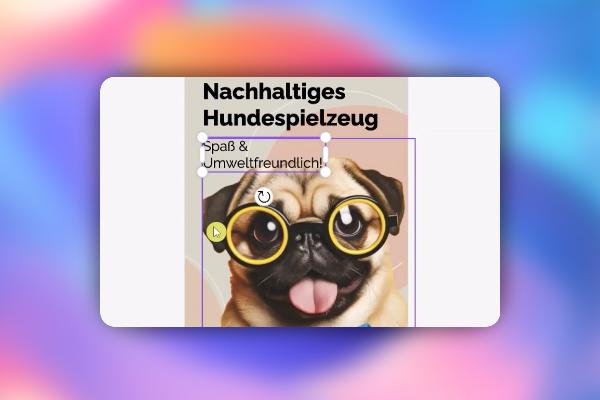
Microsoft Designer: AI tool for images, graphics, flyers & Co. (Tutorial)
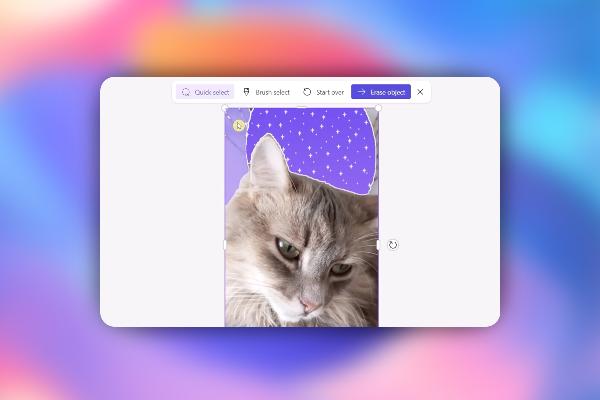
Microsoft Designer: AI tool for images, graphics, flyers & Co. (Tutorial)
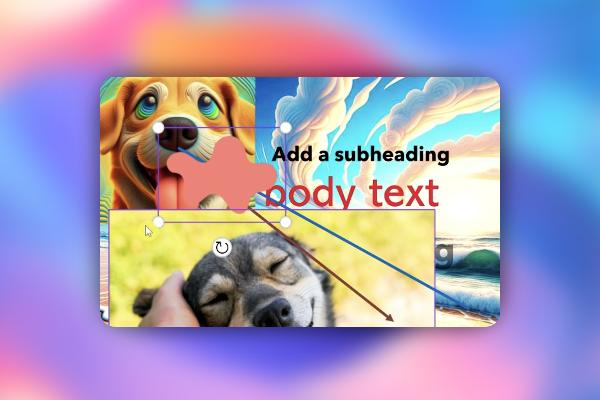
Microsoft Designer: AI tool for images, graphics, flyers & Co. (Tutorial)

Creating AI videos with artificial intelligence (Tutorial)
Creating AI videos with artificial intelligence (Tutorial)
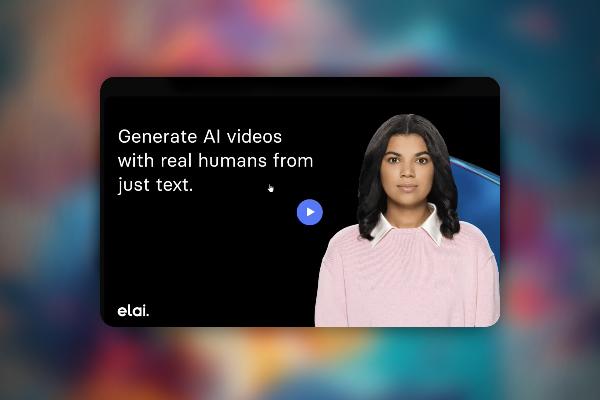
Creating AI videos with artificial intelligence (Tutorial)
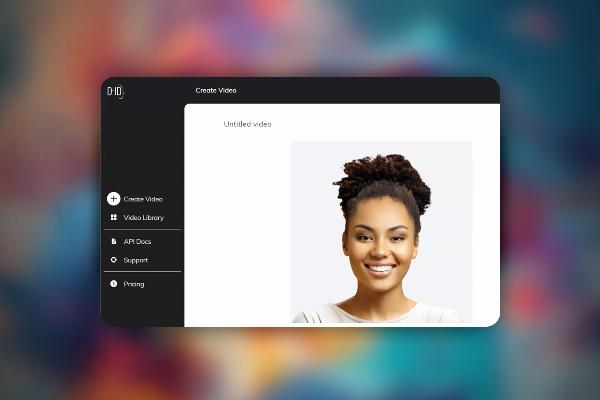
Creating AI videos with artificial intelligence (Tutorial)
Creating AI videos with artificial intelligence (Tutorial)
Creating AI videos with artificial intelligence (Tutorial)
Creating AI videos with artificial intelligence (Tutorial)
Creating AI videos with artificial intelligence (Tutorial)
Creating AI videos with artificial intelligence (Tutorial)

Creating AI videos with artificial intelligence (Tutorial)
Microsoft Copilot (video training) - working more effectively with AI
Microsoft Copilot (video training) - working more effectively with AI
Microsoft Copilot (video training) - working more effectively with AI
Microsoft Copilot (video training) - working more effectively with AI

Microsoft Copilot (video training) - working more effectively with AI
Microsoft Copilot (video training) - working more effectively with AI

Microsoft Copilot (video training) - working more effectively with AI
OpenAI API: Program AI-based chats, sales assistants & text adventures
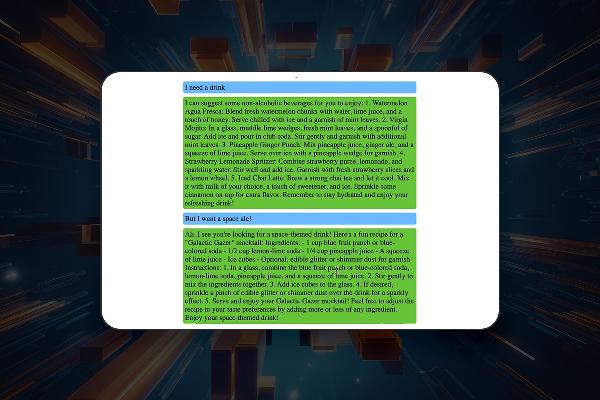
OpenAI API: Program AI-based chats, sales assistants & text adventures

OpenAI API: Program AI-based chats, sales assistants & text adventures
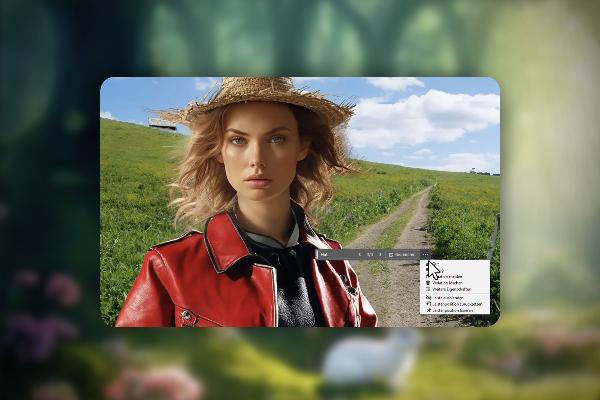
AI in Photoshop: Next-level image editing with artificial intelligence
AI in Photoshop: Next-level image editing with artificial intelligence
Targeted use of artificial intelligence
AI tutorials for text, images, audio, video and more.
Artificial intelligence explained simply
What does AI actually mean?
AI is the abbreviation for artificial intelligence. AI is initially a branch of computer science in which systems are developed that perform tasks that normally require human intelligence - for example, speech recognition, formulating texts or creating and processing images.
Still confused about AI basics? Check out Coursiv to get hands-on walk-throughs on AI principles and application for your job, life, side hustles and so much more!
What is AI used for?
AI systems recognize patterns, solve problems and can understand speech and text. There are various approaches to AI applications, including machine learning and neural networks. The technologies are now capable of performing a wide range of tasks and are constantly being developed further. For example, you can use AI to generate images and texts or edit existing media such as audio, video, text and images. You can learn how artificial intelligence can help you in concrete and practical ways in our AI tutorial s.
AI tutorials for practical use
We can say from our own experience: artificial intelligence, when used correctly, is an enormous accelerator for daily work practice. Need an image? Have it generated. You need a text? Get it from the AI. But these are only the simplest use cases. Our AI tutorials show you in which areas artificial intelligence can help you far beyond that. Take a look at our training courses and take your workflow to the next, AI level!
How you benefit from the use of AI
AI in image editing
You may remember how time-consuming it used to be to cut out a motif from an image using Photoshop tools, for example. Nowadays, AI does most of the cropping work for you. And that's not all - take a look at our AI image editing tutorials to see how you can generate, sharpen, crop and enhance your images with artificial intelligence. Also learn how to enlarge images without losing quality and how to effectively remove image noise. We show you how to use the artificial intelligence of Photoshop, Midjourney, DALL-E and co.
AI tutorials for texts and SEO
It is fair to say that ChatGPT has really got the AI wave going. The AI understands text input and provides answers that appear to be written by human hands. But ChatGPT can do much more! For example, the AI supports you with search engine optimization and programming. In our AI tutorials for the area of text & SEO , you will learn about AI and its application as well as alternatives to ChatGPT.
AI training for other areas such as audio and video
Artificial intelligence has now found its way into numerous areas. In addition to the well-known representatives of ChatGPT and Midjourney, there are AI tools for audio processing, video editing and more! Take a look at our AI guides to see where and how AI can support you. And learn how to remove noise from recordings, for example, in our AI tutorials on audio and video .