

Using Lightroom Classic - with many tutorials and presets
Want to get to know Lightroom Classic or take it to the next level? In our hands-on video tutorials , our experienced photographers will guide you step by step through each Lightroom Classic level. This will help you become proficient in photo management and image editing on the desktop. Our professional presets will also get you excited. With them, you have all settings under control if required, saving time and therefore costs for your own image editing. Put your focus on it:
On this page
Free tutorials for Adobe Lightroom Classic
- Lightroom – Automatically adjust exposures in a few steps
- Change the white balance locally in Lightroom – instructions
- Create a Movie Poster Style in Lightroom - Instructions
- Professional Dog Portraits: Lightroom Finishing
- Professional image export for wedding photographers
- Color Key with Lightroom – How to Achieve Impressive Results
Trainers for Adobe Lightroom Classic




Preparation, shooting & post-processing

The best of your pictures

Cat photos with drama and expression

Because naked is not the same as nude

From arrangement to post-production

From color photo to black and white artwork

Looks & styles for your pictures
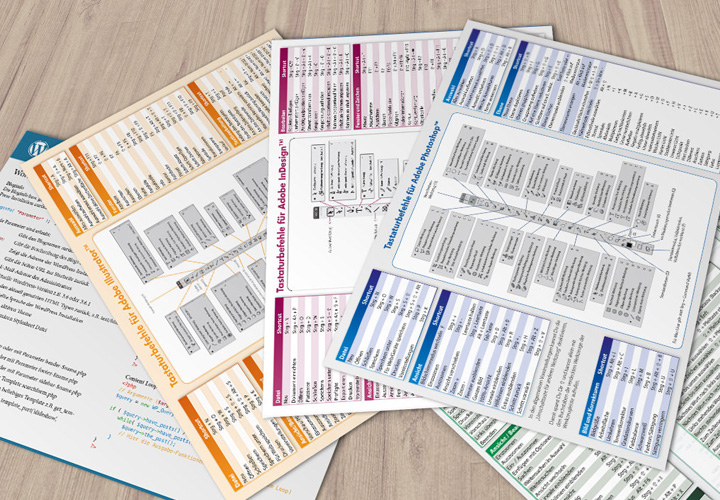
Travel faster
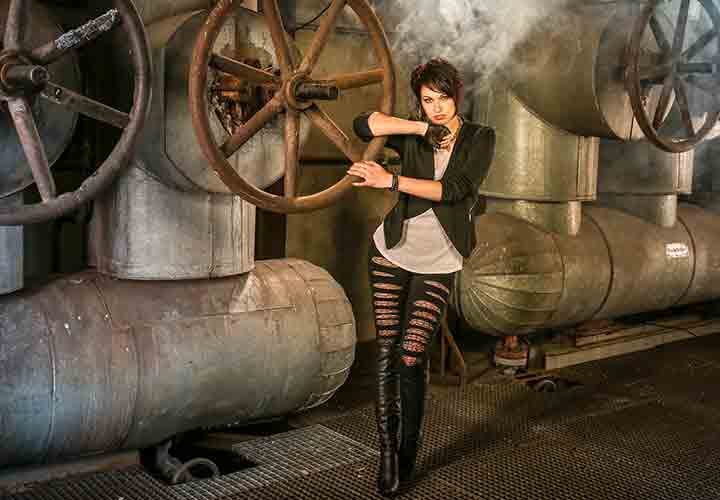
Digital image development from a single source!

295 wonderful picture looks created quickly
Ideal for your photo editing
Tutorials & Presets for Adobe Lightroom Classic
Quickly achieve high-quality photo looks with specifications
Have what it takes to become a classic: our presets for download
Start your work with Lightroom Classic with a good preset. Our Lightroom presets open up a whole cosmos of possibilities. You can apply the settings in full or tweak them yourself to suit your taste. Get a clearer picture of our large selection of presets - and discover, for example, presets for fashion or for film and action looks, for retro and vintage looks or for seductive nude and boudoir looks. Curiosity aroused? Download and use now!