

Practical tutorials and professional templates for Affinity Designer
Take design to the next level for yourself (and your clients) with our in-depth and practical Affinity Designer tutorials and high-quality Affinity Designer templates . In addition to the ABCs of vector work, the practical video tutorials will also teach you how to create outstanding designs - or how to refine your Affinity Designer skills. And with our illustrative templates, you'll save yourself a lot of time and be professional at the same time.
On this page
Free tutorials for Serif Affinity Designer
- RGB and CMYK in Affinity Designer: Understanding the Differences
- Efficient saving and exporting in Affinity Designer
- Effective use of the Move Tool in Affinity Designer
- Effectively Setting Up Artboards in Affinity Designer
- Affinity Designer: Using the Pencil Tool and Vector Brushes
- Easy black-and-white conversion in Affinity Designer
Trainers for Serif Affinity Designer






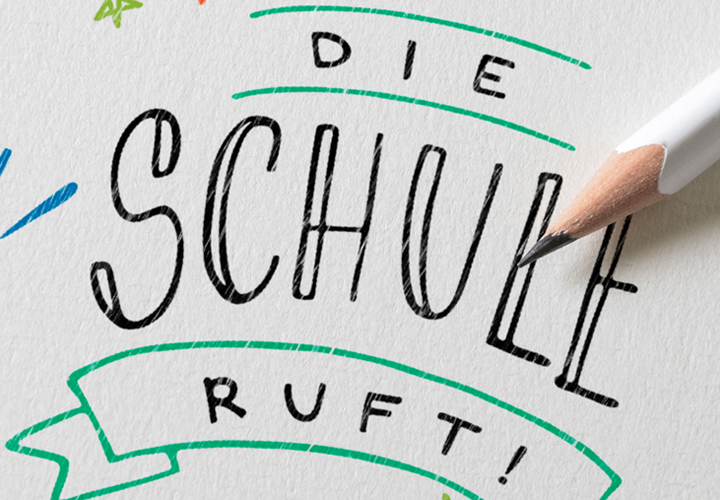
For a unique day!

Writing in the best emotional form

Says more than a thousand words!

Emotionally touching graphics

Elegantly written by hand

Stylish and elegant through the Christmas season
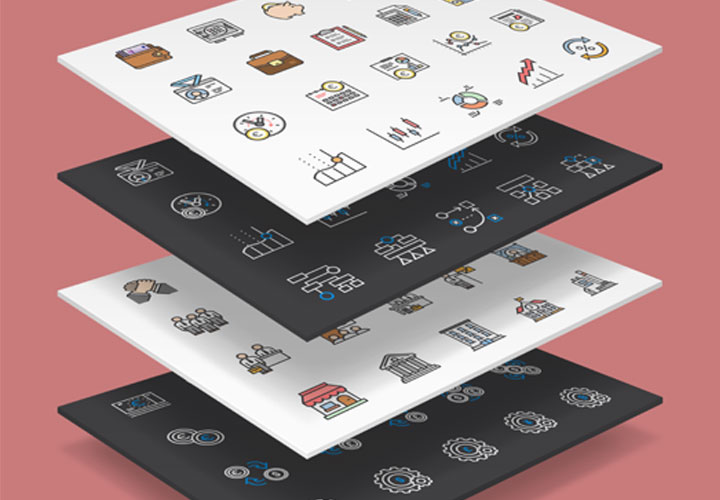
Download and use directly
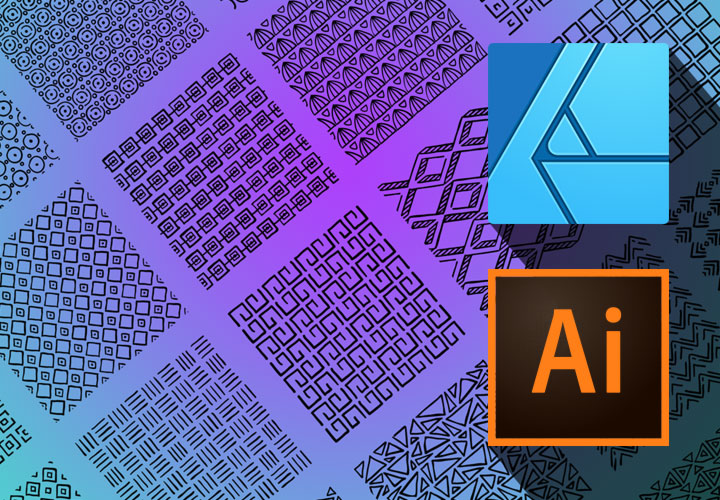
For small and large areas
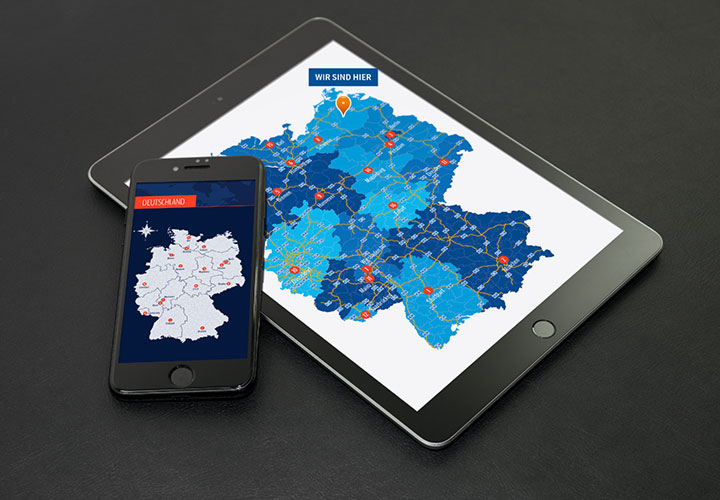
Including icons for location marking

Decoration for the whole area
Create finely structured backgrounds

Loving lettering for the perfect day
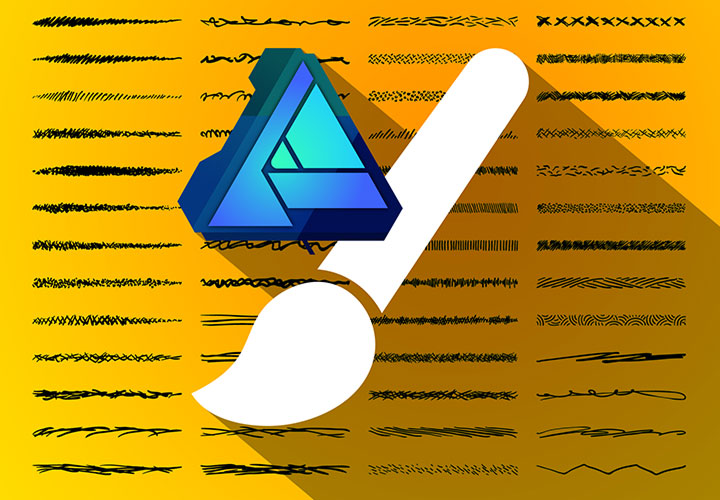
For contours and lines
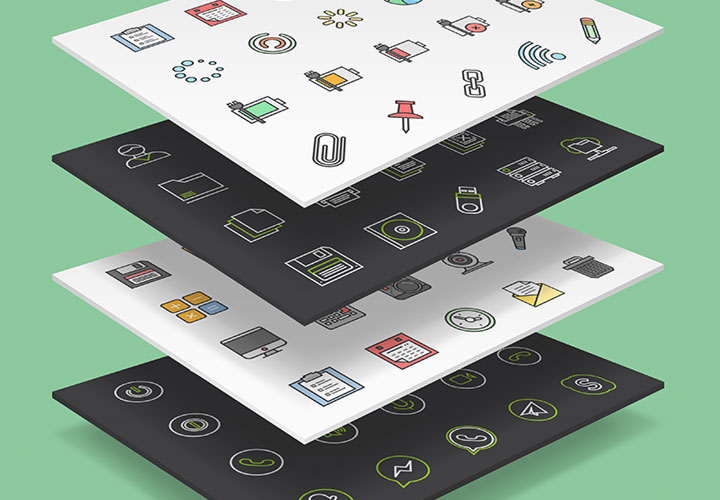
Scalable and freely customizable
Enter the world of vectors!
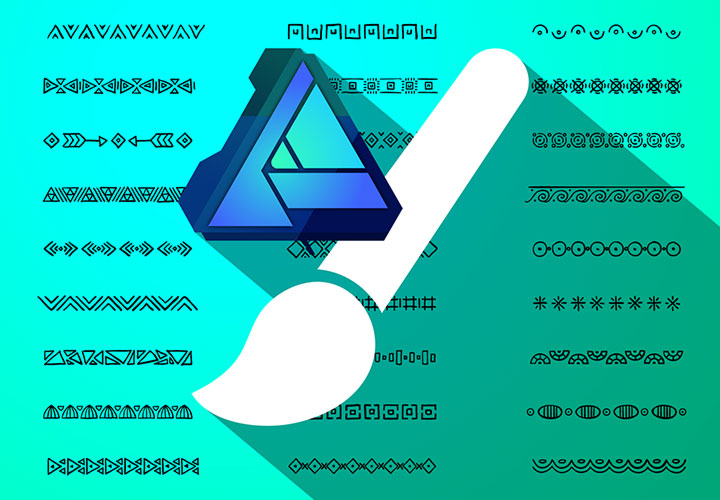
For brush lines and graphic contours
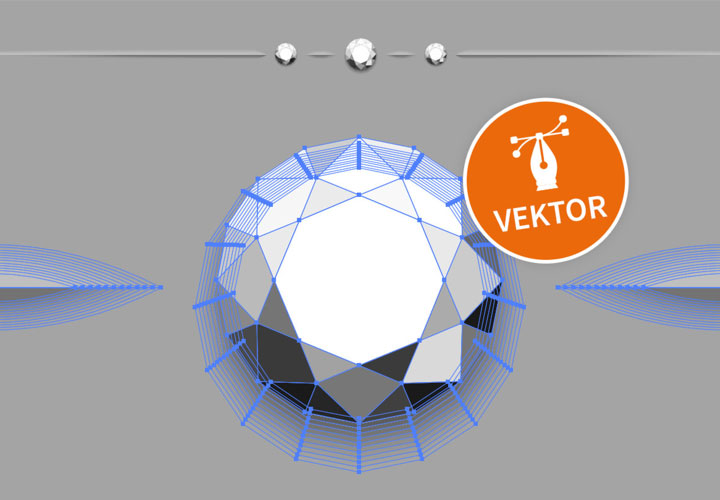
How to divide up your layouts beautifully
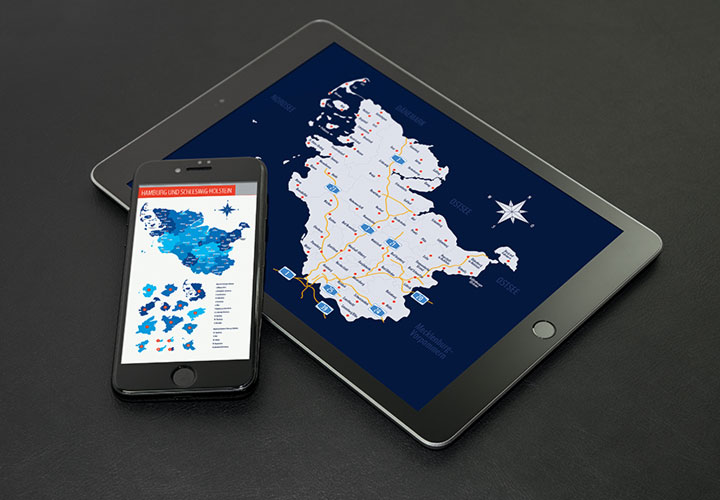
Two federal states in one package

Hand-drawn and digitally processed
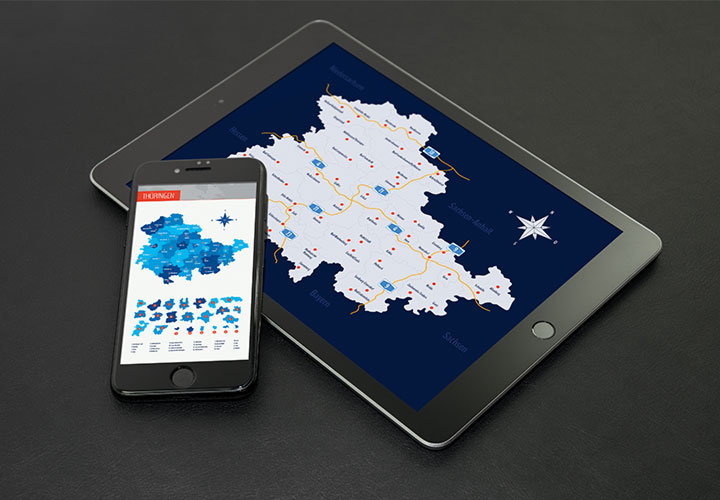
Map material in vector quality

How to incorporate overlays correctly
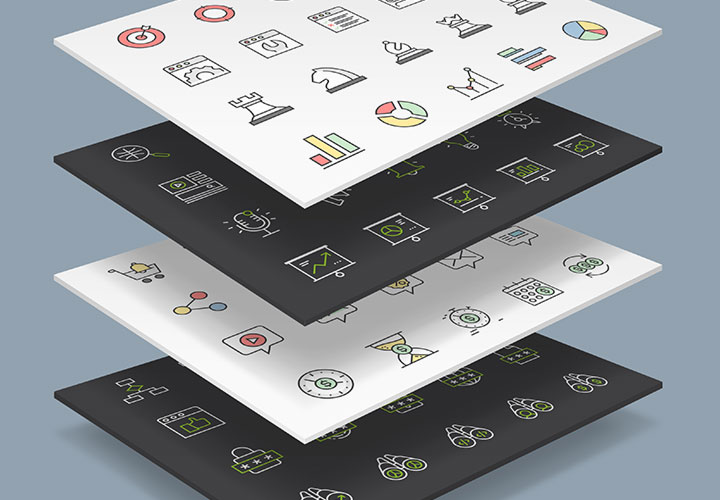
Clear and meaningful pictograms
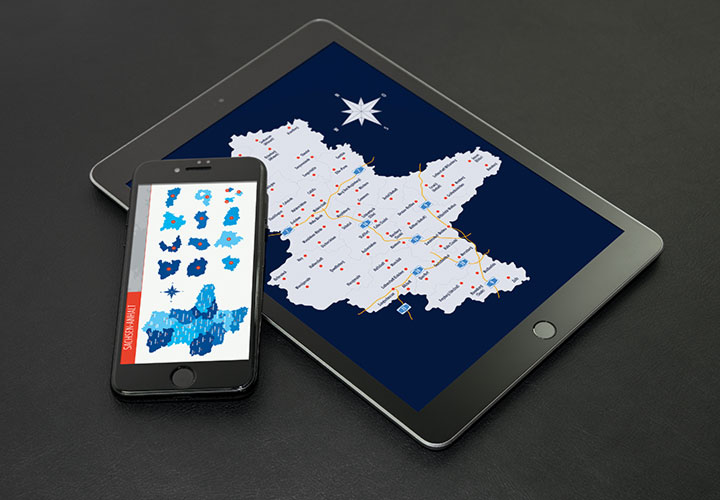
Suitable for web and print
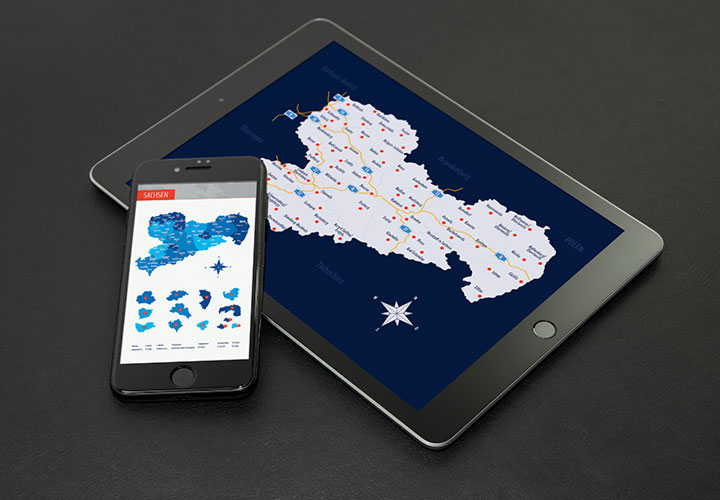
Suitable for web and print
Everything for your work with the Serif program
Download templates & tutorials for Affinity Designer
Watch now: Affinity Designer video tutorials
Teach design a lesson: Affinity Designer tutorials
Are you new to Serif Affinity Designer or have you already got to grips with it? Our video tutorials offer you the right lessons for both levels. As a beginner, we will familiarize you with the tools and layers, colors and user interfaces. If you're already beyond the basics, we'll take you into practice - with vector-based illustrations and layout designs . You can easily follow everything and join in straight away.
Download directly: helpful assets
For big time savings: Affinity Designer templates and brushes
If you're running out of time while designing, just get it back: with our illustrative templates and brushes for Affinity Designer . For example, draw a professional line with vector-quality closing and dividing lines. Set the right tone with business, interface and web icons. Locate your customers with high-quality maps for all federal states, Europe and the whole world. Or are you looking for the right brush? We have brushes for vector graphics with a sketch look on board, for example. Let us inspire you.