

Image design from scratch - with Photoshop Elements actions and brushes
Image editing and image design made easy! We offer you the right ingredients for Adobe Photoshop Elements : with our Photoshop Elements actions and brushes. Build the basic framework for professional image editing. We equip you creatively - with a wide variety of brushes and bokehs, with lens flares and light leaks. Get started now with the basic possibilities of Photoshop Elements.
On this page
Free tutorials for Adobe Photoshop Elements
Trainers for Adobe Photoshop Elements


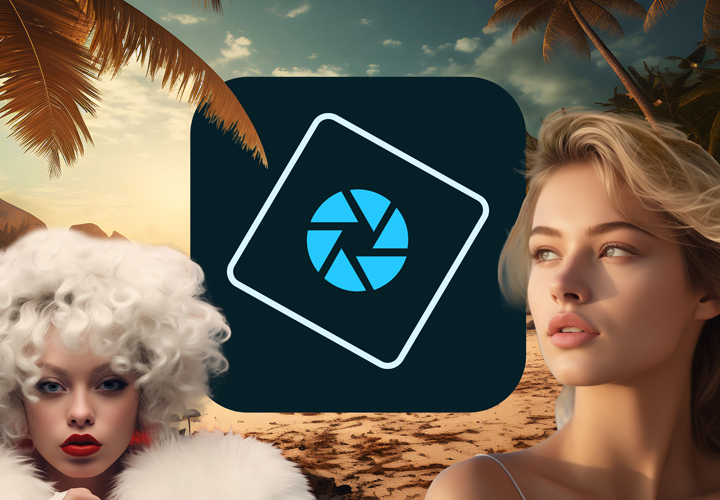
Neatly cut out!
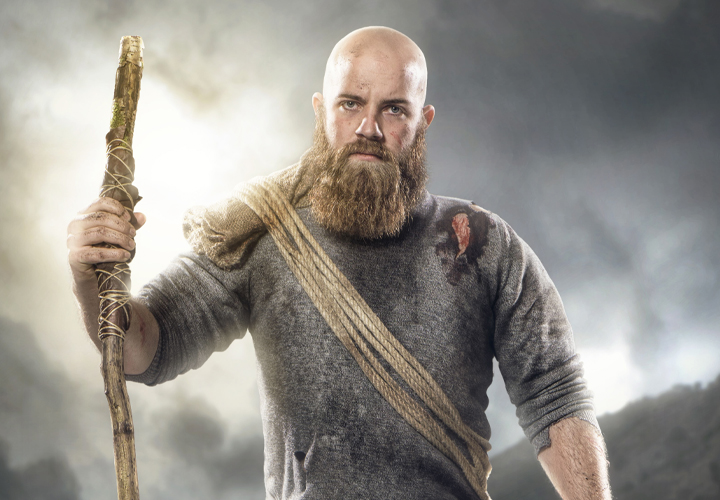
Follow an instructive path of image editing!
Simply edit images professionally
Click the dirt in your pictures
A sea of lights for your photos
Strands for your portraits
Click wafting smoke effects into your images
An enchanting flower motif package
For exciting photos and composings
For pictures that should not be completely clean
Over 700 assets for cool pictures
Digital camera bag!
For the finest scary fun
Fire and flames for your pictures
Ignite a blazing sea of flames
For feather-light photos and composings
For powerful effects in your pictures & photos
Create milky, tangy effects
For lively images & designs
Presets, actions, mockups, bokehs and brushes
Easter bunnies, Easter eggs, baskets & flowers
For dazzling lighting effects
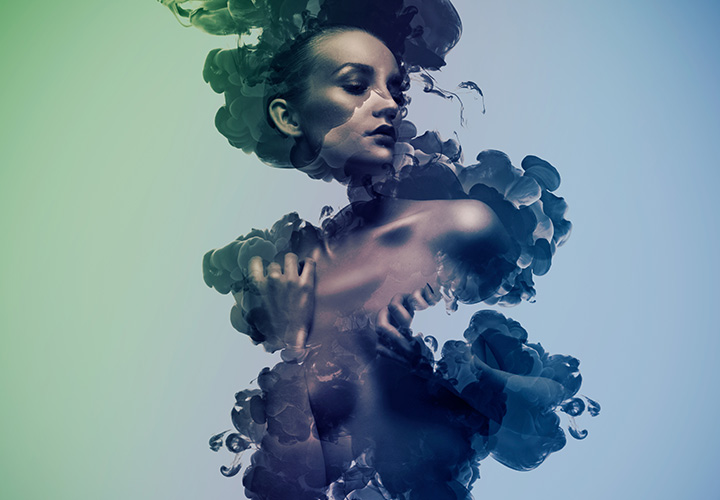
How to make the most of the brush tool!
Lights, waves, sparks and co.
For your image and photo editing
Tutorials, Brushes & Actions for Photoshop Elements
Assets that will help you
Take creativity to the extreme: with Photoshop brushes and actions
With thousands of brushes , you can create grunge borders and edges for frames and corners in dirty style. You can draw hair, set off fireworks or cover your pictures in dust and smoke. How about a creamy milk effect, real-looking splashes of water or brushes for the winter and Christmas season? You can freely adjust all brushes up to 5,000 pixels. Add extra spark to your photos with cloud assets, fire effects or actions. Turn them into stamps, puzzles or Polaroid collages in an instant.