

Take control with Adobe Premiere Pro tutorials and templates
Take a big step towards editing and take over the direction: with the Adobe Premiere Pro tutorials and templates . In our video training, we show you how to work with graphics, effects, look and sound in Premiere Pro and deliver film-ready performances - from YouTube clips to reportage, from trailers to company portraits. Whether you're a beginner or a pro, our trainers will guide you into the depths of professional video editing . Our overlays for Film Burns and Light Leaks also play a special starring role. Press play now for great cinema.
On this page
Free tutorials for Adobe Premiere Pro
- Essential Sound in Premiere Pro: Easily improve audio
- Color Grading in Premiere Pro: Editing Log Footage Step by Step
- Adjustment Layers in Premiere Pro: Applying a Color Style to Many Clips
- Premiere Pro Lumetri Creative: Adjusting Look, Sharpness, and Colors Precisely
- Reading Lumetri Scopes Correctly: Histogram, Parade, and Vectorscope
- Stabilizing Video in Premiere Pro: Smoothing Shaky Clips Step by Step
Trainers for Adobe Premiere Pro




Video editing with Adobe Premiere Pro CC - basics & practice (tutorial)
Video editing with Adobe Premiere Pro CC - basics & practice (tutorial)
Glitter & glitter: shimmering video overlays for your clips and films
Video glitches: overlays for noisy glitch effects in your videos

Video LUTs for Premiere Pro, After Effects and co: summery and wintery retro looks

Frosted screen & film reel: overlay effects for old-looking videos
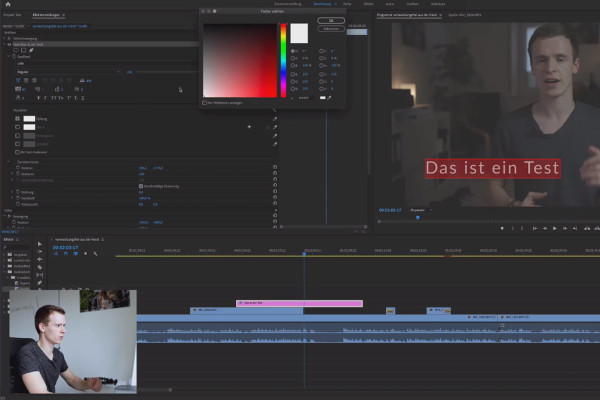
Adobe Premiere Pro CC Tutorial: Video editing from cut to export
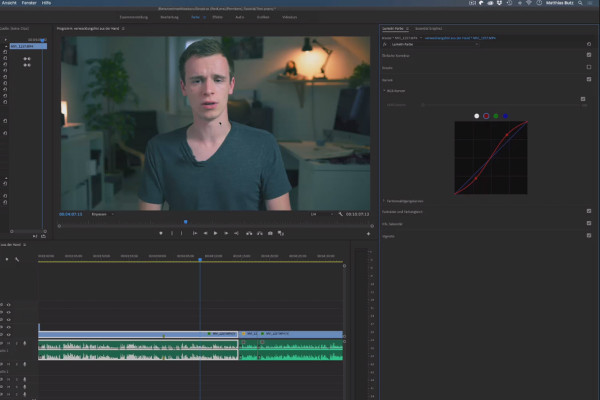
Adobe Premiere Pro CC Tutorial: Video editing from cut to export
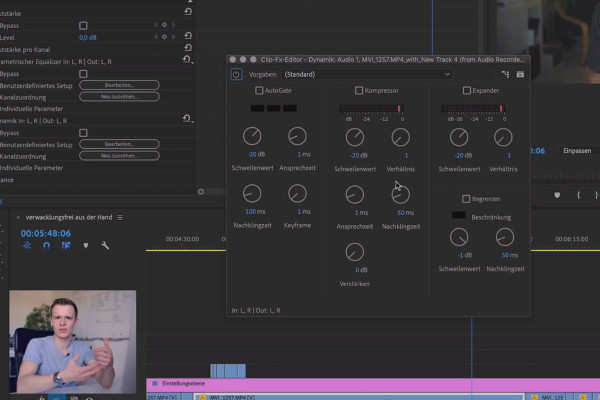
Adobe Premiere Pro CC Tutorial: Video editing from cut to export
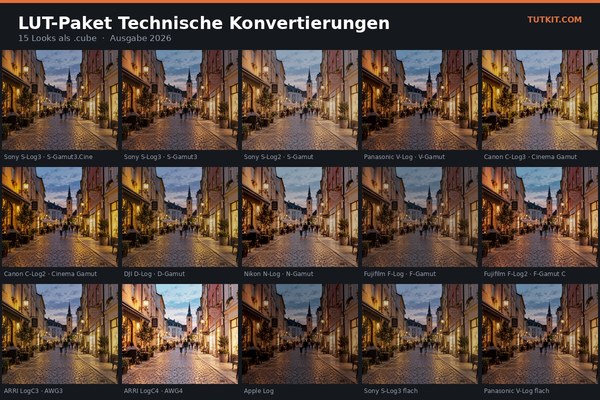
LUT-Saving Package 2026: 91 Color Looks for Photo and Video
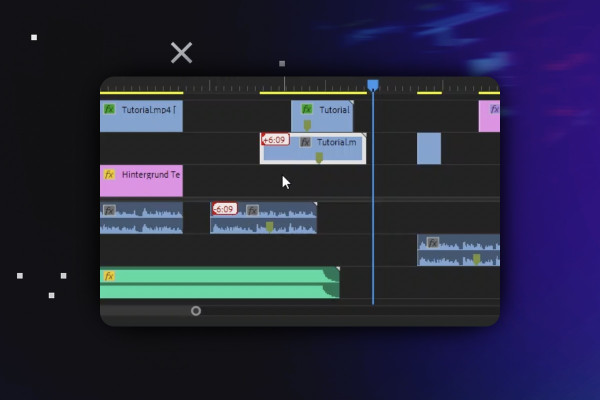
Video editing with Adobe Premiere Pro CC - basics & practice (tutorial)
Video editing with Adobe Premiere Pro CC - basics & practice (tutorial)
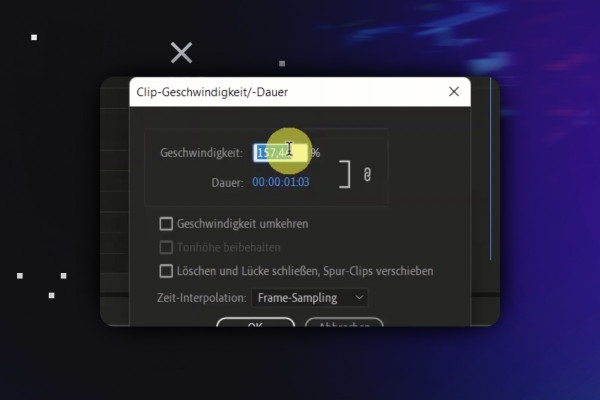
Video editing with Adobe Premiere Pro CC - basics & practice (tutorial)
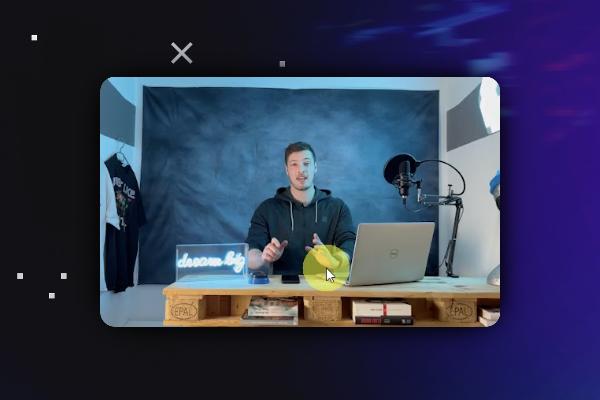
Video editing with Adobe Premiere Pro CC - basics & practice (tutorial)
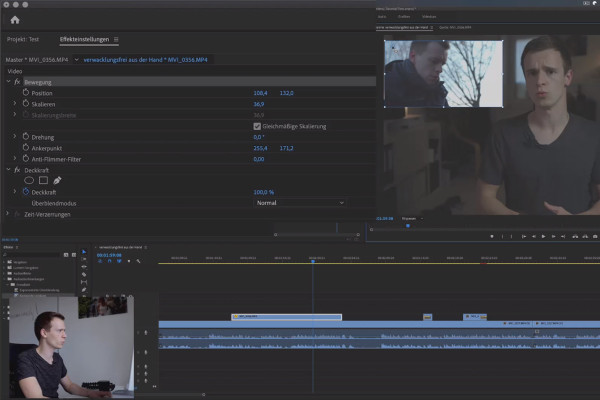
Adobe Premiere Pro CC Tutorial: Video editing from cut to export
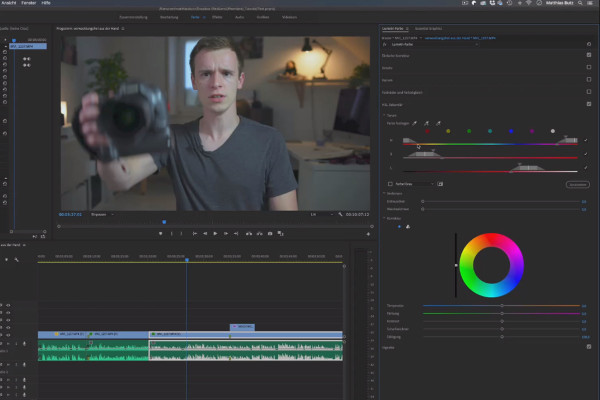
Adobe Premiere Pro CC Tutorial: Video editing from cut to export
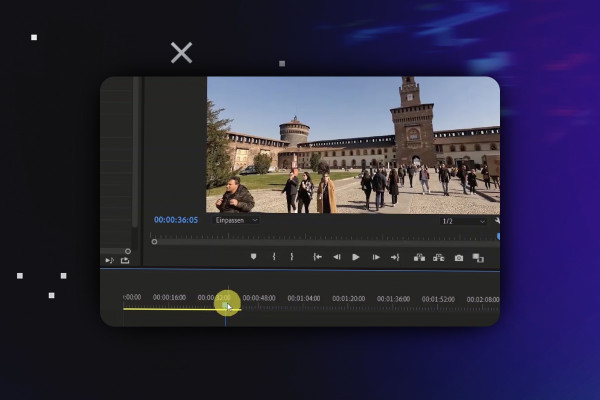
Video editing with Adobe Premiere Pro CC - basics & practice (tutorial)
Video editing with Adobe Premiere Pro CC - basics & practice (tutorial)
Video editing with Adobe Premiere Pro CC - basics & practice (tutorial)
Adobe Premiere Pro CC Tutorial: Video editing from cut to export
Adobe Premiere Pro CC Tutorial: Video editing from cut to export
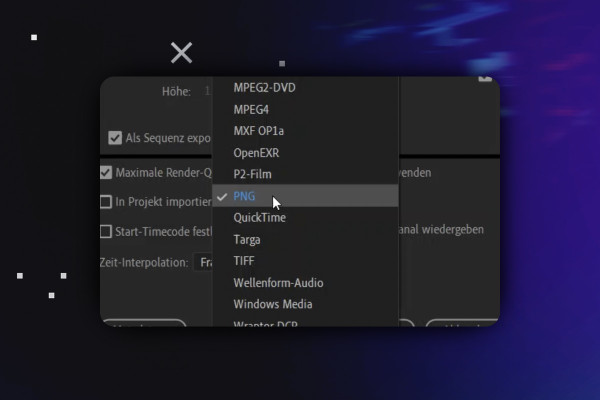
Video editing with Adobe Premiere Pro CC - basics & practice (tutorial)
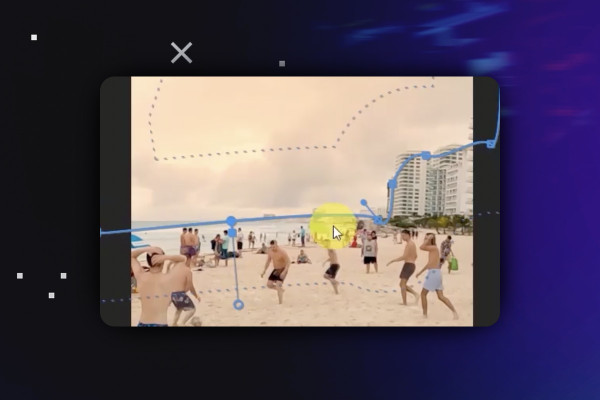
Video editing with Adobe Premiere Pro CC - basics & practice (tutorial)
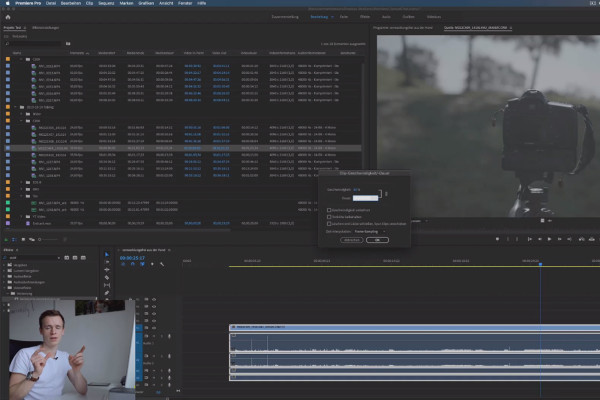
Adobe Premiere Pro CC Tutorial: Video editing from cut to export
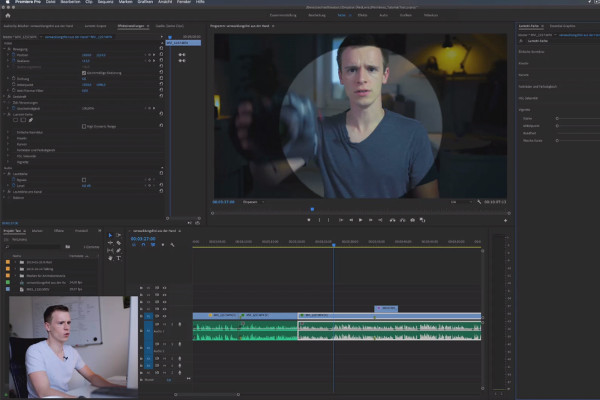
Adobe Premiere Pro CC Tutorial: Video editing from cut to export
Video editing with Adobe Premiere Pro CC - basics & practice (tutorial)
Video editing with Adobe Premiere Pro CC - basics & practice (tutorial)
Adobe Premiere Pro CC Tutorial: Video editing from cut to export
Adobe Premiere Pro CC Tutorial: Video editing from cut to export
Video editing with Adobe Premiere Pro CC - basics & practice (tutorial)
Video editing with Adobe Premiere Pro CC - basics & practice (tutorial)

Adobe Premiere Pro CC Tutorial: Video editing from cut to export
Adobe Premiere Pro CC Tutorial: Video editing from cut to export
Video editing with Adobe Premiere Pro CC - basics & practice (tutorial)
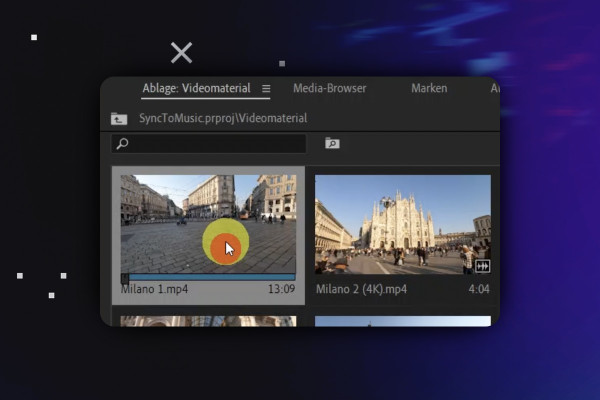
Video editing with Adobe Premiere Pro CC - basics & practice (tutorial)
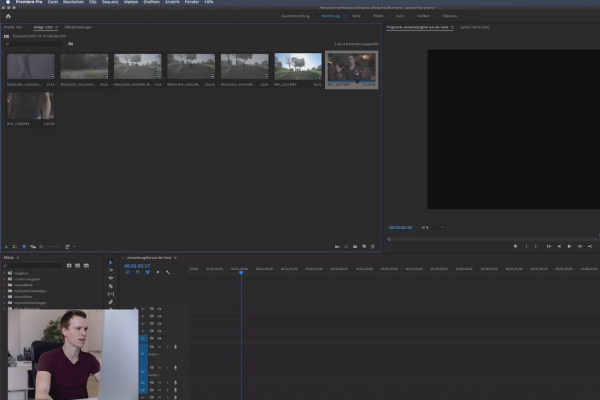
Adobe Premiere Pro CC Tutorial: Video editing from cut to export
Adobe Premiere Pro CC Tutorial: Video editing from cut to export
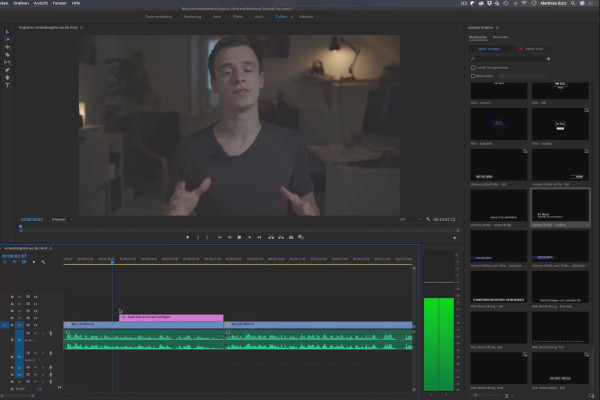
Adobe Premiere Pro CC Tutorial: Video editing from cut to export
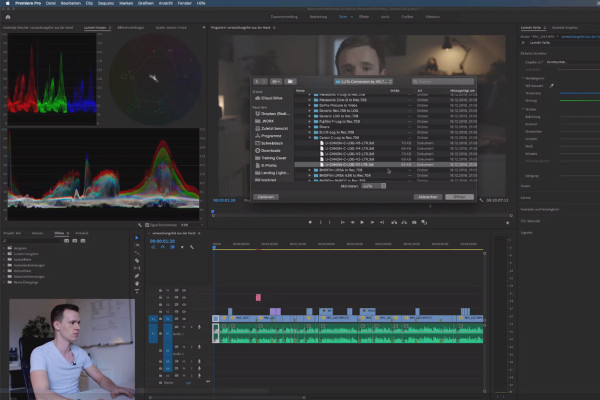
Adobe Premiere Pro CC Tutorial: Video editing from cut to export
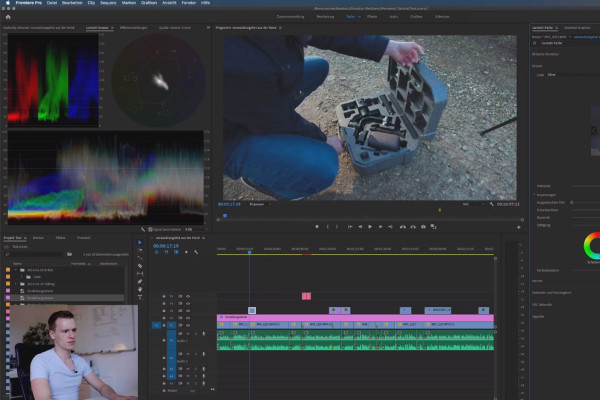
Adobe Premiere Pro CC Tutorial: Video editing from cut to export
For your video projects
Tutorials & Templates for Adobe Premiere Pro
Video training: How Premiere Pro works
Film off: our Premiere Pro tutorials
Bet you'll be as proud as an Oscar when you get the hang of it! Whether you're new to Premiere Pro or a seasoned film buff, our tutorials will teach you the basics and new features of video editing in Premiere Pro. Simply choose according to your level of knowledge and explore the professional possibilities of motion design with our experienced trainers, focus on the latest software updates and get an overall picture from editing to export.
Helpful assets for impressive videos
Create special effects with Premiere Pro templates
Ice crystals that spread across the screen in 4k quality, magical light leaks as fascinating overlays, more cinematic dynamics and vitality thanks to high-quality film burns - bring surprising and outstanding effects to the start of your film with Premiere Pro templates. You can also let it snow for lack of white splendor. How about a fantastic watercolor effect? Or is it Christmas already? Download the templates and simply integrate them into your movie project.