Tutorials on 3D, audio and video
3D, Audio & Video
Tutorials on basics & professional tips

3D, audio & video - tutorials, basics & pro tips

New to 3D, audio and video and looking for basic information? Or already an expert and keen to get to know new workflows? In our tutorials, experienced trainers will show you how to stage 3D objects, create impressive videos, produce music and correct audio recordings. Whether it's Adobe Premiere and After Effects or DaVinci Resolve and the basics of videography - take a look at what will help you progress in your 3D, audio and video work!

Cinema 4D - Lighting: 6.3 Dodge

Light & Lighting in Cinema 4D - the practical course
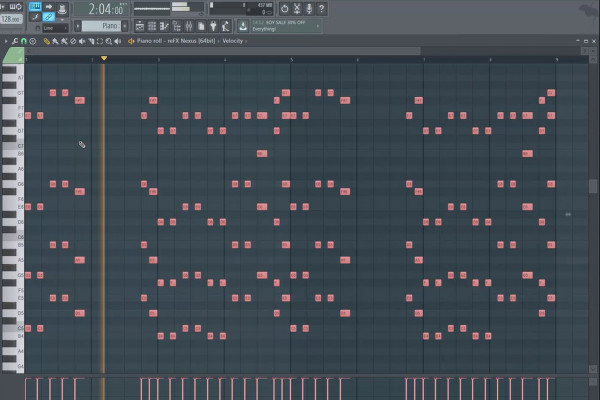
Digital music production with FL Studio - 2.3 Piano Roll

FL Studio Tutorial: Learn music production
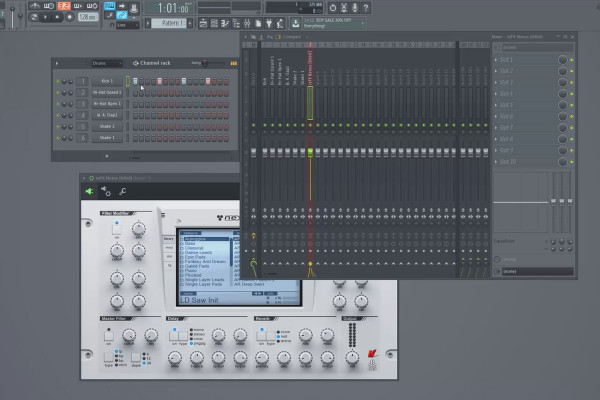
Digital music production with FL Studio - 3.3 Loading instruments, patterns

FL Studio Tutorial: Learn music production
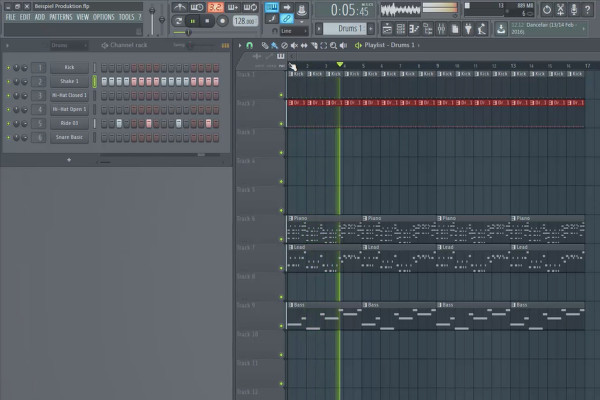
Digital music production with FL Studio - 5.3 Sample production: Inserting additional tracks and instruments (first part)

FL Studio Tutorial: Learn music production
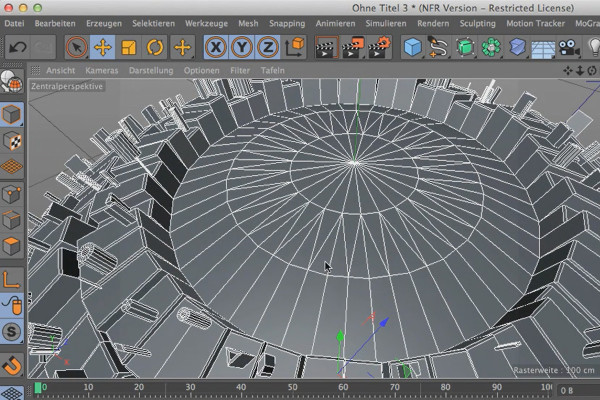
Cinema 4D meets Photoshop: I - 1.3 Explain Greebler: Object tab

3D design & composing: Cinema 4D meets Photoshop
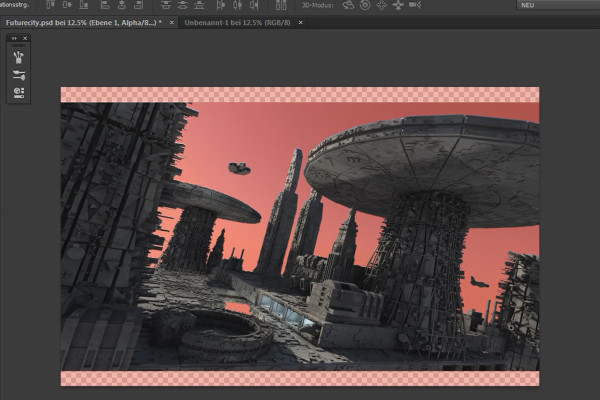
Cinema 4D meets Photoshop: II - 1.3 Working with alpha channels

3D design & composing: Cinema 4D meets Photoshop
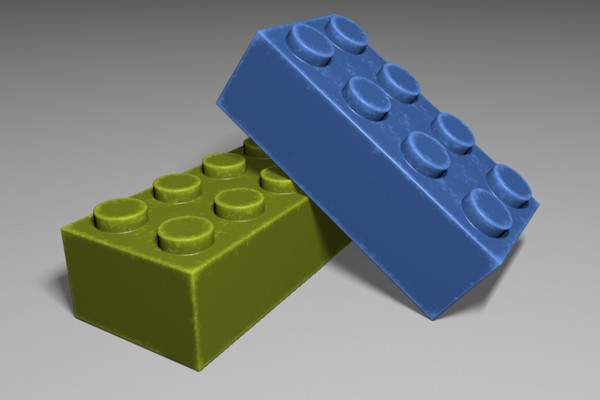
C4D Release 18 - Traces of use with inverse ambient occlusion

New functions in Cinema 4D - R12 to R19, R20 and R21
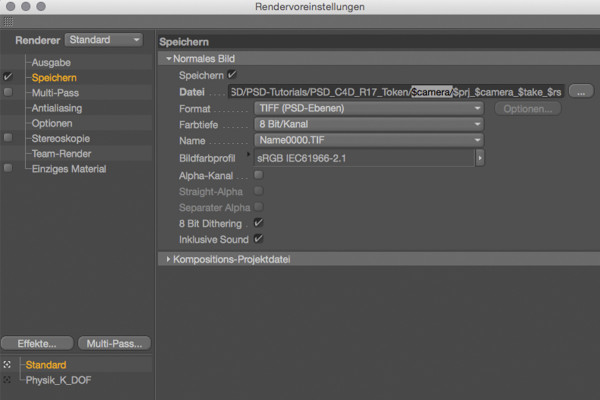
C4D Release 17 - Rendering recordings with variable path and file names

New functions in Cinema 4D - R12 to R19, R20 and R21
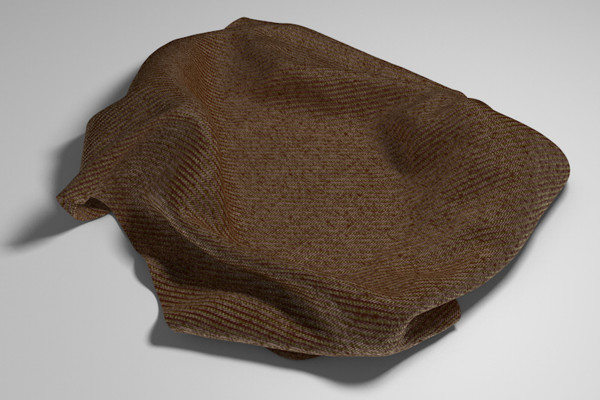
C4D Release 16 - Lacquer, metal and fabric with the reflectivity channel

New functions in Cinema 4D - R12 to R19, R20 and R21
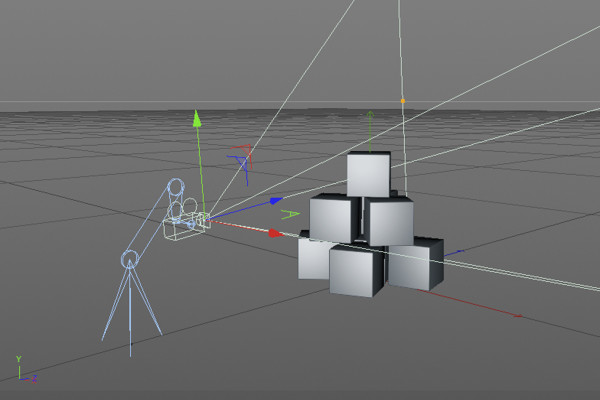
C4D Release 15 - Camera movements with the camera crane

New functions in Cinema 4D - R12 to R19, R20 and R21
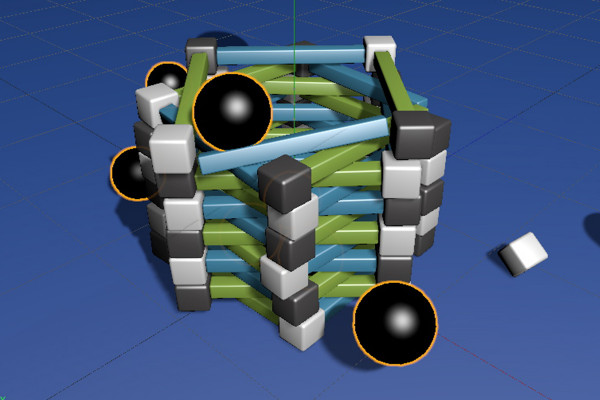
C4D Release 14 - Dynamics with breaking connectors

New functions in Cinema 4D - R12 to R19, R20 and R21
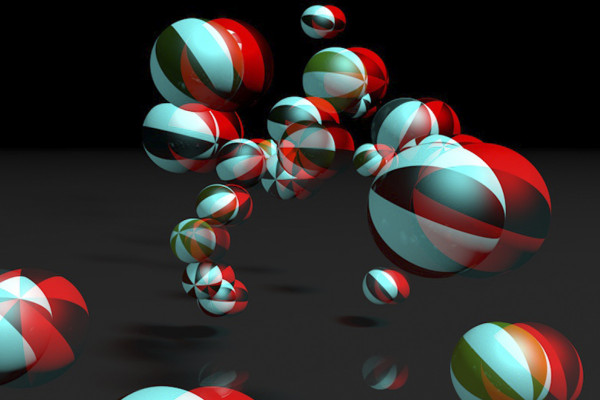
C4D Release 13 - 3D stereoscopy

New functions in Cinema 4D - R12 to R19, R20 and R21
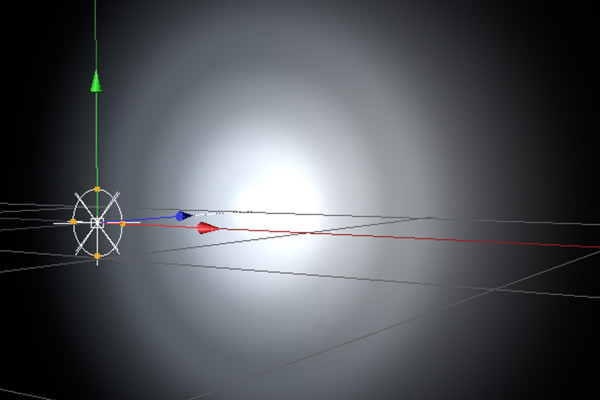
C4D Release 12 - IES lights

New functions in Cinema 4D - R12 to R19, R20 and R21
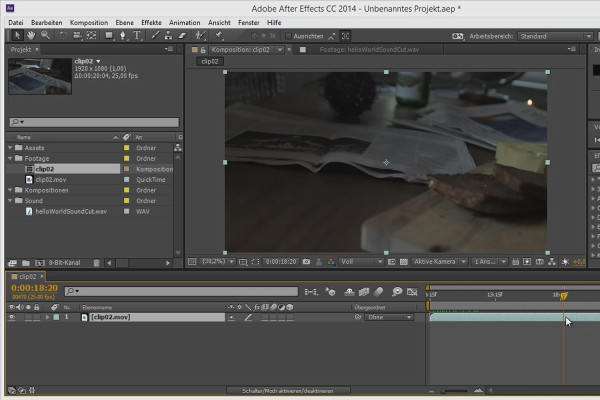
3D projects in After Effects: Creating and tracking a project

3D projects and animations in After Effects
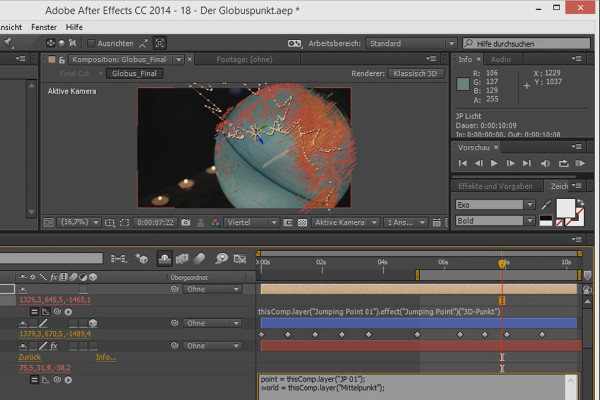
3D projects in After Effects: Finding the center point and jump vector

3D projects and animations in After Effects
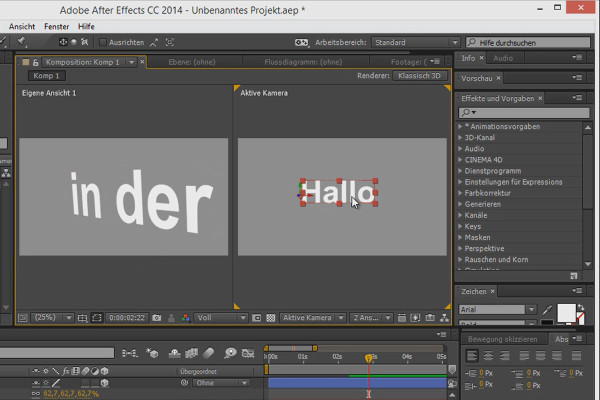
Tips and tricks for 3D in After Effects: AE as a 3D program

3D projects and animations in After Effects
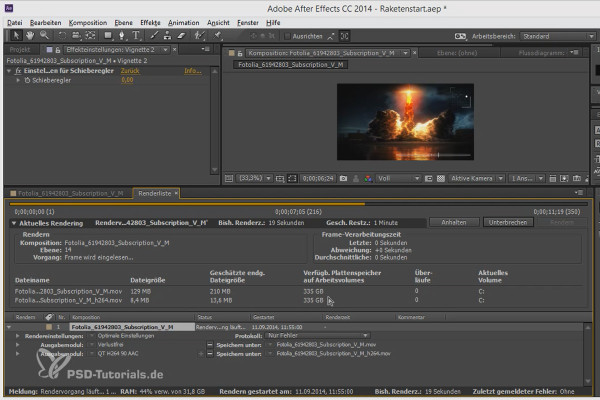
Workflow tips and tricks in After Effects: Render list

3D projects and animations in After Effects
Animation made easy: Disney Rules - Part 2

Animation in After Effects: Your beginner's tutorial
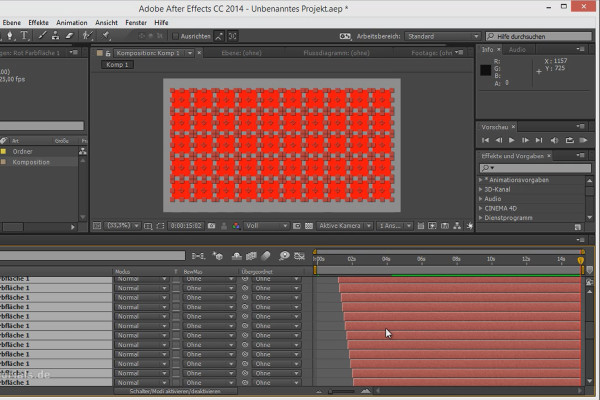
Tips and tricks for animating in After Effects: Staggering animations over time

Animation in After Effects: Your beginner's tutorial
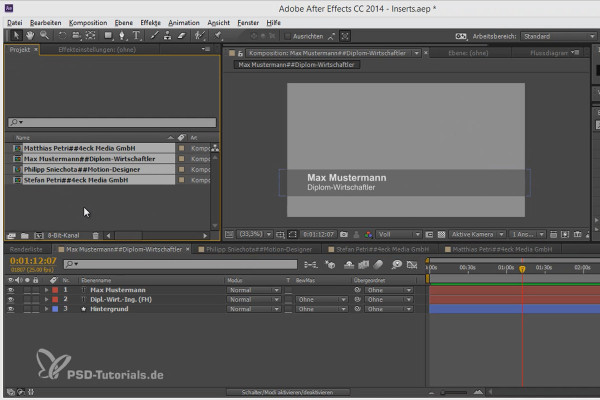
Workflow tips and tricks in After Effects: Names in Expressions

Animation in After Effects: Your beginner's tutorial
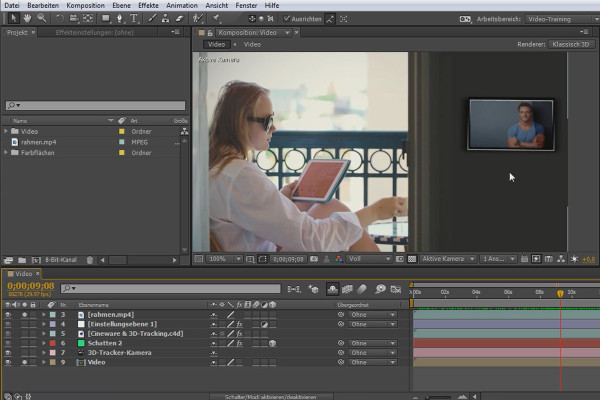
What's new in the Creative Cloud: After Effects CC (until 2015) - CINEWARE & 3D tracking

After Effects for beginners

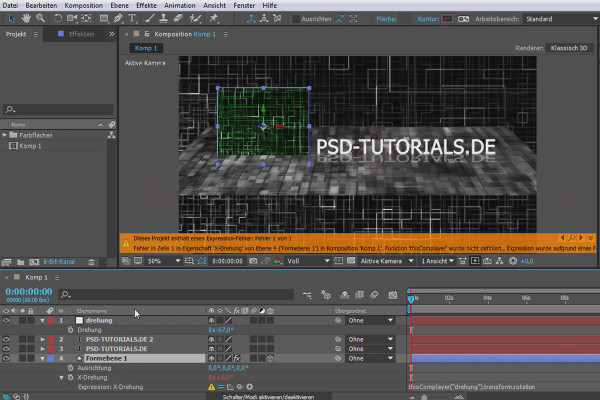
What's new in the Creative Cloud: After Effects CC 2015 (June 2015) - Expression error message

After Effects for beginners

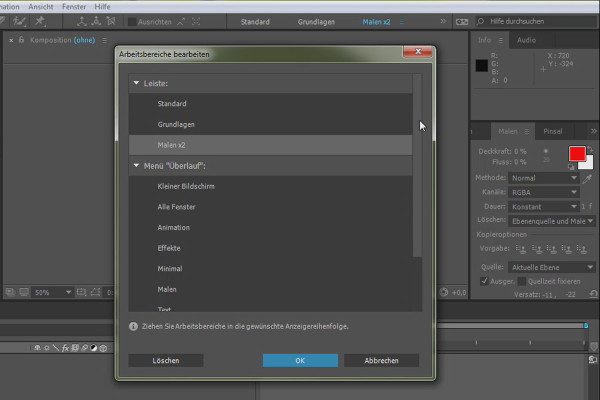
What's new in the Creative Cloud: After Effects CC 2015.1 (November 2015) - The workspace bar

After Effects for beginners

After Effects for beginners: Further functions and their significance

After Effects for beginners

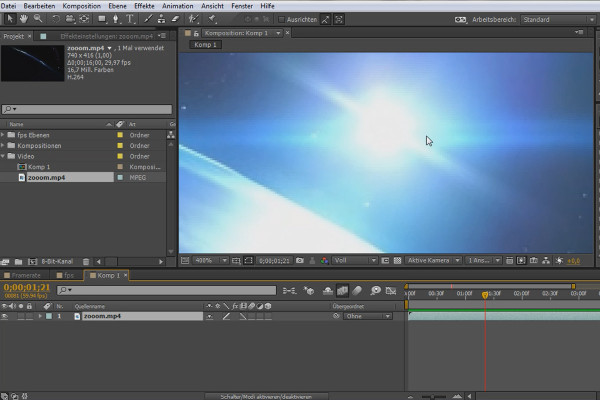
After Effects for beginners: Frame rate

After Effects for beginners

After Effects for beginners: Effects in connection with editing

After Effects for beginners

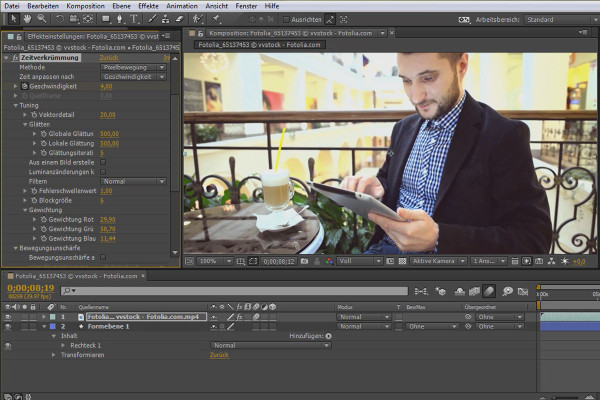
After Effects for beginners: Time manipulation of clips

After Effects for beginners

After Effects for beginners: Glass effect

After Effects for beginners

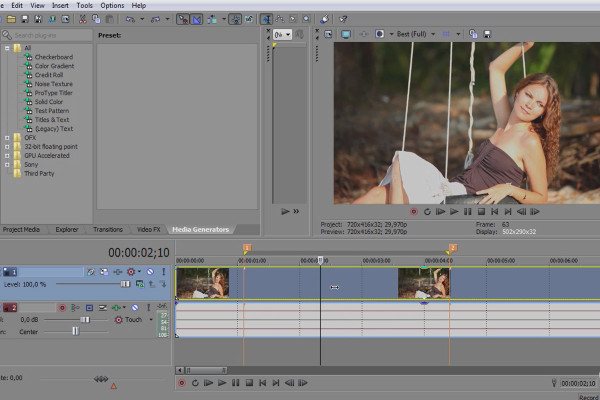
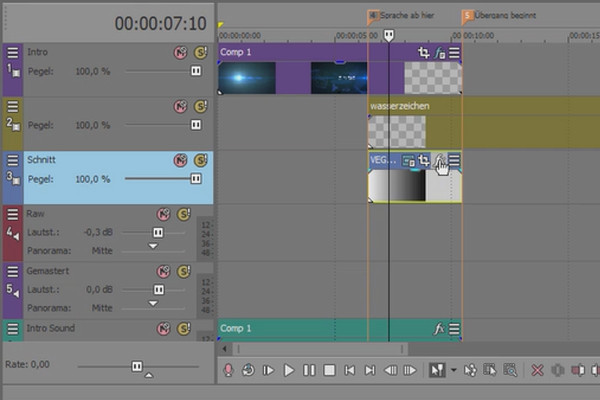
VEGAS Pro 15 - New features in VEGAS Pro 15

VEGAS Pro video training

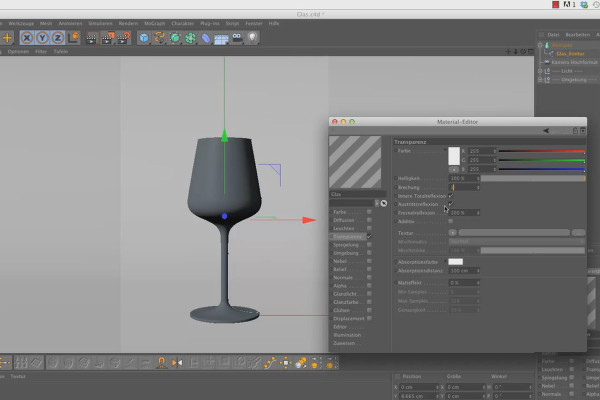
Shaders and Textures - Material Creation in CINEMA 4D: Glass

CINEMA 4D Video Training - Shaders & Textures
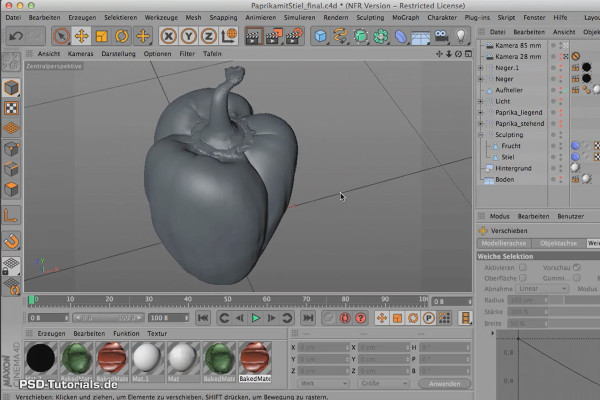
Sculpting in CINEMA 4D - Basics: Part 01 - Intro Sculpting

Cinema 4D: 3D Sculpting Tutorial

After Effects - Basics: General overview, user interface

After Effects Workshop DVD - Basics & Tricks
iMovie Tutorial: 2.4 | Step 2: Audio & Video

iMovie tutorial: Guide to creative video editing
iMovie Tutorial: 3.4 | Cropping Videos

iMovie tutorial: Guide to creative video editing
iMovie Tutorial: 9.4 | Create first service and promote successfully including ChatGPT

iMovie tutorial: Guide to creative video editing

Creating AI videos: 2.4 | Overview of SORA by OpenAI

Creating AI videos with artificial intelligence (Tutorial)
Create AI videos: 3.4 | MoonvalleyAI - free text-to-video tool in Discord

Creating AI videos with artificial intelligence (Tutorial)
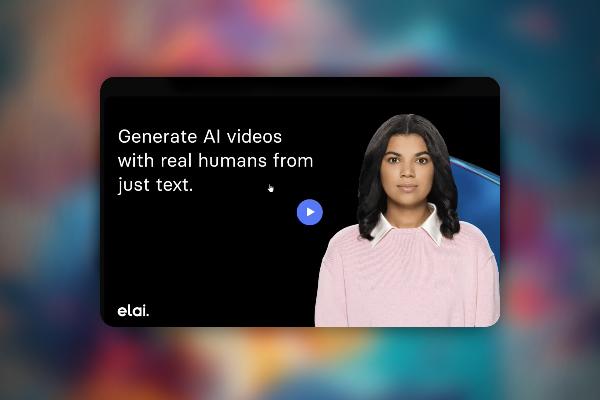
Creating AI videos: 4.4 | What can the tools do?

Creating AI videos with artificial intelligence (Tutorial)
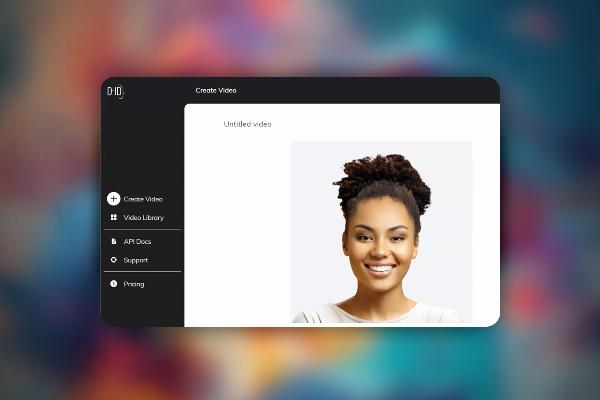
Create AI videos: 5.4 | D-ID - super easy

Creating AI videos with artificial intelligence (Tutorial)
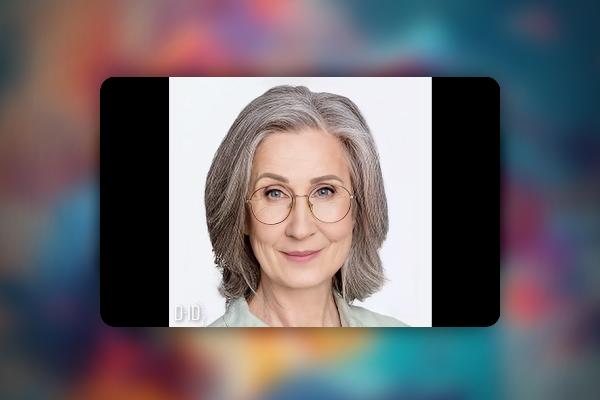
Creating AI videos: 6.4 | A small case study

Creating AI videos with artificial intelligence (Tutorial)
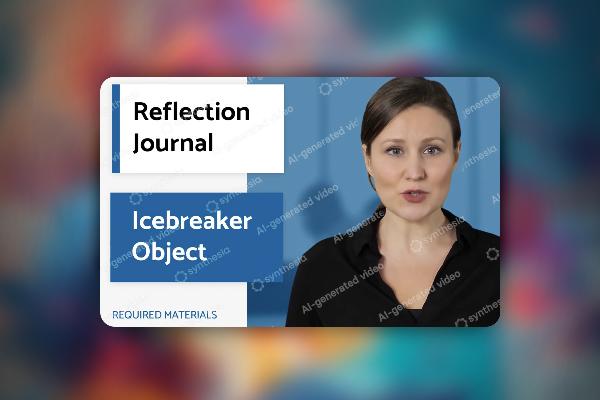
Create AI videos: 7.4 | Case study: create a welcome video for your company

Creating AI videos with artificial intelligence (Tutorial)
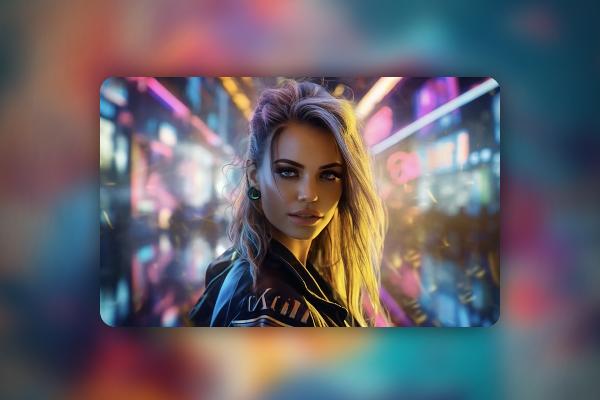
Creating AI videos: 8.4 | Case study: Building a social media brand and starting from 0

Creating AI videos with artificial intelligence (Tutorial)
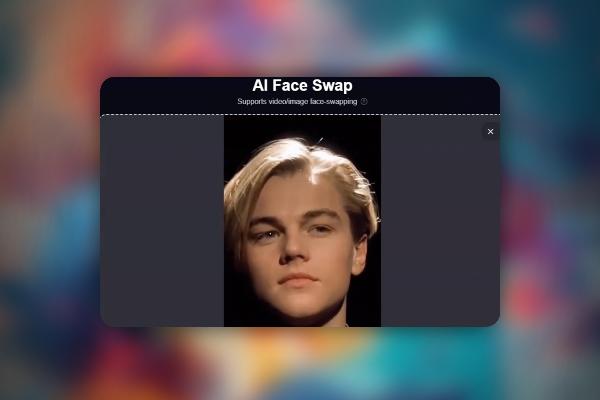
Creating AI videos: 9.4 | Transformation into Spiderman: FaceSwap with Seaart

Creating AI videos with artificial intelligence (Tutorial)
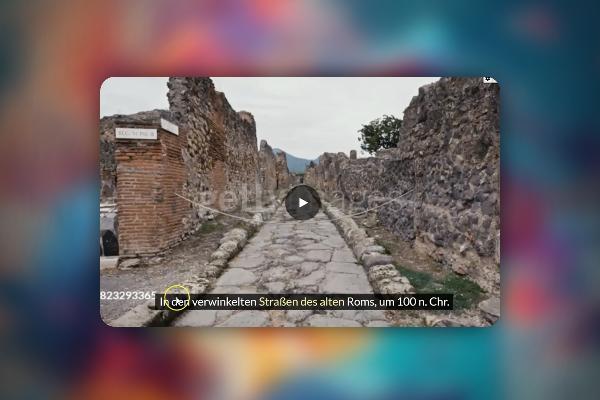
Creating AI videos: 10.4 | Pictory and WOXO, for the very lazy ones: complete videos with just one click

Creating AI videos with artificial intelligence (Tutorial)

Creating AI videos: 11.4 | Copyrights, data protection, and copyright

Creating AI videos with artificial intelligence (Tutorial)
AI voices & deepfakes: 2.4 | First look - what is possible?

Text-to-Speech: Create AI voices & deepfakes (Tutorial)
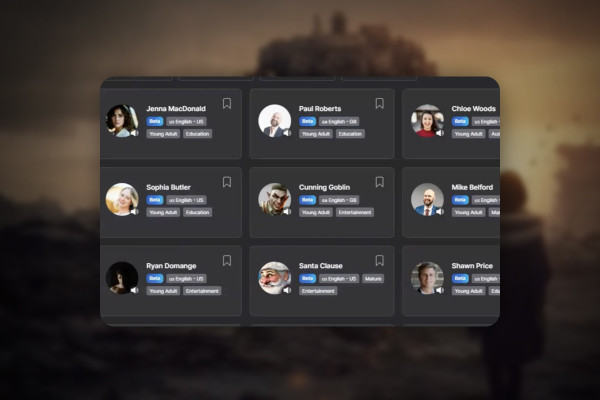
AI voices & deepfakes: 5.4 | Lovo.ai

Text-to-Speech: Create AI voices & deepfakes (Tutorial)
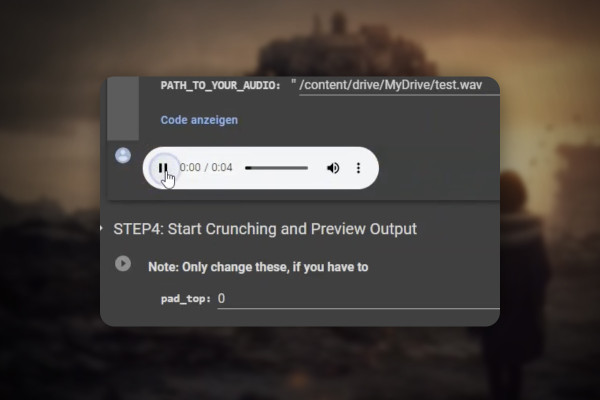
AI voices & deepfakes: 9.4 | Wav2Lip: Everyone will say what you want them to say

Text-to-Speech: Create AI voices & deepfakes (Tutorial)
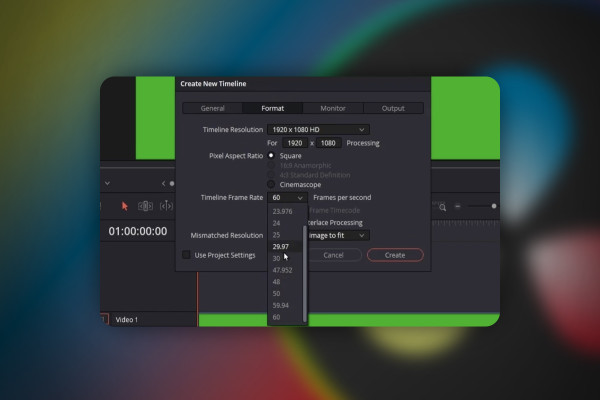
DaVinci Resolve: 2.4 | Change frame rate

DaVinci Resolve: Cutting and editing video & audio (practical training)
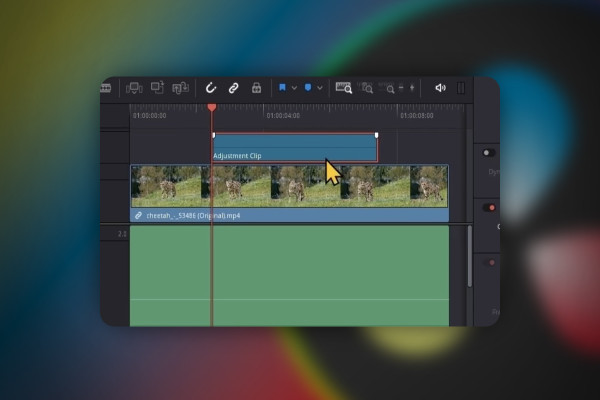
DaVinci Resolve: 3.4 | Edit Pages (second part)

DaVinci Resolve: Cutting and editing video & audio (practical training)
DaVinci Resolve: 4.4 | Create backup of files

DaVinci Resolve: Cutting and editing video & audio (practical training)
DaVinci Resolve: 5.4 | Connecting clips

DaVinci Resolve: Cutting and editing video & audio (practical training)
DaVinci Resolve: 6.4 | Download LUTs for free

DaVinci Resolve: Cutting and editing video & audio (practical training)
DaVinci Resolve: 7.4 | Adjust volume manually and automatically

DaVinci Resolve: Cutting and editing video & audio (practical training)
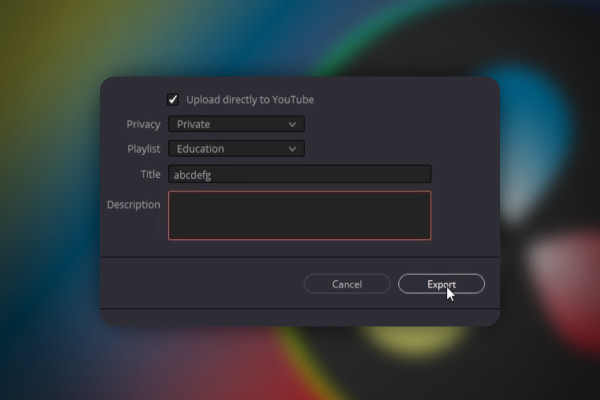
DaVinci Resolve: 8.4 | Upload videos directly to YouTube

DaVinci Resolve: Cutting and editing video & audio (practical training)
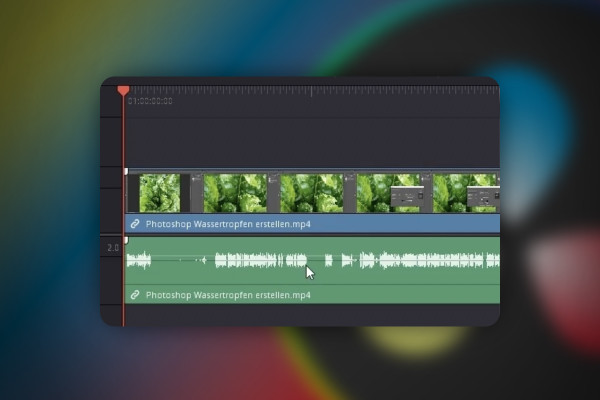
DaVinci Resolve: 9.4 | Fix bug: No sound in DaVinci Resolve

DaVinci Resolve: Cutting and editing video & audio (practical training)
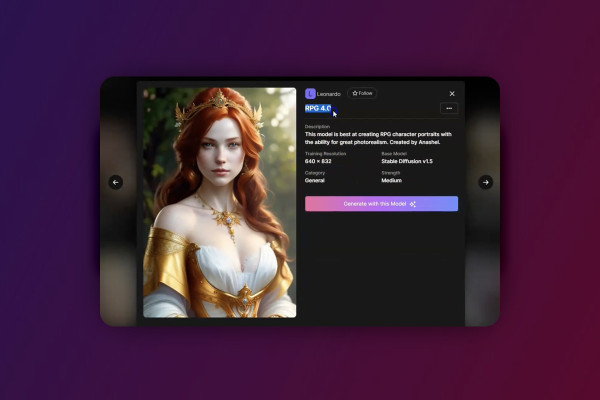
Deforum Stable Diffusion: 2.4 | What exactly are the models in Stable Diffusion?

Deforum Stable Diffusion - create animated videos with AI (Tutorial)
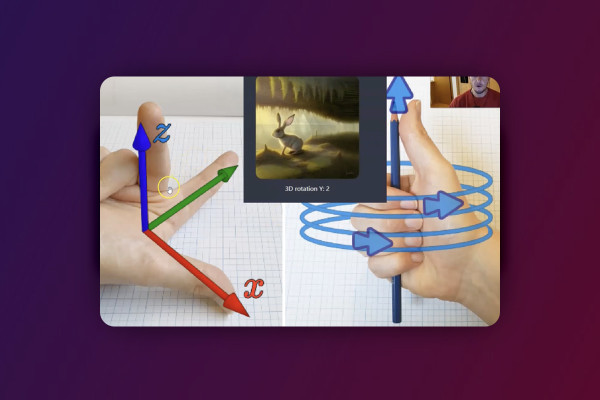
Deforum Stable Diffusion: 5.4 | Camera axes and rotations

Deforum Stable Diffusion - create animated videos with AI (Tutorial)
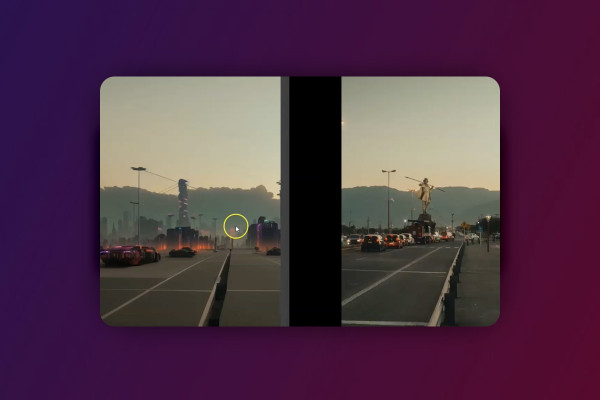
Deforum Stable Diffusion: 6.4 | Input

Deforum Stable Diffusion - create animated videos with AI (Tutorial)
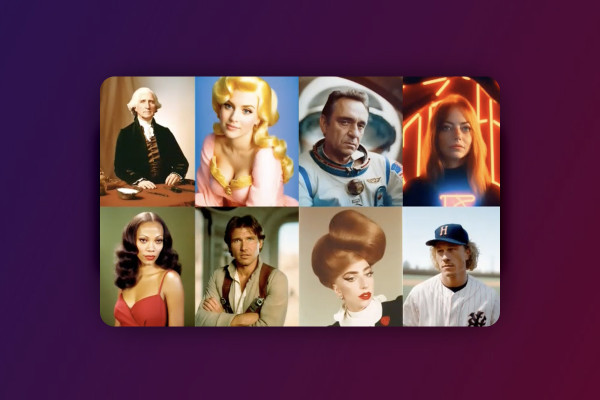
Deforum Stable Diffusion: 7.4 | Use your own models

Deforum Stable Diffusion - create animated videos with AI (Tutorial)
YouTube Shorts: 2.4 | Create YouTube Shorts on your cell phone

Create and upload YouTube shorts - more reach with short videos
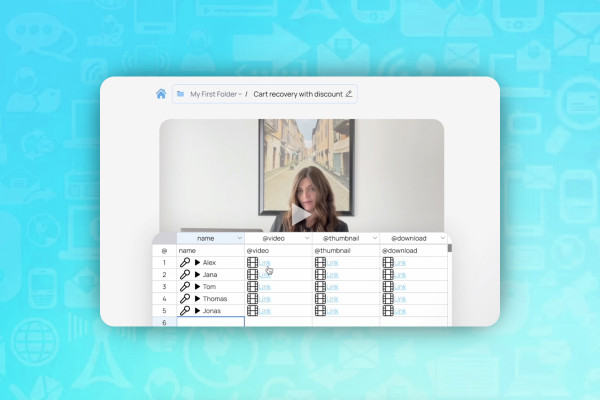
AI for videos: 1.4 | BHuman - Videos that inspire your customers

AI guide: Edit video, audio & voice

AI for audio/voice: 2.4 | Voice.ai - Convert voice

AI guide: Edit video, audio & voice
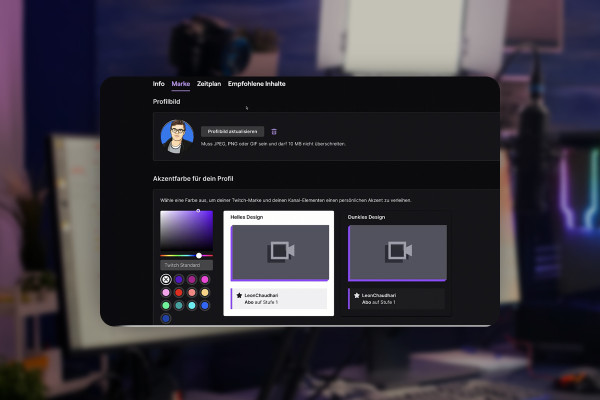
Livestreaming tutorial: 3.4 | Twitch profile picture

Livestreaming on Twitch & YouTube (Tutorial)
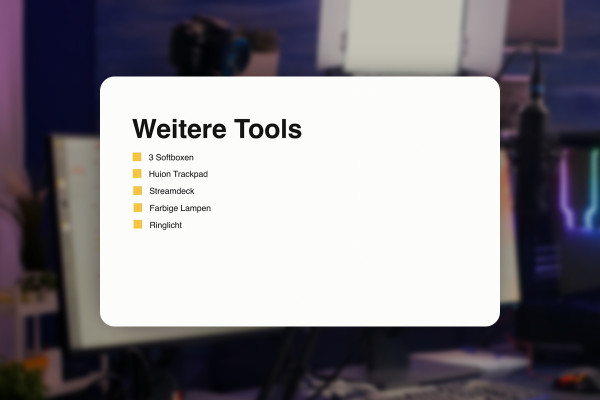
Livestreaming tutorial: 4.4 | Further tools for livestreamers

Livestreaming on Twitch & YouTube (Tutorial)
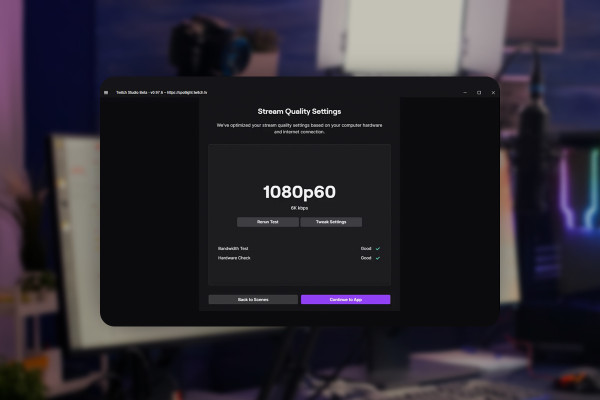
Livestreaming tutorial: 5.4 | Stream quality: Settings in Twitch Studio

Livestreaming on Twitch & YouTube (Tutorial)
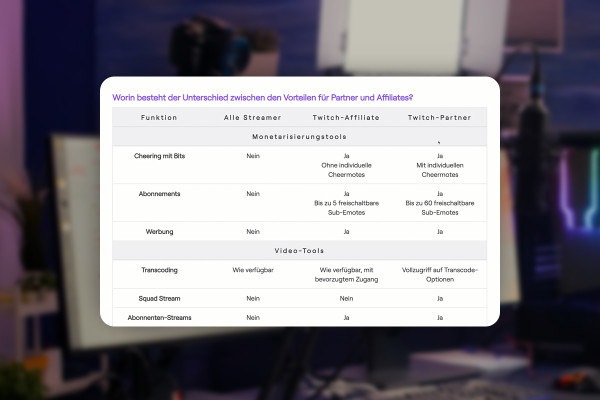
Livestreaming tutorial: 6.4 | Twitch partner vs. Twitch affiliate

Livestreaming on Twitch & YouTube (Tutorial)
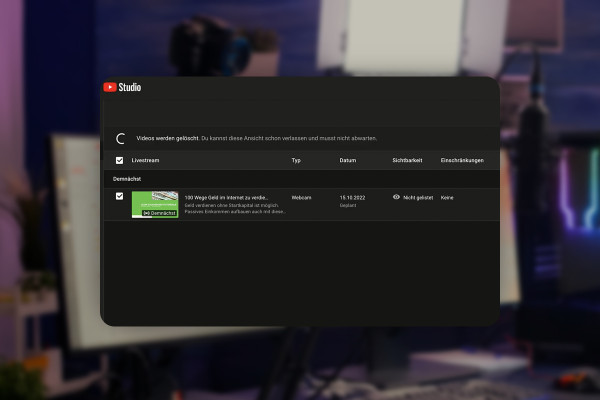
Livestreaming tutorial: 7.4 | YouTube - Start tags and livestream

Livestreaming on Twitch & YouTube (Tutorial)
Livestreaming tutorial: 8.4 | Text channels and voice channels

Livestreaming on Twitch & YouTube (Tutorial)
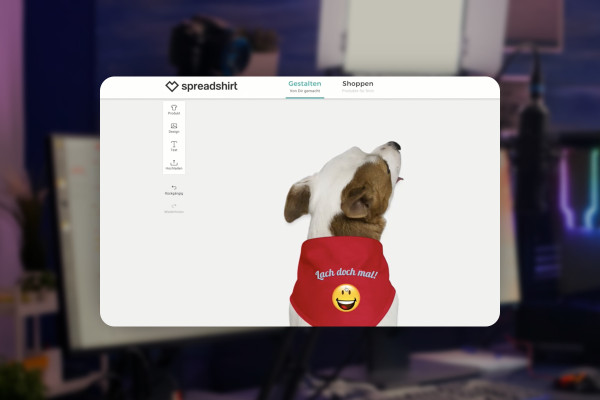
Livestreaming tutorial: 9.4 | Offer merch products

Livestreaming on Twitch & YouTube (Tutorial)
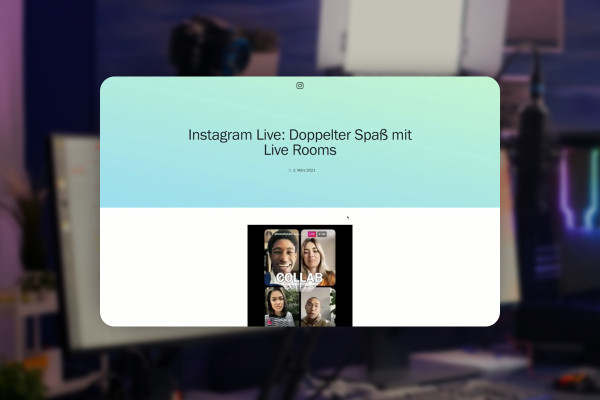
Livestreaming tutorial: 10.4 | Other livestreaming platforms

Livestreaming on Twitch & YouTube (Tutorial)
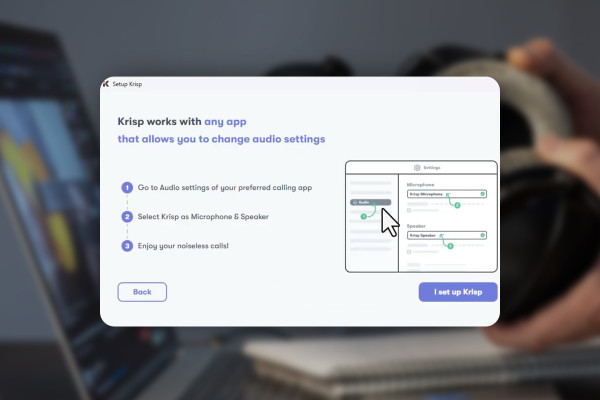
Improve audio recordings: 03 | Krisp in test

Improve audio recordings: Sound editing for reverb, hiss and other background noise
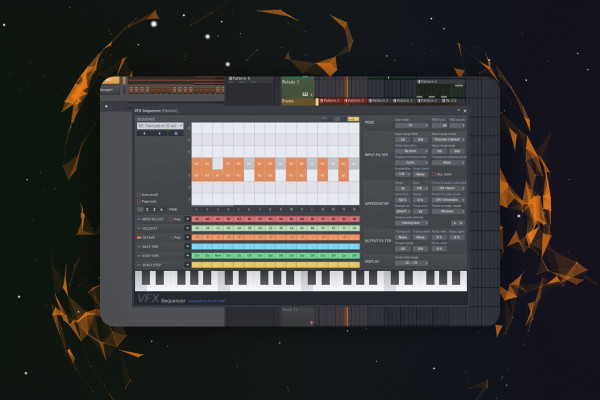
FL Studio 21-Tutorial: 3.4 | New Plugin VFX Sequencer

FL Studio 21 (Tutorial): new features & getting started with beat production

FL Studio 21-Tutorial: 5.4 | Introduction - Step Sequencer & Playlist

FL Studio 21 (Tutorial): new features & getting started with beat production

FL Studio 21 Tutorial: 6.4 | Produce Track - Melody (Part Two)

FL Studio 21 (Tutorial): new features & getting started with beat production
Video editing with Adobe Premiere Pro CC: 1.3 | What to expect in the course - Structure

Video editing with Adobe Premiere Pro CC - basics & practice (tutorial)
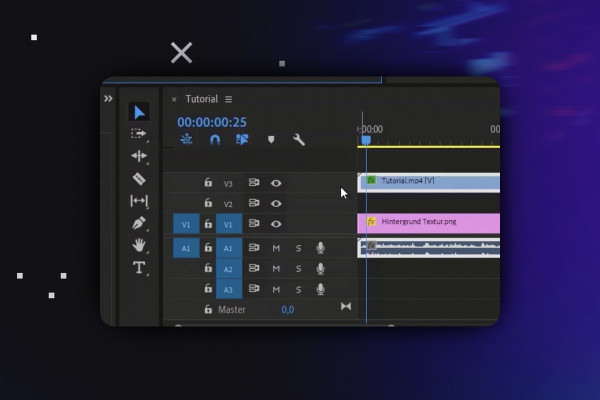
Video editing with Adobe Premiere Pro CC: 2.4 | Project media, tabs & workflow

Video editing with Adobe Premiere Pro CC - basics & practice (tutorial)
Video editing with Adobe Premiere Pro CC: 3.4 | Supplement to adjustment layers

Video editing with Adobe Premiere Pro CC - basics & practice (tutorial)
Video editing with Adobe Premiere Pro CC: 4.4 | Custom layout - Save workspace for upright videos

Video editing with Adobe Premiere Pro CC - basics & practice (tutorial)
Video editing with Adobe Premiere Pro CC: 6.4 | Overlays for even more dynamics

Video editing with Adobe Premiere Pro CC - basics & practice (tutorial)
After Effects tutorial: 1.3 | What to expect in the course: Structure & goals

Adobe After Effects CC - from getting started to brilliant videos (Tutorial)
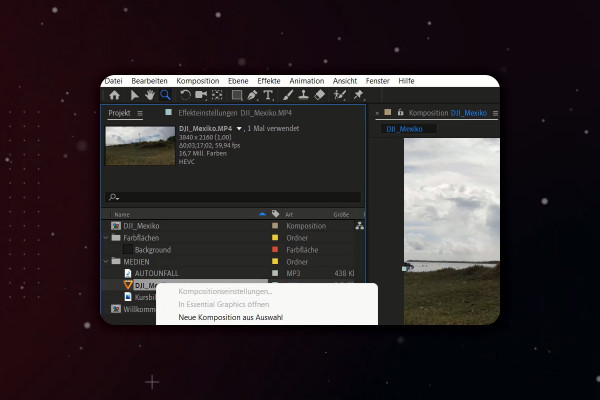
After Effects Tutorial: 2.4 | User Interface Overview: Project Area

Adobe After Effects CC - from getting started to brilliant videos (Tutorial)
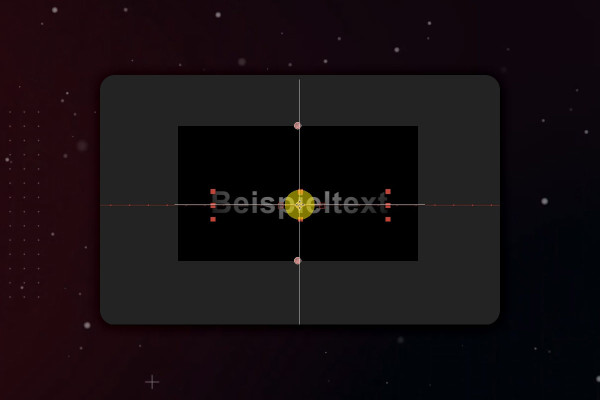
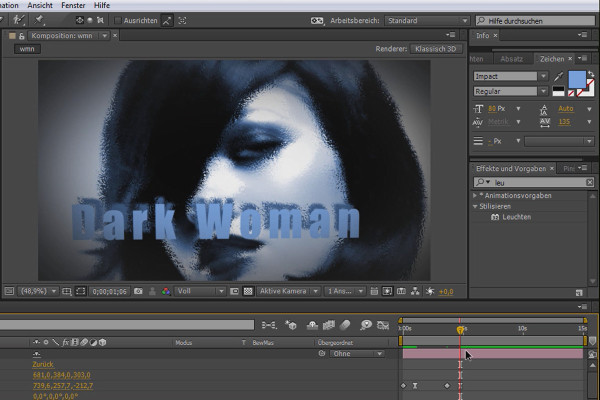
After Effects Tutorial: 3.4 | Adding effects to text and using the mask to create a background

Adobe After Effects CC - from getting started to brilliant videos (Tutorial)
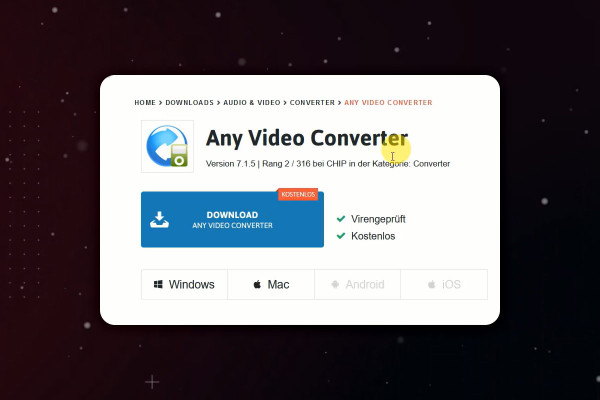
After Effects-Tutorial: 4.4 | Excursus: Video format converter

Adobe After Effects CC - from getting started to brilliant videos (Tutorial)
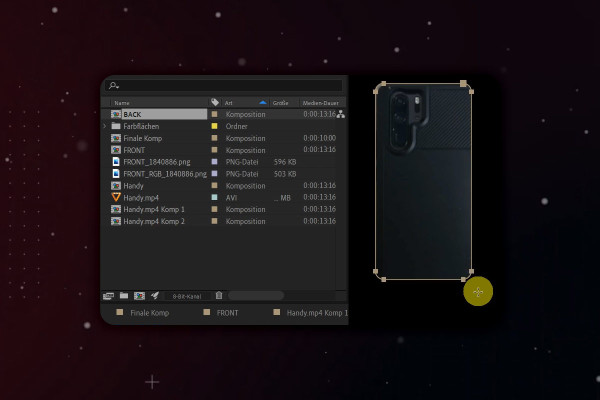
After Effects-Tutorial: 5.4 | 3D-Handy: Backside

Adobe After Effects CC - from getting started to brilliant videos (Tutorial)
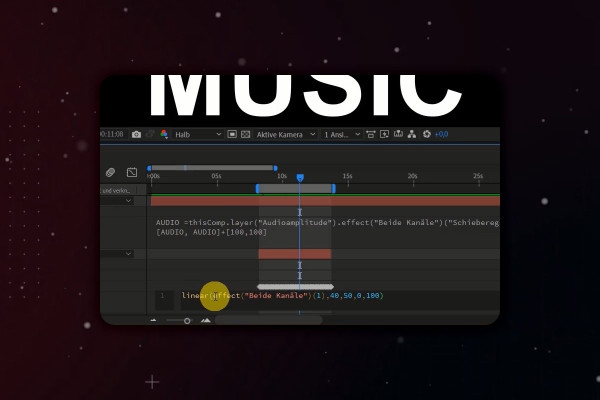
After Effects Tutorial: 6.4 | Animating Music: Linear Expression

Adobe After Effects CC - from getting started to brilliant videos (Tutorial)
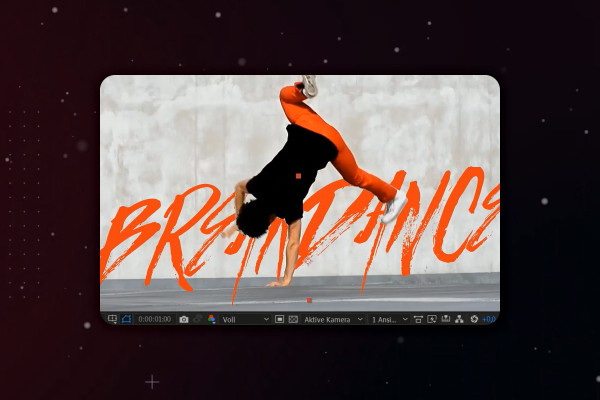
After Effects tutorial: 7.4 | Rotobrush tool: second example in fast-forward

Adobe After Effects CC - from getting started to brilliant videos (Tutorial)
After Effects-Tutorial: 8.4 | Example course image making-of

Adobe After Effects CC - from getting started to brilliant videos (Tutorial)
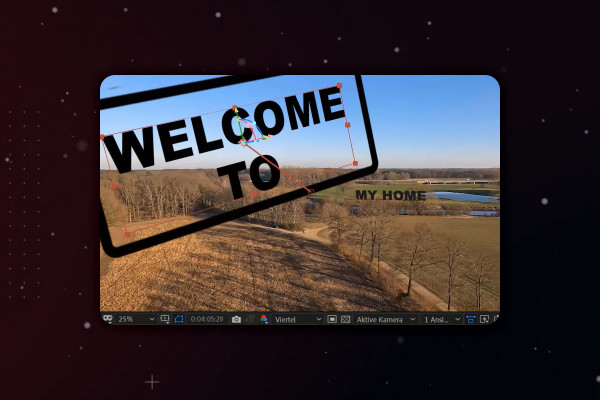
After Effects tutorial: 9.4 | Placing text in a drone shot: integrating additional text (practical example)

Adobe After Effects CC - from getting started to brilliant videos (Tutorial)
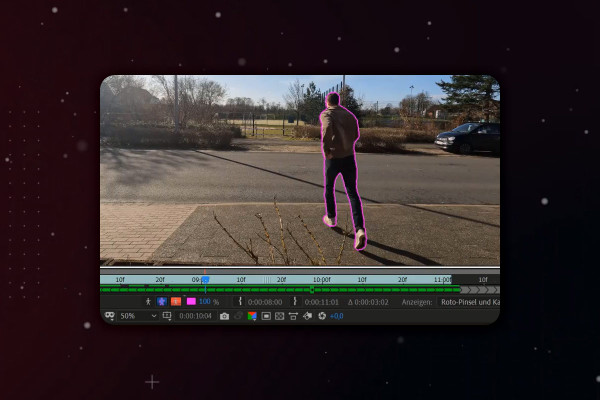
After Effects Tutorial: 10.4 | Simulate car accident: Cutting out a person

Adobe After Effects CC - from getting started to brilliant videos (Tutorial)
YouTube marketing: 2.4 | Equipment recommendations

YouTube tutorial: Basics, marketing & video editing
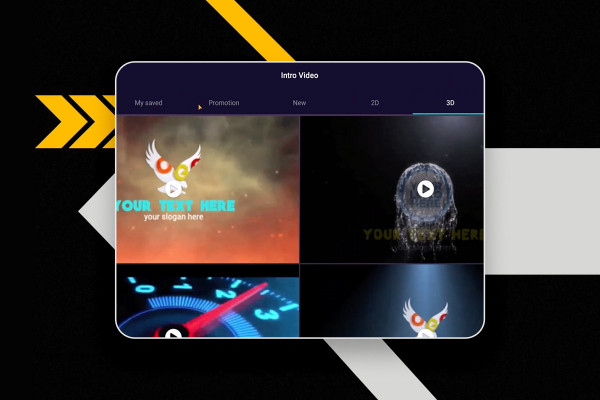
YouTube marketing: 3.4 | Create an intro on your cell phone

YouTube tutorial: Basics, marketing & video editing
YouTube marketing: 4.4 | Verify your YouTube account for more benefits

YouTube tutorial: Basics, marketing & video editing
YouTube marketing: 5.4 | Go live on your cell phone

YouTube tutorial: Basics, marketing & video editing

YouTube marketing: 6.4 | Label advertising and affiliate links

YouTube tutorial: Basics, marketing & video editing
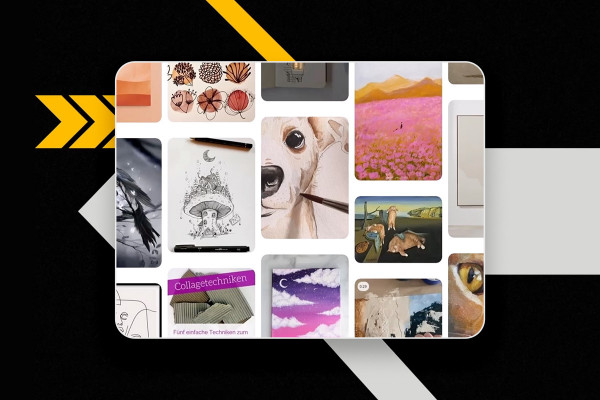
YouTube marketing: 7.4 | Finding trends

YouTube tutorial: Basics, marketing & video editing
YouTube Marketing: 8.4 | OBS Studio - Set Audio

YouTube tutorial: Basics, marketing & video editing
YouTube Marketing: 9.4 | Activate DaVinci Resolve Studio version

YouTube tutorial: Basics, marketing & video editing
YouTube marketing: 10.4 | Automatically create title, description and tags

YouTube tutorial: Basics, marketing & video editing
YouTube marketing: 11.4 | Mistakes to avoid

YouTube tutorial: Basics, marketing & video editing