Tutorials on 3D, audio and video
3D, Audio & Video
Tutorials on basics & professional tips

3D, audio & video - tutorials, basics & pro tips

New to 3D, audio and video and looking for basic information? Or already an expert and keen to get to know new workflows? In our tutorials, experienced trainers will show you how to stage 3D objects, create impressive videos, produce music and correct audio recordings. Whether it's Adobe Premiere and After Effects or DaVinci Resolve and the basics of videography - take a look at what will help you progress in your 3D, audio and video work!
YouTube marketing: 8.1 | Recording YouTube videos with your cell phone and equipment recommendations

YouTube tutorial: Basics, marketing & video editing
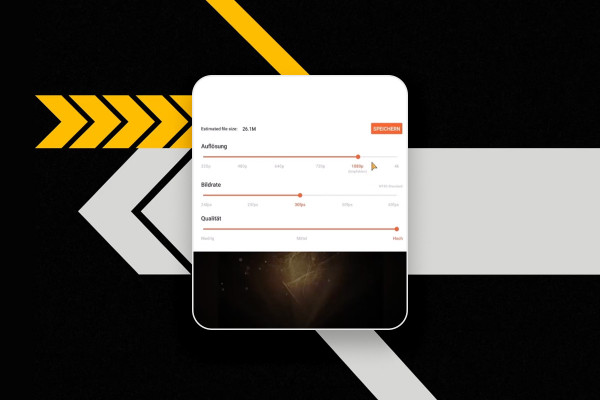
YouTube marketing: 9.1 | Video editing program for cell phones

YouTube tutorial: Basics, marketing & video editing

YouTube marketing: 10.1 | Royalty-free music program

YouTube tutorial: Basics, marketing & video editing

YouTube marketing: 11.1 | Get more subscribers

YouTube tutorial: Basics, marketing & video editing

YouTube marketing: 12.1 | YouTube hacks

YouTube tutorial: Basics, marketing & video editing

YouTube marketing: 13.1 | Create logo

YouTube tutorial: Basics, marketing & video editing
YouTube Marketing: 14 | Quiz on the course

YouTube tutorial: Basics, marketing & video editing
Getting started with music production with Logic Pro X: 1.1 Creating a new project

Logic Pro X-Tutorial - Make music easily yourself
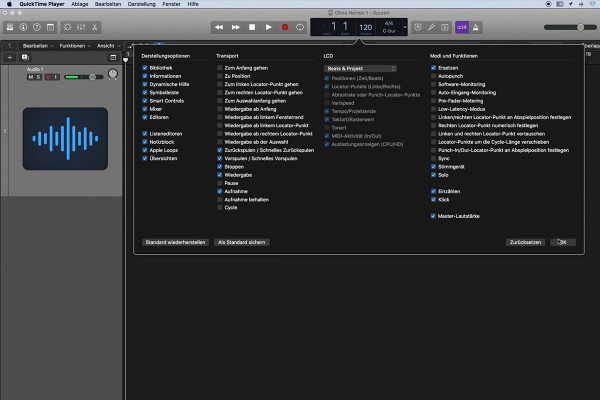
Getting started with music production with Logic Pro X: 2.1 The main window

Logic Pro X-Tutorial - Make music easily yourself
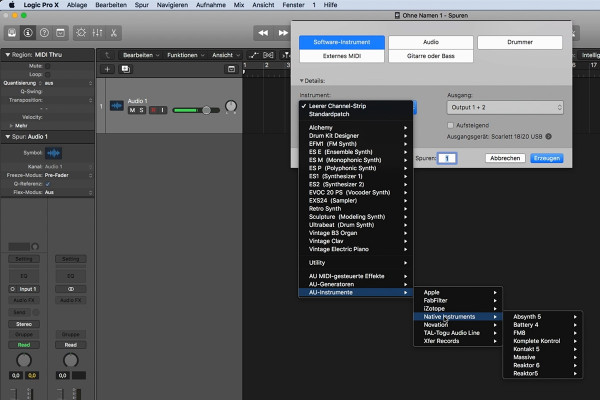
Getting started in music production with Logic Pro X: 3.1 Creating tracks

Logic Pro X-Tutorial - Make music easily yourself
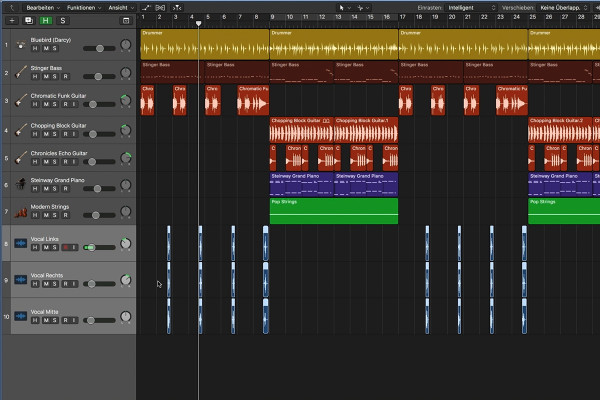
Getting started with music production with Logic Pro X: 4.1 Editing music in Logic Pro X

Logic Pro X-Tutorial - Make music easily yourself
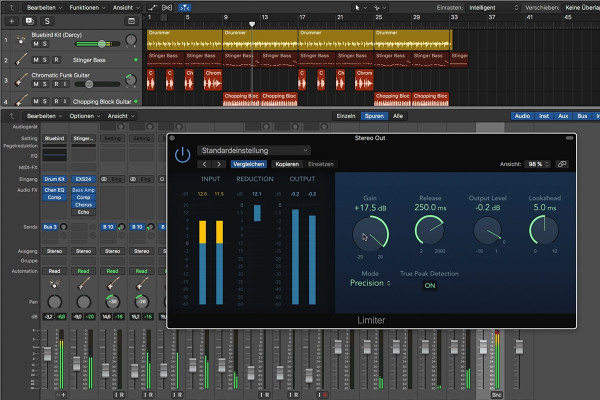
Getting started in music production with Logic Pro X: 5.1 Making the production loud

Logic Pro X-Tutorial - Make music easily yourself
Creating your own podcast: 1.1 Intro to podcast training

Create your own podcast - the ultimate practical guide

BodyPaint 3D tutorial: 1.1 Intro
free of charge
BodyPaint 3D tutorial: 1.1 Intro

BodyPaint 3D in Cinema 4D (Tutorial): Painting and texturing 3D objects

BodyPaint 3D-Tutorial: 2.1 Wizzard

BodyPaint 3D in Cinema 4D (Tutorial): Painting and texturing 3D objects

BodyPaint 3D tutorial: 3.1 Brush settings

BodyPaint 3D in Cinema 4D (Tutorial): Painting and texturing 3D objects

Adobe Media Encoder 2020 (October 2020): Get to know the interface

Adobe Media Encoder: Video converter tutorial
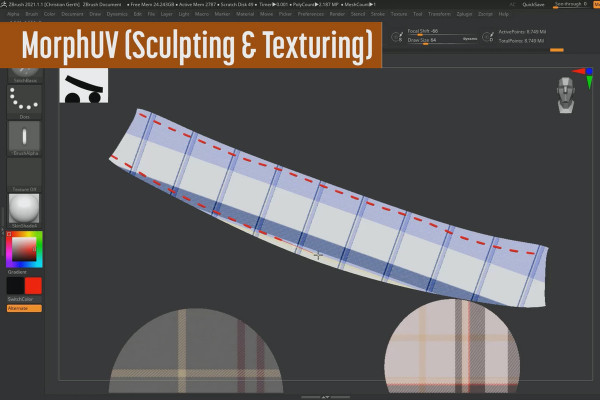
ZBrush 2020/2021 - Video training on the updates: 1 | Introduction

ZBrush 2020 and 2021: Video training on the updates
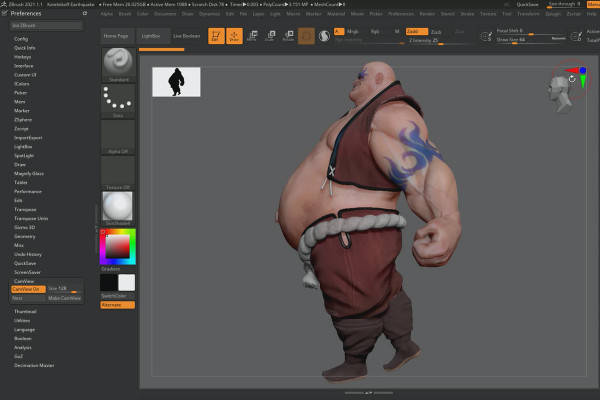
ZBrush 2020 - Video training for the updates: 2 | Cam Silhouette & Cam View

ZBrush 2020 and 2021: Video training on the updates
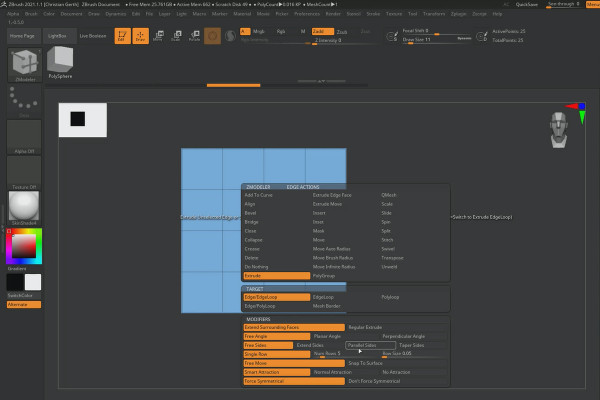
ZBrush 2021 - Video training for the updates: 8 | ZModeler: Extrude Edge

ZBrush 2020 and 2021: Video training on the updates

Creative Cloud desktop app: Overview of the new features May 2020

Creative Cloud desktop app: Tutorial on helpful features
Creative Cloud desktop app: Overview of the new features October 2020

Creative Cloud desktop app: Tutorial on helpful features
Updates explained: After Effects CC 2021 (March 2021) - Overview of the new features

After Effects CC from version 2020: Updates explained

Updates explained: After Effects CC 2020 (November 2019) - overview of the new features

After Effects CC from version 2020: Updates explained

Updates explained: After Effects CC 2020 (October 2020) - Overview of the new features

After Effects CC from version 2020: Updates explained

Updates explained: After Effects CC 2020 (May 2020) - Overview of the new features

After Effects CC from version 2020: Updates explained

Updates explained: After Effects CC 2021 (May 2021) - Overview of the new features

After Effects CC from version 2020: Updates explained

Updates explained: After Effects CC 2021 (July 2021) - Overview of the new features

After Effects CC from version 2020: Updates explained
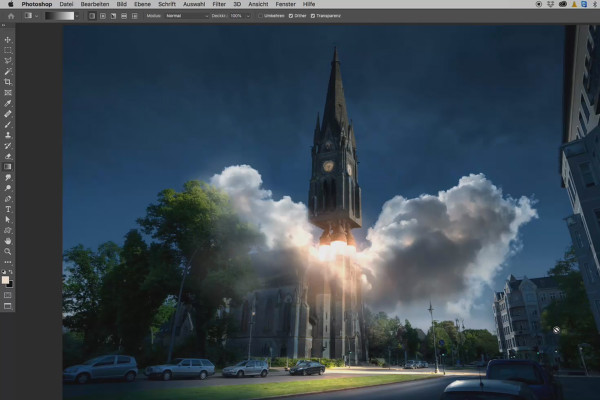
Photoshop 3D tutorial "Take-off": 01 | Intro

3D composing in Photoshop (Tutorial): "Take-off"
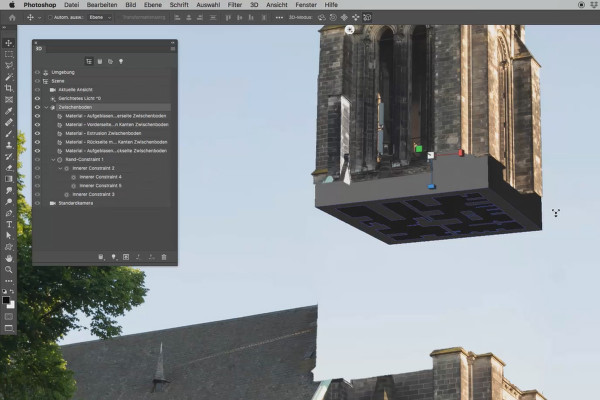
Photoshop 3D tutorial "Take-off": 06 | Extrusion

3D composing in Photoshop (Tutorial): "Take-off"
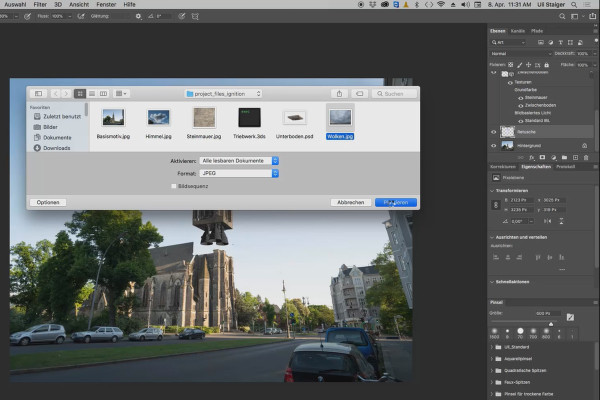
Photoshop 3D tutorial "Take-off": 11 | Cloudy sky

3D composing in Photoshop (Tutorial): "Take-off"
Videography course: 1.1 | Welcome
free of charge
Videography course: 1.1 | Welcome

Creating videos - the great videography course
Videography course: 2.1 | Intro to the "Preparations" chapter

Creating videos - the great videography course
Videography course: 3.1 | Intro to the "Equipment" chapter

Creating videos - the great videography course
Videography course: 4.1 | Intro to the "Basics" chapter

Creating videos - the great videography course
Videography course: 5.1 | Intro to the chapter "Filming with the smartphone"

Creating videos - the great videography course
Videography course: 6.1 | Intro to the chapter "DSLR/DSLM basics"

Creating videos - the great videography course
Videography course: 7.1 | Intro to the "Light" chapter

Creating videos - the great videography course
Videography course: 8.1 | Intro to the "Sound" chapter

Creating videos - the great videography course
Videography course: 9.1 | Intro to the "Video editing" chapter

Creating videos - the great videography course
Videography course: 10.1 | Intro to the "Marketing" chapter

Creating videos - the great videography course
Videography course: 11.1 | Intro to the bonus chapter

Creating videos - the great videography course
Videography course: 12.1 | Intro to the practice chapter

Creating videos - the great videography course
What you can expect in the video training course "Creating videos - the great videography course"

Creating videos - the great videography course
Premiere Pro CC Tutorial: 1.1 | What you'll learn

Adobe Premiere Pro CC Tutorial: Video editing from cut to export
Premiere Pro CC Tutorial: 2.1 | Intro to the chapter "Getting started with Premiere"

Adobe Premiere Pro CC Tutorial: Video editing from cut to export
Premiere Pro CC Tutorial: 3.1 | Intro to the chapter "Editing in Premiere"

Adobe Premiere Pro CC Tutorial: Video editing from cut to export
Premiere Pro CC Tutorial: 4.1 | Intro to the chapter "Color Grading, Color Correction"

Adobe Premiere Pro CC Tutorial: Video editing from cut to export
Premiere Pro CC Tutorial: 5.1 | Intro to the "Sound" chapter

Adobe Premiere Pro CC Tutorial: Video editing from cut to export
Premiere Pro CC Tutorial: 6.1 | Intro to "Effects and Animations" chapter

Adobe Premiere Pro CC Tutorial: Video editing from cut to export
Premiere Pro CC Tutorial: 7.1 | Intro to the "Export" chapter

Adobe Premiere Pro CC Tutorial: Video editing from cut to export
Premiere Pro CC Tutorial: 8.1 | Resolution

Adobe Premiere Pro CC Tutorial: Video editing from cut to export
What you can expect in the video training "Video editing with Adobe Premiere Pro CC: Editing, grading and effects"

Adobe Premiere Pro CC Tutorial: Video editing from cut to export
DaVinci Resolve Tutorial: 1.1 | Welcome
free of charge
DaVinci Resolve Tutorial: 1.1 | Welcome

DaVinci Resolve tutorial: Video editing from the basics to export
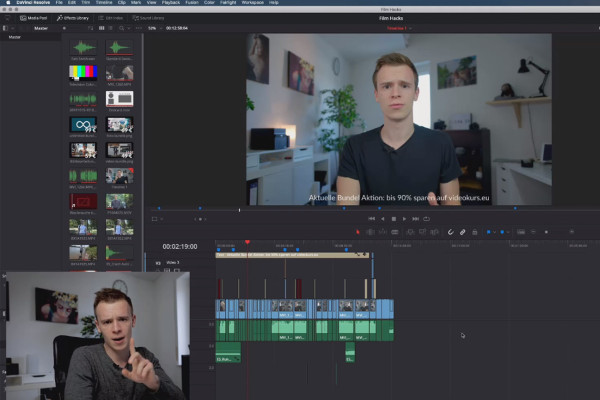
DaVinci Resolve Tutorial: 2.1 | Intro to the Basics chapter

DaVinci Resolve tutorial: Video editing from the basics to export
DaVinci Resolve Tutorial: 3.1 | Intro to Editing chapter

DaVinci Resolve tutorial: Video editing from the basics to export
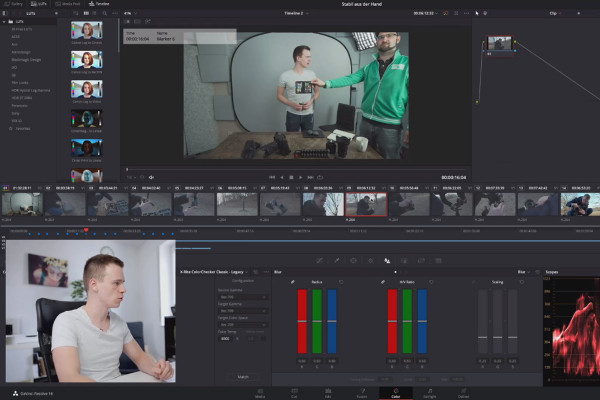
DaVinci Resolve Tutorial: 4.1 | Intro to Grading chapter

DaVinci Resolve tutorial: Video editing from the basics to export
DaVinci Resolve Tutorial: 5.1 | Intro to Sound chapter

DaVinci Resolve tutorial: Video editing from the basics to export
DaVinci Resolve Tutorial: 6.1 | Intro to Export chapter

DaVinci Resolve tutorial: Video editing from the basics to export
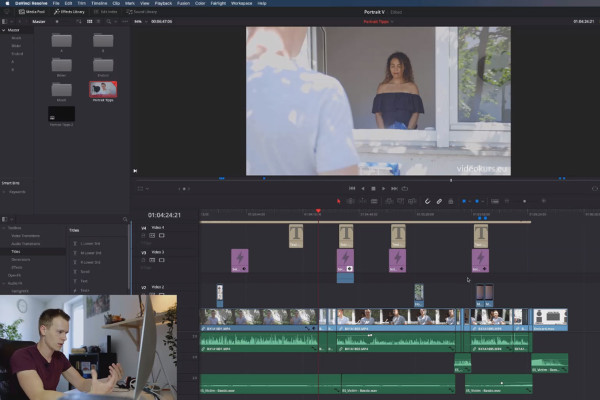
DaVinci Resolve Tutorial: 7 | Practice: How do I edit my videos?

DaVinci Resolve tutorial: Video editing from the basics to export
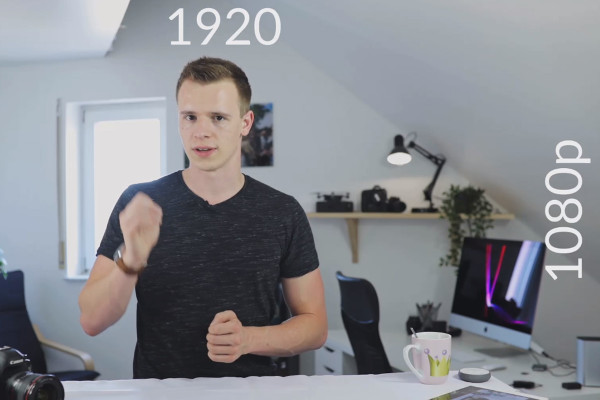
DaVinci Resolve Tutorial: 8.1 | Video resolution

DaVinci Resolve tutorial: Video editing from the basics to export
This is what you can expect in the video training "DaVinci Resolve tutorial: video editing from the basics to export"

DaVinci Resolve tutorial: Video editing from the basics to export

Cinema 4D tutorial "Underground": 1.1 Intro

Cinema 4D tutorial "Underground" - from 3D model to rendering

Cinema 4D tutorial "Underground": 2.1 Asphalt

Cinema 4D tutorial "Underground" - from 3D model to rendering

Cinema 4D tutorial "Underground": 3.1 Neon light

Cinema 4D tutorial "Underground" - from 3D model to rendering
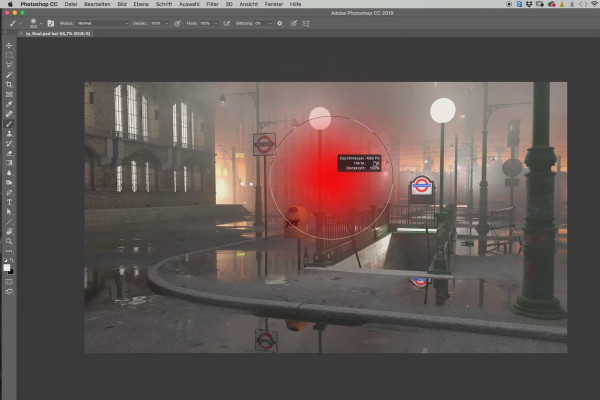
Cinema 4D tutorial "Underground": 4.1 Ps settings

Cinema 4D tutorial "Underground" - from 3D model to rendering
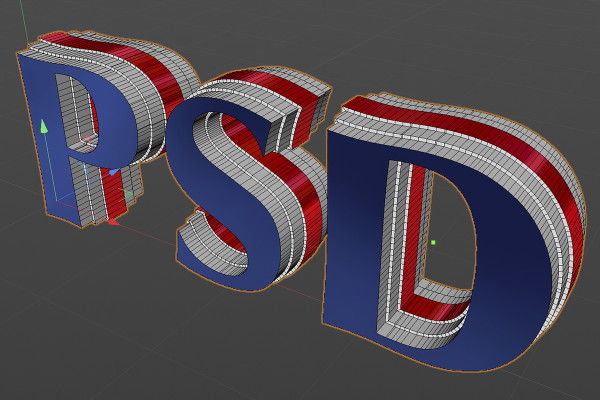
C4D Release 21 - improved deck surfaces and bevels

Cinema 4D tutorial "Underground" - from 3D model to rendering

Magix VEGAS Pro 17 - Video tutorial on the new features: 01 | New features in detail

Magix VEGAS Pro 17 - Video tutorial on the new features

Create your own music with Magix Music Maker: 01 | Welcome to a quick introduction to audio editing

Create your own music with Magix Music Maker - Tutorial for audio editing
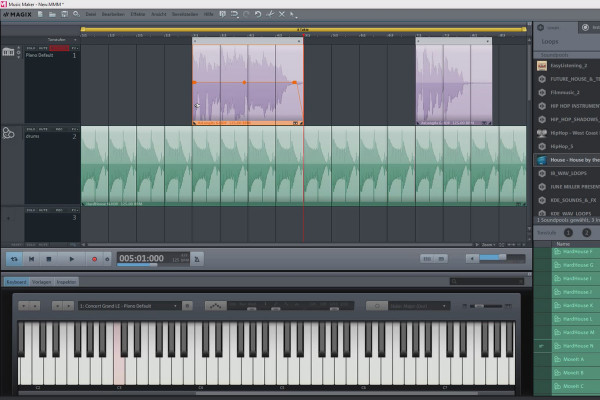
Create your own music with Magix Music Maker: 09 | First steps

Create your own music with Magix Music Maker - Tutorial for audio editing

This is what you can expect in the video training "Create your own music with Magix Music Maker - Tutorial for audio editing"

Create your own music with Magix Music Maker - Tutorial for audio editing
ZBrush 2019 - Video training for the update: 1 | Training overview

ZBrush 2019 - Video training for the update
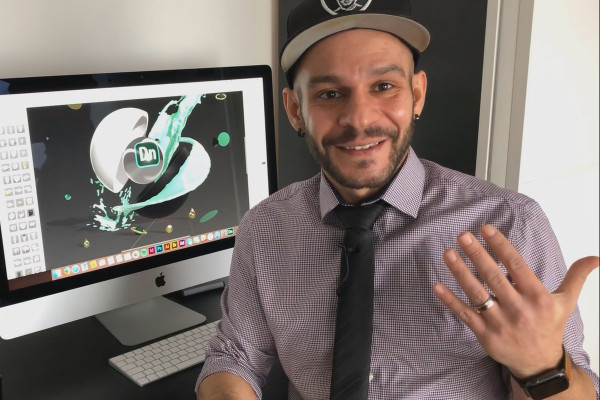
Adobe Dimension CC Tutorial: 01 | Welcome to the video training

Adobe Dimension CC tutorial - 3D for graphic designers

ZBrush 2018 and 4R8 - Video training on the updates: 1 Training overview

ZBrush 2018 and 4R8: Video training on the updates

Creating 3D animation in Cinema 4D: 1 Intro

Create 3D animation in Cinema 4D

Creating 3D animation in Cinema 4D: 2.1 Introduction to Animation Principles

Create 3D animation in Cinema 4D

Creating 3D animation in Cinema 4D: 3.1 Timeline and Dope Sheet Editor

Create 3D animation in Cinema 4D

Create 3D animation in Cinema 4D: 4 Outro

Create 3D animation in Cinema 4D

C4D Release 20 - Volume-based modeling with OpenVDB

Cinema 4D tutorial: Basics & 3D practice for beginners
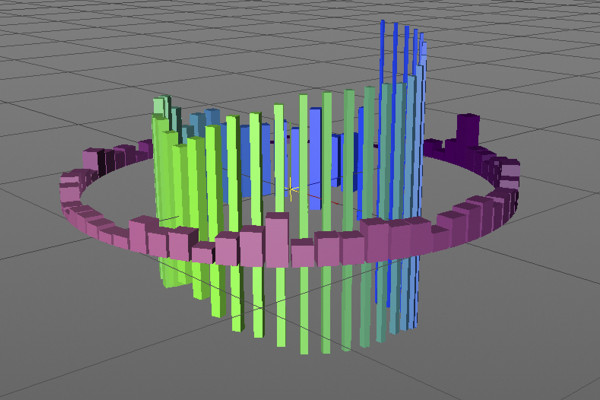
C4D Release 19 - the improved sound effector

Cinema 4D tutorial: Basics & 3D practice for beginners

Cinema 4D for beginners - 3D practice: 1.1 Intro

Cinema 4D tutorial: Basics & 3D practice for beginners

Cinema 4D for beginners - 3D practice: 2.1 mode

Cinema 4D tutorial: Basics & 3D practice for beginners

Cinema 4D for beginners - 3D practice: 3.1 Spline Lathe

Cinema 4D tutorial: Basics & 3D practice for beginners

Cinema 4D for beginners - 3D practice: 4.1 Area light source

Cinema 4D tutorial: Basics & 3D practice for beginners

Cinema 4D for beginners - 3D practice: 5.1 Camera object

Cinema 4D tutorial: Basics & 3D practice for beginners

Cinema 4D for beginners - 3D practice: 6.1 Laying splines

Cinema 4D tutorial: Basics & 3D practice for beginners

Practice in Cinema 4D - Modeling and lighting a space station: 01 Getting started

Cinema 4D practical tutorial: 3D modeling and lighting of a space station
The practical training for Blender beginners - 1.1 Introduction to Blender

The practical tutorial for Blender: 3D for beginners
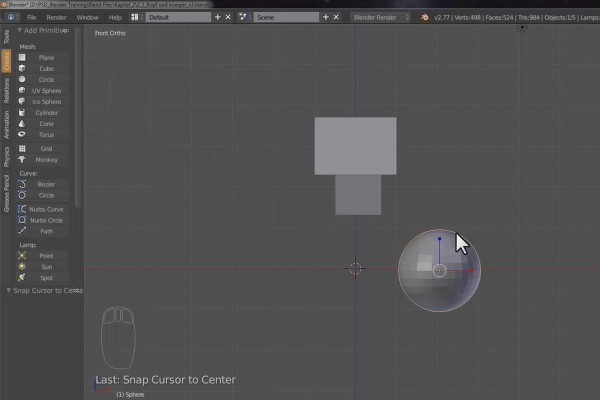
The practical training for Blender beginners - 2.1 Cubecraft character: head and body

The practical tutorial for Blender: 3D for beginners
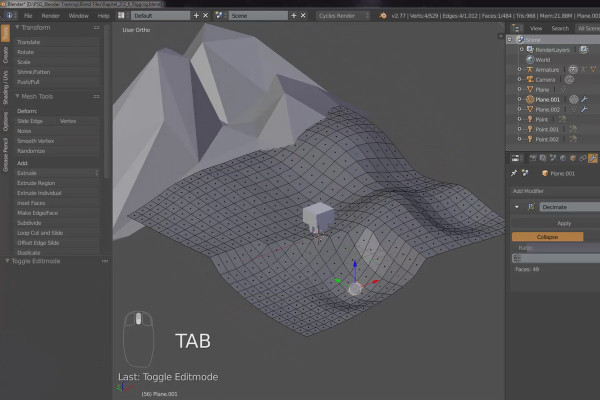
The practical training for Blender beginners - 3.1 Landscape: Mountains and valley

The practical tutorial for Blender: 3D for beginners
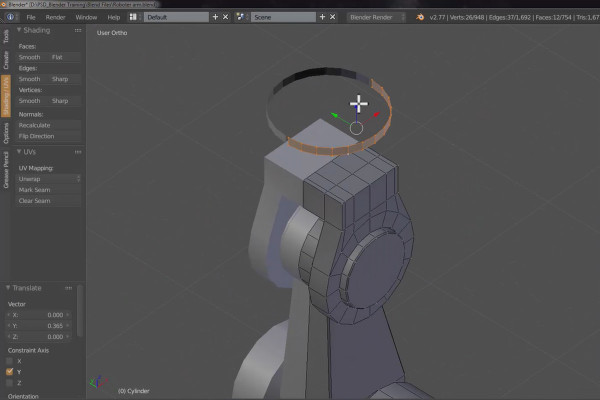
The practical training for Blender beginners - 4.1 Robot arm: Part 1

The practical tutorial for Blender: 3D for beginners

360° architectural views with Unity and Cinema 4D - 01 Introduction

360° architecture views with Unity and Cinema 4D

360° architecture views with Unity and Cinema 4D - 02 Modeling in Cinema 4D

360° architecture views with Unity and Cinema 4D

360° architecture views with Unity and Cinema 4D - 05 Model export and Unity import

360° architecture views with Unity and Cinema 4D

360° architectural views with Unity and Cinema 4D - 07 Add camera functionality

360° architecture views with Unity and Cinema 4D

360° architectural views with Unity and Cinema 4D - 20 Short introduction to Cinema 4D

360° architecture views with Unity and Cinema 4D

After Effects: Plug-ins - benefits and application

Element 3D: Working with the plugin for After Effects

Cinema 4D - Lighting: 1.1 Introduction
free of charge
Cinema 4D - Lighting: 1.1 Introduction

Light & Lighting in Cinema 4D - the practical course

Cinema 4D - Lighting: 2.1 Scene

Light & Lighting in Cinema 4D - the practical course

Cinema 4D - Lighting: 3.1 Wall light

Light & Lighting in Cinema 4D - the practical course