

Affinity Photo tutorials and brushes for more creative potential
Are you ready for Affinity Photo? With our intensive Affinity Photo tutorials , you'll learn how to control the professional photo and image editing software in a practical way. You can also use our Affinity Photo brushes to spice up your photo work in one fell swoop. The video tutorials are all recorded in German and take you from composing to retouching. And with the brushes and mockups, you have an impressive selection at your fingertips for a wide variety of projects. Expand your possibilities now, unleash your creative potential and save a lot of time.
On this page
Free tutorials for Serif Affinity Photo
- Creative Techniques for Affinity Photo: Designing Overlays
- Basics of Affinity Photo – Learn the most important functions
- GTA Look in Affinity Photo: Cutting Out a Person and Drawing Outlines
- Removing backgrounds in Affinity Photo
- Improve Photos in Affinity Photo: Your Guide to Image Optimization
- Sepia toning in Affinity Photo: refining black-and-white images with a vignette
Trainers for Serif Affinity Photo





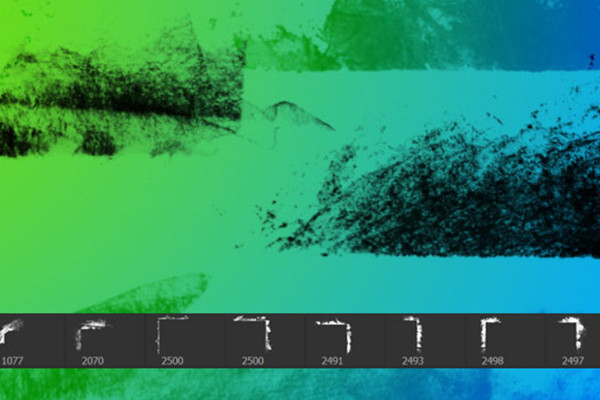
Grunge borders and edges - 100 brushes for frames and corners in dirty style

1,200 Christmas tree patterns for Christmas illustrations
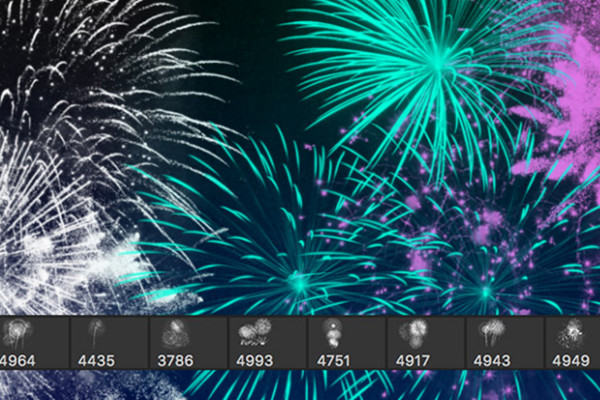
Luminous fireworks - 100 brushes for Photoshop, Affinity Photo and co.
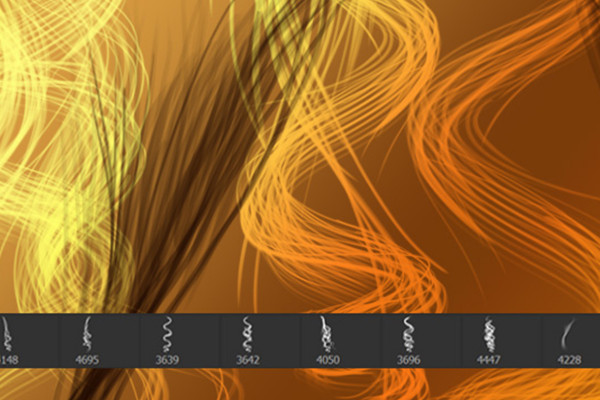
Drawing hair - 100 brushes for Photoshop, Affinity Photo & Co
Affinity Photo macros - automatic black and white conversion and photo effects
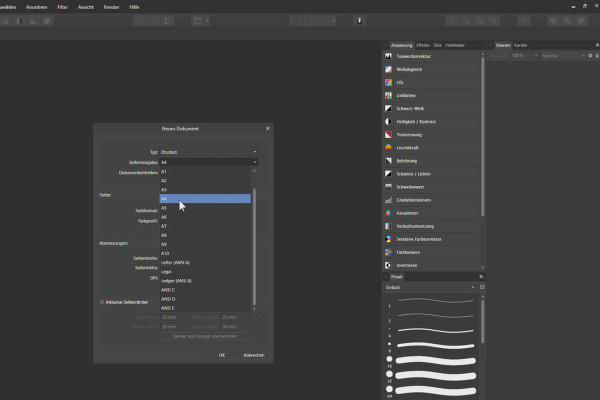
Affinity Photo Tutorial - Basics
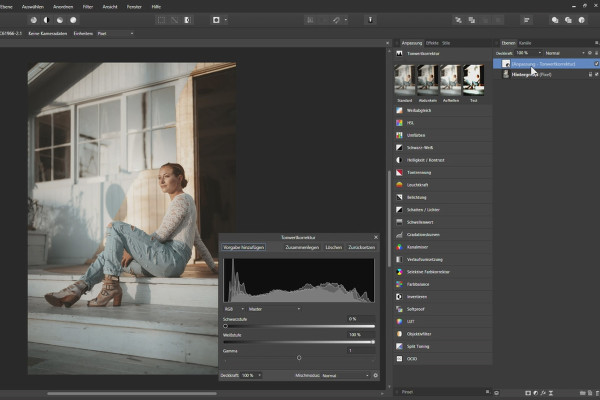
Affinity Photo Tutorial - Basics
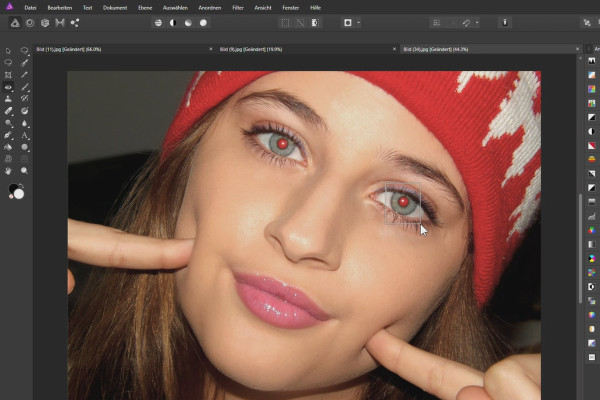
Affinity Photo Tutorial - Basics
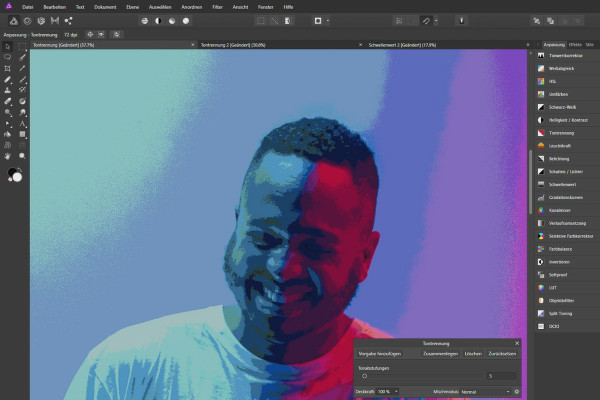
Affinity Photo Tutorial - Basics
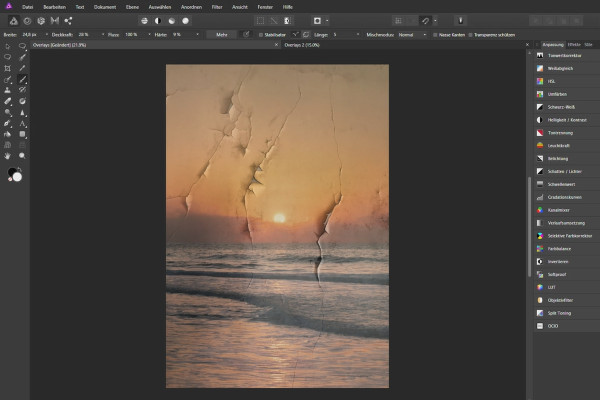
Affinity Photo Tutorial - Basics

100 brushes with smoke motifs for Photoshop, Affinity Photo, GIMP and Co.
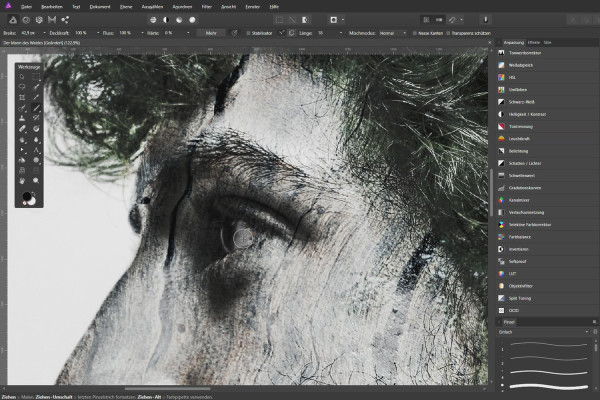
Affinity Photo - creative image editing with overlays
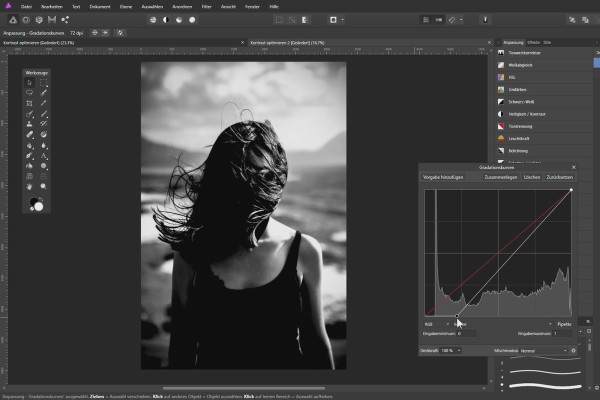
Enhance photos in Affinity Photo
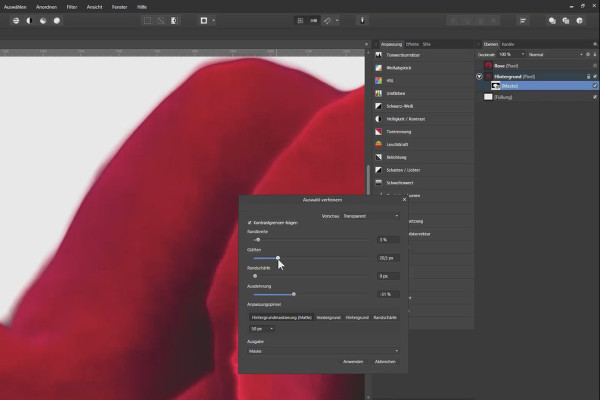
Crop with Affinity Photo - tools and techniques
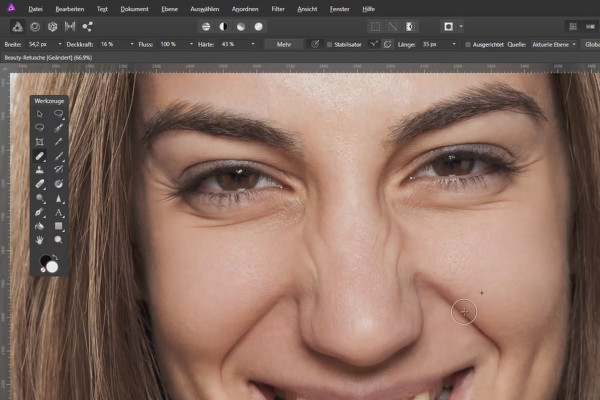
Beauty retouching in Affinity Photo - video tutorial
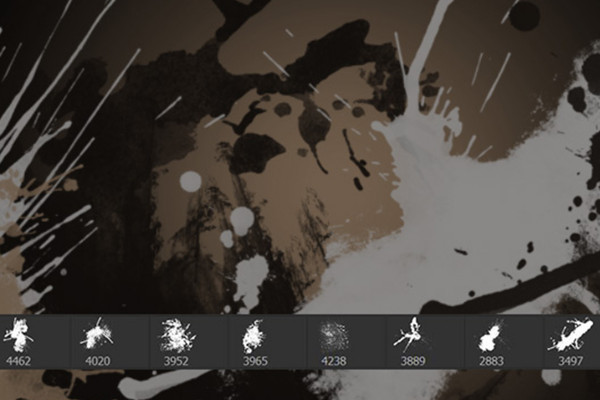
High-effect grunge brushes for Photoshop and co
Winter photography: presets, overlays, textures, actions - 700 assets for cool winter photos
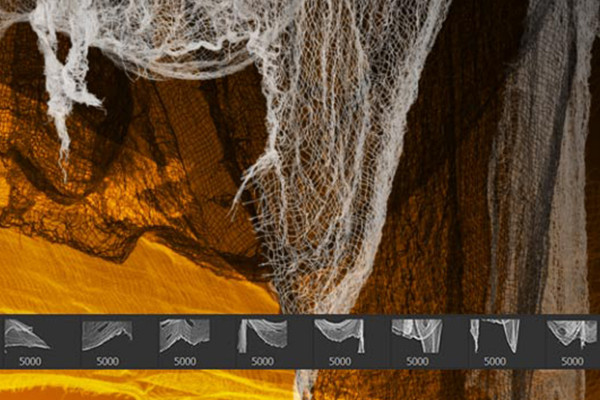
100 Halloween images as Photoshop brushes
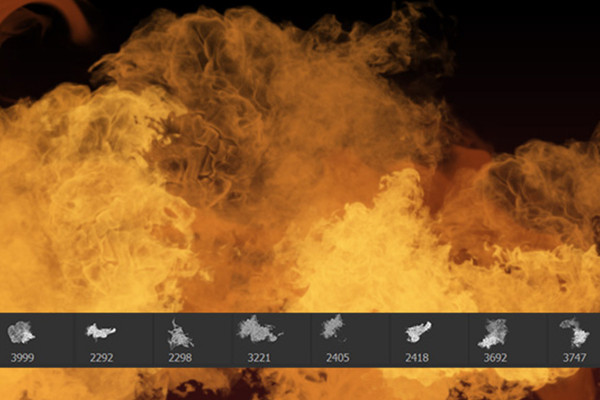
Photoshop brushes: fire and flames
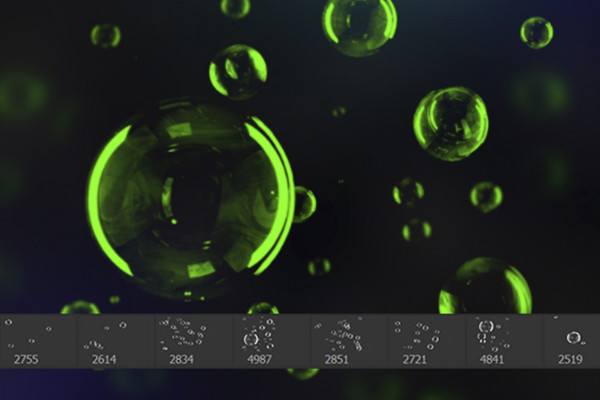
Photoshop brushes: feather motifs and soap bubble images

Splash Brushes for Photoshop, Elements & GIMP: high-resolution milk brushes

Brush set water images, water splashes, water droplets: Brushes for Photoshop, GIMP & Co
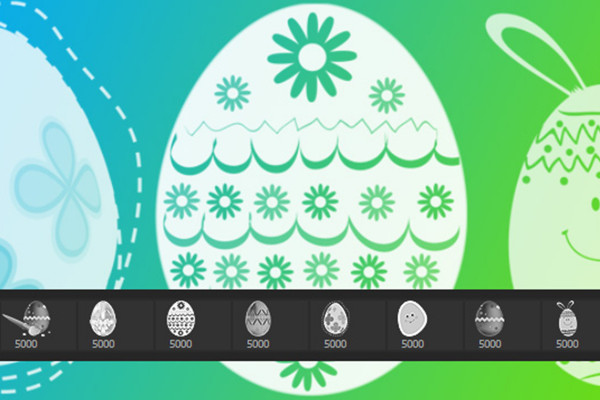
Spring motifs, Easter bunnies, Easter eggs - 70 brushes for Photoshop & Co
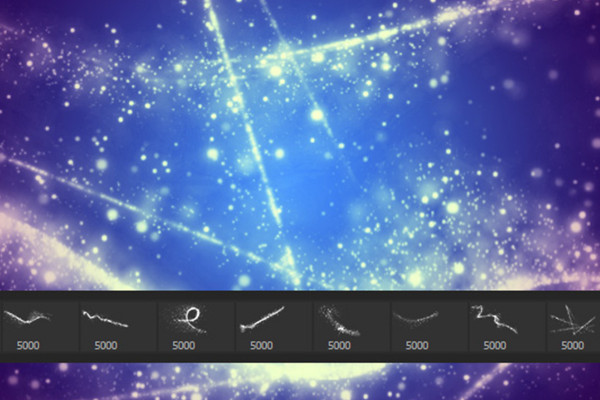
Sparkles, sparks & light effects brush set: Assets for Photoshop & Co
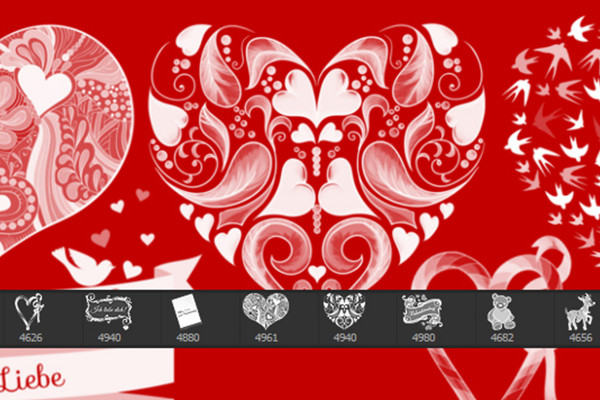
Brush set love hearts and romance: Assets for Photoshop & Co
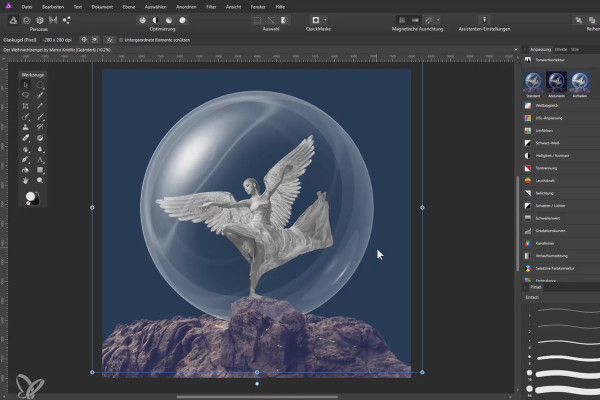
Affinity Photo Tutorial: Composing a Christmas angel
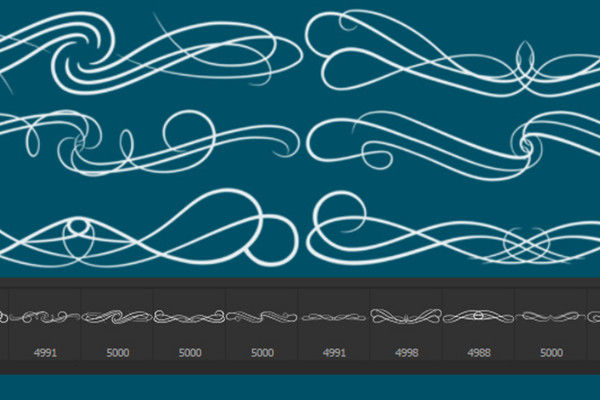
Photoshop brushes: Vintage floral ornaments and frames
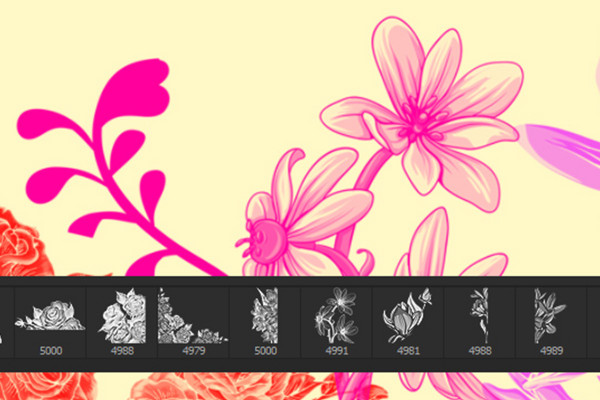
Flower Brush: the Photoshop brush for floral elements

The big mockup bundle for Affinity Photo
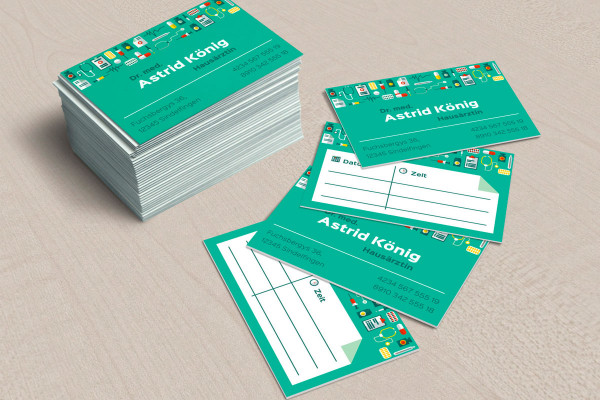
The big mockup bundle for Affinity Photo

Roll-up design templates: create outstanding designs
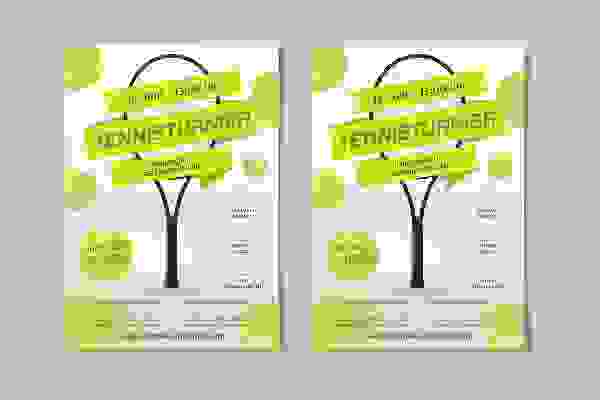
Templates for sports events: Flyers and posters
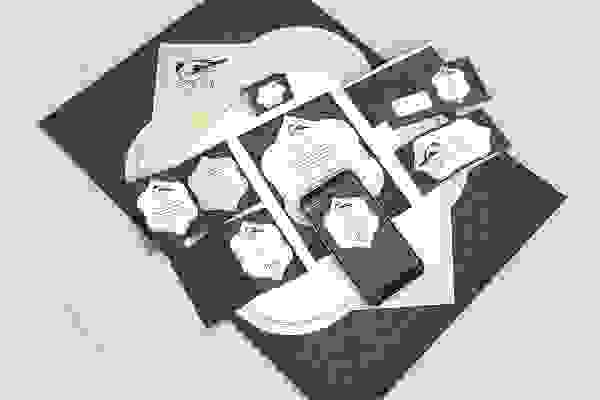
Template set: Birthday and Baptism
The big brush package - Brushes for Photoshop, Photoshop Elements, GIMP & Affinity Photo
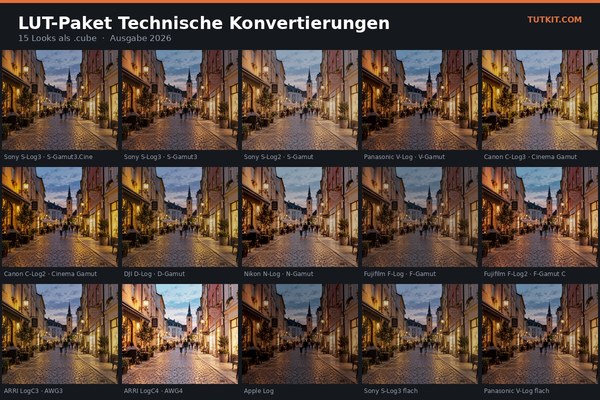
LUT-Saving Package 2026: 91 Color Looks for Photo and Video

Cocktail party invitation - templates for flyers, posters & digital banners
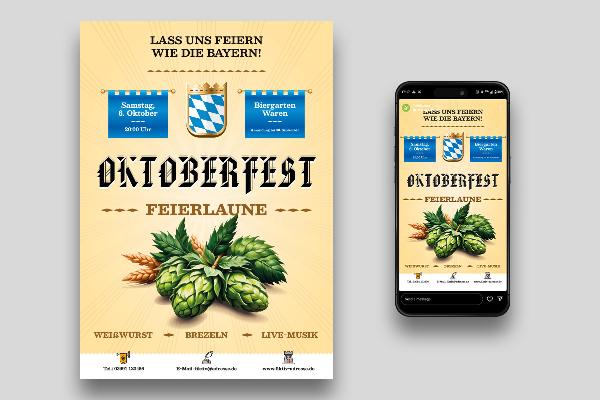
Oktoberfest: Posters & flyers - templates in Oktoberfest design

Easter cards to print out & for digital Easter greetings

Easter cards to print out & for digital Easter greetings
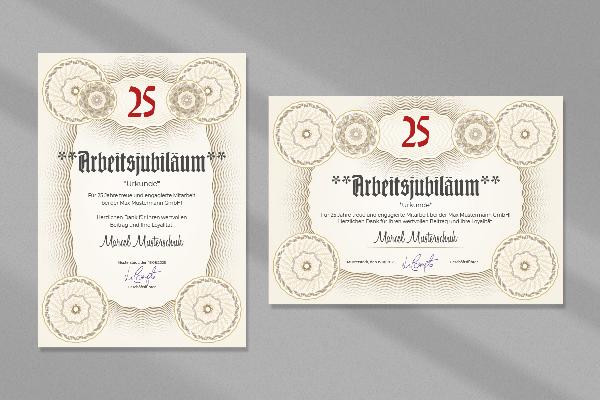
Templates for certificates: Certificate of honor, company anniversary, service anniversary
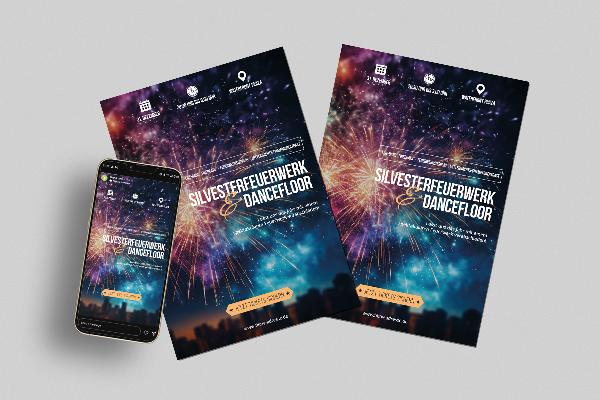
New Year's Eve: Flyer & poster templates for New Year's parties

Designing Christmas: Create posters & flyers - 7 festive design templates

Après-ski party & hut fun - flyer and poster templates for winter

Christmas posters & Christmas flyers - 10 atmospheric templates

Video background: 85 high-quality images for impressive videos

Flyer and poster templates for autumn festivals and Thanksgiving

Create advertising banners: Templates for Photoshop & Affinity Photo

Create advertising banners: Templates for Photoshop & Affinity Photo
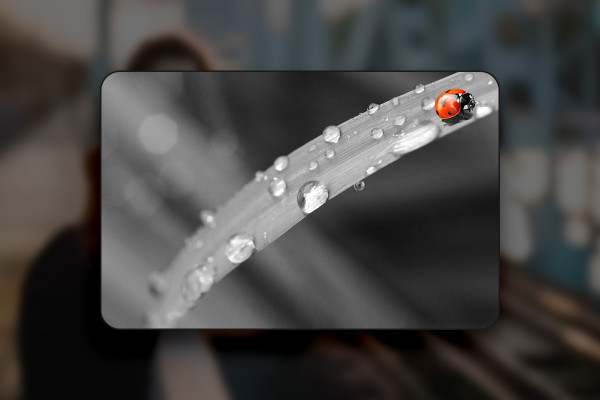
Affinity Photo training: over 30 best-of hacks for photo editing
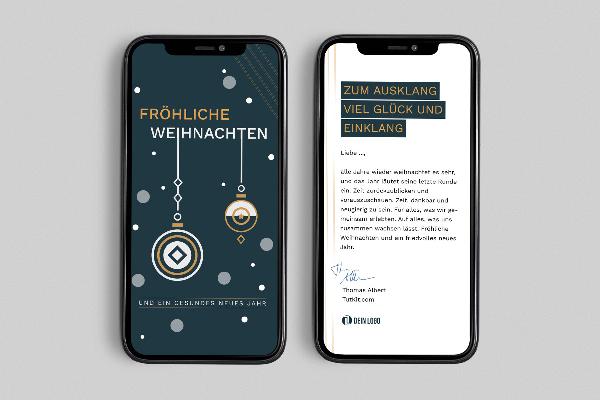
Business Christmas cards: Business templates for Word & InDesign

100 glowing light trails: "Glowing Light Trails" for Photoshop and Affinity Photo
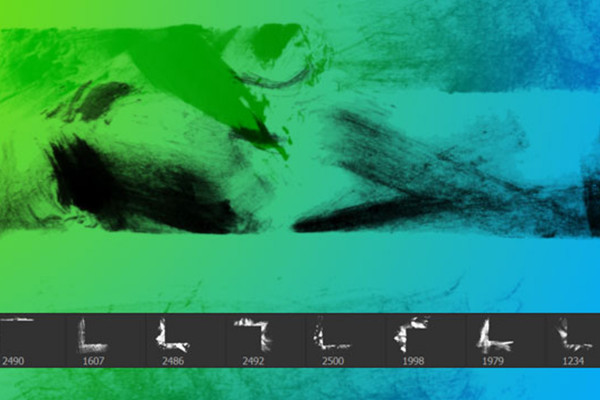
Grunge borders and edges - 100 brushes for frames and corners in dirty style

1,200 Christmas tree patterns for Christmas illustrations
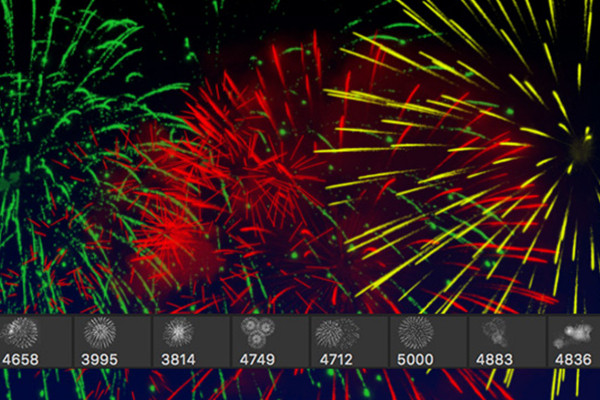
Luminous fireworks - 100 brushes for Photoshop, Affinity Photo and co.
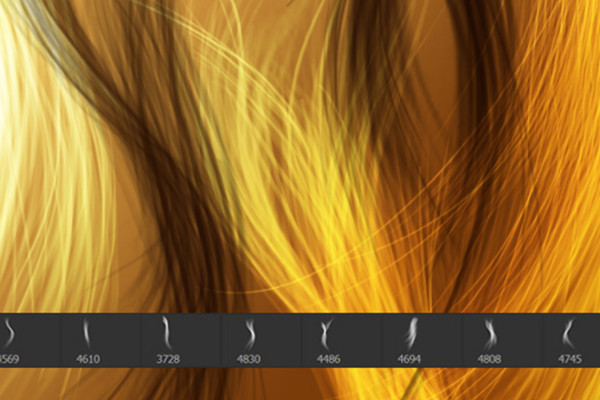
Drawing hair - 100 brushes for Photoshop, Affinity Photo & Co
Affinity Photo macros - automatic black and white conversion and photo effects
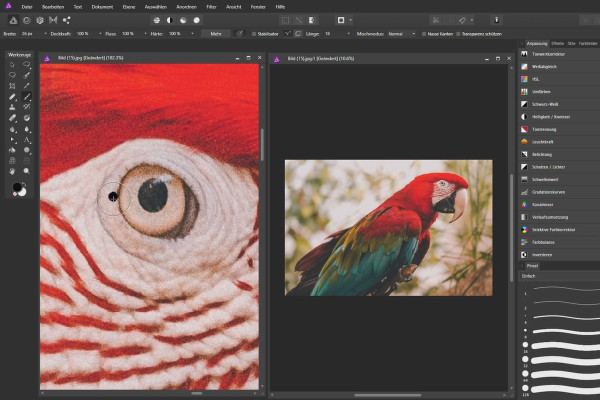
Affinity Photo Tutorial - Basics
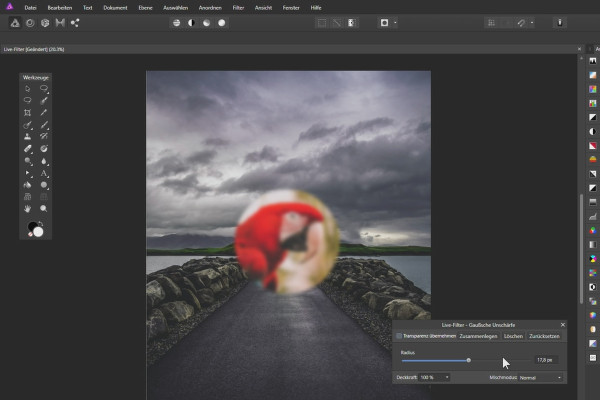
Affinity Photo Tutorial - Basics
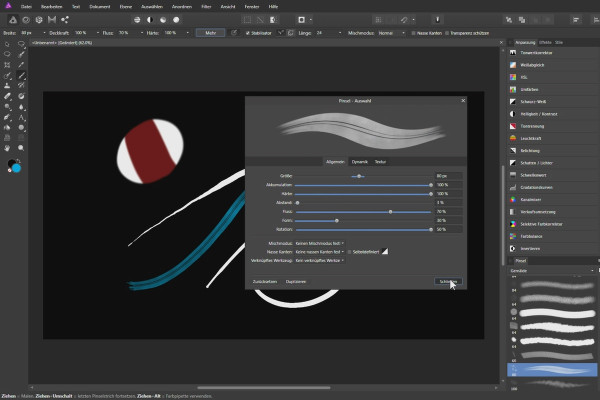
Affinity Photo Tutorial - Basics
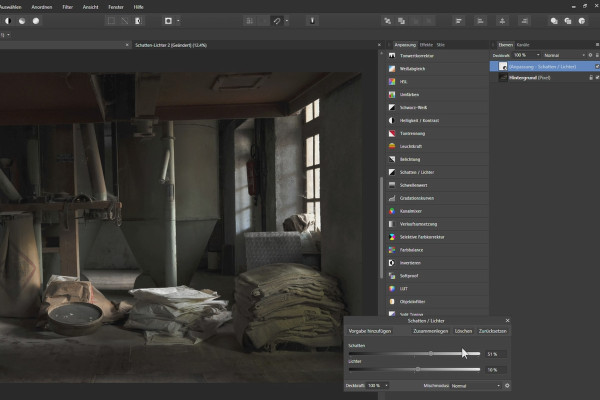
Affinity Photo Tutorial - Basics
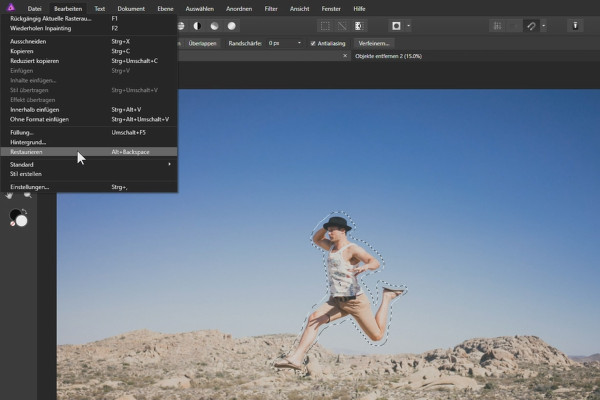
Affinity Photo Tutorial - Basics

100 brushes with smoke motifs for Photoshop, Affinity Photo, GIMP and Co.
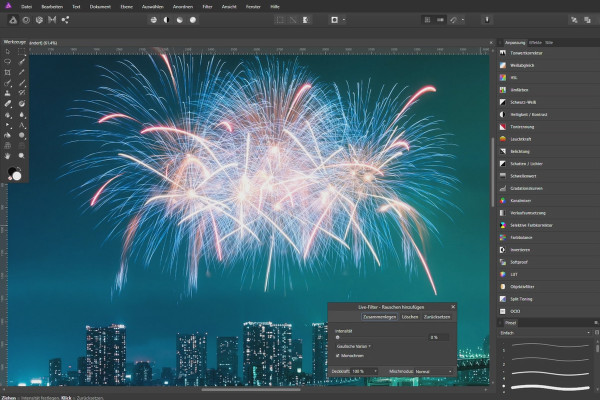
Affinity Photo - creative image editing with overlays
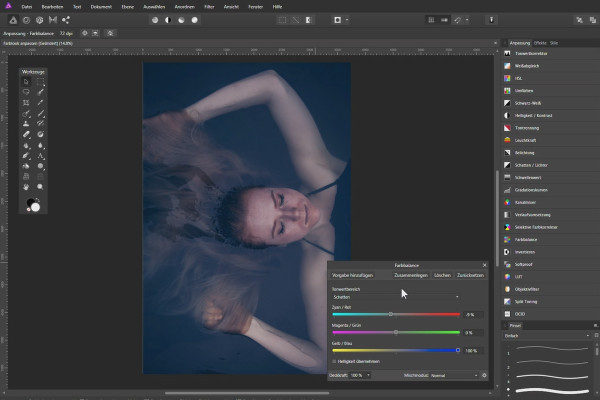
Enhance photos in Affinity Photo
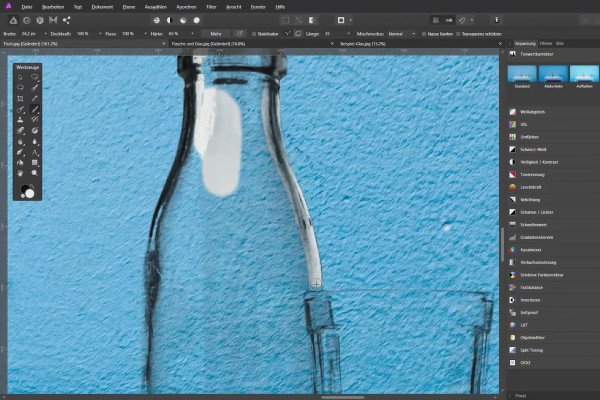
Crop with Affinity Photo - tools and techniques
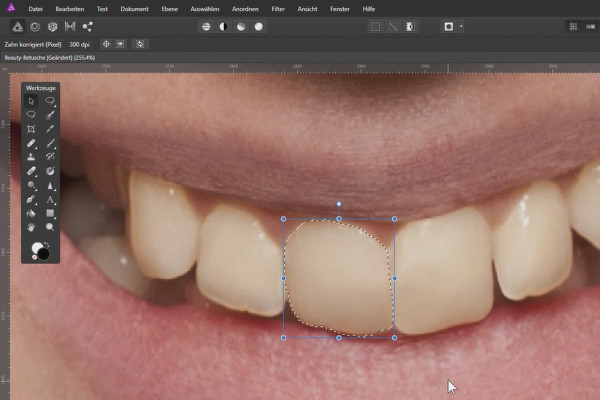
Beauty retouching in Affinity Photo - video tutorial
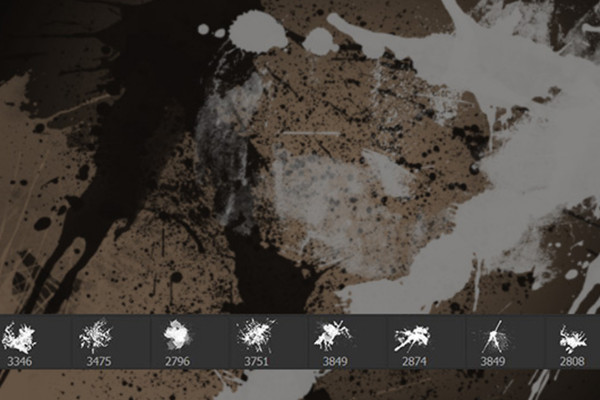
High-effect grunge brushes for Photoshop and co
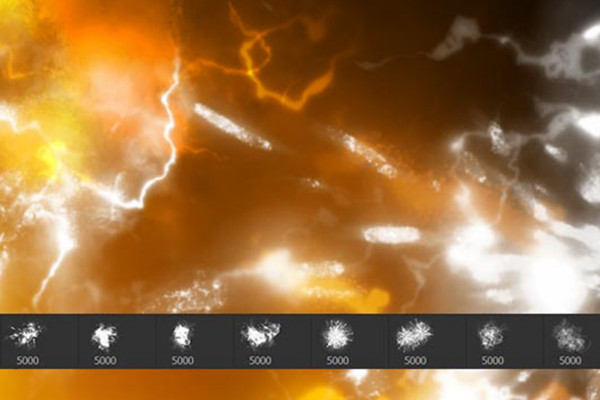
100 Halloween images as Photoshop brushes
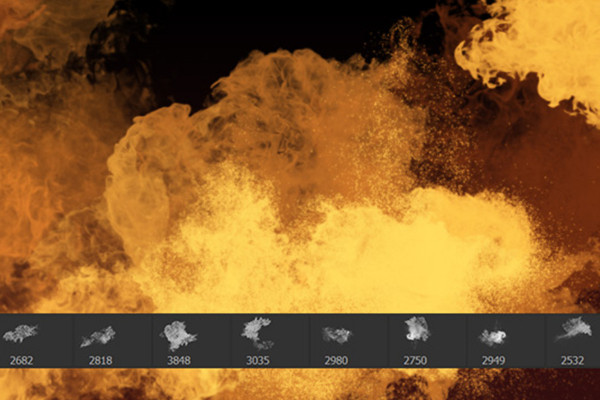
Photoshop brushes: fire and flames

Splash Brushes for Photoshop, Elements & GIMP: high-resolution milk brushes

Brush set water images, water splashes, water droplets: Brushes for Photoshop, GIMP & Co
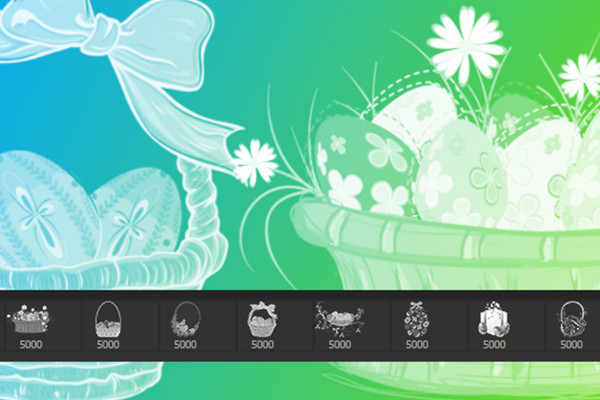
Spring motifs, Easter bunnies, Easter eggs - 70 brushes for Photoshop & Co
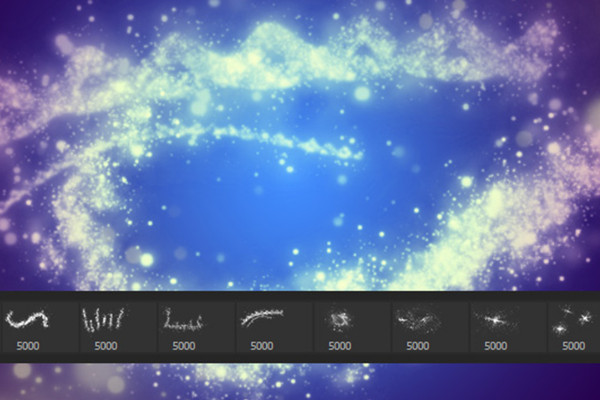
Sparkles, sparks & light effects brush set: Assets for Photoshop & Co
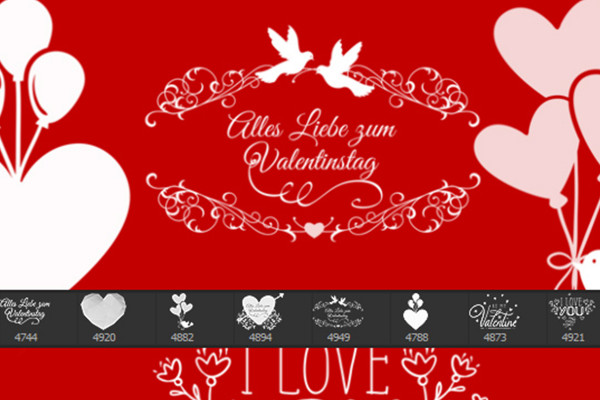
Brush set love hearts and romance: Assets for Photoshop & Co
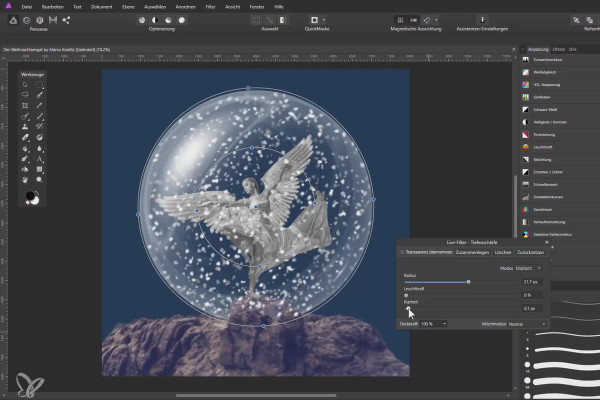
Affinity Photo Tutorial: Composing a Christmas angel
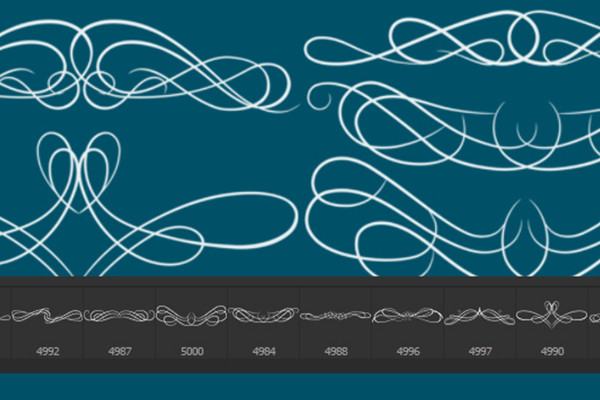
Photoshop brushes: Vintage floral ornaments and frames
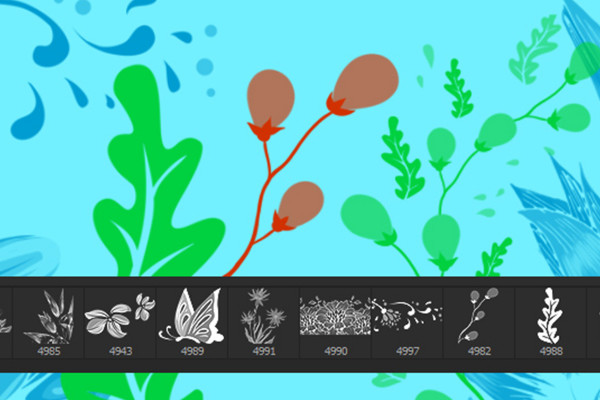
Flower Brush: the Photoshop brush for floral elements

The big mockup bundle for Affinity Photo
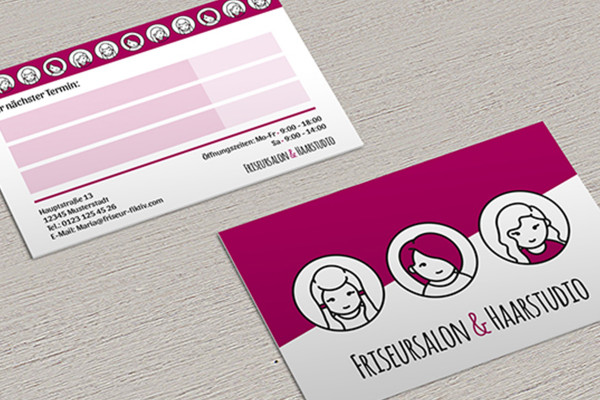
The big mockup bundle for Affinity Photo

Roll-up design templates: create outstanding designs
Template set: Birthday and Baptism
The big brush package - Brushes for Photoshop, Photoshop Elements, GIMP & Affinity Photo

Cocktail party invitation - templates for flyers, posters & digital banners
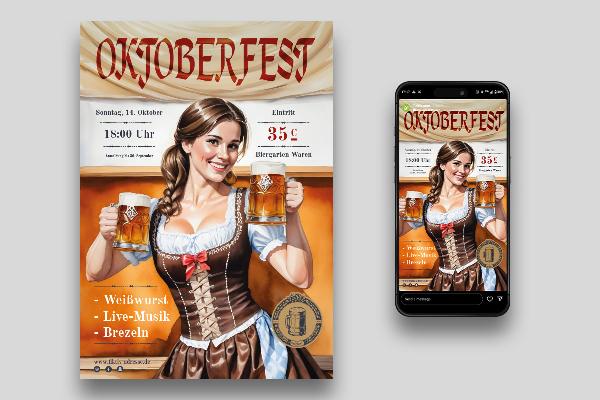
Oktoberfest: Posters & flyers - templates in Oktoberfest design

Easter cards to print out & for digital Easter greetings

Easter cards to print out & for digital Easter greetings
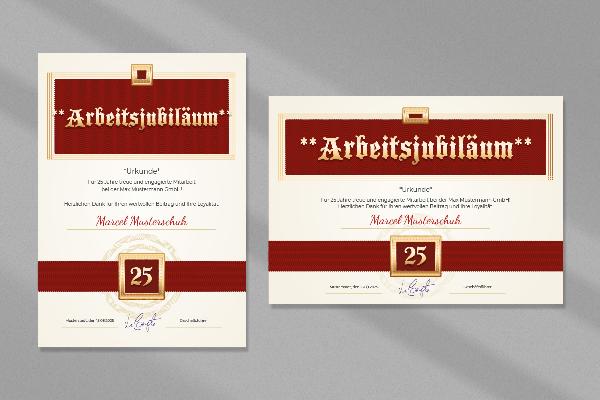
Templates for certificates: Certificate of honor, company anniversary, service anniversary
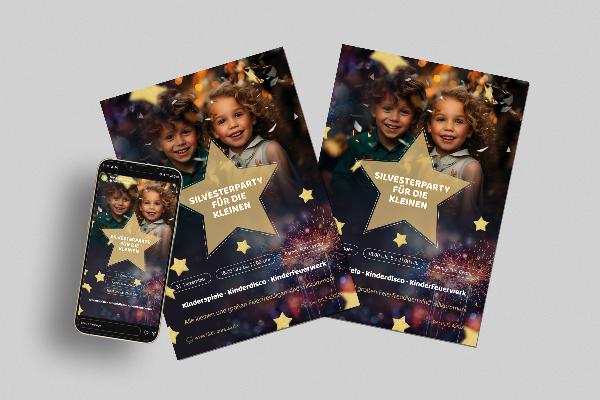
New Year's Eve: Flyer & poster templates for New Year's parties

Après-ski party & hut fun - flyer and poster templates for winter

Christmas posters & Christmas flyers - 10 atmospheric templates

Flyer and poster templates for autumn festivals and Thanksgiving

Create advertising banners: Templates for Photoshop & Affinity Photo

Create advertising banners: Templates for Photoshop & Affinity Photo
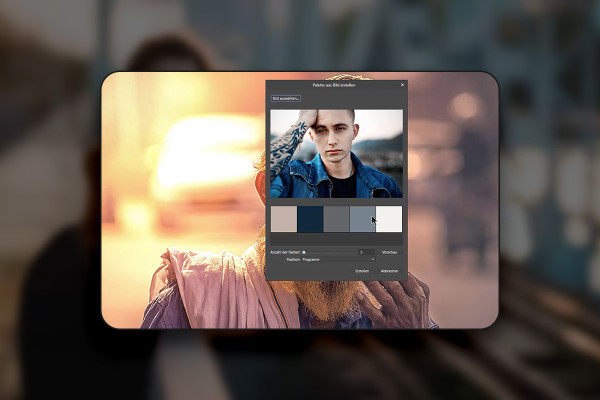
Affinity Photo training: over 30 best-of hacks for photo editing

Business Christmas cards: Business templates for Word & InDesign

100 glowing light trails: "Glowing Light Trails" for Photoshop and Affinity Photo
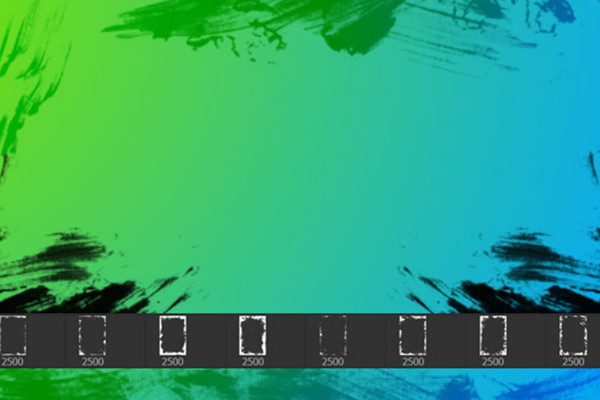
Grunge borders and edges - 100 brushes for frames and corners in dirty style

1,200 Christmas tree patterns for Christmas illustrations
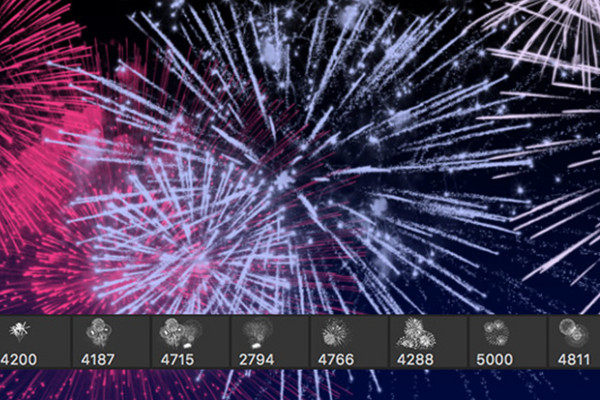
Luminous fireworks - 100 brushes for Photoshop, Affinity Photo and co.
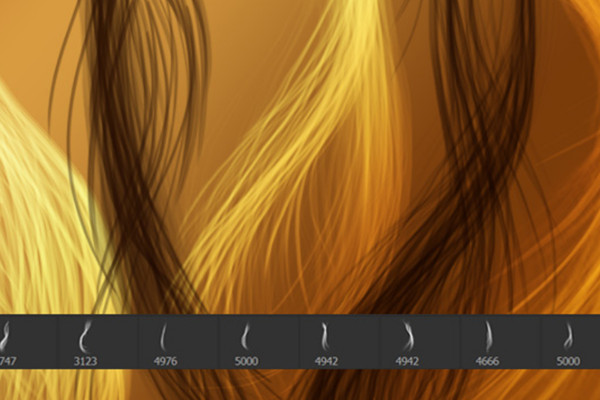
Drawing hair - 100 brushes for Photoshop, Affinity Photo & Co
Tips and helpful content
Brushes, mockups and tutorials for Affinity Photo
Assets for your image editing in Affinity Photo
Strengthen your style - with Affinity Photo brushes and mockups
Download and get started right away: Hundreds of brushes are already waiting for your creative input. For example, cover your images in fog and smoke, heat them up with fire and flames or give them a playful lightness with soap bubbles. But perhaps the compass is already pointing towards New Year's Eve and a peaceful Christmas for you and your customers? We also provide you with a whole range of professional mock-ups.
Know-how in practical video training sessions
Put your creativity into the picture - with our Affinity Photo tutorials
Are you just starting out with Affinity Photo or have you already earned your user spurs? Whatever level you're at, our training courses will get you up to speed. You'll learn the basics of the software just as easily as the tools and control panels. One level higher, we'll show you how to apply beauty retouching, improve photos, create composings and crop subjects. You stay in the picture and grasp everything in a simple way. Finally, all tutorials are available in German .