

3D, audio & video - tutorials, basics & pro tips
New to 3D, audio and video and looking for basic information? Or already an expert and keen to get to know new workflows? In our tutorials, experienced trainers will show you how to stage 3D objects, create impressive videos, produce music and correct audio recordings. Whether it's Adobe Premiere and After Effects or DaVinci Resolve and the basics of videography - take a look at what will help you progress in your 3D, audio and video work!
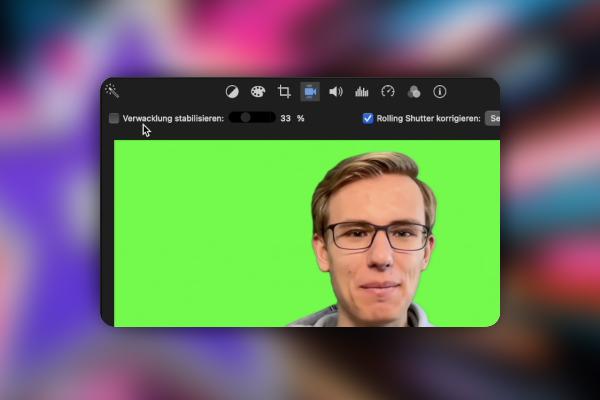
iMovie tutorial: Guide to creative video editing
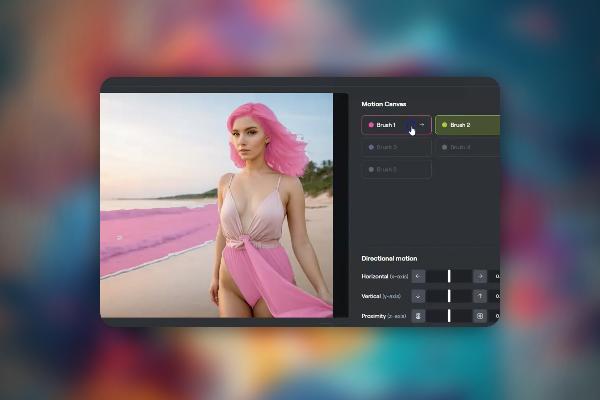
Creating AI videos with artificial intelligence (Tutorial)
Creating AI videos with artificial intelligence (Tutorial)
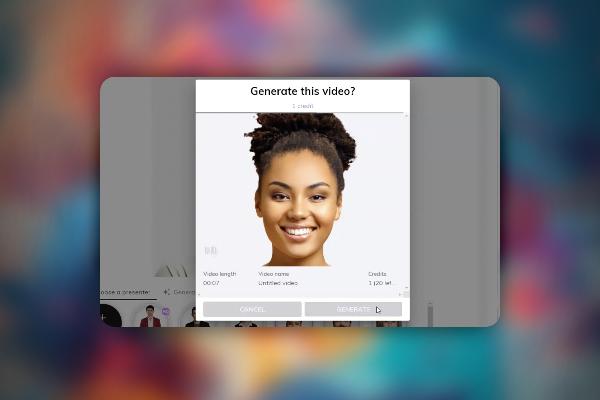
Creating AI videos with artificial intelligence (Tutorial)

Creating AI videos with artificial intelligence (Tutorial)
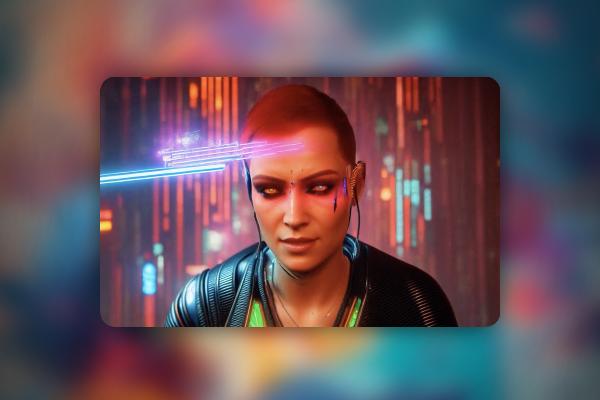
Creating AI videos with artificial intelligence (Tutorial)
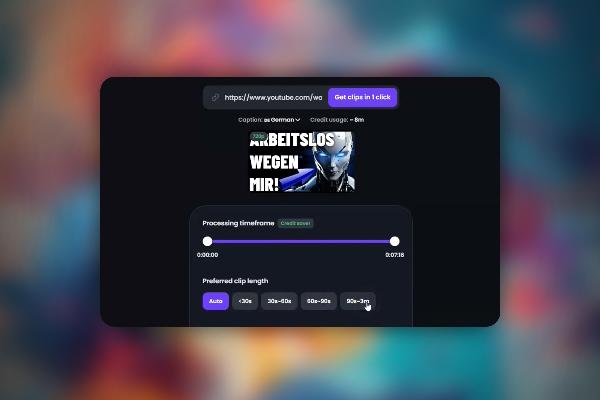
Creating AI videos with artificial intelligence (Tutorial)

Creating AI videos with artificial intelligence (Tutorial)
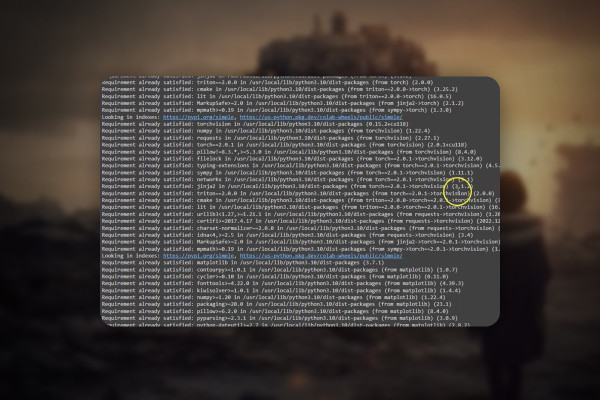
Text-to-Speech: Create AI voices & deepfakes (Tutorial)
Text-to-Speech: Create AI voices & deepfakes (Tutorial)

DaVinci Resolve: Cutting and editing video & audio (practical training)
DaVinci Resolve: Cutting and editing video & audio (practical training)
DaVinci Resolve: Cutting and editing video & audio (practical training)

DaVinci Resolve: Cutting and editing video & audio (practical training)
DaVinci Resolve: Cutting and editing video & audio (practical training)

DaVinci Resolve: Cutting and editing video & audio (practical training)
DaVinci Resolve: Cutting and editing video & audio (practical training)
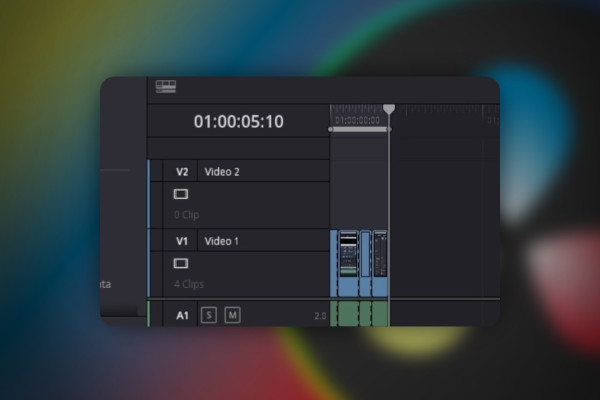
DaVinci Resolve: Cutting and editing video & audio (practical training)
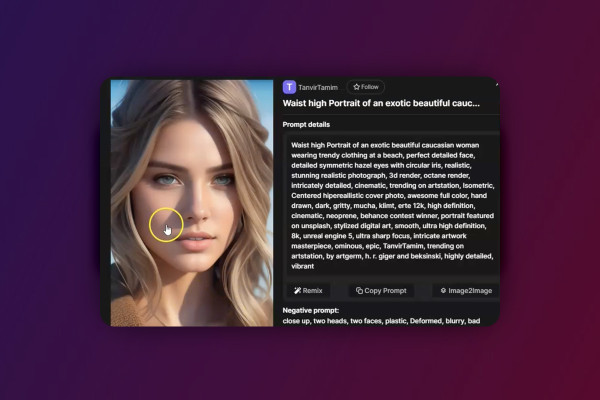
Deforum Stable Diffusion - create animated videos with AI (Tutorial)
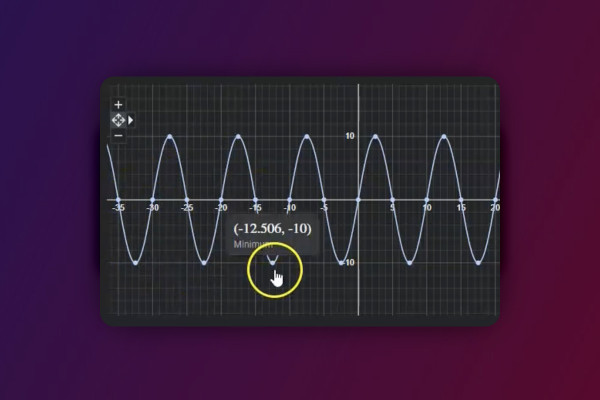
Deforum Stable Diffusion - create animated videos with AI (Tutorial)
AI guide: Edit video, audio & voice
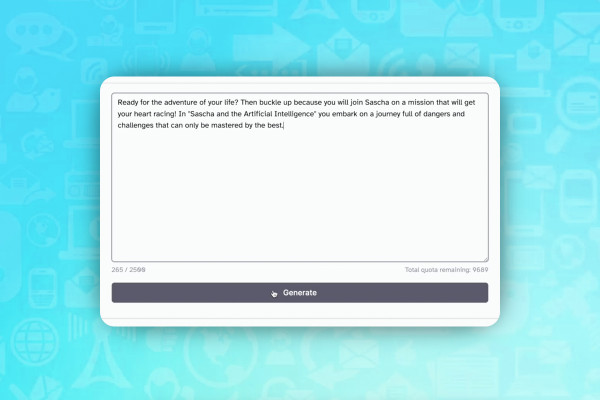
AI guide: Edit video, audio & voice
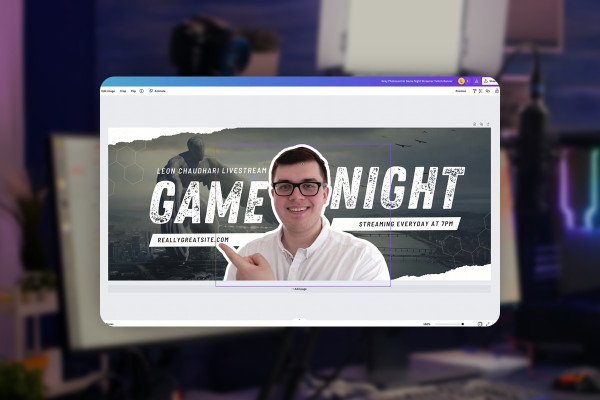
Livestreaming on Twitch & YouTube (Tutorial)
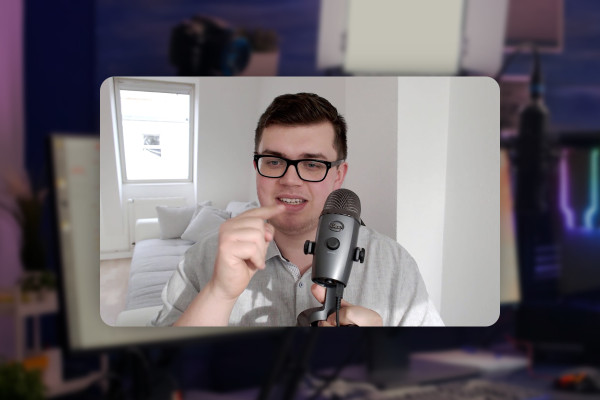
Livestreaming on Twitch & YouTube (Tutorial)
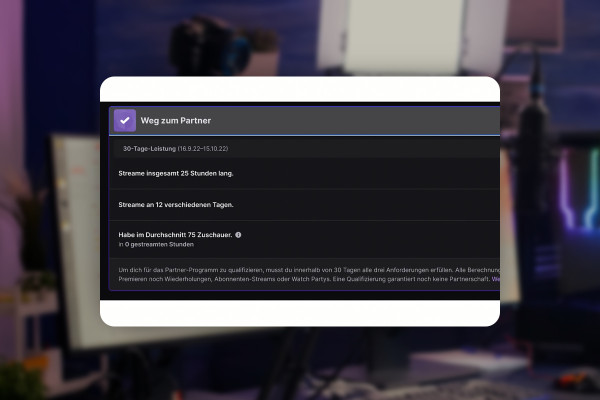
Livestreaming on Twitch & YouTube (Tutorial)
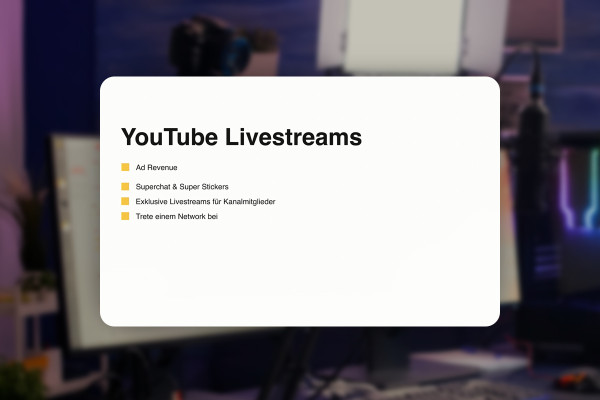
Livestreaming on Twitch & YouTube (Tutorial)
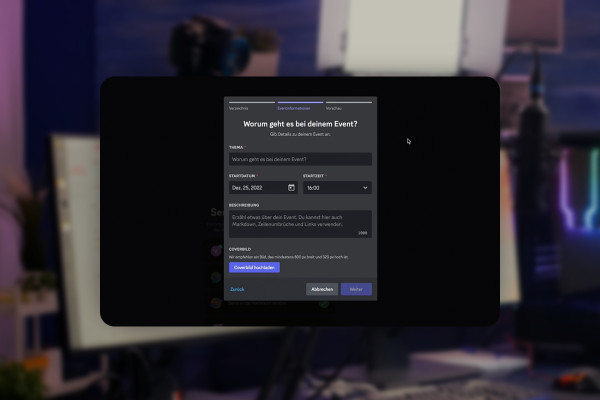
Livestreaming on Twitch & YouTube (Tutorial)
Livestreaming on Twitch & YouTube (Tutorial)
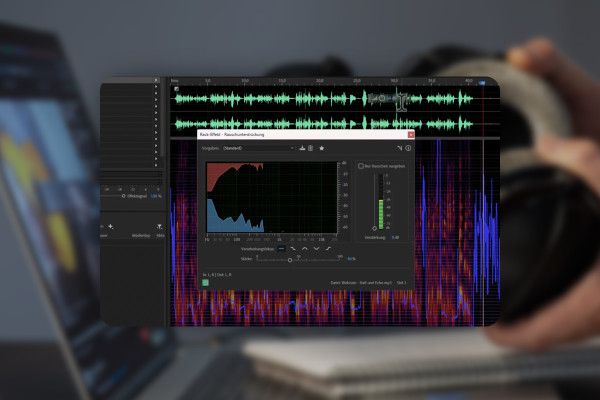
Improve audio recordings: Sound editing for reverb, hiss and other background noise

FL Studio 21 (Tutorial): new features & getting started with beat production
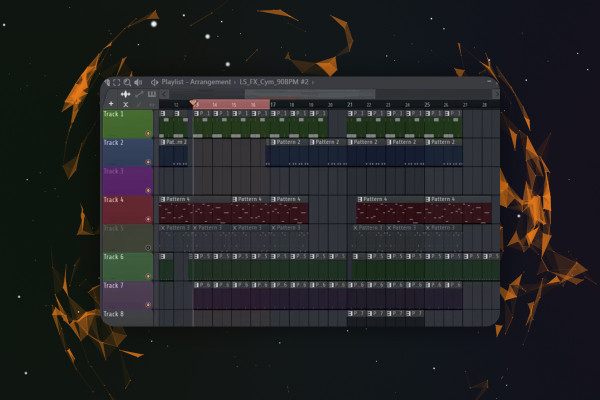
FL Studio 21 (Tutorial): new features & getting started with beat production

FL Studio 21 (Tutorial): new features & getting started with beat production
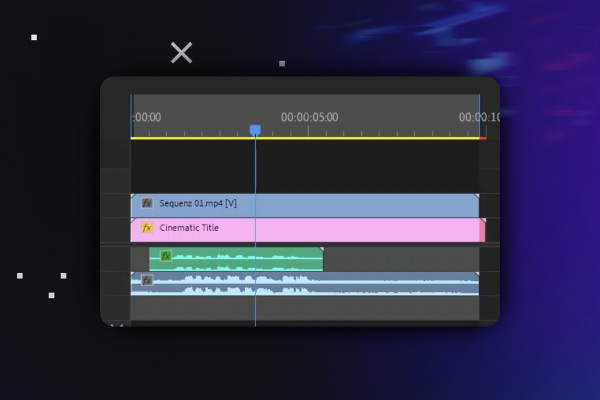
Video editing with Adobe Premiere Pro CC - basics & practice (tutorial)
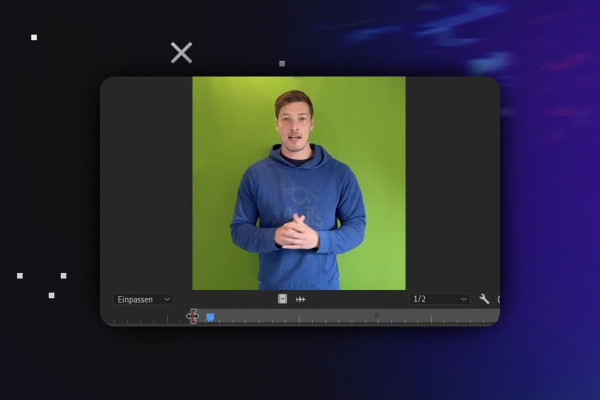
Video editing with Adobe Premiere Pro CC - basics & practice (tutorial)
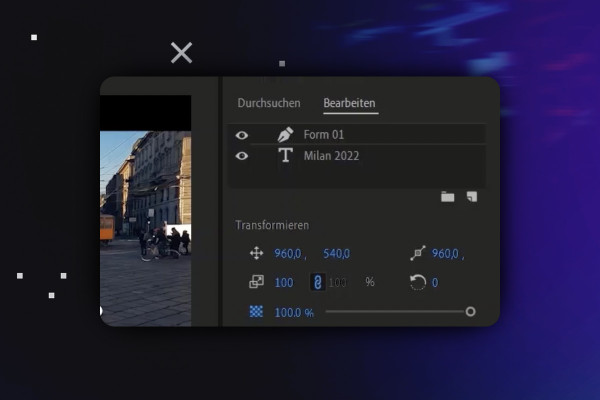
Video editing with Adobe Premiere Pro CC - basics & practice (tutorial)
Video editing with Adobe Premiere Pro CC - basics & practice (tutorial)
Video editing with Adobe Premiere Pro CC - basics & practice (tutorial)
Adobe After Effects CC - from getting started to brilliant videos (Tutorial)
Adobe After Effects CC - from getting started to brilliant videos (Tutorial)

Adobe After Effects CC - from getting started to brilliant videos (Tutorial)
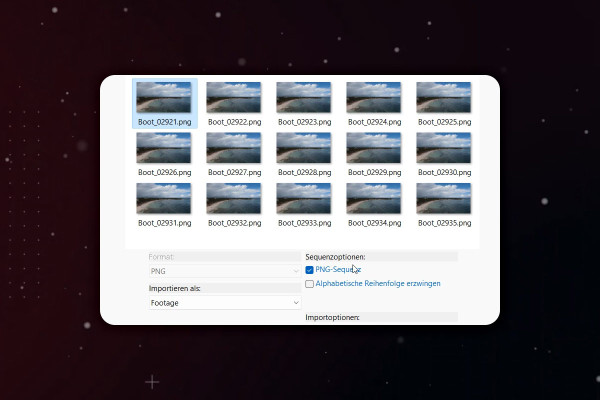
Adobe After Effects CC - from getting started to brilliant videos (Tutorial)
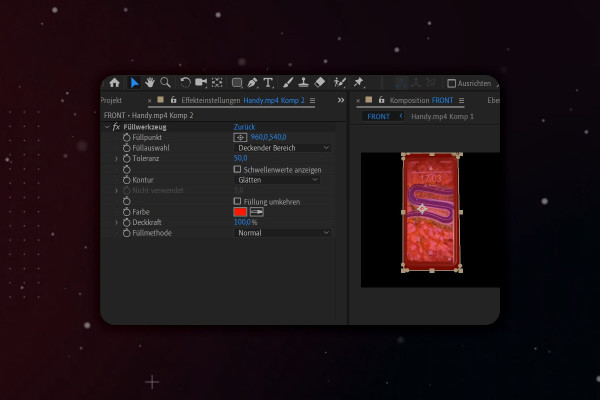
Adobe After Effects CC - from getting started to brilliant videos (Tutorial)
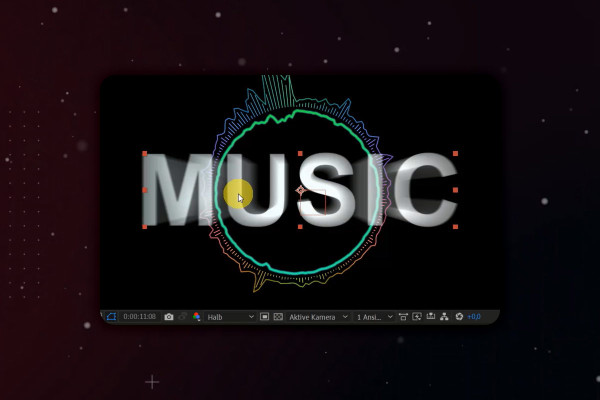
Adobe After Effects CC - from getting started to brilliant videos (Tutorial)
Adobe After Effects CC - from getting started to brilliant videos (Tutorial)
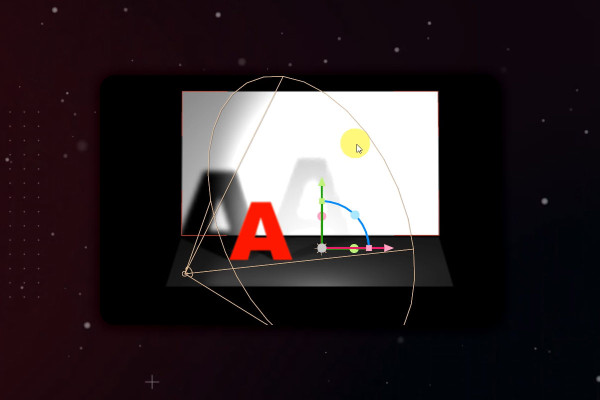
Adobe After Effects CC - from getting started to brilliant videos (Tutorial)
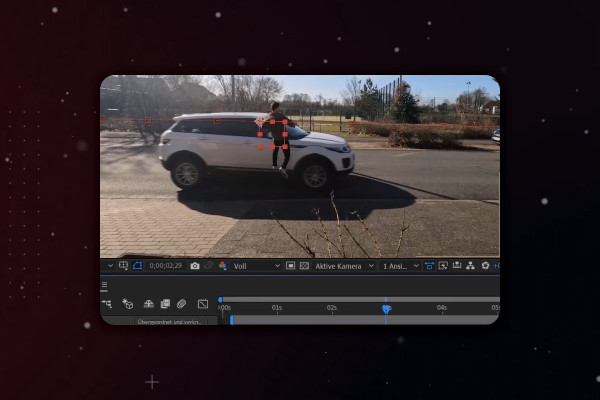
Adobe After Effects CC - from getting started to brilliant videos (Tutorial)
YouTube tutorial: Basics, marketing & video editing
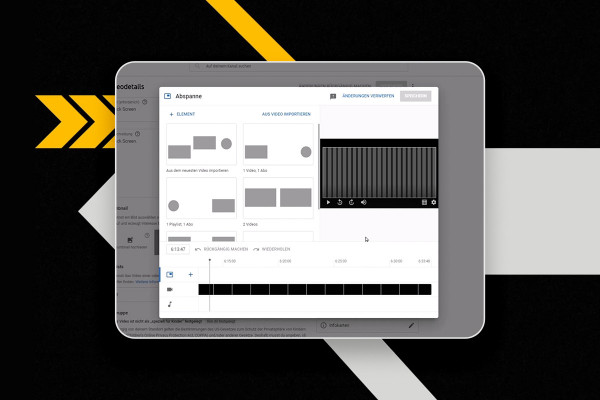
YouTube tutorial: Basics, marketing & video editing
YouTube tutorial: Basics, marketing & video editing
YouTube tutorial: Basics, marketing & video editing
YouTube tutorial: Basics, marketing & video editing
YouTube tutorial: Basics, marketing & video editing
YouTube tutorial: Basics, marketing & video editing
YouTube tutorial: Basics, marketing & video editing
YouTube tutorial: Basics, marketing & video editing
YouTube tutorial: Basics, marketing & video editing
YouTube tutorial: Basics, marketing & video editing
YouTube tutorial: Basics, marketing & video editing
Magix VEGAS Pro 19 - Video tutorial on the new features
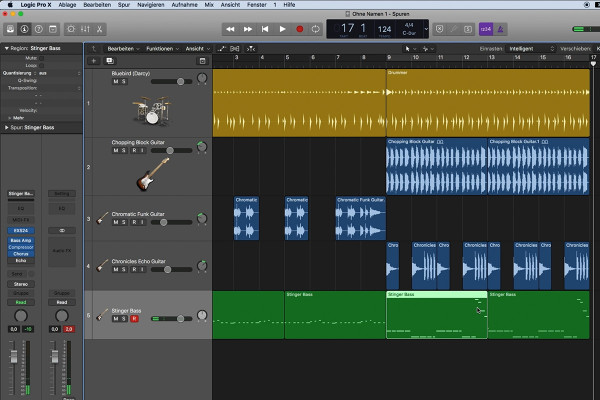
Logic Pro X-Tutorial - Make music easily yourself
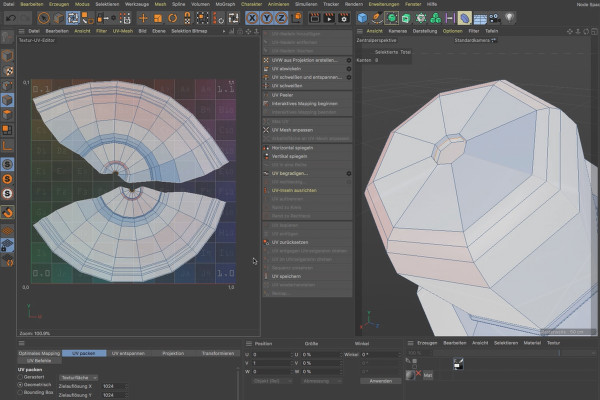
BodyPaint 3D in Cinema 4D (Tutorial): Painting and texturing 3D objects

BodyPaint 3D in Cinema 4D (Tutorial): Painting and texturing 3D objects
Adobe Media Encoder: Video converter tutorial
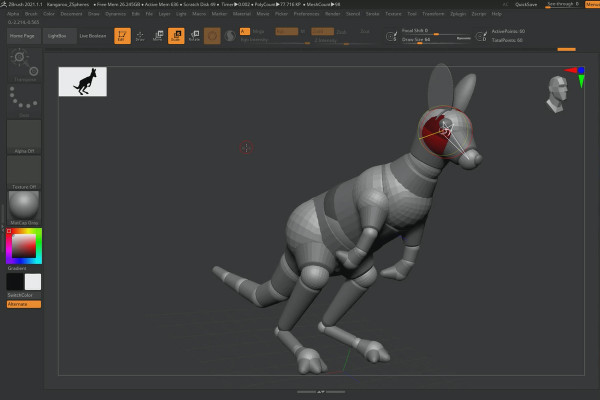
ZBrush 2020 and 2021: Video training on the updates
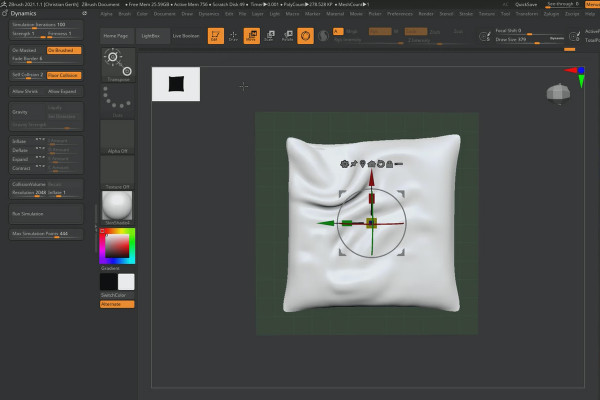
ZBrush 2020 and 2021: Video training on the updates
Creative Cloud desktop app: Tutorial on helpful features
After Effects CC from version 2020: Updates explained
After Effects CC from version 2020: Updates explained
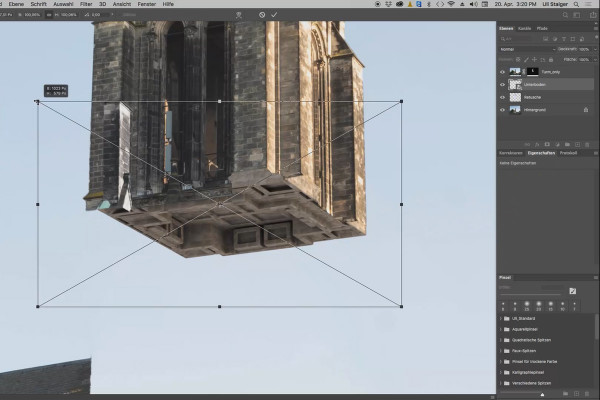
3D composing in Photoshop (Tutorial): "Take-off"
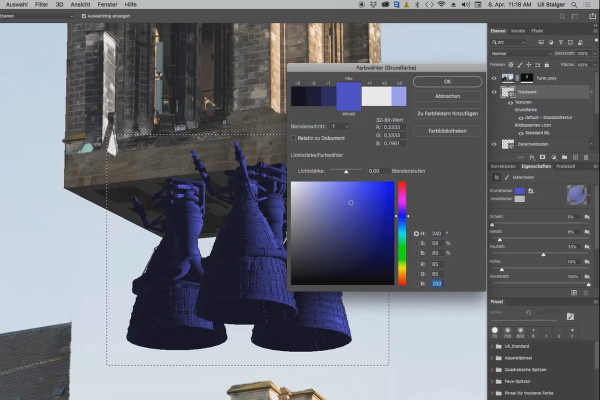
3D composing in Photoshop (Tutorial): "Take-off"
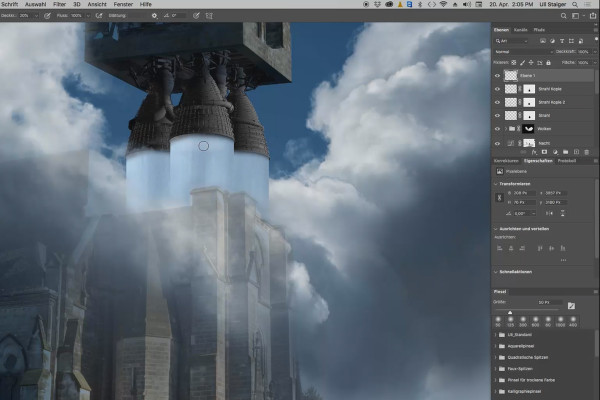
3D composing in Photoshop (Tutorial): "Take-off"
Creating videos - the great videography course
Creating videos - the great videography course
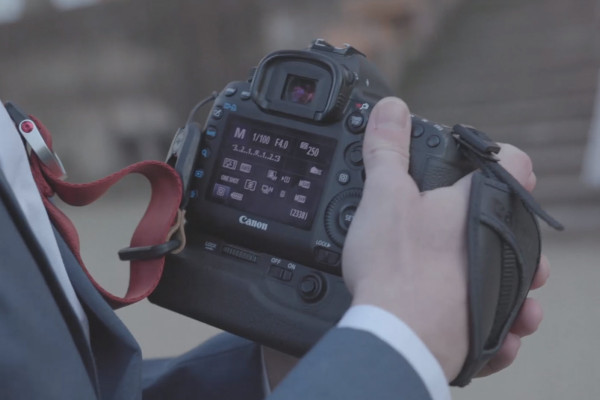
Creating videos - the great videography course
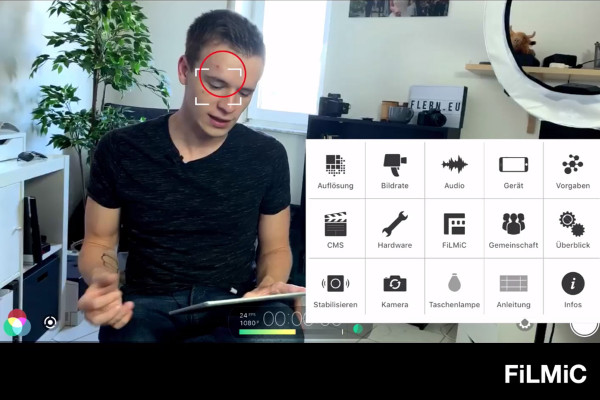
Creating videos - the great videography course
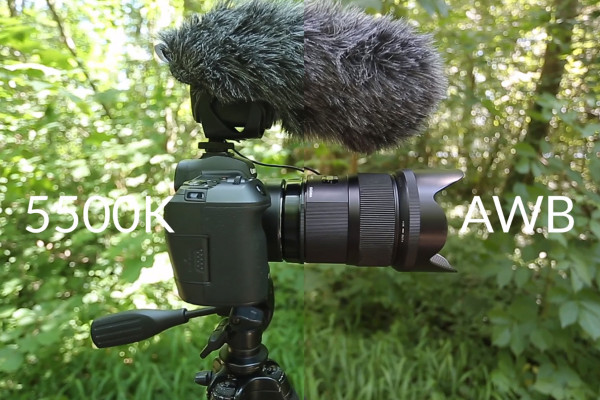
Creating videos - the great videography course
Creating videos - the great videography course
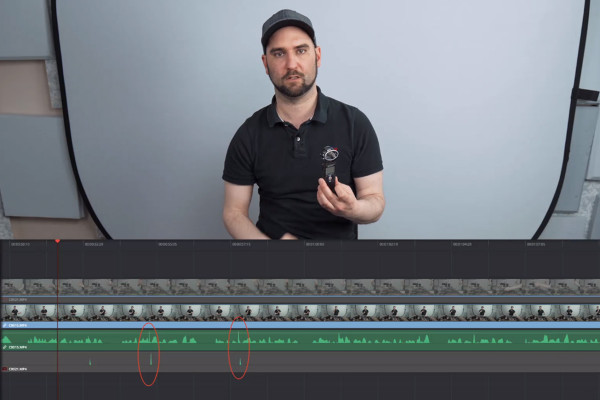
Creating videos - the great videography course
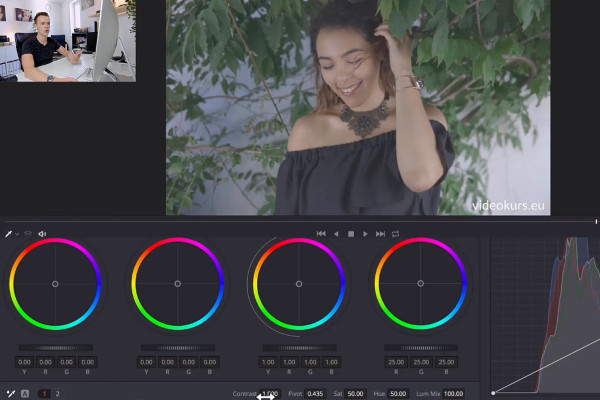
Creating videos - the great videography course
Creating videos - the great videography course
Creating videos - the great videography course
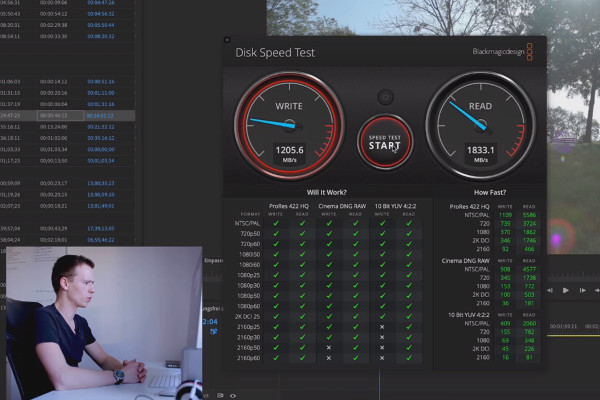
Adobe Premiere Pro CC Tutorial: Video editing from cut to export
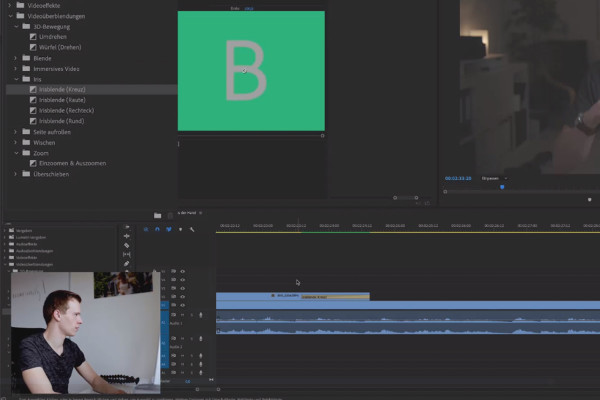
Adobe Premiere Pro CC Tutorial: Video editing from cut to export
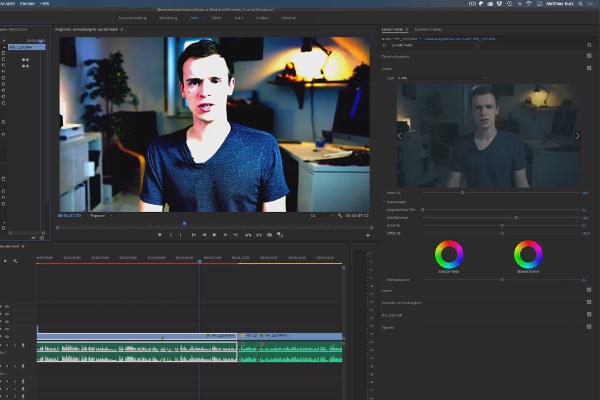
Adobe Premiere Pro CC Tutorial: Video editing from cut to export
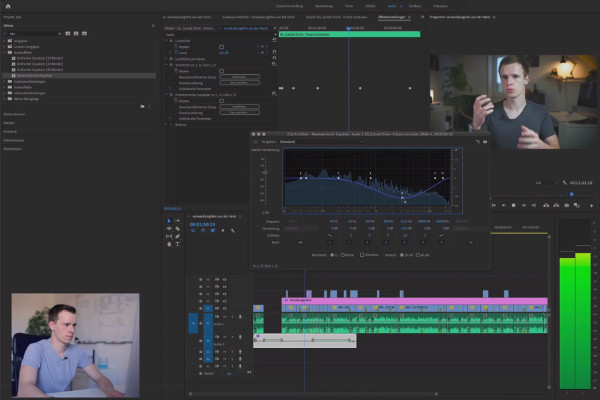
Adobe Premiere Pro CC Tutorial: Video editing from cut to export
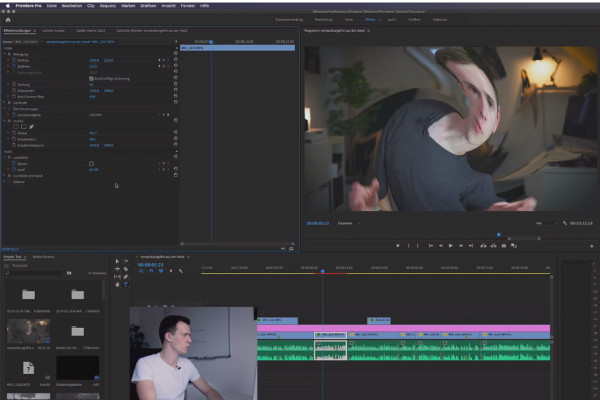
Adobe Premiere Pro CC Tutorial: Video editing from cut to export
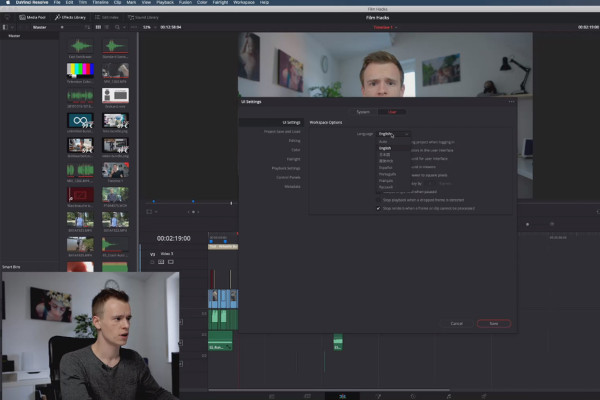
DaVinci Resolve tutorial: Video editing from the basics to export
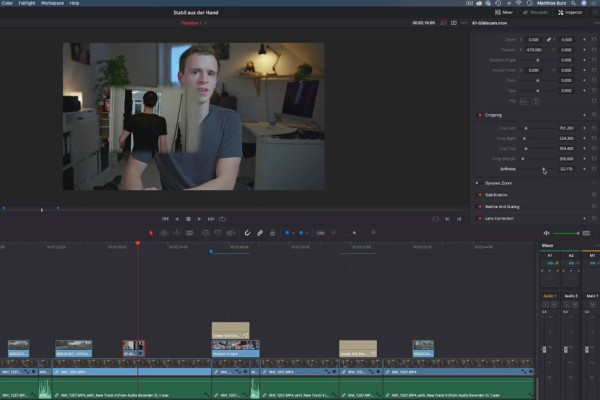
DaVinci Resolve tutorial: Video editing from the basics to export
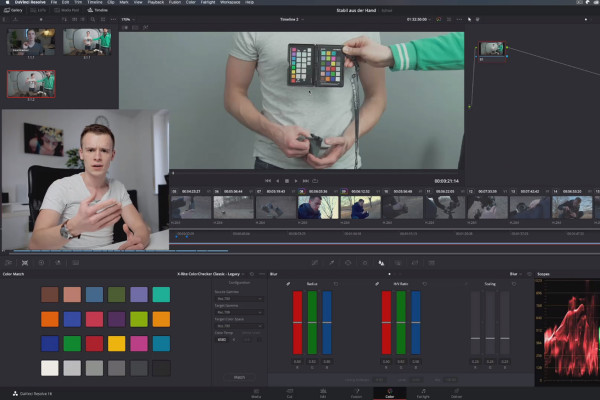
DaVinci Resolve tutorial: Video editing from the basics to export
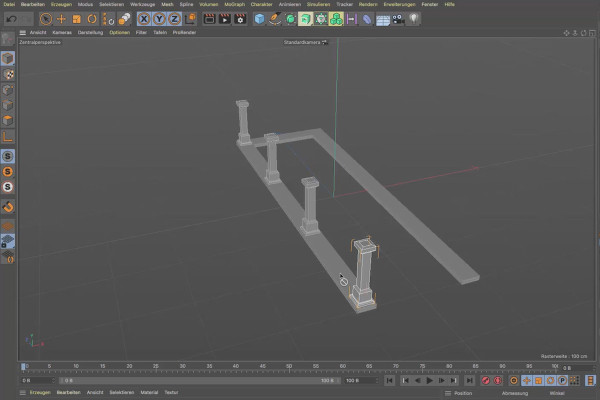
Cinema 4D tutorial "Underground" - from 3D model to rendering
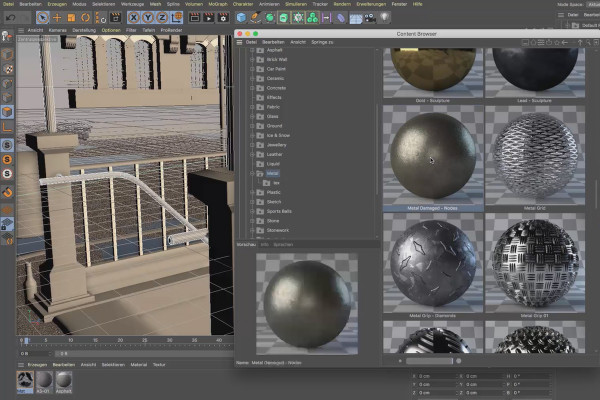
Cinema 4D tutorial "Underground" - from 3D model to rendering
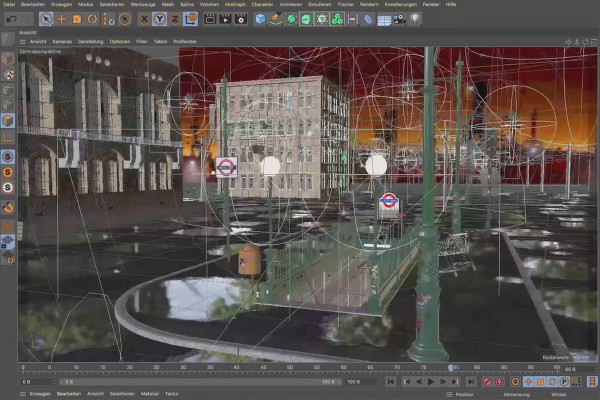
Cinema 4D tutorial "Underground" - from 3D model to rendering

Magix VEGAS Pro 17 - Video tutorial on the new features
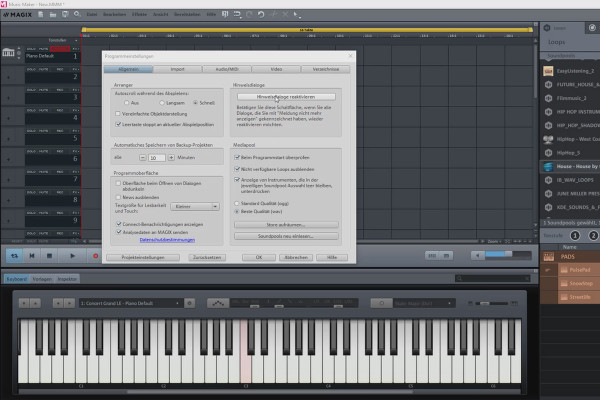
Create your own music with Magix Music Maker - Tutorial for audio editing
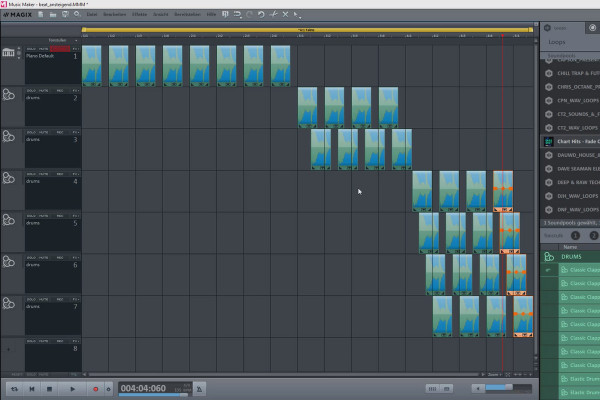
Create your own music with Magix Music Maker - Tutorial for audio editing
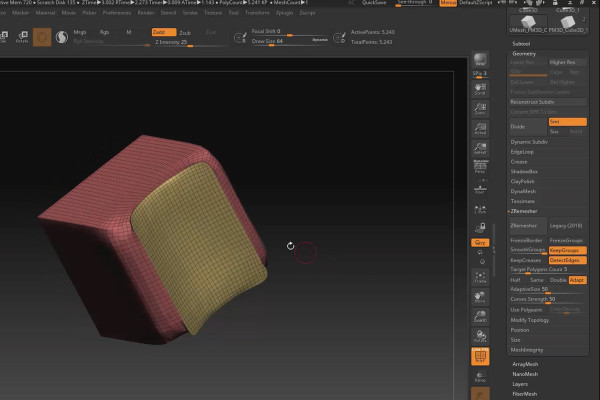
ZBrush 2019 - Video training for the update
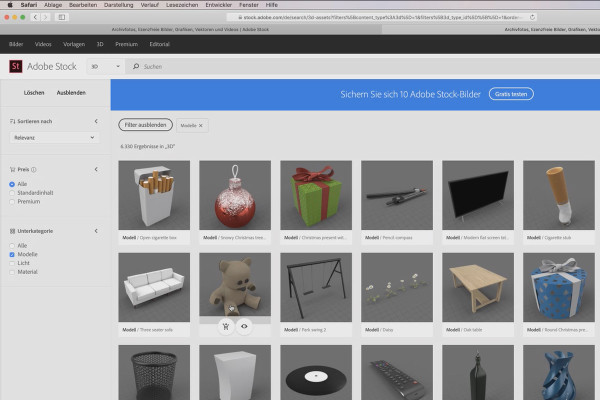
Adobe Dimension CC tutorial - 3D for graphic designers
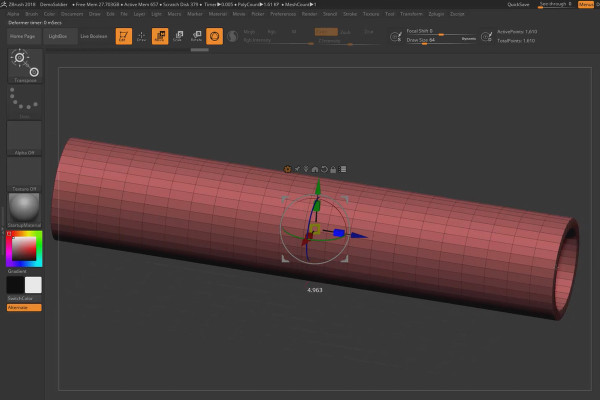
ZBrush 2018 and 4R8: Video training on the updates
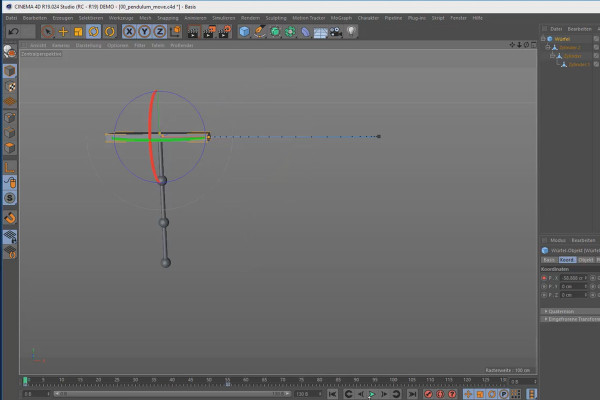
Create 3D animation in Cinema 4D
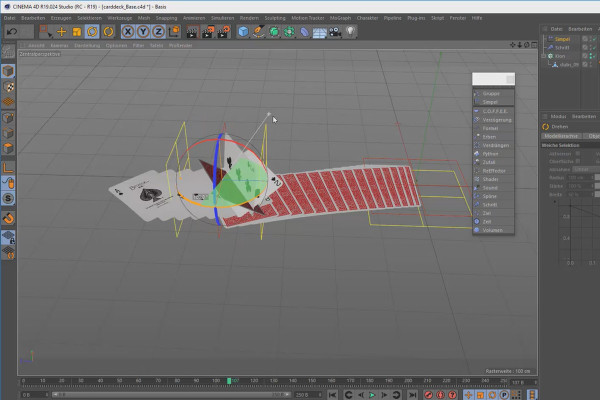
Create 3D animation in Cinema 4D