
ZBrush 2020 and 2021: Video training on the updates

- ZBrush 2020 and 2021 updates: over 1.5 hours of video training from Christian Gerth
- Updated ZBrush map as PDF: Keep track of all new features
- Get to know the functions, their settings and their practical benefits
- Topics include: History Recall Brush and the functions of the Dynamics menu
- Get maximum benefit from the updates - more details and more dynamics for your 3D work
Transfer models to other programs such as Blender? Give surfaces a thickness quickly and easily? With ZBrush 2020 and 2021 you can now do much more - start the training and learn how!
14 Videos, 103 minutes
Introduction
ZBrush 2020/2021 - Video training on the updates: 1 | Introduction
3 minZBrush 2020 already brought a few nice innovations, but ZBrush 2021 in particular shows the full power of this program with the new Dynamics functions. As before, all new features can also be found in the ZBrush map.
ZBrush 2020
ZBrush 2020 - Video training for the updates: 2 | Cam Silhouette & Cam View
7 minThese two functions are new to the viewport and help you to find your way around the room more easily. Not only do they provide a nice overview of the mesh, but they also allow you to quickly change the view of the mesh.
ZBrush 2020 - Video training for the updates: 3 | History Recall Brush & History Projection
9 minThe History Recall Brush can be used to draw time points saved in the timeline onto a current mesh. The History Projection function can even transfer the details of a complete mesh to a reduced form.
ZBrush 2020 - Video training for the updates: 4 | Sculpting & Painting in Morph UV
9 minIt is now possible to paint on the unrolled mesh and also edit it. In Morph UV mode, textures can be easily applied and details added using Spotlight 2.0.
ZBrush 2020 - Video training on the updates: 5 | X-Tractor Brush
5 minThe X-Tractor Brush saves the details using an alpha when moving over an edited mesh. These can now be reproduced as required.
ZBrush 2020 - Video training for the updates: 6 | ZeeZoo
7 minThe ZeeZoo lightbox folder contains countless ready-made ZSphere models of various animals. These can be easily modified and saved as a mesh for further detailed work using an adaptive skin.
ZBrush 2020 - Video training on the updates: 7 | Import/Export
3 minWith the help of the FBX file format, models including all subtools can now be sent back and forth between ZBrush and other 3D programs without losing them. This is particularly important if UV unwrapping is to take place in other programs.
ZBrush 2021
ZBrush 2021 - Video training for the updates: 8 | ZModeler: Extrude Edge
9 minWith Extrude Edge, the ZModeler gets another function that is particularly useful for low-poly modeling. This function can be customized with various additional buttons.
ZBrush 2021 - Video training on the updates: 9 | Dynamic Thickness
8 minThanks to Dynamic Thickness, each surface now has a freely adjustable thickness and therefore a volume. In addition, the whole thing is non-destructive and can be adjusted at any time.
ZBrush 2021 - Video training on the updates: 10 | MicroPoly
5 minMicroPoly can be used to add details to simple meshes. ZBrush has a large selection of options that can be selected with a single click.
ZBrush 2021 - Video training on the updates: 11.1 | Cloth Simulation
14 minThe Dynamics menu brings the real dynamics to ZBrush. It can be used to create fabrics that can adapt to other elements in an instant.
ZBrush 2021 - Video training for the updates: 11.2 | Cloth Brushes
13 minCloth Brushes can be used to add details to existing fabrics with just a few brushstrokes. It is also possible to dynamically deform objects with the TransposeCloth Brush.
ZBrush 2021 - Video training on the updates: 12 | Nanomesh instances
9 minIt is now possible to create individual nanomesh instances. Hardly any polygons are used and the meshes can also be edited afterwards.
ZBrush 2021 - Video training for the updates: 13 | iMage3D (GIF/PNG)
4 minExisting ZBrush projects can now also be saved as image files to make it easier to see their contents in the file manager. However, all 3D data is retained when opening in ZBrush.
Examples of use
-
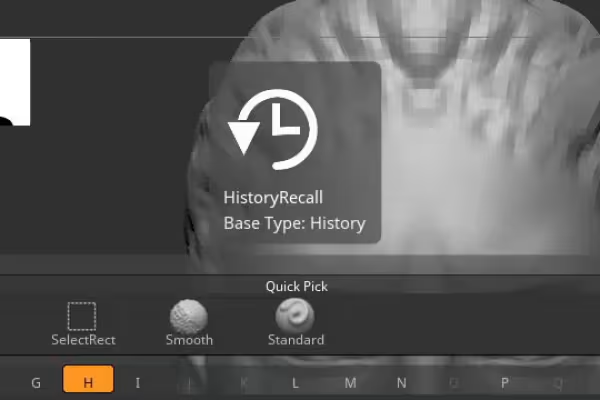 Example: Learn how to use the silhouette thumbnail and the history recall function for your purposes.
 -
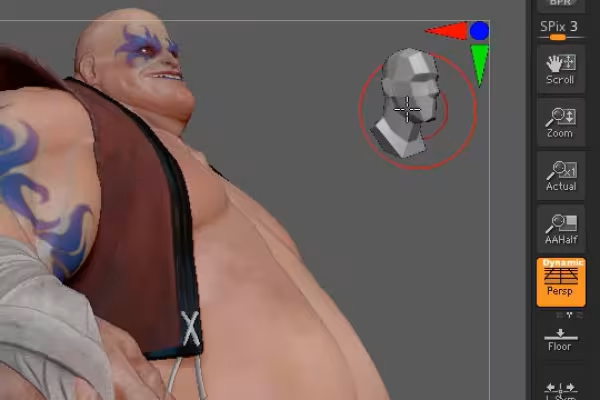 Example: The new CamView function - handy if you know how to use it.
 -
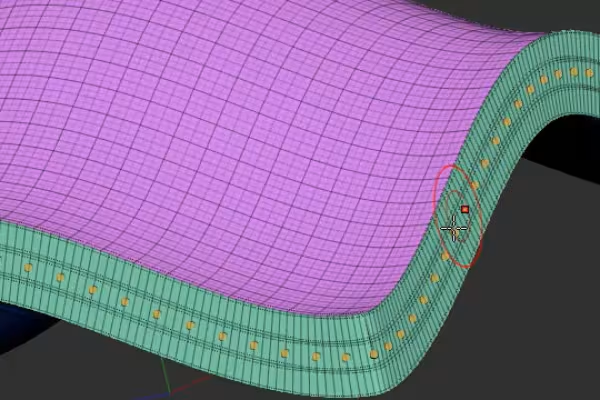 Example: Learn how to add a thickness to flat objects and divide them into segments.
 -
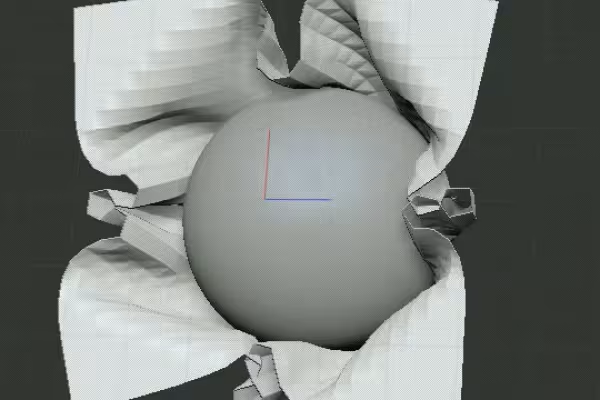 Example: Flexible and organic - learn all about the new Dynamics features in ZBrush 2021.
You might also like

20 sets in 4K (4096 × 4096 px, 300 DPI) as JPG plus Photoshop patterns, calibrated to the fill method

More style, more power, more templates!

Edit films, transitions, animations, and more

100 presets in 5 themes · each look in .xmp, .dng, and .costyle · for desktop and smartphone
Comment now „ZBrush 2020 and 2021: Video training on the updates“