Frank Fischer is a photographer, blogger and trainer from the Freiburg area. In his own studio, he mainly captures people in expressive scenes and takes creative portraits, but is also happy to travel for other motifs. He shares his knowledge of photography, post-processing and retouching in tutorials, live webinars and on his reckordzeitstudio photography blog.
Frank Fischer – Trainer for Photoshop & JPG images
Areas of expertise
- 3 courses
- 1 more package
- 109 video lessons
- 6 hours of video
- 85 text tutorials
To website: reckordzeitstudio.de/
Courses and packages by Frank Fischer
Go to content
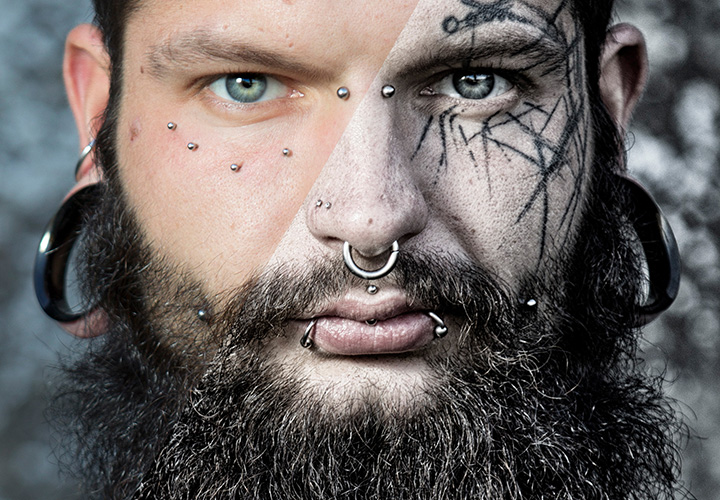
To Nik Collection: Guide to Color Efex Pro 4
Nik Collection: Guide to Color Efex Pro 4
Go for the filters for exciting looks!

1 hour 43 minutes
Go to content
To Nik Collection: Tutorial on Analog Efex Pro 2
Nik Collection: Tutorial on Analog Efex Pro 2
More charm for your photos
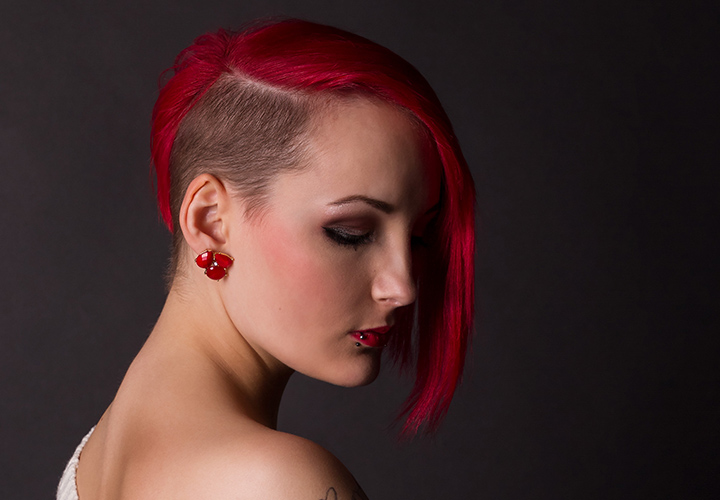
1 hour 18 minutes
Go to content
To Frequency separation in Photoshop - video tutorial
Frequency separation in Photoshop - video tutorial
The complete training for the retouching technique
2 hours 44 minutes
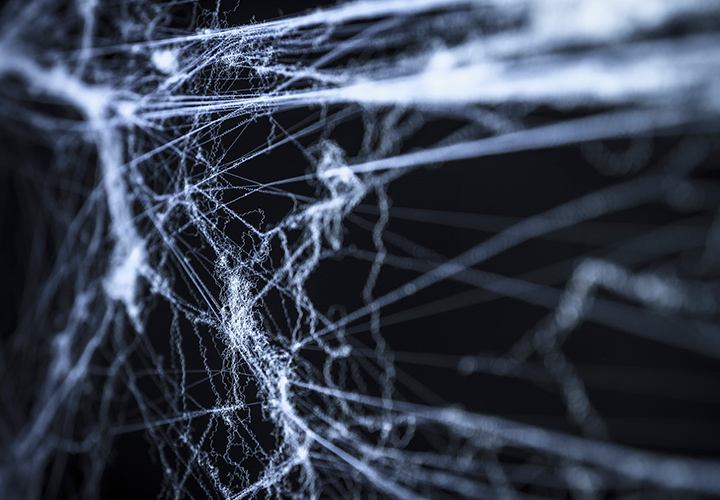
Spider web images: Templates of spider webs for composings
Simply use to relax the atmosphere
50 contents
Latest text tutorials by Frank Fischer
- Creating Midnight Effects – Using Color Efex Pro 4 in the Perfect Way
- Analog Efex Pro 2 – Give your images that special something
- Color Efex Pro 4 – Always keep favorites handy
- Color correction made easy – Color Efex Pro 4 White Neutralizer
- Nik Collection: Apply Looks with Color Efex Pro 4
- Bleach Bypass in Color Efex Pro 4
- Create fog effects easily with Color Efex Pro 4
- Using Graduated Neutral Density Filter in Color Efex Pro 4
- Analog Efex Pro 2 – Everything about the Nik Collection explained in detail
- Creative image editing with zooming and rotating
- Combining Looks and Effects in Analog Efex Pro 2
- Frequency separation explained simply – Steps to perfect retouching
- Make optimal use of color and structure separation in Photoshop
- Efficient frequency separation in Photoshop for 8-bit images
- Retouching of background and hair with frequency separation in Photoshop
- Create before-and-after comparisons in Photoshop
- Hairline recoloring with frequency separation in Photoshop
- Create a vintage look with Analog Efex Pro 2 photo plate
- Using Creative Light Effects in Analog Efex Pro 2
- Effectively adding a frame in Analog Efex Pro 2