
Google AdWords - less costs, more customers

- 34 lessons in over three hours of video training on the optimized use of Google AdWords
- Win new customers quickly with the right keywords, campaigns and ads
- From Norbert Weber, an experienced search engine optimization professional
Get clicks with efficiency - pay less and still win more customers. How to use AdWords for you and your success!
34 Videos, 214 minutes
Basics of Google Adwords
Google AdWords - less costs, more customers - 1.1 Welcome
4 minWelcome and objectives by the author.
Google AdWords - less costs, more customers - 1.2 AdWords changes 03/2016
5 minAt the beginning of March 2016, Google changed the structure and view of Google AdWords. Instead of the previous eleven AdWords hits, there are now only seven. Four of these are clearly visible above the organic search and three are usually only visible after multiple crawls. Google is thus adapting the desktop view to the mobile view.
Google AdWords - less costs, more customers - 1.3 AdWords appearance on the various screens
3 minWhere and how are AdWords ads displayed on the different screen sizes?
Google AdWords - less costs, more customers - 1.4 Advantages of Google AdWords
6 minThe advantages of Google AdWords:
- You don't have to pay for the ad, but only for the click
- You are on page 1 on Google very quickly
- You are relatively inexpensive on page 1 on Google
- You can manage your ad very flexibly
- You don't have to put in the huge effort required for search engine optimization
Google AdWords - less costs, more customers - 1.5 Disadvantages of Google AdWords
5 minThe disadvantages of AdWords:
- It says "ad" above the ads, which puts off one or two customers
- Not every click is a customer
- Depending on your budget, you will be displayed for a limited time
- You can suffer financial damage due to "misclicks"
- You may not be displayed on small screens because your bidding strategy does not allow this
Google AdWords - less costs, more customers - 1.6 This explains the price of your bid and your position
5 minThese three factors have a decisive influence on the placement of your AdWords ad:
- Your bid
- Your quality score
- Your CTR (click through rate)
Google AdWords - less costs, more customers - 1.7 The structure of Google AdWords
3 minHow to set up Google AdWords logically and hierarchically correctly.
Google AdWords - less costs, more customers - 1.8 Open an AdWords account
2 minHow to open a Google AdWords account if you have not yet set up an account at all.
Keyword research
Google AdWords - less costs, more customers - 2.1 Keyword analysis: personal words
2 minEven if the keyword analysis is usually regarded as unimportant because everyone thinks they already know what is important for them, carry it out conscientiously. It will be worth it.
Google AdWords - less costs, more customers - 2.2 The Keyword Planner tool
9 minThis will help you find the most lucrative keywords for your ads and avoid unnecessary costs for keywords that look lucrative at first glance but actually only eat up your budget.
Google AdWords - less costs, more customers - 2.3 An alternative to the keyword planner
5 minAn alternative to the Google Keyword Planner, which is also excellent for researching "buy" keywords that are frequently searched for.
Complete quick run-through
Google AdWords - less costs, more customers - 3.1 Quick run-through: personal words
3 minIn a quick run-through, you will learn everything you need to know to successfully set up your campaign on Google.
Google AdWords - less costs, more customers - 3.2 Quick run-through without conversion tracking
14 minThe complete process, quickly explained to give you an overview.
Google AdWords - less costs, more customers - 3.3 Quick run-through conversion tracking
5 minQuick run-through - how to set up conversion tracking in the dashboard and on your website.
The first campaign
Google AdWords - lower costs, more customers - 4.1 The first campaign if you have never run AdWords before
8 minThe first campaign if you have never run AdWords before.
Google AdWords - less costs, more customers - 4.2 Overview of your AdWords account
11 minGet an overview of the AdWords account.
Google AdWords - lower costs, more customers - 4.3 Setting up your first campaign
7 minThis is how you set up the first campaign in practice.
Google AdWords - less costs, more customers - 4.4 Location variations in the campaign
9 minThis allows you to vary the location and radius of your search in order to be found in your customer base in the best possible way.
The first ad group
Google AdWords - less costs, more customers - 5.1 We create the first ad group
15 minHow to create your first ad group! And always remember: only one keyword per ad group!
Google AdWords - less costs, more customers - 5.2 Ad group: Ads
6 minCreate three ads per ad group so that Google can test which one converts best. Once you have this data, pause the less successful ads.
Google AdWords - less costs, more customers - 5.3 Ad group: keywords (basic knowledge)
7 minKeywords - the meaning of "largely suitable", "suitable word group" and "exactly suitable".
Ad extensions for more conversions
Google AdWords - less costs, more customers - 6.1 Ad extension: personal notes
4 minA few personal words about Google's ad extensions.
Google AdWords - less costs, more customers - 6.2 Ad extension: What is it?
5 minBasic information about Google's ad extensions. More and better qualified clicks can be achieved with ad extensions.
Google AdWords - less costs, more customers - 6.3 Ad extension: Overview in the AdWords account
4 minOverview of the ad extension options in the Google AdWords account.
Google AdWords - less costs, more customers - 6.4 Ad extension: Sitelinks
7 minSitelinks allow you to present your topic more broadly and lead the customer to other landing pages. This allows you to expand your expertise.
Google AdWords - less costs, more customers - 6.5 Ad extension: Location
8 minThe location extension for your ad. Especially important for local companies.
Google AdWords - less costs, more customers - 6.6 Ad extension: Call extension
8 minThe call extension has several advantages. It regionalizes and builds trust. Take advantage of this!
Google AdWords - less costs, more customers - 6.7 Ad extension: Rating extension
7 minReviews create trust. Here you even have the option of publishing the reviews that you approve of.
Google AdWords - less costs, more customers - 6.8 Ad extension: additional information
5 minAdditional information can be used for, as the name suggests, additional, supplementary information or, for example, for a call to action.
Measure conversions
Google AdWords - less costs, more customers - 7.1 Conversion: the most important key figure
2 minConversion is the lifeblood of all Google AdWords efforts. Don't forget to collect this important metric.
Google AdWords - less costs, more customers - 7.2 Set up key figures on the dashboard
3 minThis allows you to set up the most important key figures on your dashboard and always keep an eye on the most important key figures.
Google AdWords - lower costs, more customers - 7.3 Setting up conversion tracking in AdWords
12 minConversion tracking allows you to measure the quantity, costs and purchase rate as a percentage via Google AdWords.
Landing pages target pages
Google AdWords - less costs, more customers - 8.1 The perfect landing page as defined by Google
4 minThe perfect landing page according to Google's promotional video.
Google AdWords - less costs, more customers - 8.2 Landing page: Avoid pitfalls
11 minPay attention to these points to avoid your campaign or website being rejected.
You might also like
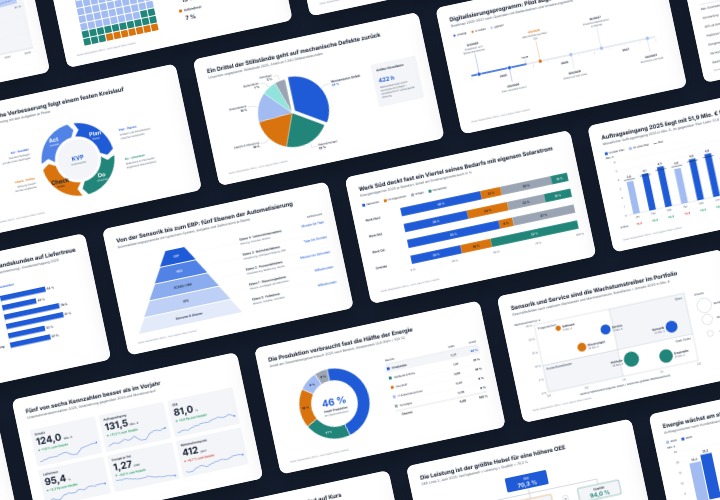
48 editable chart templates in SVG, PDF, EPS, PNG, and PowerPoint – in under a minute in the customer’s corporate identity

From Context Hints to Conversion: Campaigns in ChatGPT

10 sets of 50 vector icons in line and duotone, available in SVG, EPS, and PNG
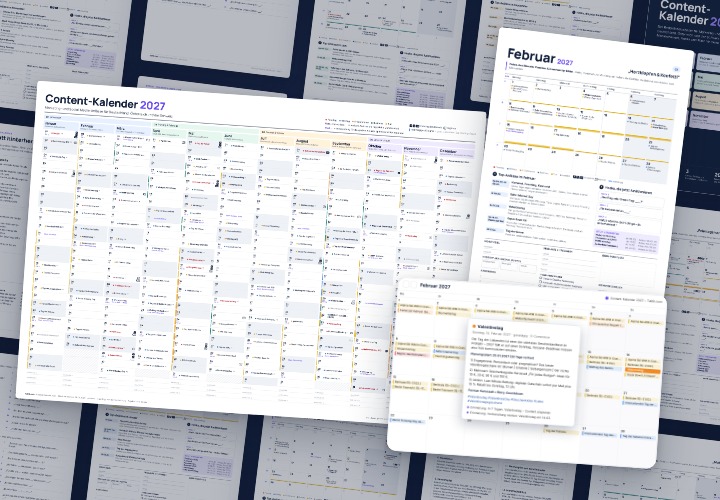
277 occasions with 3 post ideas each, wall planner A2/A1, monthly calendar A4, Excel database, calendar file, and bonus tools
Comment now „Google AdWords - less costs, more customers“