Tutorials on 3D, audio and video
3D, Audio & Video
Tutorials on basics & professional tips

3D, audio & video - tutorials, basics & pro tips

New to 3D, audio and video and looking for basic information? Or already an expert and keen to get to know new workflows? In our tutorials, experienced trainers will show you how to stage 3D objects, create impressive videos, produce music and correct audio recordings. Whether it's Adobe Premiere and After Effects or DaVinci Resolve and the basics of videography - take a look at what will help you progress in your 3D, audio and video work!
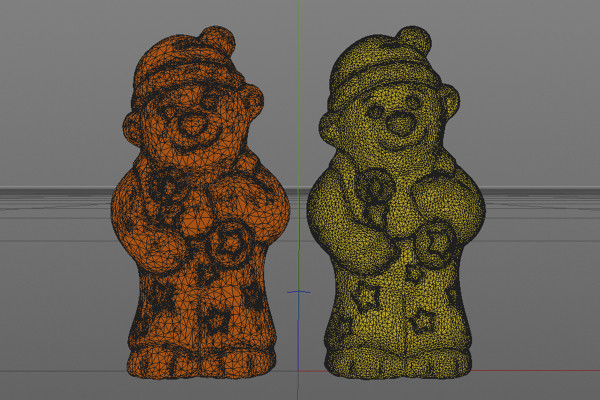
C4D Release 19 - improved polygon reduction and variable level of detail (LOD)

Cinema 4D tutorial: Basics & 3D practice for beginners
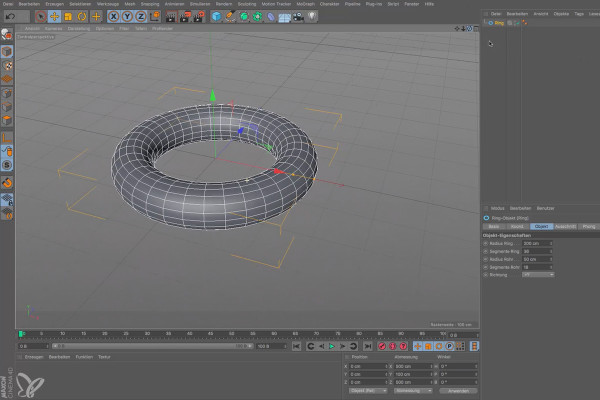
Cinema 4D for beginners - 3D practice: 1.5 Navigating

Cinema 4D tutorial: Basics & 3D practice for beginners
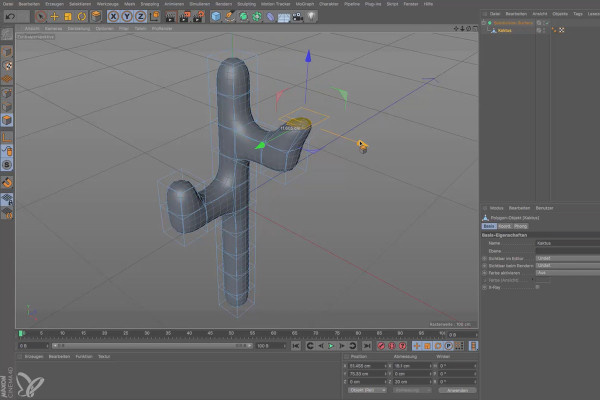
Cinema 4D for beginners - 3D practice: 2.5 SDS

Cinema 4D tutorial: Basics & 3D practice for beginners
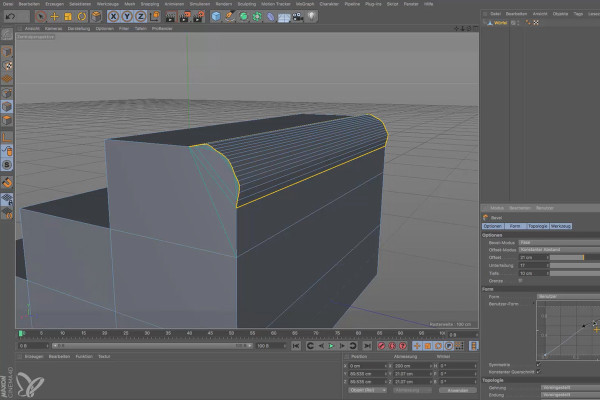
Cinema 4D for beginners - 3D practice: 3.5 Bevel

Cinema 4D tutorial: Basics & 3D practice for beginners
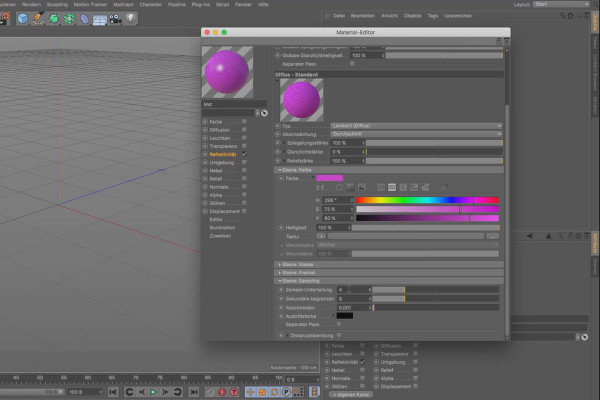
Cinema 4D for beginners - 3D practice: 4.5 Physical

Cinema 4D tutorial: Basics & 3D practice for beginners
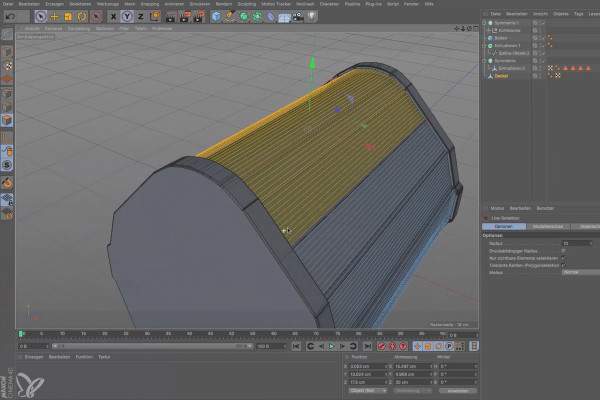
Cinema 4D for beginners - 3D practice: 6.5 lids

Cinema 4D tutorial: Basics & 3D practice for beginners
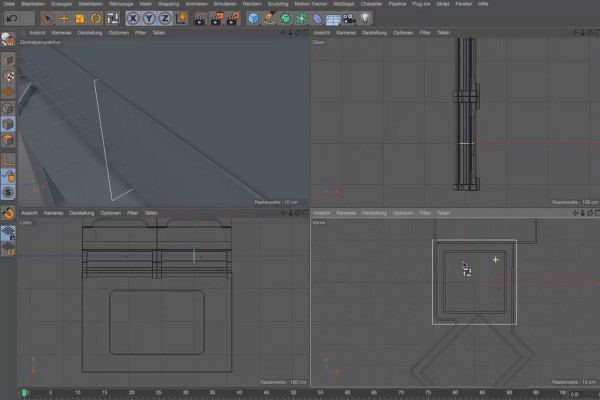
Practice in Cinema 4D - Modeling and lighting a space station: 05 Window frames

Cinema 4D practical tutorial: 3D modeling and lighting of a space station
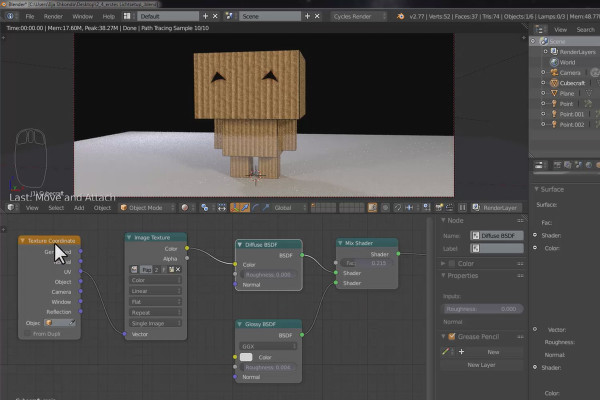
Practical training for Blender beginners - 2.5 Cubecraft character: material and texture

The practical tutorial for Blender: 3D for beginners
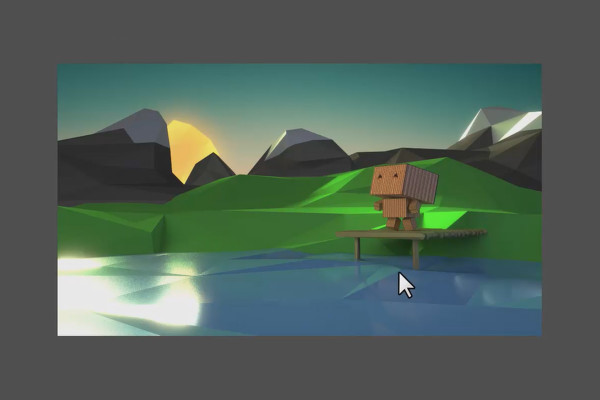
The practical training for Blender beginners - 3.5 Landscape: Compositing and rendering

The practical tutorial for Blender: 3D for beginners

360° architecture views with Unity and Cinema 4D - 11 Import tree
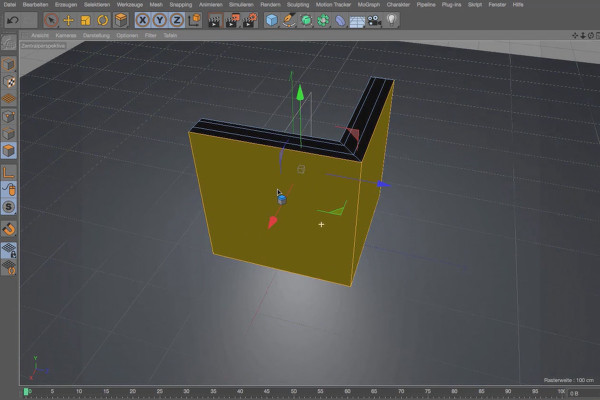
360° architecture views with Unity and Cinema 4D

Cinema 4D - Lighting: 1.5 Anomaly

Light & Lighting in Cinema 4D - the practical course
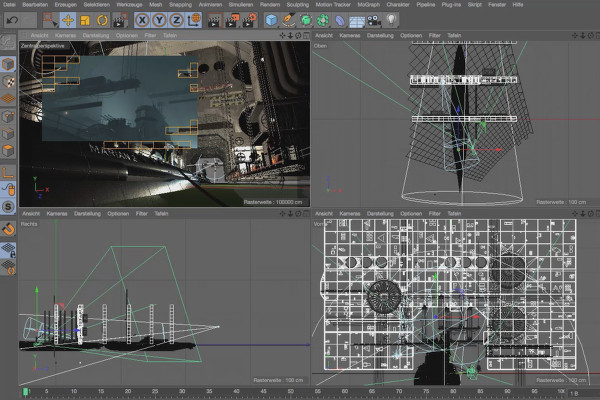
Cinema 4D - Lighting: 4.5 Adjusting grazing light

Light & Lighting in Cinema 4D - the practical course
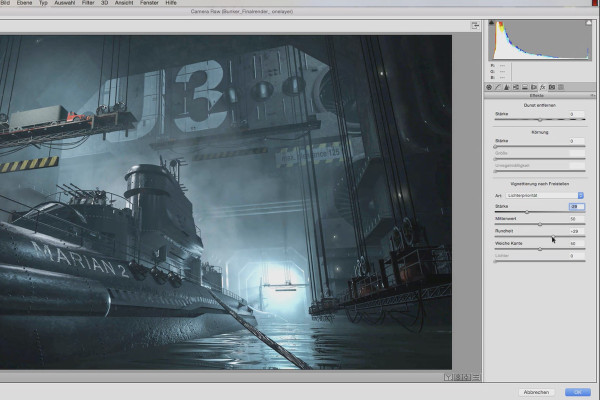
Cinema 4D - Lighting: 6.5 Color settings

Light & Lighting in Cinema 4D - the practical course
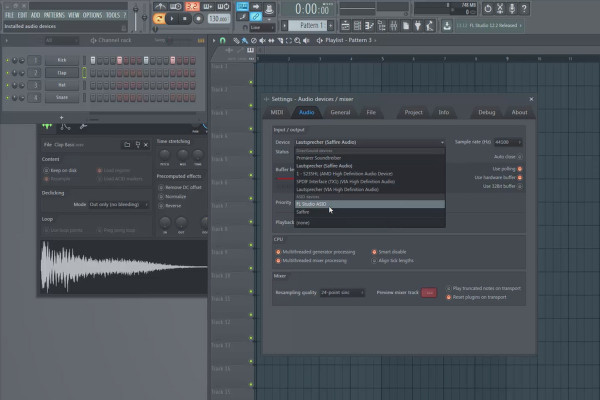
Digital music production with FL Studio - 3.5 Additional knowledge and recording of audio sources

FL Studio Tutorial: Learn music production
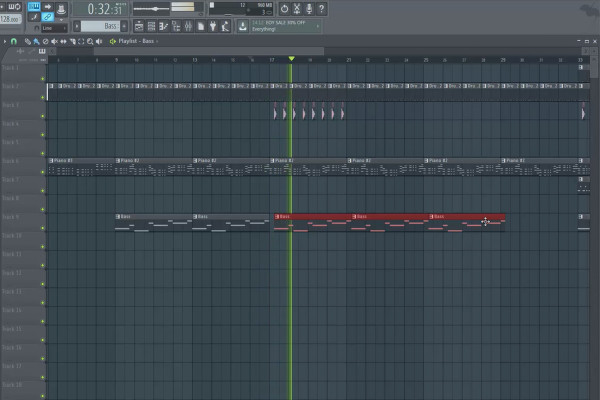
Digital Music Production with FL Studio - 5.5 Sample Production: Song Structure, Arrangement Part 1

FL Studio Tutorial: Learn music production
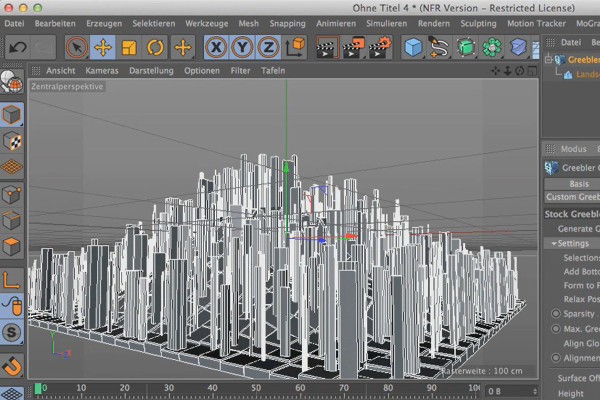
Cinema 4D meets Photoshop: I - 1.5 Explaining Greeblers: How Stock Greebles work

3D design & composing: Cinema 4D meets Photoshop
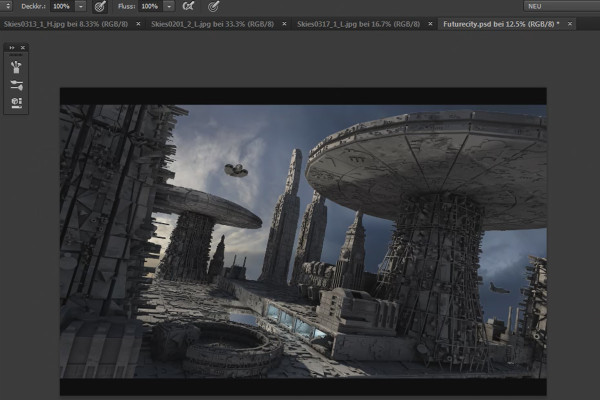
Cinema 4D meets Photoshop: II - 2.1 Inserting a background using alpha channels

3D design & composing: Cinema 4D meets Photoshop
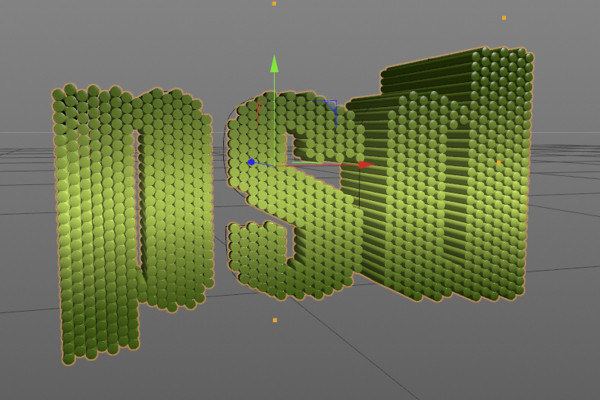
C4D Release 18 - some MoGraph highlights

New functions in Cinema 4D - R12 to R19, R20 and R21
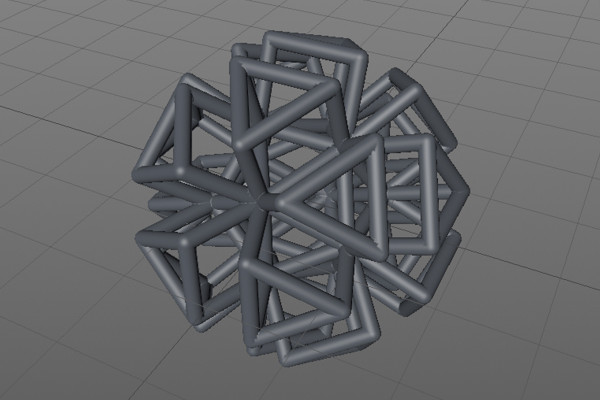
C4D Release 17 - Further practical functions and tools

New functions in Cinema 4D - R12 to R19, R20 and R21
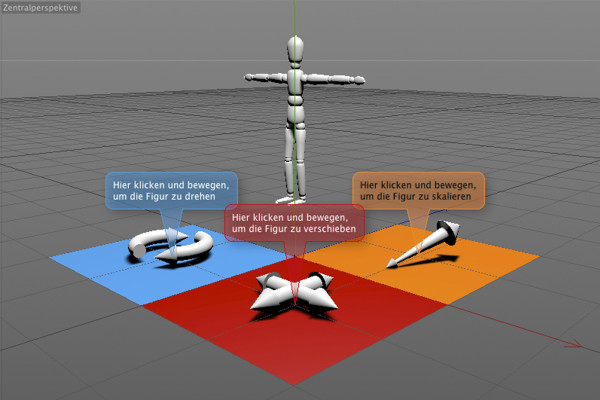
C4D Release 16 - Interaction and comment tag

New functions in Cinema 4D - R12 to R19, R20 and R21
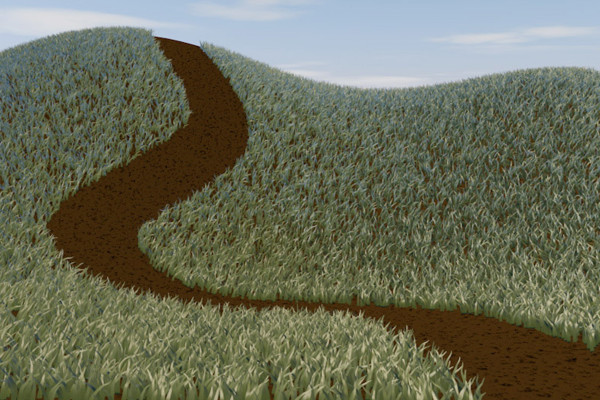
C4D Release 15 - Grass surfaces with architectural grass

New functions in Cinema 4D - R12 to R19, R20 and R21
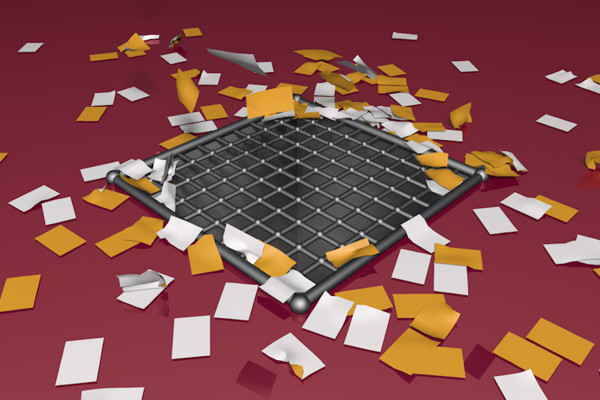
C4D Release 14 - Aerodynamic forces

New functions in Cinema 4D - R12 to R19, R20 and R21
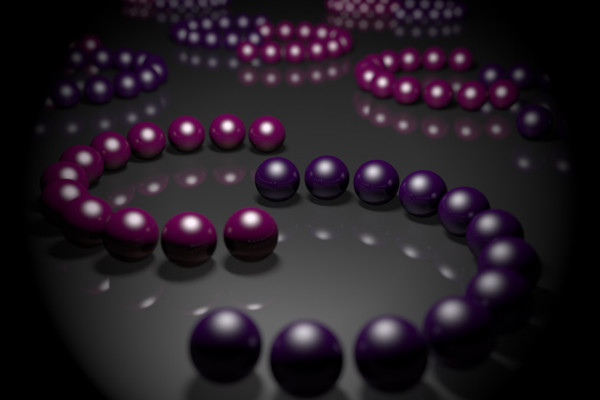
C4D Release 13 - Physical camera

New functions in Cinema 4D - R12 to R19, R20 and R21
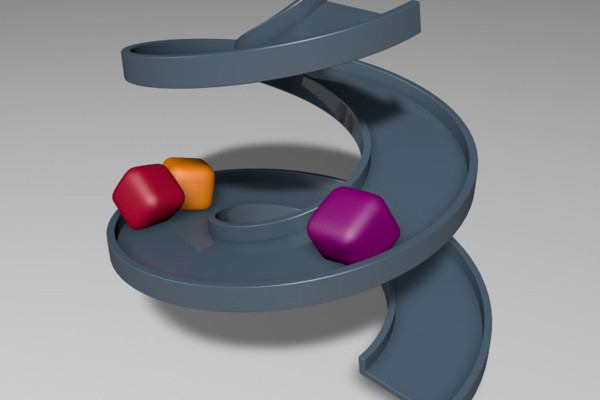
C4D Release 12 - Soft Body Dynamics

New functions in Cinema 4D - R12 to R19, R20 and R21
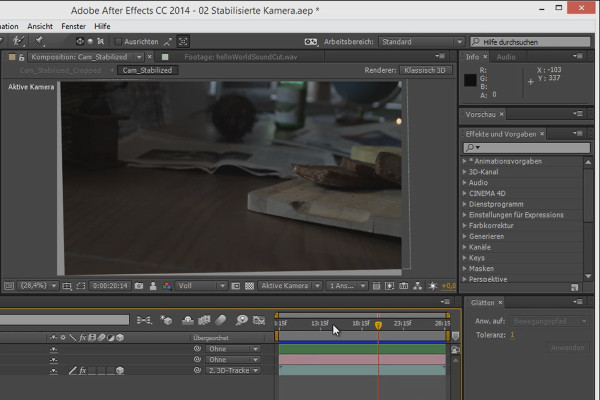
3D projects in After Effects: applying smoothing to the clip

3D projects and animations in After Effects

Tips and tricks for 3D in After Effects: Spatial interpolation

3D projects and animations in After Effects
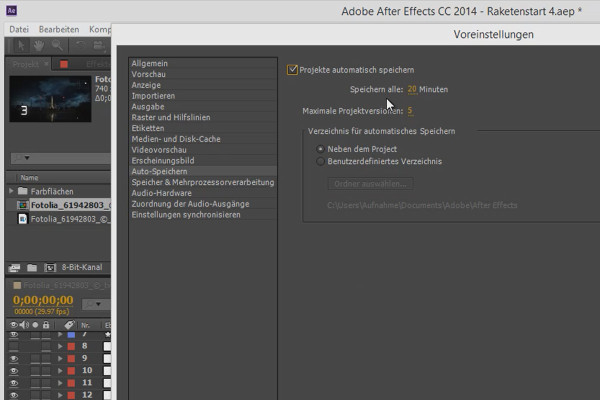
Workflow tips and tricks in After Effects: Auto-save

3D projects and animations in After Effects
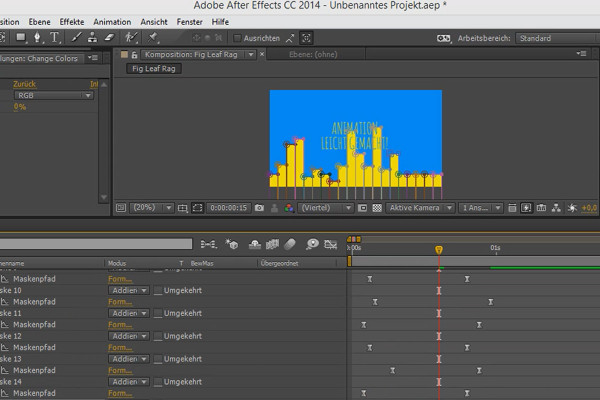
Animation made easy: The colors

Animation in After Effects: Your beginner's tutorial
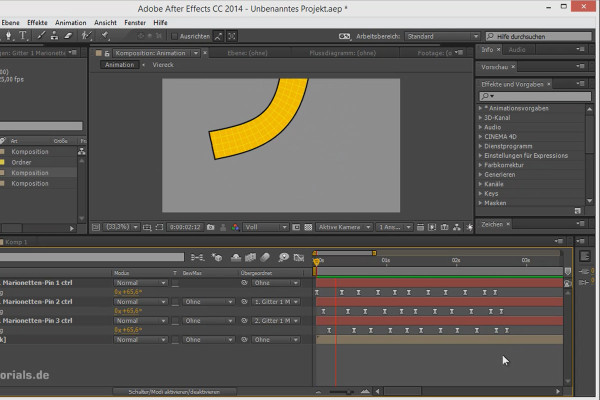
Tips and tricks for animation in After Effects: Dynamic pendulum movements

Animation in After Effects: Your beginner's tutorial

Workflow tips and tricks in After Effects: Navigating the timeline

Animation in After Effects: Your beginner's tutorial
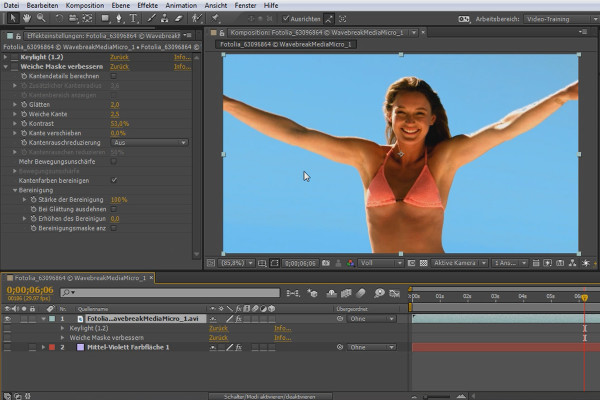
What's new in the Creative Cloud: After Effects CC (until 2015) - Extended cropping options

After Effects for beginners

What's new in the Creative Cloud: After Effects CC 2015 (June 2015) - Removed functions

After Effects for beginners

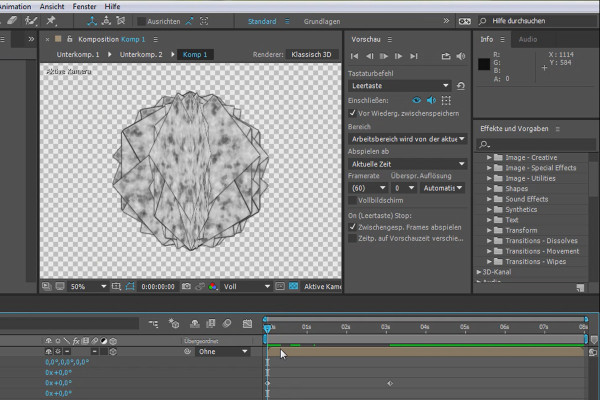
What's new in the Creative Cloud: After Effects CC 2015.1 (November 2015) - Improvements in the preview window

After Effects for beginners

After Effects for beginners: Creating a new project

After Effects for beginners

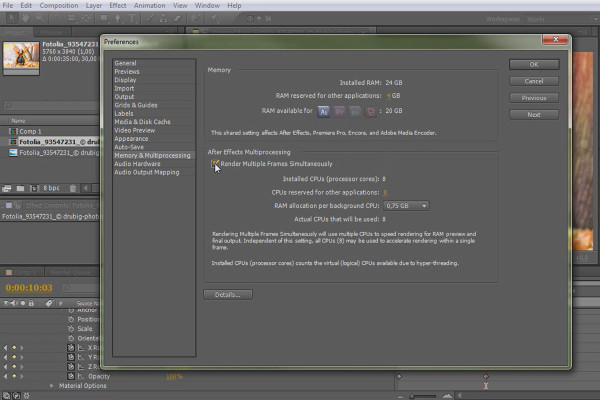
After Effects for beginners: Data synchronization

After Effects for beginners

After Effects for beginners: Getting started with Expressions

After Effects for beginners

After Effects for beginners: Universum titles

After Effects for beginners

VEGAS Pro 15 - new plug-ins

VEGAS Pro video training

Shaders and Textures - Material Creation in CINEMA 4D: Inca Gold

CINEMA 4D Video Training - Shaders & Textures
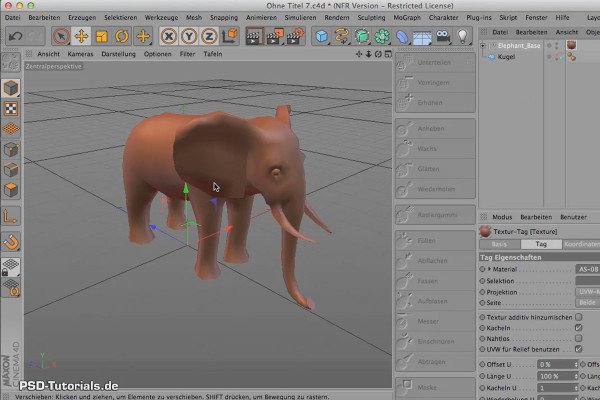
Sculpting in CINEMA 4D - Basics: Part 03 - Basemesh

Cinema 4D: 3D Sculpting Tutorial

After Effects - Basics: Animation with keyframes

After Effects Workshop DVD - Basics & Tricks
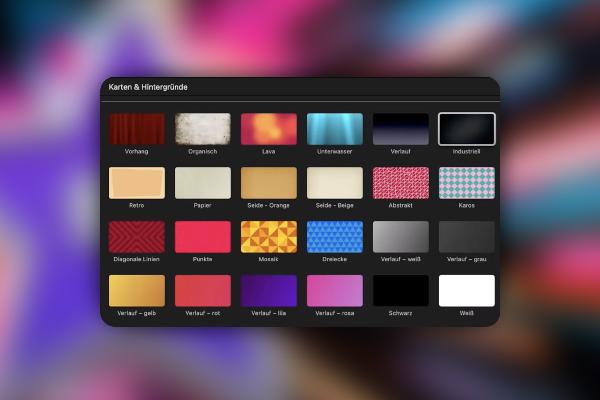
iMovie Tutorial: 2.6 | Step 4: Backgrounds

iMovie tutorial: Guide to creative video editing
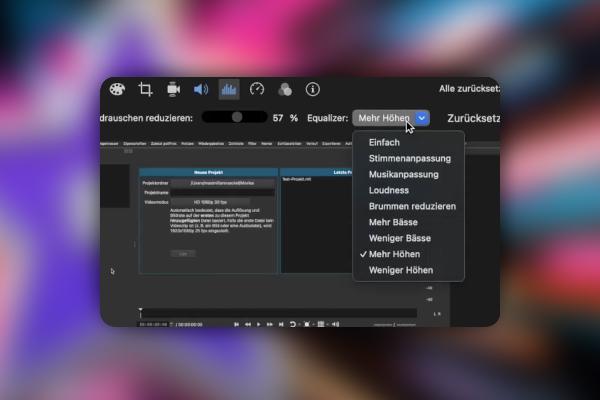
iMovie Tutorial: 3.6 | Adjust volume and apply noise reduction

iMovie tutorial: Guide to creative video editing
Creating AI videos: 3.6 | PikaLabs - Text-to-Video, Video-to-Video, Image-to-Video & Video Editing

Creating AI videos with artificial intelligence (Tutorial)

Creating AI videos: 8.6 | Recap and a task

Creating AI videos with artificial intelligence (Tutorial)
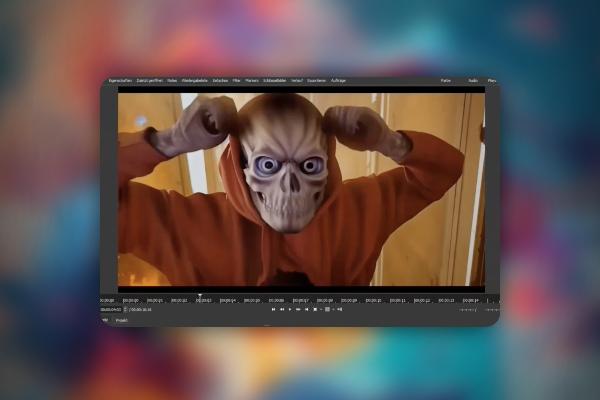
Creating AI videos: 9.6 | Stable Diffusion Deforum

Creating AI videos with artificial intelligence (Tutorial)
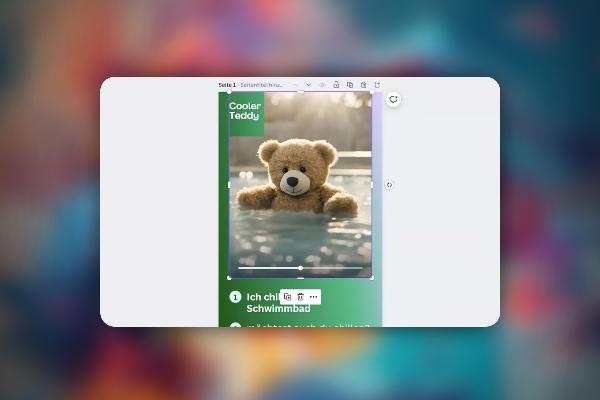
Create AI videos: 10.6 | Canva and Runway: Creating social media content faster

Creating AI videos with artificial intelligence (Tutorial)
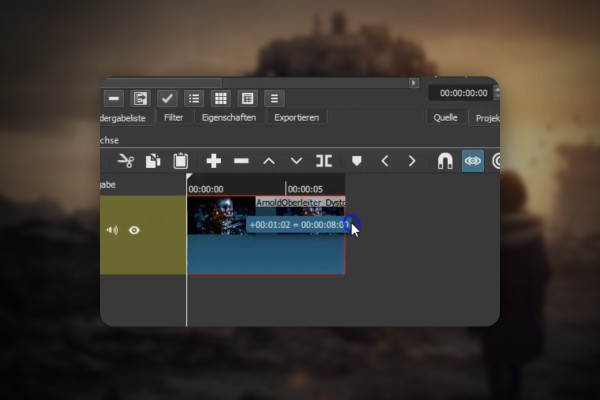
AI voices & deepfakes: 9.6 | Let the image speak with Wav2Lip - doesn't always work perfectly

Text-to-Speech: Create AI voices & deepfakes (Tutorial)
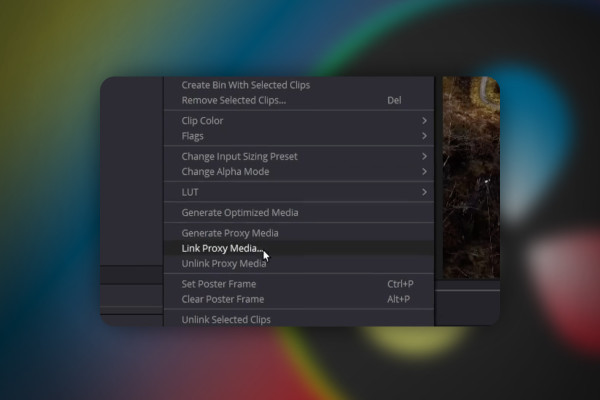
DaVinci Resolve: 2.6 | Proxy Media - Cut videos faster

DaVinci Resolve: Cutting and editing video & audio (practical training)
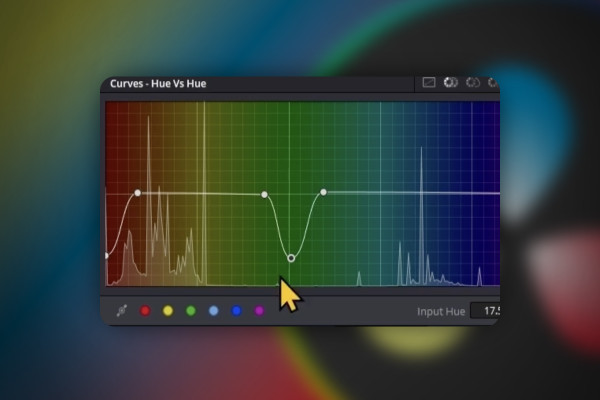
DaVinci Resolve: 3.6 | Color Grading (first part)

DaVinci Resolve: Cutting and editing video & audio (practical training)
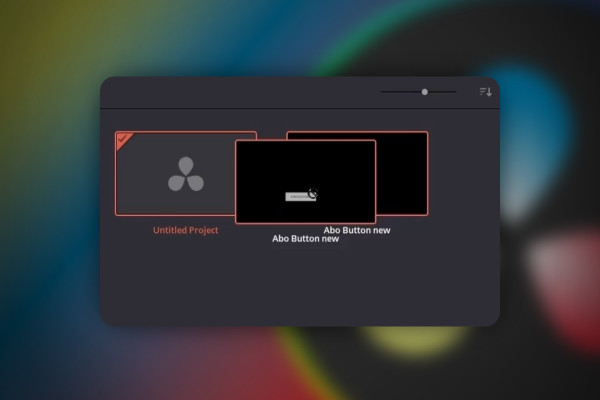
DaVinci Resolve: 4.6 | Project Manager

DaVinci Resolve: Cutting and editing video & audio (practical training)
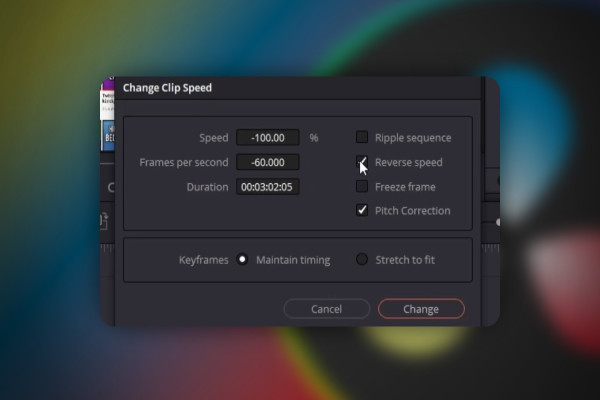
DaVinci Resolve: 5.6 | Play clip backwards

DaVinci Resolve: Cutting and editing video & audio (practical training)
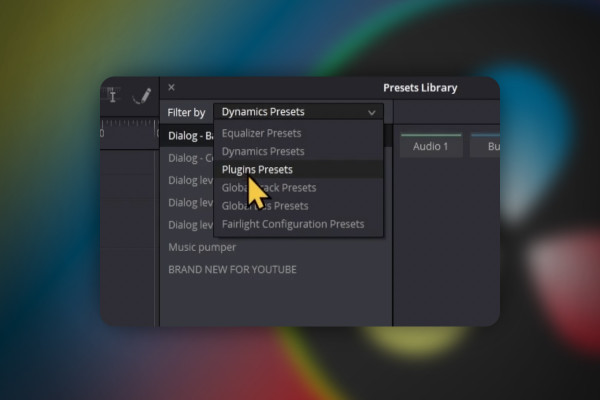
DaVinci Resolve: 7.6 | Fairlight presets

DaVinci Resolve: Cutting and editing video & audio (practical training)
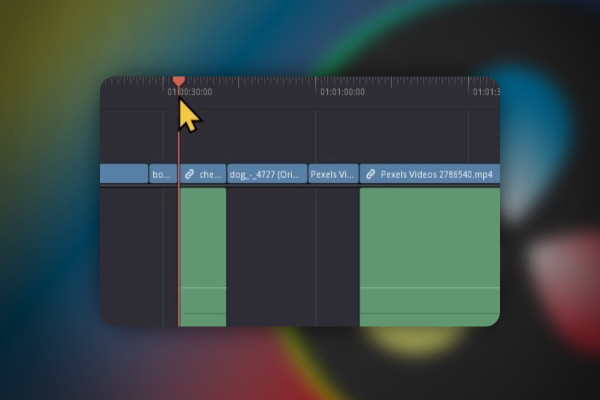
DaVinci Resolve: 8.6 | Export multiple clips

DaVinci Resolve: Cutting and editing video & audio (practical training)

DaVinci Resolve: 9.6 | Fix bug: Upload to YouTube failed

DaVinci Resolve: Cutting and editing video & audio (practical training)
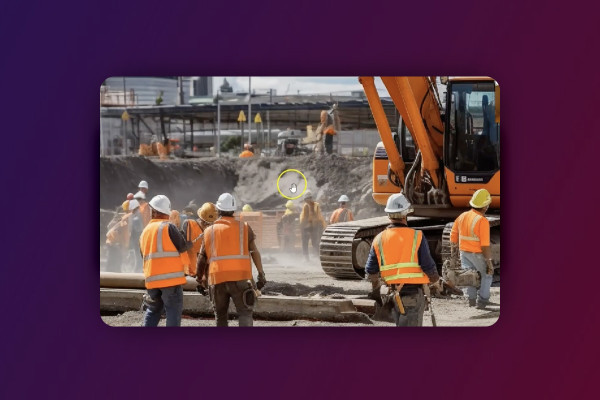
Deforum Stable Diffusion: 2.6 | What are frames?

Deforum Stable Diffusion - create animated videos with AI (Tutorial)
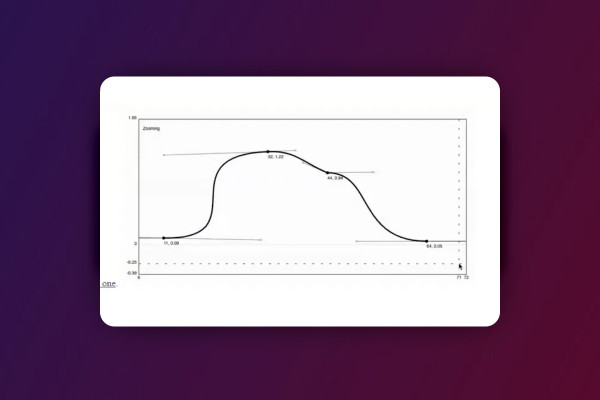
Deforum Stable Diffusion: 5.6 | Keyframe generators to quickly write formulas

Deforum Stable Diffusion - create animated videos with AI (Tutorial)
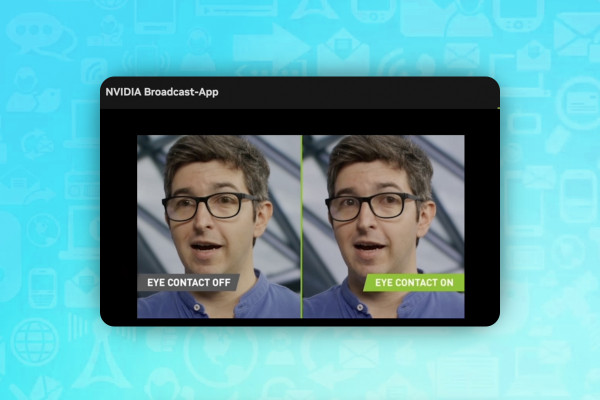
AI for videos: 1.6 | Nviadia Broadcast - Highlight your videos with these features

AI guide: Edit video, audio & voice

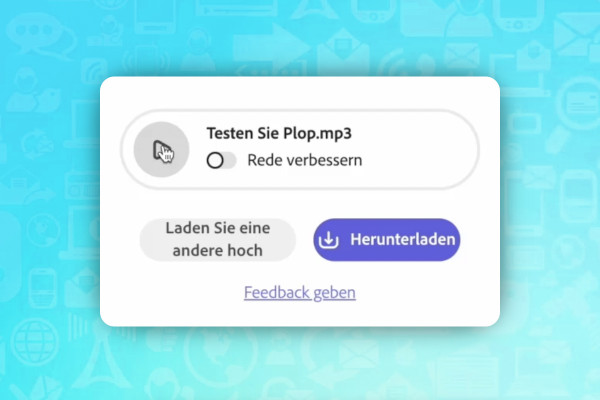
AI for audio/voice: 2.6 | Adobe Podcast - no more background noise

AI guide: Edit video, audio & voice

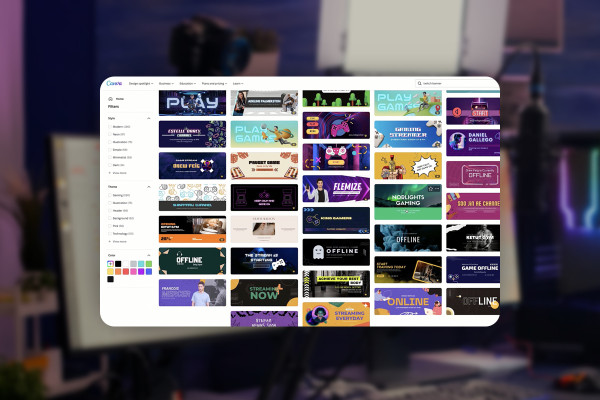
Livestreaming tutorial: 3.6 | Create Twitch banner (part two)

Livestreaming on Twitch & YouTube (Tutorial)
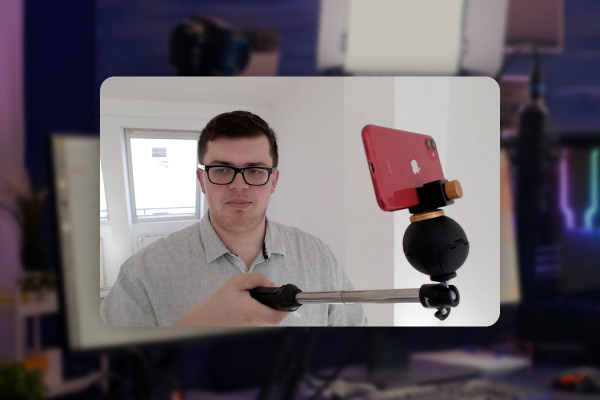
Livestreaming tutorial: 4.6 | IRL streaming setup

Livestreaming on Twitch & YouTube (Tutorial)
Livestreaming tutorial: 6.6 | How to get donations on Twitch?

Livestreaming on Twitch & YouTube (Tutorial)
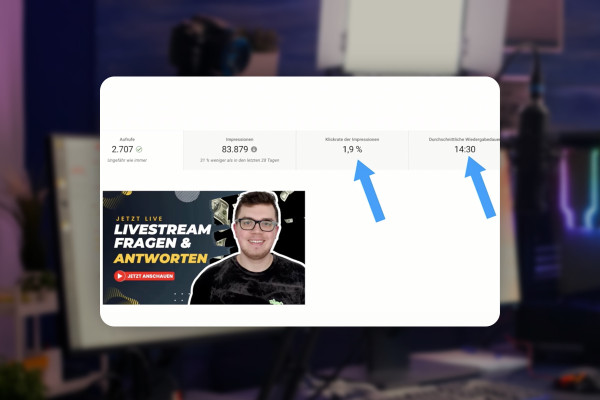
Livestreaming tutorial: 7.6 | Livestream Analytics: What you should pay attention to

Livestreaming on Twitch & YouTube (Tutorial)

Livestreaming tutorial: 8.6 | Point your community to your Discord server

Livestreaming on Twitch & YouTube (Tutorial)
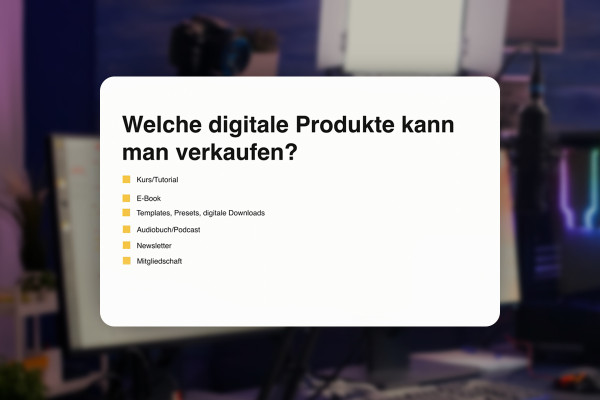
Livestreaming tutorial: 9.6 | What types of digital products can you sell?

Livestreaming on Twitch & YouTube (Tutorial)
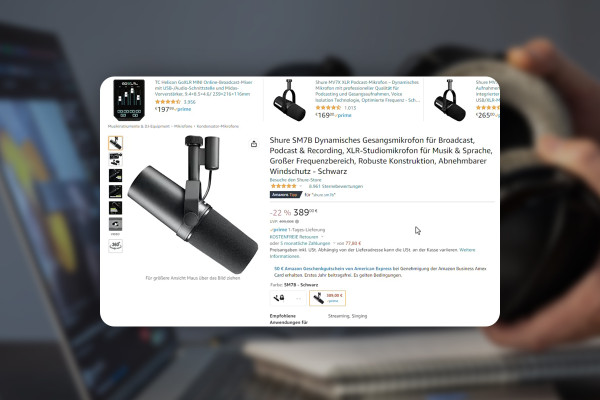
Improve audio recordings: 05 | Microphone recommendations

Improve audio recordings: Sound editing for reverb, hiss and other background noise
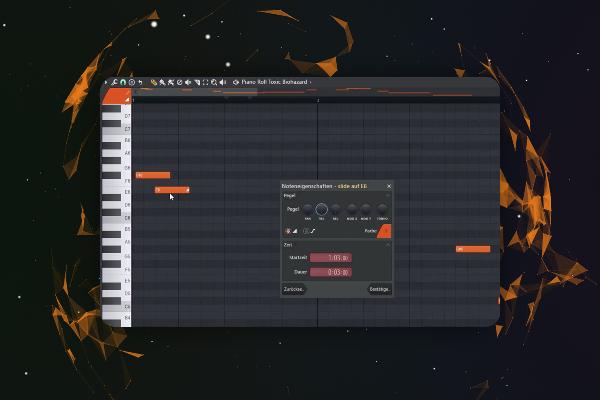
FL Studio 21 Tutorial: 5.6 | Introduction - Piano Roll

FL Studio 21 (Tutorial): new features & getting started with beat production
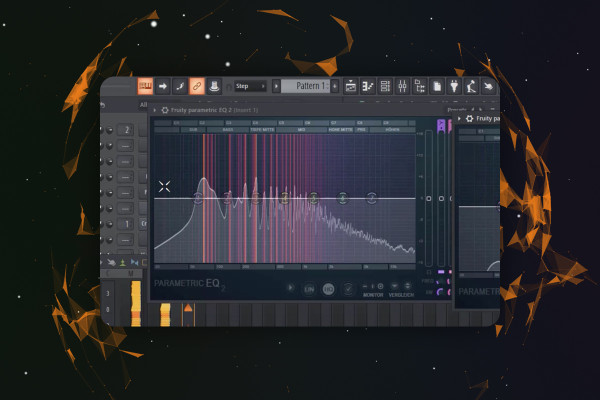
FL Studio 21 Tutorial: 6.6 | Produce Track - Sidechain

FL Studio 21 (Tutorial): new features & getting started with beat production
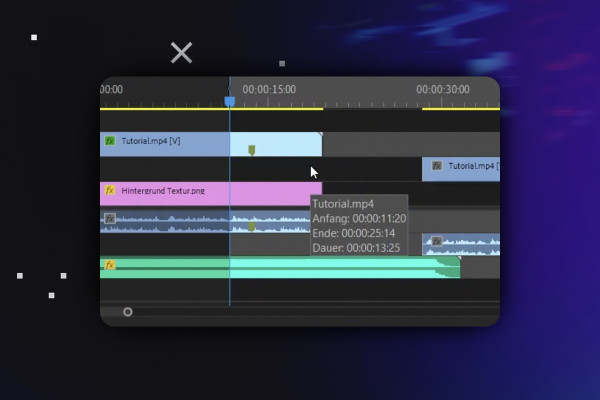
Video editing with Adobe Premiere Pro CC: 2.6 | Timeline, source patching, targeting, etc.

Video editing with Adobe Premiere Pro CC - basics & practice (tutorial)
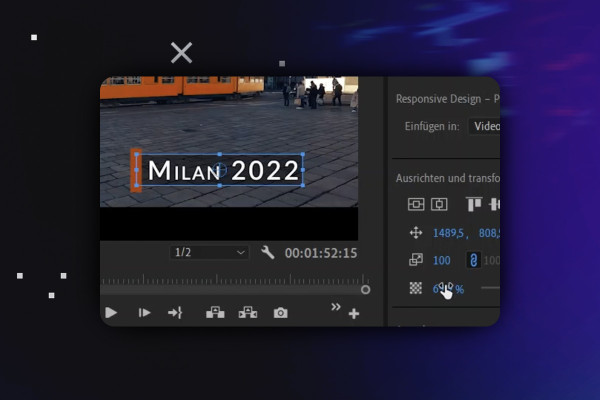
Video editing with Adobe Premiere Pro CC: 3.6 | Advanced text animation

Video editing with Adobe Premiere Pro CC - basics & practice (tutorial)
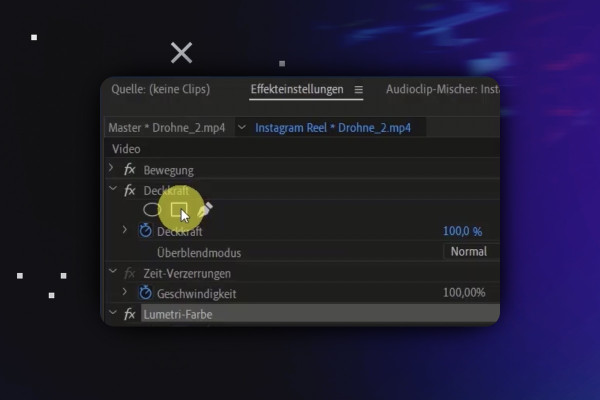
Video editing with Adobe Premiere Pro CC: 4.6 | Arrange clips part 1: Mask & Track Matte effect

Video editing with Adobe Premiere Pro CC - basics & practice (tutorial)
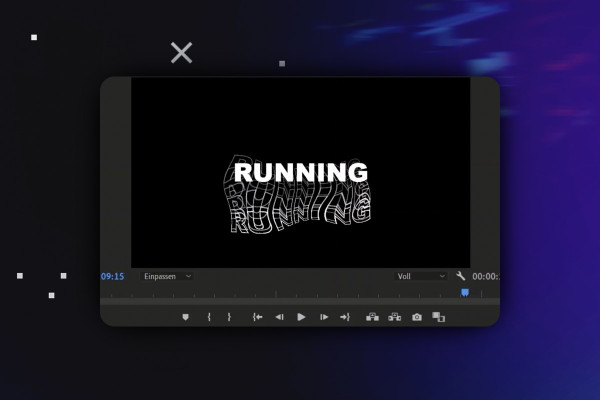
Video editing with Adobe Premiere Pro CC: 6.6 | Create your own text effect, offset and echo

Video editing with Adobe Premiere Pro CC - basics & practice (tutorial)
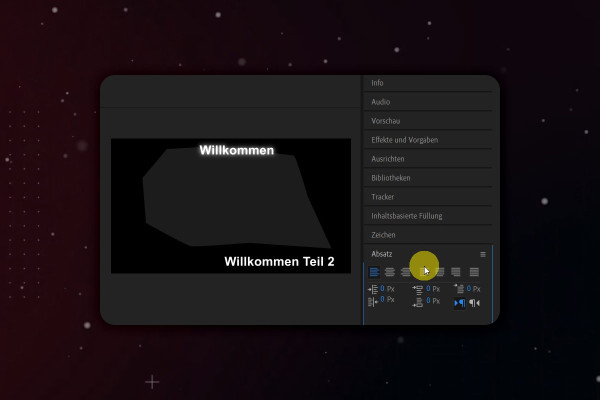
After Effects Tutorial: 2.6 | User Interface Overview: Right Workspace - Info and Audio

Adobe After Effects CC - from getting started to brilliant videos (Tutorial)
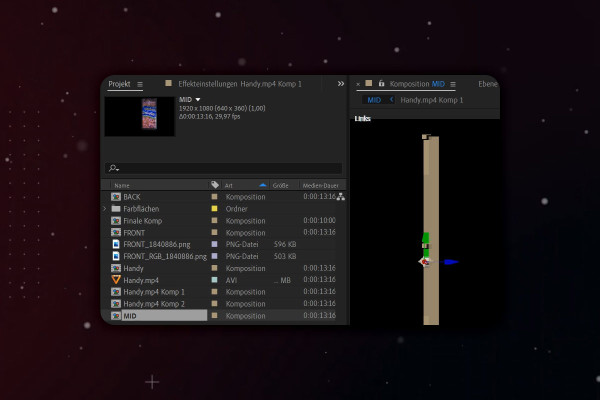
After Effects-Tutorial: 5.6 | 3D-Handy: Middle part/Mobile phone side

Adobe After Effects CC - from getting started to brilliant videos (Tutorial)
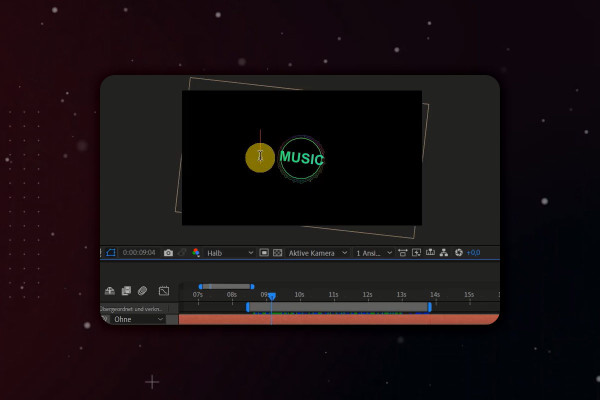
After Effects Tutorial: 6.6 | Animating Music: Tim Expression and Wiggle Expression

Adobe After Effects CC - from getting started to brilliant videos (Tutorial)
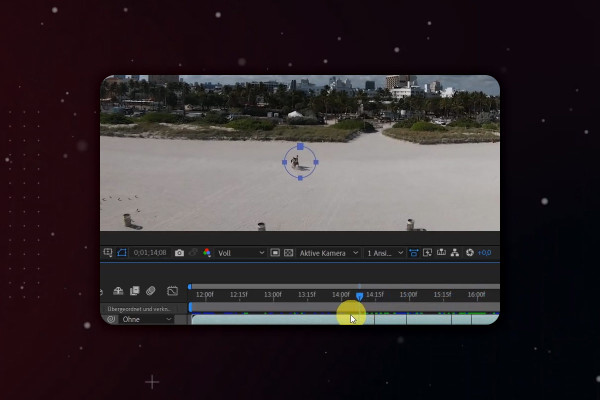
After Effects Tutorial: 9.6 | Remove objects using content-based filling - Strand

Adobe After Effects CC - from getting started to brilliant videos (Tutorial)
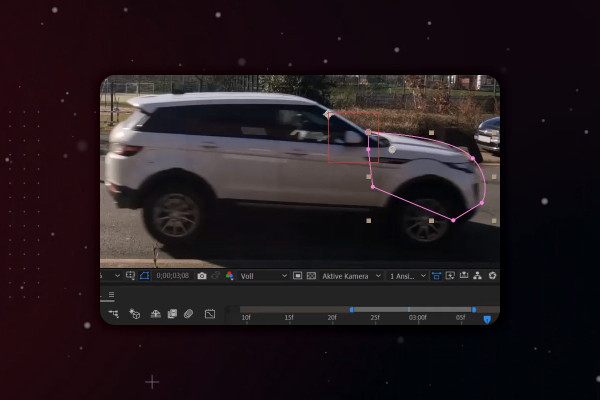
After Effects Tutorial: 10.6 | Simulating a car crash: Masking and alpha layer

Adobe After Effects CC - from getting started to brilliant videos (Tutorial)
YouTube marketing: 2.6 | Ideas for a name

YouTube tutorial: Basics, marketing & video editing
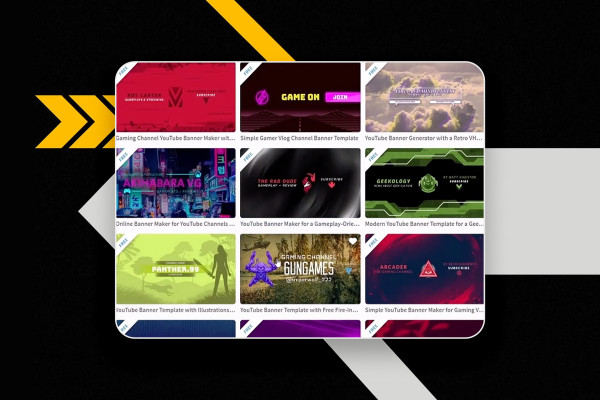
YouTube marketing: 3.6 | Create YouTube banner

YouTube tutorial: Basics, marketing & video editing
YouTube marketing: 4.6 | Set default settings for the upload

YouTube tutorial: Basics, marketing & video editing
YouTube Marketing: 5.6 | Tier List Maker

YouTube tutorial: Basics, marketing & video editing
YouTube marketing: 6.6 | Fill out Google AdSense tax form

YouTube tutorial: Basics, marketing & video editing
YouTube marketing: 7.6 | Use hashtags

YouTube tutorial: Basics, marketing & video editing
YouTube Marketing: 8.6 | OBS Studio - Webcam setup

YouTube tutorial: Basics, marketing & video editing
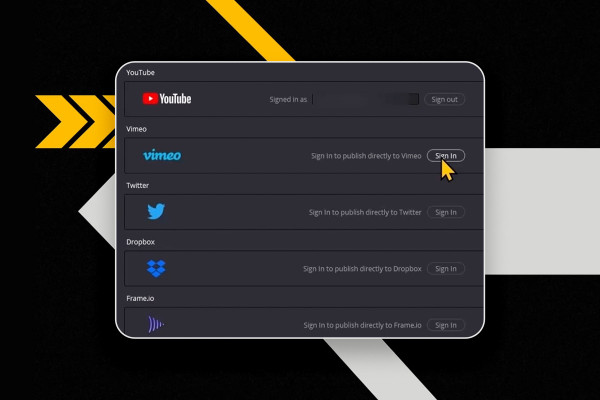
YouTube marketing: 9.6 | Connecting DaVinci Resolve with YouTube channel

YouTube tutorial: Basics, marketing & video editing

YouTube marketing: 10.6 | Create QR code for free

YouTube tutorial: Basics, marketing & video editing
YouTube marketing: 11.6 | Imprint obligation

YouTube tutorial: Basics, marketing & video editing
YouTube Marketing: 12.6 | Customizing video and channel recommendations

YouTube tutorial: Basics, marketing & video editing
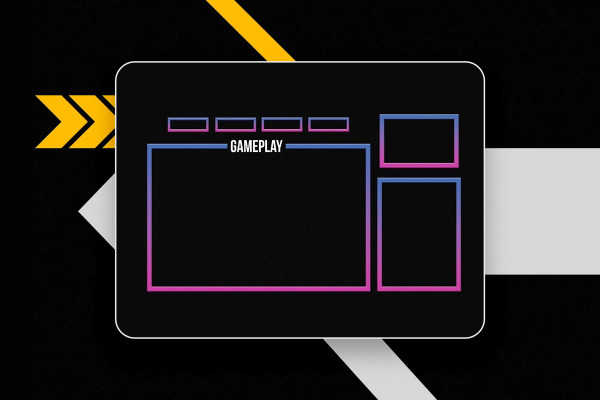
YouTube marketing: 13.6 | Create stream overlay with Photoshop

YouTube tutorial: Basics, marketing & video editing
What's new in MAGIX VEGAS Pro 19: 04 | SOUND FORGE Audio Studio 15

Magix VEGAS Pro 19 - Video tutorial on the new features
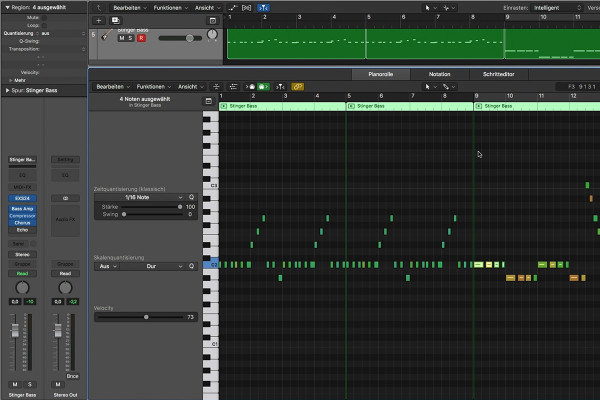
Getting started in music production with Logic Pro X: 3.6 Quantizing MIDI

Logic Pro X-Tutorial - Make music easily yourself
Creating your own podcast: 2.1 What is a podcast?

Create your own podcast - the ultimate practical guide
Adobe Media Encoder 2020 (October 2020): Add projects

Adobe Media Encoder: Video converter tutorial
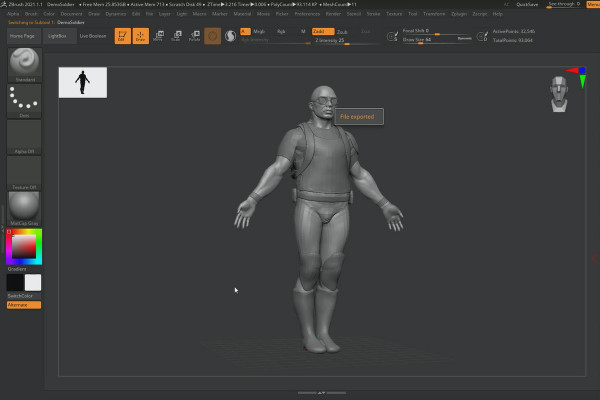
ZBrush 2020 - Video training on the updates: 7 | Import/Export

ZBrush 2020 and 2021: Video training on the updates
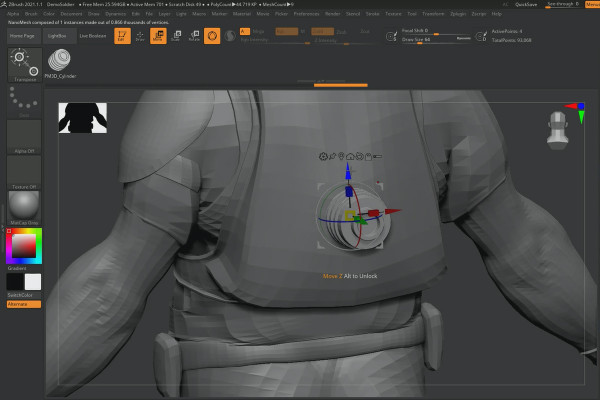
ZBrush 2021 - Video training on the updates: 12 | Nanomesh instances

ZBrush 2020 and 2021: Video training on the updates
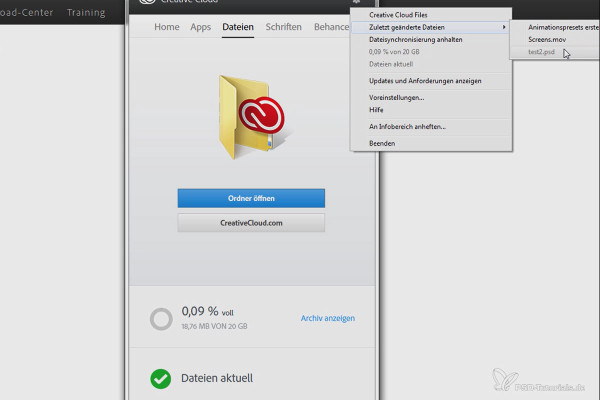
Creative Cloud desktop app: Synchronization of fonts

Creative Cloud desktop app: Tutorial on helpful features
Updates explained: After Effects CC 2020 (November 2019) - Expression improvements

After Effects CC from version 2020: Updates explained
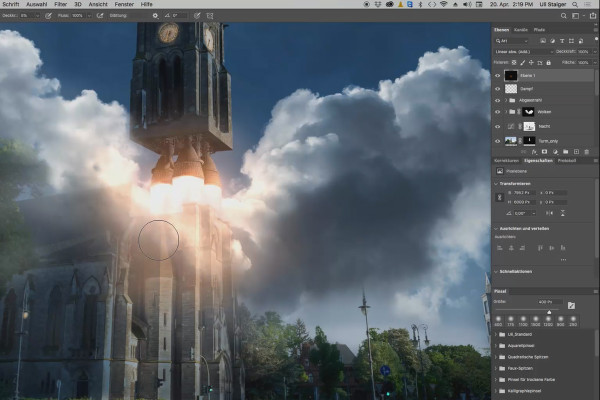
Photoshop 3D tutorial "Take-off": 16 | Exhaust lights

3D composing in Photoshop (Tutorial): "Take-off"
Videography course: 2.6 | Video editing

Creating videos - the great videography course
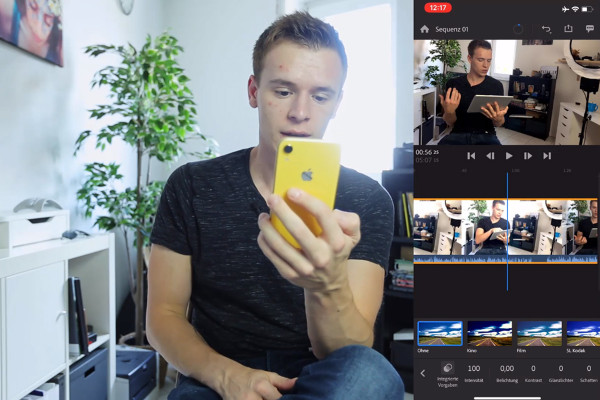
Videography course: 5.6 | Editing and grading with the smartphone

Creating videos - the great videography course