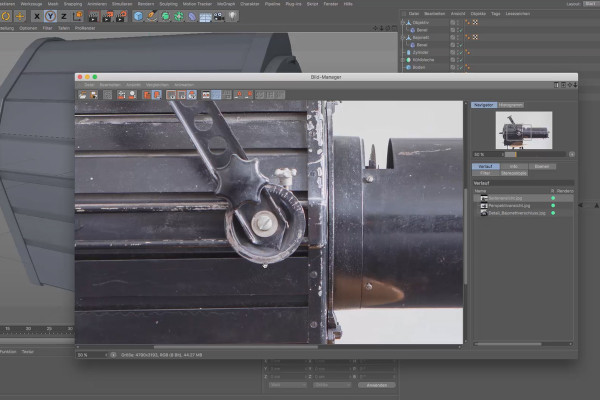
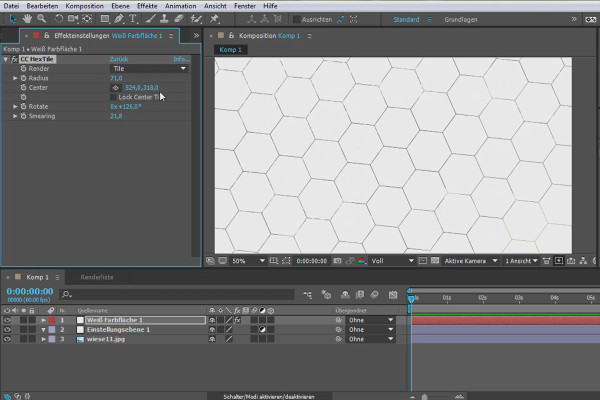
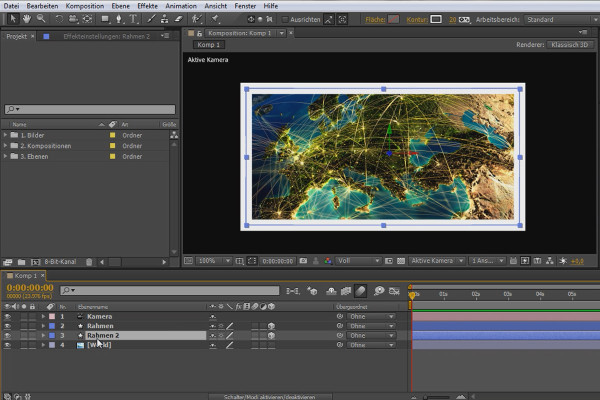
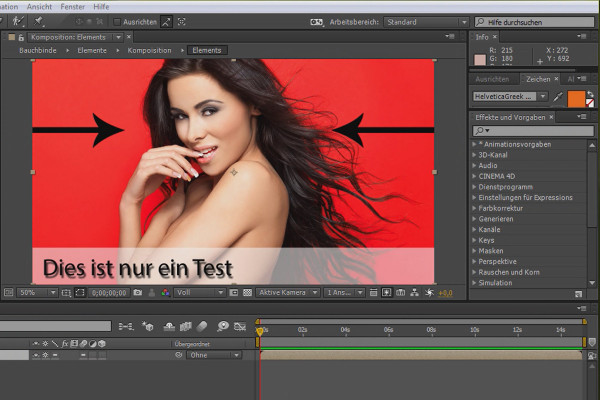
Tutorials on 3D, audio and video
3D, Audio & Video
Tutorials on basics & professional tips

3D, audio & video - tutorials, basics & pro tips

New to 3D, audio and video and looking for basic information? Or already an expert and keen to get to know new workflows? In our tutorials, experienced trainers will show you how to stage 3D objects, create impressive videos, produce music and correct audio recordings. Whether it's Adobe Premiere and After Effects or DaVinci Resolve and the basics of videography - take a look at what will help you progress in your 3D, audio and video work!
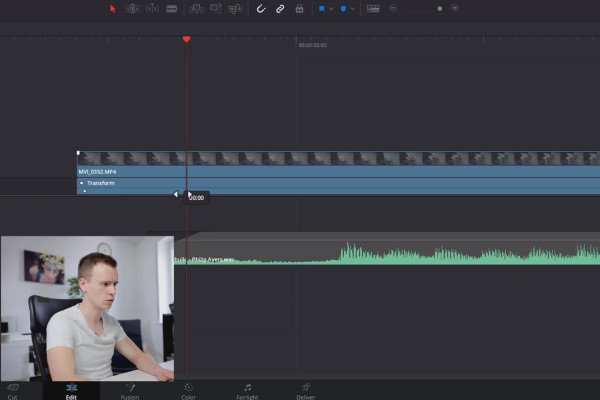
DaVinci Resolve Tutorial: 3.8 | Keyframes

DaVinci Resolve tutorial: Video editing from the basics to export
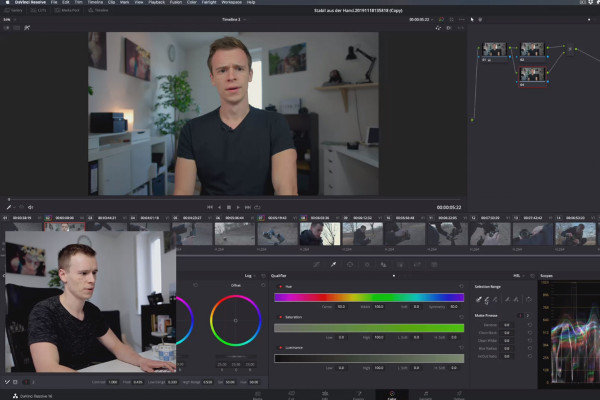
DaVinci Resolve Tutorial: 4.8 | Qualifier/Pipette

DaVinci Resolve tutorial: Video editing from the basics to export
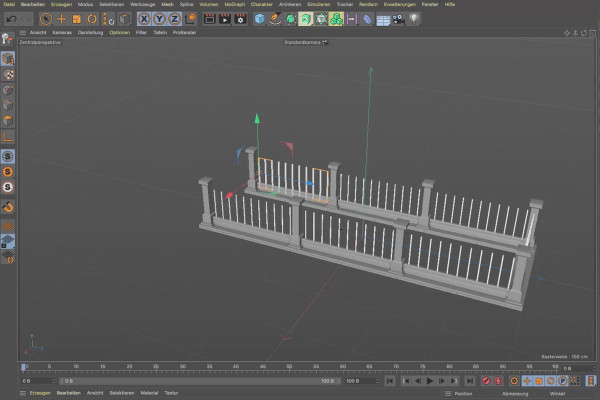
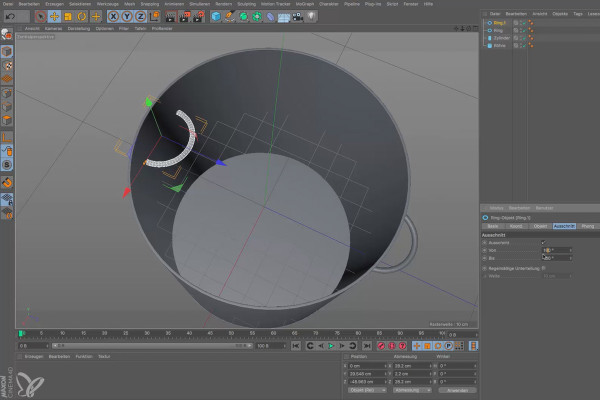
Cinema 4D tutorial "Underground": 1.8 Railings

Cinema 4D tutorial "Underground" - from 3D model to rendering
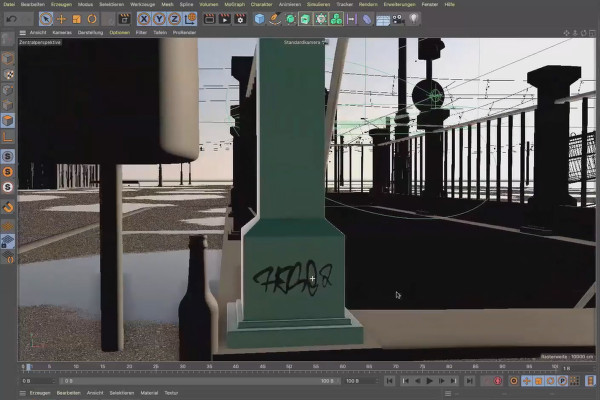
Cinema 4D tutorial "Underground": 2.8 Tag mapping

Cinema 4D tutorial "Underground" - from 3D model to rendering
Magix VEGAS Pro 17 - Video tutorial on the new features: 08 | BCC Lens Flare 3D

Magix VEGAS Pro 17 - Video tutorial on the new features
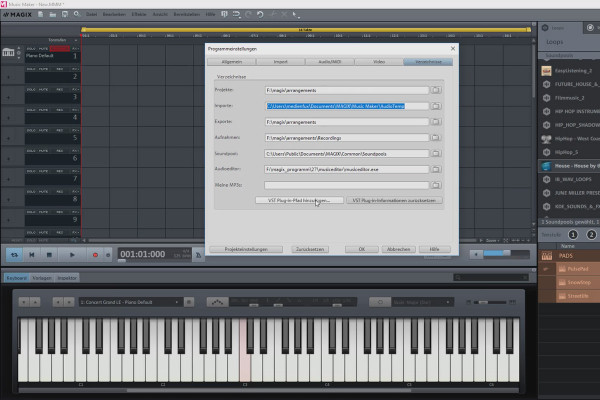
Create your own music with Magix Music Maker: 08 | Options and settings in the program (5/5)

Create your own music with Magix Music Maker - Tutorial for audio editing
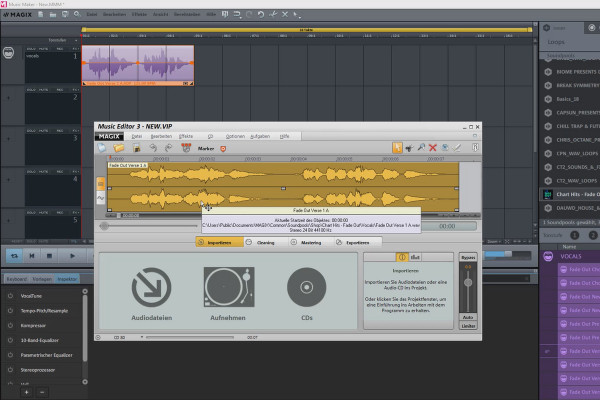
Creating your own music with Magix Music Maker: 16 | Working with the external editor

Create your own music with Magix Music Maker - Tutorial for audio editing
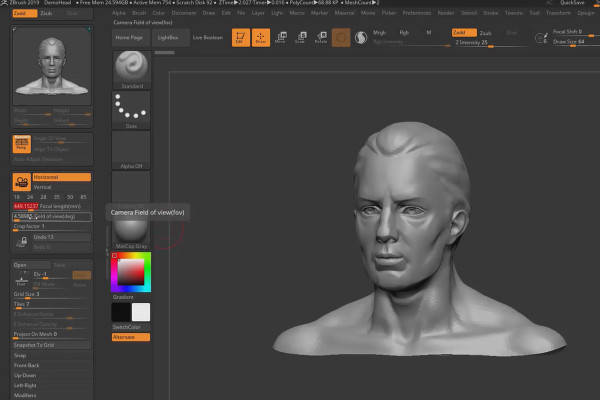
ZBrush 2019 - Video training for the update: 7 | Universal Camera

ZBrush 2019 - Video training for the update
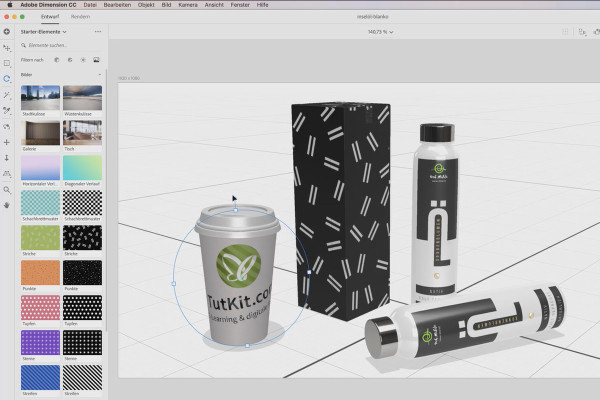
Adobe Dimension CC Tutorial: 08 | Placing graphics and logos on models

Adobe Dimension CC tutorial - 3D for graphic designers
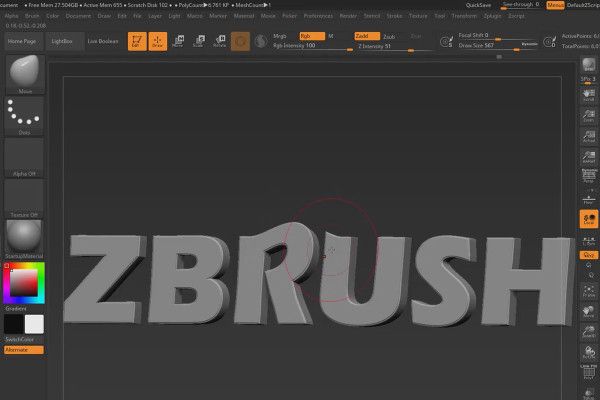
ZBrush 2018 and 4R8 - Video training on the updates: 5.1 3D text and shape creator

ZBrush 2018 and 4R8: Video training on the updates
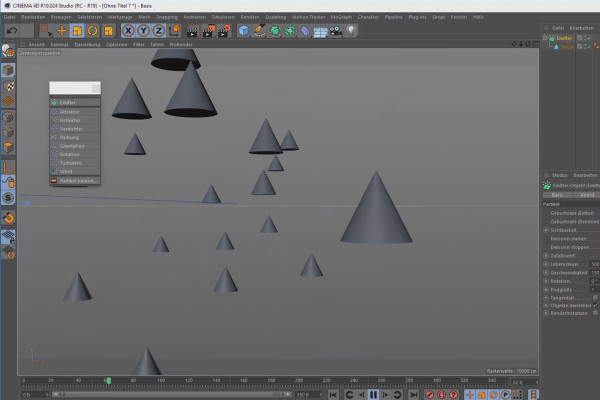
Creating 3D animations in Cinema 4D: 3.8 Particle animations

Create 3D animation in Cinema 4D

Cinema 4D for beginners - 3D practice: 1.8 Workshop basic objects

Cinema 4D tutorial: Basics & 3D practice for beginners
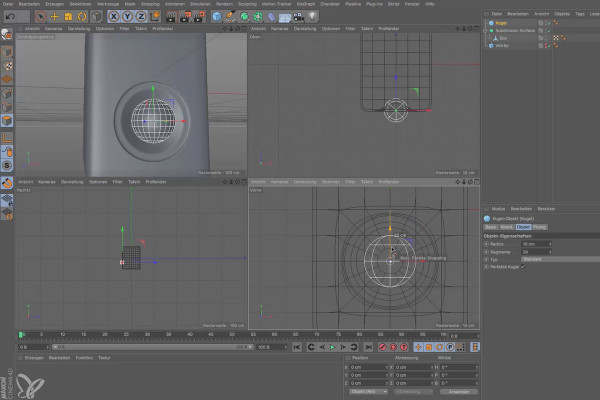
Cinema 4D for beginners - 3D practice: 2.8 Box workshop part 2

Cinema 4D tutorial: Basics & 3D practice for beginners
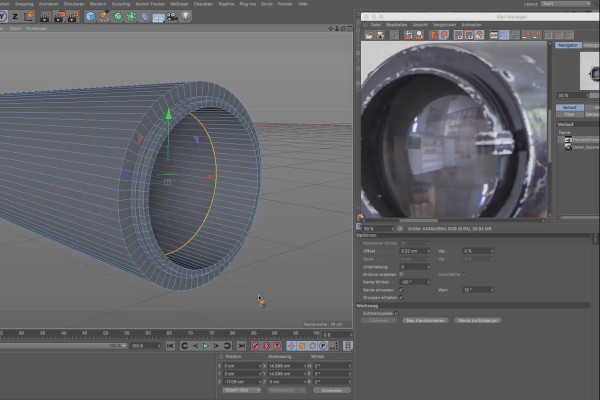
Cinema 4D for beginners - 3D practice: 6.8 Lens

Cinema 4D tutorial: Basics & 3D practice for beginners
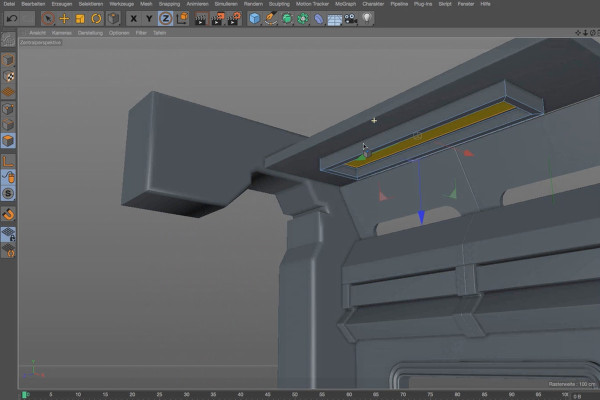
Practice in Cinema 4D - Modeling and lighting a space station: 08 Luminaire

Cinema 4D practical tutorial: 3D modeling and lighting of a space station
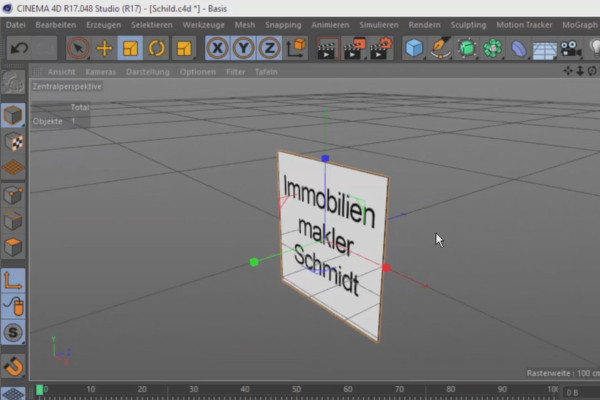
360° architectural views with Unity and Cinema 4D - 14 Creating and inserting an advertising sign

360° architecture views with Unity and Cinema 4D
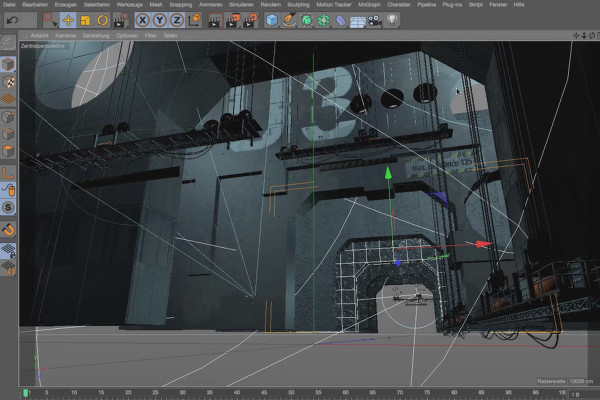
Cinema 4D - Lighting: 4.8 Working out room height

Light & Lighting in Cinema 4D - the practical course
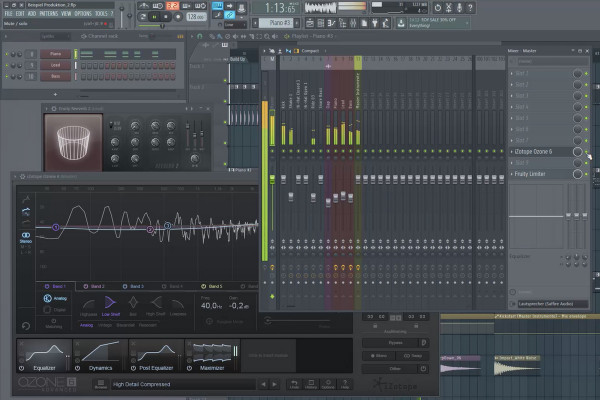
Digital music production with FL Studio - 5.8 Sample production: song structure and arrangement part 2, use of effects

FL Studio Tutorial: Learn music production
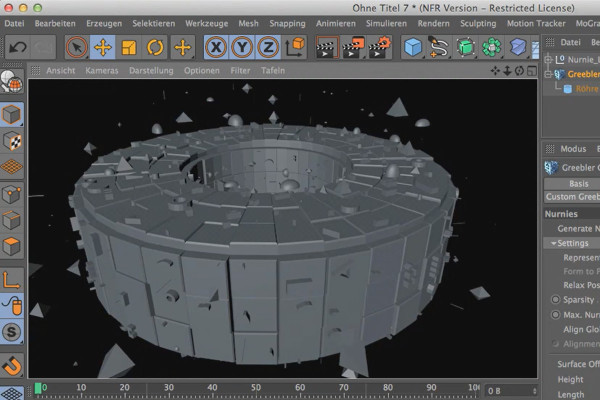
Cinema 4D meets Photoshop: I - 1.8 Explain Greebler: Inserting several Nurnies

3D design & composing: Cinema 4D meets Photoshop
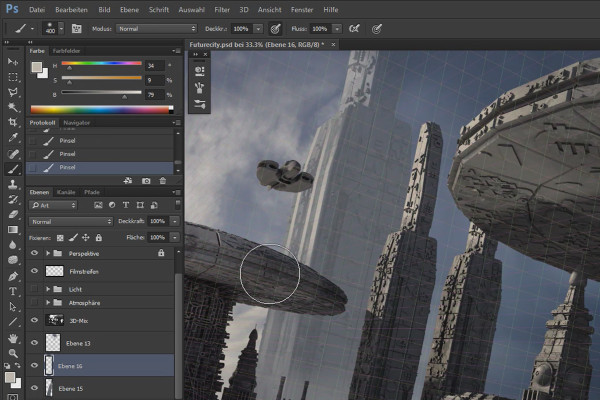
Cinema 4D meets Photoshop: II - 2.4 Depth through background elements

3D design & composing: Cinema 4D meets Photoshop
C4D Release 16 - Further practical functions and tools

New functions in Cinema 4D - R12 to R19, R20 and R21
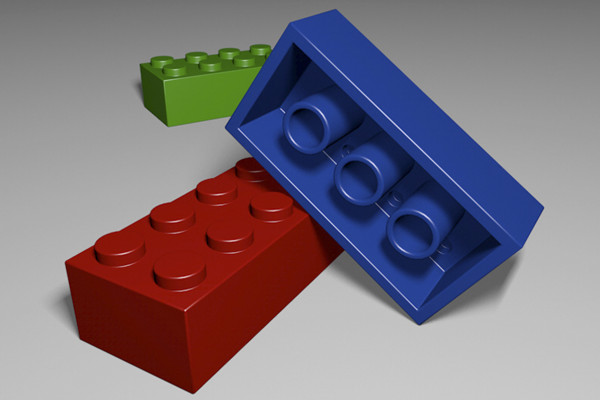
C4D Release 15 - Modeling with the new bevel tool

New functions in Cinema 4D - R12 to R19, R20 and R21
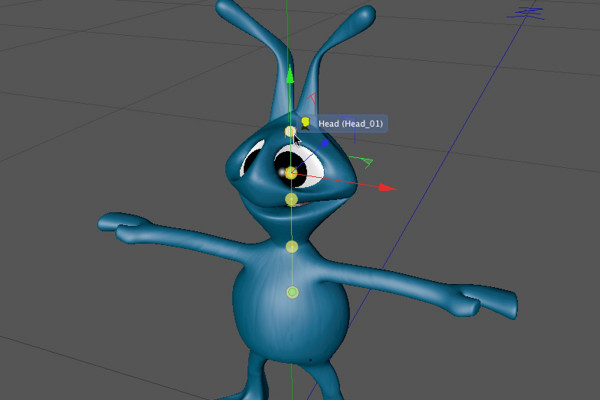
C4D Release 13 - Rigging an alien with a character template

New functions in Cinema 4D - R12 to R19, R20 and R21
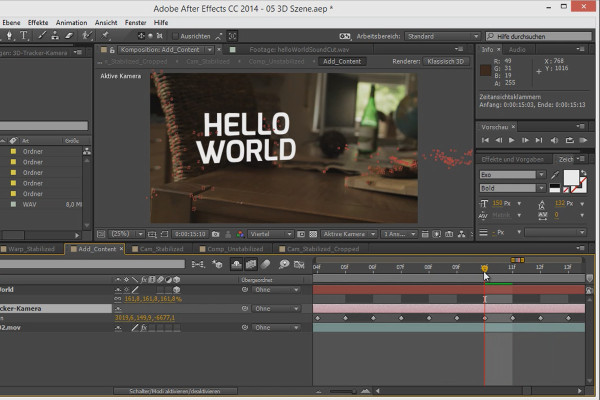
3D projects in After Effects: Time remapping of the shot

3D projects and animations in After Effects
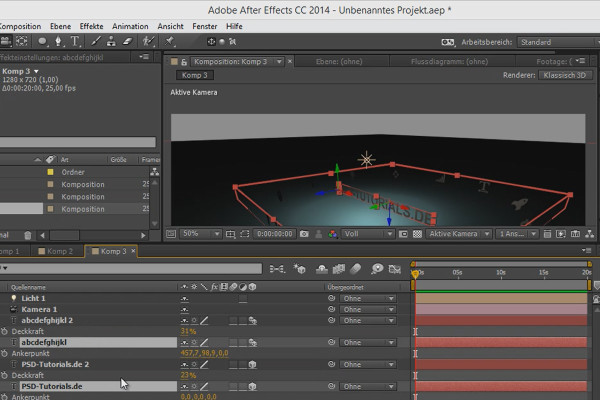
Tips and tricks for 3D in After Effects: Render Order

3D projects and animations in After Effects
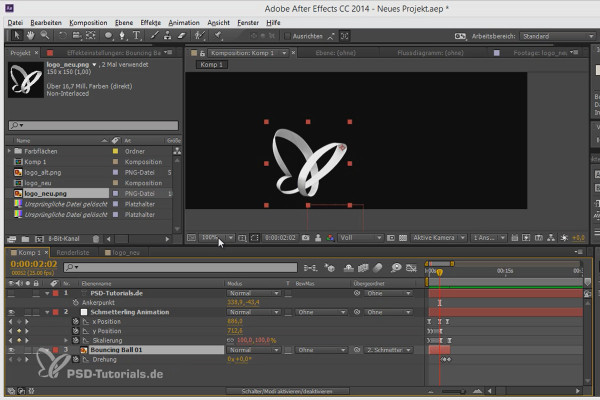
Workflow tips and tricks in After Effects: Anchor point

3D projects and animations in After Effects
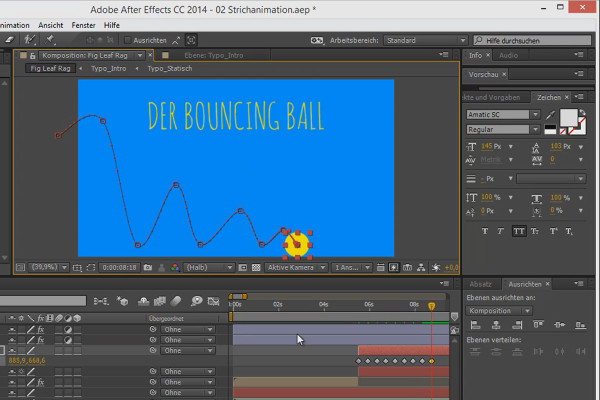
Animation made easy: Bouncing Ball - the poses

Animation in After Effects: Your beginner's tutorial
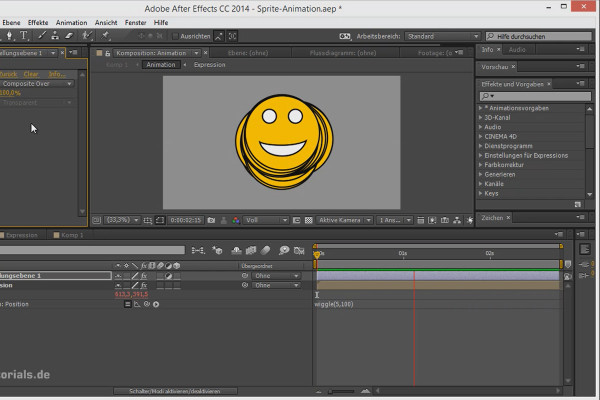
Tips and tricks for animating in After Effects: Trimming compositions

Animation in After Effects: Your beginner's tutorial
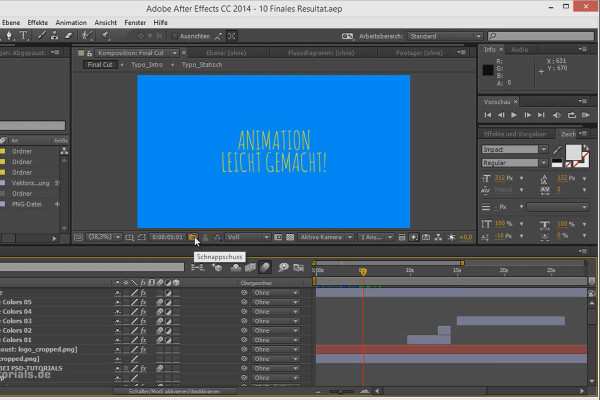
Workflow tips and tricks in After Effects: Snapshots - Snapshots

Animation in After Effects: Your beginner's tutorial
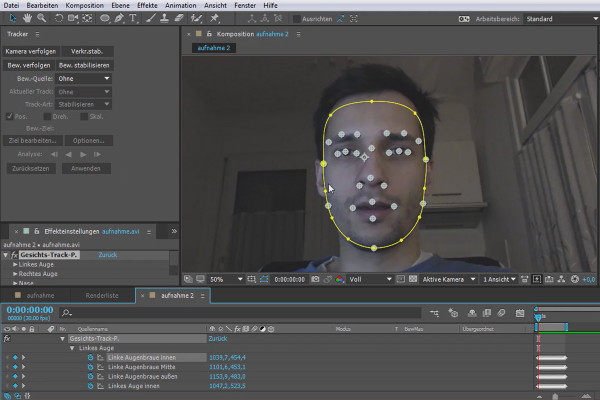
What's new in the Creative Cloud: After Effects CC 2015 (June 2015) - Facetracking

After Effects for beginners

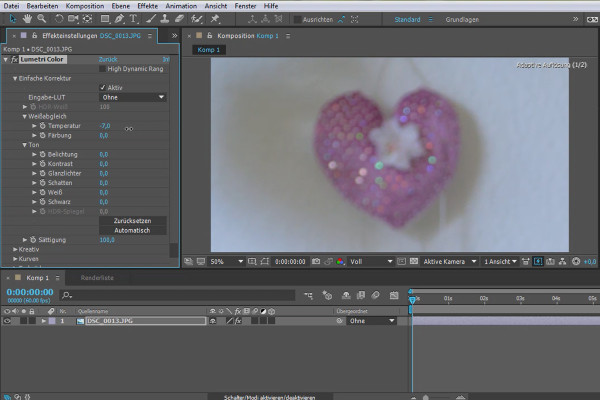
What's new in the Creative Cloud: After Effects CC 2015.1 (November 2015) - Import clips with Lumetri Color

After Effects for beginners

After Effects for beginners: Creating and using animation presets - Part 01

After Effects for beginners

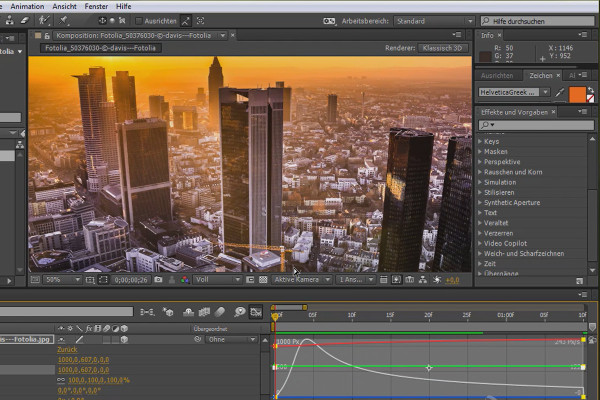
After Effects for beginners: Keyframe interpolation graph

After Effects for beginners

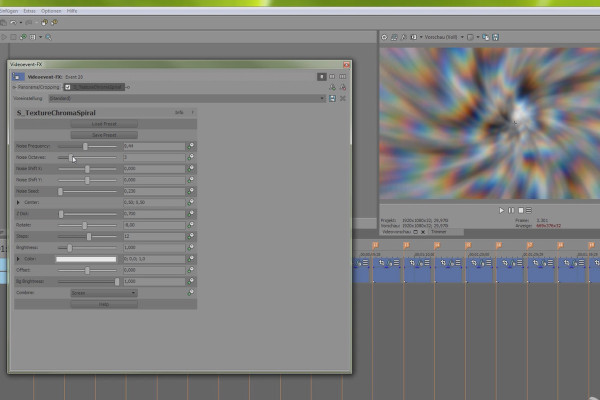
Vegas Pro 15 - Boris FX Sapphire Render Unit

VEGAS Pro video training

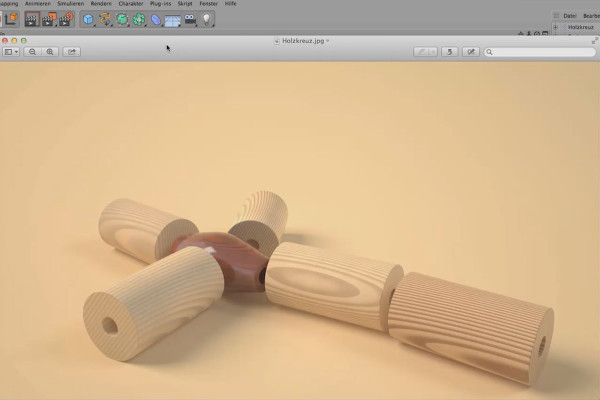
Shaders and Textures - Material Creation in CINEMA 4D: Wooden Cross

CINEMA 4D Video Training - Shaders & Textures
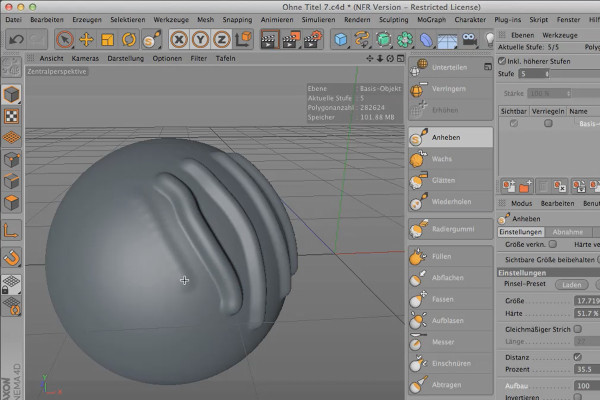
Sculpting in CINEMA 4D - Basics: Part 06 - Uniform

Cinema 4D: 3D Sculpting Tutorial

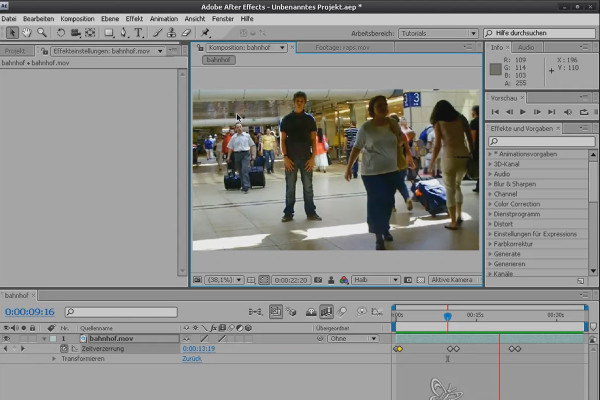
After Effects Basics: Time Distortion

After Effects Workshop DVD - Basics & Tricks
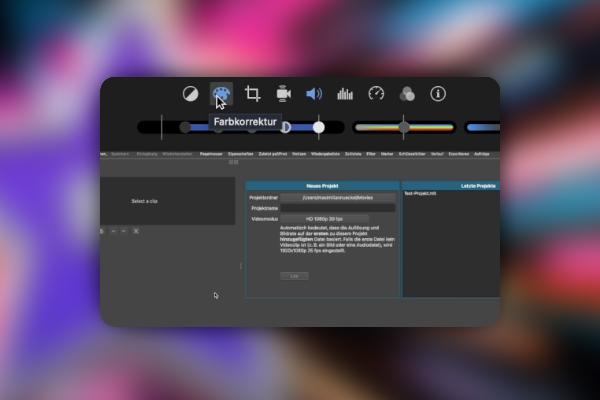
iMovie Tutorial: 3.9 | Automatic enhancement of video and audio quality

iMovie tutorial: Guide to creative video editing

Creating AI videos: 3.9 | Other tools in overview: InVideo, Fliki, Kaiber, and more

Creating AI videos with artificial intelligence (Tutorial)
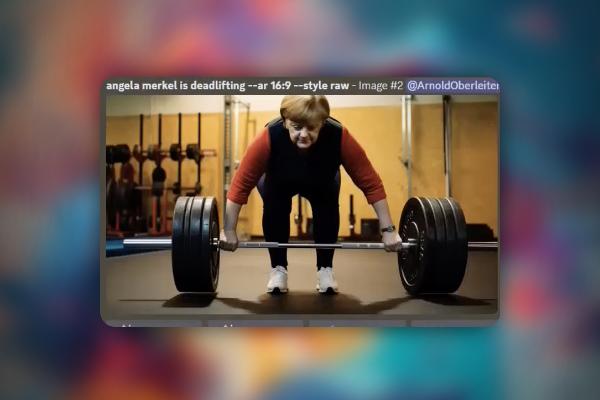
Creating AI videos: 9.9 | Wav2Lip, the Second: How to create deepfakes

Creating AI videos with artificial intelligence (Tutorial)

Create AI videos: 10.9 | Recap and a task

Creating AI videos with artificial intelligence (Tutorial)
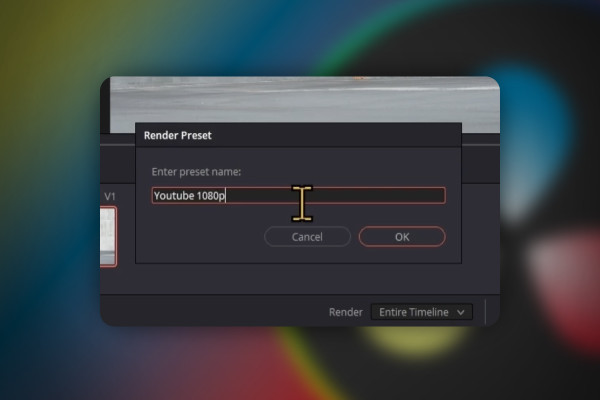
DaVinci Resolve: 3.9 | Deliver section

DaVinci Resolve: Cutting and editing video & audio (practical training)
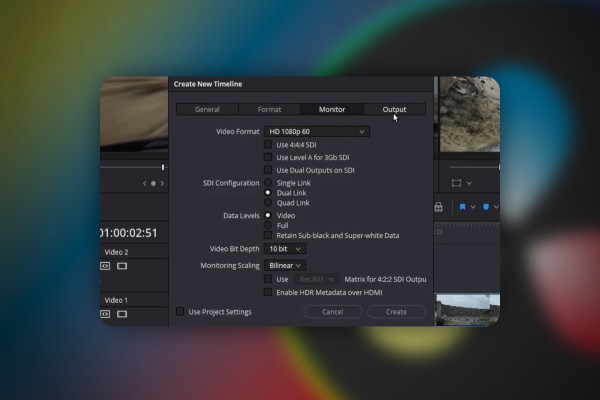
DaVinci Resolve: 4.9 | Timeline

DaVinci Resolve: Cutting and editing video & audio (practical training)
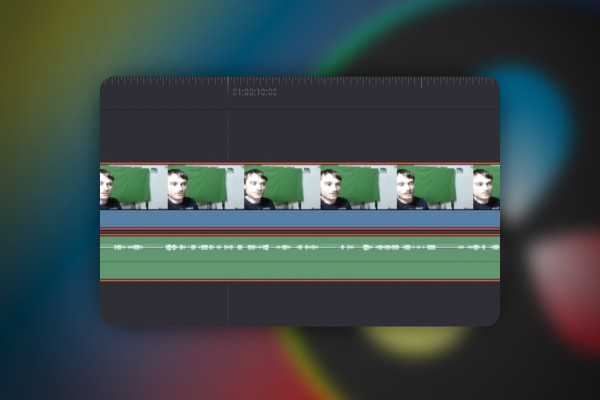
DaVinci Resolve: 5.9 | Multicam editing

DaVinci Resolve: Cutting and editing video & audio (practical training)
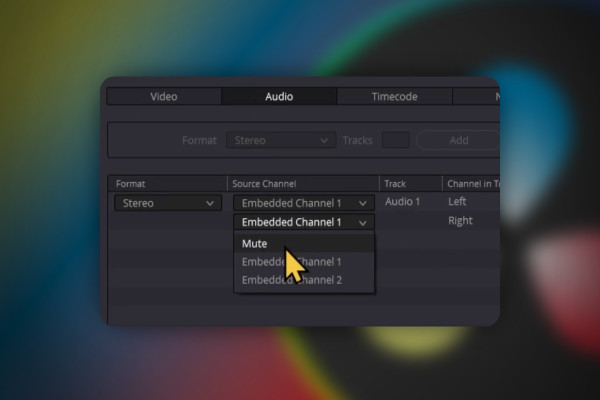
DaVinci Resolve: 7.9 | Convert stereo to mono

DaVinci Resolve: Cutting and editing video & audio (practical training)

DaVinci Resolve: 8.9 | Reduce video size

DaVinci Resolve: Cutting and editing video & audio (practical training)

DaVinci Resolve: 9.9 | Fix error: Render job failed

DaVinci Resolve: Cutting and editing video & audio (practical training)
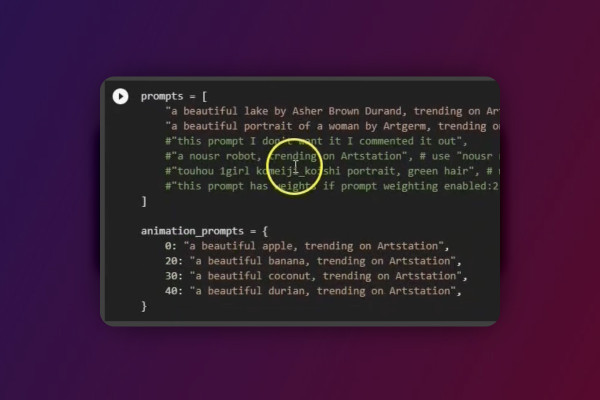
Deforum Stable Diffusion: 5.9 | Prompt cells and negative prompts

Deforum Stable Diffusion - create animated videos with AI (Tutorial)
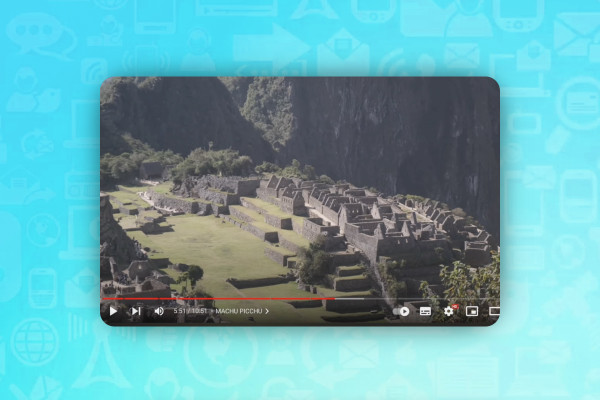
AI for videos: 1.9 | Glasp - the highlighter for almost everything

AI guide: Edit video, audio & voice

Livestreaming tutorial: 7.9 | Tips for YouTube livestream clips

Livestreaming on Twitch & YouTube (Tutorial)
Livestreaming tutorial: 9.9 | Offer shoutouts for other livestreamers

Livestreaming on Twitch & YouTube (Tutorial)
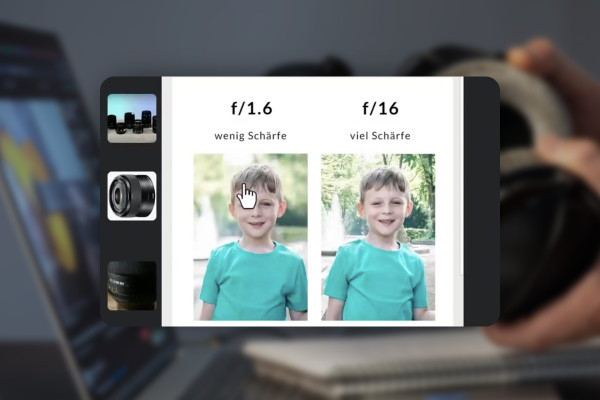
Improving audio recordings: 08 | Light, keyboard and video recordings - Recommendations

Improve audio recordings: Sound editing for reverb, hiss and other background noise
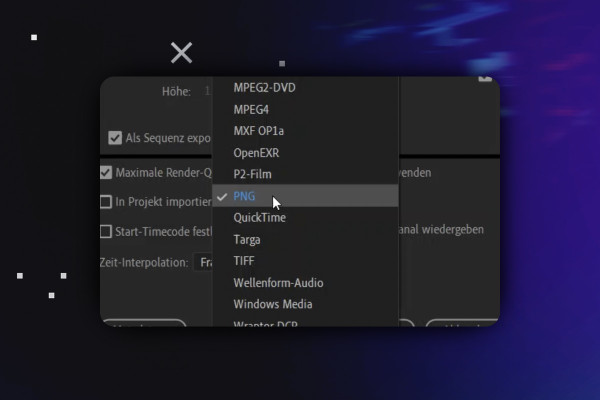
Video editing with Adobe Premiere Pro CC: 3.9 | Export image file

Video editing with Adobe Premiere Pro CC - basics & practice (tutorial)
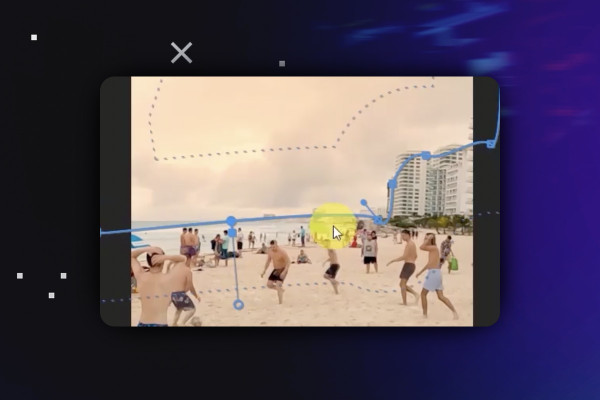
Video editing with Adobe Premiere Pro CC: 4.9 | Arrangement of clips Part 3: Advanced color editing of sections

Video editing with Adobe Premiere Pro CC - basics & practice (tutorial)
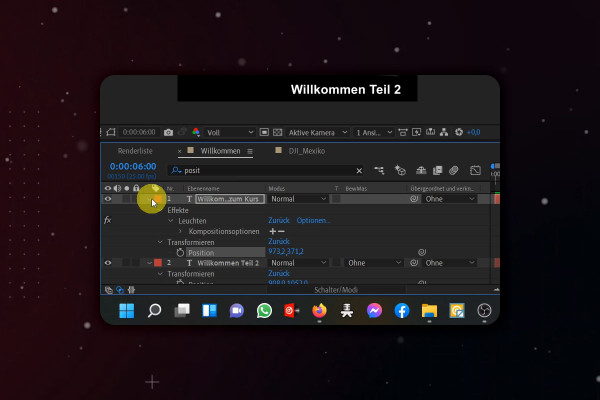
After Effects Tutorial: 2.9 | User Interface Overview: Composition Area (Part 1)

Adobe After Effects CC - from getting started to brilliant videos (Tutorial)
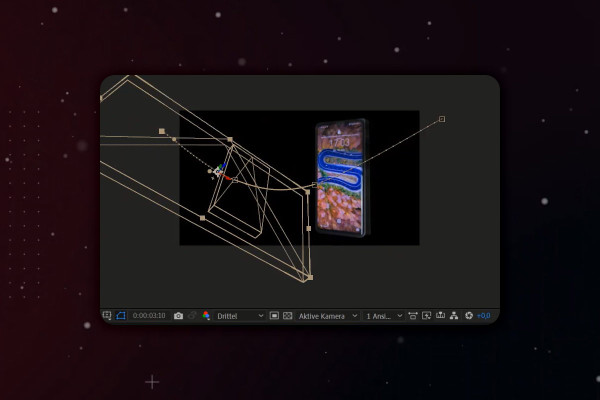
After Effects-Tutorial: 5.9 | 3D-Handy: Movement in space

Adobe After Effects CC - from getting started to brilliant videos (Tutorial)
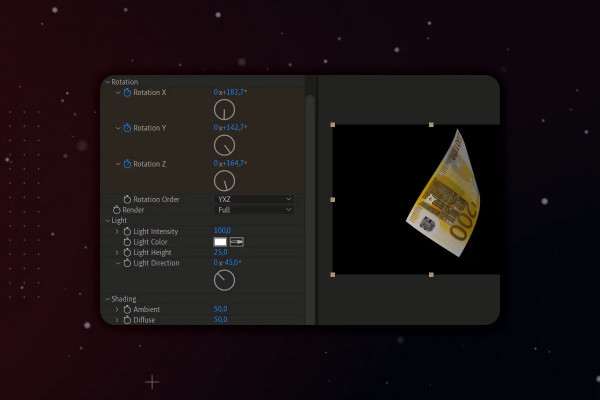
After Effects Tutorial: 9.9 | Floating objects in real 3D space (Part 2)

Adobe After Effects CC - from getting started to brilliant videos (Tutorial)
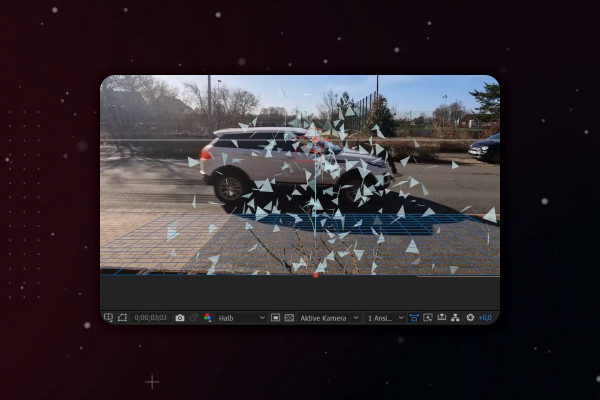
After Effects Tutorial: 10.9 | Simulate car accident: Glass splinters via CC Particle World

Adobe After Effects CC - from getting started to brilliant videos (Tutorial)

YouTube marketing: 2.9 | Description template

YouTube tutorial: Basics, marketing & video editing
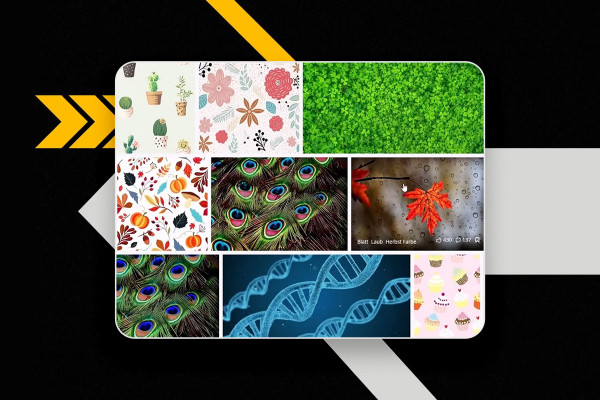
YouTube marketing: 3.9 | Create thumbnails on the PC

YouTube tutorial: Basics, marketing & video editing
YouTube marketing: 4.9 | Switch ratings and comments on and off

YouTube tutorial: Basics, marketing & video editing
YouTube marketing: 6.9 | Upload emotes and logos for channel membership

YouTube tutorial: Basics, marketing & video editing
YouTube marketing: 7.9 | Upload videos

YouTube tutorial: Basics, marketing & video editing
YouTube Marketing: 9.9 | DaVinci Resolve - free sound effects

YouTube tutorial: Basics, marketing & video editing
YouTube marketing: 11.9 | Comments are deleted for no reason

YouTube tutorial: Basics, marketing & video editing
YouTube marketing: 12.9 | View subscribers

YouTube tutorial: Basics, marketing & video editing
What's new in Magix Vegas Pro 19: 07 | Boris FX Primatte Studio

Magix VEGAS Pro 19 - Video tutorial on the new features
Create your own podcast: 3.1 Increase your reach with your podcast

Create your own podcast - the ultimate practical guide
Adobe Media Encoder 2020 (October 2020): Keyboard shortcuts

Adobe Media Encoder: Video converter tutorial
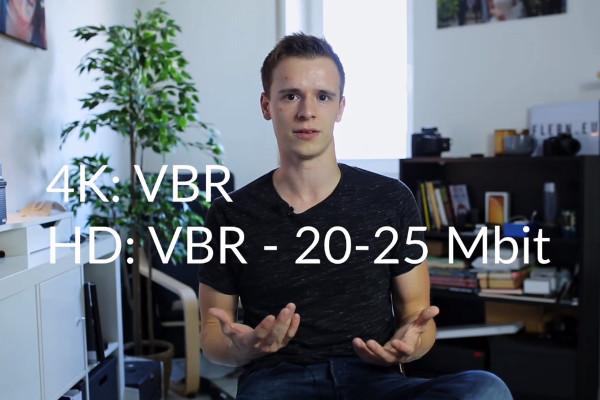
Videography course: 9.9 | The right export settings

Creating videos - the great videography course
Premiere Pro CC Tutorial: 3.9 | Control time

Adobe Premiere Pro CC Tutorial: Video editing from cut to export
Premiere Pro CC Tutorial: 4.9 | Vignette

Adobe Premiere Pro CC Tutorial: Video editing from cut to export
DaVinci Resolve tutorial: 3.9 | Editing task

DaVinci Resolve tutorial: Video editing from the basics to export
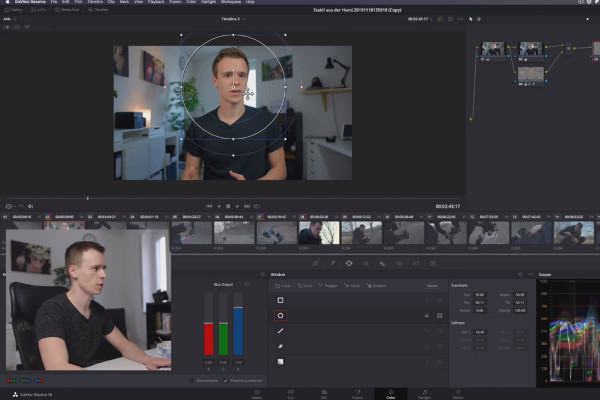
DaVinci Resolve Tutorial: 4.9 | Masks

DaVinci Resolve tutorial: Video editing from the basics to export
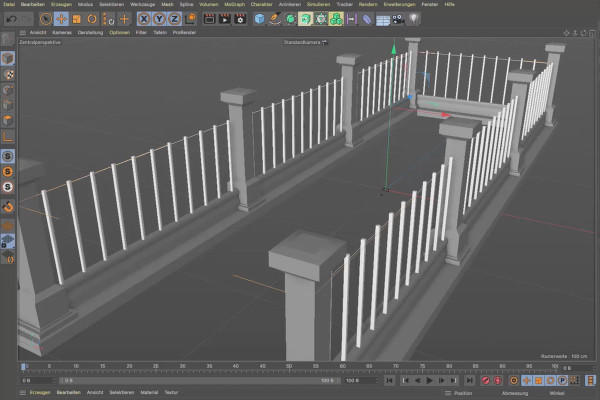
Cinema 4D tutorial "Underground": 1.9 Handrail

Cinema 4D tutorial "Underground" - from 3D model to rendering
Cinema 4D tutorial "Underground": 2.9 Show Substance

Cinema 4D tutorial "Underground" - from 3D model to rendering
Magix VEGAS Pro 17 - Video tutorial on the new features: 09 | BCC Key & Blender

Magix VEGAS Pro 17 - Video tutorial on the new features

Creating your own music with Magix Music Maker: 17 | Working with the Live Arranger

Create your own music with Magix Music Maker - Tutorial for audio editing
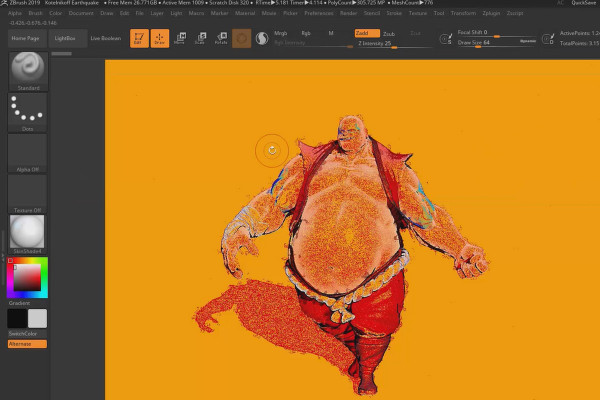
ZBrush 2019 - Video training for the update: 8 | Non-Photorealistic Rendering (NPR)

ZBrush 2019 - Video training for the update
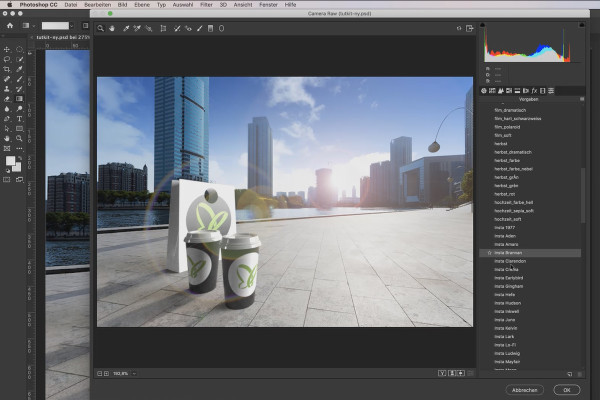
Adobe Dimension CC Tutorial: 09 | Creating entire scenes with backgrounds

Adobe Dimension CC tutorial - 3D for graphic designers
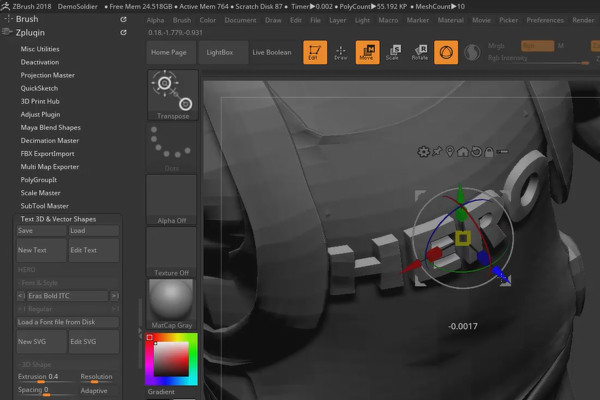
ZBrush 2018 and 4R8 - Video training on the updates: 5.2 Mini project: Hero

ZBrush 2018 and 4R8: Video training on the updates
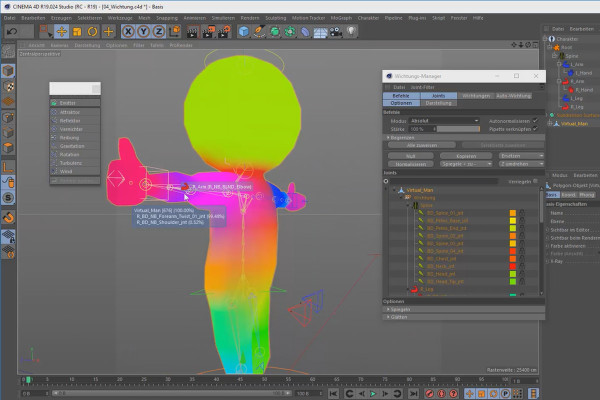
Creating 3D animation in Cinema 4D: 3.9 Character animation

Create 3D animation in Cinema 4D

Cinema 4D for beginners - 3D practice: 6.9 Rotation mechanics

Cinema 4D tutorial: Basics & 3D practice for beginners
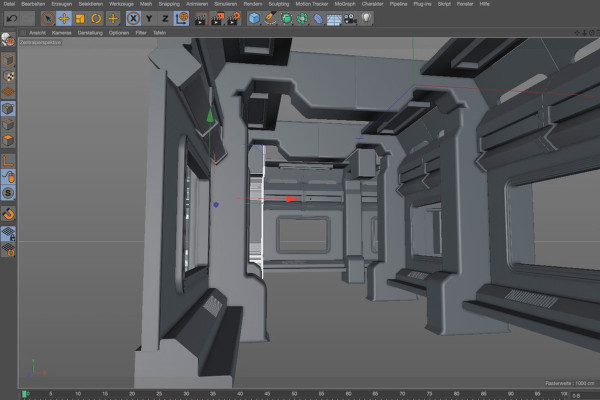
Practice in Cinema 4D - Modeling and lighting a space station: 09 Instantiate

Cinema 4D practical tutorial: 3D modeling and lighting of a space station
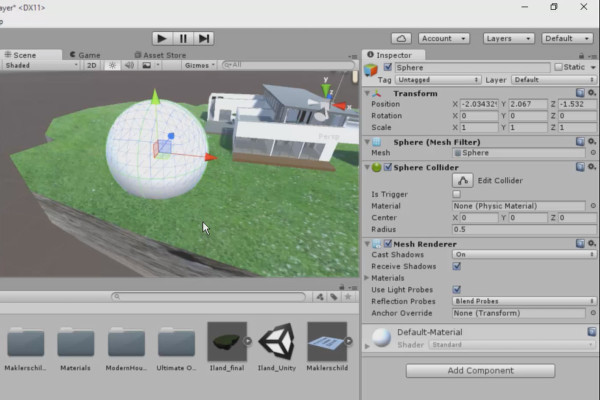
360° architectural views with Unity and Cinema 4D - 15 Global Illumination

360° architecture views with Unity and Cinema 4D
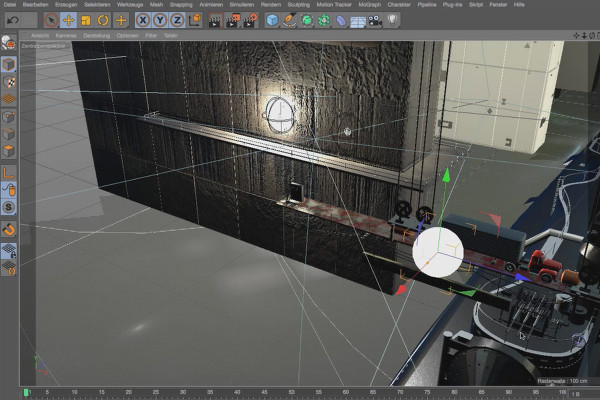
Cinema 4D - Lighting: 4.9 Truck light

Light & Lighting in Cinema 4D - the practical course
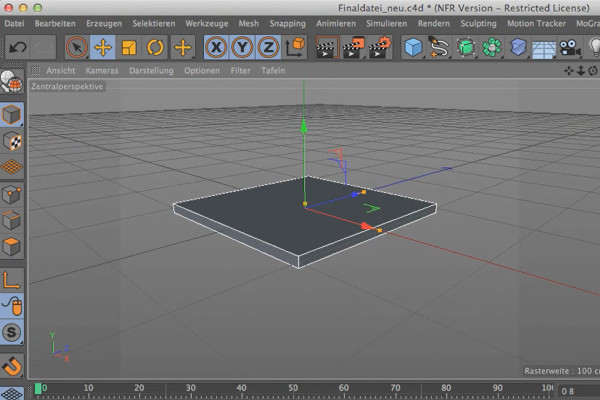
Cinema 4D meets Photoshop: I - 2.01. Modeling a scene: Creating a central base

3D design & composing: Cinema 4D meets Photoshop
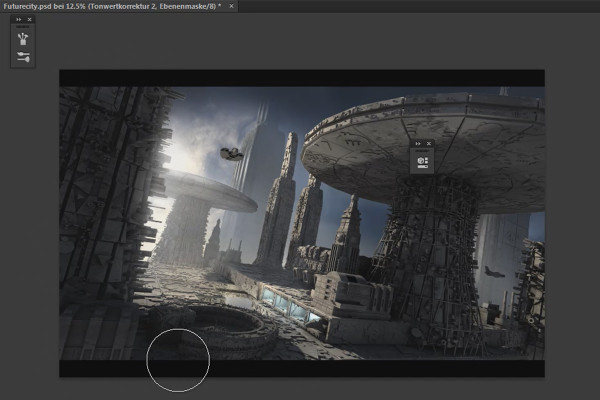
Cinema 4D meets Photoshop: II - 3.1 Preparation for texturing

3D design & composing: Cinema 4D meets Photoshop
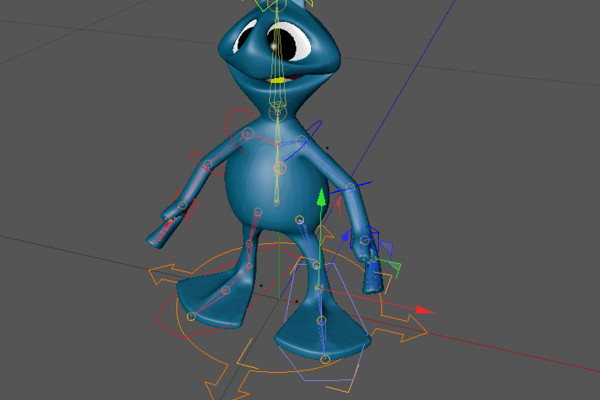
C4D Release 13 - Animation of an alien with the CMotion-Walkcycle

New functions in Cinema 4D - R12 to R19, R20 and R21
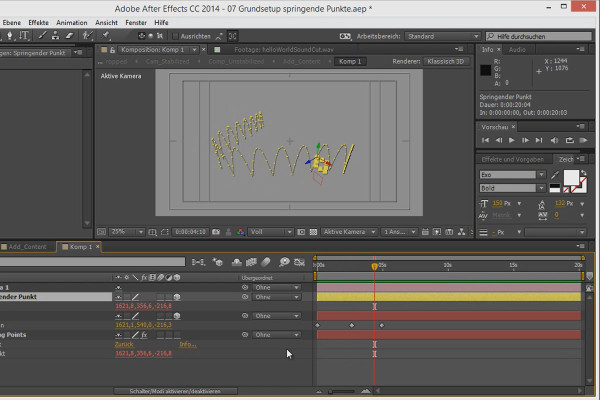
3D projects in After Effects: Basic setup of the jumping points - Part 1

3D projects and animations in After Effects
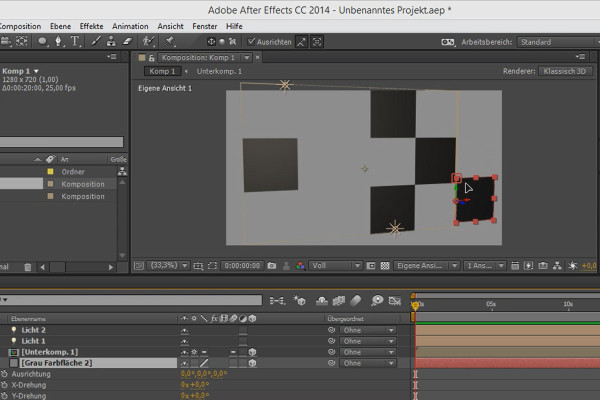
Tips and tricks for 3D in After Effects: Snapping

3D projects and animations in After Effects
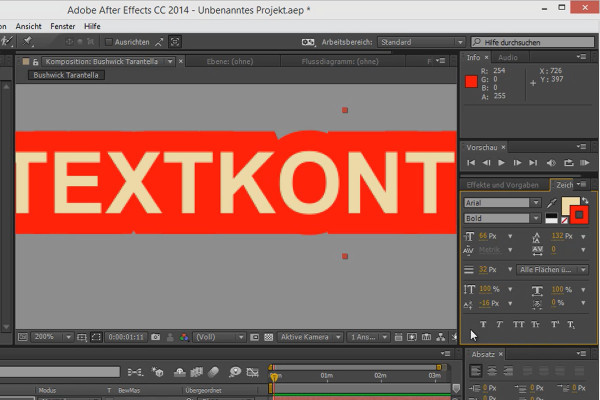
Workflow tips and tricks in After Effects: Flyout menus

3D projects and animations in After Effects
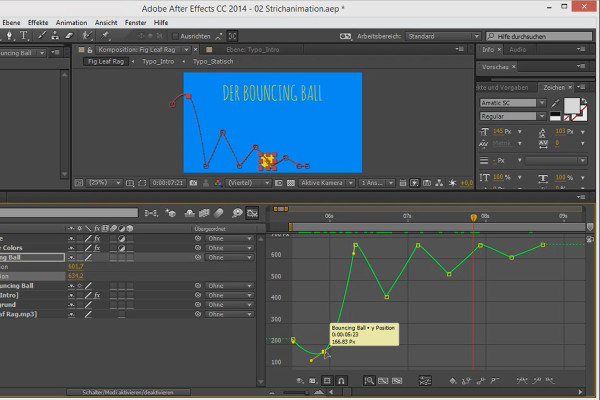
Animation made easy: Bouncing Ball - the curves

Animation in After Effects: Your beginner's tutorial
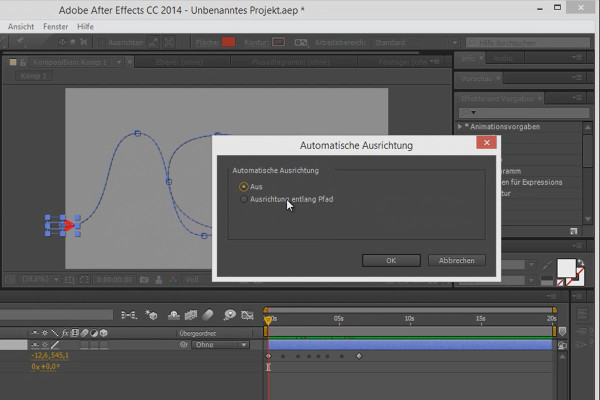
Tips and tricks for animating in After Effects: Aligning to the path

Animation in After Effects: Your beginner's tutorial
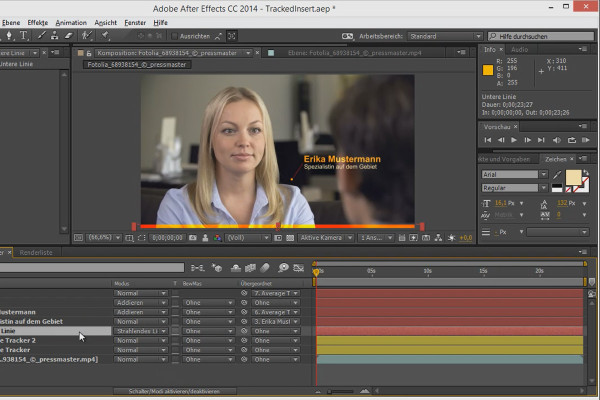
Workflow tips and tricks in After Effects: Going through fill methods

Animation in After Effects: Your beginner's tutorial
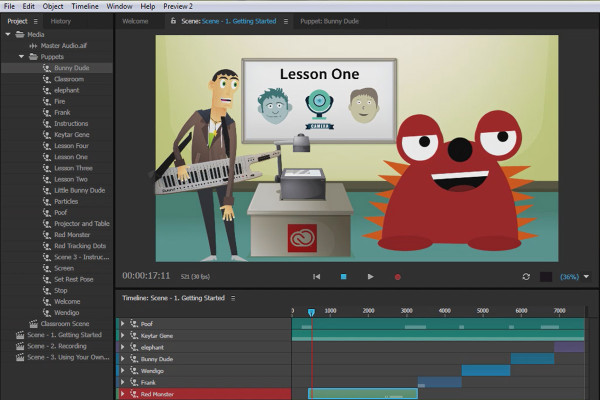
What's new in the Creative Cloud: After Effects CC 2015 (June 2015) - Character Animator - Overview

After Effects for beginners

What's new in the Creative Cloud: After Effects CC 2015.1 (November 2015) - Improved and new plug-ins

After Effects for beginners

After Effects for beginners: Creating and using animation presets - Part 02

After Effects for beginners

After Effects for beginners: Workflow between PS CC and AE CC

After Effects for beginners

Vegas Pro 15 - New features in detail

VEGAS Pro video training