Tutorials on 3D, audio and video
3D, Audio & Video
Tutorials on basics & professional tips

3D, audio & video - tutorials, basics & pro tips

New to 3D, audio and video and looking for basic information? Or already an expert and keen to get to know new workflows? In our tutorials, experienced trainers will show you how to stage 3D objects, create impressive videos, produce music and correct audio recordings. Whether it's Adobe Premiere and After Effects or DaVinci Resolve and the basics of videography - take a look at what will help you progress in your 3D, audio and video work!
YouTube marketing: 12.4 | Delete search history and playback history

YouTube tutorial: Basics, marketing & video editing
YouTube marketing: 13.4 | Create emojis and logos for channel membership

YouTube tutorial: Basics, marketing & video editing
What's new in Magix VEGAS Pro 19: 02 | Subscription models in detail

Magix VEGAS Pro 19 - Video tutorial on the new features
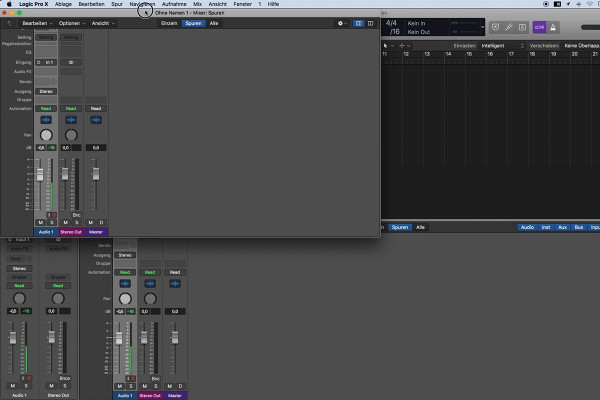
Getting started with music production with Logic Pro X: 2.4 The mixer

Logic Pro X-Tutorial - Make music easily yourself
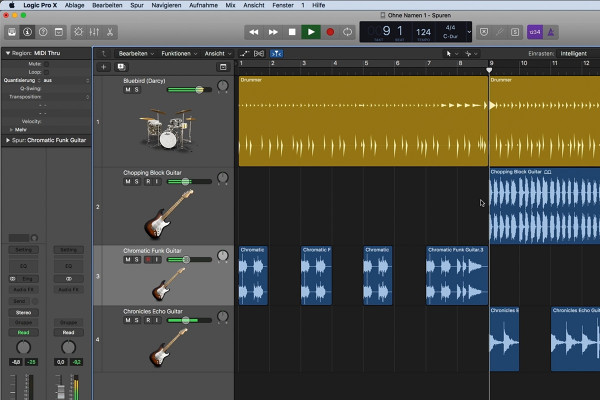
Getting started with music production with Logic Pro X: 3.4 audio loops

Logic Pro X-Tutorial - Make music easily yourself
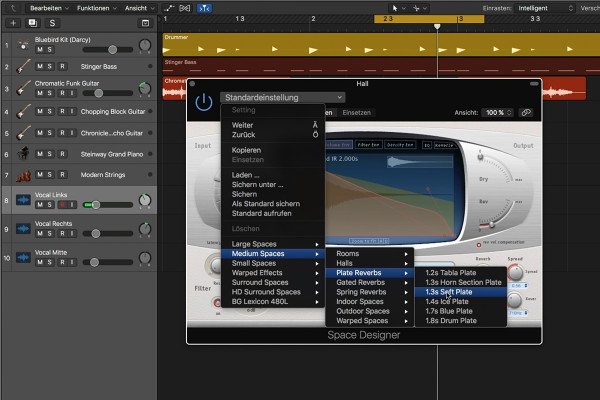
Getting started in music production with Logic Pro X: 4.4 Using effects

Logic Pro X-Tutorial - Make music easily yourself
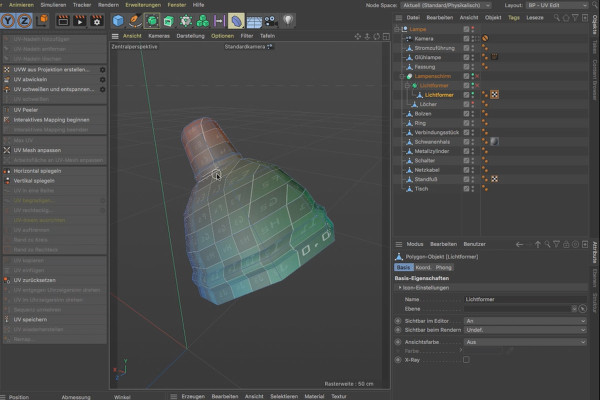
BodyPaint 3D-Tutorial: 1.4 Unwrap Lampshade 01

BodyPaint 3D in Cinema 4D (Tutorial): Painting and texturing 3D objects

BodyPaint 3D tutorial: 2.4 Metal material

BodyPaint 3D in Cinema 4D (Tutorial): Painting and texturing 3D objects

BodyPaint 3D tutorial: 3.4 PBR material

BodyPaint 3D in Cinema 4D (Tutorial): Painting and texturing 3D objects

Adobe Media Encoder 2020 (October 2020): Default settings

Adobe Media Encoder: Video converter tutorial
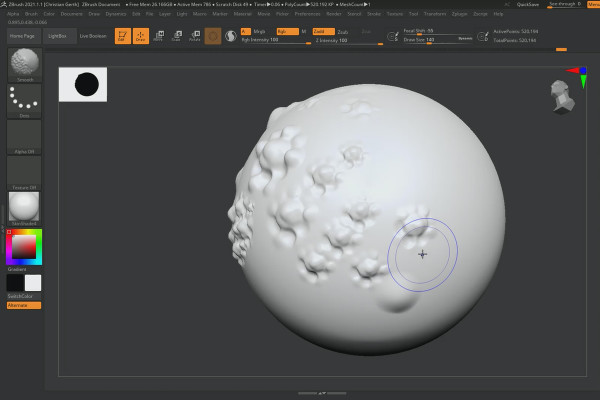
ZBrush 2020 - Video training on the updates: 5 | X-Tractor Brush

ZBrush 2020 and 2021: Video training on the updates
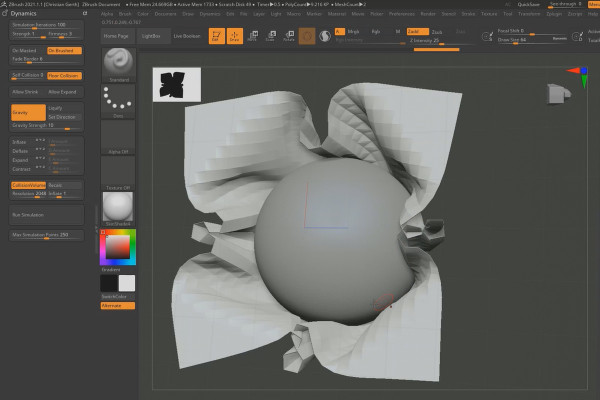
ZBrush 2021 - Video training on the updates: 11.1 | Cloth Simulation

ZBrush 2020 and 2021: Video training on the updates

Creative Cloud desktop app: Using the cloud

Creative Cloud desktop app: Tutorial on helpful features
Updates explained: After Effects CC 2020 (November 2019) - Faster shapes

After Effects CC from version 2020: Updates explained
Updates explained: After Effects CC 2020 (October 2020) - 3D transformation gizmo

After Effects CC from version 2020: Updates explained
Updates explained: After Effects CC 2020 (May 2020) - New features in detail

After Effects CC from version 2020: Updates explained
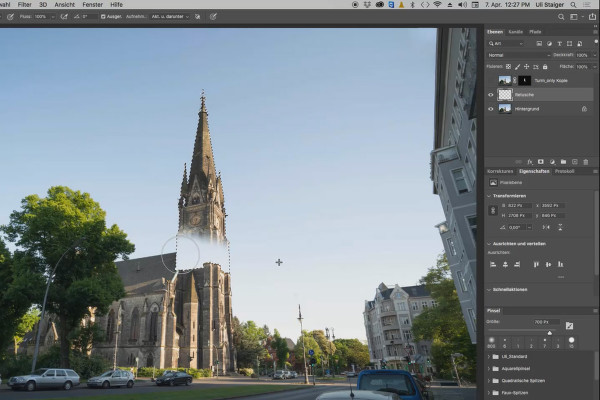
Photoshop 3D tutorial "Take-off": 04 | Retouching the sky

3D composing in Photoshop (Tutorial): "Take-off"
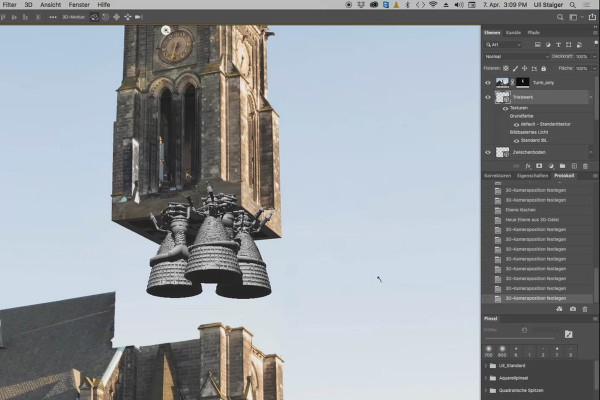
Photoshop 3D tutorial "Take-off": 09 | Engine

3D composing in Photoshop (Tutorial): "Take-off"
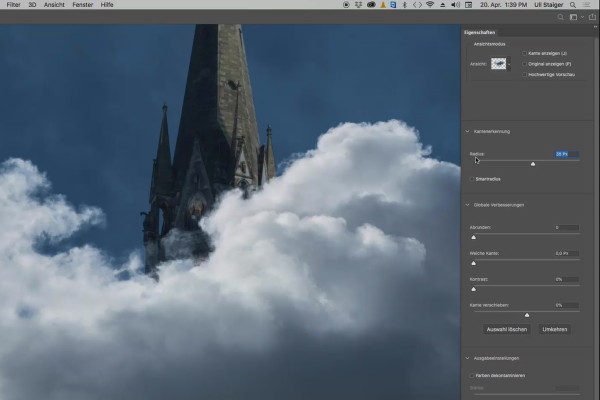
Photoshop 3D tutorial "Take-off": 14 | Explosion

3D composing in Photoshop (Tutorial): "Take-off"
Videography course: 2.4 | Important equipment

Creating videos - the great videography course
Videography course: 3.4 | The right light for filming

Creating videos - the great videography course
Videography course: 4.4 | Bit depth & compression

Creating videos - the great videography course
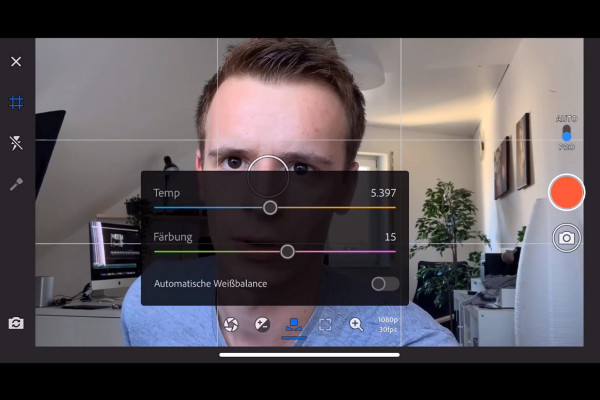
Videography course: 5.4 | Adobe Rush

Creating videos - the great videography course
Videography course: 6.4 | ISO when filming

Creating videos - the great videography course
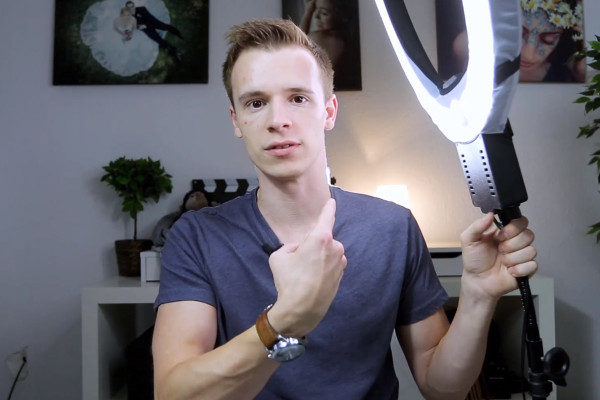
Videography course: 7.4 | Artificial light

Creating videos - the great videography course
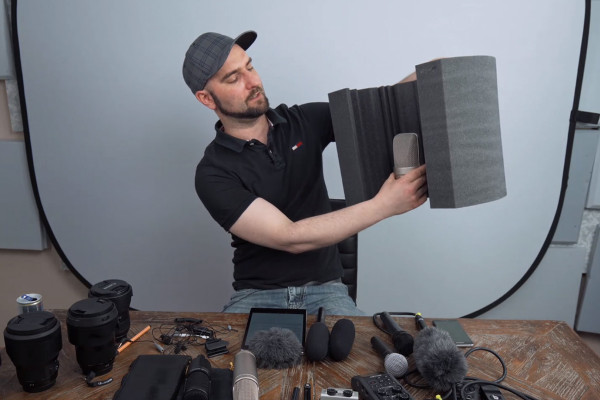
Videography course: 8.4 | Minimize Hall

Creating videos - the great videography course
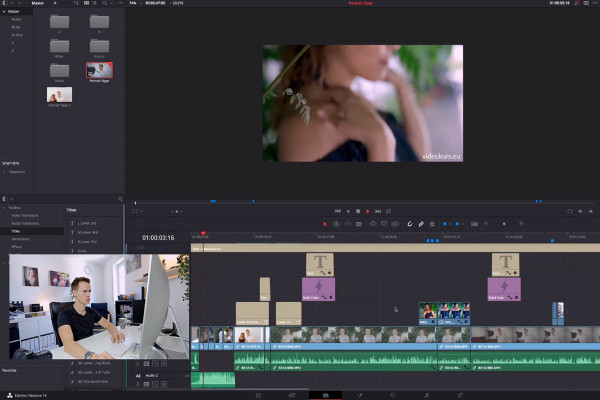
Videography course: 9.4 | Editing II - B-Roll

Creating videos - the great videography course
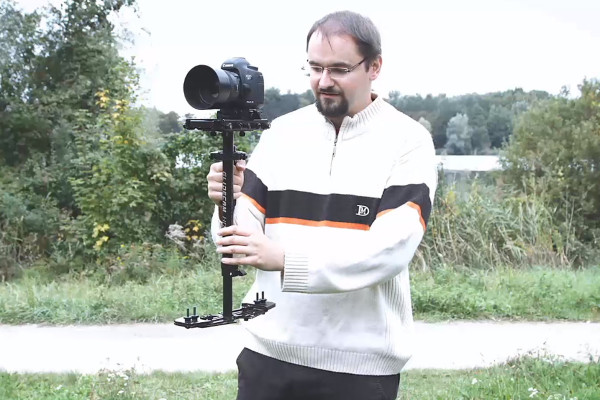
Videography course: 11.4 | Glidecam

Creating videos - the great videography course
Videography course: 12.4 | Film hacks I

Creating videos - the great videography course
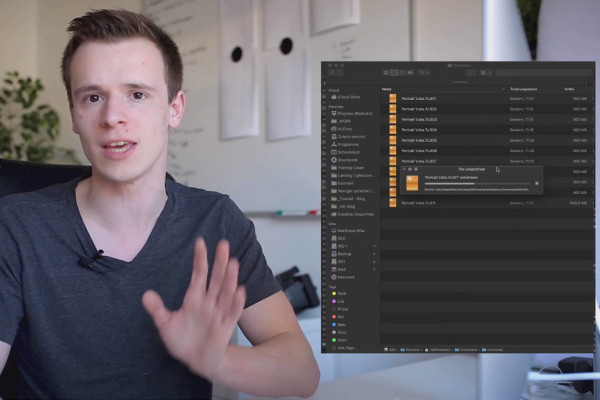
Premiere Pro CC Tutorial: 1.4 | How do I download the raw material?

Adobe Premiere Pro CC Tutorial: Video editing from cut to export
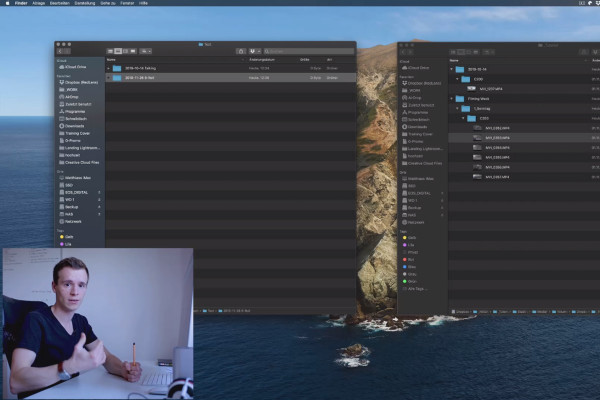
Premiere Pro CC Tutorial: 2.4 | Folder Structure & Import

Adobe Premiere Pro CC Tutorial: Video editing from cut to export
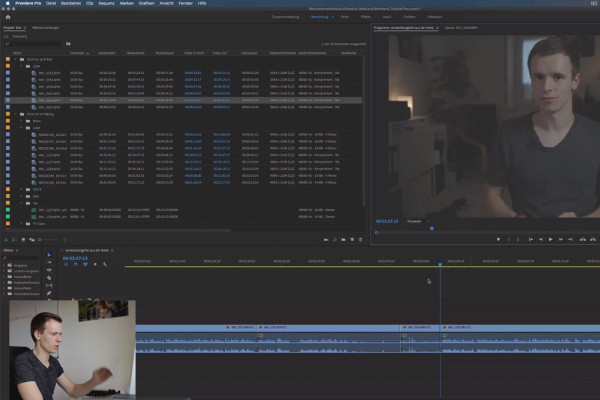
Premiere Pro CC Tutorial: 3.4 | Different editing techniques

Adobe Premiere Pro CC Tutorial: Video editing from cut to export
Premiere Pro CC Tutorial: 4.4 | White Balance

Adobe Premiere Pro CC Tutorial: Video editing from cut to export
Premiere Pro CC Tutorial: 5.4 | Remove Noise

Adobe Premiere Pro CC Tutorial: Video editing from cut to export
Premiere Pro CC Tutorial: 6.4 | Create credits

Adobe Premiere Pro CC Tutorial: Video editing from cut to export
Premiere Pro CC Tutorial: 8.4 | 4k or HD

Adobe Premiere Pro CC Tutorial: Video editing from cut to export
DaVinci Resolve Tutorial: 1.4 | With this course to success

DaVinci Resolve tutorial: Video editing from the basics to export
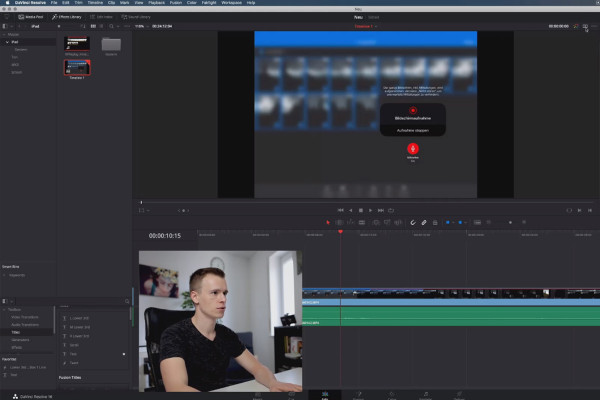
DaVinci Resolve Tutorial: 2.4 | Interface

DaVinci Resolve tutorial: Video editing from the basics to export
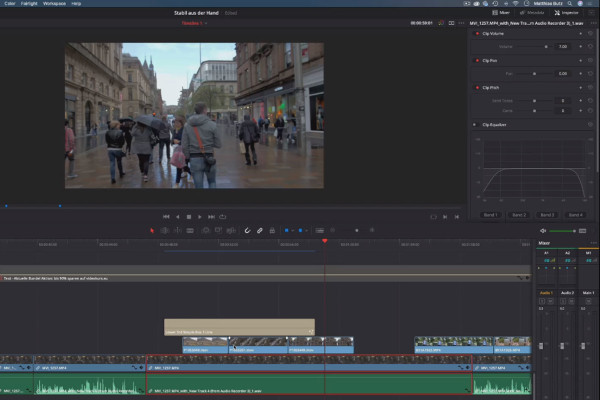
DaVinci Resolve Tutorial: 3.4 | Layers

DaVinci Resolve tutorial: Video editing from the basics to export
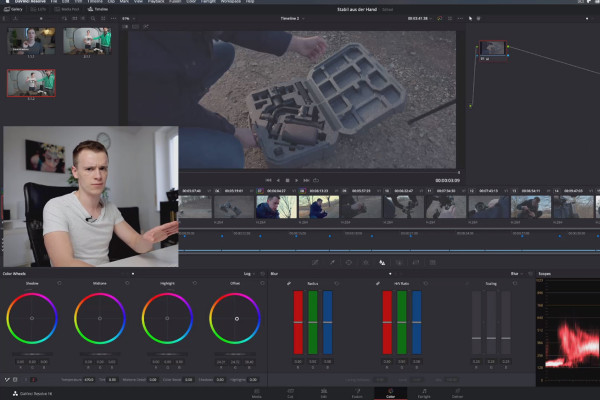
DaVinci Resolve Tutorial: 4.4 | Scopes

DaVinci Resolve tutorial: Video editing from the basics to export
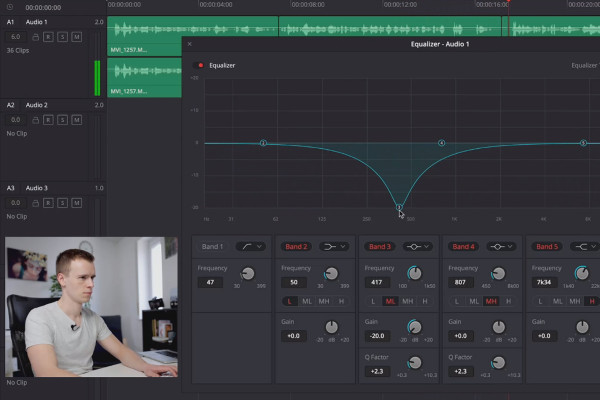
DaVinci Resolve Tutorial: 5.4 | Editing voice recordings

DaVinci Resolve tutorial: Video editing from the basics to export
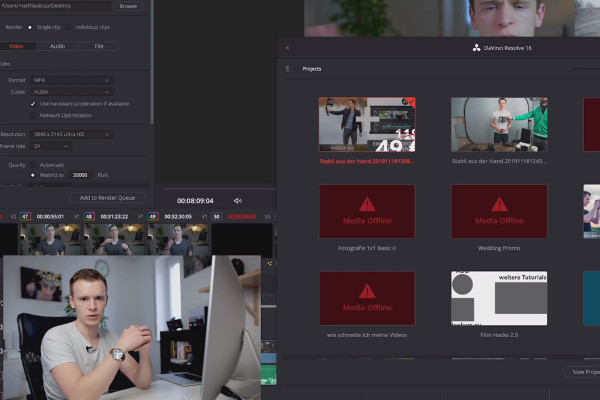
DaVinci Resolve Tutorial: 6.4 | Archiving projects

DaVinci Resolve tutorial: Video editing from the basics to export
DaVinci Resolve Tutorial: 8.4 | LOG Profile

DaVinci Resolve tutorial: Video editing from the basics to export
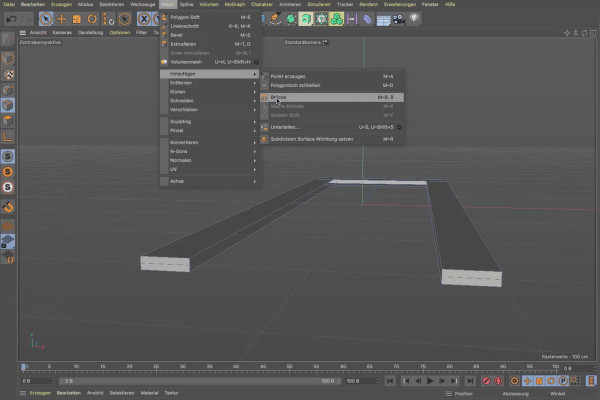
Cinema 4D tutorial "Underground": 1.4 Opening

Cinema 4D tutorial "Underground" - from 3D model to rendering
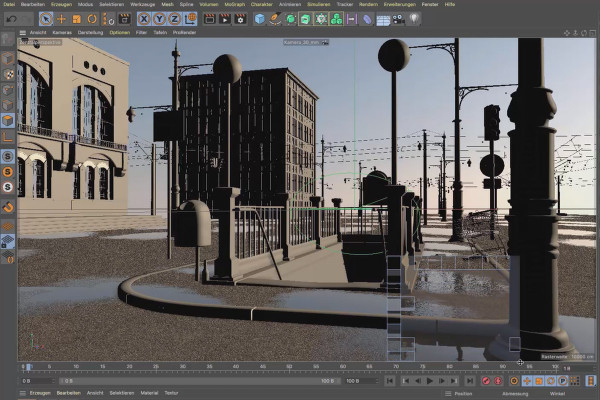
Cinema 4D tutorial "Underground": 2.4 Mapping

Cinema 4D tutorial "Underground" - from 3D model to rendering
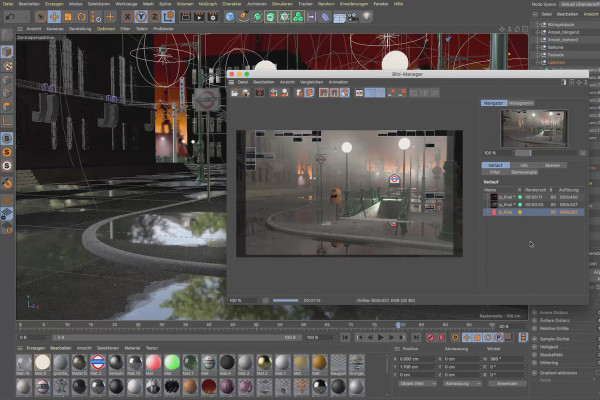
Cinema 4D tutorial "Underground": 3.4 Visibility

Cinema 4D tutorial "Underground" - from 3D model to rendering

Magix VEGAS Pro 17 - Video tutorial on the new features: 04 | HLG, HDR output

Magix VEGAS Pro 17 - Video tutorial on the new features
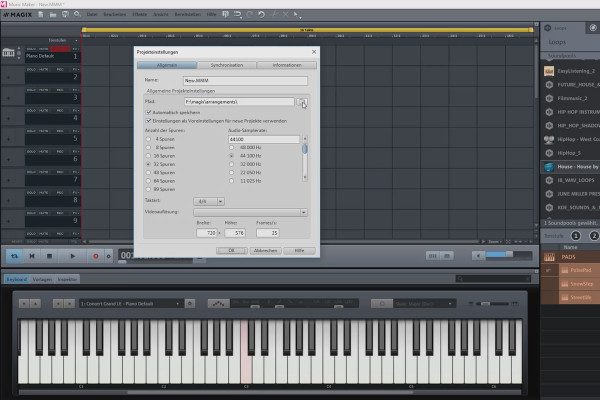
Create your own music with Magix Music Maker: 04 | Options and settings in the program (1/5)

Create your own music with Magix Music Maker - Tutorial for audio editing

Creating your own music with Magix Music Maker: 12 | Working with the MIDI editor

Create your own music with Magix Music Maker - Tutorial for audio editing
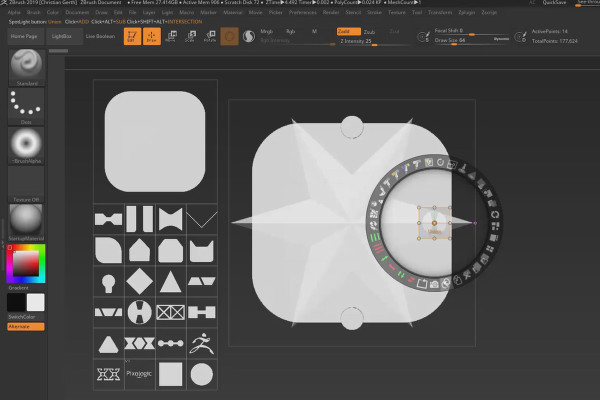
ZBrush 2019 - Video training for the update: 3.2 | Snapshot 3D: Application

ZBrush 2019 - Video training for the update
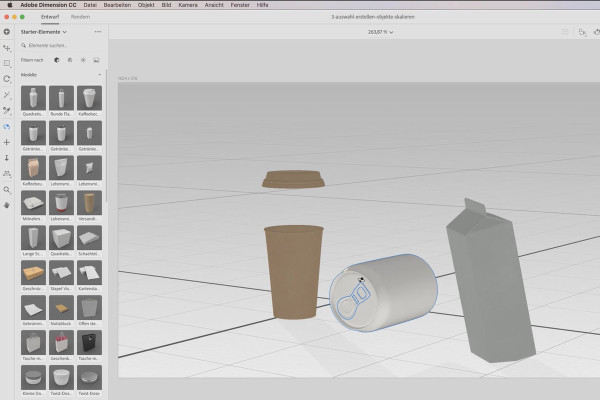
Adobe Dimension CC Tutorial: 04 | Modify models and create selections

Adobe Dimension CC tutorial - 3D for graphic designers
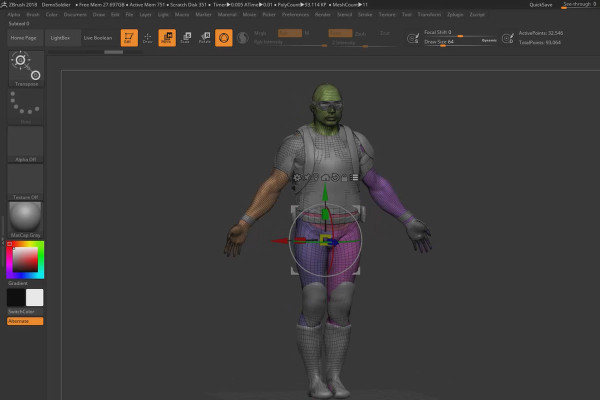
ZBrush 2018 and 4R8 - Video training on the updates: 3.2 Gizmo 3D: Orientation

ZBrush 2018 and 4R8: Video training on the updates
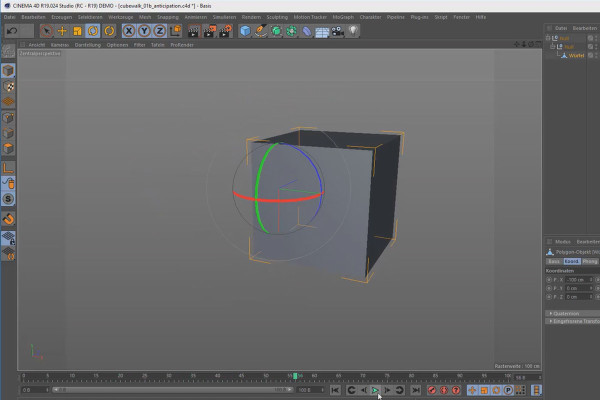
Creating 3D animation in Cinema 4D: 2.4 Anticipation

Create 3D animation in Cinema 4D

Create 3D animation in Cinema 4D: 3.4 MoGraph: Generators

Create 3D animation in Cinema 4D

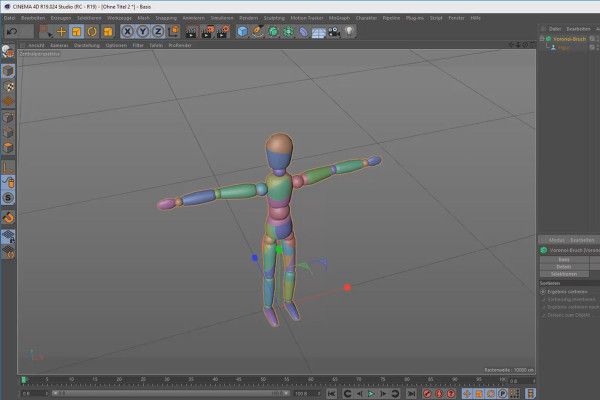
C4D Release 20 - further practical improvements and new functions

Cinema 4D tutorial: Basics & 3D practice for beginners
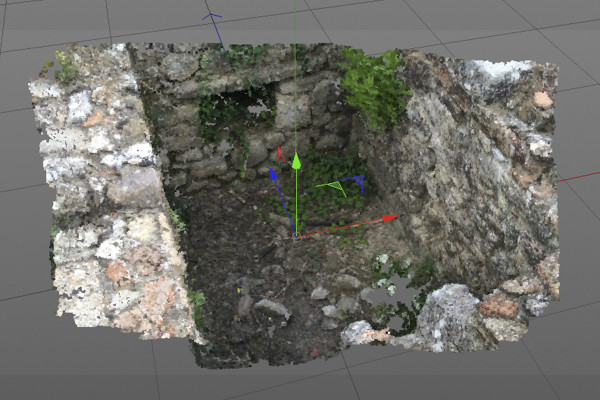
C4D Release 19 - Scene reconstruction with the motion tracker

Cinema 4D tutorial: Basics & 3D practice for beginners
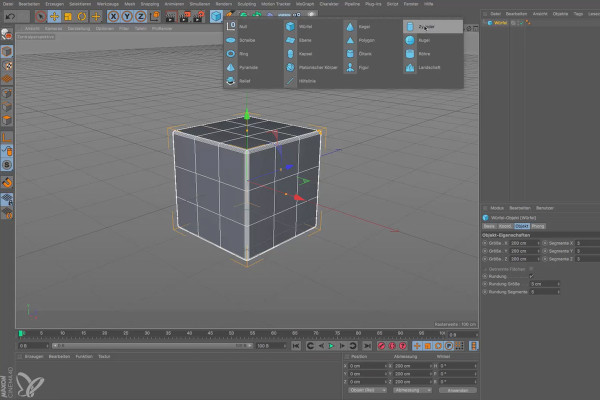
Cinema 4D for beginners - 3D practice: 1.4 Basic objects

Cinema 4D tutorial: Basics & 3D practice for beginners
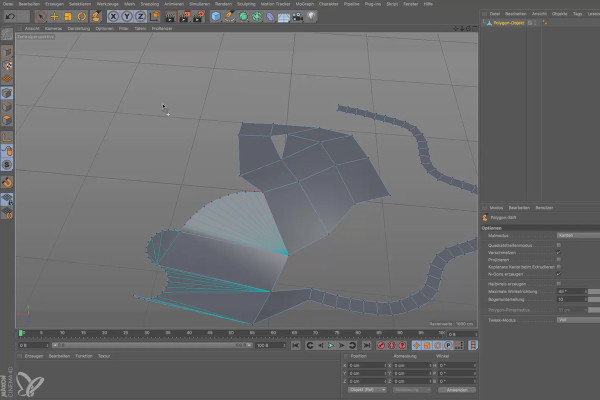
Cinema 4D for beginners - 3D practice: 2.4 Polygon pen

Cinema 4D tutorial: Basics & 3D practice for beginners
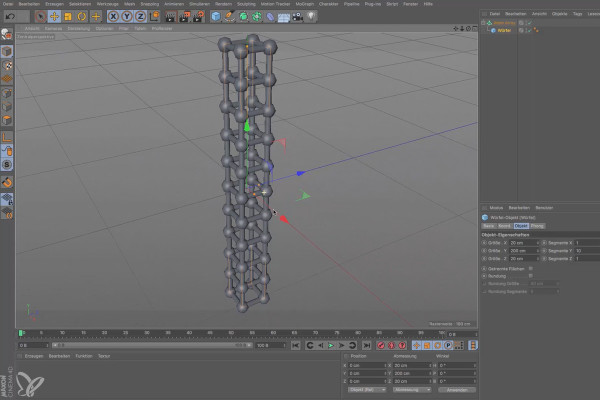
Cinema 4D for beginners - 3D practice: 3.4 Modeling objects

Cinema 4D tutorial: Basics & 3D practice for beginners
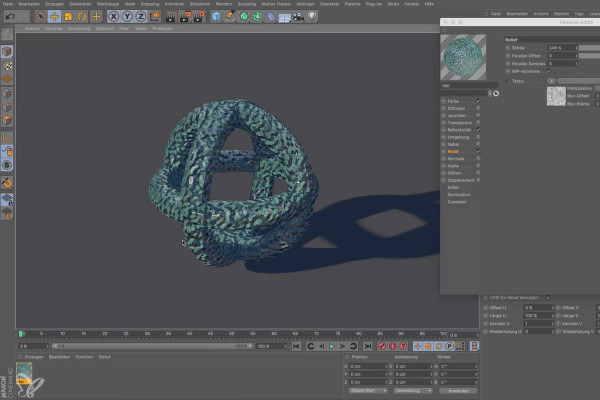
Cinema 4D for beginners - 3D practice: 4.4 Material editor

Cinema 4D tutorial: Basics & 3D practice for beginners
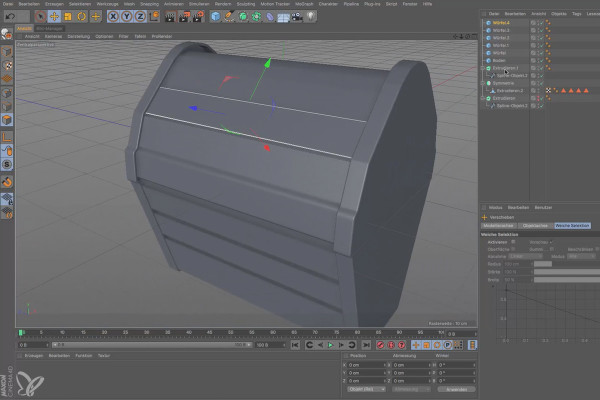
Cinema 4D for beginners - 3D practice: 6.4 Cooling fins

Cinema 4D tutorial: Basics & 3D practice for beginners
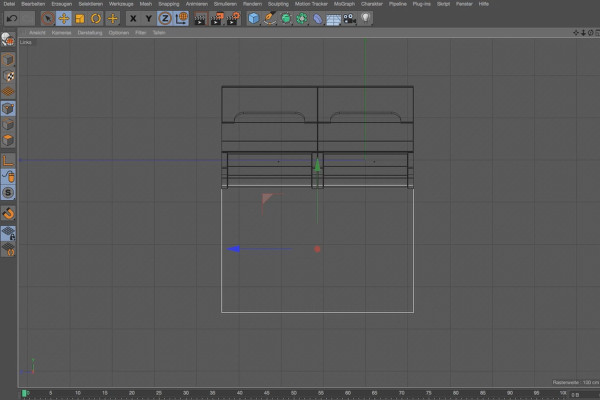
Practice in Cinema 4D - Modeling and lighting a space station: 04 Windows

Cinema 4D practical tutorial: 3D modeling and lighting of a space station
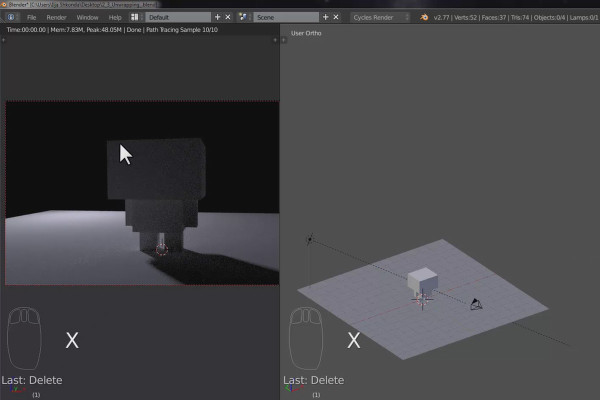
The practical training for Blender beginners - 2.4 Cubecraft character: lighting

The practical tutorial for Blender: 3D for beginners
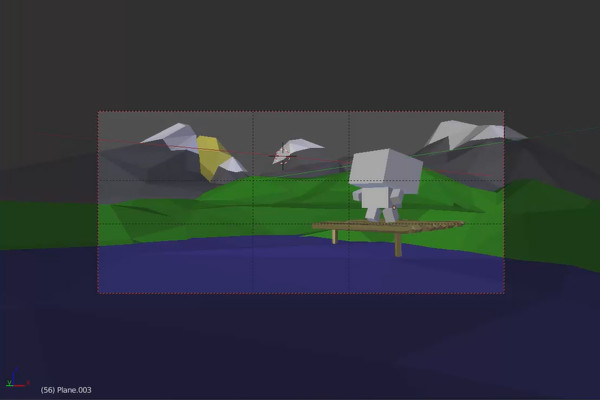
The practical training for Blender beginners - 3.4 Landscape: Material

The practical tutorial for Blender: 3D for beginners

360° architecture views with Unity and Cinema 4D - 10 Add graphics for second button
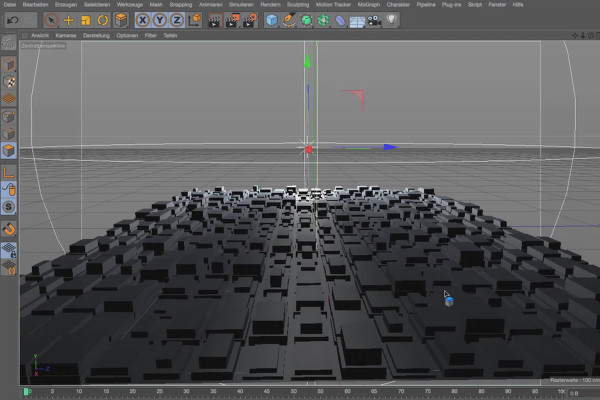
360° architecture views with Unity and Cinema 4D

Cinema 4D - Lighting: 1.4 Direction of light

Light & Lighting in Cinema 4D - the practical course
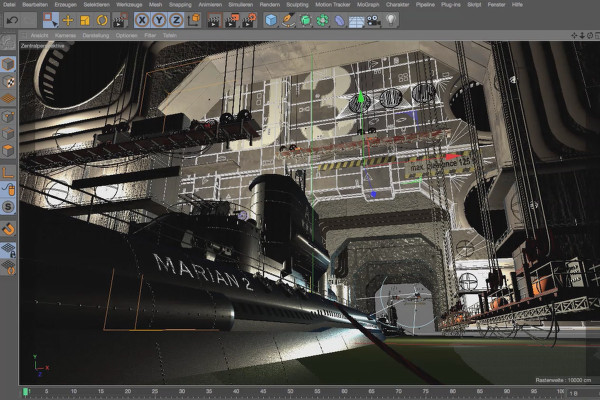
Cinema 4D - Lighting: 4.4 Creating grazing light

Light & Lighting in Cinema 4D - the practical course
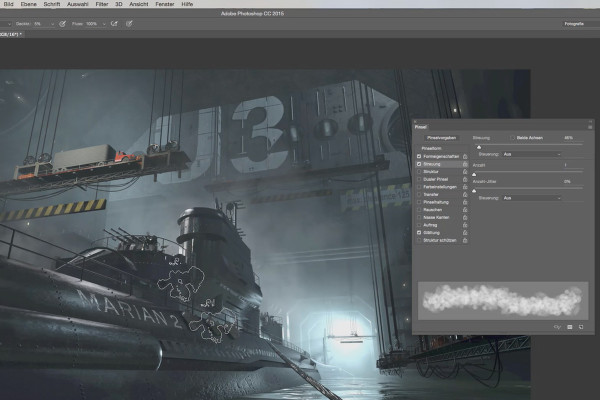
Cinema 4D - Lighting: 6.4 Haze

Light & Lighting in Cinema 4D - the practical course
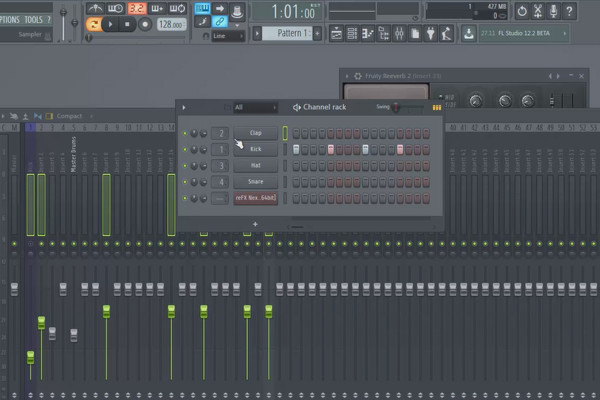
Digital music production with FL Studio - 2.4 Mixer and Browser

FL Studio Tutorial: Learn music production
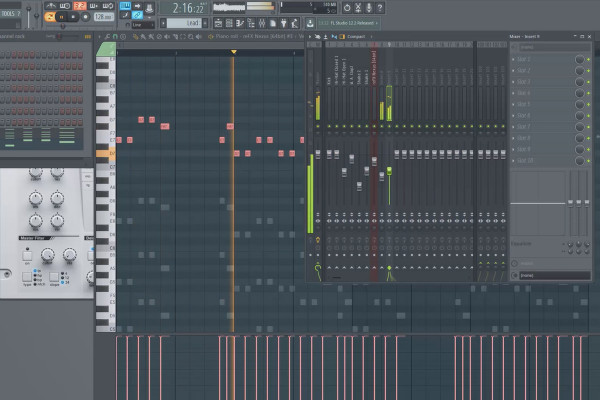
Digital music production with FL Studio - 3.4 Working in the piano roll and in different patterns

FL Studio Tutorial: Learn music production
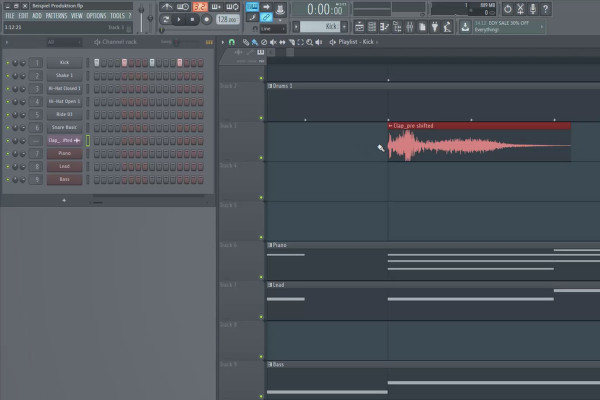
Digital music production with FL Studio - 5.4 Sample production: Inserting additional tracks and instruments (second part)

FL Studio Tutorial: Learn music production
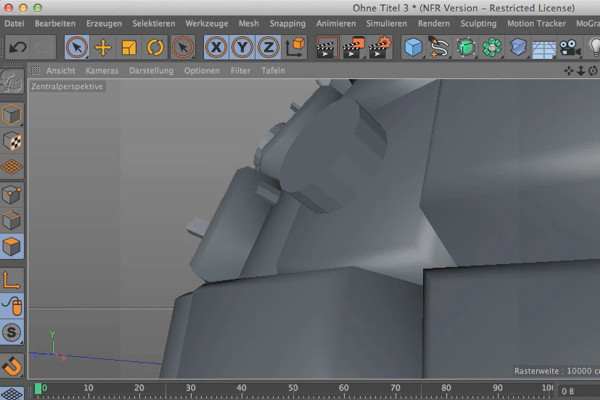
Cinema 4D meets Photoshop: I - 1.4 Explain Greebler: Bevels of the polygons/subdivisions

3D design & composing: Cinema 4D meets Photoshop
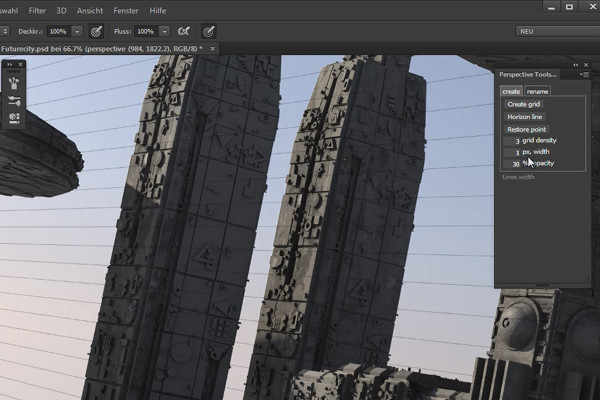
Cinema 4D meets Photoshop: II - 1.4 Creating perspective guides

3D design & composing: Cinema 4D meets Photoshop

C4D Release 18 - the Voronoi break object

New functions in Cinema 4D - R12 to R19, R20 and R21
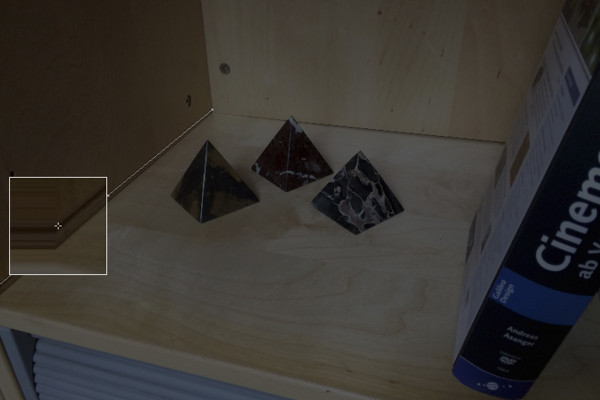
C4D Release 17 - De- and distortions with the lens distortion tool

New functions in Cinema 4D - R12 to R19, R20 and R21
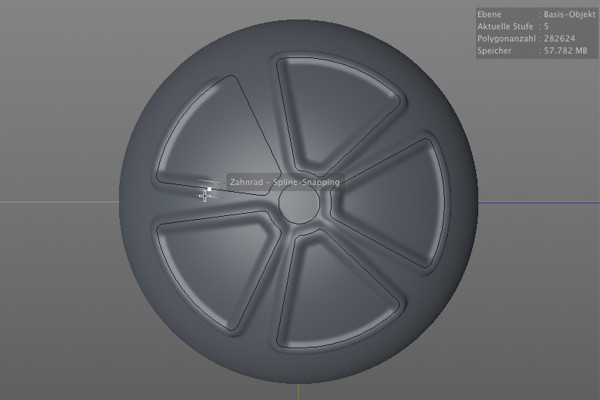
C4D Release 16 - Improved sculpting tools

New functions in Cinema 4D - R12 to R19, R20 and R21
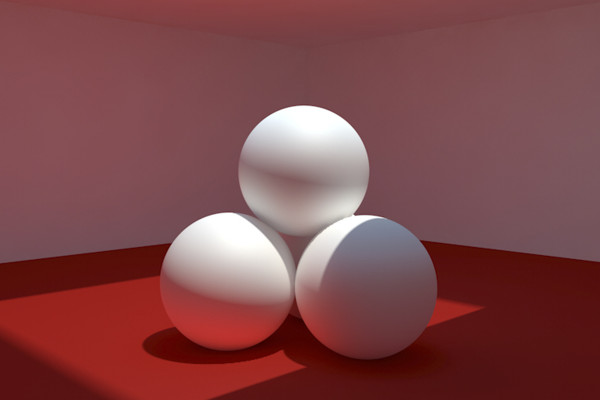
C4D Release 15 - Rendering with light maps, Embree and fast preview

New functions in Cinema 4D - R12 to R19, R20 and R21
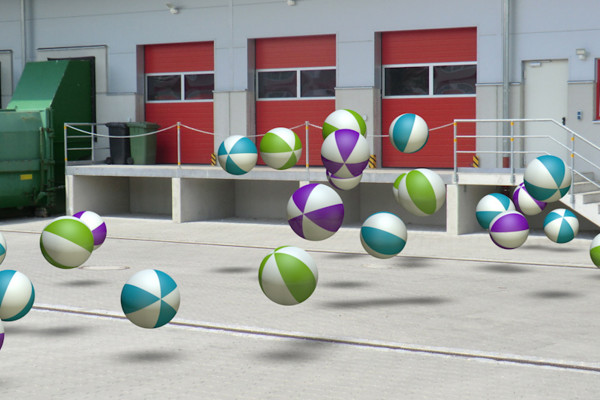
C4D Release 14 - 3D objects in real images through camera matching

New functions in Cinema 4D - R12 to R19, R20 and R21
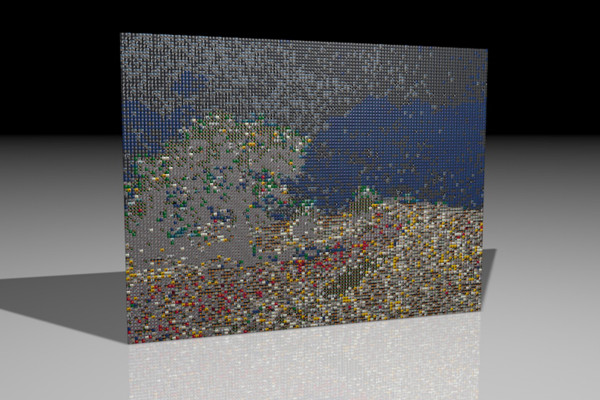
C4D Release 13 - Image mosaic with the multi-shader from MoGraph

New functions in Cinema 4D - R12 to R19, R20 and R21
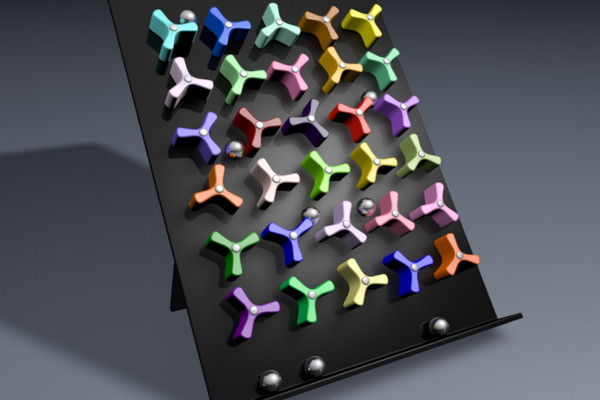
C4D Release 12 - Rigid Body Dynamics and Connectors

New functions in Cinema 4D - R12 to R19, R20 and R21
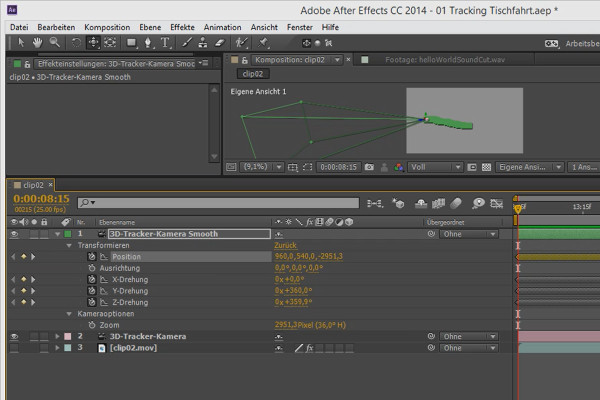
3D projects in After Effects: Smoothing the 3D camera

3D projects and animations in After Effects
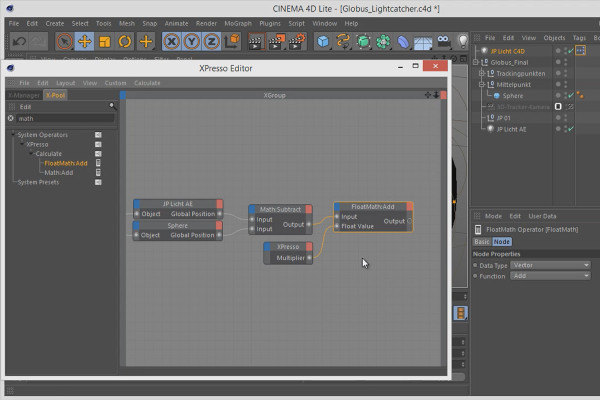
3D projects in After Effects: Xpresso circuit - Globe light

3D projects and animations in After Effects
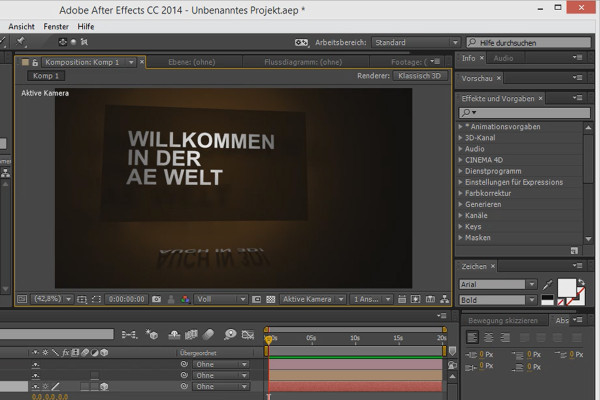
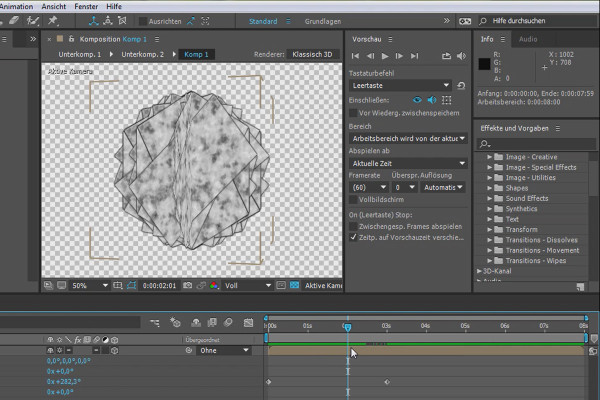
Tips and tricks for 3D in After Effects: 3D preview

3D projects and animations in After Effects
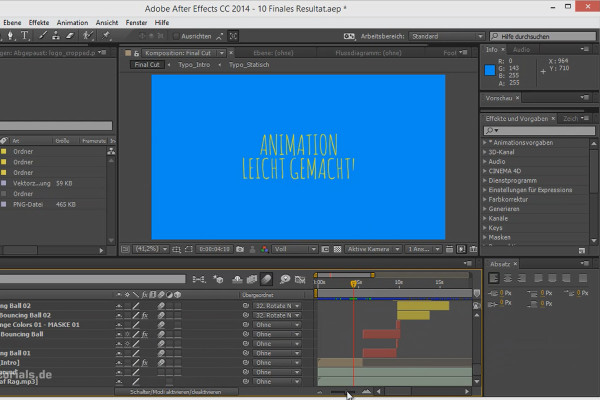
Workflow tips and tricks in After Effects: Tips for sound

3D projects and animations in After Effects
Animation made easy: concept - font and sound

Animation in After Effects: Your beginner's tutorial
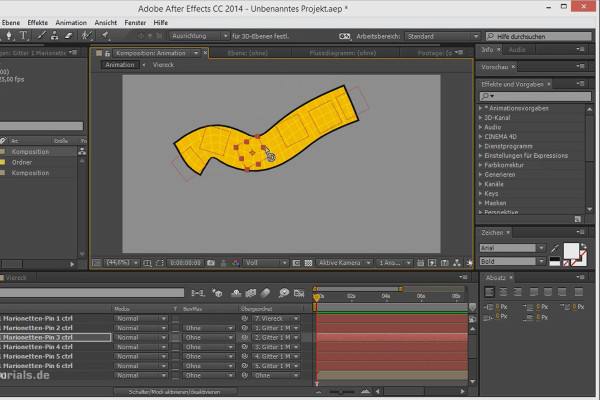
Tips and tricks for animation in After Effects: Puppet tool with rotations

Animation in After Effects: Your beginner's tutorial
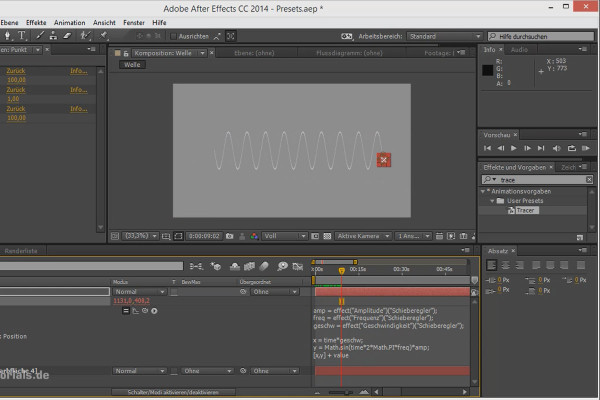
Workflow tips and tricks in After Effects: Presets

Animation in After Effects: Your beginner's tutorial
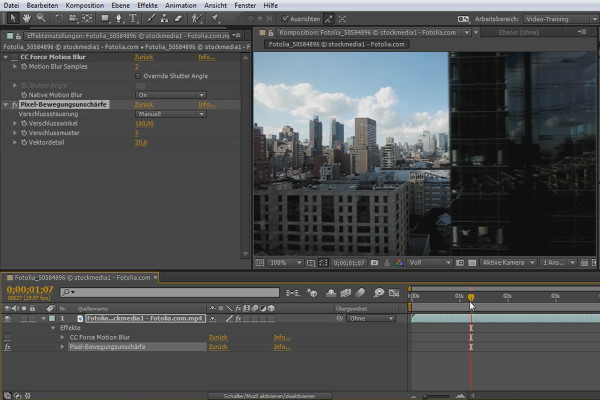
What's new in the Creative Cloud: After Effects CC (until 2015) - Pixel motion blur

After Effects for beginners

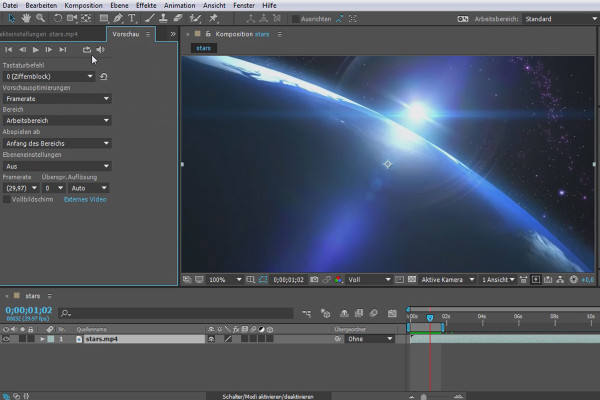
What's new in the Creative Cloud: After Effects CC 2015 (June 2015) - Preview functions

After Effects for beginners

What's new in the Creative Cloud: After Effects CC 2015.1 (November 2015) - New caching behavior

After Effects for beginners

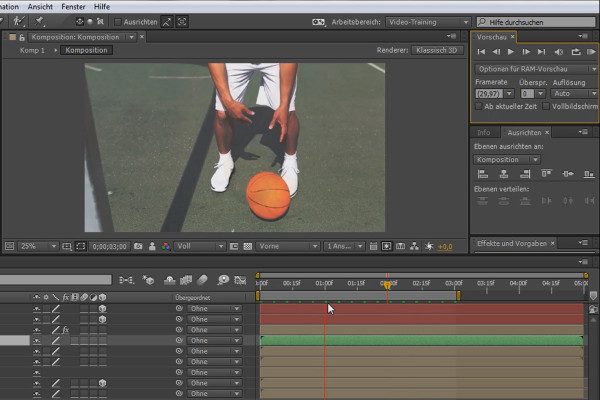
After Effects for beginners: Further functions and their meaning II

After Effects for beginners

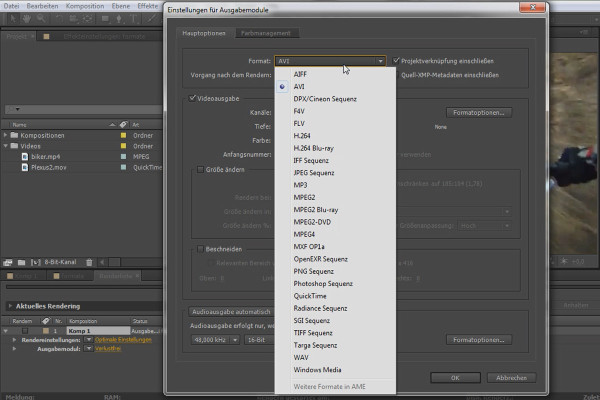
After Effects for beginners: Common formats

After Effects for beginners

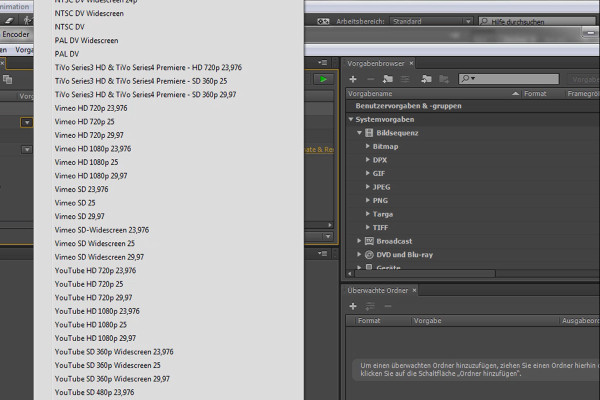
After Effects for beginners: Formats & Rendering

After Effects for beginners

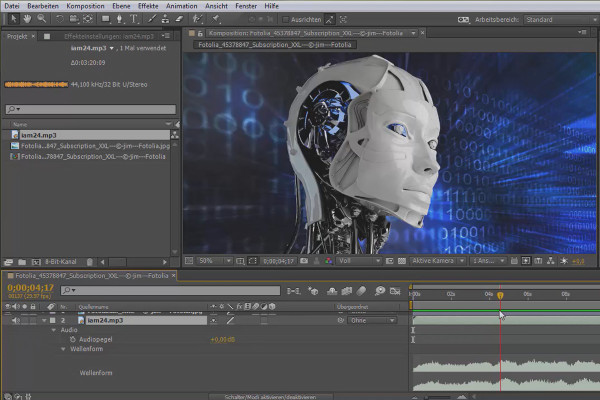
After Effects for beginners: Audio functions and their benefits

After Effects for beginners

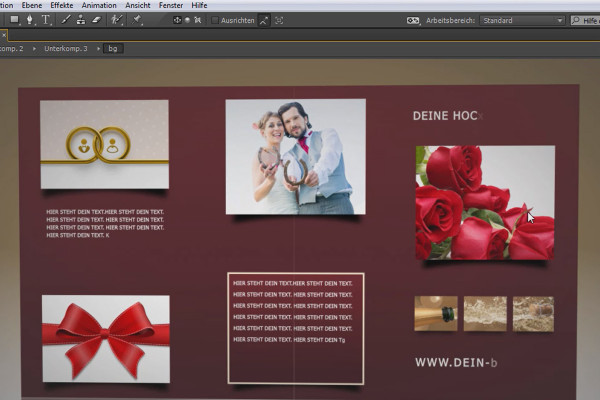
After Effects for beginners: Animated wedding card

After Effects for beginners

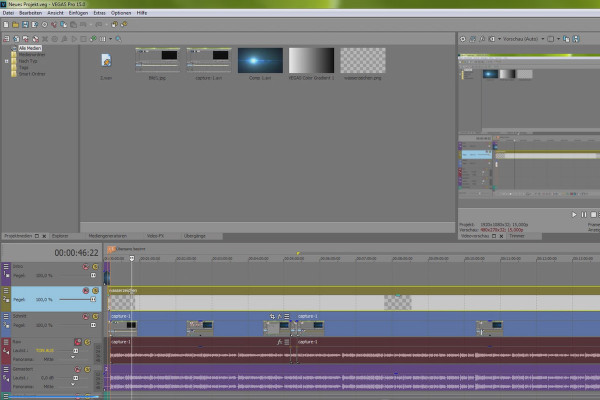
VEGAS Pro 15 - the new interface in detail

VEGAS Pro video training

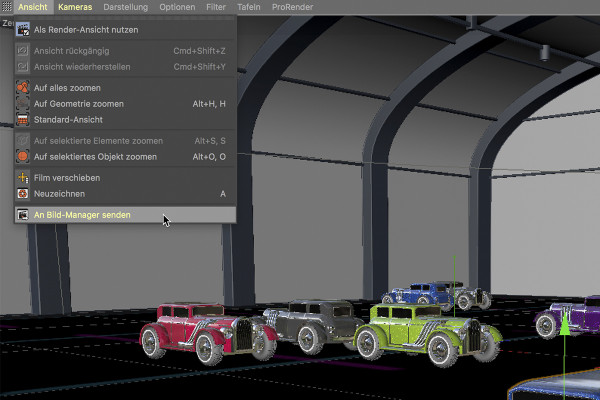
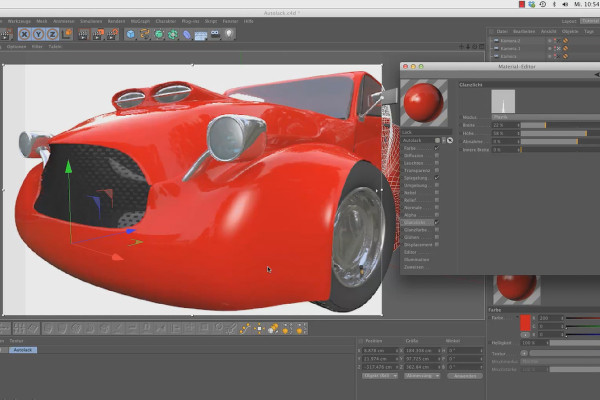
Shaders and Textures - Material Creation in CINEMA 4D: Car Paint

CINEMA 4D Video Training - Shaders & Textures
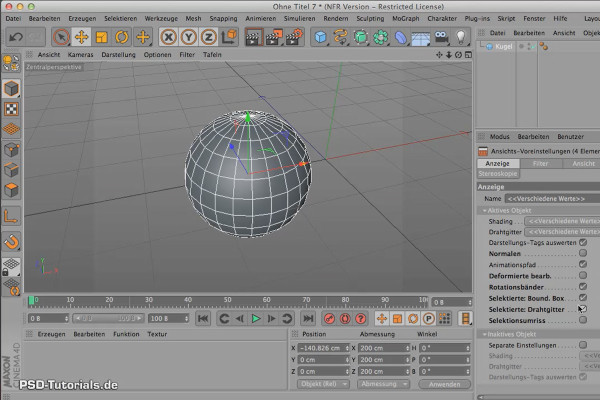
Sculpting in CINEMA 4D - Basics: Part 02 - Preparation

Cinema 4D: 3D Sculpting Tutorial

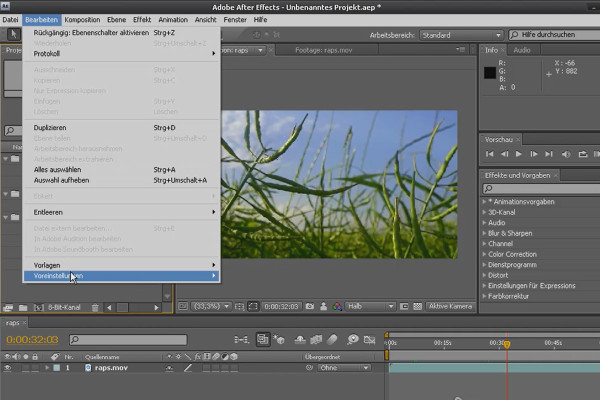
After Effects - Basics: Preferences and workspaces

After Effects Workshop DVD - Basics & Tricks
iMovie Tutorial: 2.5 | Step 3: Title

iMovie tutorial: Guide to creative video editing