Tutorials on 3D, audio and video
3D, Audio & Video
Tutorials on basics & professional tips

3D, audio & video - tutorials, basics & pro tips

New to 3D, audio and video and looking for basic information? Or already an expert and keen to get to know new workflows? In our tutorials, experienced trainers will show you how to stage 3D objects, create impressive videos, produce music and correct audio recordings. Whether it's Adobe Premiere and After Effects or DaVinci Resolve and the basics of videography - take a look at what will help you progress in your 3D, audio and video work!
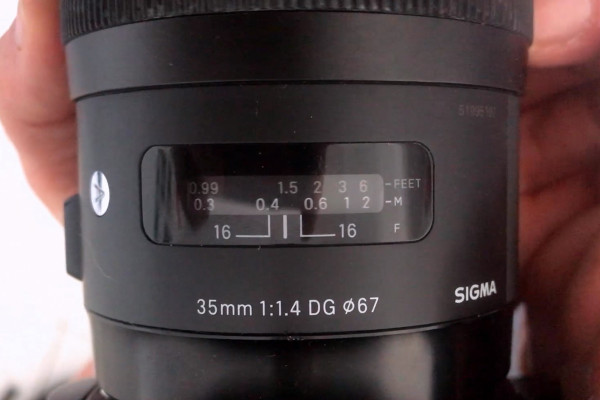
Videography course: 6.6 | Autofocus or manual focus?

Creating videos - the great videography course
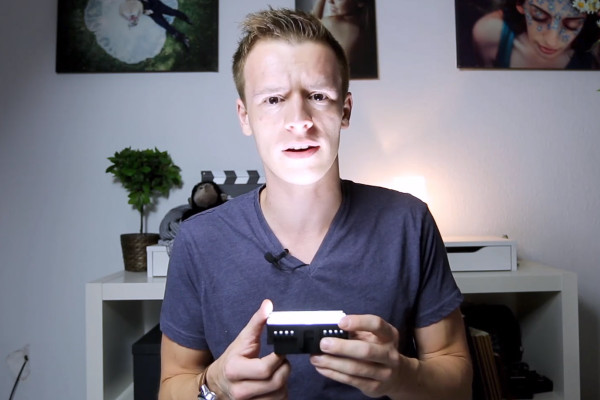
Videography course: 7.6 | Lighting setup - only one light source

Creating videos - the great videography course
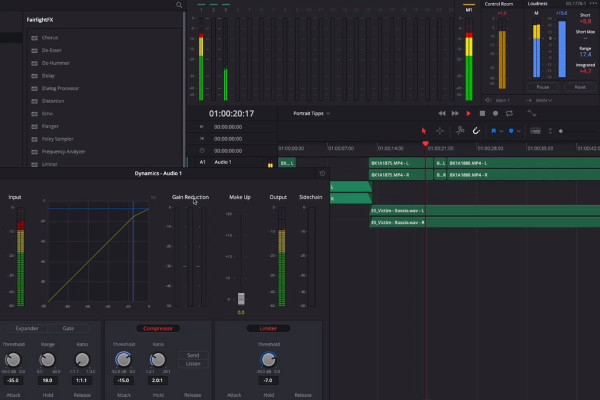
Videography course: 9.6 | Sound editing

Creating videos - the great videography course
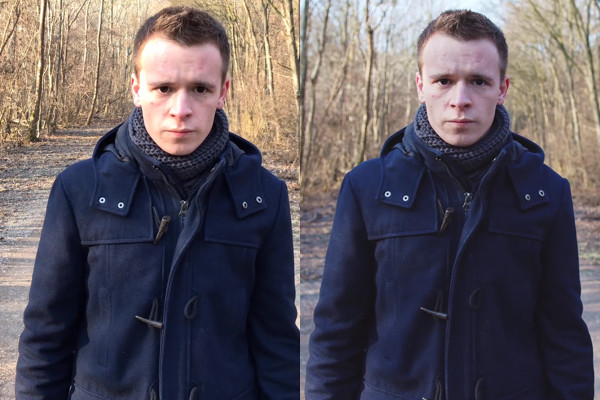
Videography course: 11.6 | 4k or HD?

Creating videos - the great videography course
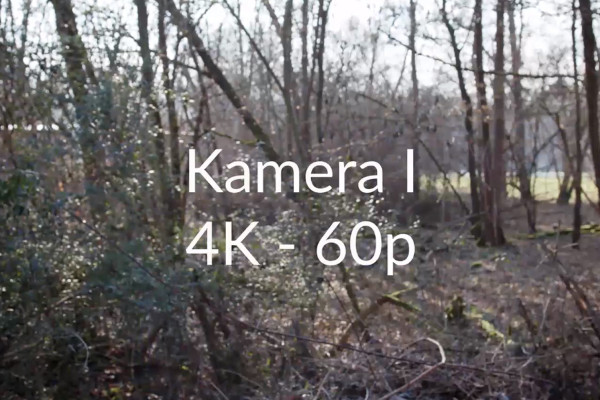
Videography course: 12.6 | 4k is not 4k - smartphone vs. cinema camera

Creating videos - the great videography course
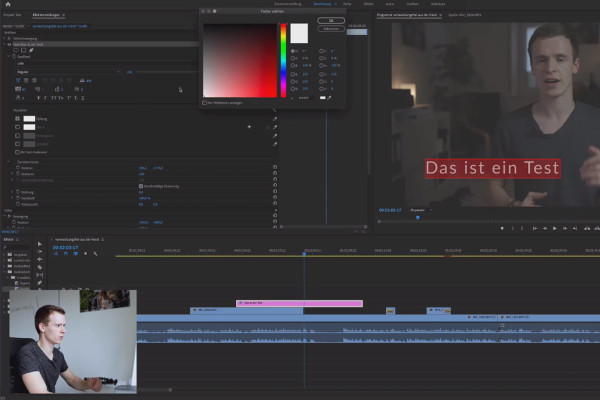
Premiere Pro CC Tutorial: 3.6 | Text

Adobe Premiere Pro CC Tutorial: Video editing from cut to export
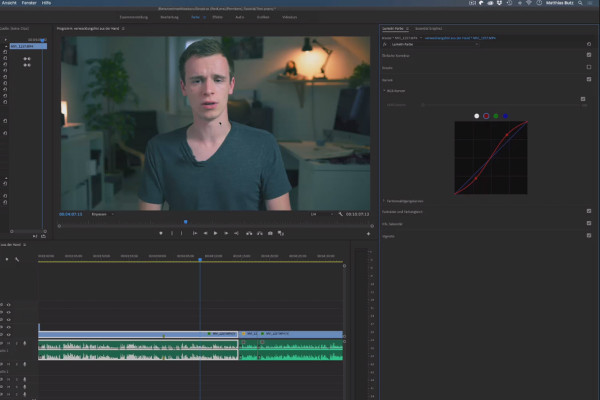
Premiere Pro CC Tutorial: 4.6 | Curves

Adobe Premiere Pro CC Tutorial: Video editing from cut to export
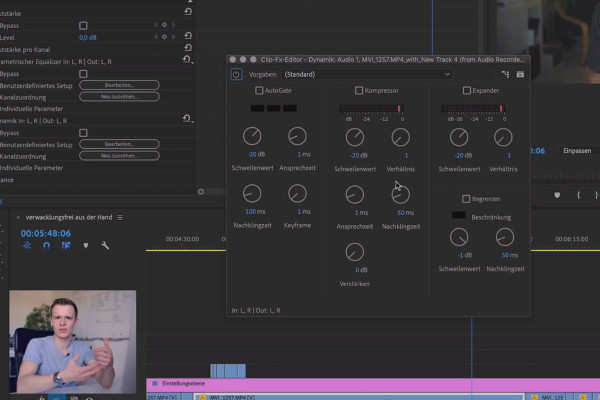
Premiere Pro CC Tutorial: 5.6 | Editing voice recordings

Adobe Premiere Pro CC Tutorial: Video editing from cut to export
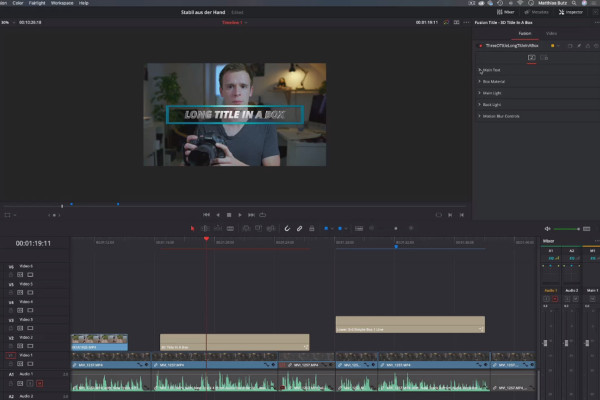
DaVinci Resolve Tutorial: 3.6 | Text, Title & Lower Thirds

DaVinci Resolve tutorial: Video editing from the basics to export
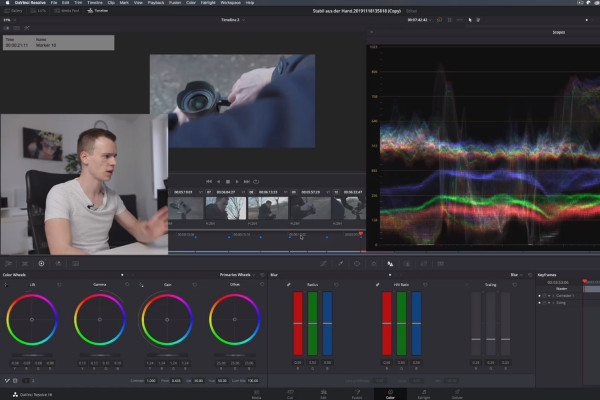
DaVinci Resolve Tutorial: 4.6 | Color Wheels

DaVinci Resolve tutorial: Video editing from the basics to export
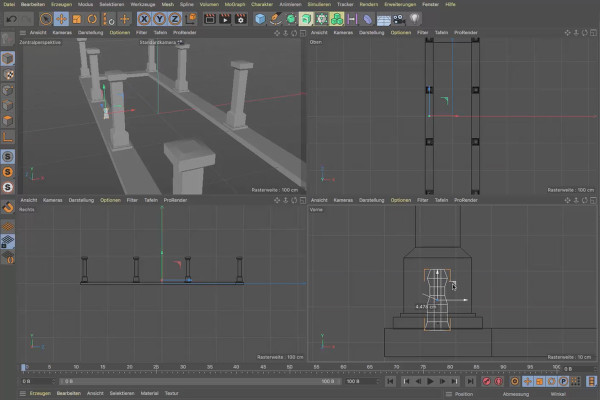
Cinema 4D tutorial "Underground": 1.6 Extrude

Cinema 4D tutorial "Underground" - from 3D model to rendering
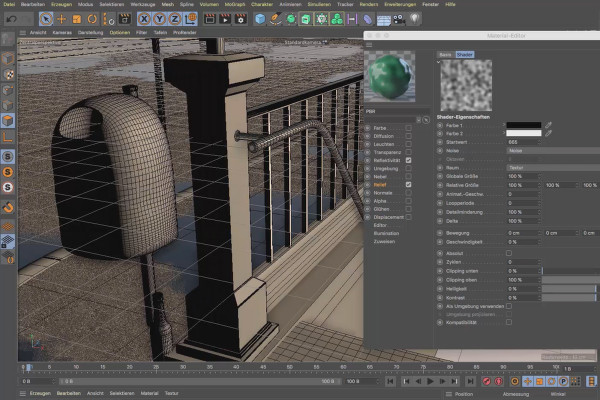
Cinema 4D tutorial "Underground": 2.6 Varnish

Cinema 4D tutorial "Underground" - from 3D model to rendering
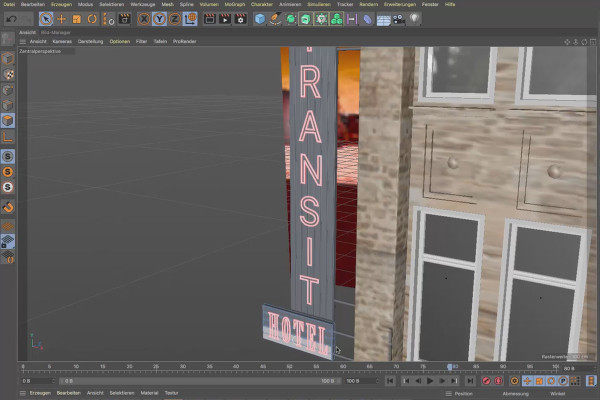
Cinema 4D tutorial "Underground": 3.6 Facade lighting

Cinema 4D tutorial "Underground" - from 3D model to rendering
Magix VEGAS Pro 17 - Video tutorial on the new features: 06 | BCC Title Studio

Magix VEGAS Pro 17 - Video tutorial on the new features
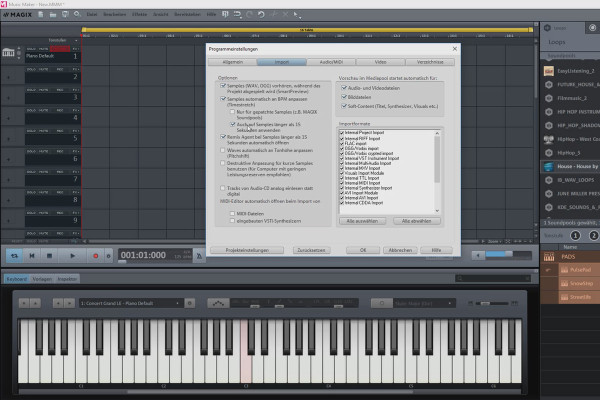
Create your own music with Magix Music Maker: 06 | Options and settings in the program (3/5)

Create your own music with Magix Music Maker - Tutorial for audio editing
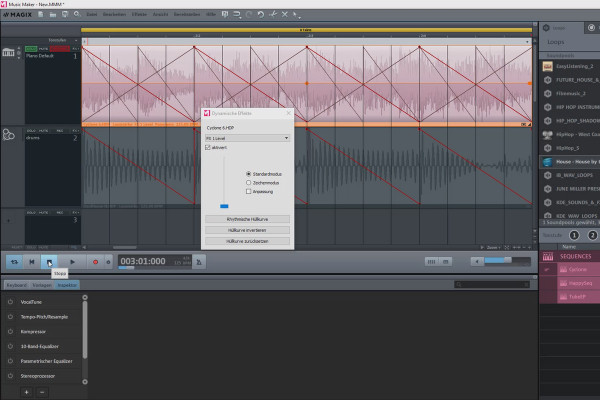
Create your own music with Magix Music Maker: 14 | Using effects

Create your own music with Magix Music Maker - Tutorial for audio editing
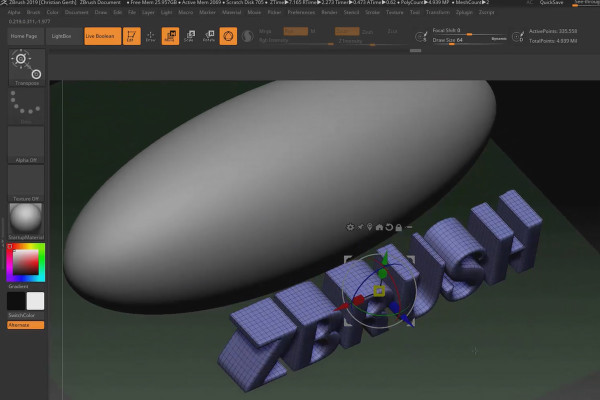
ZBrush 2019 - Video training for the update: 5 | ZPlugin: Intersection Masker

ZBrush 2019 - Video training for the update
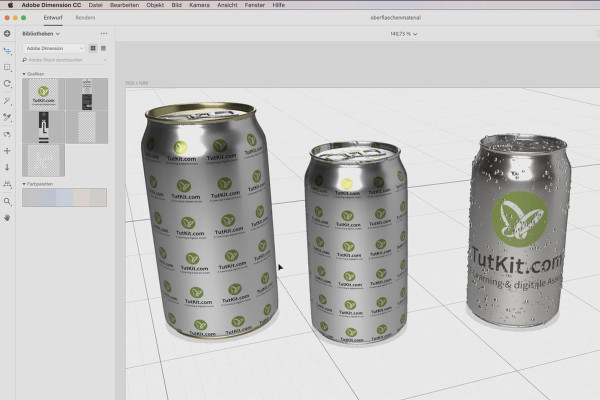
Adobe Dimension CC Tutorial: 06 | Designing models and applying surface materials

Adobe Dimension CC tutorial - 3D for graphic designers
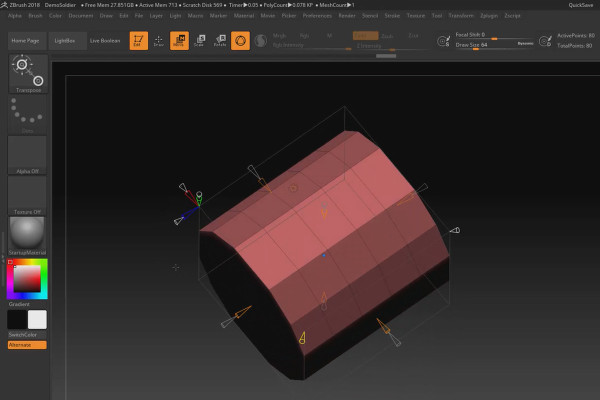
ZBrush 2018 and 4R8 - Video training for the updates: 4.1 Deformer: Basics

ZBrush 2018 and 4R8: Video training on the updates

Create 3D animation in Cinema 4D: 2.6 Solid Drawing, Arcs & Staging

Create 3D animation in Cinema 4D

Creating 3D animation in Cinema 4D: 3.6 MoGraph and the Disney Rules

Create 3D animation in Cinema 4D

C4D Release 19 - a selection of practical workflow improvements

Cinema 4D tutorial: Basics & 3D practice for beginners
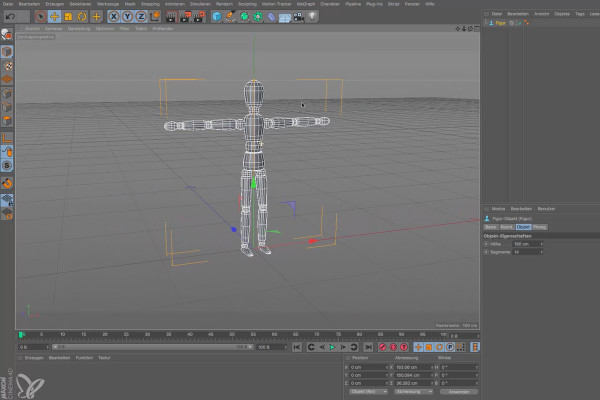
Cinema 4D for beginners - 3D practice: 1.6 Isometry

Cinema 4D tutorial: Basics & 3D practice for beginners
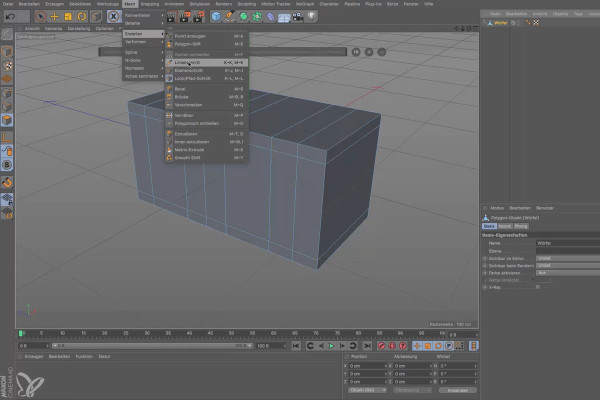
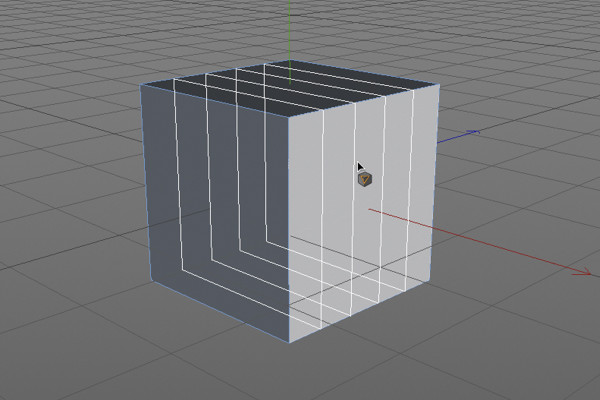
Cinema 4D for beginners - 3D practice: 2.6 Knife tools

Cinema 4D tutorial: Basics & 3D practice for beginners
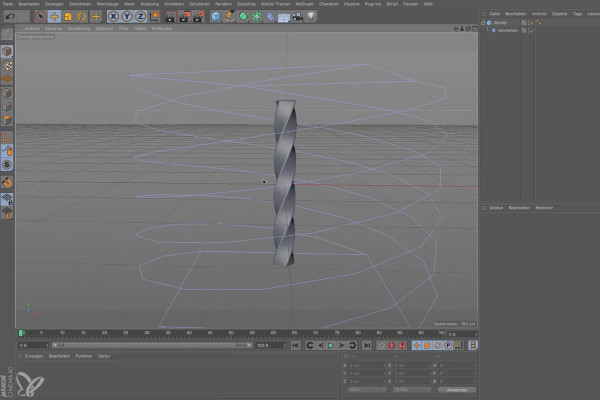
Cinema 4D for beginners - 3D practice: 3.6 Deformer

Cinema 4D tutorial: Basics & 3D practice for beginners
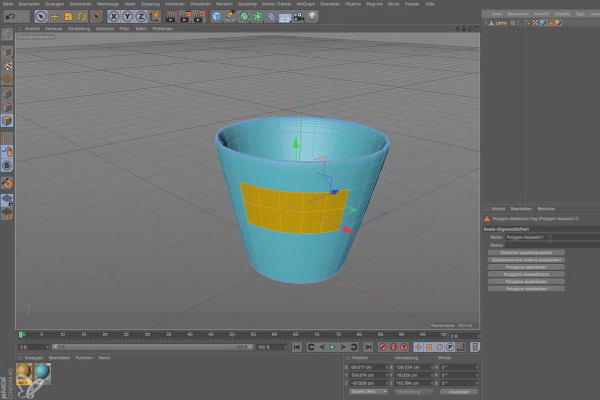
Cinema 4D for beginners - 3D practice: 4.6 Material assignment

Cinema 4D tutorial: Basics & 3D practice for beginners
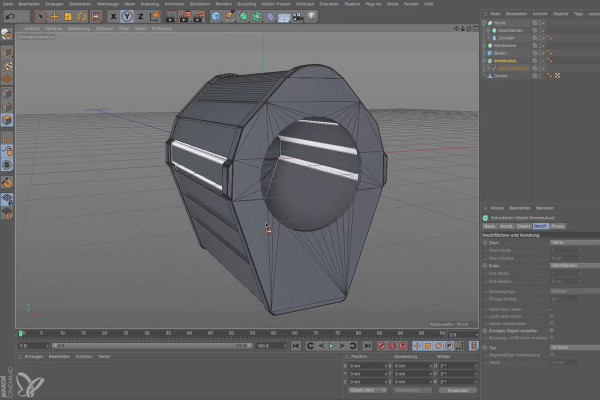
Cinema 4D for beginners - 3D practice: 6.6 Boole

Cinema 4D tutorial: Basics & 3D practice for beginners
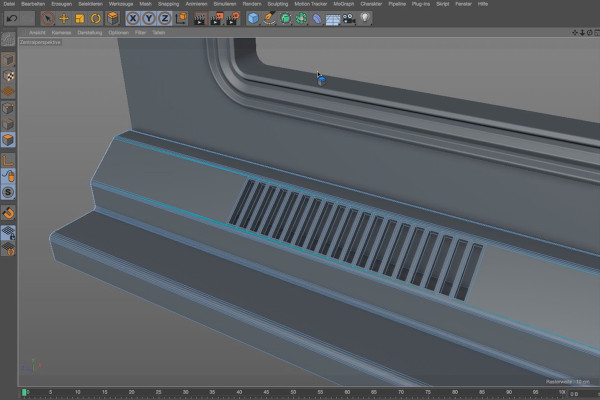
Practice in Cinema 4D - Modeling and lighting a space station: 06 Floor strip

Cinema 4D practical tutorial: 3D modeling and lighting of a space station
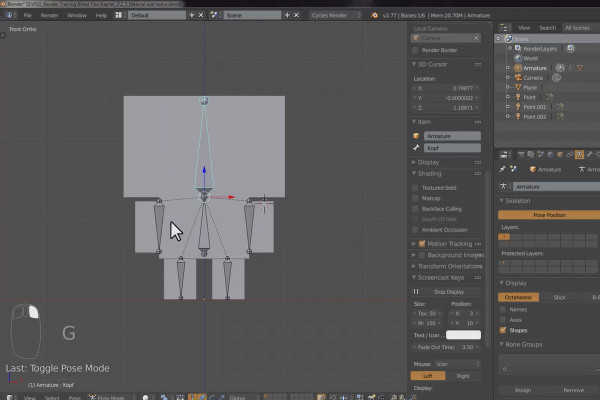
The practical training for Blender beginners - 2.6 Cubecraft character: Rigging

The practical tutorial for Blender: 3D for beginners
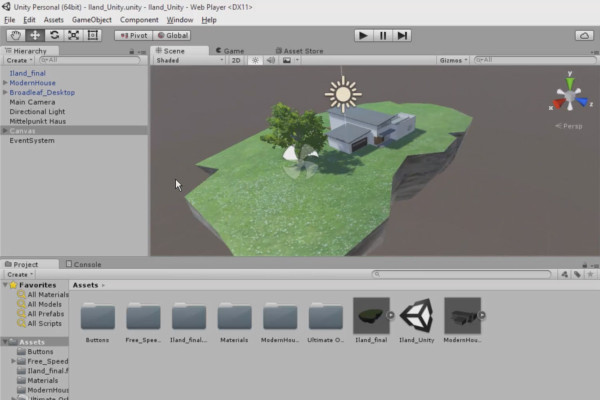
360° architecture views with Unity and Cinema 4D - 12 Animating a tree
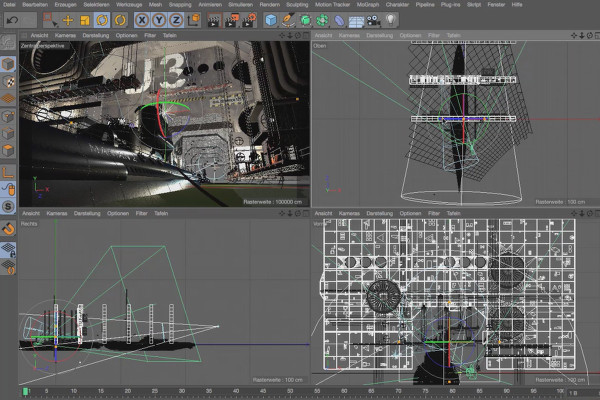
360° architecture views with Unity and Cinema 4D

Cinema 4D - Lighting: 4.6 Setting highlights

Light & Lighting in Cinema 4D - the practical course
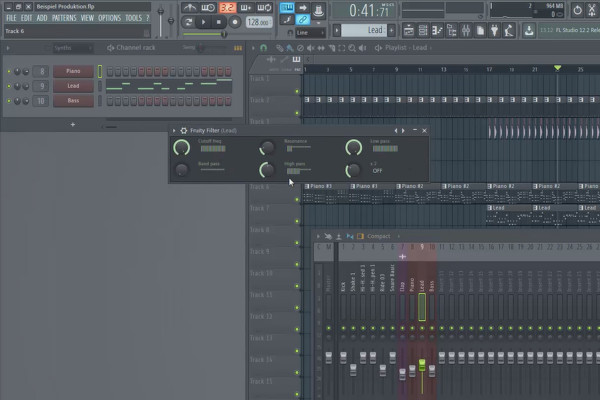
Digital Music Production with FL Studio - 5.6 Sample Production: Automation Clips Part 1

FL Studio Tutorial: Learn music production
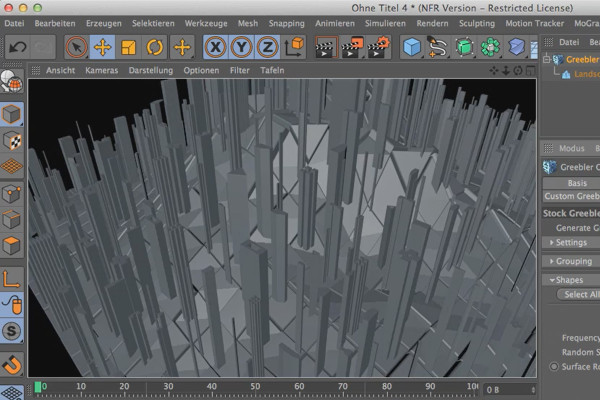
Cinema 4D meets Photoshop: I - 1.6 Explaining Greeblers: Influencing the shapes of Stocker Greebles

3D design & composing: Cinema 4D meets Photoshop
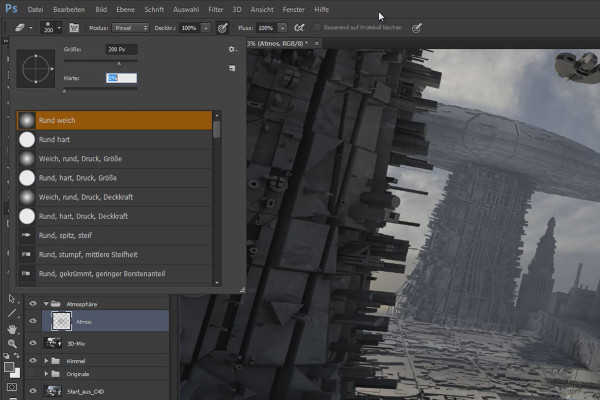
Cinema 4D meets Photoshop: II - 2.2 Inserting a basic atmosphere

3D design & composing: Cinema 4D meets Photoshop
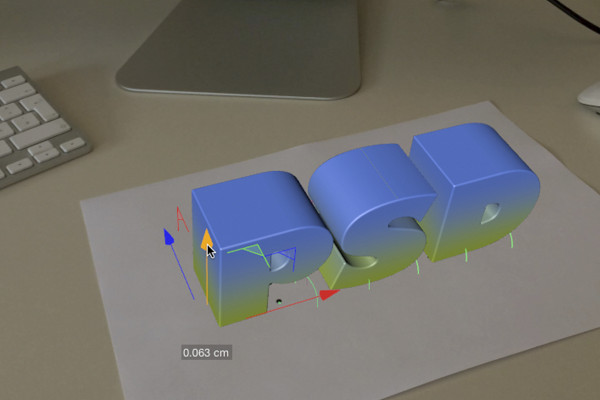
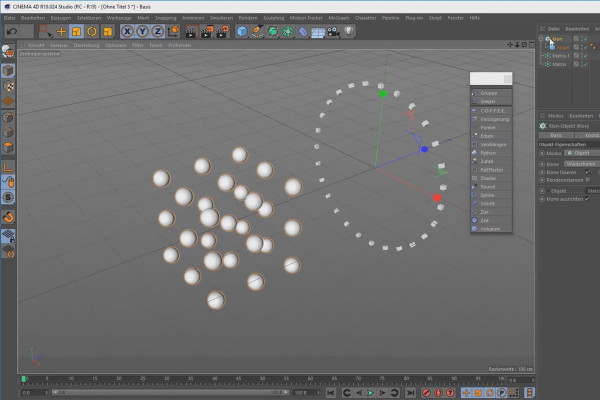
C4D Release 18 - the object tracker

New functions in Cinema 4D - R12 to R19, R20 and R21
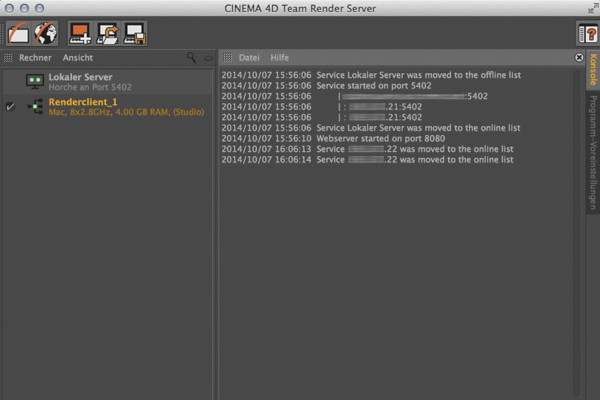
C4D Release 16 - Team Render Server

New functions in Cinema 4D - R12 to R19, R20 and R21
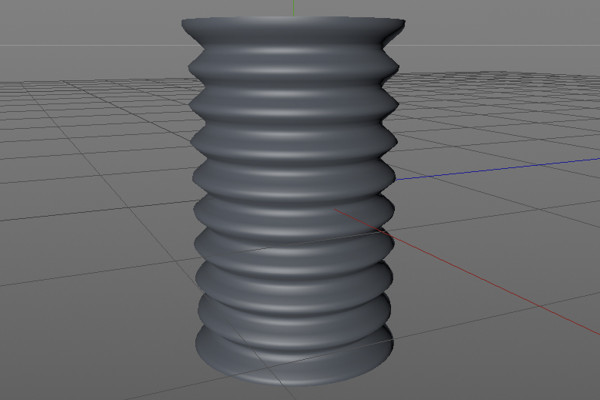
C4D Release 15 - Improved and new sculpting tools, technical sculpting

New functions in Cinema 4D - R12 to R19, R20 and R21
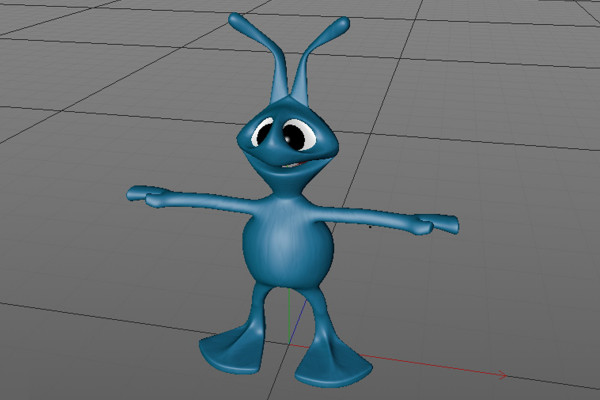
C4D Release 14 - Modeling details with sculpting

New functions in Cinema 4D - R12 to R19, R20 and R21
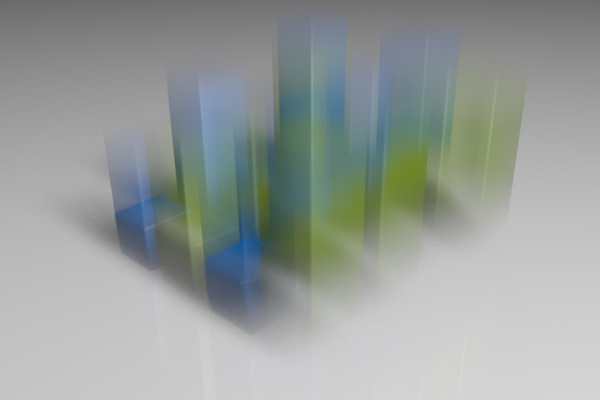
C4D Release 13 - Motion blur with the physical renderer

New functions in Cinema 4D - R12 to R19, R20 and R21
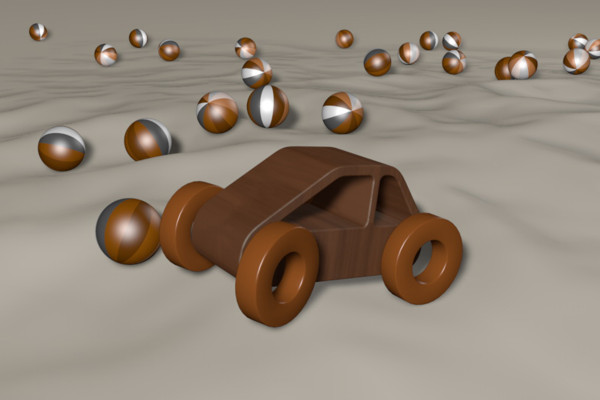
C4D Release 12 - Motors and connectors - Off-road insert with the wooden car

New functions in Cinema 4D - R12 to R19, R20 and R21
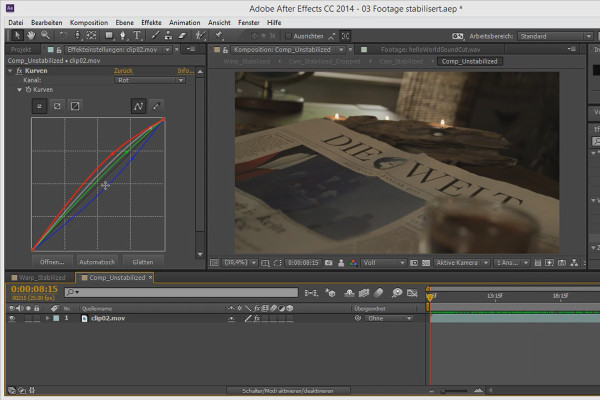
3D projects in After Effects: Final stabilization

3D projects and animations in After Effects
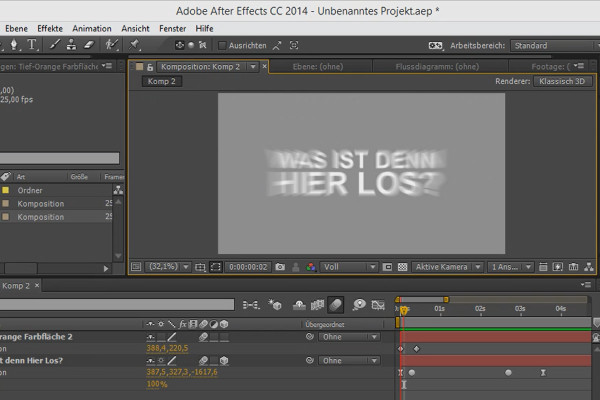
Tips and tricks for 3D in After Effects: 3D Motion Blur

3D projects and animations in After Effects
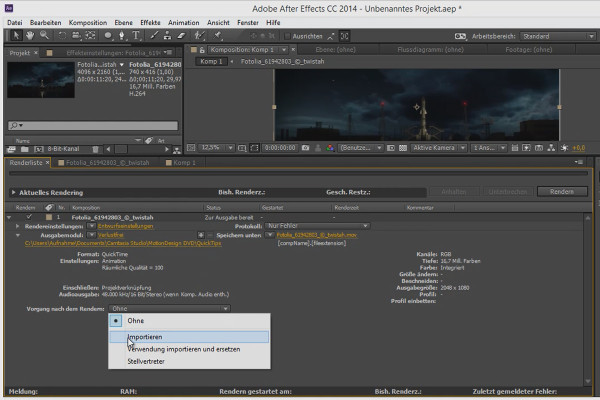
Workflow tips and tricks in After Effects: Proxies / Substitutes

3D projects and animations in After Effects
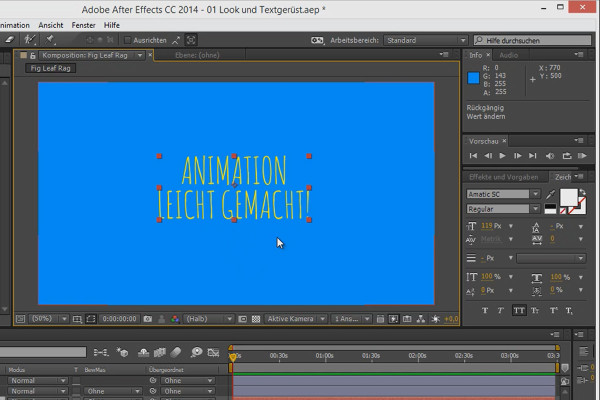
Animation made easy: Text flickering

Animation in After Effects: Your beginner's tutorial
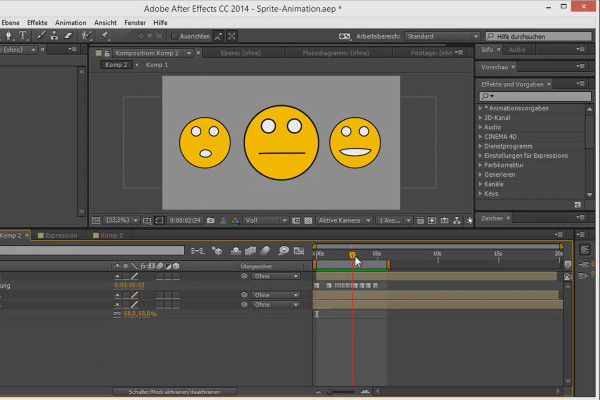
Tips and tricks for animating in After Effects: Sprite animation

Animation in After Effects: Your beginner's tutorial
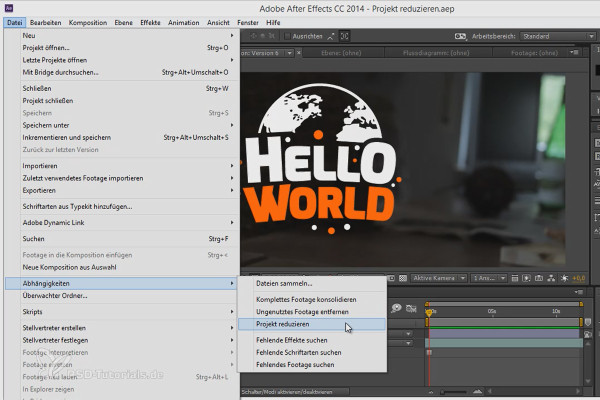
Workflow tips and tricks in After Effects: Reducing a project

Animation in After Effects: Your beginner's tutorial
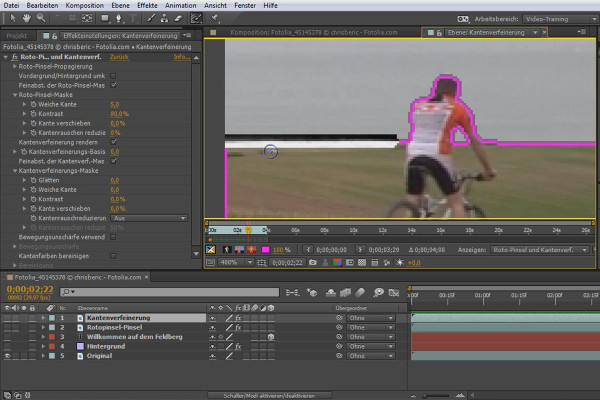
What's new in the Creative Cloud: After Effects CC (until 2015) - edge refinement tool

After Effects for beginners

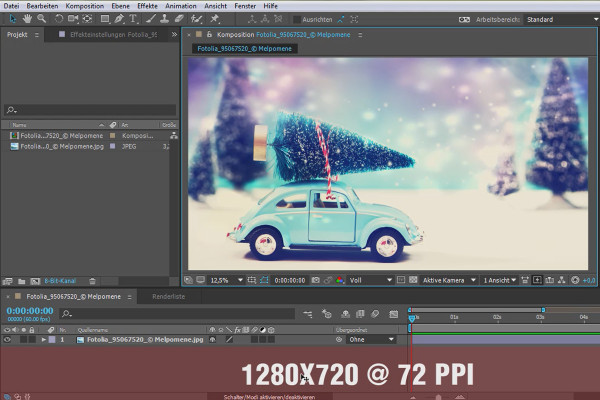
What's new in the Creative Cloud: After Effects CC 2015 (June 2015) - Learning to understand HiDPI

After Effects for beginners

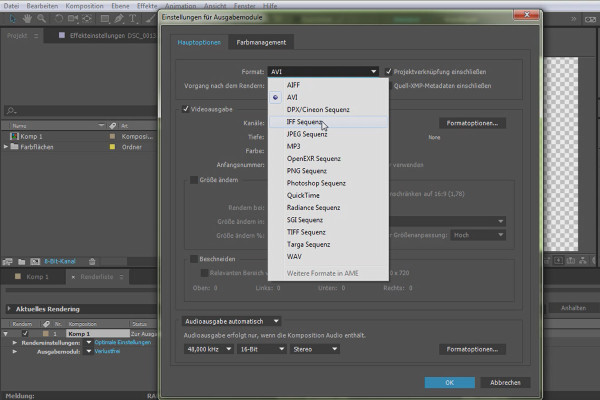
What's new in the Creative Cloud: After Effects CC 2015.1 (November 2015) - Import options for modern formats and codecs

After Effects for beginners

After Effects for beginners: The basics of animation

After Effects for beginners

After Effects for beginners: Explanation of Adobe Bridge

After Effects for beginners

After Effects for beginners: Mocca in After Effects

After Effects for beginners

After Effects for beginners: Animated GIF banners in After Effects

After Effects for beginners

Vegas Pro 15 - new functions

VEGAS Pro video training

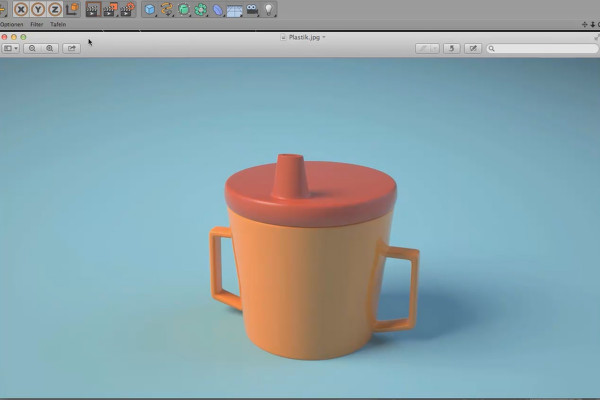
Shaders and Textures - Material Creation in CINEMA 4D: Plastic

CINEMA 4D Video Training - Shaders & Textures
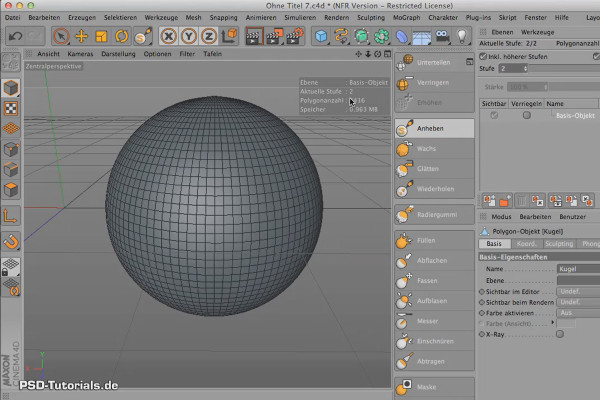
Sculpting in CINEMA 4D - Basics: Part 04 - Subdivision

Cinema 4D: 3D Sculpting Tutorial

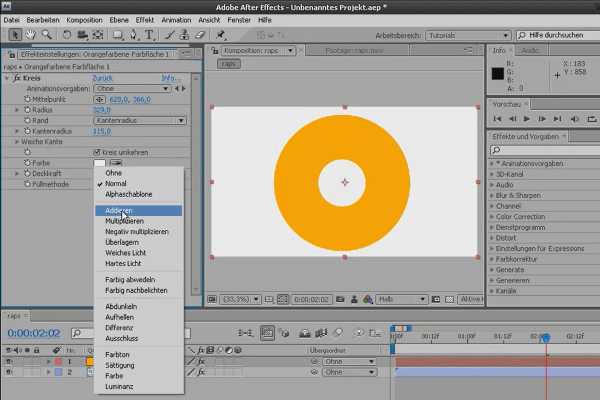
After Effects Basics: Effects and Adjustment Layers

After Effects Workshop DVD - Basics & Tricks
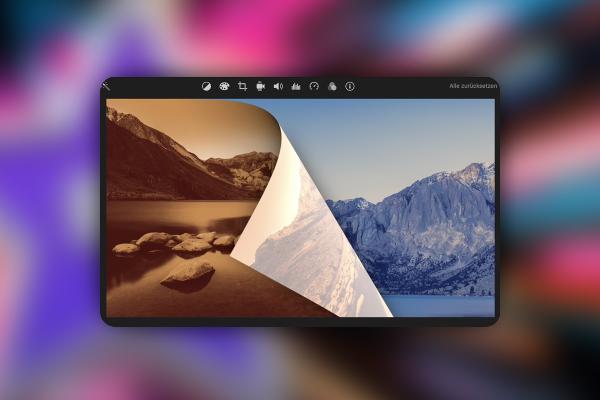
iMovie Tutorial: 2.7 | Step 5: Transitions

iMovie tutorial: Guide to creative video editing
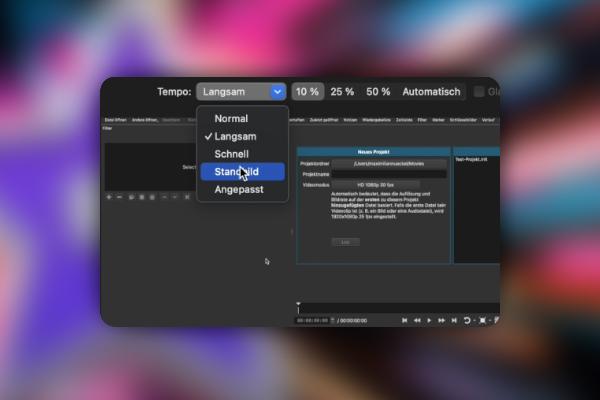
iMovie Tutorial: 3.7 | Changing speed

iMovie tutorial: Guide to creative video editing
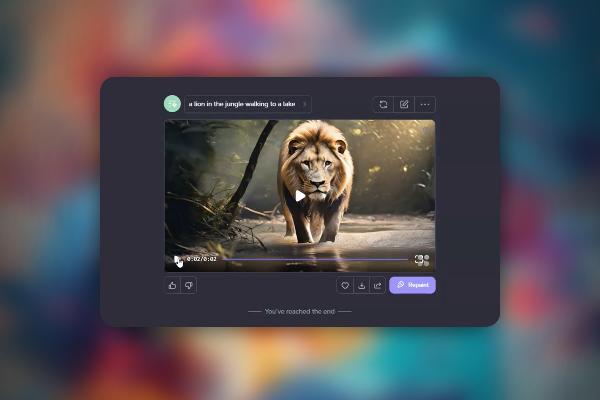
Creating AI videos: 3.7 | HaiperAI, supported by Deepmind

Creating AI videos with artificial intelligence (Tutorial)
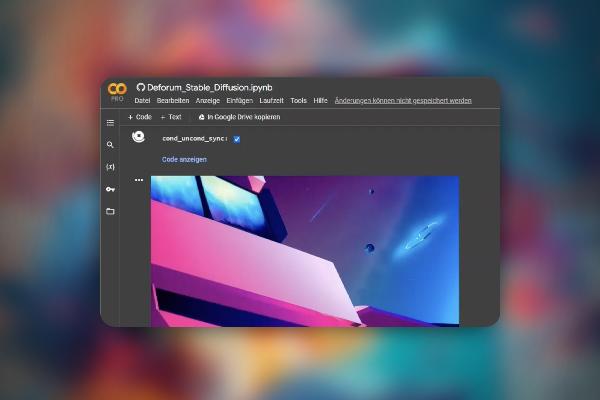
Creating AI videos: 9.7 | Make your own AI music video with Stable Diffusion

Creating AI videos with artificial intelligence (Tutorial)
Creating AI videos: 10.7 | Instagram Reel in Adobe Express

Creating AI videos with artificial intelligence (Tutorial)
AI voices & deepfakes: 9.7 | Let images speak with D-ID

Text-to-Speech: Create AI voices & deepfakes (Tutorial)
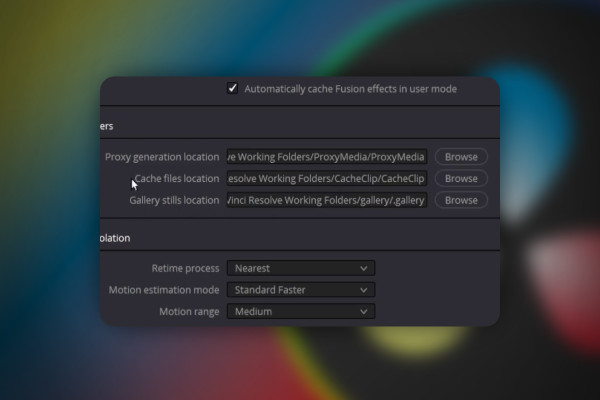
DaVinci Resolve: 2.7 | Change location for backup, working folders and clips

DaVinci Resolve: Cutting and editing video & audio (practical training)
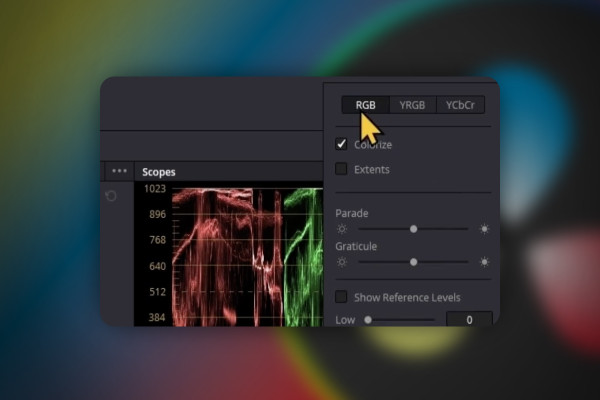
DaVinci Resolve: 3.7 | Color Grading (second part)

DaVinci Resolve: Cutting and editing video & audio (practical training)

DaVinci Resolve: 4.7 | Save project

DaVinci Resolve: Cutting and editing video & audio (practical training)
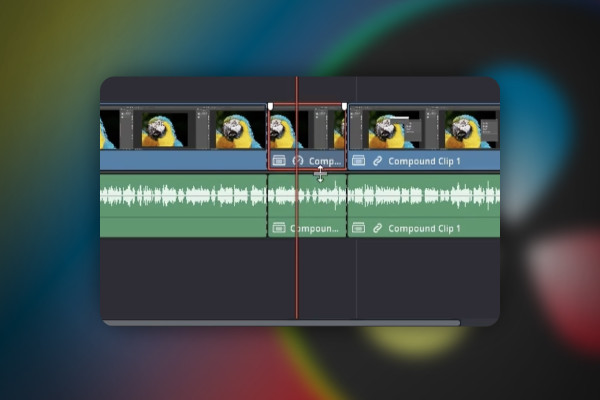
DaVinci Resolve: 5.7 | Clip - Set audio speed

DaVinci Resolve: Cutting and editing video & audio (practical training)
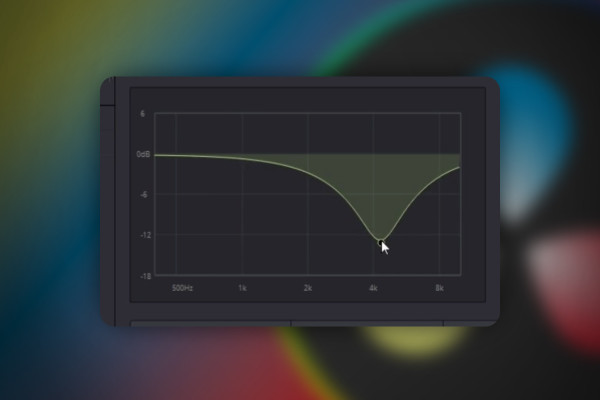
DaVinci Resolve: 7.7 | Remove loud s-, sh-sounds or hum

DaVinci Resolve: Cutting and editing video & audio (practical training)
DaVinci Resolve: 8.7 | Export Audio

DaVinci Resolve: Cutting and editing video & audio (practical training)

DaVinci Resolve: 9.7 | Fix bug: Button "Add to Render Queue" grayed out

DaVinci Resolve: Cutting and editing video & audio (practical training)
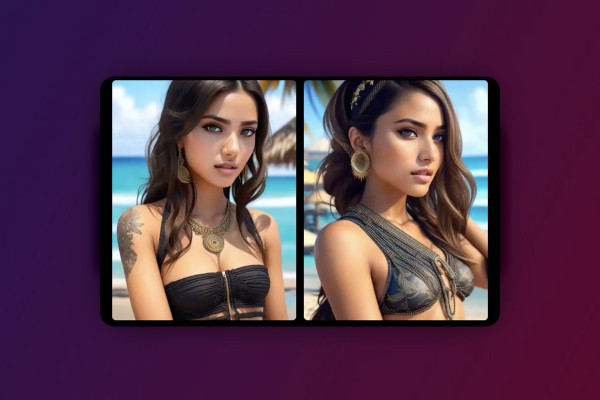
Deforum Stable Diffusion: 2.7 | Prompt Engineering in Stable Diffusion

Deforum Stable Diffusion - create animated videos with AI (Tutorial)
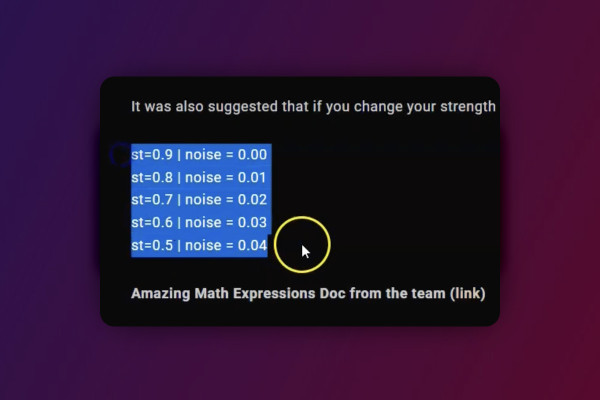
Deforum Stable Diffusion: 5.7 | Noise Schedule and Strength Schedule

Deforum Stable Diffusion - create animated videos with AI (Tutorial)

AI for videos: 1.7 | Movio - multilingual at the touch of a button

AI guide: Edit video, audio & voice

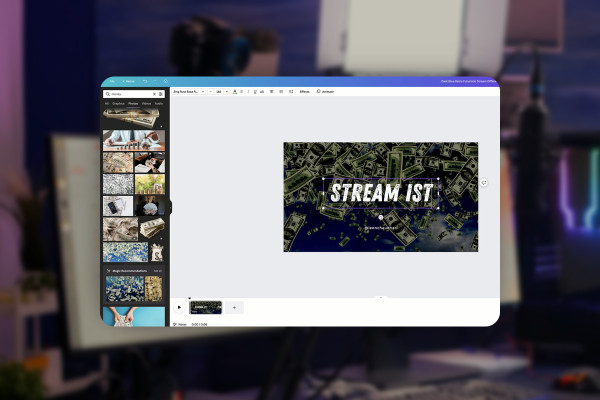
Livestreaming tutorial: 3.7 | Create video player banner

Livestreaming on Twitch & YouTube (Tutorial)

Livestreaming tutorial: 7.7 | YouTube: Activate Superchat

Livestreaming on Twitch & YouTube (Tutorial)

Livestreaming tutorial: 8.7 | Ask the chat for answers give the chat tasks

Livestreaming on Twitch & YouTube (Tutorial)
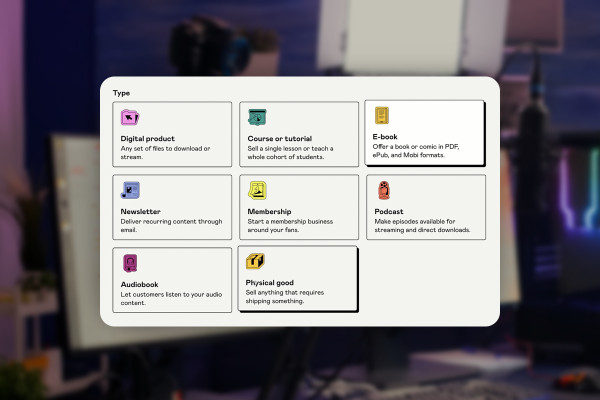
Livestreaming tutorial: 9.7 | Selling digital products with Gumroad

Livestreaming on Twitch & YouTube (Tutorial)
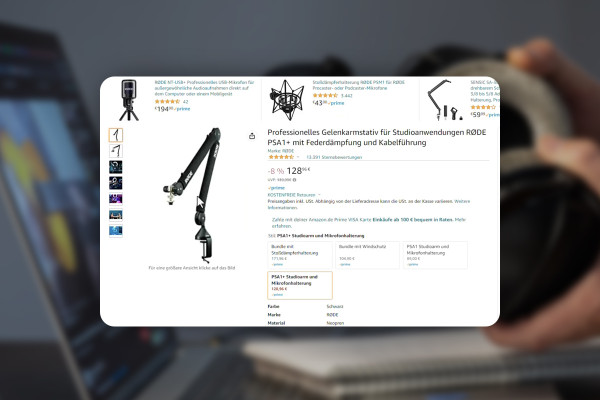
Improve audio recordings: 06 | Microphone arm & sound card recommendations

Improve audio recordings: Sound editing for reverb, hiss and other background noise

FL Studio 21 Tutorial: 5.7 | Introduction - Edison, Slicing & Recording

FL Studio 21 (Tutorial): new features & getting started with beat production
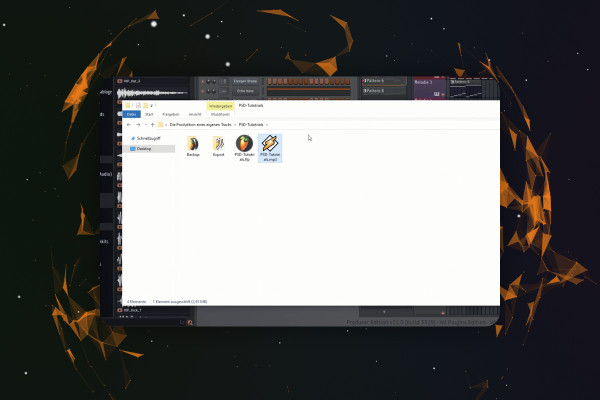
FL Studio 21-Tutorial: 6.7 | Produce Track - Export & Structure

FL Studio 21 (Tutorial): new features & getting started with beat production
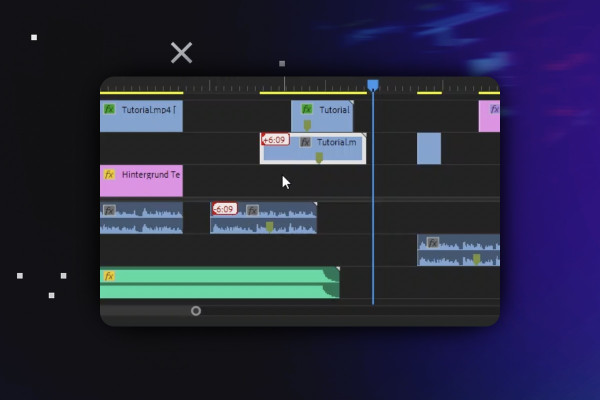
Video Editing with Adobe Premiere Pro CC: 2.7 | Nesting, Alignment & Linked Selection

Video editing with Adobe Premiere Pro CC - basics & practice (tutorial)
Video editing with Adobe Premiere Pro CC: 3.7 | Create and export animation template

Video editing with Adobe Premiere Pro CC - basics & practice (tutorial)
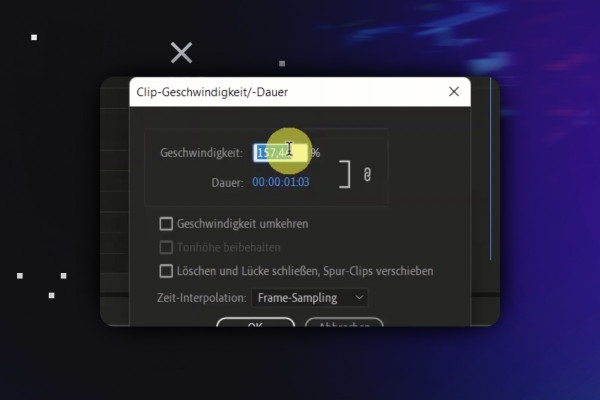
Video editing with Adobe Premiere Pro CC: 4.7 | Time Remapping/Speed Ramping explained

Video editing with Adobe Premiere Pro CC - basics & practice (tutorial)
Video editing with Adobe Premiere Pro CC: 6.7 | EXTRA: The Master tab and master effects

Video editing with Adobe Premiere Pro CC - basics & practice (tutorial)
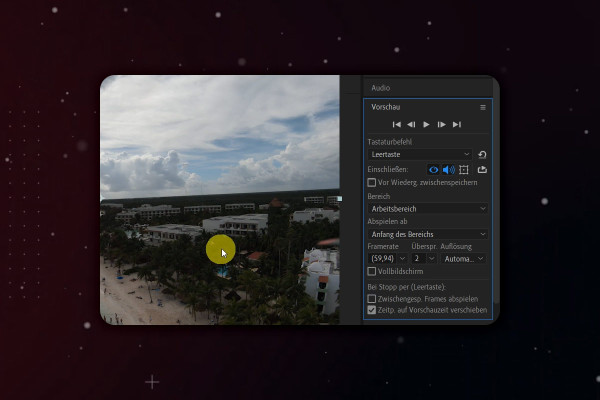
After Effects Tutorial: 2.7 | Overview User Interface: Right Pane - Preview

Adobe After Effects CC - from getting started to brilliant videos (Tutorial)
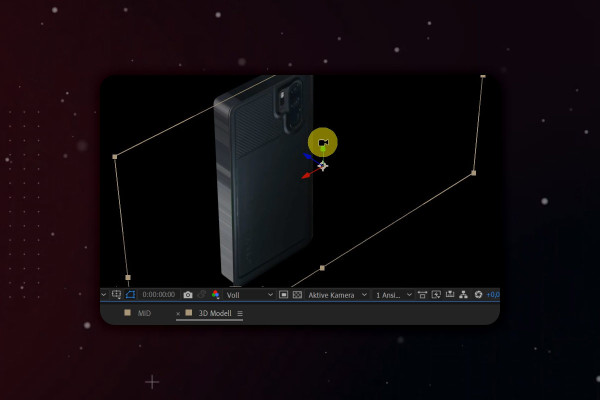
After Effects-Tutorial: 5.7 | 3D-Handy: Composition

Adobe After Effects CC - from getting started to brilliant videos (Tutorial)
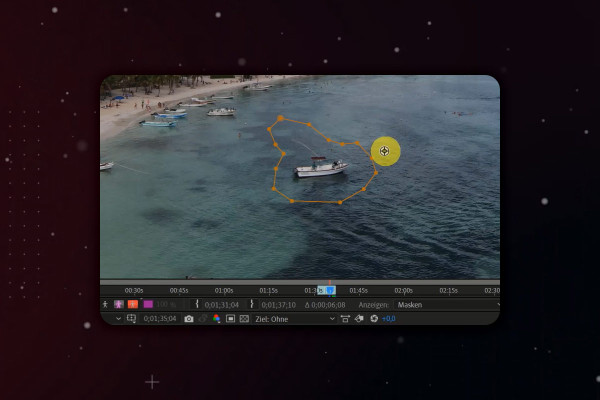
After Effects Tutorial: 9.7 | Remove objects using content-based filling - Boot

Adobe After Effects CC - from getting started to brilliant videos (Tutorial)
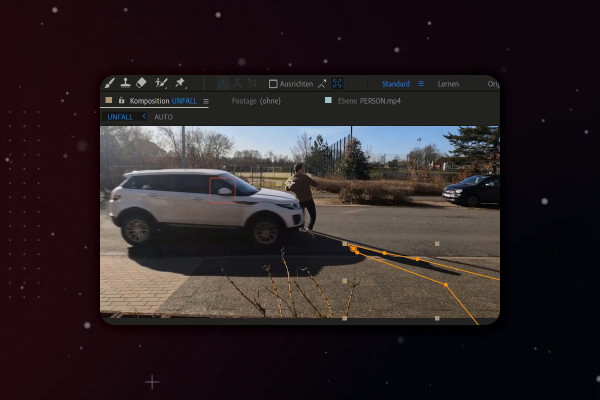
After Effects Tutorial: 10.7 | Simulate car accident: Shadow of the person

Adobe After Effects CC - from getting started to brilliant videos (Tutorial)
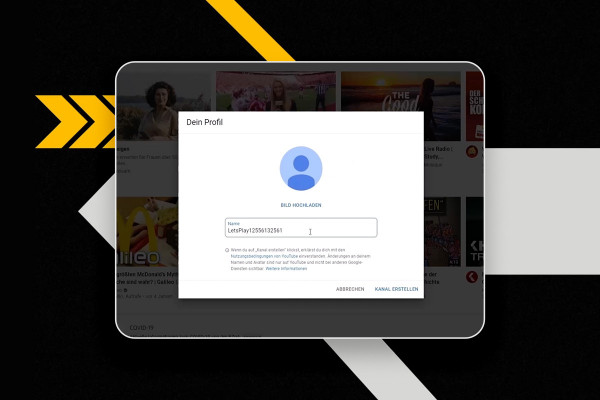
YouTube marketing: 2.7 | Create a YouTube channel

YouTube tutorial: Basics, marketing & video editing
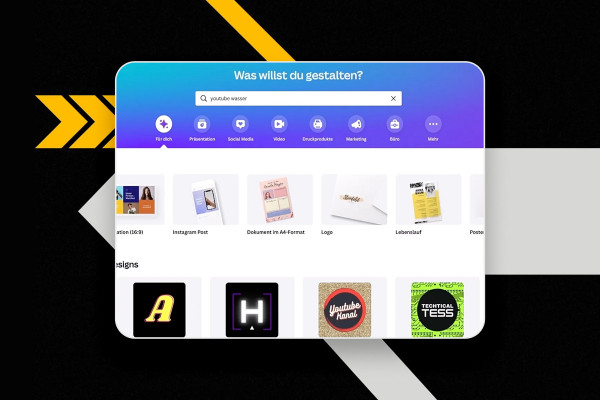
YouTube marketing: 3.7 | Create watermarks on the PC

YouTube tutorial: Basics, marketing & video editing
YouTube marketing: 4.7 | Add employees and administrators

YouTube tutorial: Basics, marketing & video editing

YouTube marketing: 5.7 | Bracket fights for livestreams

YouTube tutorial: Basics, marketing & video editing

YouTube marketing: 6.7 | Find affiliate links

YouTube tutorial: Basics, marketing & video editing
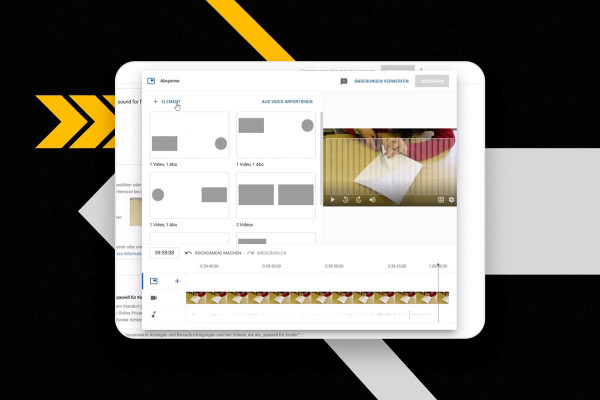
YouTube marketing: 7.7 | Insert info cards and credits

YouTube tutorial: Basics, marketing & video editing
YouTube Marketing: 8.7 | OBS Studio - Remove green screen

YouTube tutorial: Basics, marketing & video editing
YouTube Marketing: 9.7 | DaVinci Resolve - important shortcuts

YouTube tutorial: Basics, marketing & video editing
YouTube marketing: 11.7 | Important guidelines that many people don't follow

YouTube tutorial: Basics, marketing & video editing

YouTube Marketing: 12.7 | YouTube Premium - Advantages and my opinion

YouTube tutorial: Basics, marketing & video editing
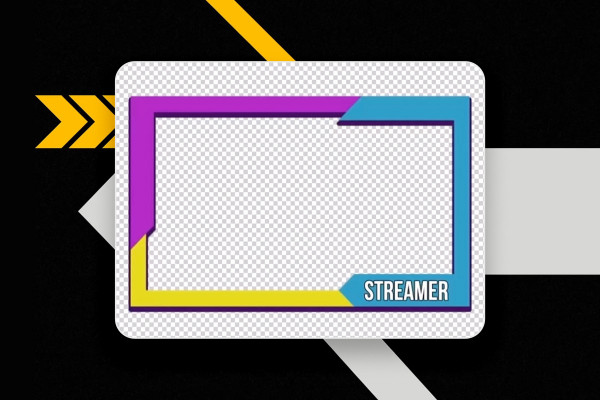
YouTube marketing: 13.7 | Create webcam frame with Photoshop

YouTube tutorial: Basics, marketing & video editing

What's new in Magix VEGAS Pro 19: 05 | VEGAS Stream

Magix VEGAS Pro 19 - Video tutorial on the new features