

Practical tutorials on photography and image editing
Would you like to get started in photography and image editing or expand your existing knowledge? Our trainers will show you how they work in lively practical tutorials - get tips and tricks and learn from the pros! You'll find photography tutorials (e.g. on wedding photography and exposure techniques) as well as tutorials on image editing and topics such as raw and photo editing, cropping, retouching, composing and artwork. AI functions are used as well as classic tools from programs such as Photoshop and Affinity Photo. Take a look now!
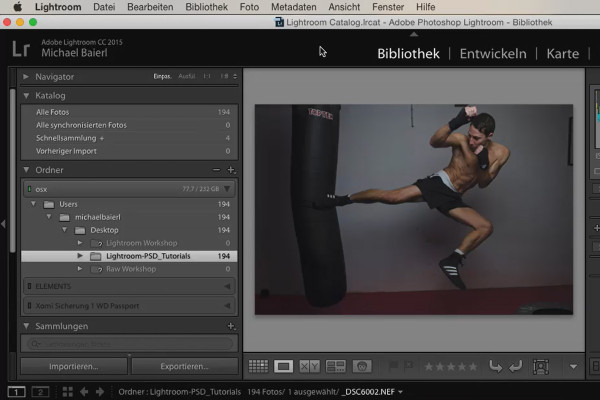
Lightroom course with tips for an efficient photo workflow
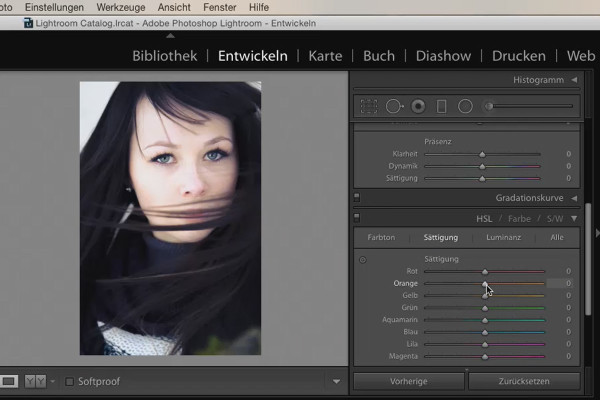
Lightroom course with tips for an efficient photo workflow
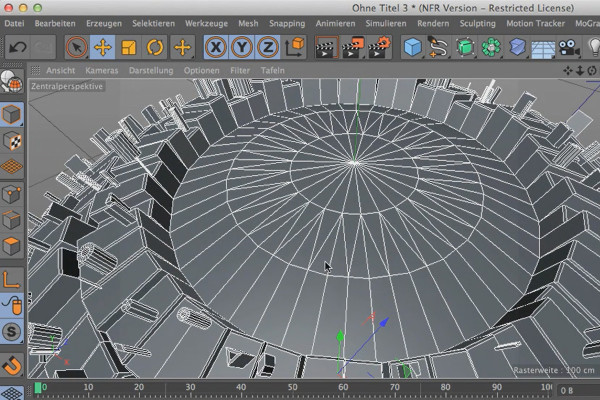
3D design & composing: Cinema 4D meets Photoshop
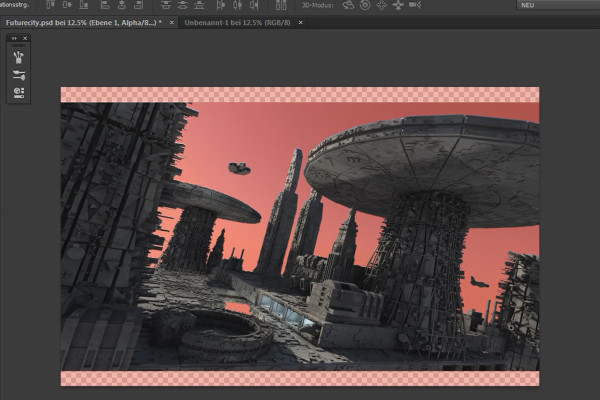
3D design & composing: Cinema 4D meets Photoshop
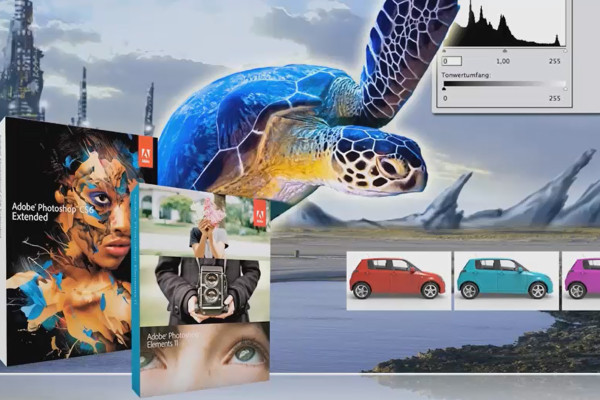
Digital image editing for airbrush artists
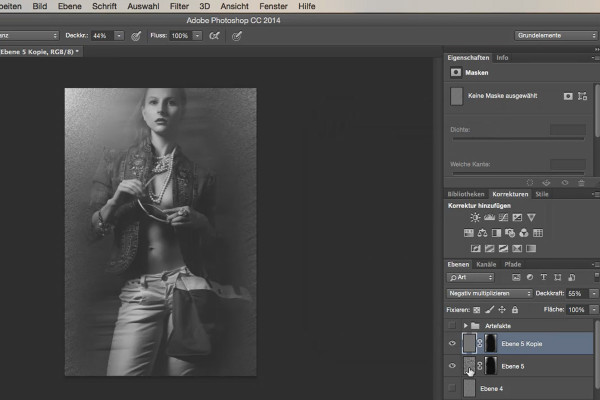
Looks & Styles with Photoshop
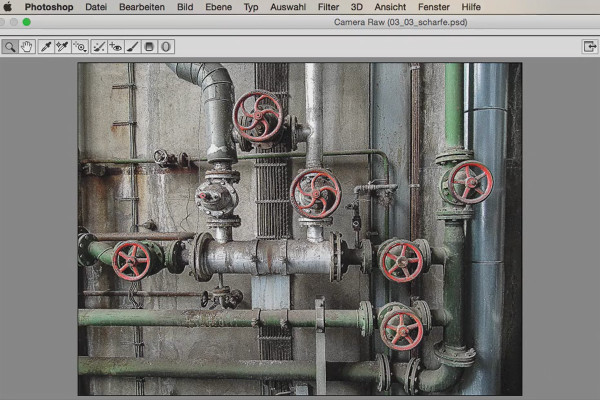
Looks & Styles with Photoshop
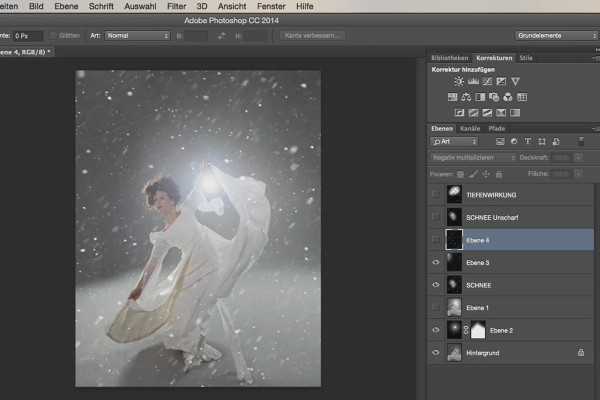
Looks & Styles with Photoshop
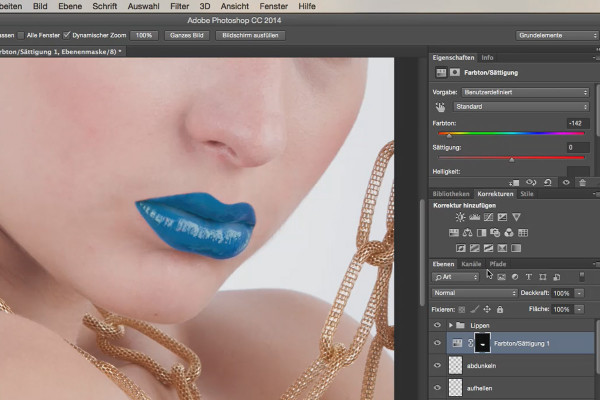
Looks & Styles with Photoshop
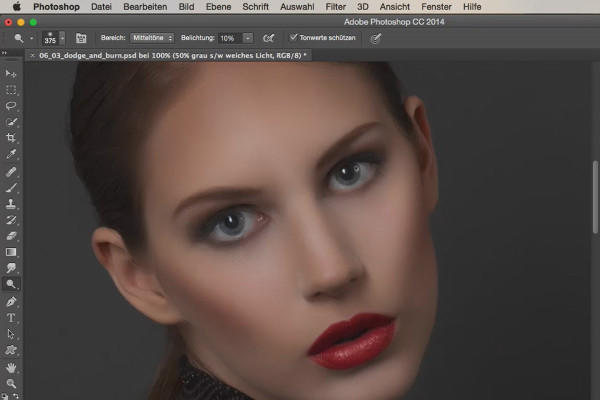
Looks & Styles with Photoshop
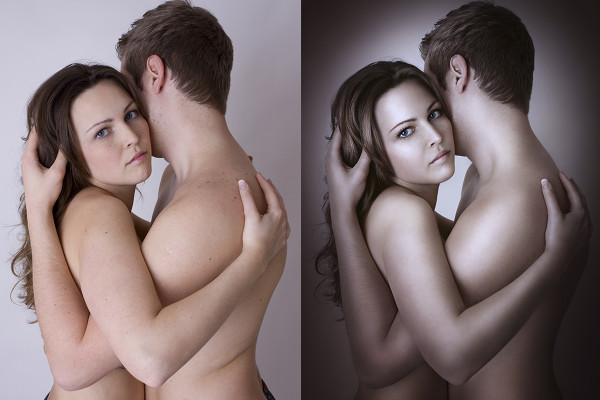
Artworks in Photoshop

Artworks in Photoshop
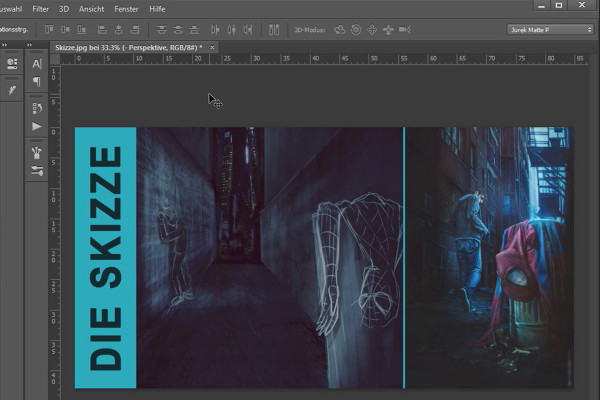
Image compositing and perspective in Photoshop: Batman-style artwork
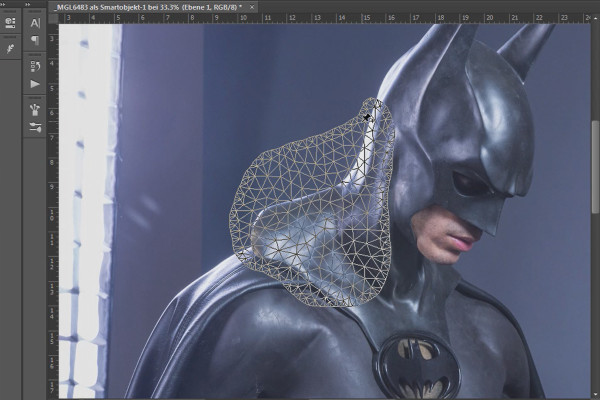
Image compositing and perspective in Photoshop: Batman-style artwork
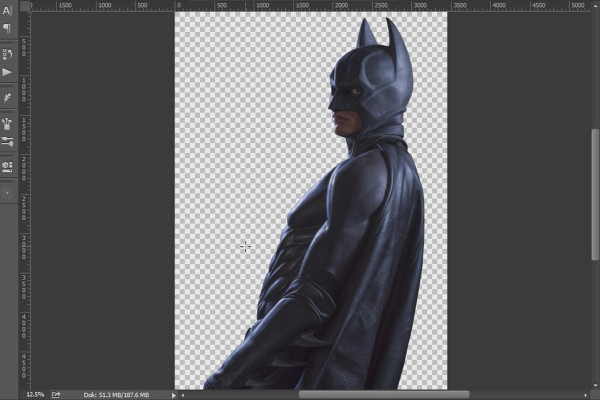
Image compositing and perspective in Photoshop: Batman-style artwork
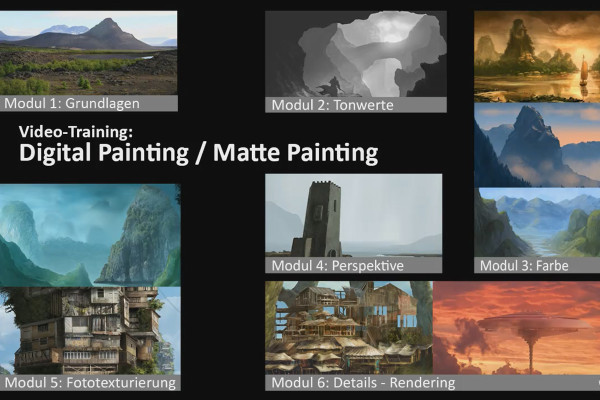
Digital & Matte Painting Techniques: the tutorial for Photoshop in German
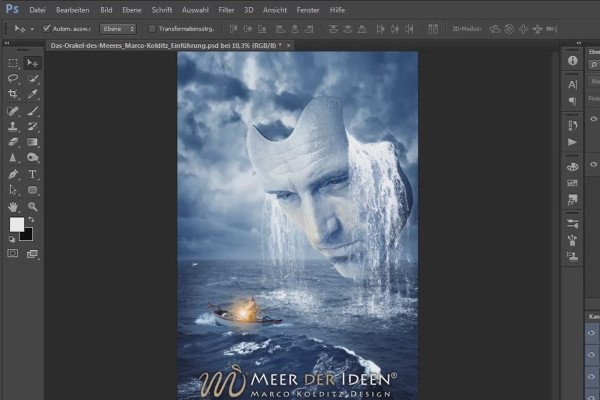
Composing in Photoshop: retouching & photomontage
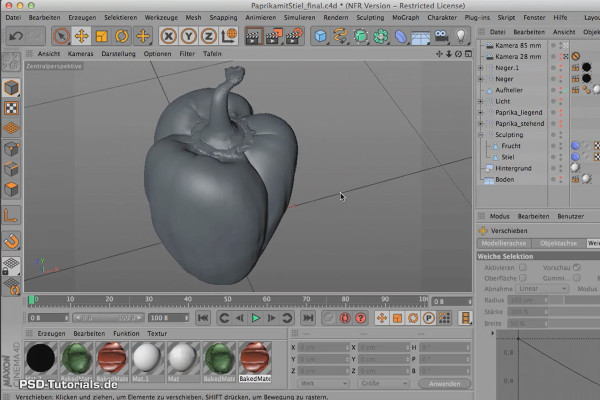
Cinema 4D: 3D Sculpting Tutorial
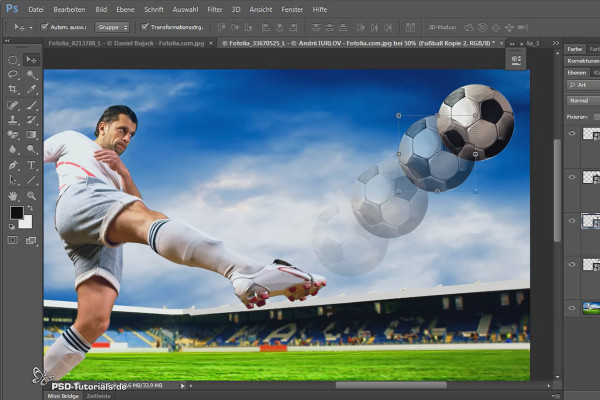
Clipping with Photoshop: Hair, objects & people
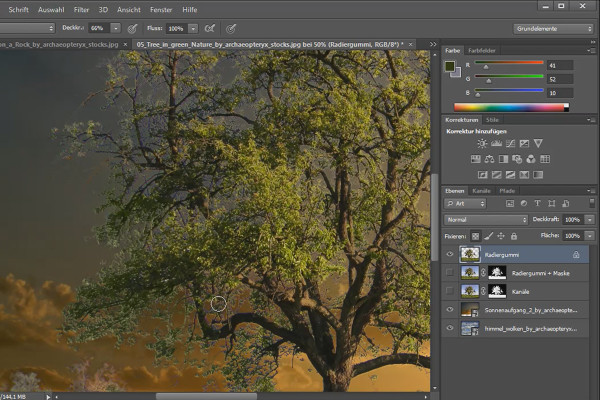
Clipping with Photoshop: Hair, objects & people
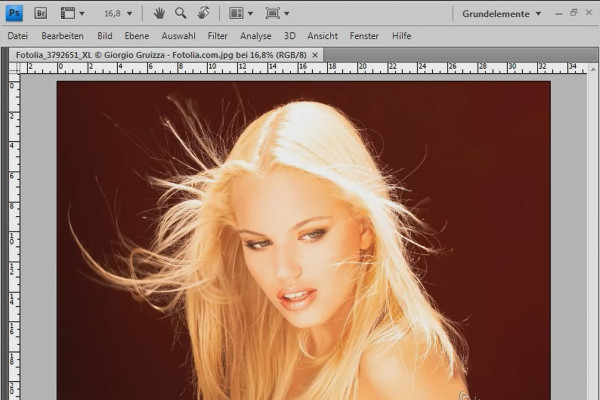
Cut out hair - the compendium (free)
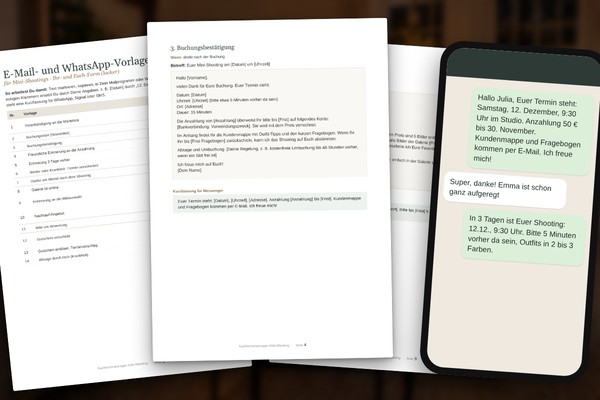
Mini Shooting Kit for Photographers: Planner, Vouchers & Social Posts
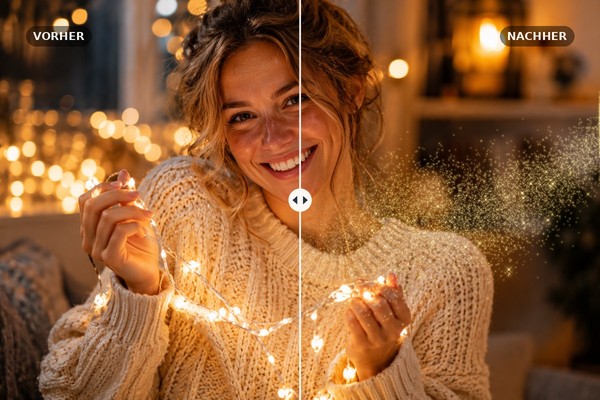
Winter overlays: snow, bokeh, glitter, string lights & frost flowers
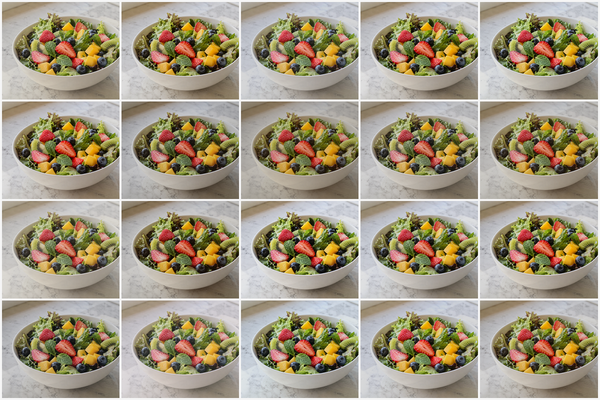
The big preset mega package: 100 looks for Lightroom & Capture One

100 seamless print textures: Paper, Grain, Risograph & Halftone
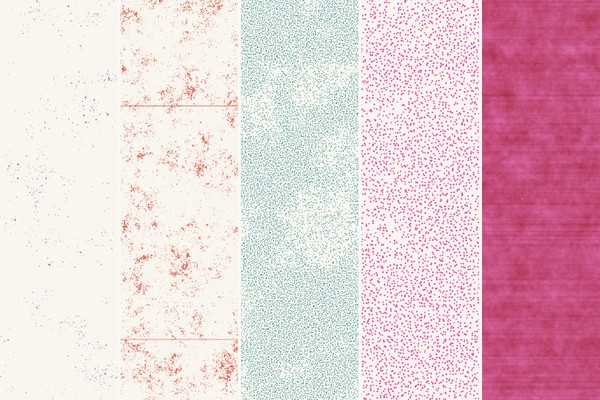
100 seamless print textures: Paper, Grain, Risograph & Halftone
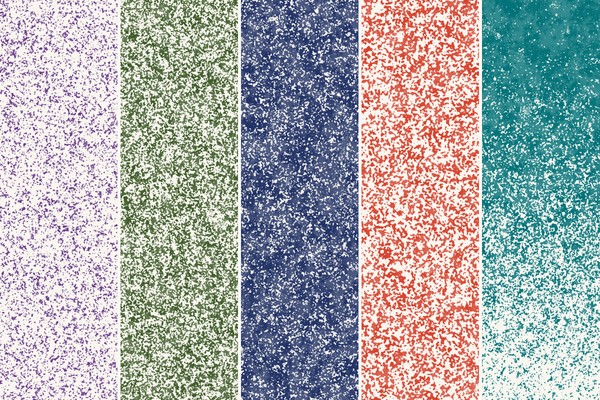
100 seamless print textures: Paper, Grain, Risograph & Halftone
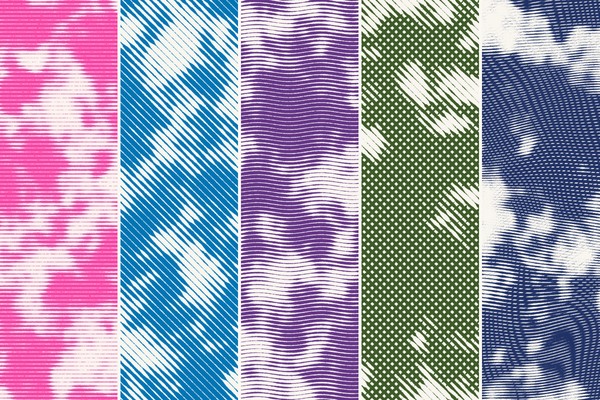
100 seamless print textures: Paper, Grain, Risograph & Halftone
Learning lighting & flash photography
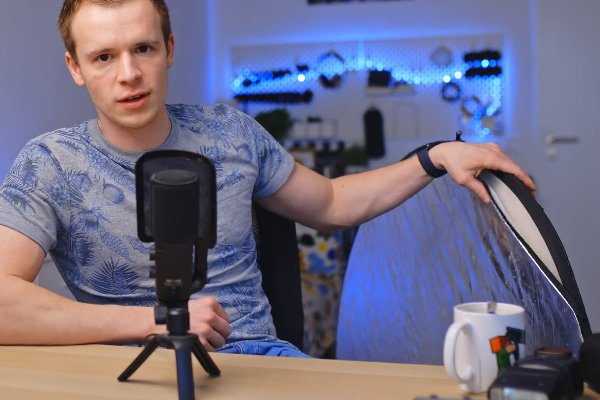
Learning lighting & flash photography

Learning lighting & flash photography
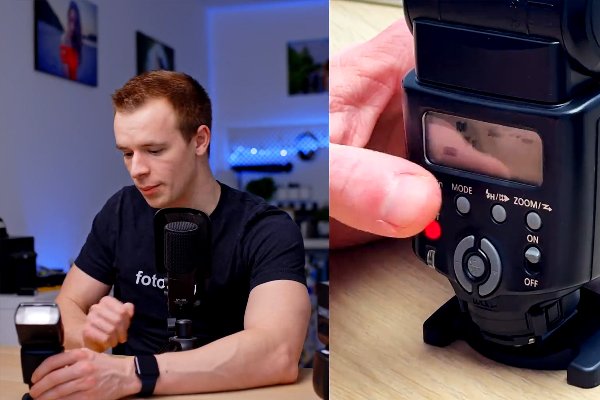
Learning lighting & flash photography
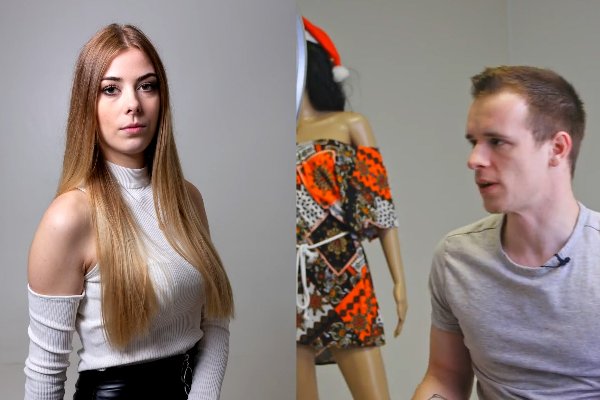
Learning lighting & flash photography
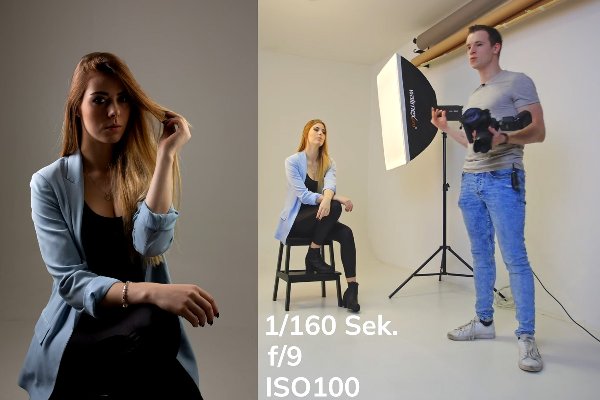
Learning lighting & flash photography
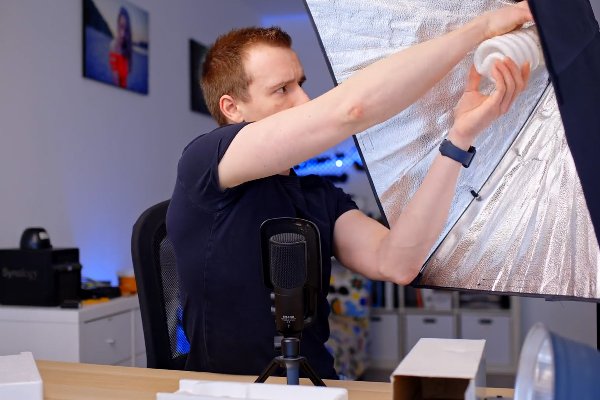
Learning lighting & flash photography
Learning lighting & flash photography
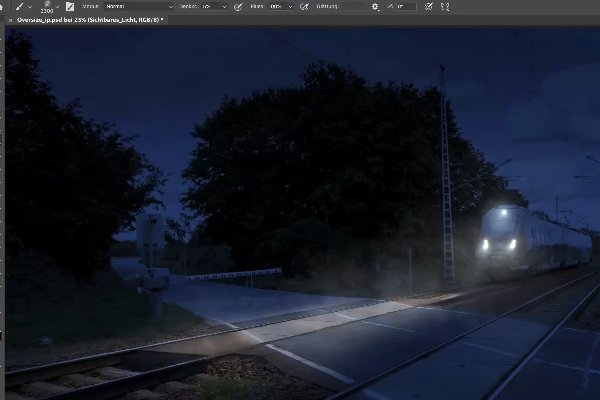
Oversize Photoshop Composing by Uli Staiger
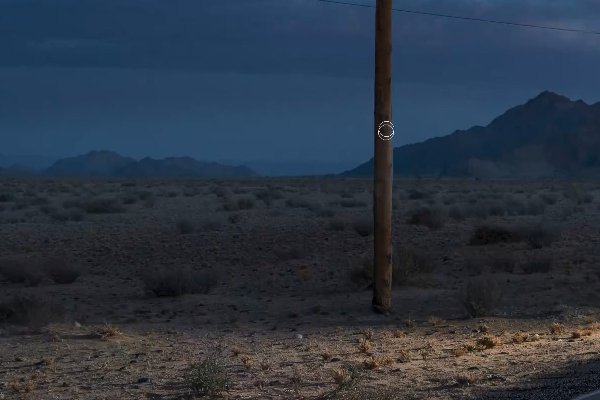
Swampcar Photoshop Training by Uli Staiger
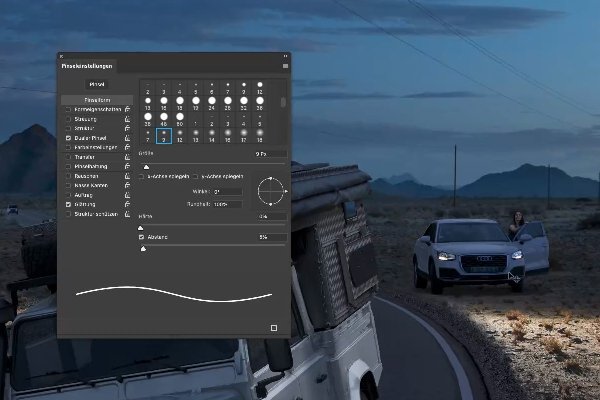
Swampcar Photoshop Training by Uli Staiger
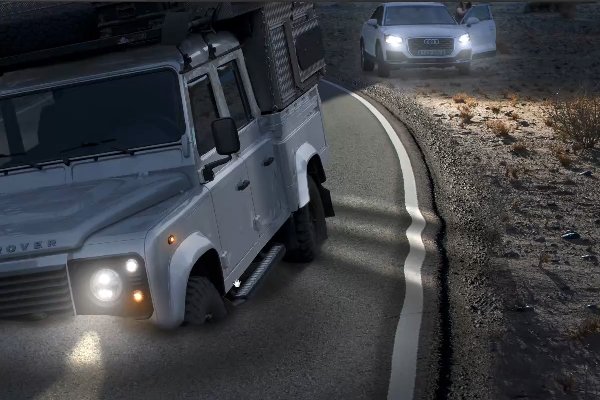
Swampcar Photoshop Training by Uli Staiger
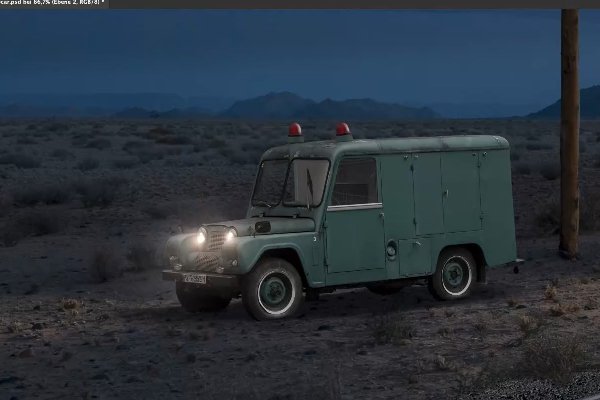
Swampcar Photoshop Training by Uli Staiger
Photoshop Workshop DVD - Effects for Typography, Layout & Photo - Vol. 2 (free)
Photoshop workshop DVD - Effects for type, layout & photo - Vol. 1 (for free)

Microsoft Designer: AI tool for images, graphics, flyers & Co. (Tutorial)

Microsoft Designer: AI tool for images, graphics, flyers & Co. (Tutorial)
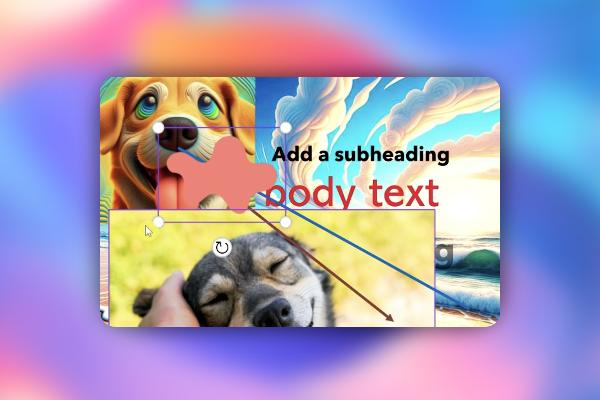
Microsoft Designer: AI tool for images, graphics, flyers & Co. (Tutorial)
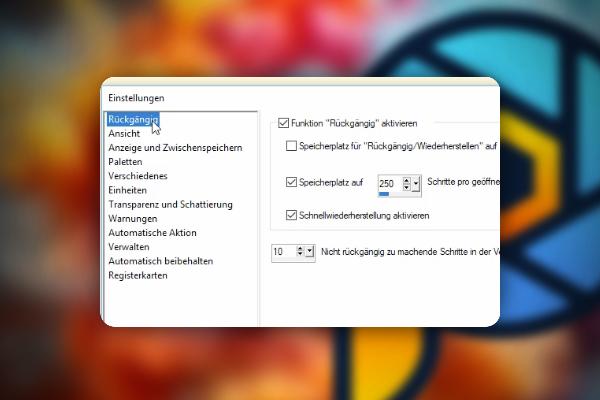
PaintShop Pro Tutorial: PSP in Practice
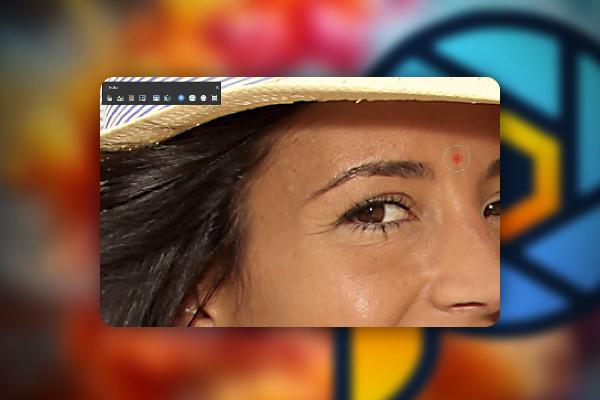
PaintShop Pro Tutorial: PSP in Practice

PaintShop Pro Tutorial: PSP in Practice
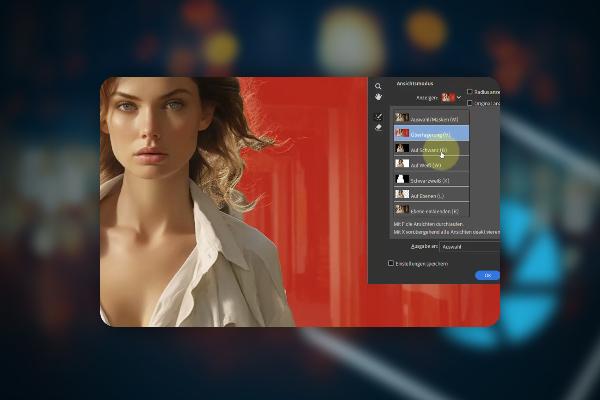
Clipping with Photoshop Elements (Tutorial)
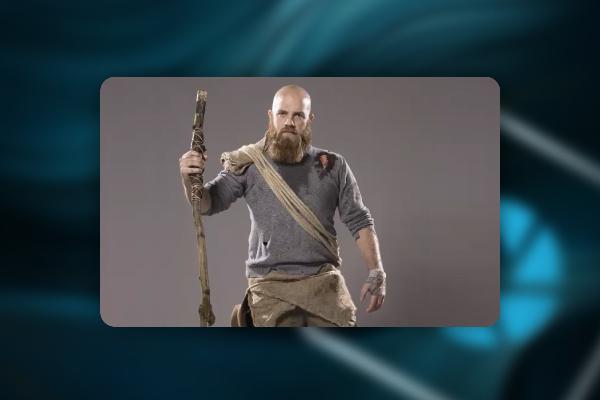
Image editing with Photoshop Elements: Composing "The Wanderer"
Photoshop Elements: Tutorial for beginners and advanced users
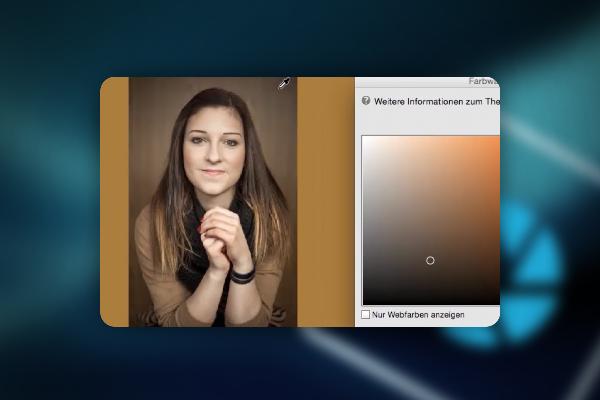
Photoshop Elements: Tutorial for beginners and advanced users
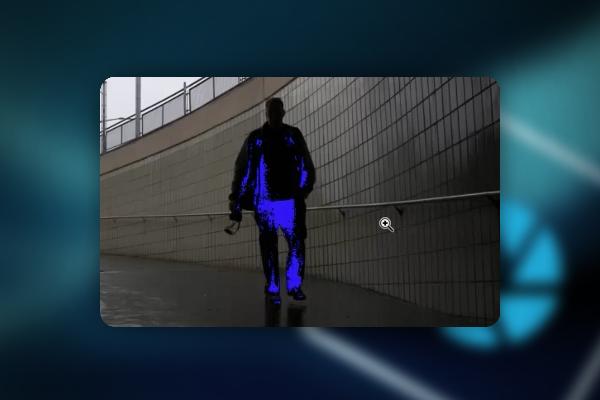
Photoshop Elements: Tutorial for beginners and advanced users
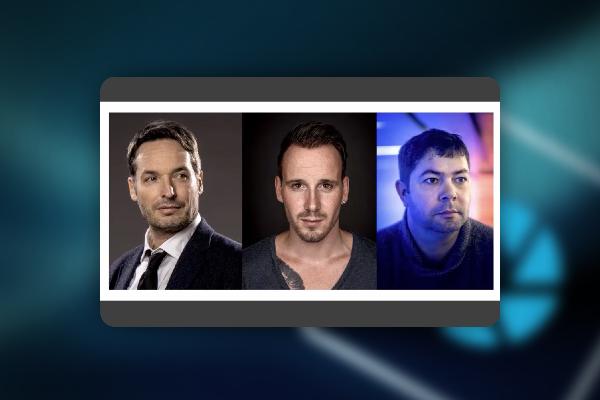
Photoshop Elements: Tutorial for beginners and advanced users
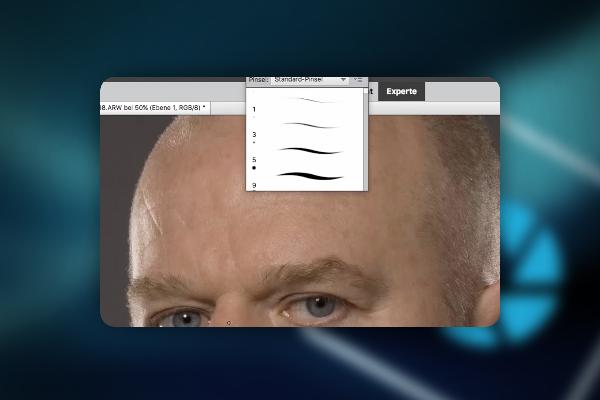
Photoshop Elements: Tutorial for beginners and advanced users
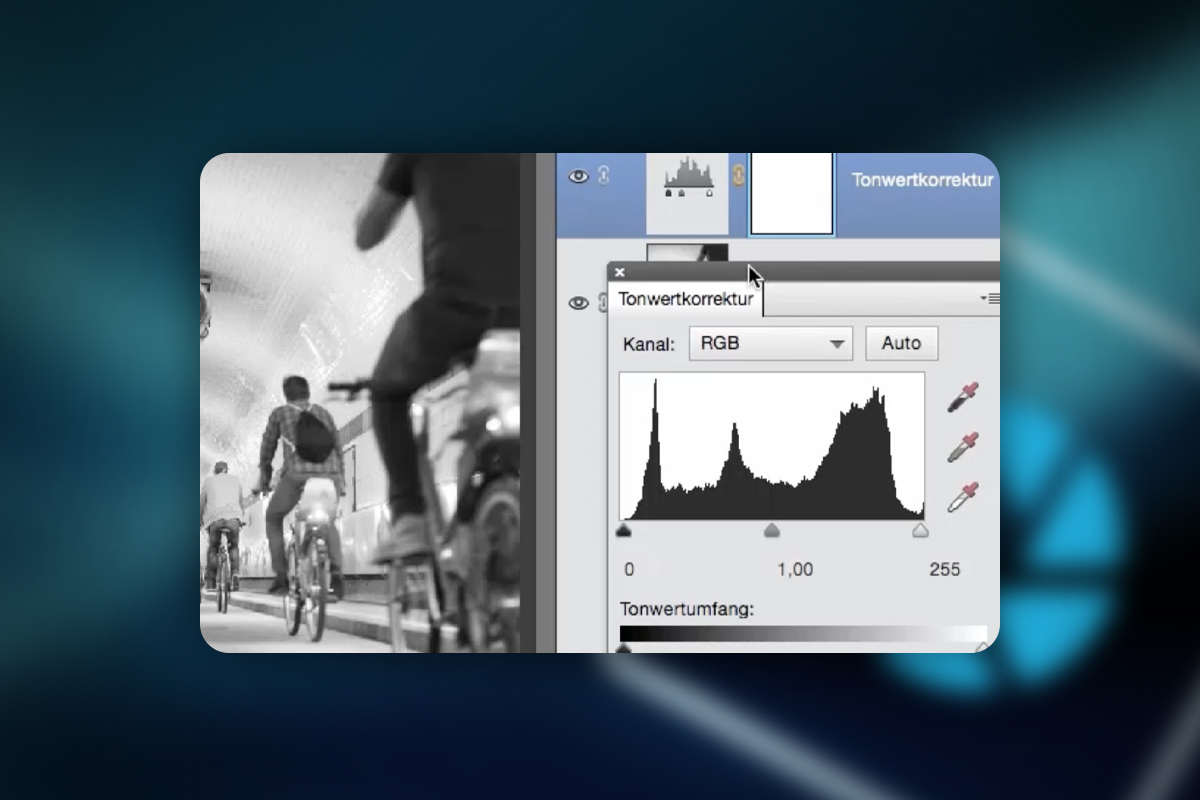
Photoshop Elements: Tutorial for beginners and advanced users
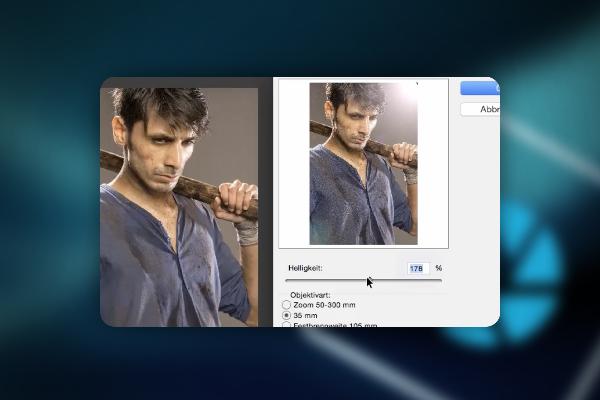
Photoshop Elements: Tutorial for beginners and advanced users
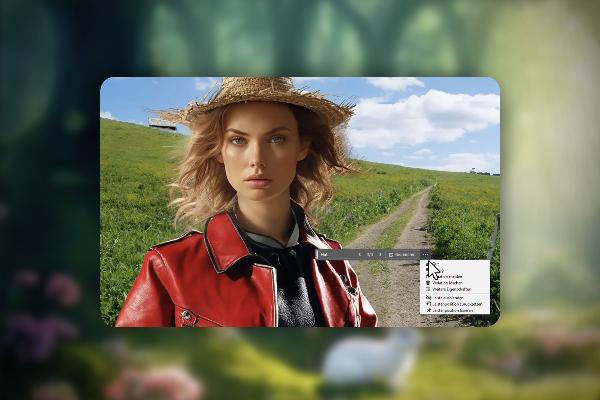
AI in Photoshop: Next-level image editing with artificial intelligence
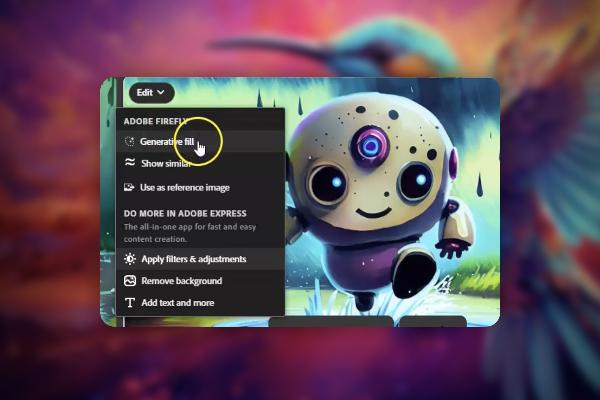
Adobe Firefly (Tutorial): create spectacular images with generative AI
Adobe Firefly (Tutorial): create spectacular images with generative AI
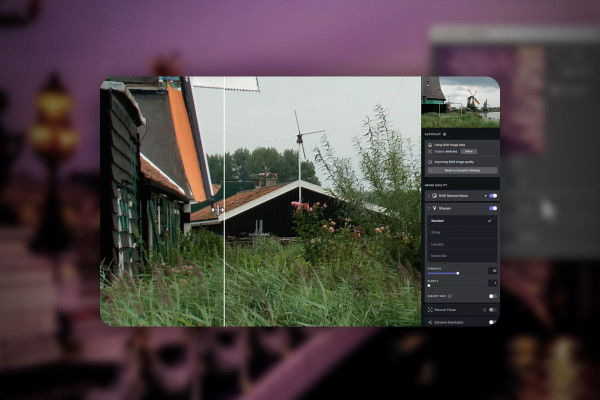
Sharpening images with & without AI - against pixelated, blurred photos
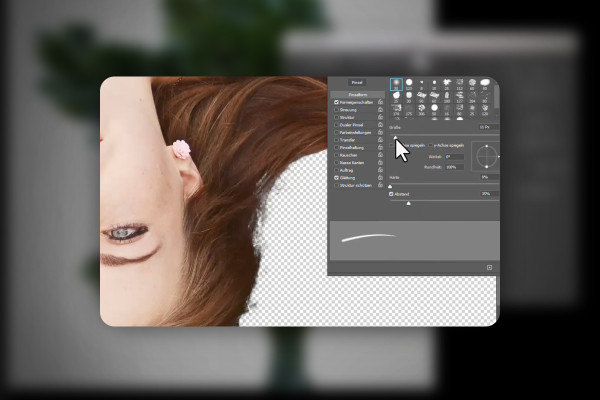
Crop with Photoshop and AI - cut out motifs quickly and precisely
Editing images & photos in Photoshop: 100 techniques you should know
Editing images & photos in Photoshop: 100 techniques you should know
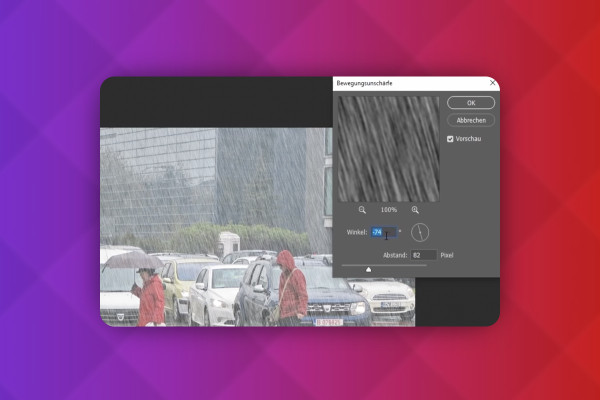
Editing images & photos in Photoshop: 100 techniques you should know
Editing images & photos in Photoshop: 100 techniques you should know
Remove people & distracting objects from images - Photoshop, DALL-E and other AI tools
AI guide: Generating and editing images with Midjourney, DALL-E and co.
Enlarge images and photos without loss of quality with Photoshop and AI
Removing image noise: Photoshop, Lightroom and AI tools (tutorial for Denoise)
Affinity Photo training: over 30 best-of hacks for photo editing

Midjourney tutorial: How the AI creates spectacular images for you

Paint.NET for beginners - graphic design & image editing (basic tutorial)
Paint.NET for beginners - graphic design & image editing (basic tutorial)

Paint.NET for beginners - graphic design & image editing (basic tutorial)

Paint.NET for beginners - graphic design & image editing (basic tutorial)
Adobe Photoshop tutorial "Penne Rigate": How to set products in scene

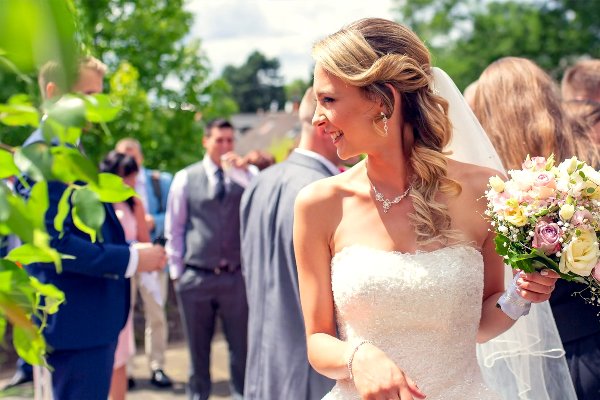
Wedding photography: tips, technique & practice (tutorial)
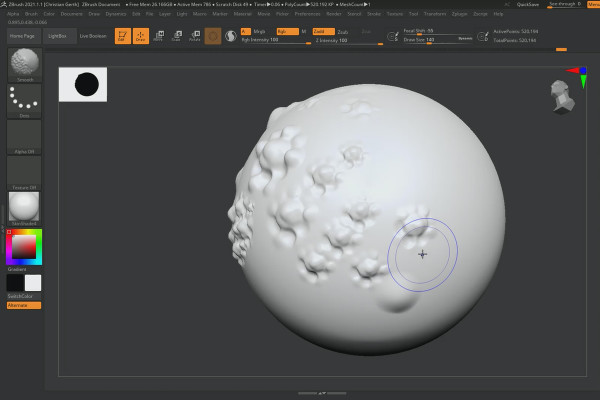
ZBrush 2020 and 2021: Video training on the updates
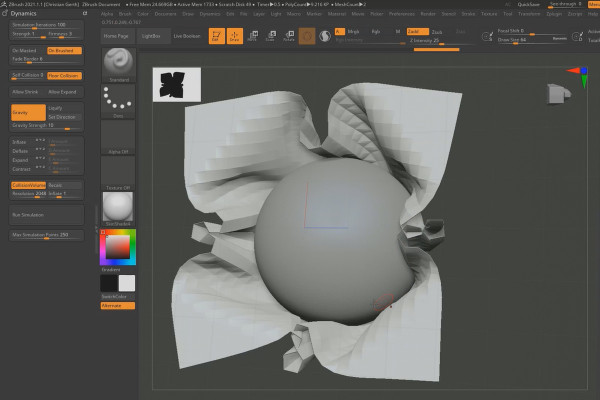
ZBrush 2020 and 2021: Video training on the updates

Adobe Camera Raw: Video tutorial on photo editing
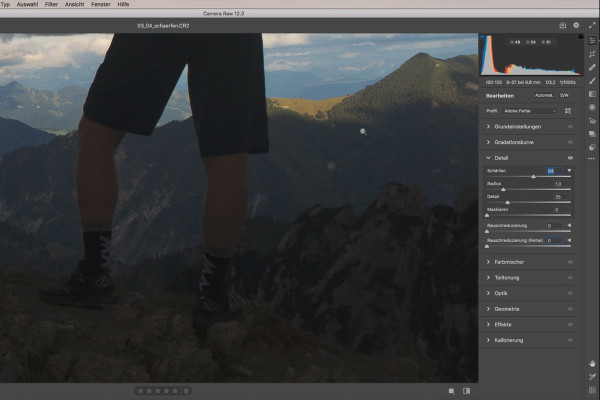
Adobe Camera Raw: Video tutorial on photo editing
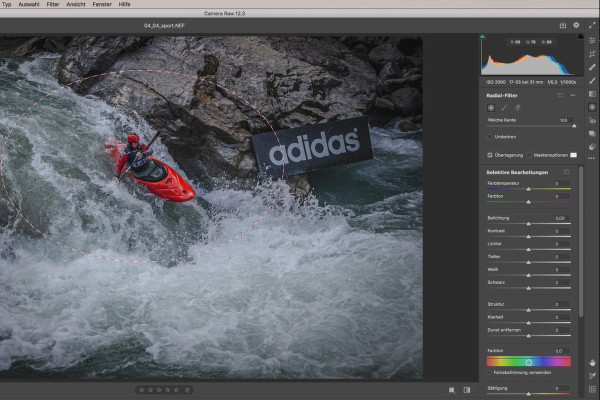
Adobe Camera Raw: Video tutorial on photo editing

Creative Cloud desktop app: Tutorial on helpful features
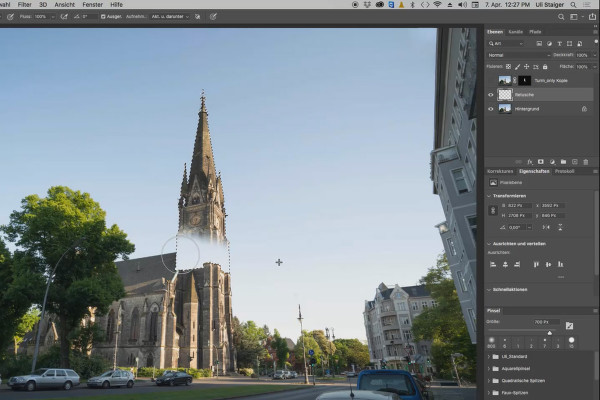
3D composing in Photoshop (Tutorial): "Take-off"
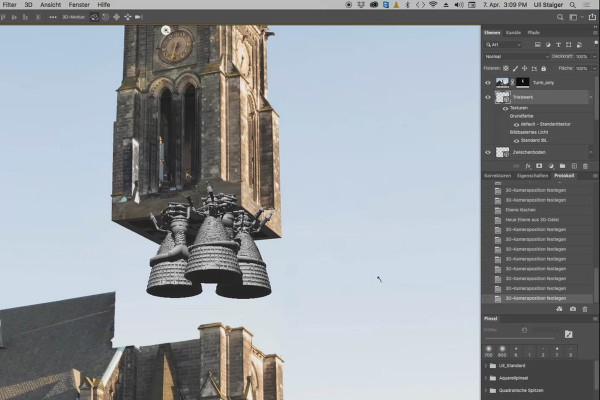
3D composing in Photoshop (Tutorial): "Take-off"
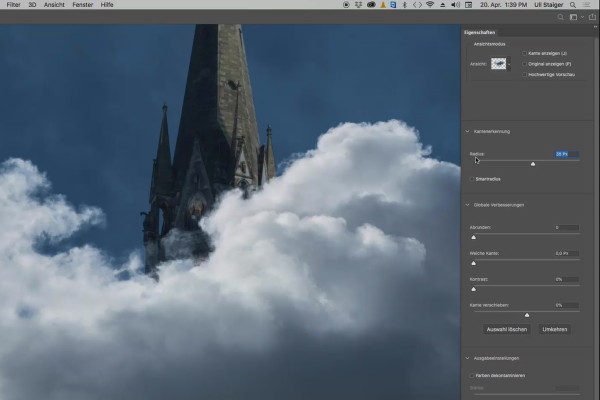
3D composing in Photoshop (Tutorial): "Take-off"
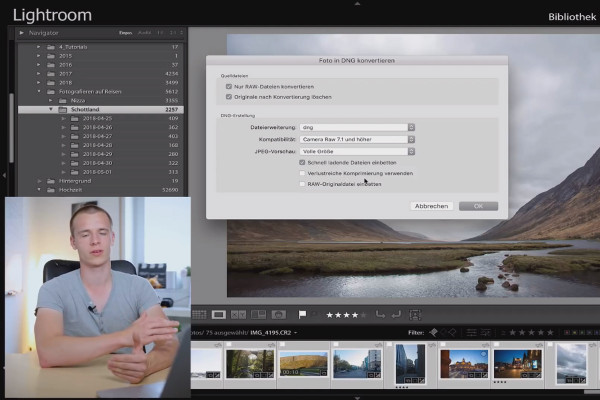
Lightroom Classic CC - the great photo editing tutorial
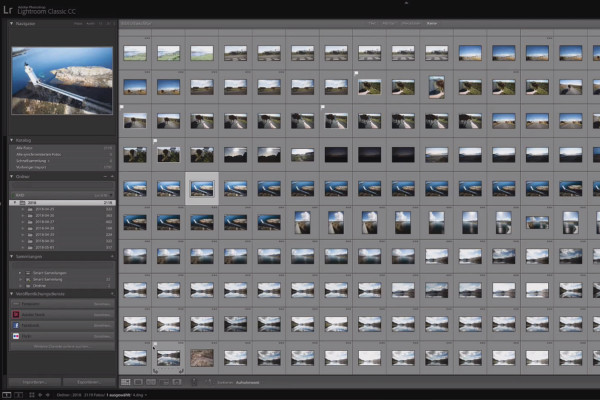
Lightroom Classic CC - the great photo editing tutorial
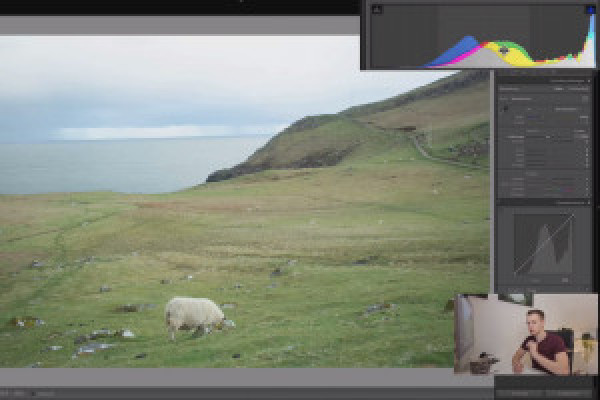
Lightroom Classic CC - the great photo editing tutorial
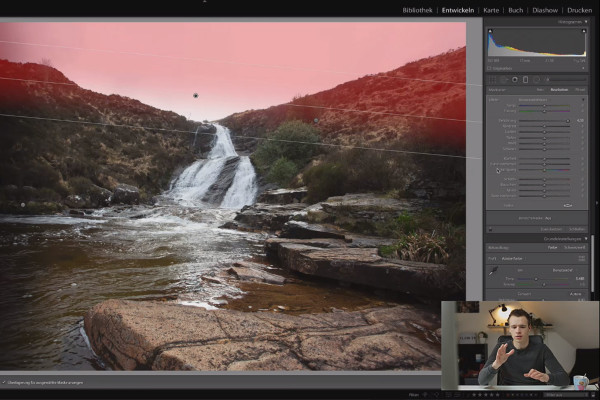
Lightroom Classic CC - the great photo editing tutorial
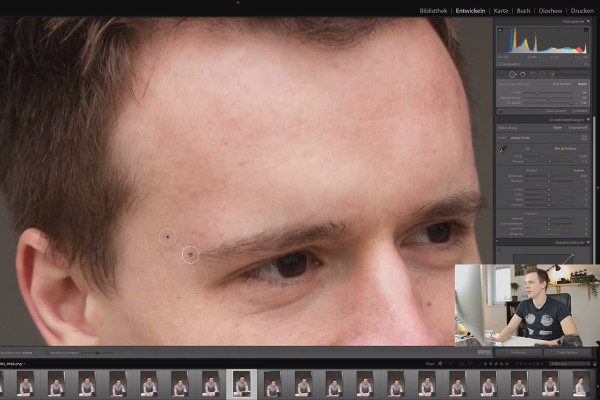
Lightroom Classic CC - the great photo editing tutorial
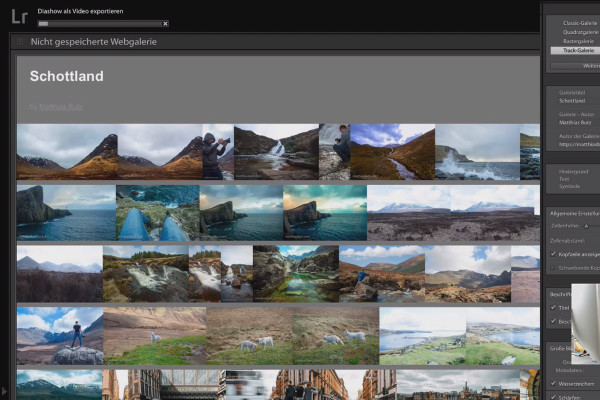
Lightroom Classic CC - the great photo editing tutorial

Lightroom Classic CC - the great photo editing tutorial
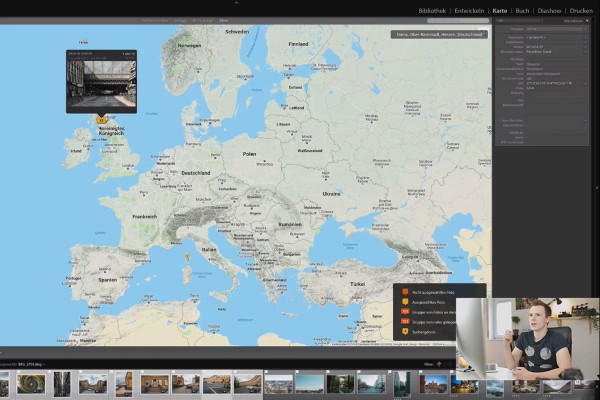
Lightroom Classic CC - the great photo editing tutorial
Wedding photography: tips and tricks on technology, business and photography practice
Wedding photography: tips and tricks on technology, business and photography practice
Wedding photography: tips and tricks on technology, business and photography practice
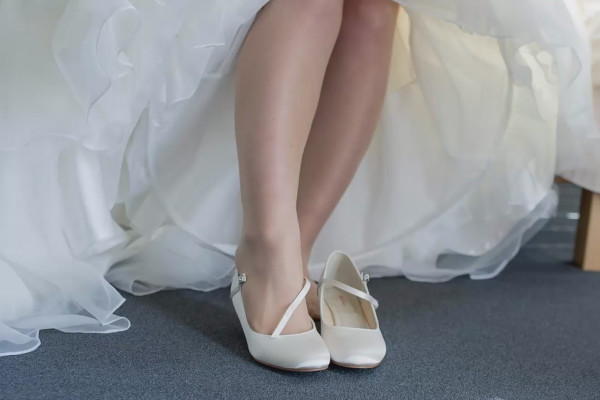
Wedding photography: tips and tricks on technology, business and photography practice
Perfectly in the picture for perfect images
Comprehensive tutorials on photography and image editing
Photography, raw and photo editing
Your online photography courses: learning photography made easy
Want to get started in photography? Our online courses will equip you with all the important basics. You already take photos, but your photos could look even better? Then draw on the wealth of advice from our experienced photography trainers. Are you already a successful photographer who would now like to dedicate yourself to a new photographic discipline? Then acquire additional specialist knowledge with our photography tutorials. Learning photography made easy - discover your photography training now and take beautiful photos.
Learn photography online: find your specialization
Every element in this world can invite you to take photos and poses its own unique challenges for photography. That's why our photography tutorials cover a wide range of specialist topics: With the courses, you can effectively learn to perfectly stage cars, create thrilling sports photos, photograph buildings inside and out and take high-quality food shots. Start your tutorial now to get to grips with your specialist discipline and provide yourself and your customers with first-class photos .
Raw image editing: optimize photos with Lightroom, Camera Raw and co.
Dare to compare before and after! Our raw and photo editing tutorials will help you optimize every pixel of your photos. From now on, just turn the right sliders in Adobe Lightroom to remove noise, make global and local improvements and create outstanding looks. Get to know various Lightroom alternatives and learn all kinds of professional tips for an effective photo workflow . Start the tutorials now - and your photos will look even better!
Image editing from retouching to creative
Tutorials for cropping images and photos
Always needed, always a challenge: cropping or cutting out motifs from an image. For example, do you want to display products against a different background? Then these tutorials are just right for you. Here you will learn how to crop people, hair and even glass objects. Whether selection tool, quick selection, magic wand or clipping via channels: Acquire effective knowledge of a wide range of cropping techniques and apply them in image editing programs such as Photoshop and Affinity Photo.
Beauty retouching: retouching images and photos professionally
Retouching photos and images requires all your knowledge and attention. Sharpen your eye for detail with our image editing tutorials and learn all the important beauty retouching methods and techniques. Whether you want to make eyes sparkle, touch up skin and teeth, smooth out wrinkles, remove blemishes, add more or less shine to the forehead and nose, beautify hairstyles, draw hair or apply digital make-up - take a look at our retouching tutorials and create high-quality and impressive images. Here you will learn what you should pay attention to in detail when editing your images.
Composing tutorials: creative image editing with Photoshop & Co.
Creative stands out! Realize your image ideas and turn your thoughts into visual reality. In our composing tutorials , you will learn how to crop, edit and compose motifs into new worlds. From preparation to the final finishing touches: follow the procedures of our trainers and get hands-on with the help of project files. Do you want to create image compositions, apply textures and create eye-catching looks? Then you've come to the right place!