Tutorials on 3D, audio and video
3D, Audio & Video
Tutorials on basics & professional tips

3D, audio & video - tutorials, basics & pro tips

New to 3D, audio and video and looking for basic information? Or already an expert and keen to get to know new workflows? In our tutorials, experienced trainers will show you how to stage 3D objects, create impressive videos, produce music and correct audio recordings. Whether it's Adobe Premiere and After Effects or DaVinci Resolve and the basics of videography - take a look at what will help you progress in your 3D, audio and video work!
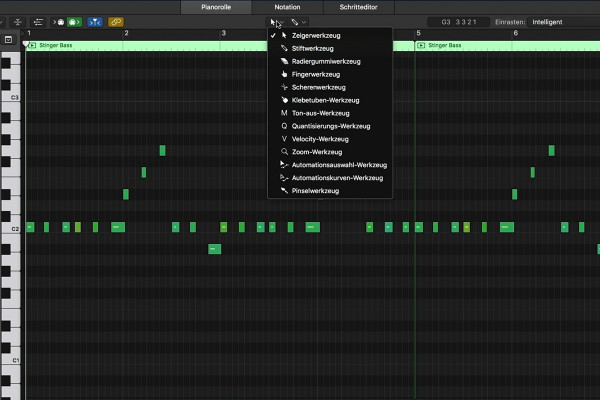
Getting started with music production with Logic Pro X: 3.7 Setting MIDI velocity

Logic Pro X-Tutorial - Make music easily yourself
Creating your own podcast: 2.2 The rise of podcasting

Create your own podcast - the ultimate practical guide
Adobe Media Encoder 2020 (October 2020): Function of the watched folder

Adobe Media Encoder: Video converter tutorial
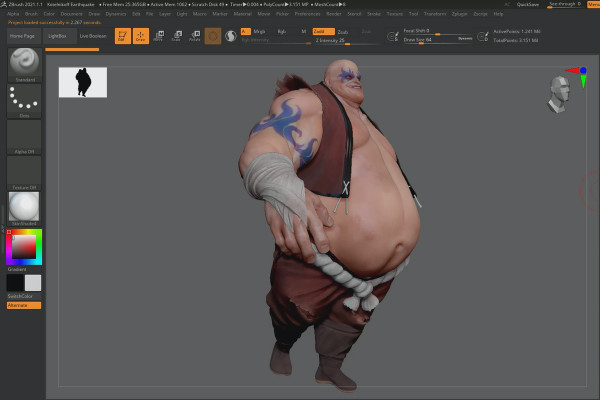
ZBrush 2021 - Video training for the updates: 13 | iMage3D (GIF/PNG)

ZBrush 2020 and 2021: Video training on the updates

Creative Cloud desktop app: New features in detail

Creative Cloud desktop app: Tutorial on helpful features

Updates explained: After Effects CC 2020 (November 2019) - New features in detail

After Effects CC from version 2020: Updates explained
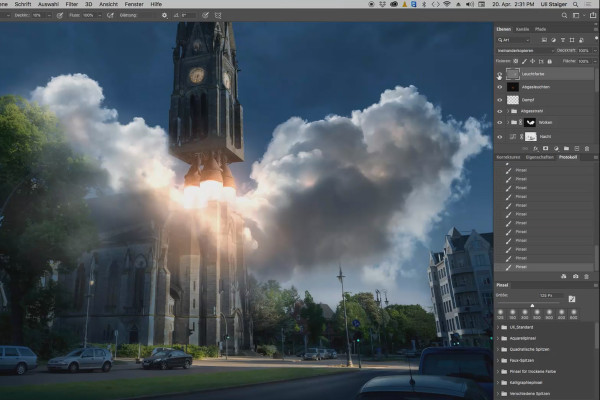
Photoshop 3D tutorial "Take-off": 17 | Color lights

3D composing in Photoshop (Tutorial): "Take-off"
Videography course: 6.7 | How do I focus manually on video?

Creating videos - the great videography course
Videography course: 7.7 | Lighting setup - 3 Point Light

Creating videos - the great videography course
Videography course: 9.7 | Effects and animations

Creating videos - the great videography course
Videography course: 12.7 | How do I edit my videos?

Creating videos - the great videography course
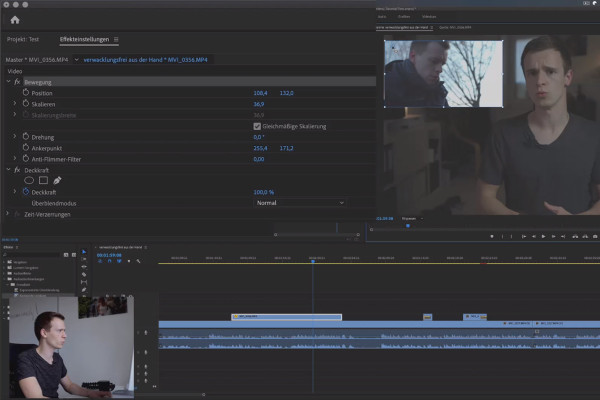
Premiere Pro CC Tutorial: 3.7 | Effects settings and keyframes

Adobe Premiere Pro CC Tutorial: Video editing from cut to export
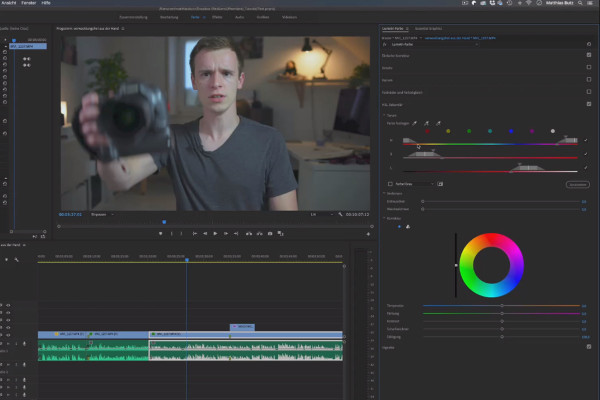
Premiere Pro CC Tutorial: 4.8 | HSL

Adobe Premiere Pro CC Tutorial: Video editing from cut to export
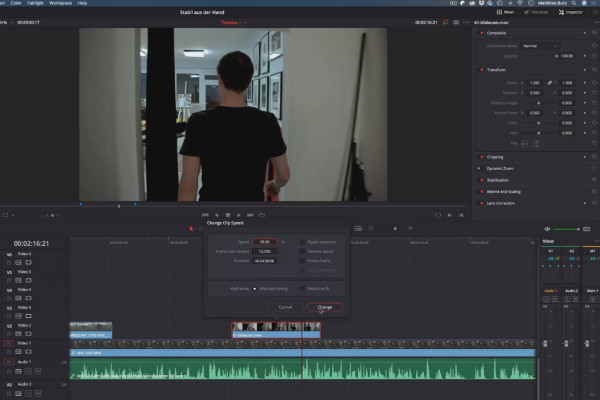
DaVinci Resolve Tutorial: 3.7 | Time

DaVinci Resolve tutorial: Video editing from the basics to export
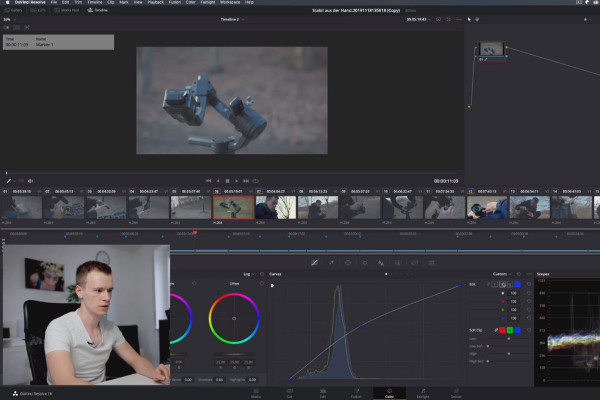
DaVinci Resolve Tutorial: 4.7 | Curves - Gradation Curve

DaVinci Resolve tutorial: Video editing from the basics to export
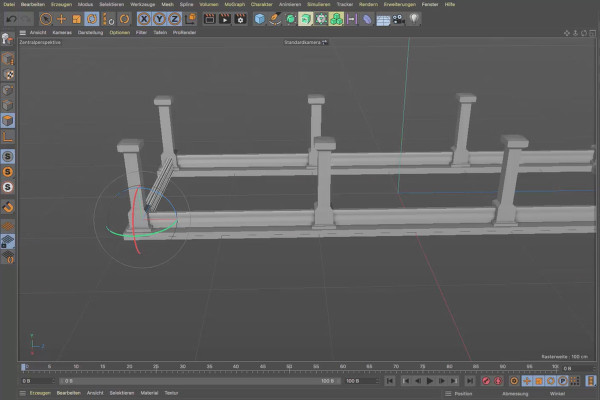
Cinema 4D tutorial "Underground": 1.7 Metal base

Cinema 4D tutorial "Underground" - from 3D model to rendering
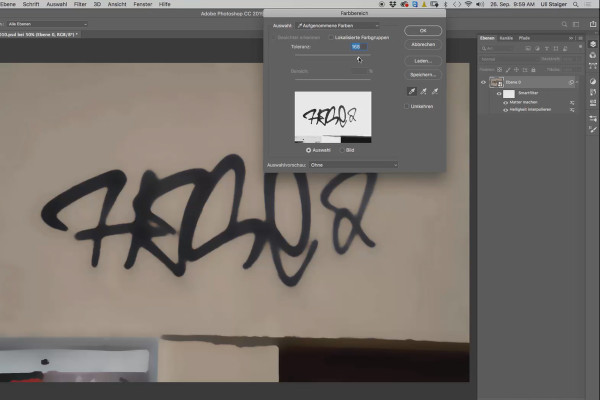
Cinema 4D tutorial "Underground": 2.7 Tag masking

Cinema 4D tutorial "Underground" - from 3D model to rendering
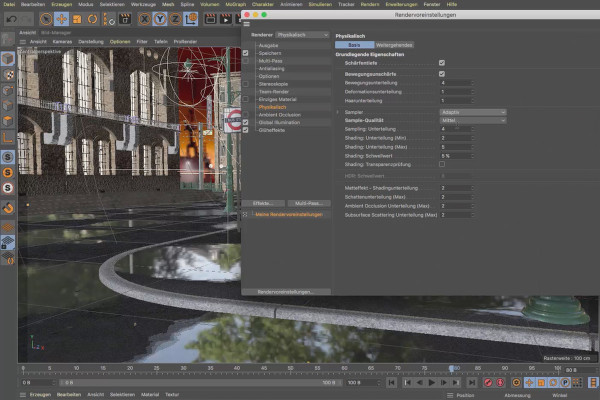
Cinema 4D tutorial "Underground": 3.7 Camera rendering

Cinema 4D tutorial "Underground" - from 3D model to rendering

Magix VEGAS Pro 17 - Video tutorial on the new features: 07 | SpectraLayers Pro 6

Magix VEGAS Pro 17 - Video tutorial on the new features
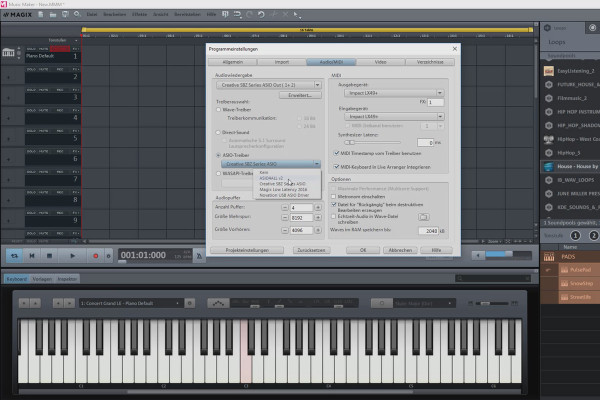
Create your own music with Magix Music Maker: 07 | Options and settings in the program (4/5)

Create your own music with Magix Music Maker - Tutorial for audio editing

Create your own music with Magix Music Maker: 15 | A project song

Create your own music with Magix Music Maker - Tutorial for audio editing
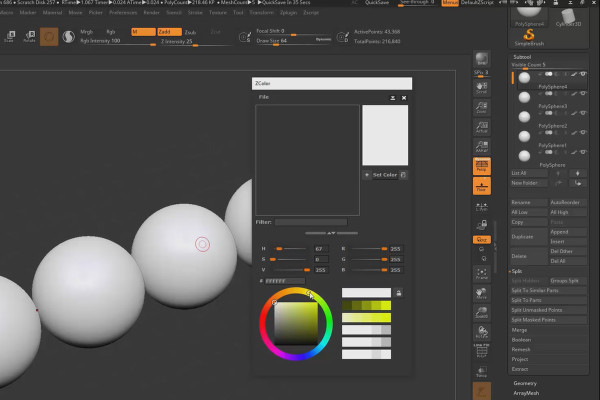
ZBrush 2019 - Video training for update: 6 | ZPlugin: ZColor

ZBrush 2019 - Video training for the update

Adobe Dimension CC Tutorial: 07 | The peculiarities of material and how to photograph it yourself

Adobe Dimension CC tutorial - 3D for graphic designers
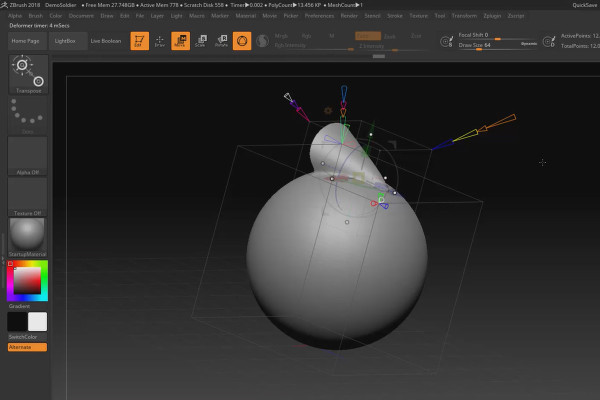
ZBrush 2018 and 4R8 - Video training on the updates: 4.2 Deformer: Project Primitive

ZBrush 2018 and 4R8: Video training on the updates
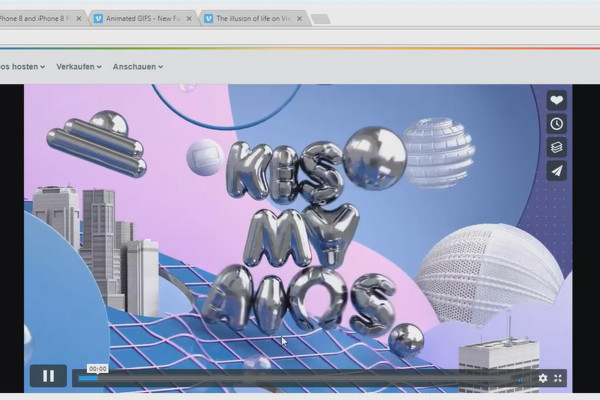
Creating 3D animation in Cinema 4D: 2.7 Analyzing the introductory videos

Create 3D animation in Cinema 4D

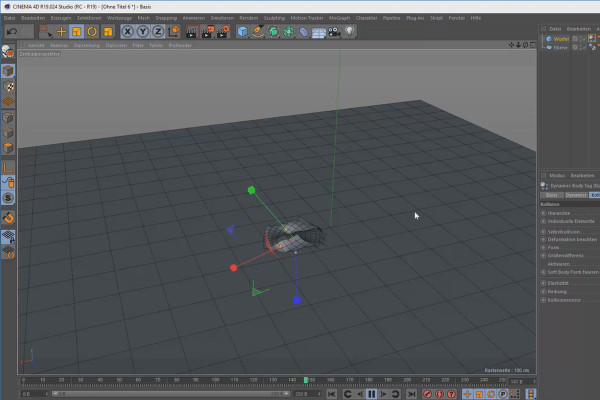
Create 3D animation in Cinema 4D: 3.7 Dynamics

Create 3D animation in Cinema 4D

Cinema 4D for beginners - 3D practice: 1.7 Moving/Rotating/Scaling

Cinema 4D tutorial: Basics & 3D practice for beginners
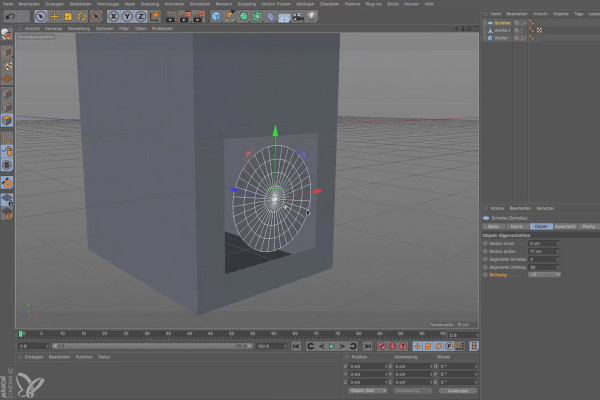
Cinema 4D for beginners - 3D practice: 2.7 Box Workshop Part 1

Cinema 4D tutorial: Basics & 3D practice for beginners
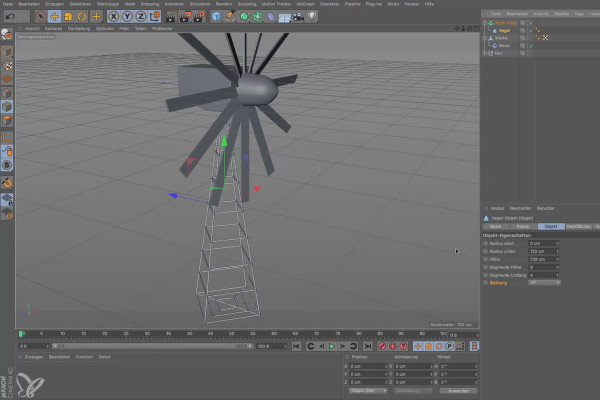
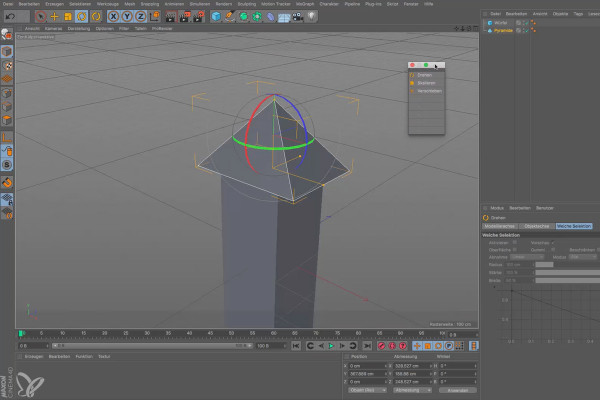
Cinema 4D for beginners - 3D practice: 3.7 Wind turbine

Cinema 4D tutorial: Basics & 3D practice for beginners
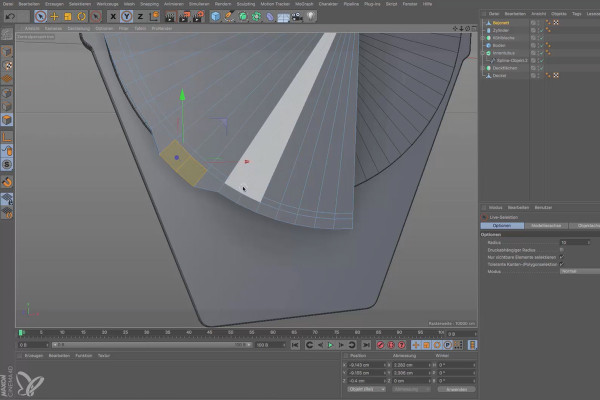
Cinema 4D for beginners - 3D practice: 6.7 Bayonet

Cinema 4D tutorial: Basics & 3D practice for beginners
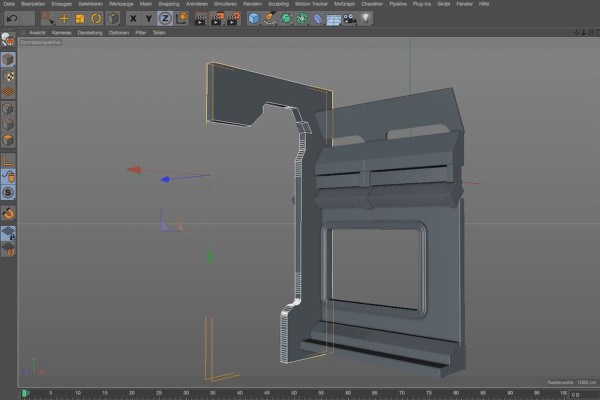
Practice in Cinema 4D - Modeling and lighting a space station: 07 Function divider

Cinema 4D practical tutorial: 3D modeling and lighting of a space station

360° architecture views with Unity and Cinema 4D - Create 13 buttons for the tree
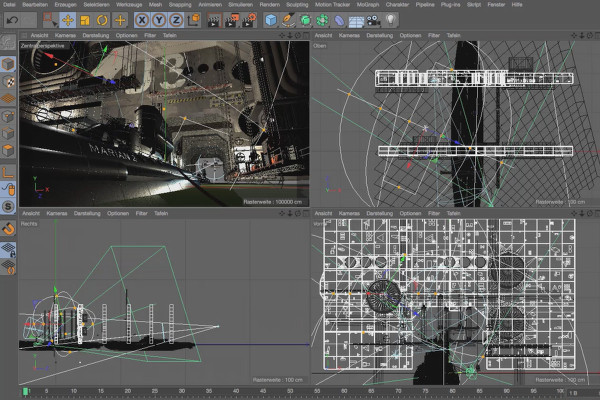
360° architecture views with Unity and Cinema 4D

Cinema 4D - Lighting: 4.7 Creating a gradient

Light & Lighting in Cinema 4D - the practical course
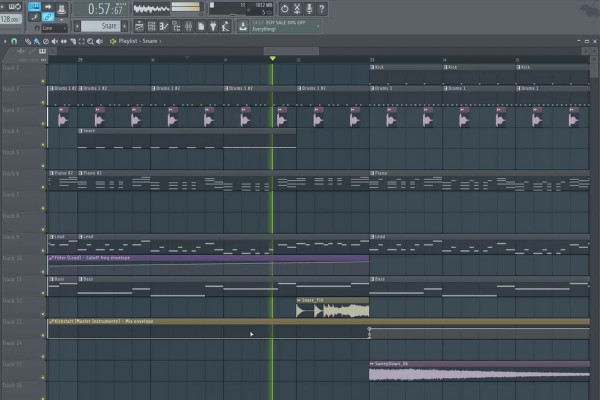
Digital music production with FL Studio - 5.7 Sample production: Automation clips part 2, use of effect samples

FL Studio Tutorial: Learn music production
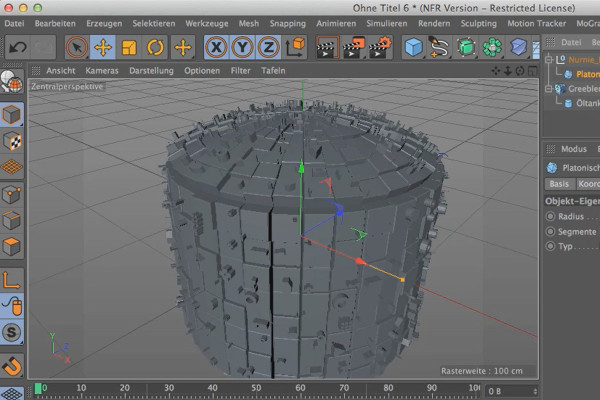
Cinema 4D meets Photoshop: I - 1.7 Explaining Greebler: Using your own objects

3D design & composing: Cinema 4D meets Photoshop
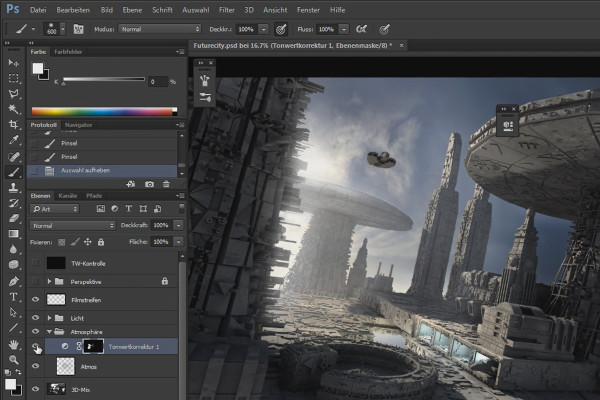
Cinema 4D meets Photoshop: II - 2.3 Defining the light source

3D design & composing: Cinema 4D meets Photoshop

C4D Release 18 - even more new functions and enhancements

New functions in Cinema 4D - R12 to R19, R20 and R21
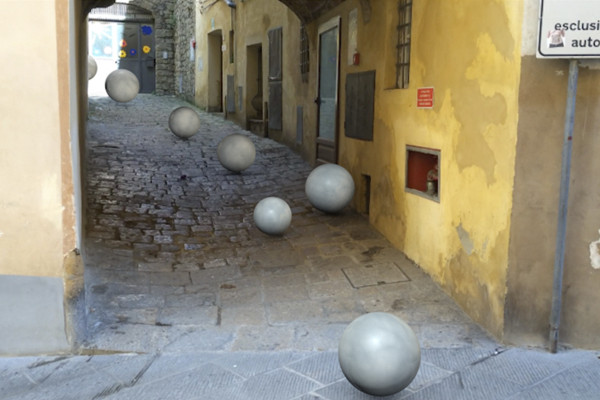
C4D Release 16 - Match-Moving with the Motion Tracker

New functions in Cinema 4D - R12 to R19, R20 and R21
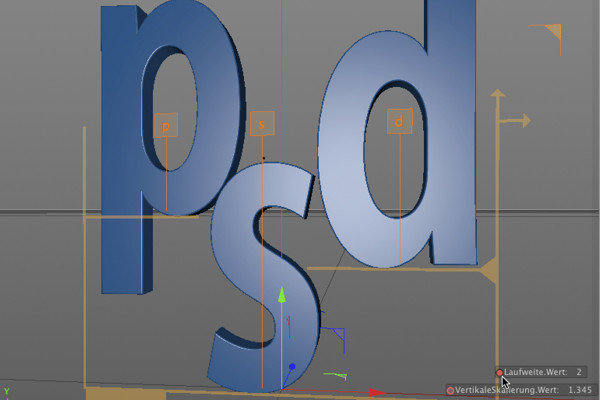
C4D Release 15 - Kerning for text objects

New functions in Cinema 4D - R12 to R19, R20 and R21
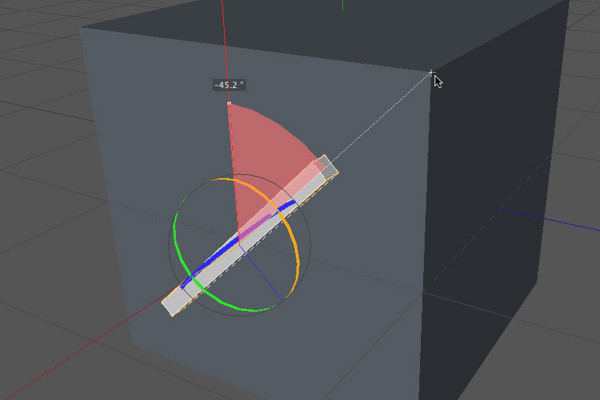
C4D Release 13 - Navigation and tool improvements

New functions in Cinema 4D - R12 to R19, R20 and R21
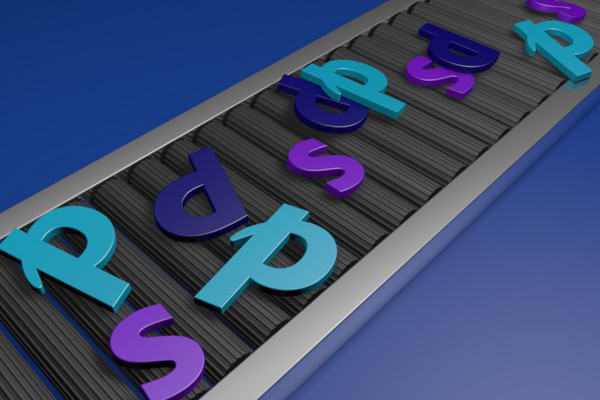
C4D Release 12 - Motors and connectors - PSD on the assembly line

New functions in Cinema 4D - R12 to R19, R20 and R21
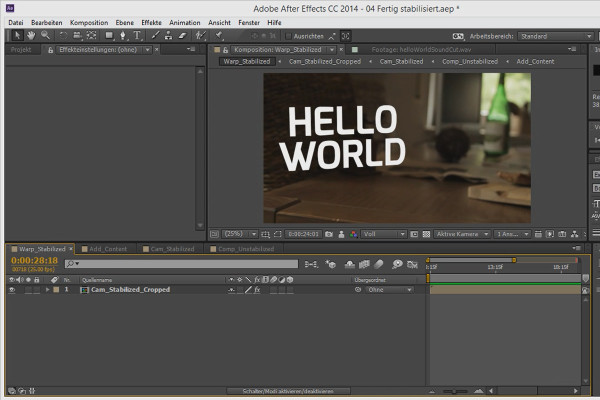
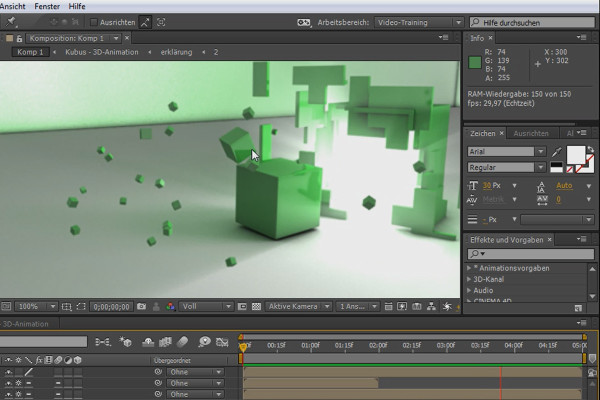
3D projects in After Effects: Preparing a 3D scene

3D projects and animations in After Effects
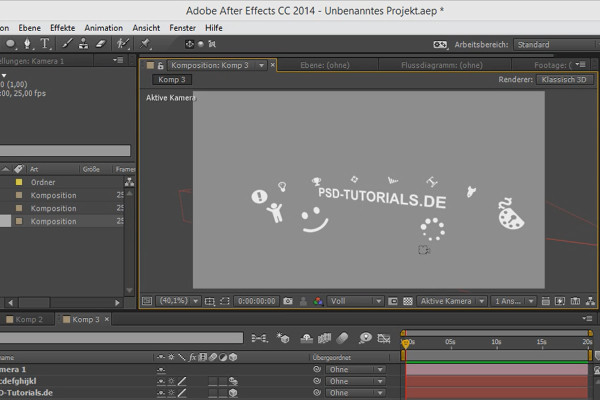
Tips and tricks for 3D in After Effects: Aligning to the camera

3D projects and animations in After Effects
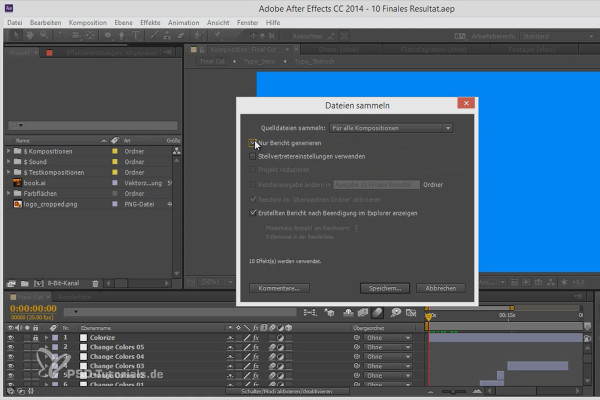
Workflow tips and tricks in After Effects: Collecting files

3D projects and animations in After Effects
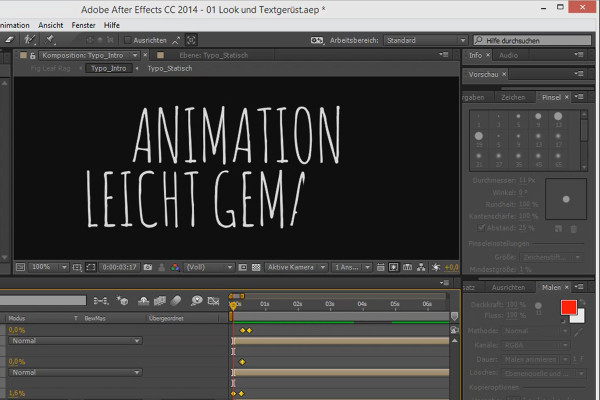
Animation made easy: line animation

Animation in After Effects: Your beginner's tutorial
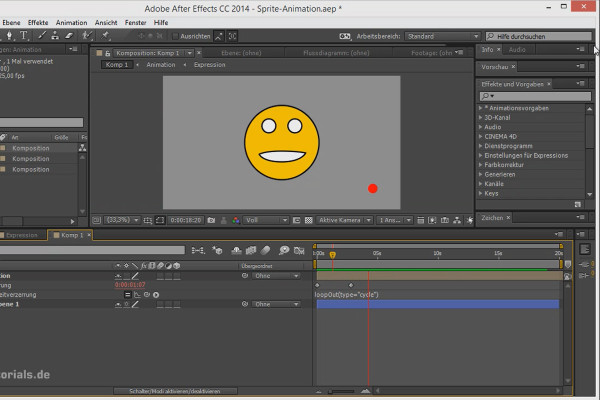
Tips and tricks for animating in After Effects: Looping animations

Animation in After Effects: Your beginner's tutorial
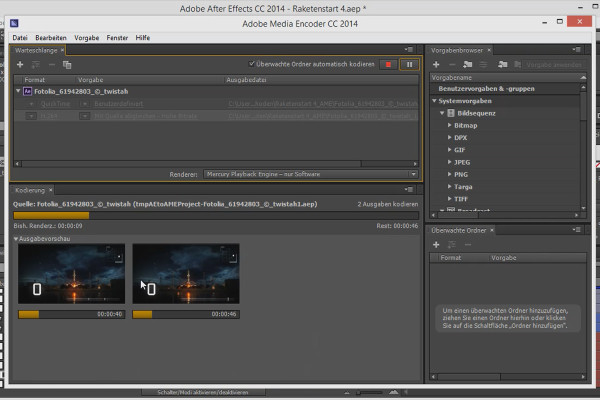
Workflow tips and tricks in After Effects: Rendering in the Media Encoder

Animation in After Effects: Your beginner's tutorial
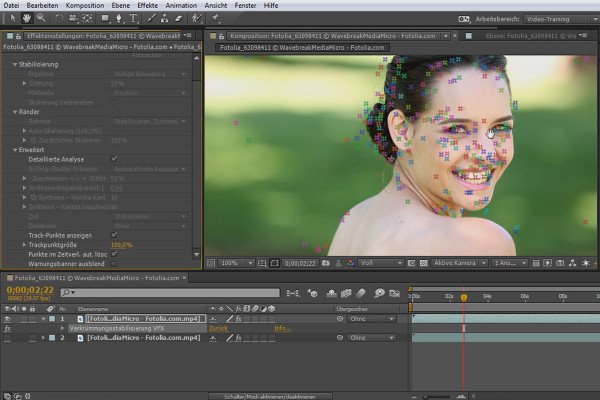
What's new in the Creative Cloud: After Effects CC (until 2015) - Warp Stabilization VFX

After Effects for beginners

What's New in the Creative Cloud: After Effects CC 2015 (June 2015) - Independent Ram Preview

After Effects for beginners

After Effects for beginners: The types of animations

After Effects for beginners

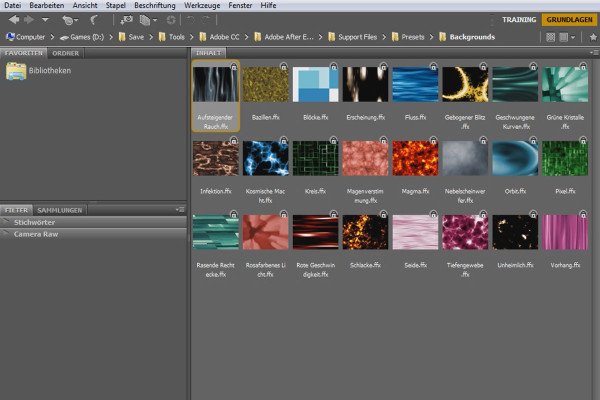
After Effects for beginners: Animation presets in Bridge

After Effects for beginners

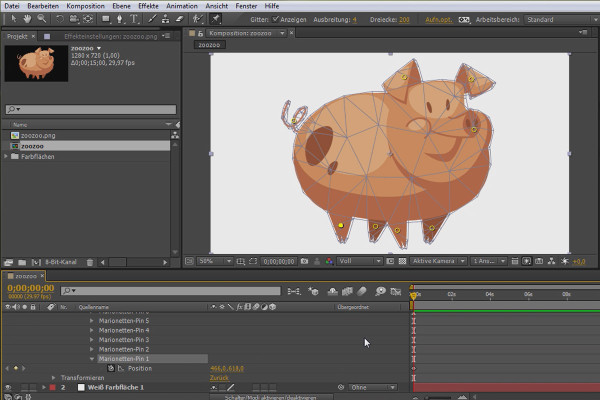
After Effects for beginners: Puppet Tool

After Effects for beginners

What's new in the Creative Cloud: After Effects CC 2015.1 (November 2015) - New scripting functions

After Effects for beginners

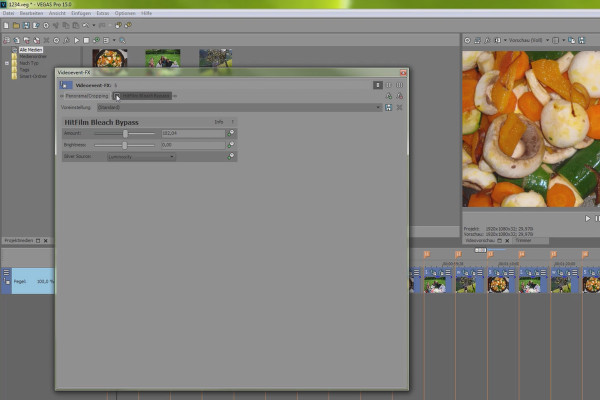
VEGAS Pro 15 - HitFilm Movie Essentials

VEGAS Pro video training

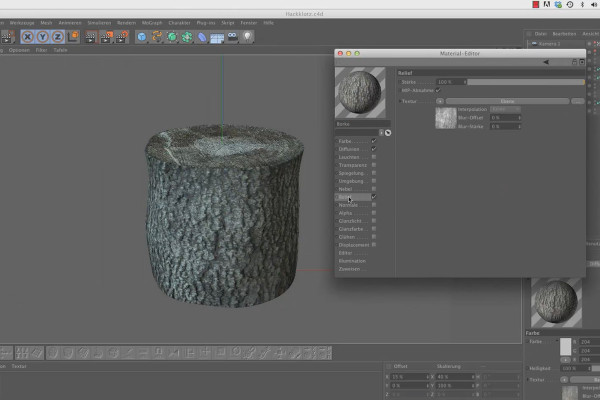
Shaders and Textures - Material Creation in CINEMA 4D: Chopping Block

CINEMA 4D Video Training - Shaders & Textures
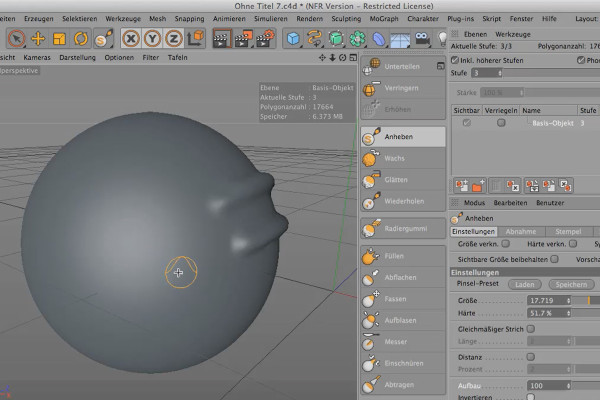
Sculpting in CINEMA 4D - Basics: Part 05 - Structure

Cinema 4D: 3D Sculpting Tutorial

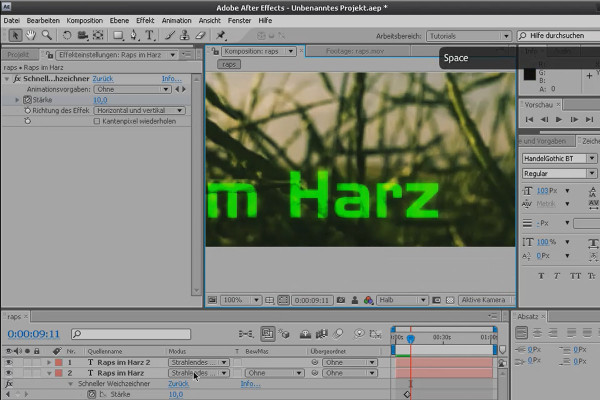
After Effects Basics: Layers, Modes, Masks and Shape Layers

After Effects Workshop DVD - Basics & Tricks
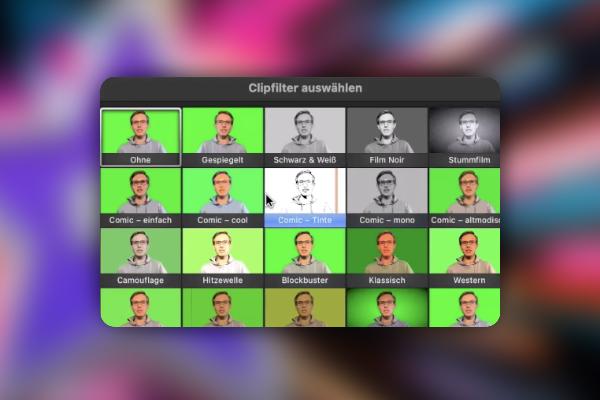
iMovie tutorial: 3.8 | Add clip filters and audio effects

iMovie tutorial: Guide to creative video editing
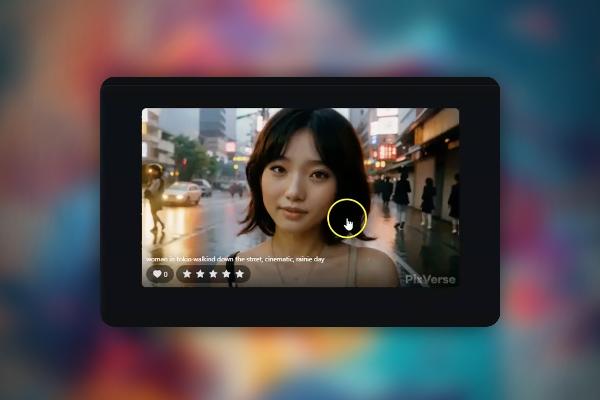
Creating AI videos: 3.8 | PixVerse, Morph Studios, and LTX Studios

Creating AI videos with artificial intelligence (Tutorial)
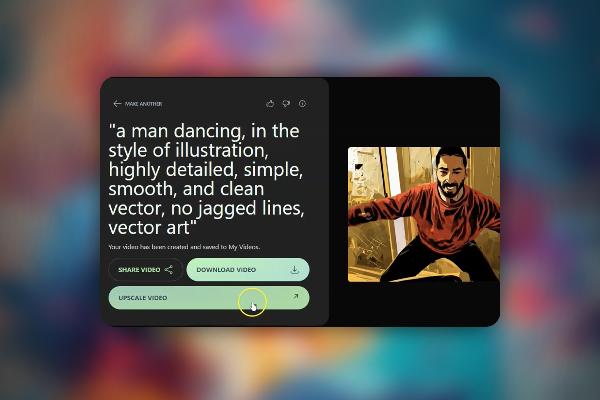
Creating AI videos: 9.8 | Kaiber - Deforum alternative

Creating AI videos with artificial intelligence (Tutorial)
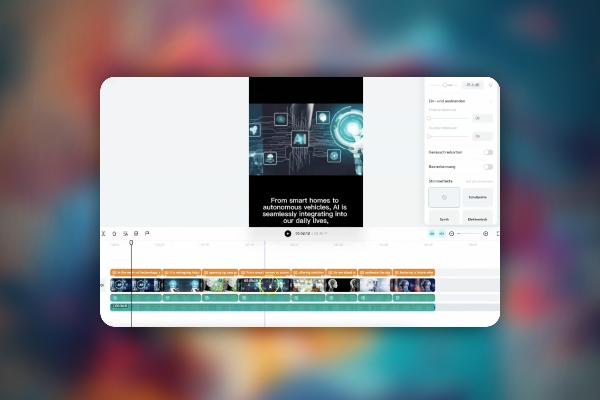
Creating AI videos: 10.8 | Capcut and ChatGPT for AI reels with one click

Creating AI videos with artificial intelligence (Tutorial)

AI voices & deepfakes: 9.8 | What should and may I use this technology for?

Text-to-Speech: Create AI voices & deepfakes (Tutorial)
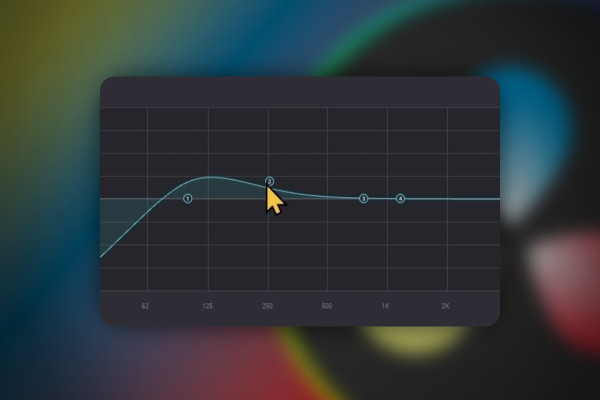
DaVinci Resolve: 3.8 | Fairlight

DaVinci Resolve: Cutting and editing video & audio (practical training)
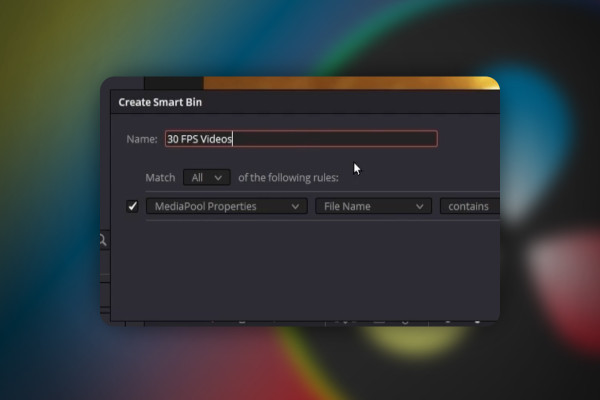
DaVinci Resolve: 4.8 | Power Bins and Smart Bins

DaVinci Resolve: Cutting and editing video & audio (practical training)
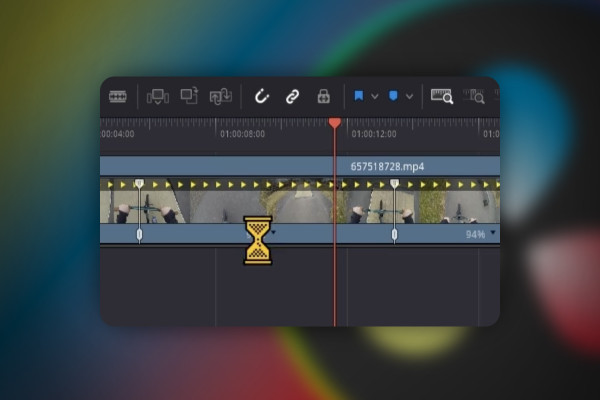
DaVinci Resolve: 5.8 | Retime Controls - Setting the playback speed

DaVinci Resolve: Cutting and editing video & audio (practical training)
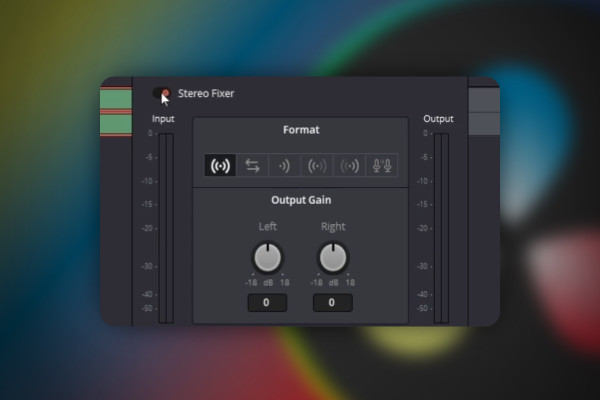
DaVinci Resolve: 7.8 | Stereo: Equalize audio right and left

DaVinci Resolve: Cutting and editing video & audio (practical training)
DaVinci Resolve: 8.8 | Export transparent background

DaVinci Resolve: Cutting and editing video & audio (practical training)

DaVinci Resolve: 9.8 | Fix error: Render Job 1 failed, cannot find appropriate Codec

DaVinci Resolve: Cutting and editing video & audio (practical training)
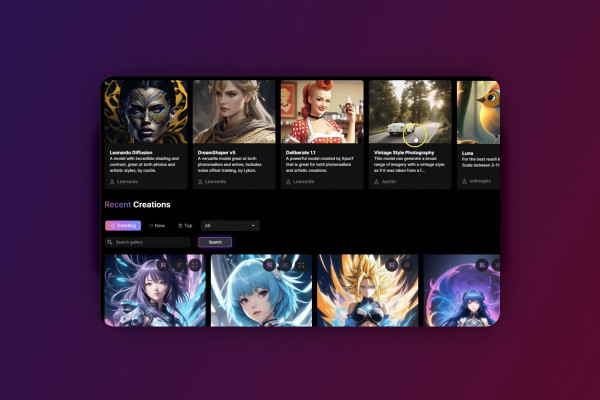
Deforum Stable Diffusion: 2.8 | Inspiration for prompts and the seed in action

Deforum Stable Diffusion - create animated videos with AI (Tutorial)
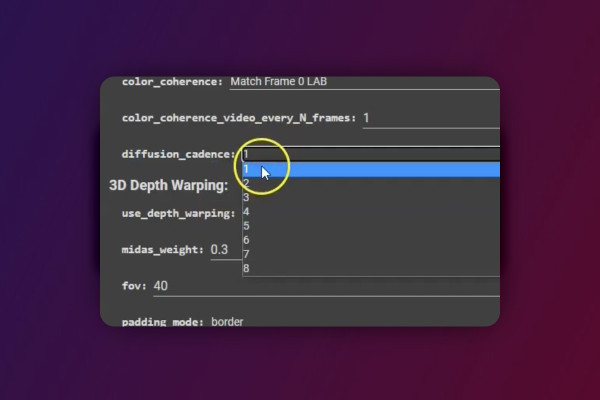
Deforum Stable Diffusion: 5.8 | Coherence Cadence - making transitions smoother

Deforum Stable Diffusion - create animated videos with AI (Tutorial)
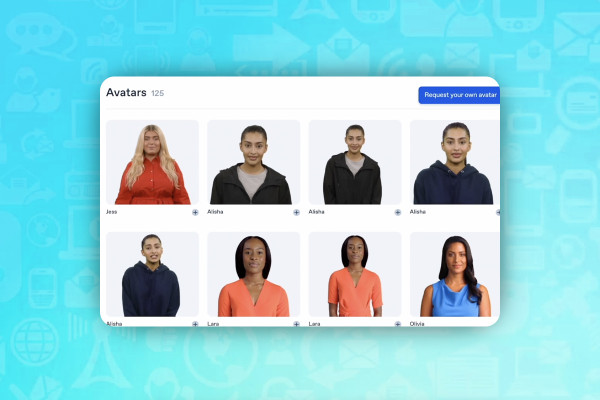
AI for videos: 1.8 | Synthesia - AIs become humans

AI guide: Edit video, audio & voice

Livestreaming tutorial: 7.8 | Turn YouTube livestreams into clips and upload them to YouTube

Livestreaming on Twitch & YouTube (Tutorial)
Livestreaming tutorial: 9.8 | How do you get advertising deals and influencer deals?

Livestreaming on Twitch & YouTube (Tutorial)
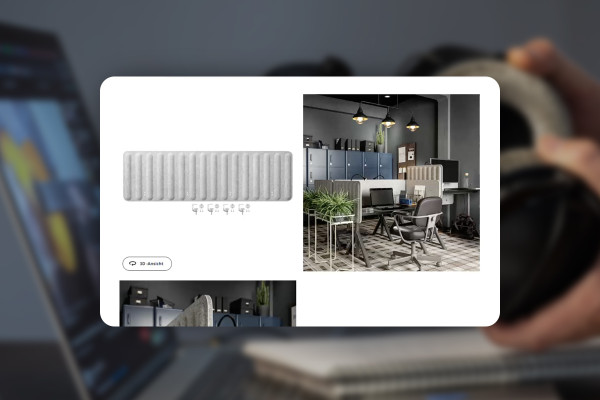
Improving audio recordings: 07 | Absorber/sound absorber recommendations

Improve audio recordings: Sound editing for reverb, hiss and other background noise

FL Studio 21-Tutorial: 5.8 | Introduction - the mixer

FL Studio 21 (Tutorial): new features & getting started with beat production
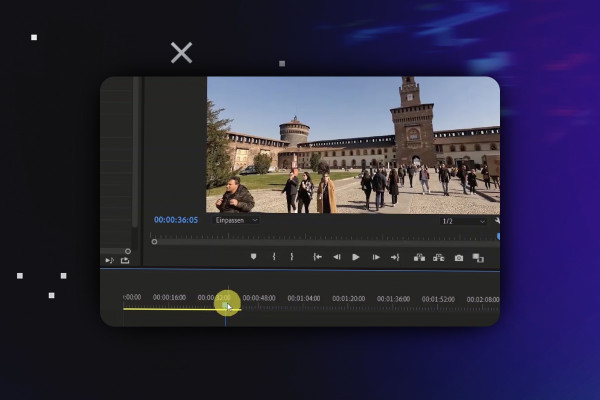
Video editing with Adobe Premiere Pro CC: 2.8 | Tools

Video editing with Adobe Premiere Pro CC - basics & practice (tutorial)
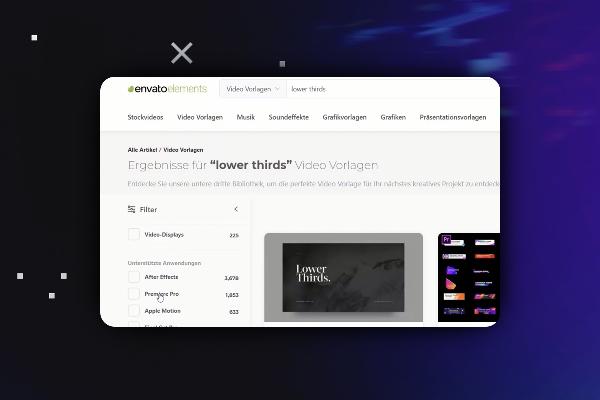
Video editing with Adobe Premiere Pro CC: 3.8 | Import of Essential Graphics and LUTs

Video editing with Adobe Premiere Pro CC - basics & practice (tutorial)
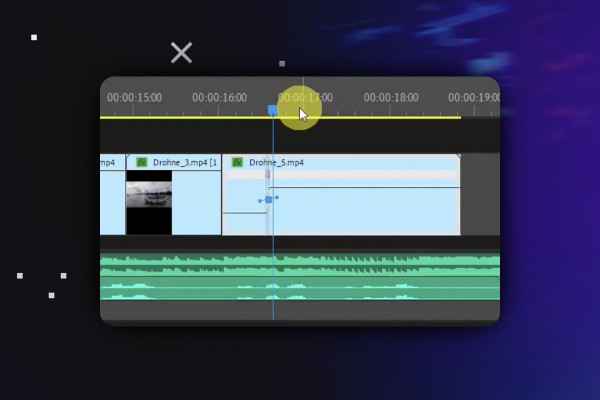
Video editing with Adobe Premiere Pro CC: 4.8 | Arranging clips part 2: Time remapping transition

Video editing with Adobe Premiere Pro CC - basics & practice (tutorial)
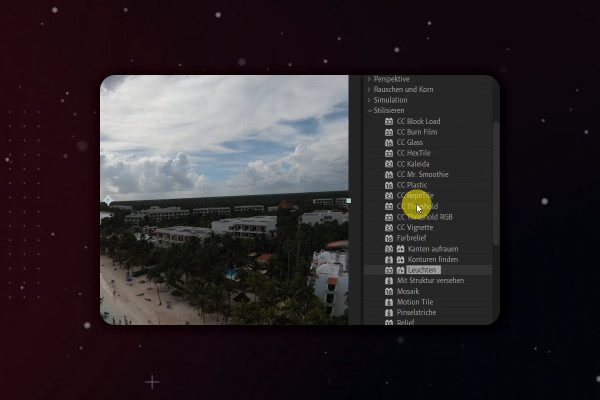
After Effects Tutorial: 2.8 | User interface overview: Right pane - effects, paragraph and characters

Adobe After Effects CC - from getting started to brilliant videos (Tutorial)
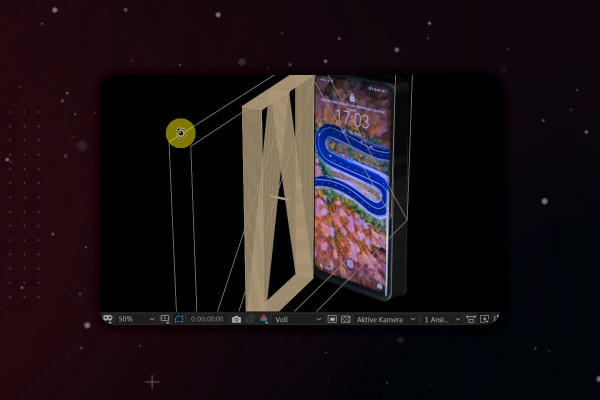
After Effects-Tutorial: 5.8 | 3D-Handy: further adjustments

Adobe After Effects CC - from getting started to brilliant videos (Tutorial)
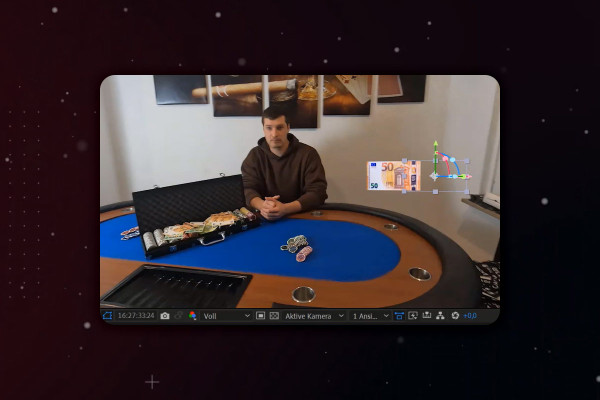
After Effects Tutorial: 9.8 | Floating objects in real 3D space (Part 1)

Adobe After Effects CC - from getting started to brilliant videos (Tutorial)
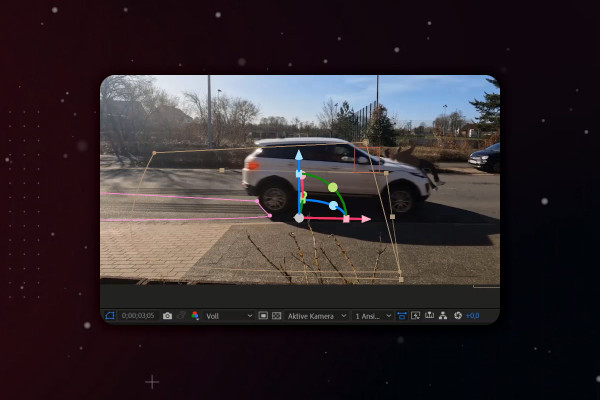
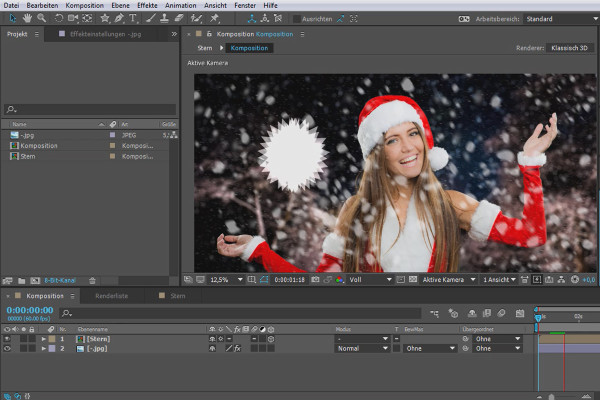
After Effects tutorial: 10.8 | Simulate car accident: Brake light and skid mark

Adobe After Effects CC - from getting started to brilliant videos (Tutorial)
YouTube marketing: 2.8 | Basics for newcomers

YouTube tutorial: Basics, marketing & video editing
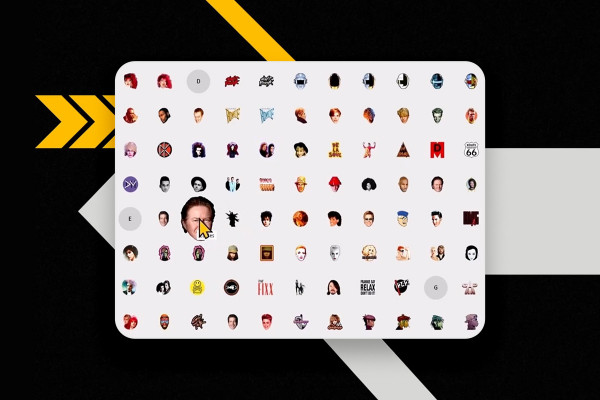
YouTube marketing: 3.8 | Emojis and logos for channel membership

YouTube tutorial: Basics, marketing & video editing
YouTube marketing: 4.8 | Hide subscribers

YouTube tutorial: Basics, marketing & video editing
YouTube marketing: 6.8 | Create offers for channel membership

YouTube tutorial: Basics, marketing & video editing
YouTube marketing: 7.8 | Edit and translate subtitles

YouTube tutorial: Basics, marketing & video editing
YouTube marketing: 9.8 | DaVinci Resolve - Editing videos

YouTube tutorial: Basics, marketing & video editing
YouTube marketing: 11.8 | Everything you need to know about strikes

YouTube tutorial: Basics, marketing & video editing
YouTube marketing: 12.8 | Download videos from YouTube legally

YouTube tutorial: Basics, marketing & video editing

What's new in Magix VEGAS Pro 19: 06 | VEGAS Effects

Magix VEGAS Pro 19 - Video tutorial on the new features
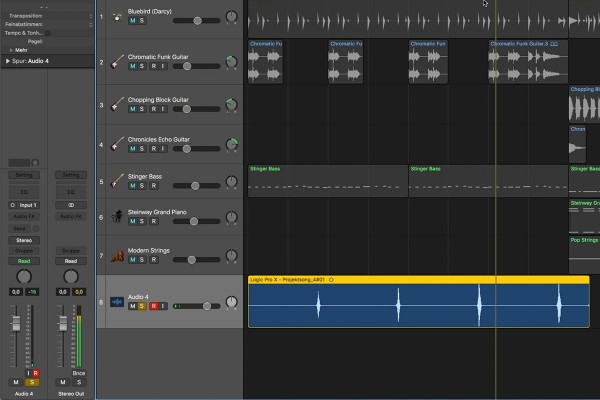
Getting started in music production with Logic Pro X: 3.8 Recording vocals and instruments

Logic Pro X-Tutorial - Make music easily yourself
Creating your own podcast: 2.3 Why should you start a podcast?

Create your own podcast - the ultimate practical guide
Adobe Media Encoder 2020 (October 2020): Synchronization

Adobe Media Encoder: Video converter tutorial
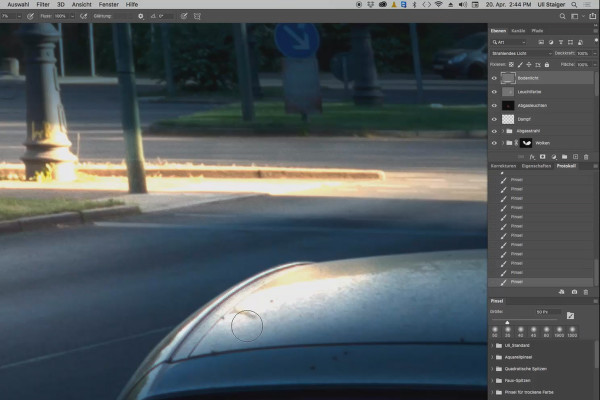
Photoshop 3D tutorial "Take-off": 18 | Finish

3D composing in Photoshop (Tutorial): "Take-off"
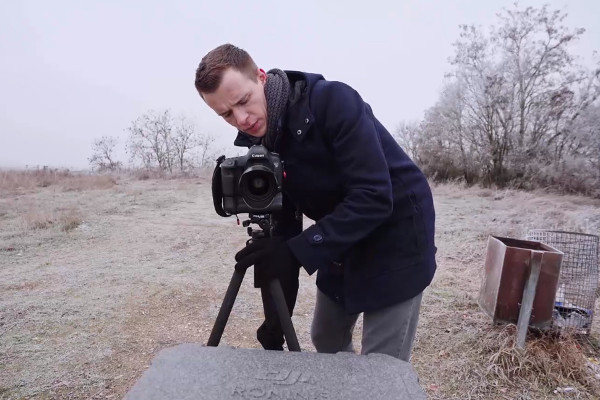
Videography course: 6.8 | Creating stable recordings

Creating videos - the great videography course
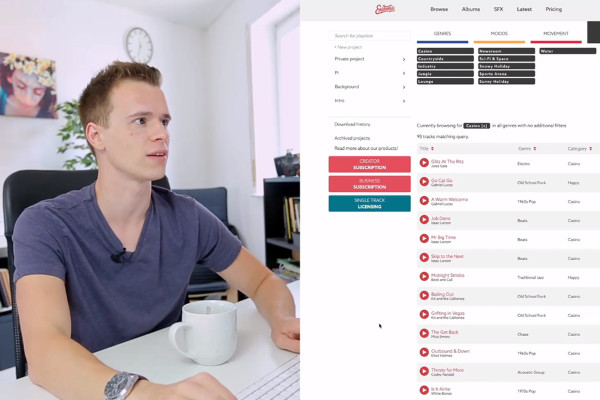
Videography course: 9.8 | Music

Creating videos - the great videography course
Videography course: 12.8 | Stable videos from the free hand

Creating videos - the great videography course
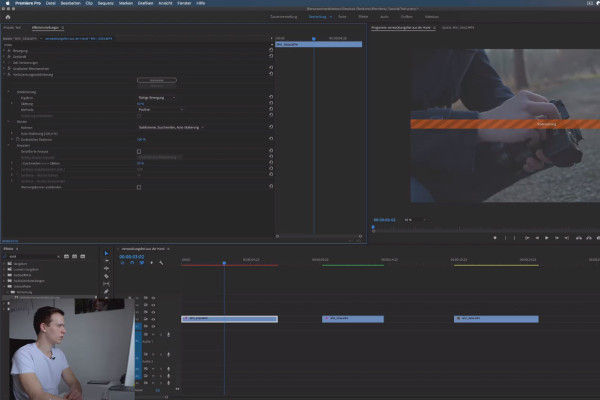
Premiere Pro CC Tutorial: 3.8 | Stabilize Video

Adobe Premiere Pro CC Tutorial: Video editing from cut to export
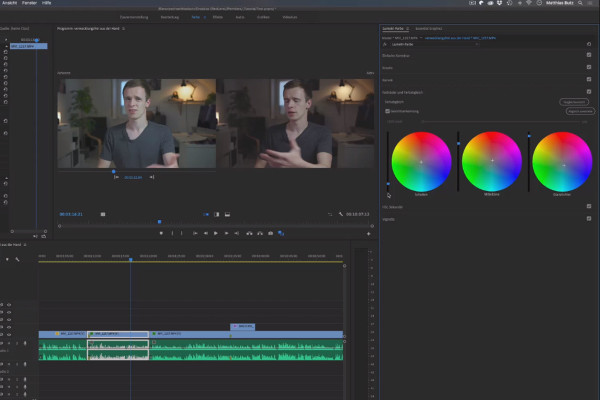
Premiere Pro CC Tutorial: 4.7 | Color wheels and color matching

Adobe Premiere Pro CC Tutorial: Video editing from cut to export