

3D, audio & video - tutorials, basics & pro tips
New to 3D, audio and video and looking for basic information? Or already an expert and keen to get to know new workflows? In our tutorials, experienced trainers will show you how to stage 3D objects, create impressive videos, produce music and correct audio recordings. Whether it's Adobe Premiere and After Effects or DaVinci Resolve and the basics of videography - take a look at what will help you progress in your 3D, audio and video work!

Edit films, transitions, animations, and more
How it works. What options exist.
Practical applications for companies
Produce high-quality videos
Explained step by step
Short videos. Long-lasting success!
Get an overview!
You'll be seen like this!
Listen to yourself carefully!
Make your beats audible!
For sleek videos!
Practical examples to join in!
Get off to a successful start with your channel
Audio, video, overlays - everything under control!
Discover the new functions
Your entry into music production
How to get yourself into the conversation
Dress your surfaces
Optimize your video workflow
Simplify your 3D work!
For effective creative work
Benefit from the innovations
Discover the most important innovations
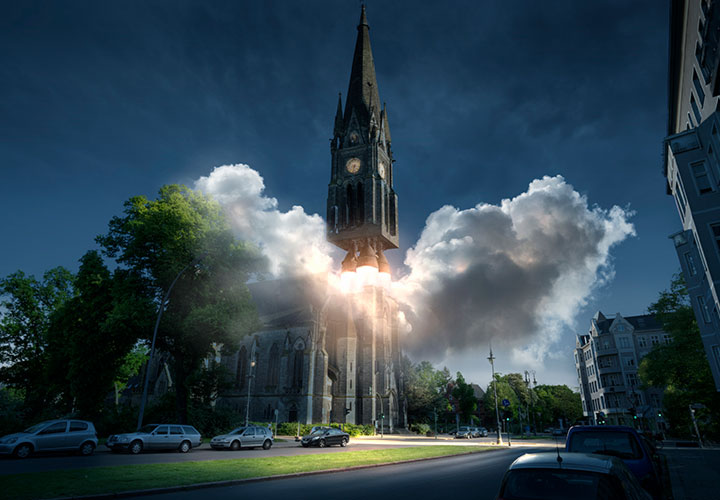
Ready to take off?
For moving images
How to edit your videos
From the basics to export
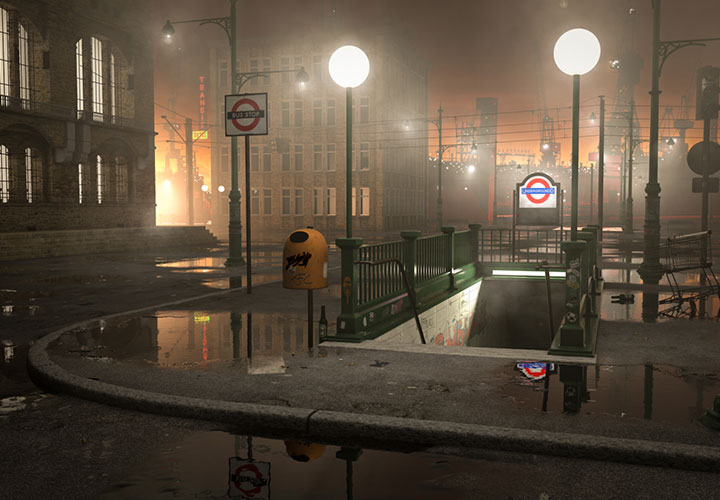
Release 21 in practical use!
Use the new features straight away!
Time for your sound!
Apply the innovations directly!
Visualize your designs as a mockup
All important functions explained

How to move your 3D objects!
Learn C4D: Basics & examples
Real 3D geometry for your videos & animations
Every innovation is a benefit for your videos
Open the treasure trove of experience of a professional
Motion graphics with effect
Turn your visions into 3D models
Benefit from every extension!
For your three-dimensional ascent
Create interactive panoramic views!
Perfect glow and glow!
Create real 3D worlds in motion design!
3D objects under control!
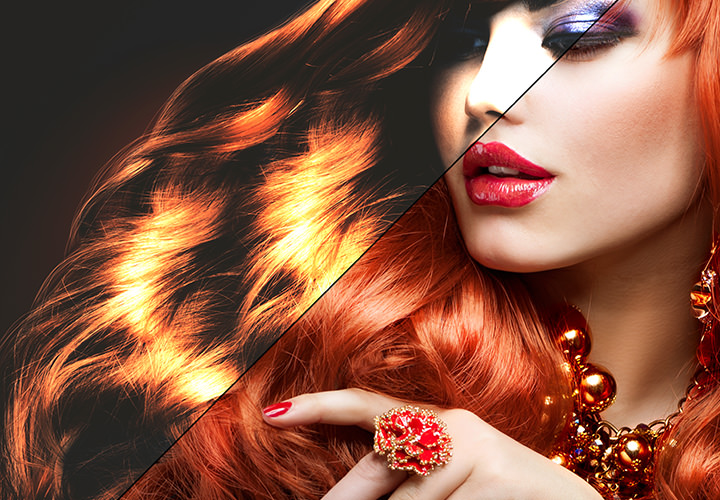
Looks with style in motion design!
Bring three-dimensional worlds into shape!
More brilliance for your moving image projects!
Set Strokes in motion!
Create atmospheric disturbances!
Let your particles dance!

Perfectly illuminate scenes and details
Landscaping in new dimensions
Let them dance!
Creative workshop in a class of its own!
From R12 to R21

How customer projects work in practice
Your beginner's tutorial
Your introduction to Adobe software
From the idea to the final model
The e-book with over 950 pages of know-how!

The e-book with over 850 pages of know-how!
You're playing something here!
Uli Staiger explains how BodyPaint 3D really takes off!
Bring your creative project to life!
Rewrite the creation story!
Increase your pulse rate now!